Windows (XAML)
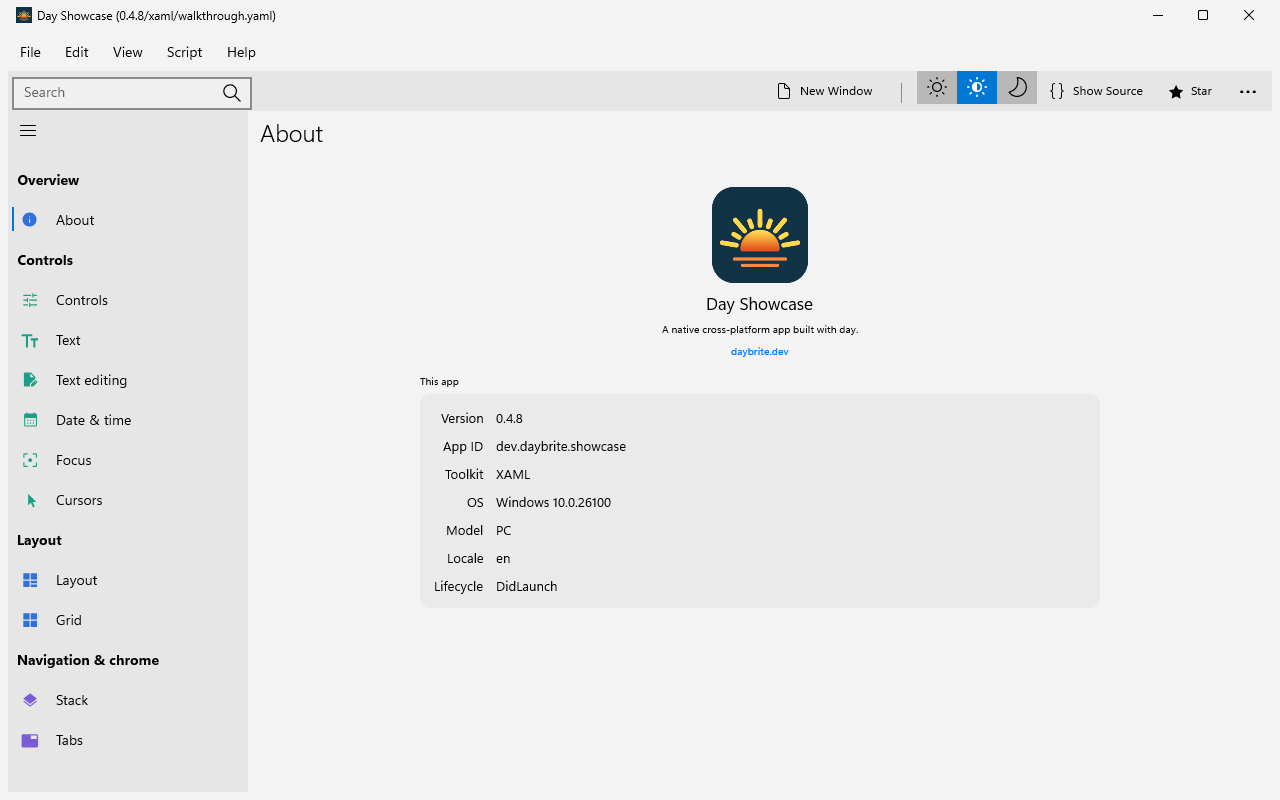
Tier 2 · Demi-supportedwindows-xaml hosts Windows XAML controls in a Win32 window through XAML
Islands. The XAML it
uses ships inside Windows 10 and 11.
Getting started
You need the Visual Studio C++ Build Tools (for MSVC and the Windows SDK) and the MSVC Rust
toolchain. The C++/WinRT shim is compiled by build.rs against the Windows SDK.
rustup default stable-msvc
cargo install day-cli
day new app my-app --toolkit windows-xaml
cd my-app
day launch -p windows-xaml
day doctor --toolkit xaml checks the SDK and toolchain.
A Windows machine can also build windows-qt and windows-gtk for development
(Tier 4); that runs the same codebase against three desktop
toolkits.
Those need MSYS2 and a GNU Rust toolchain alongside your MSVC default;
getting started has the recipe.
day pack -p windows-xaml # .msix plus an NSIS -setup.exeThe NSIS installer is per-user: it runs without elevation, adds a normal Add/Remove Programs
entry, and offers a silent /S mode for managed deployment.
Caveats
- Fewer applications have shipped on it than on the Apple, Linux, and Android targets. It builds and runs the full UI walkthrough in CI on every push, but no large app ships on it yet.
- The web view needs the WebView2 Runtime. Day hosts a
WebView2 composition visual
(the legacy EdgeHTML
WebViewis not used). The runtime ships with Windows 11 and current Windows 10; if it is absent, the piece shows its URL-label fallback instead of failing. - No native segmented control exists in system XAML, so
picker().segmented()is a horizontal row of radio buttons. - The inline time picker falls back to a flyout, because system XAML has no inline clock.
- Text-area read-only and spell-check are native (
TextBox.IsReadOnly/IsSpellCheckEnabled)..selectable(false)is emulated, becauseTextBoxhas no selection-enable property: the shim collapses each selection as it is reported and suppresses the context menu. - Lottie and map have no XAML arm; each renders its placeholder.
cover()presents as a topmost window-sized child (no transition, programmatic dismissal only). - Radial gradients in a
canvasare synthesized into a bitmap brush, because system XAML hasLinearGradientBrushbut noRadialGradientBrush(that type is XAML-only).
What each piece becomes
The generated coverage matrix, checked in CI, covers every backend; this table adds links and notes.
| Day piece | XAML control (Windows.UI.Xaml.Controls) |
|---|---|
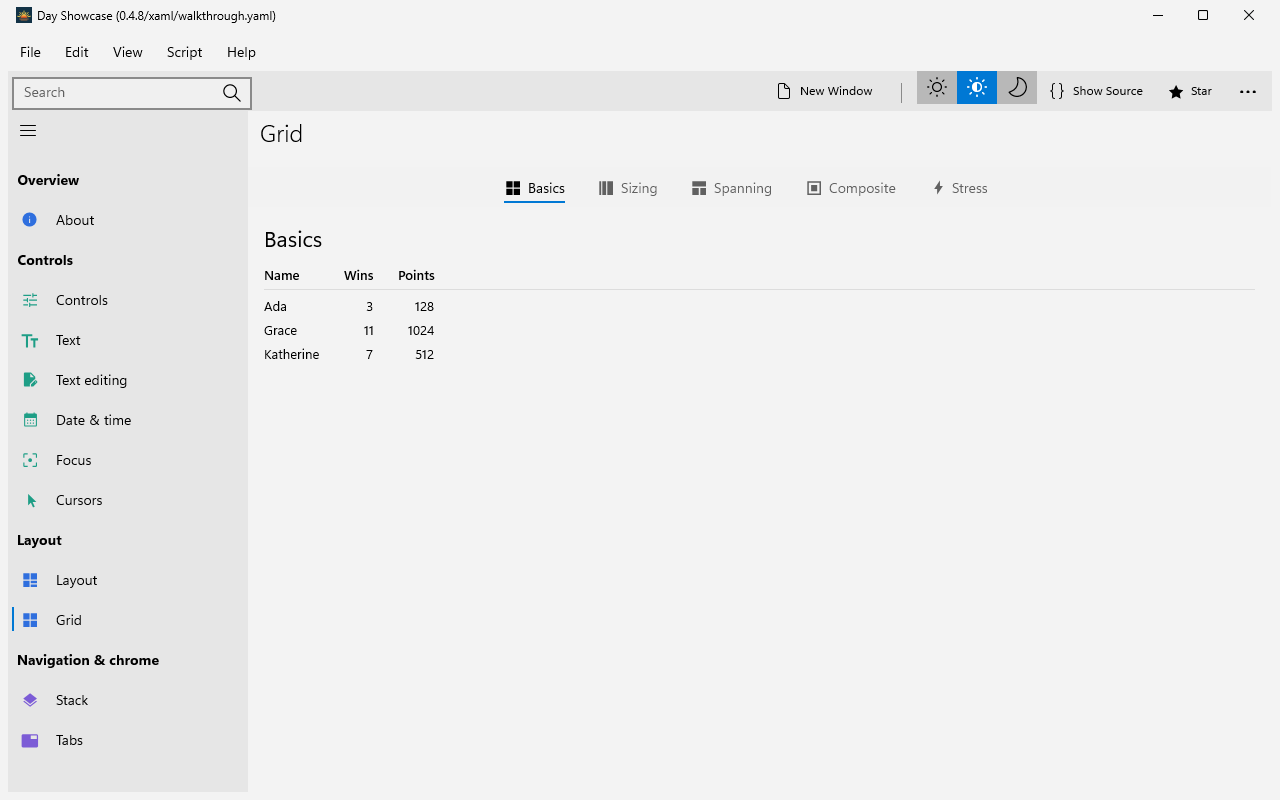
column / row / nav_stack / section | Canvas (Day positions children absolutely) |
label | TextBlock |
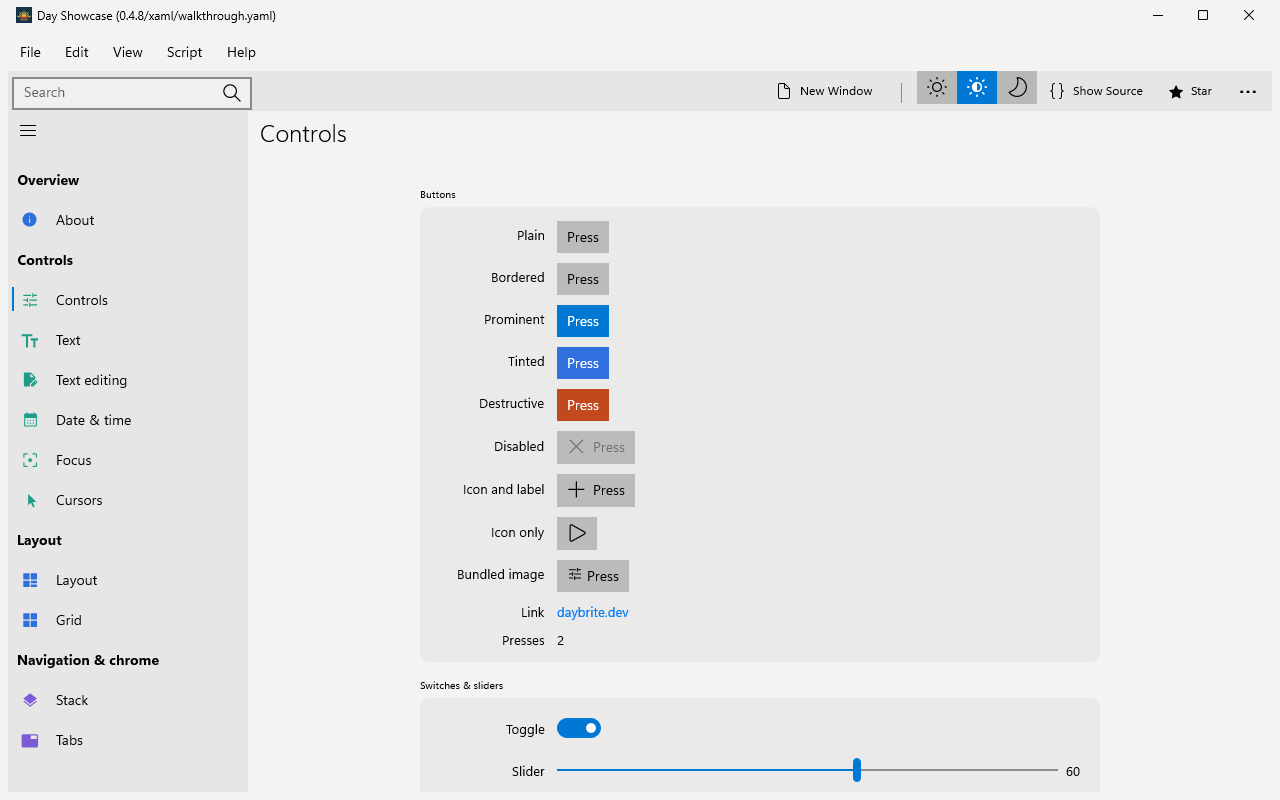
button | Button (AccentButtonStyle when prominent) |
toggle | ToggleSwitch |
slider | Slider |
text_field | TextBox |
text_area | TextBox with AcceptsReturn |
picker().menu() | ComboBox |
picker().segmented() / .inline() | RadioButtons in a horizontal / vertical stack |
progress(f) | ProgressBar |
spinner() | ProgressRing |
divider | Border, 1px, themed stroke |
scroll | ScrollViewer |
list | ScrollViewer with Day-side cell pooling |
nav (split and stack) | NavigationView |
nav_menu | NavigationViewItems, or a ListView standalone |
tabs | Pivot |
image | Image |
vector | Image showing the raster cache PNG (no SVG arm on XAML; .tint draws as authored) |
canvas | Canvas with a Path per shape |
| dialogs / alerts / prompts | ContentDialog |
| file dialogs | FileOpenPicker / FileSavePicker |
| menu bar | MenuBar |
| context menus | MenuFlyout |
external activity() | ProgressRing |
external combobox() | editable ComboBox |
external search_field() | AutoSuggestBox |
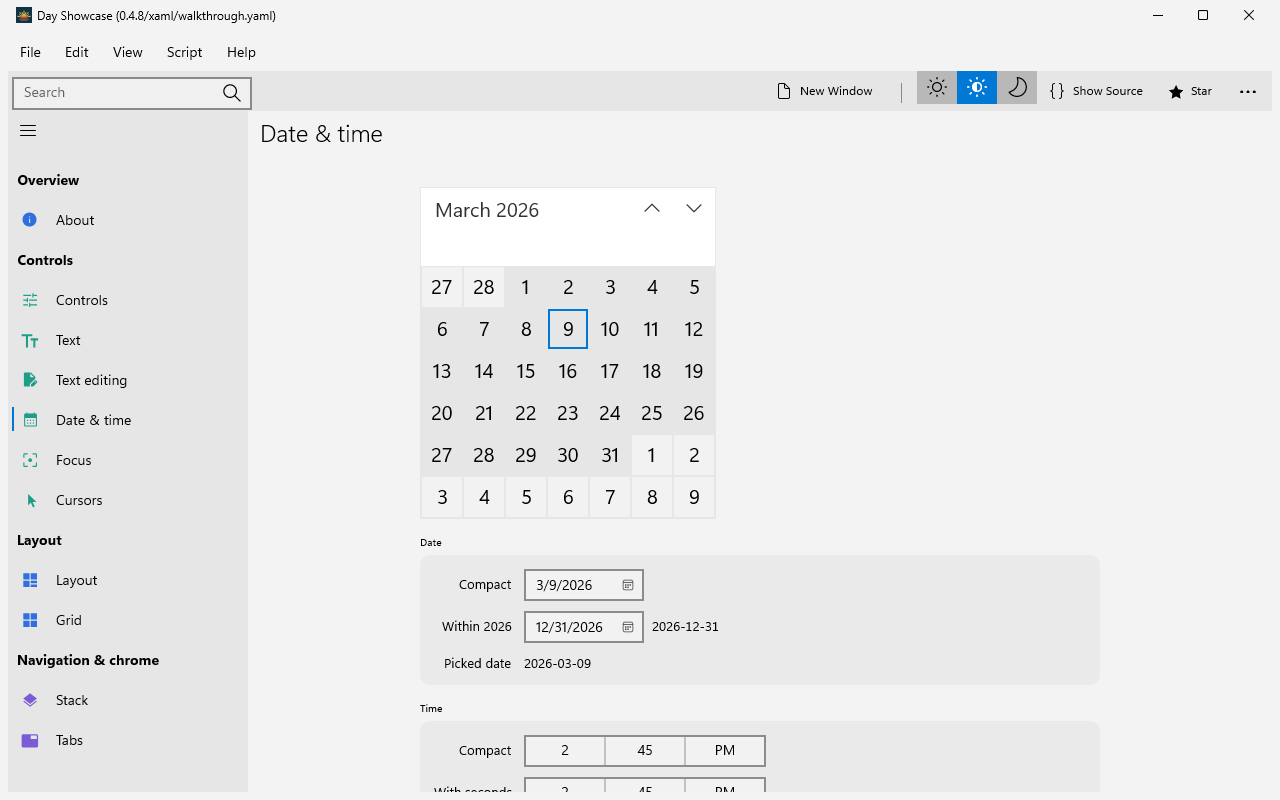
external date_picker() | CalendarDatePicker, or CalendarView inline |
external time_picker() | TimePicker |
external media() | MediaPlayerElement |
external webview() | WebView2 composition visual inside a Border |
Text measurement is XAML’s measure pass (Measure → DesiredSize), with a re-measure
after forcing layout when a templated control reports zero before the island’s first async pass.
Qt and GTK on a Windows host
windows-xaml is the target you ship on Windows. GTK and Qt are portable, so the same machine can
also run windows-qt and windows-gtk, to check a change against three desktop toolkits before CI
or to use one toolkit across Linux and Windows. Both are development combos (Tier
4): day pack refuses them (bundling a toolkit into a Windows
installer is deferred), and windows-gtk has no accessibility tree.
Each needs two things: the toolkit’s development libraries from MSYS2, and
a second Rust toolchain whose ABI matches them. MSYS2 ships GNU-format import libraries
(libgtk-4.dll.a, libQt6Widgets.dll.a) which MSVC’s link.exe cannot read, so the
*-pc-windows-msvc toolchain, the correct one for windows-xaml, cannot link either of these
targets. Install the GNU toolchain alongside your default and select it per shell; don’t rustup default it away from MSVC.
Which MSYS2 environment and toolchain you want depends on the CPU:
| Host CPU | MSYS2 environment | Package prefix | Rust toolchain |
|---|---|---|---|
| x86-64 | MINGW64 — C:\msys64\mingw64 | mingw-w64-x86_64- | stable-x86_64-pc-windows-gnu |
| ARM64 | CLANGARM64 — C:\msys64\clangarm64 | mingw-w64-clang-aarch64- | stable-aarch64-pc-windows-gnullvm |
Install the libraries
winget install MSYS2.MSYS2Then, from the MSYS2 shell, install a compiler, pkgconf, and whichever toolkits you want. The
ARM64 package names are shown; on x86-64 swap the prefix and use mingw-w64-x86_64-gcc in place of
the clang/lld pair.
pacman -S --needed \
  mingw-w64-clang-aarch64-clang mingw-w64-clang-aarch64-lld \
  mingw-w64-clang-aarch64-pkgconf \
  mingw-w64-clang-aarch64-qt6-base \
  mingw-w64-clang-aarch64-gtk4 mingw-w64-clang-aarch64-libadwaita
Drop the qt6-base line, or the gtk4/libadwaita line, if you only want one of the two.
day doctor and the toolkit build scripts probe through pkgconf, and the compiler both
links the final binary and builds Qt’s small C++ shim.
Add the Rust toolchain
rustup toolchain install stable-aarch64-pc-windows-gnullvm # x86-64: stable-x86_64-pc-windows-gnuBuild and run
Every day command for these two targets wants the MSYS2 bin directory on PATH and that
toolchain selected. PATH matters twice: the build resolves pkg-config and the compiler
through it, and the app loads the GTK/Qt DLLs through it at run time.
$env:PATH = "C:\msys64\clangarm64\bin;$env:PATH"
$env:RUSTUP_TOOLCHAIN = "stable-aarch64-pc-windows-gnullvm"

day doctor --toolkit qt          # and --toolkit gtk
day launch -p windows-qt
day launch -p windows-gtk
Setting RUSTUP_TOOLCHAIN per shell is the only switch: a shell without it still builds
windows-xaml against MSVC, which that target needs.
day doctor will still warn about flatpak-builder and linuxdeploy; those are Linux
packaging tools and don’t apply here.
There is one exception, seen on CI images more than on laptops: if a different MinGW is already
on PATH (a standalone C:\mingw64, or the one some CI runners ship), the GNU toolchain will link
through that one instead and fail to find MSYS2’s -lQt6Widgets / -lglib-2.0. Putting MSYS2’s
bin first, as above, is usually enough; pin it outright if not:
$env:CARGO_TARGET_X86_64_PC_WINDOWS_GNU_LINKER = "C:/msys64/mingw64/bin/gcc.exe"
$env:CC  = "C:/msys64/mingw64/bin/gcc.exe"
$env:CXX = "C:/msys64/mingw64/bin/g++.exe"
The first build compiles the native backend and, for Qt, its C++ shim. Subsequent builds reuse compiled dependencies. Build times depend on the host, toolkit, and changed files.
What to expect
- Neither toolkit has a web engine on Windows. MSYS2 packages neither Qt 6 WebEngine nor
WebKitGTK 6, because both embed a browser engine that doesn’t build under MinGW. So
webview()shows its URL-label fallback onwindows-qtand renders Day’s placeholder leaf onwindows-gtk. Everything else, including the externalcombobox(),search_field(),date_picker(),time_picker(),media(), andactivity()pieces, draws a native widget. - Custom bundled fonts don’t reach Pango on
windows-gtk, so labels asking for a bundled family fall back to the default face. The app logs each one at startup. - Toolchains behave differently under the two linkers. Day registers piece renderers through
linkmestatics, and MinGW’s GNUlddead-strips some of them, leaving those pieces as placeholders. The clang/lldtoolchain used byCLANGARM64+gnullvmkeeps them: a full sweep of the showcase there reports no dropped renderers beyond the GTK web view, which has no Windows build. If pieces render as placeholders on an x86-64 MinGW build, that linker is the cause; see Platform support.