Linux (Qt 6)
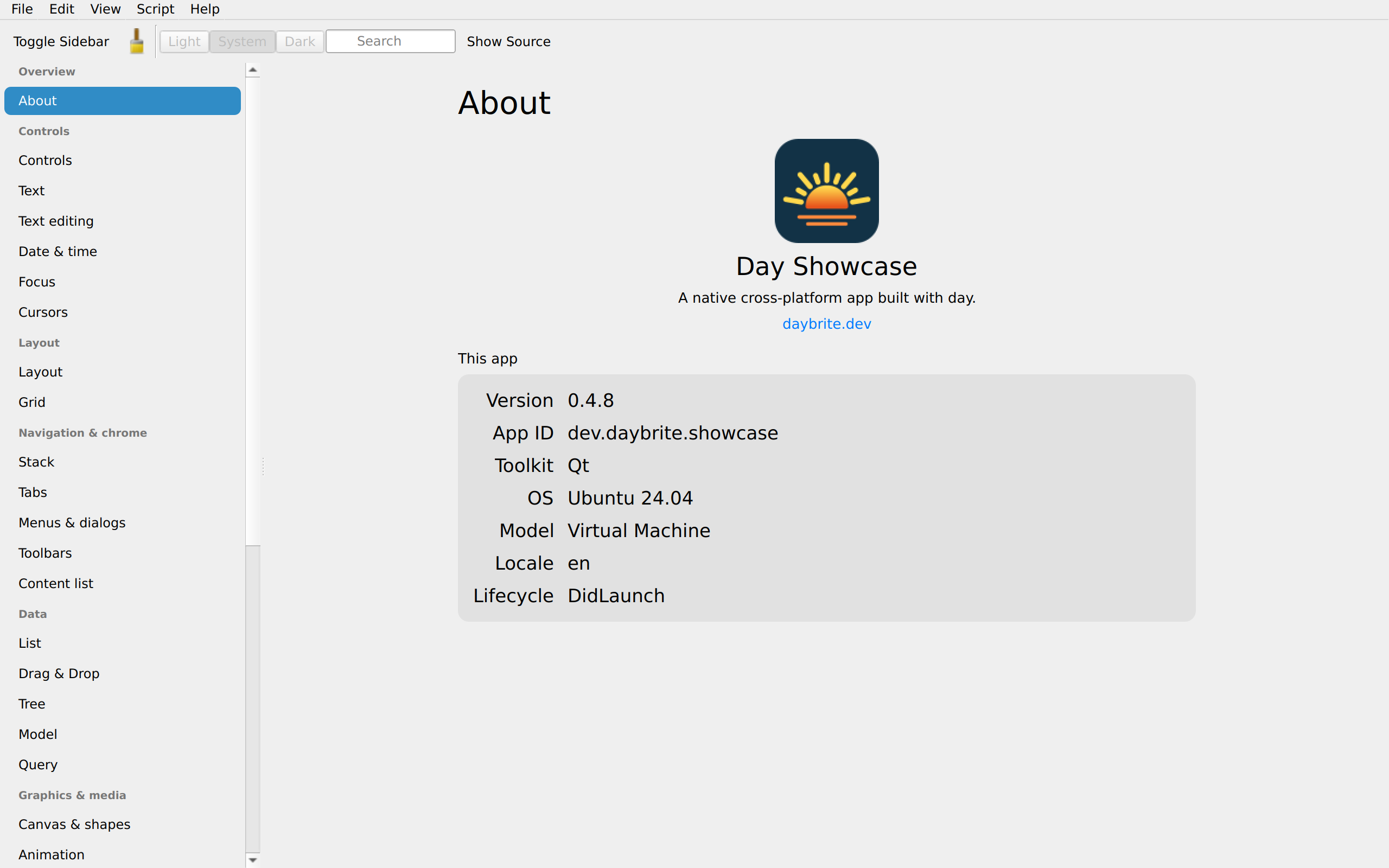
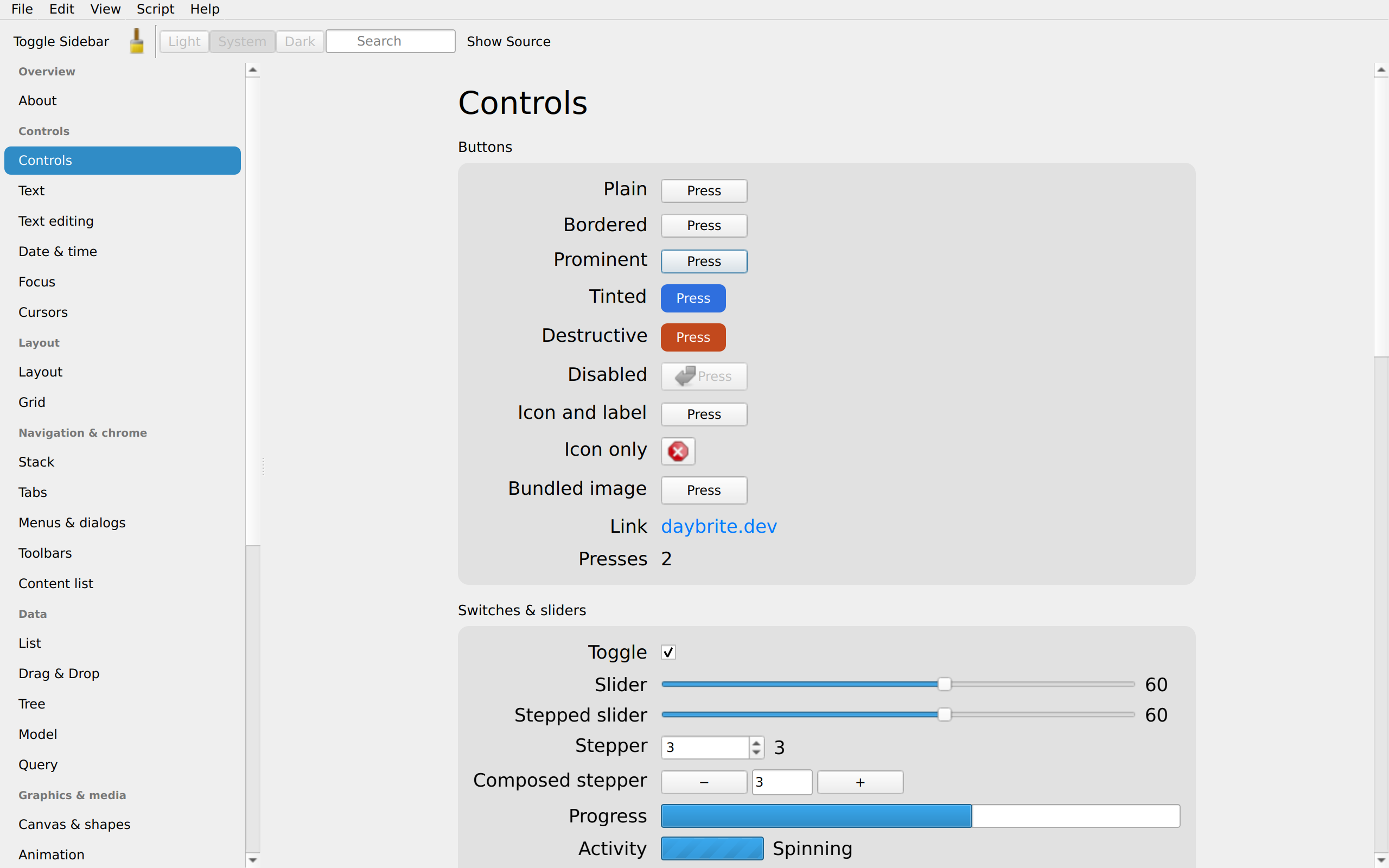
Tier 2 · Demi-supportedlinux-qt renders Qt 6 Widgets through a small compiled C++ shim. It’s the toolkit beneath KDE
Plasma, its QAccessible layer bridges to the native accessibility API on every OS (no other Day
backend does that today), and it is portable enough to also be a development target on macOS and
Windows.
Getting started
Qt 6 development packages and pkg-config are the requirement; build.rs builds the shim without
moc.
sudo apt install qt6-base-dev pkg-config      # Debian/Ubuntu
sudo dnf install qt6-qtbase-devel pkgconf     # Fedora
brew install qt pkg-config                    # macOS, for the macos-qt dev combo

cargo install day-cli
day new app my-app --toolkit linux-qt
cd my-app
day launch -p linux-qt
Two optional modules enable two pieces; without a module the build still succeeds and the piece degrades:
| Module | Enables | Without it |
|---|---|---|
qt6-webengine-dev (Qt6WebEngineWidgets) | webview() | a URL label; navigation calls become no-ops |
qt6-multimedia-dev (Qt6MultimediaWidgets) | media() | a URL label; play/pause become no-ops |
day doctor --toolkit qt probes Qt 6 Widgets, rcc, and the packaging tools
(flatpak-builder, linuxdeploy, linuxdeploy-plugin-qt); it does not check WebEngine or
Multimedia.
day pack -p linux-qt # single-file .flatpak (org.kde.Platform runtime) AND a portable .appimageday pack produces both formats by default: the flatpak resolves Qt from its runtime; the
AppImage carries its own.
The webview crate declares a Qt WebEngine BaseApp requirement. If your binary links the engine,
day pack includes that base (about 87 MB of
Chromium), because no runtime ships it. Apps that don’t link it stay small; day pack inspects
the built binary to decide.
Caveats
toggleis aQCheckBox, because Qt Widgets has no native switch control, so the same Day code shows a checkbox here and a switch elsewhere.- The list is emulated. Day drives a
QScrollAreawith its own recycling rather thanQListView, so very large lists behave differently than a model/view Qt app would. - Forced light/dark needs Qt 6.8+.
DAY_THEMEusesQStyleHints::setColorScheme; on older Qt (Ubuntu 24.04 ships 6.4) Day falls back to the Fusion style with a hand-built dark palette. - No spell-check, because Qt ships none;
Cap::TextSpellCheckreports unsupported and the patch is a no-op. - Lottie and map have no Qt arm; each renders its placeholder.
cover()presents as a topmost window-sized child (no transition, programmatic dismissal only). - Qt on macOS and Windows (
macos-qt,windows-qt) is a development combo, and stays at Tier 4, soday packskips it. Windows builds against MSYS2’s Qt 6 with a GNU Rust toolchain (setup) and is marked experimental in CI. MSYS2 has no Qt 6 WebEngine, so the web view degrades to its URL label there. CI’s x86-64 MinGWldadditionally drops external piece renderer registrations, so those pieces draw placeholders on that build; a clang/lldMSYS2 environment keeps them.
What each piece becomes
The generated coverage matrix, checked in CI, covers every backend; this table adds links and notes.
| Day piece | Qt class |
|---|---|
column / row / nav_stack / section | QWidget (Day owns layout) |
label | QLabel |
button | QPushButton |
toggle | QCheckBox; see the caveat above |
slider | QSlider |
text_field | QLineEdit |
text_area | QPlainTextEdit |
picker().menu() | QComboBox |
picker().segmented() | checkable QPushButtons in an exclusive group |
picker().inline() | QRadioButtons in an exclusive group |
progress(f) | QProgressBar |
spinner() | QProgressBar in busy mode (Qt has no spinner widget) |
divider | QFrame (HLine) |
scroll | QScrollArea |
list | QScrollArea with Day-side recycling |
nav (split) | QSplitter; the stack header adds a QToolButton |
nav_menu | QListWidget |
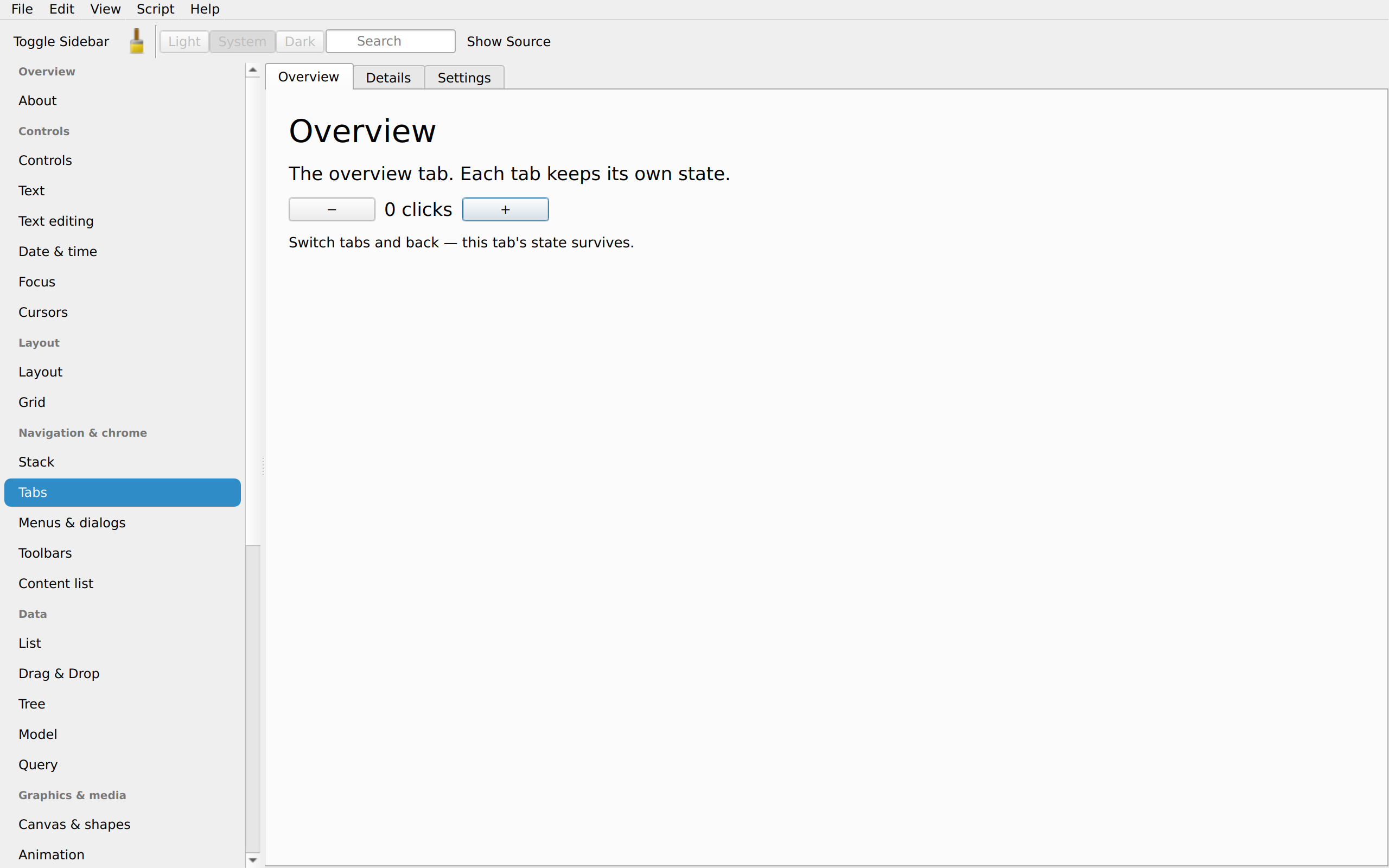
tabs | QTabWidget |
image | QLabel subclass painting a scaled pixmap |
vector | the same QLabel subclass painting the raster cache PNG (.tint has no Qt arm yet; glyphs draw as authored) |
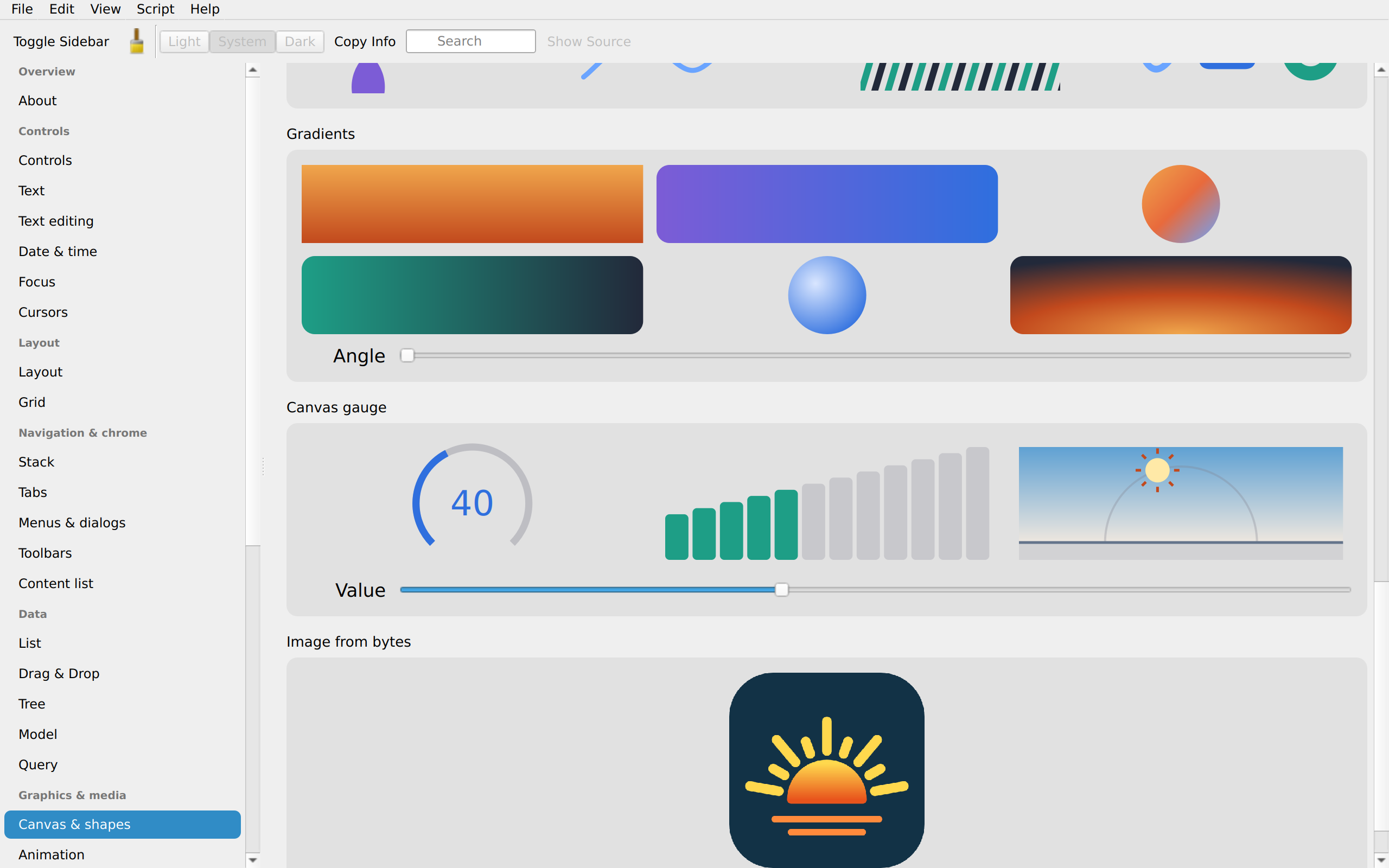
canvas | QWidget subclass painting with QPainter |
| dialogs / alerts | QMessageBox |
| prompts | QInputDialog |
| file dialogs | QFileDialog |
| menu bar / context menus | QMenuBar / QMenu |
external activity() | QProgressBar (busy) |
external combobox() | editable QComboBox |
external search_field() | QLineEdit with a clear button and a find icon |
external date_picker() | QDateEdit with a calendar popup, or QCalendarWidget inline |
external time_picker() | QTimeEdit |
external webview() | QWebEngineView |
external media() | QMediaPlayer + QVideoWidget |
Text measurement asks QLabel for its natural width with wrapping temporarily off, then
heightForWidth at the granted width; the text area uses QTextDocument. Everything else uses
sizeHint().