macOS (AppKit)
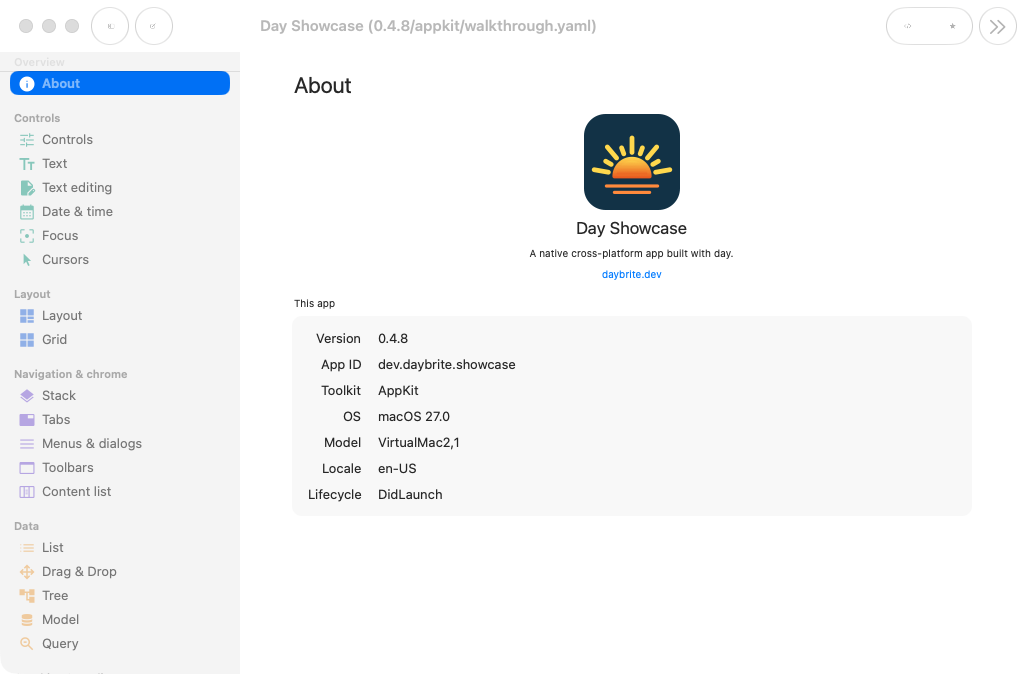
Tier 1 · Supportedmacos-appkit is Day’s primary development target. It calls AppKit through objc2; your Rust calls NSButton with no C or
Objective-C shim in between.
Getting started
You need Xcode’s command-line tools for the linker and system headers; the App Store Xcode is only
required for day pack signing and notarization.
xcode-select --install
cargo install day-cli
day new app my-app --toolkit macos-appkit
cd my-app
day launch -p macos-appkit
day doctor --toolkit appkit turns the AppKit checks into errors and prints setup help for
anything missing. Packaging produces a .dmg:
day pack -p macos-appkit            # without signing config: ad-hoc codesign, marked dev-signed
day pack -p macos-appkit --formats dmg
Signing and notarization happen when the credentials are configured; see
packaging. Without them, day pack ad-hoc codesigns and warns that the result
is dev-signed: installable locally, and not for distribution. --no-sign is the only way to get
an artifact with no signature at all.
When a dependency contributes Swift under [package.metadata.day.macos] (the
SwiftUI embedding shim, or an app’s own local SwiftPM package),
day build generates a DayPieces SwiftPM package under build/day/macos/. An app carrying
the platform/macos/DayApp.xcodeproj scaffold builds through xcodebuild, which references that
package; on the bare-cargo path (DAY_MACOS_XCODE=0, or no scaffold) day build runs
swift build and statically links the result into the cargo binary. An app with no Swift
contributions needs no Swift toolchain either way.
Caveats
day launchruns a bare binary, not a bundle. Anything the OS gates on bundle identity (TCC permission prompts, some system services) only works fromday packoutput. Develop withlaunch, and verify permission flows against a packed build.day-piece-lottieships UIKit and Android arms only.- Pull-to-refresh is emulated: the piece observes
NSScrollView’s elastic overscroll, because macOS has no native refresh control. - Screenshots capture offscreen (
cacheDisplayInRect:), which cannot sample video layers orNSVisualEffectViewmaterials, so anAVPlayerViewcomes out black inday packcaptures and in the gallery. The view itself renders correctly on screen.
What each piece becomes
The generated coverage matrix, checked in CI, covers every backend; this table adds links and notes.
Pieces marked external live in separate crates and are only present when you depend on them.
| Day piece | AppKit class |
|---|---|
column / row / nav_stack / section | NSView (a flipped subclass, so Day’s top-left origin applies directly) |
label | NSTextField (labelWithString:) |
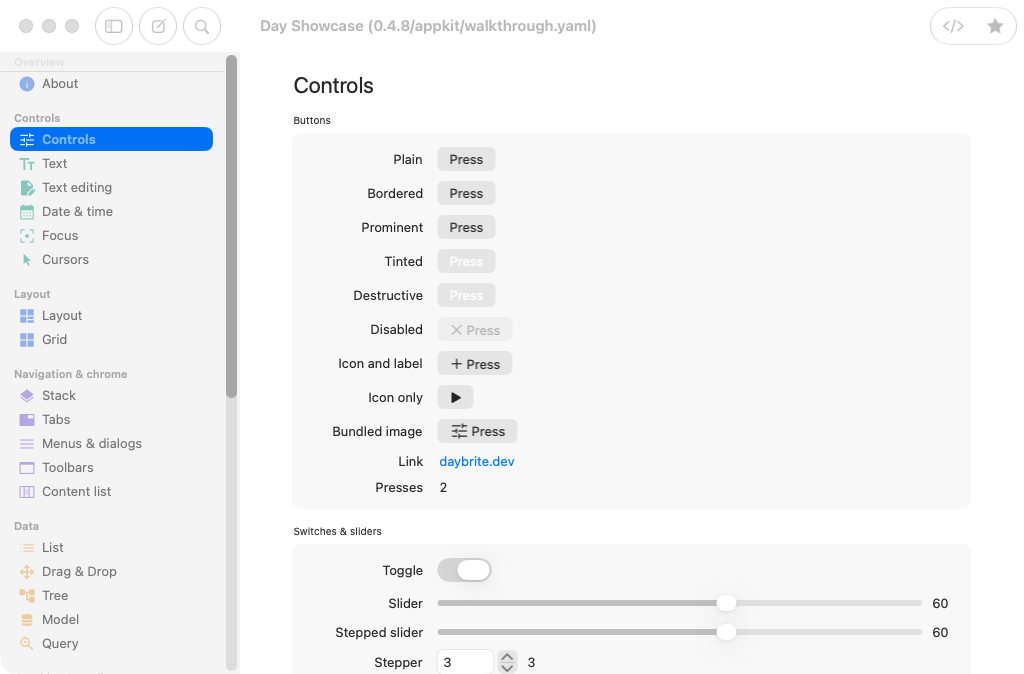
button | NSButton |
toggle | NSSwitch |
slider | NSSlider |
text_field | NSTextField (bezeled, editable) |
text_area | NSTextView inside an NSScrollView |
picker().menu() | NSPopUpButton |
picker().segmented() | NSSegmentedControl |
picker().inline() | radio NSButtons in an NSStackView |
progress(f) | NSProgressIndicator (bar) |
spinner() | NSProgressIndicator (spinning) |
divider | NSBox (separator) |
scroll | NSScrollView |
list | NSTableView (headerless, single column) |
nav (split) | NSSplitView; the sidebar sits in an NSVisualEffectView |
nav_menu | NSOutlineView |
tabs | NSTabView |
image | NSImageView |
vector | NSImageView rendering the staged SVG (NSImage draws SVG at display size on macOS 11+) |
cover() | emulated: a window-sized view re-homed onto the window’s content view (no transition, programmatic dismissal only) |
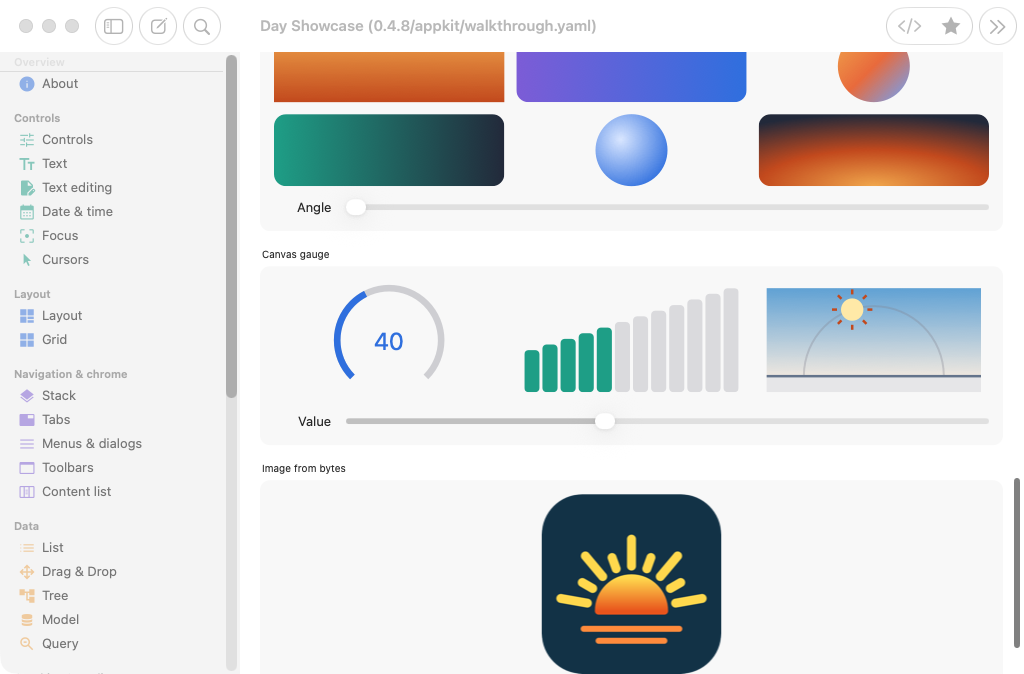
canvas | a custom NSView replaying the display list in drawRect: |
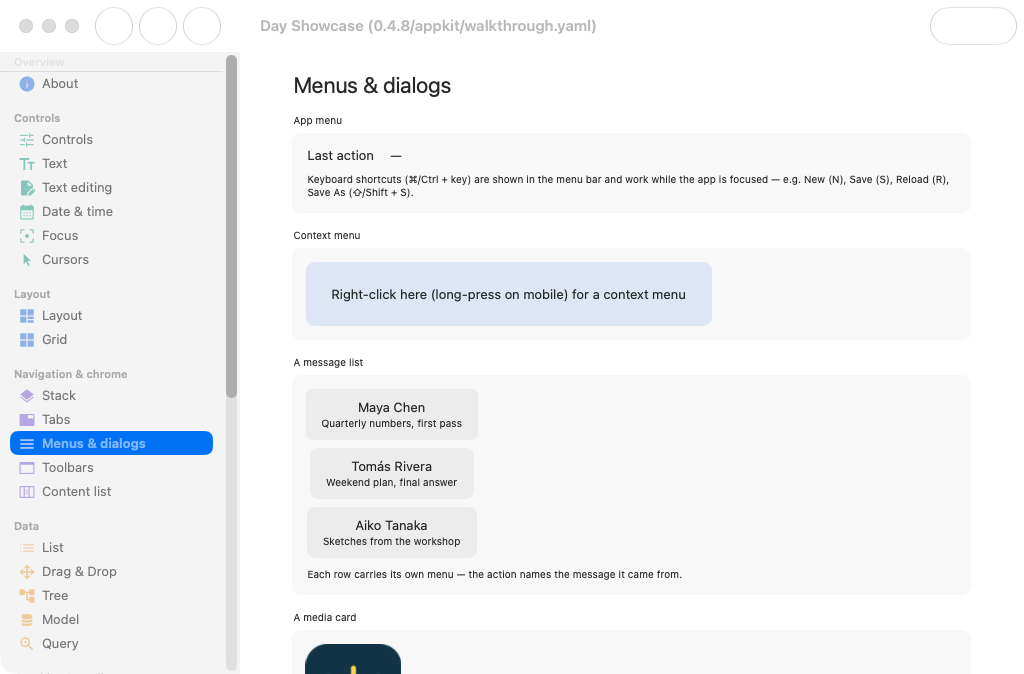
| dialogs / alerts / prompts | NSAlert (window-modal sheet) |
| file dialogs | NSOpenPanel / NSSavePanel |
| menu bar & context menus | NSMenu |
external activity() | NSProgressIndicator |
external combobox() | NSComboBox |
external search_field() | NSSearchField |
external date_picker() / time_picker() | NSDatePicker |
external webview() | WKWebView |
external media() | AVPlayerView |
external map() | MKMapView |
toggle is the only boolean control, radio behavior is picker().inline(), and list is the only
collection; there is no checkbox, stepper, or table piece. See pieces for the full
vocabulary.
Text measurement goes through AppKit itself (cellSizeForBounds: for labels, TextKit’s layout
manager for the text area, and fittingSize for everything else), so wrapping and hyphenation are
the system’s text layout.
Reaching AppKit directly
When you need something Day doesn’t model, a tweak hands you the realized NSView
for a node, so you can set any AppKit property.