Day: create native apps for every platform under the sun from a single Rust codebase

Day is a Rust framework that builds your app for Android, iOS, HarmonyOS, Windows, macOS, Linux, and the web — with each platform’s own native controls. Your product looks and works the way each platform’s users expect.

cargo install day-cli

Installs the day CLI from crates.io. Requires a stable Rust toolchain (rustup).

Runs natively on

macOS

AppKit

macos-appkit

The Mac’s native toolkit: the same NSButton, NSTableView, and menu bar that Finder and Mail are made of. Packs as a signed, notarized .dmg.

Building for macOS

iOS & iPadOS

UIKit

ios-uikit

Apple’s UI framework for iPhone and iPad: real navigation pushes, tab bars, and system text handling. Ships as a normal .ipa.

Building for iOS & iPadOS

Android

Material Components

android-mdc

Google’s native widgets over android.view, on phones, tablets, and foldables, themed by the OS and packaged as .apk or .aab.

Building for Android

Linux

GTK 4

linux-gtk

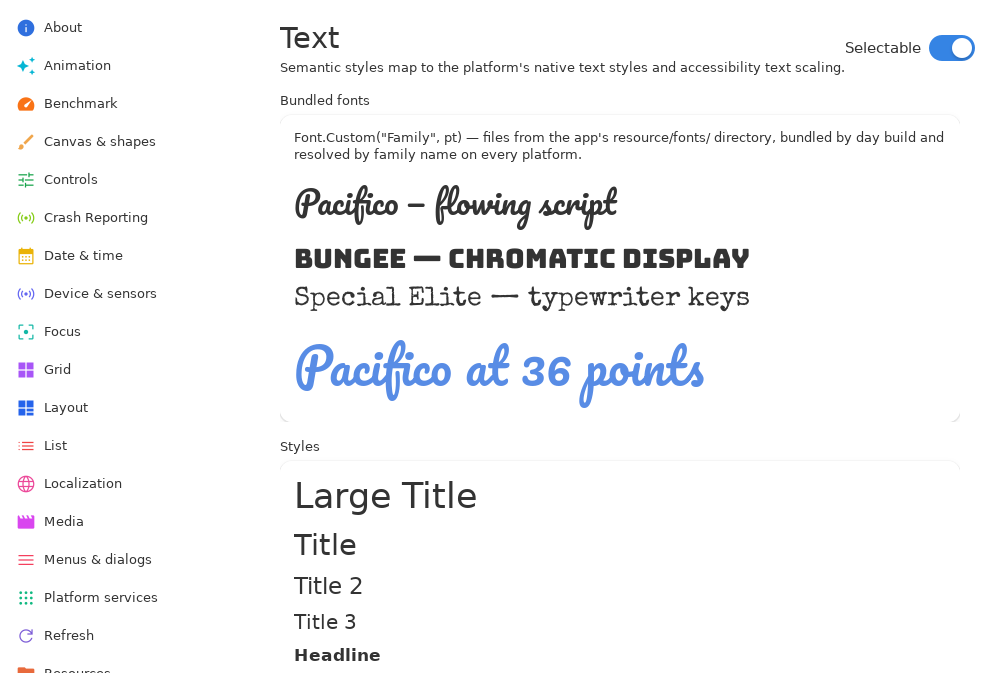
GNOME’s toolkit, styled by libadwaita. It is the desktop Ubuntu, Fedora, and Debian install by default. Ships as a flatpak.

Building for Linux

Linux

Qt 6 Widgets

linux-qt

The toolkit beneath KDE Plasma: the desktop of Kubuntu, openSUSE, and the Steam Deck. Portable enough that it is also a Day target on macOS and Windows.

Building for Linux

Windows

XAML

windows-xaml

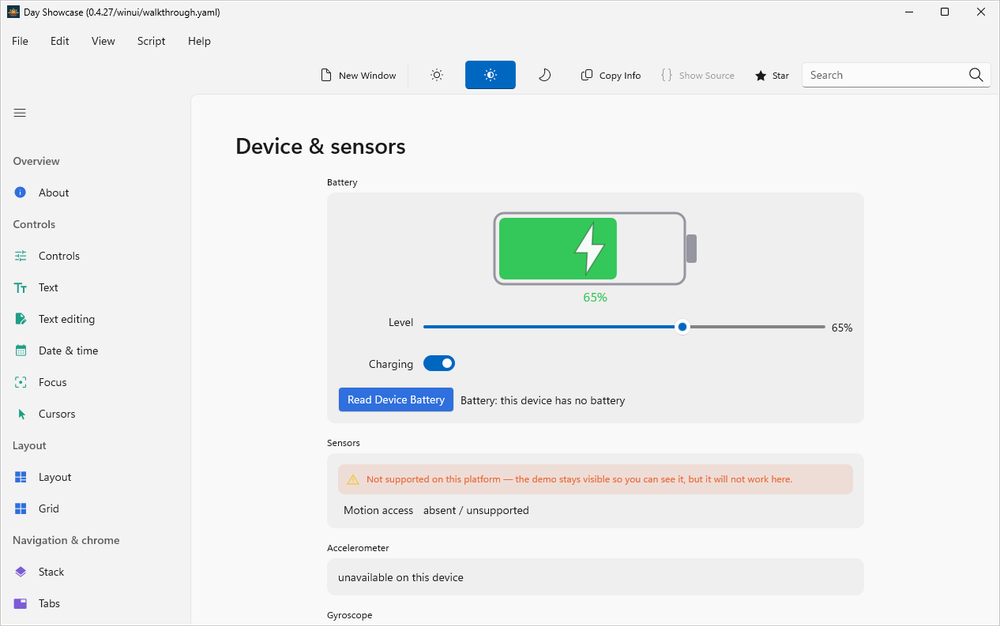
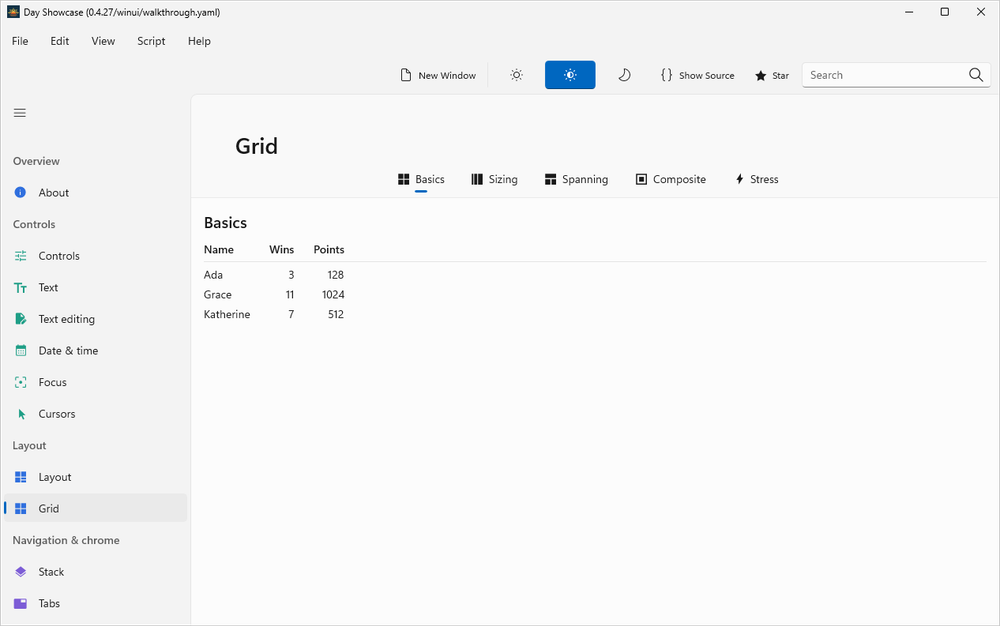
Windows 11’s native controls, hosted in a Win32 window with no framework runtime to install. Packs as .msix plus an installer.

Building for Windows

HarmonyOS

ArkUI

harmony-arkui

HarmonyOS Next’s native UI framework, driven through its C node API on Huawei phones and tablets. Packs as a .hap.

Building for HarmonyOS

One codebase, every platform

One Rust function. A native app everywhere.

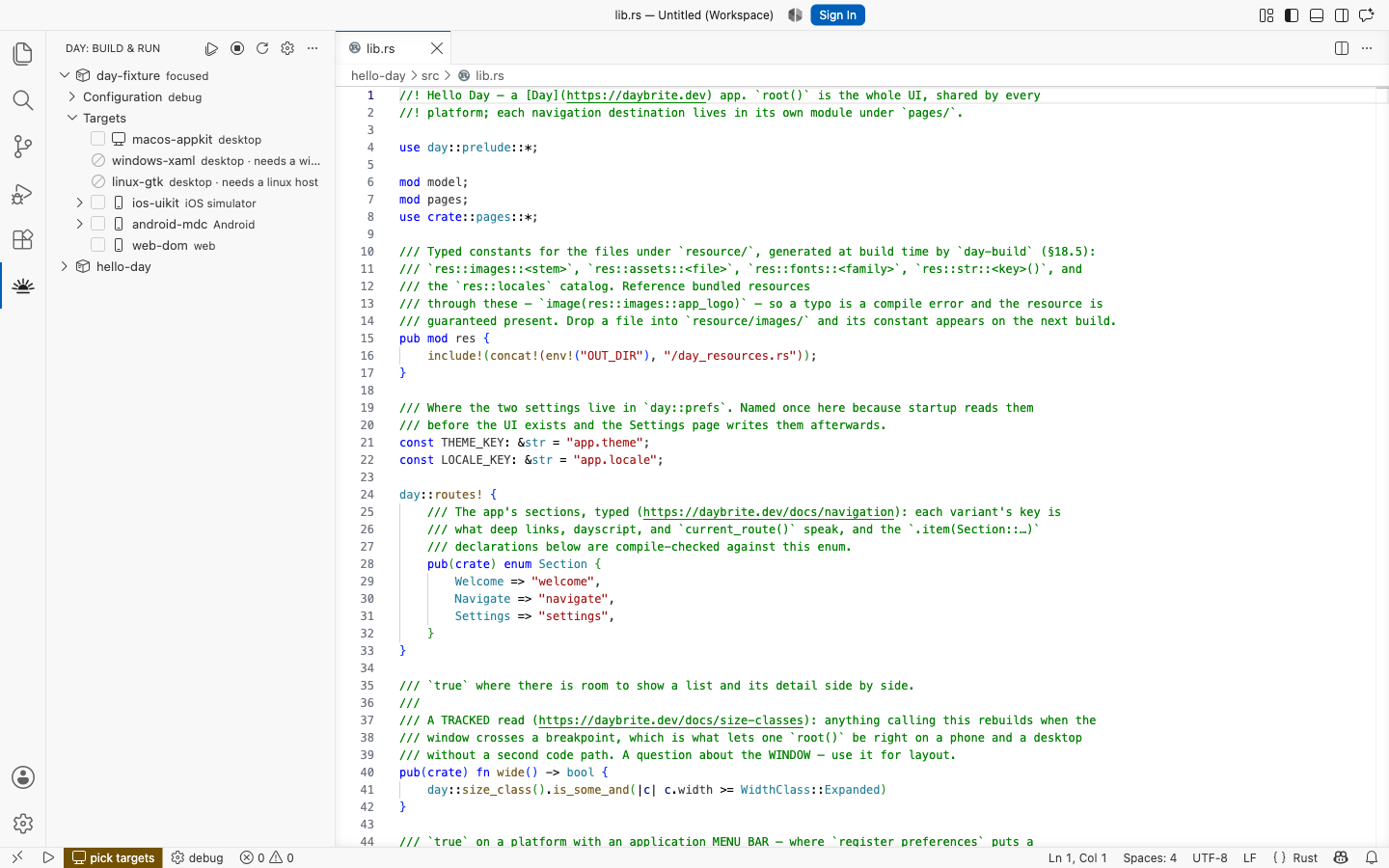
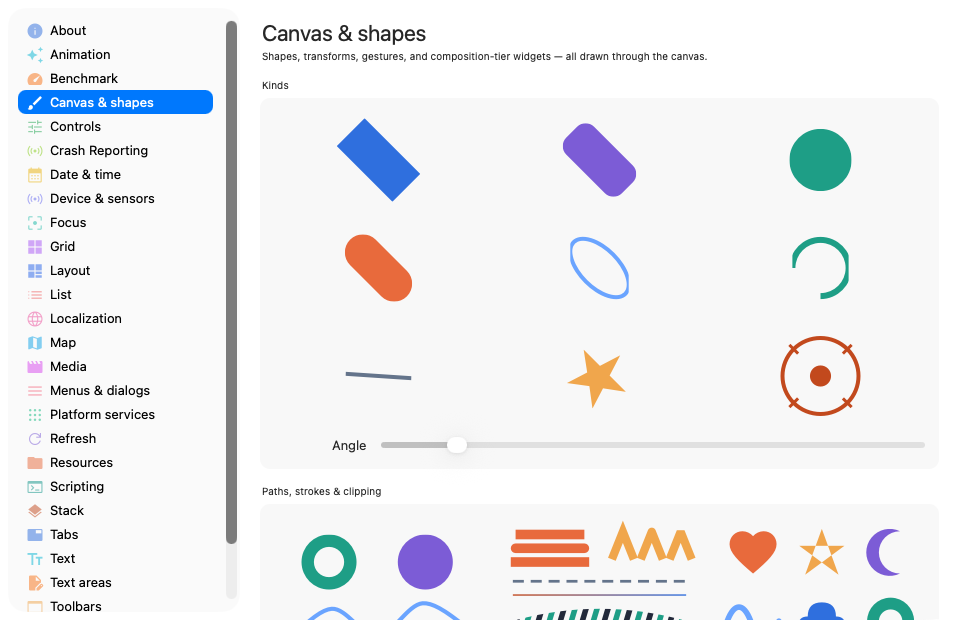
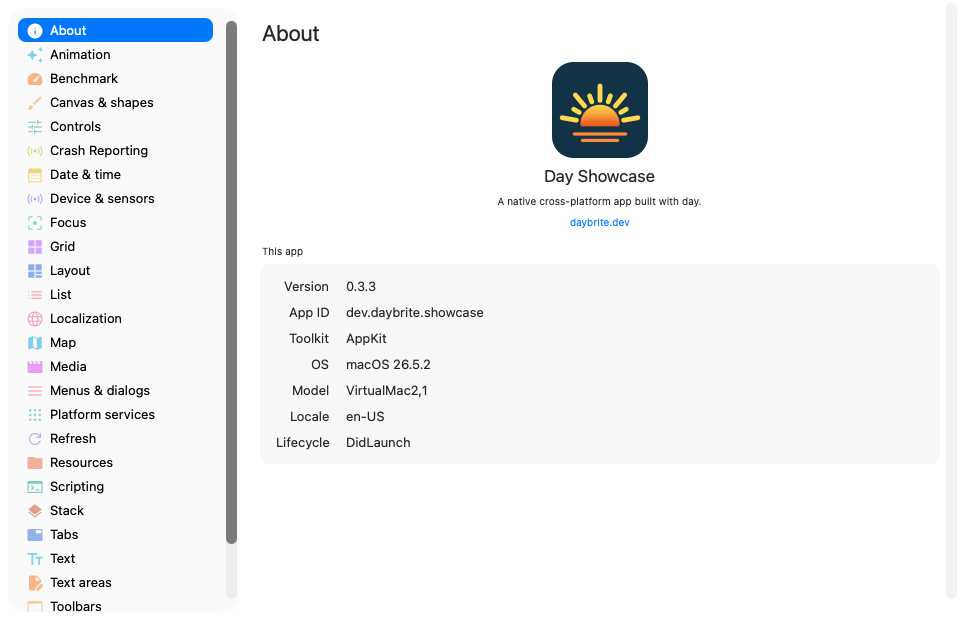
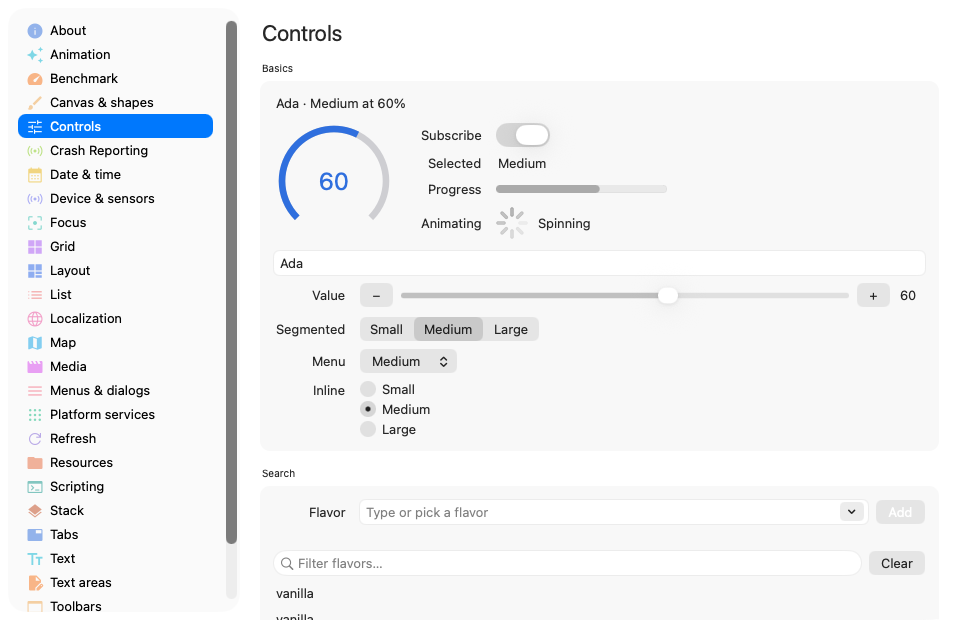
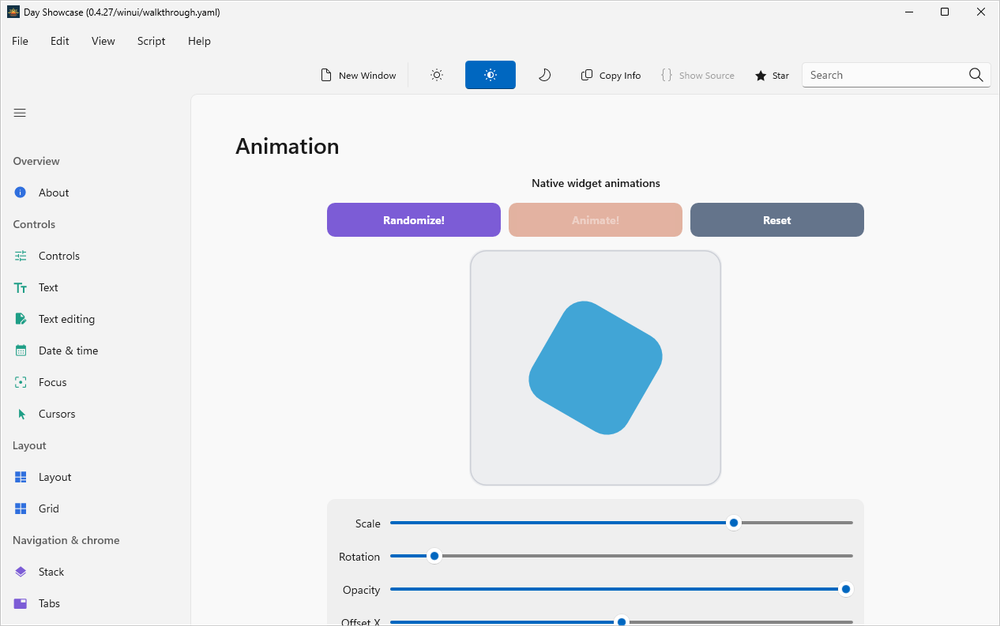
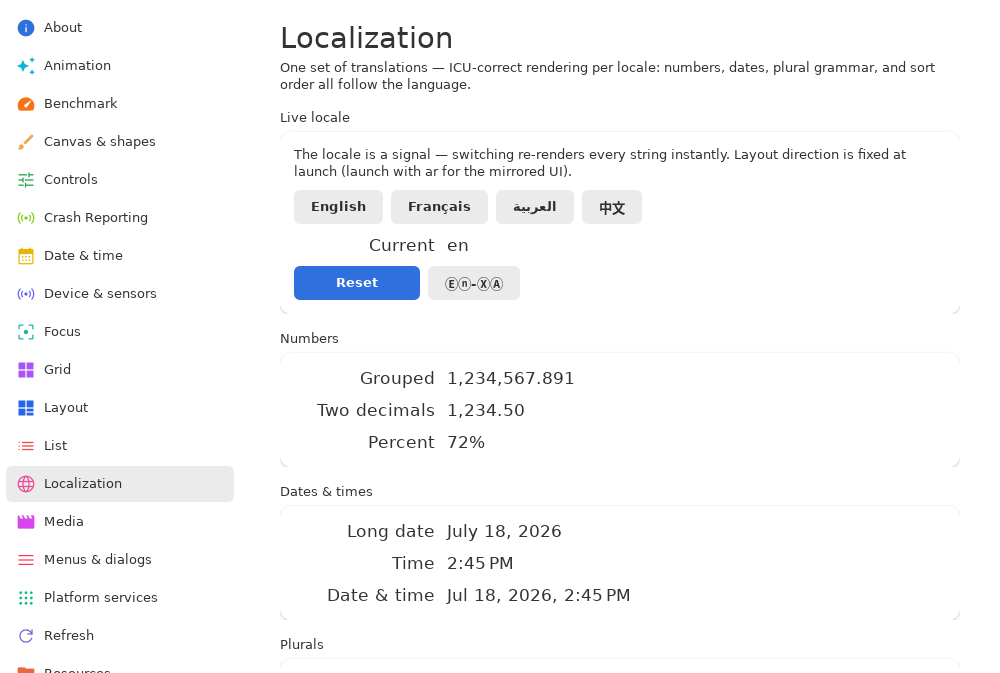
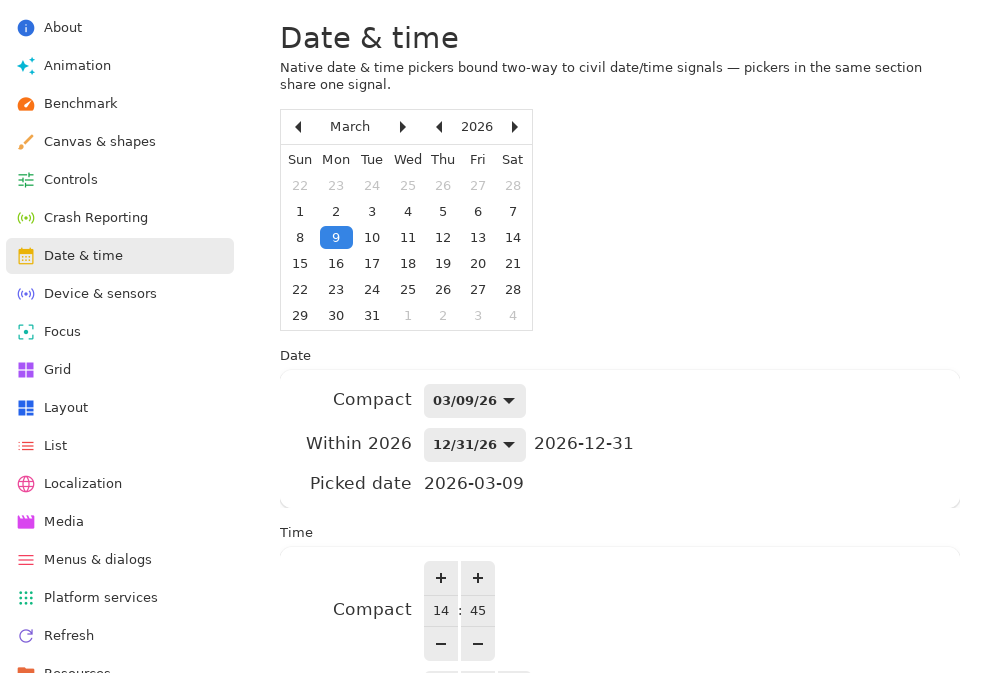
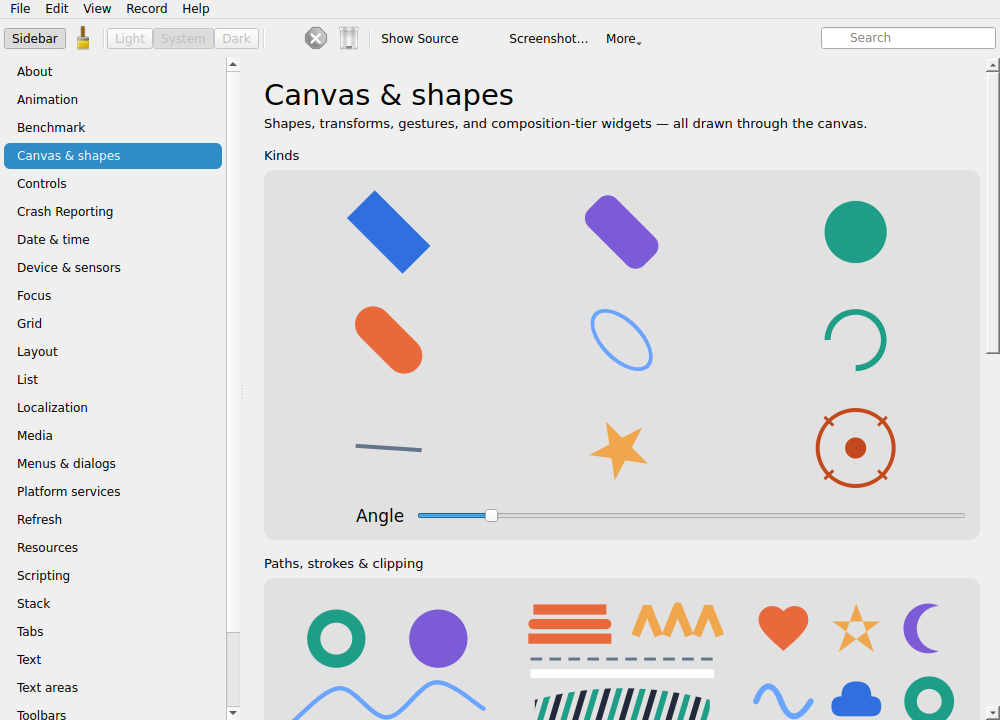
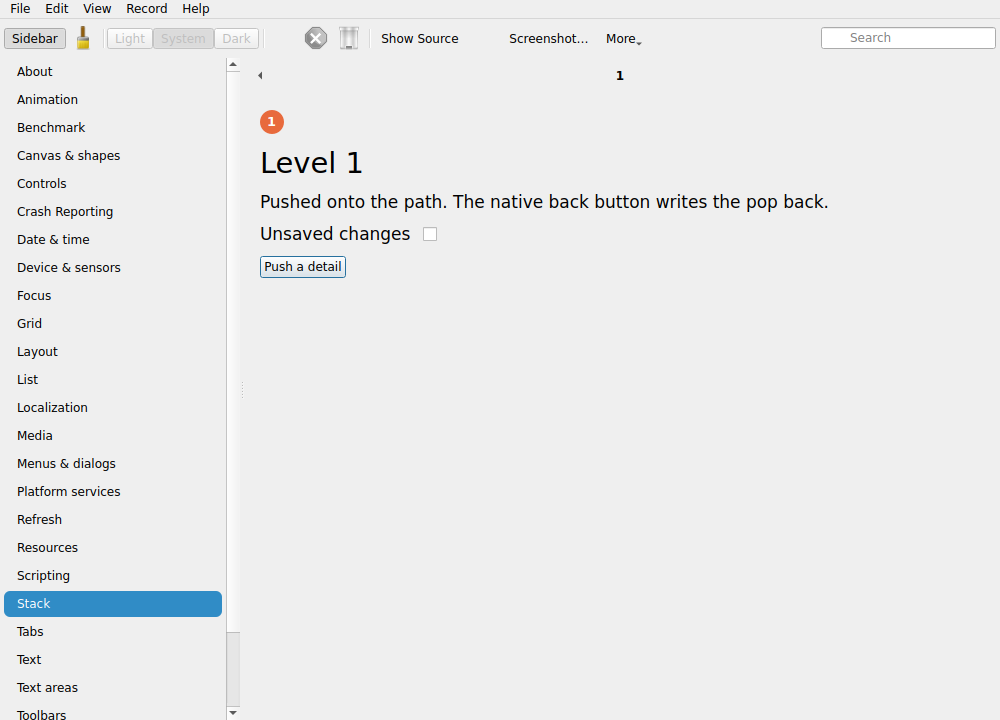
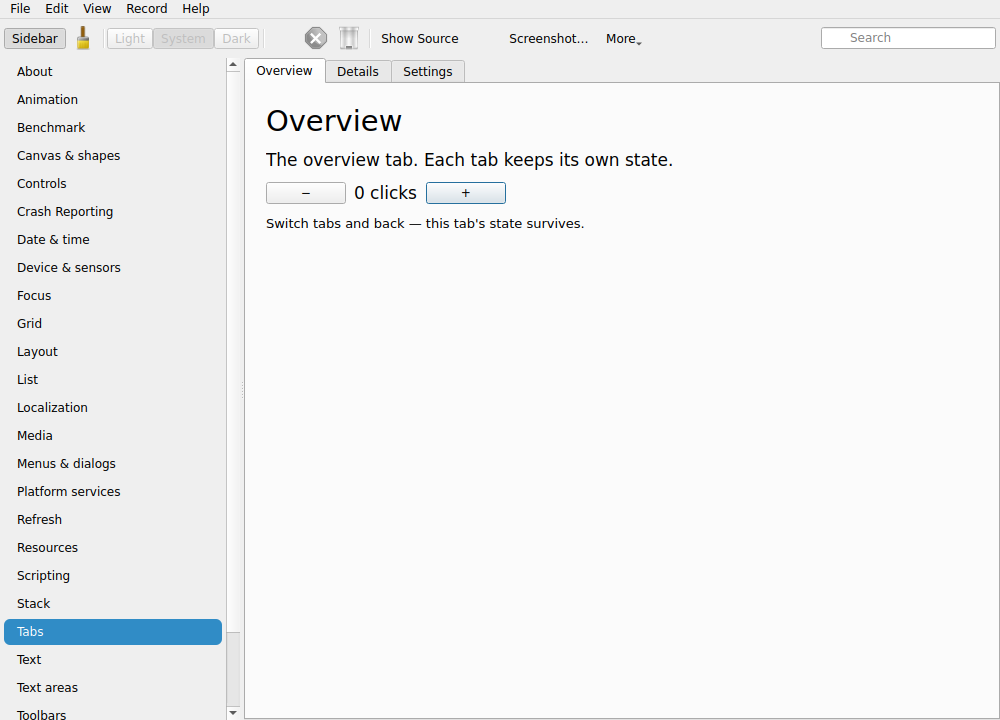
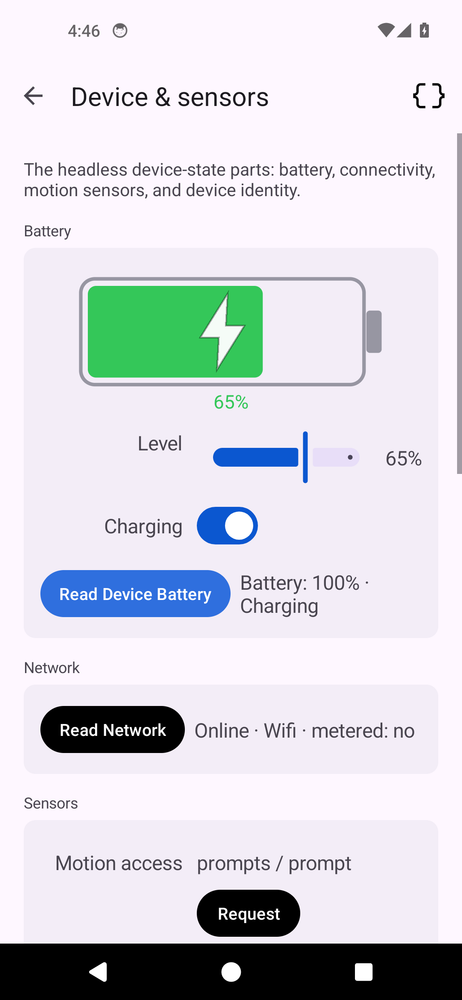
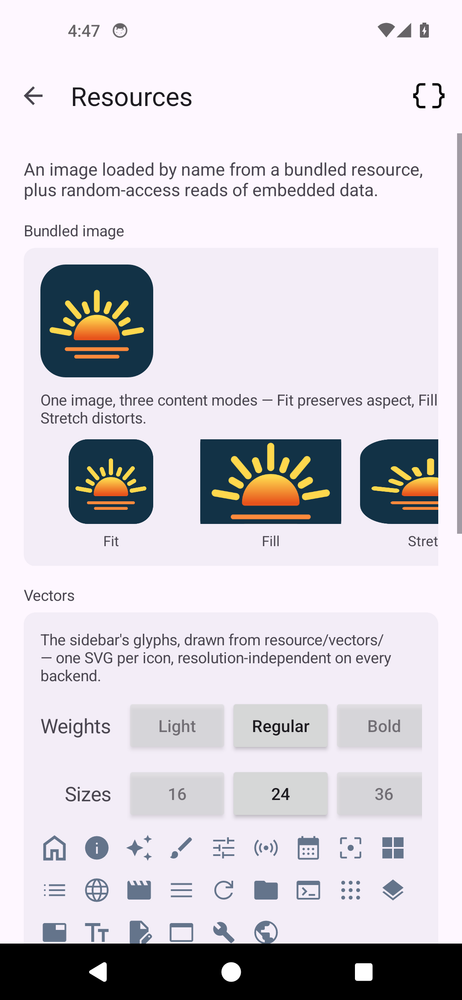
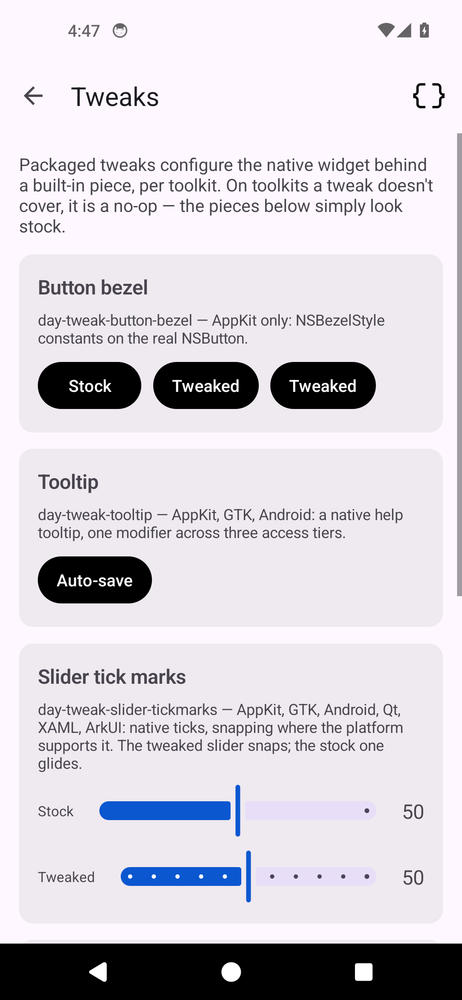
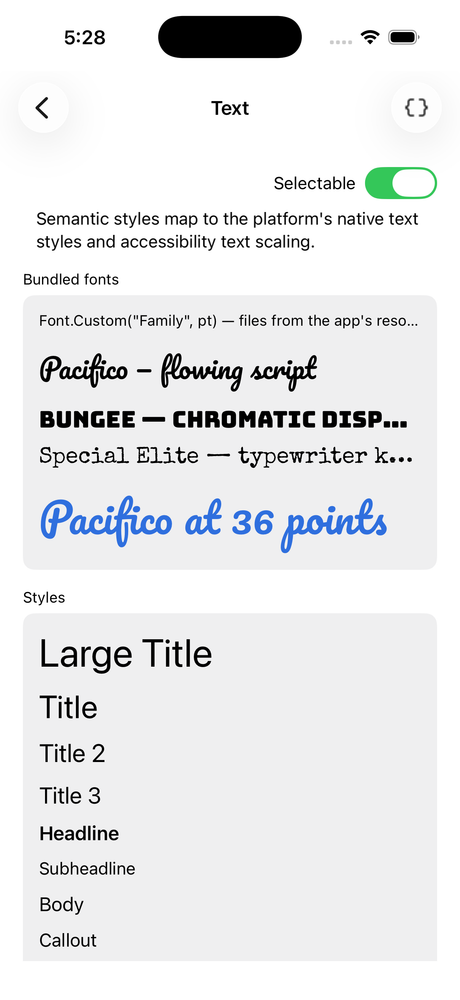
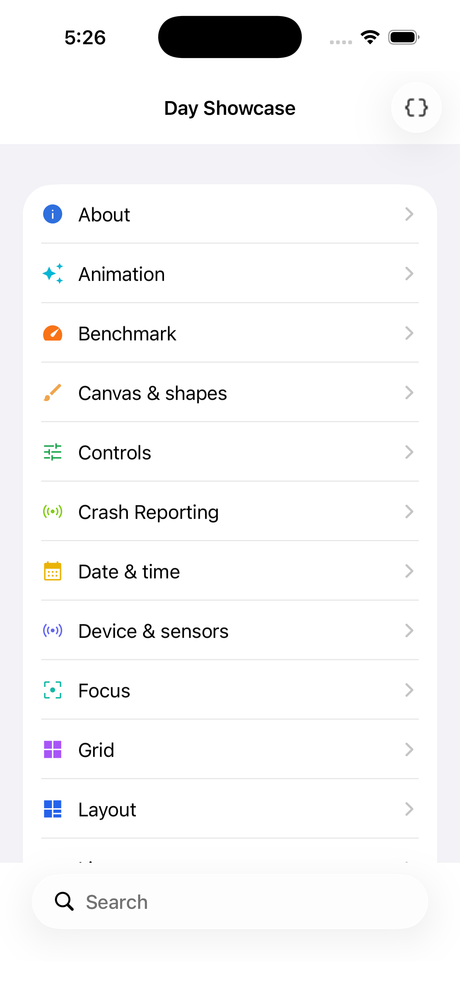
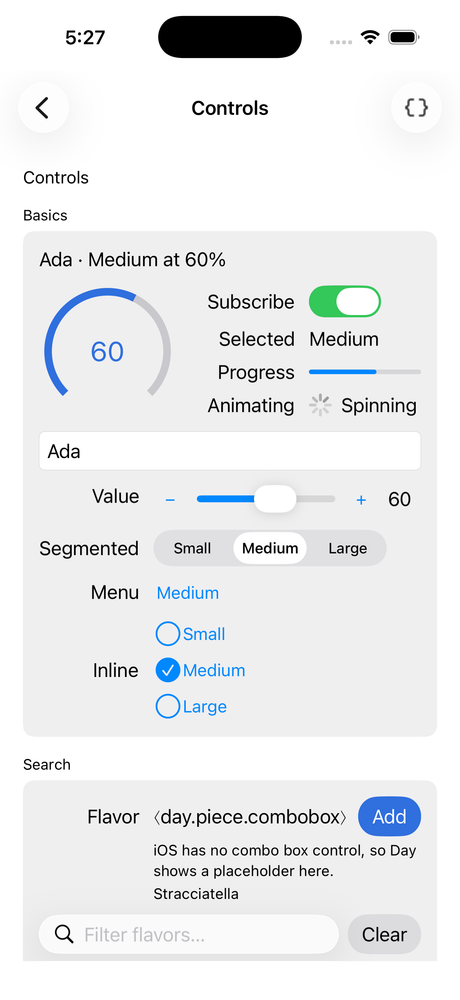
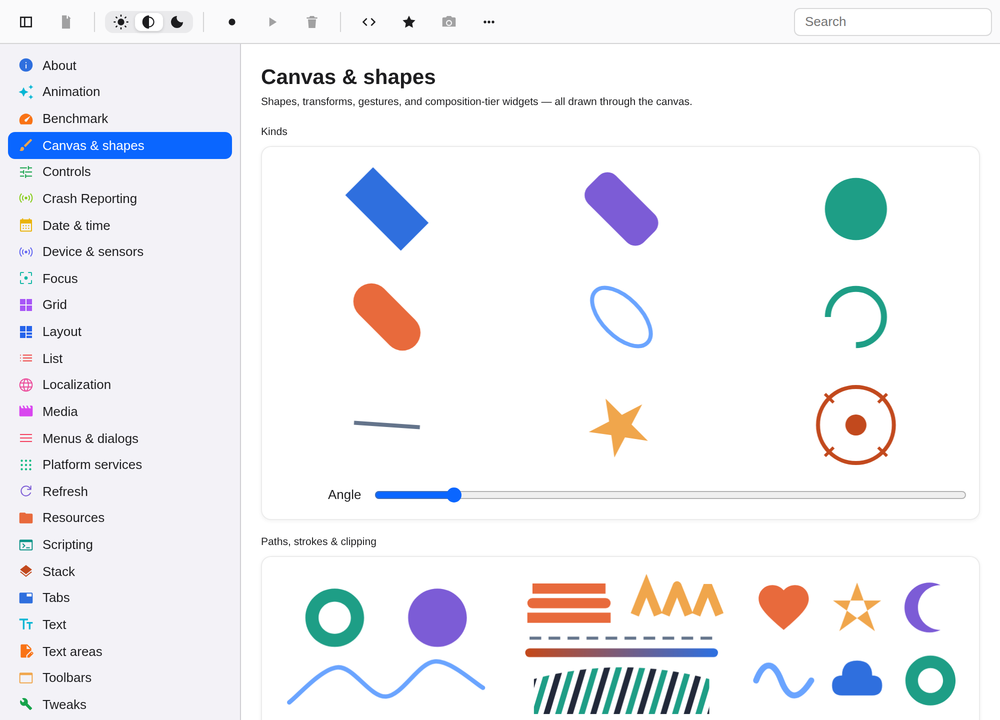
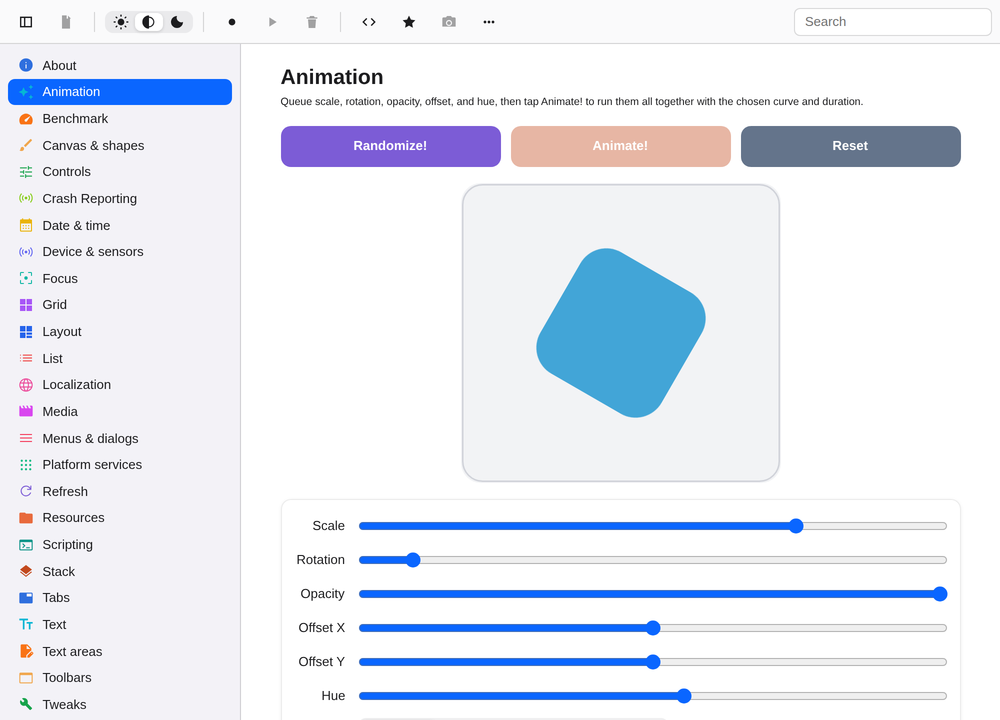
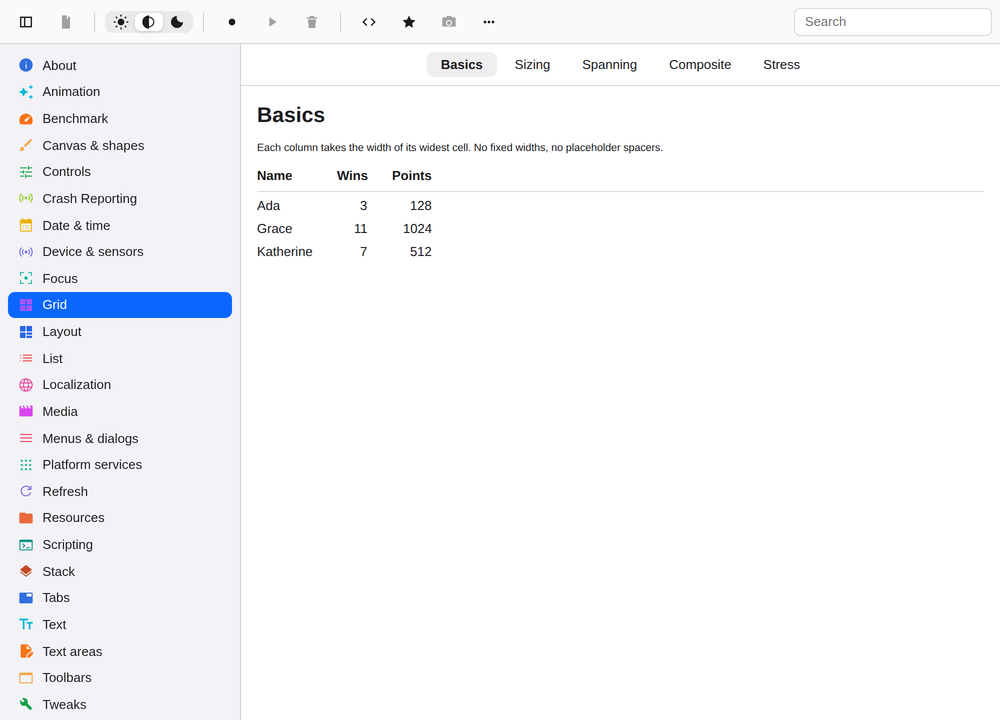
This is a complete, working counter, the whole thing. The same function becomes a real AppKit control on macOS, UIKit on iOS, Material on Android, and native GTK, Qt, XAML, and ArkUI widgets everywhere else. Those are the screenshots in the carousel above: real platform components, from this exact kind of code.

  • Just Rust: functions and builder calls in the same language as your logic and tests.
  • Reactive by binding: change a signal and only the control showing it updates — one native setter call, not a re-render.
  • Native on the other side: the widgets it produces are the platform's own, not lookalikes drawn by an engine.
counter.rs
use day::prelude::*;

fn counter() -> AnyPiece {
    let count = Signal::new(0i64);
    column((
        label(move || format!("{} clicks", count.get())),
        row((
            button("").action(move || count.update(|c| *c -= 1)),
            button("+").action(move || count.update(|c| *c += 1)),
        )).spacing(8.0),
    ))
    .spacing(12.0)
    .padding(16.0)
    .any()
}

One function, a native counter on all twelve targets.

Why Day

Native quality and a single codebase.

Cross-platform tools usually make you choose between apps that feel native and a codebase you only write once. Day keeps both.

Apps your users recognize

Every control is the platform’s own: a real Mac button on macOS, real Material on Android. Text, scrolling, shortcuts, and dark mode behave the way each platform’s users already expect, and keep improving with OS updates you never have to ship.

Milliseconds to launch, megabytes to install

Day apps are small native binaries that talk directly to the operating system. With no embedded browser and no rendering engine, they start in milliseconds and install in megabytes.

One codebase, one team

Six operating systems and the web from a single Rust program. A feature lands once and ships everywhere at the same time, instead of one implementation per platform drifting apart as schedules diverge.

Accessible and localized from the first build

Screen-reader support uses each platform’s own accessibility tree, and every user-facing string is localized with Mozilla Fluent. The groundwork for accessibility requirements and new markets is in the framework, not on your backlog.

Tested on every platform, every change

Each commit builds a full demo app on all twelve targets, drives it end to end, and captures screenshots. The gallery on this site is those exact artifacts.

One CLI for the whole pipeline

One command line creates, runs, tests, and packages signed installers for every platform: dmg, App Store, Android, flatpak, Windows. The same automation scripts drive the app everywhere, for CI and for AI-assisted development.

First-class on the desktop

Menu bar, keyboard shortcuts, a preferences window, toolbars, multi-window: Day treats the desktop as a first platform, not a stretched phone screen. The Window menu on macOS even assembles itself.

Drop down to the platform

When you need the platform’s own UI framework, use it: SwiftUI views embed in the Day tree on Apple platforms with typed Rust constructors, and per-platform tweaks reach any native widget’s real API. Day is a default, not a cage.

From test run to store listing

One dayscript walkthrough is an end-to-end test, an accessibility pass, and your screenshot shoot — per locale and theme. The captures feed the store listings in store/ and a generated app website, so shipping collateral stays as current as the build.

Agents & automation

Built for agents and CI.

Every Day app embeds dayscript, the same automation engine that drives Day's own release pipeline. A YAML script, an agent over MCP, or your CI taps buttons, types text, asserts what's on screen by stable element ids, and captures screenshots, identically on every platform.

  • Agents that see their work: Claude Code and other MCP clients get the day tools (build, relaunch, drive, screenshot), so an LLM edits your app, drives the running build, and shows you pixels to prove the change landed.
  • One script, twelve targets: run the walkthrough per theme and locale and the same YAML produces your localized screenshots. Thegallery on this site is exactly that.
  • Regressions caught in CI, not in reviews: the walkthrough runs on every push; a failed assertion or a blank capture is a red build before it is ever a user report.

Evaluating your options

What each approach trades away.

Web-view shells

Electron, Tauri

Fast to staff from a web team, but the interface runs in a browser engine, bundled with the app (Electron) or the system’s (Tauri). That brings the browser’s memory profile and its patch cadence.

Custom renderers

Flutter, Iced

Pixel-identical screens everywhere, drawn by the framework rather than the platform. Text, scrolling, and accessibility are re-implementations, and the app looks the same everywhere instead of at home anywhere.

Per-platform native

Swift + Kotlin + C++ teams

The most flexibility and fidelity, but paid for once per platform. Every feature is built, reviewed, and maintained N times, and the versions drift apart when schedules diverge.

Single-platform today

Just a Mac app? Just Linux?

A Day app on one platform is a native app on that platform — real chrome, native packaging, scriptable testing — with no cross-platform tax paid up front. A second platform later is one command (day app add-toolkit), not a rewrite.

Day keeps the platform's own components and the single codebase. It has limits too: no hot reload, a young ecosystem, and deliberate constraints on pixel-level branding.

Read the comparison →

How it works

When data changes, the right control updates.

Day builds your interface from real platform components once, then keeps each one connected to your application's state. Nothing re-renders and there is no shadow tree to reconcile: a change runs the closures that read it and ends in one native setter call. Day apps perform like hand-written platform code because, at runtime, that's what they are.

  • Plain Rust: functions and builder calls any engineer can read, with no macros and no separate UI language.
  • Native navigation: sidebars, tabs, and back-gestures are the platform's own containers.
  • Testable end to end: one automation script drives the app identically on every platform.
navigation.rs
let section = Signal::new(String::new());
selector(section)
    .style(SelectorStyle::Sidebar)   // native split view / tabs / pushing list
    .item("home",     "Home",     home_page)
    .item("settings", "Settings", settings_page)

Your first Day app is ten minutes away.