Screenshot gallery

Day Trader screenshots

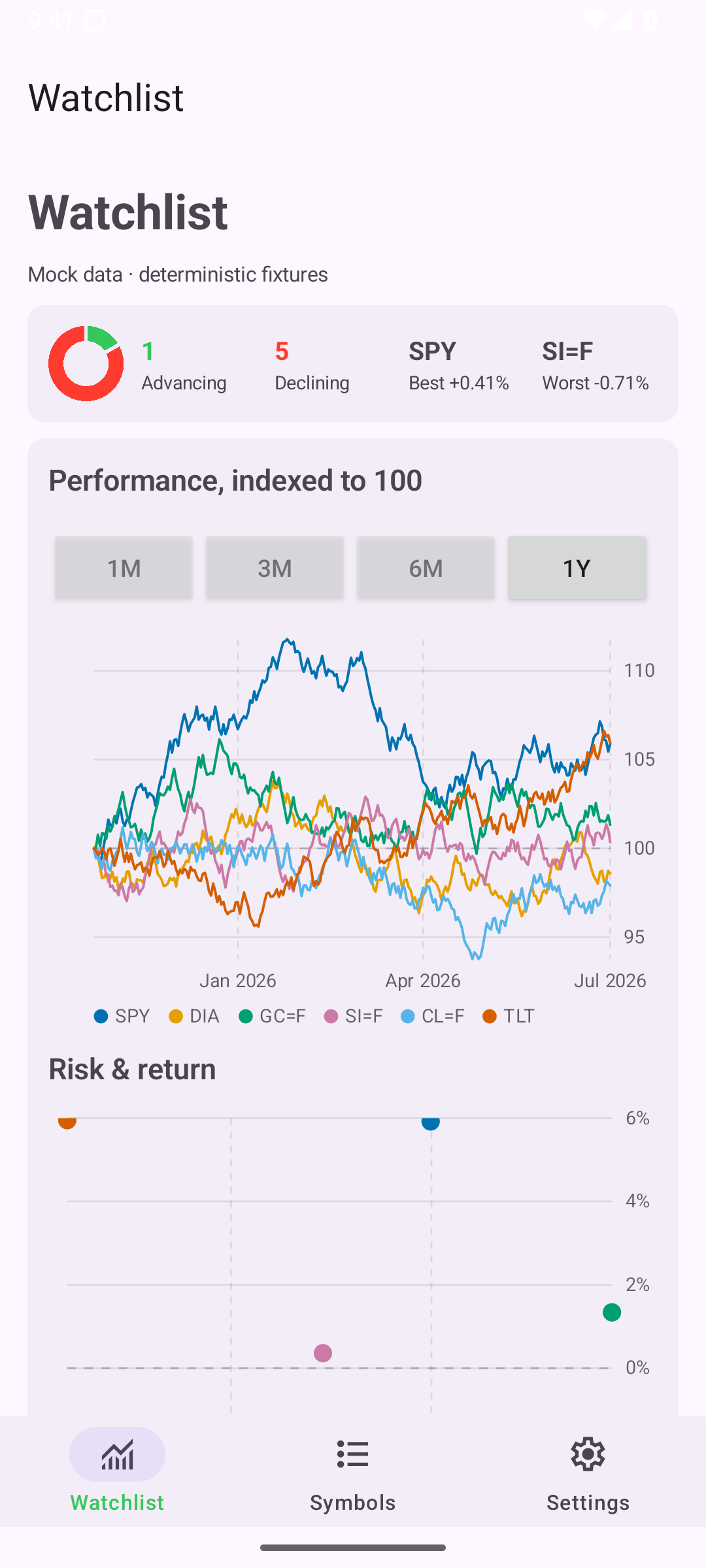
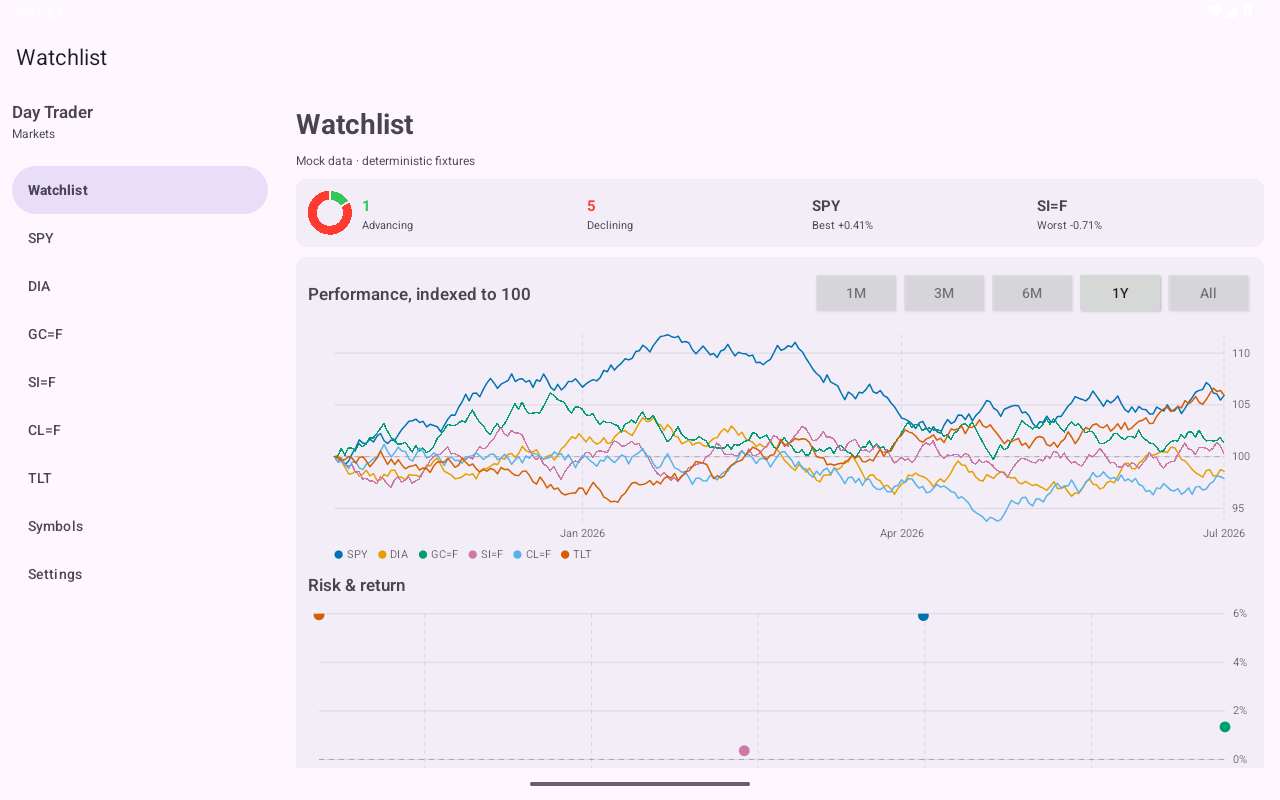
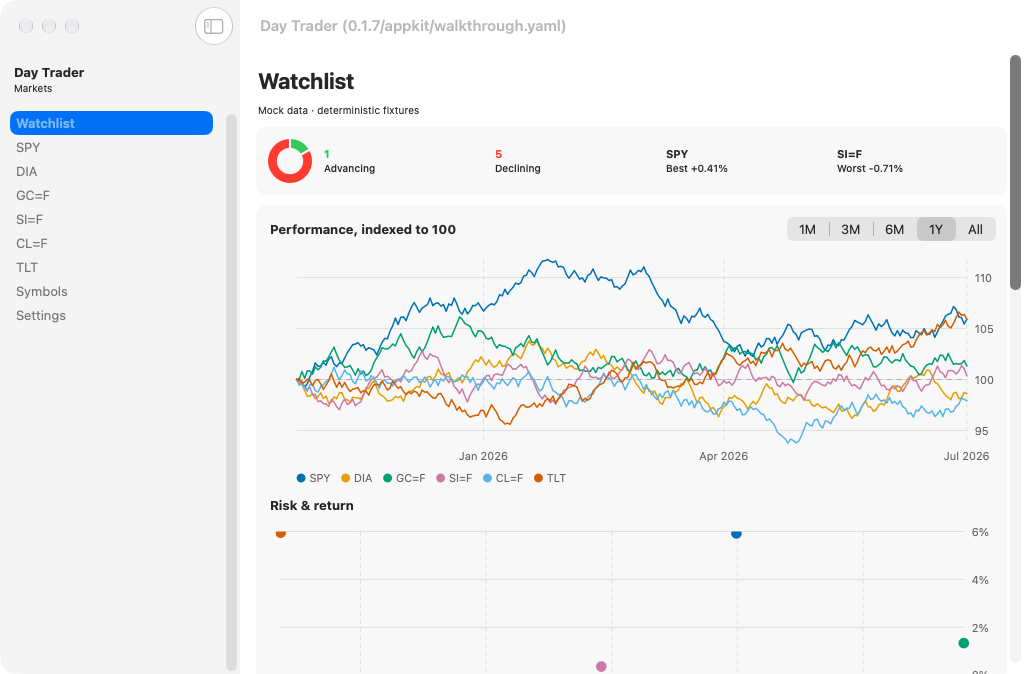
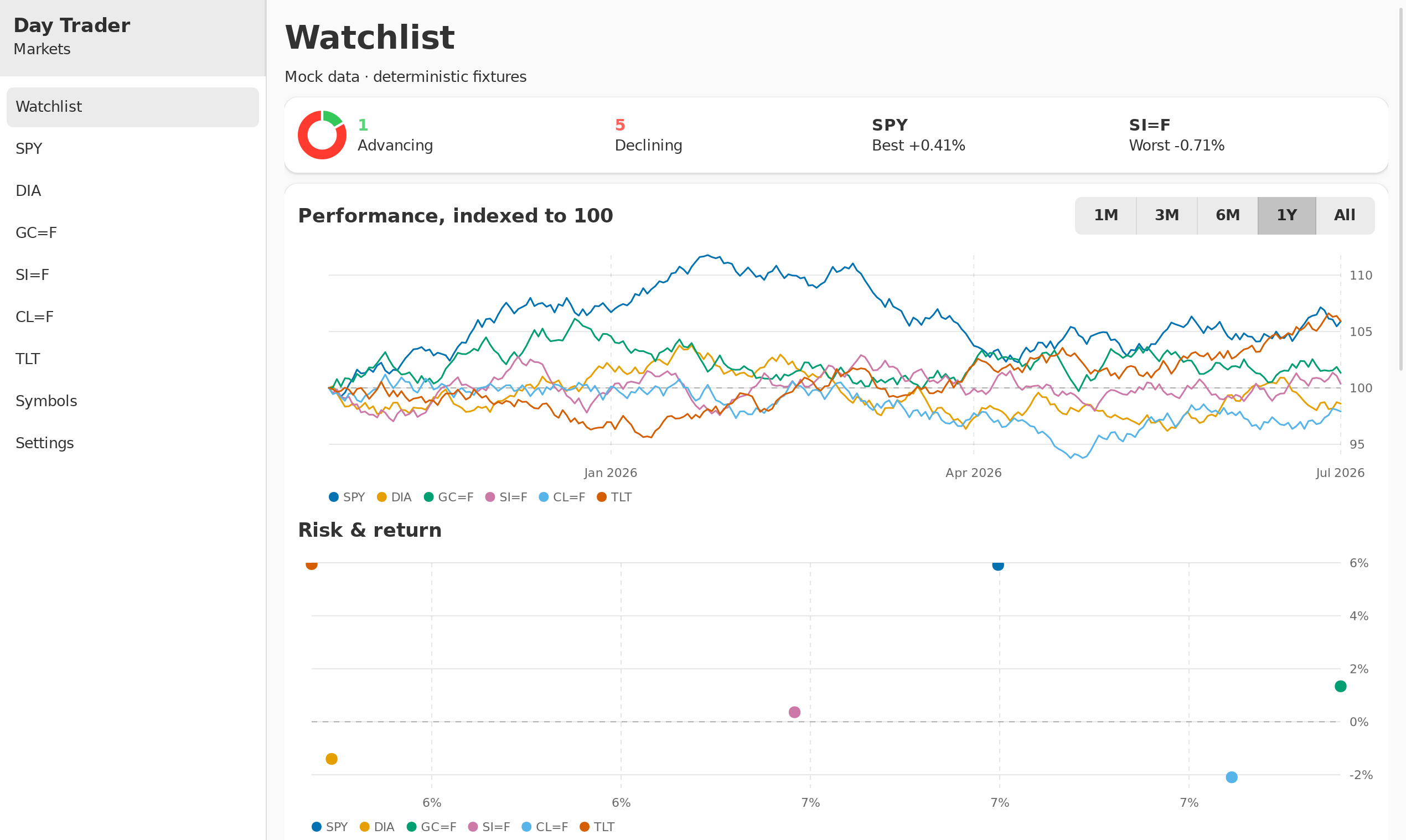
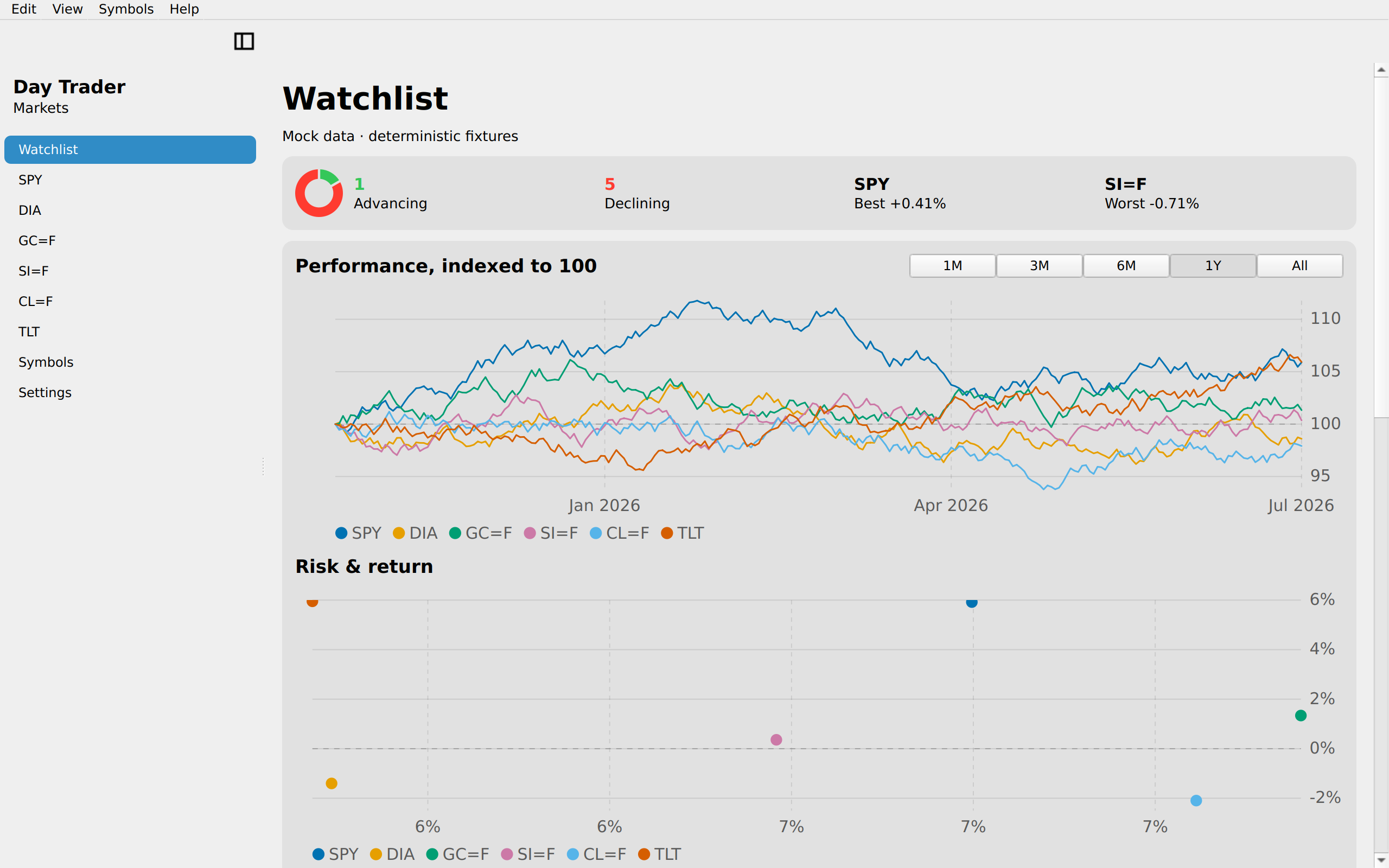
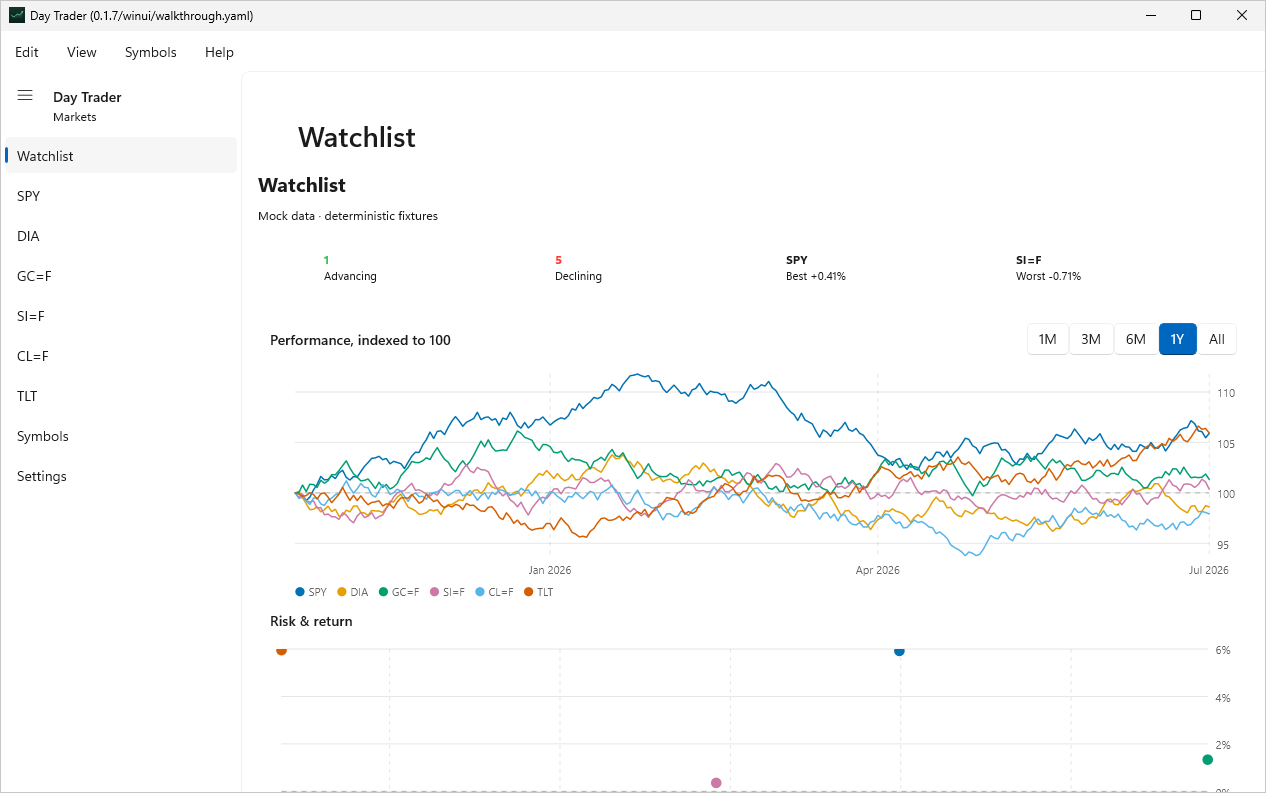
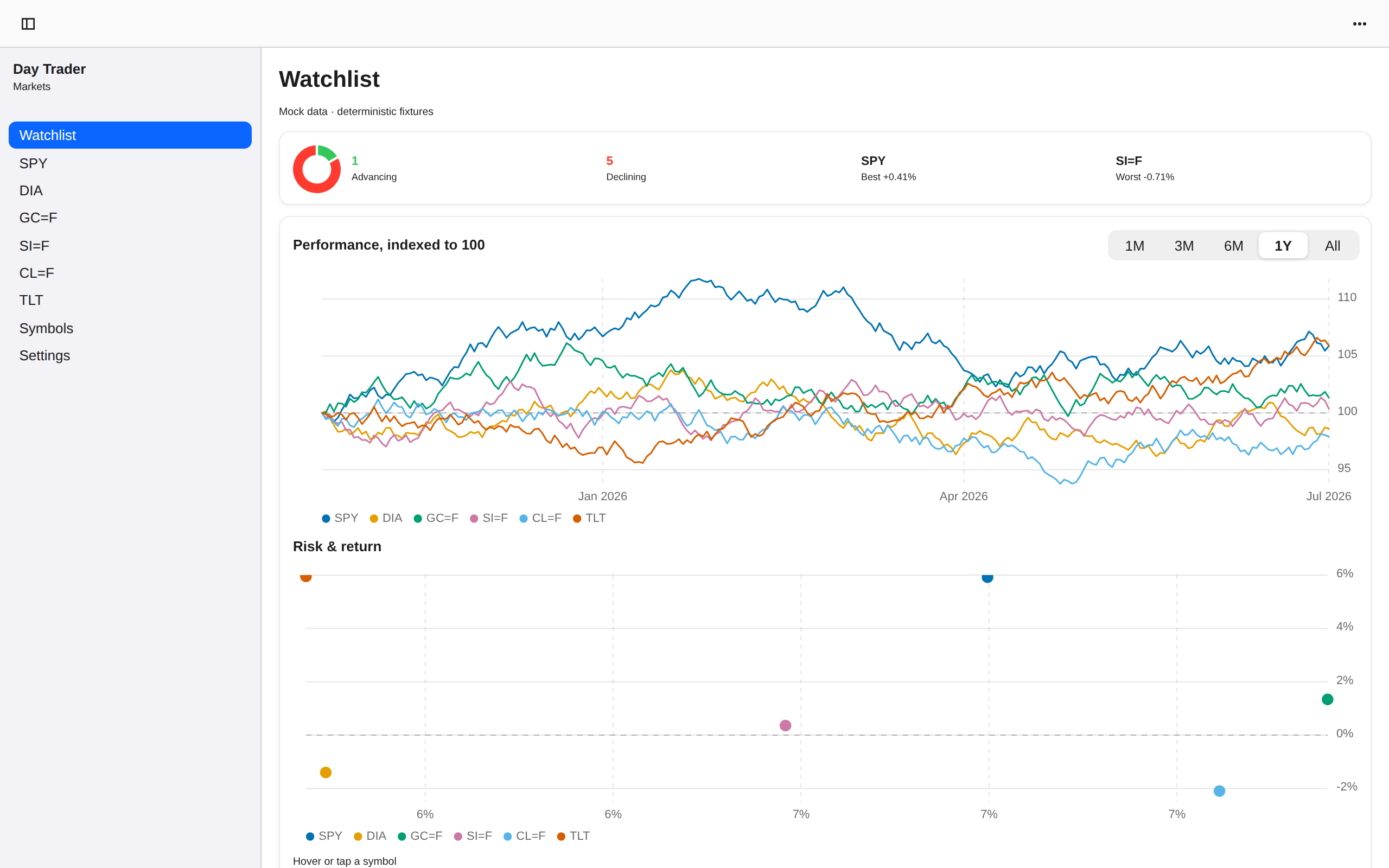
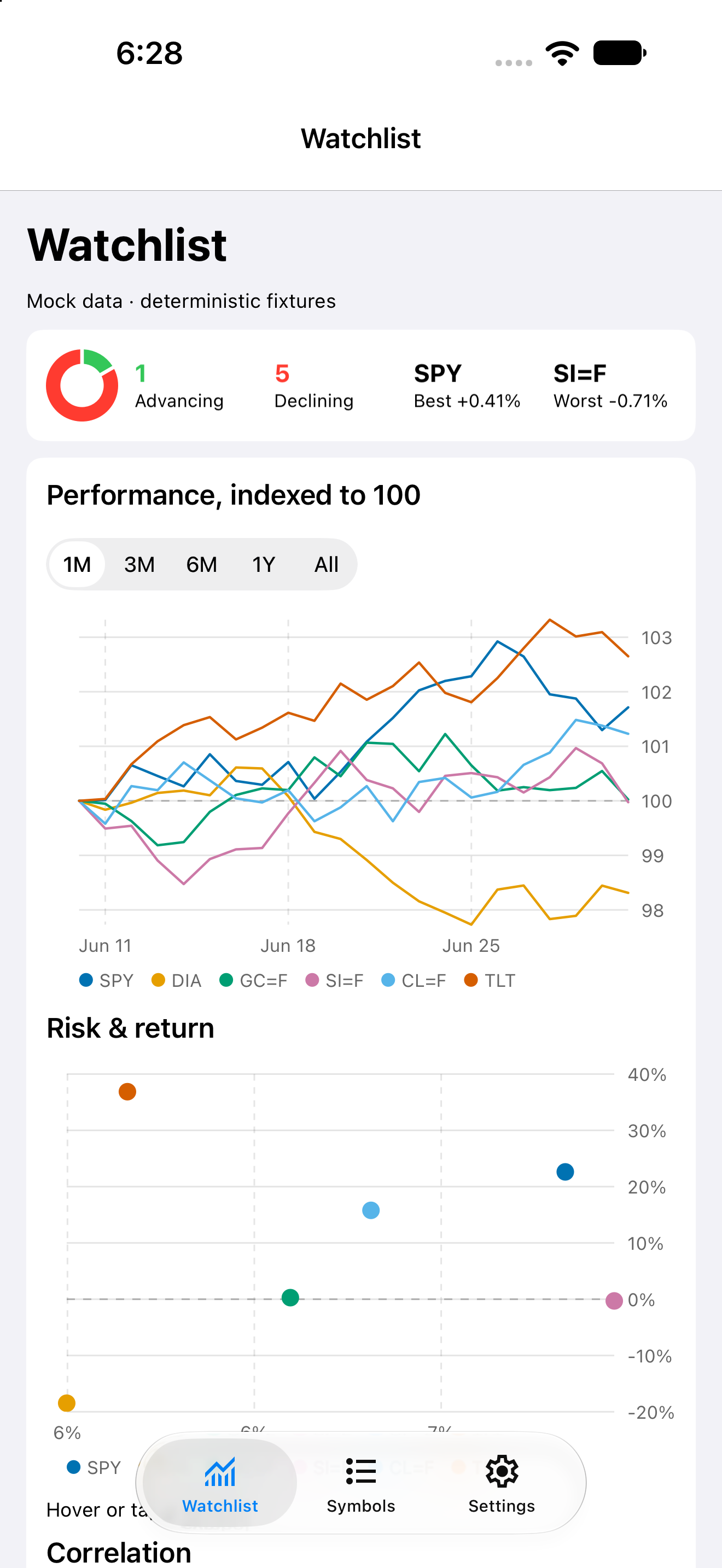
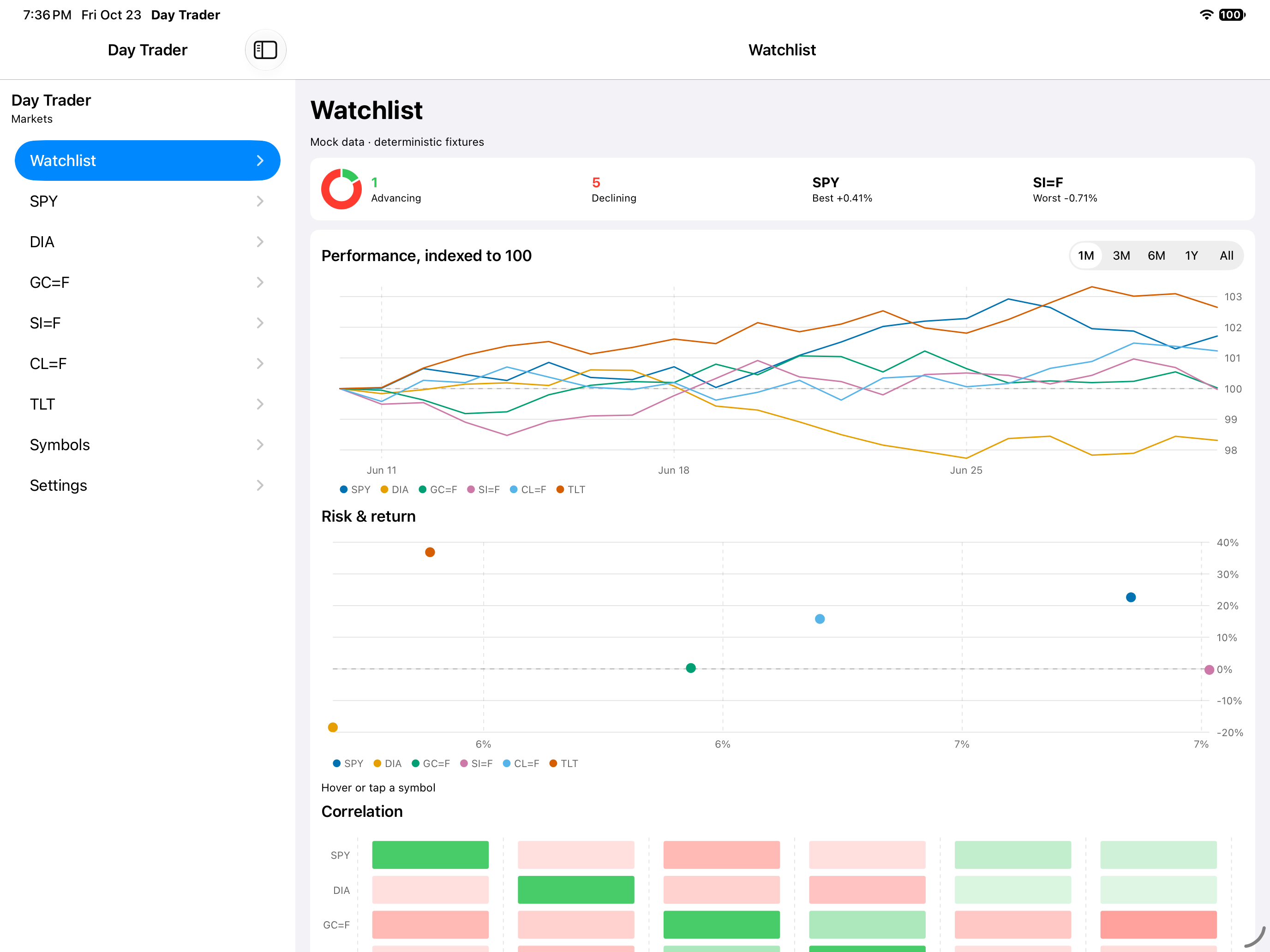
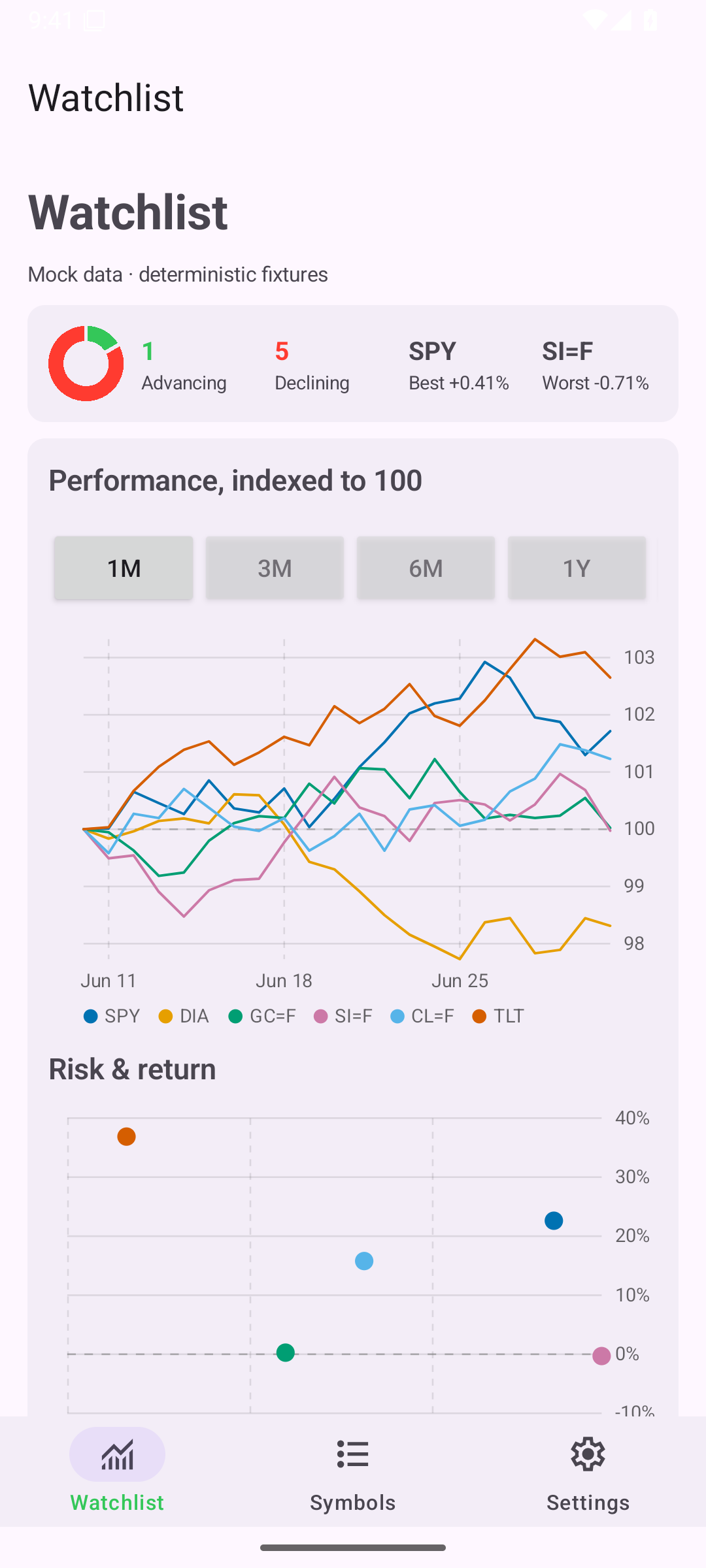
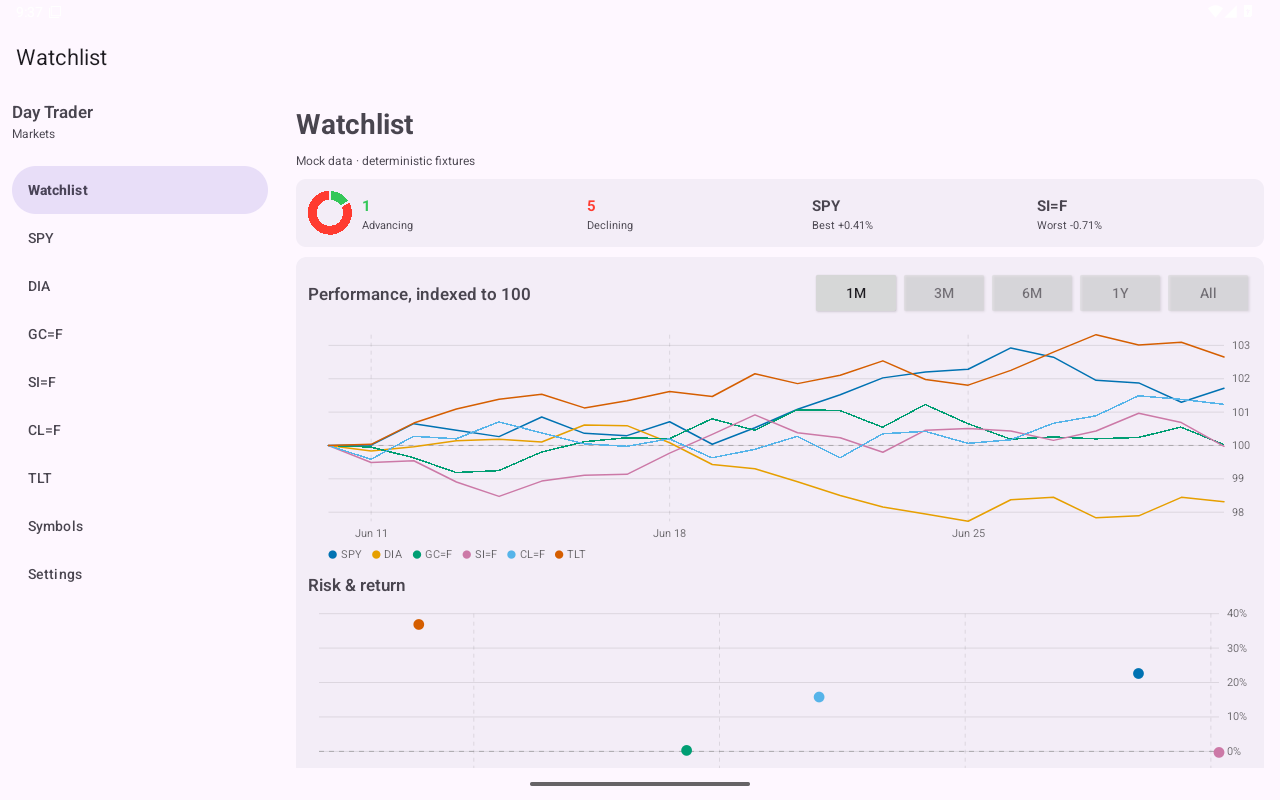
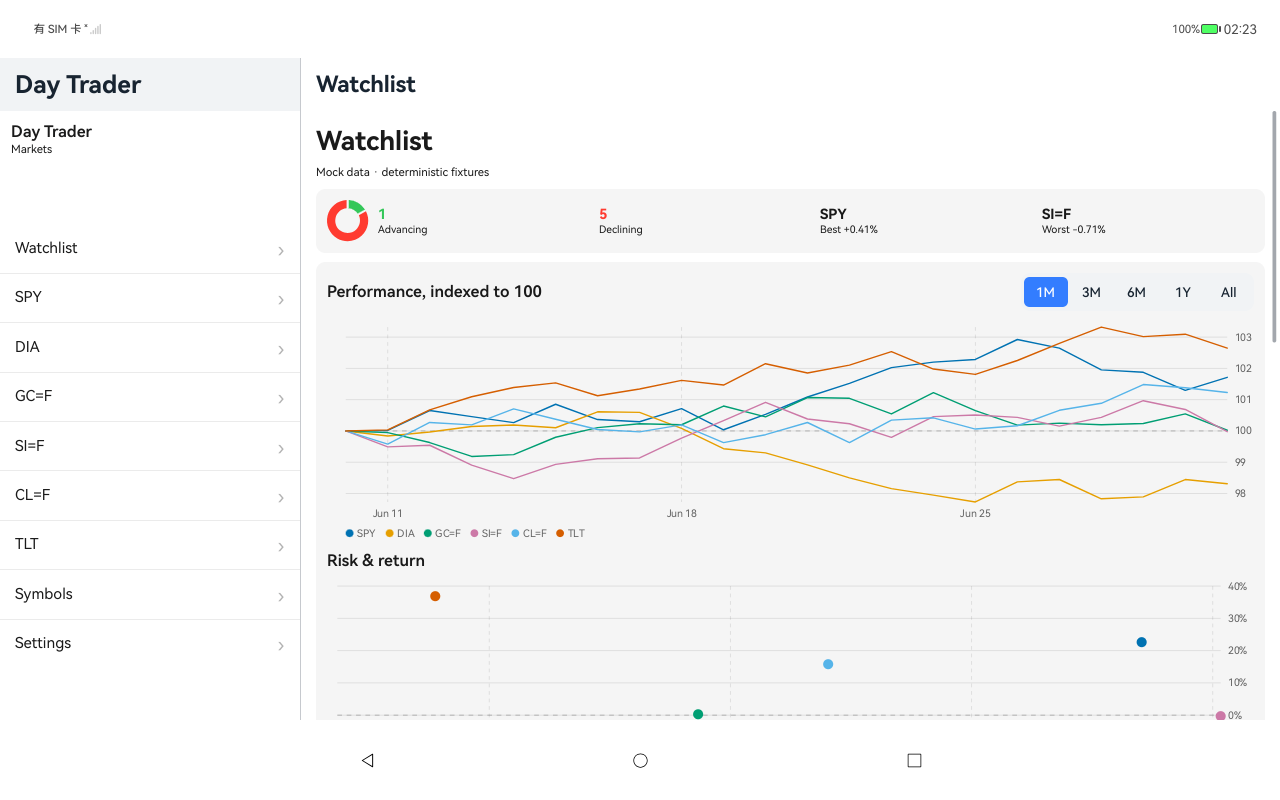
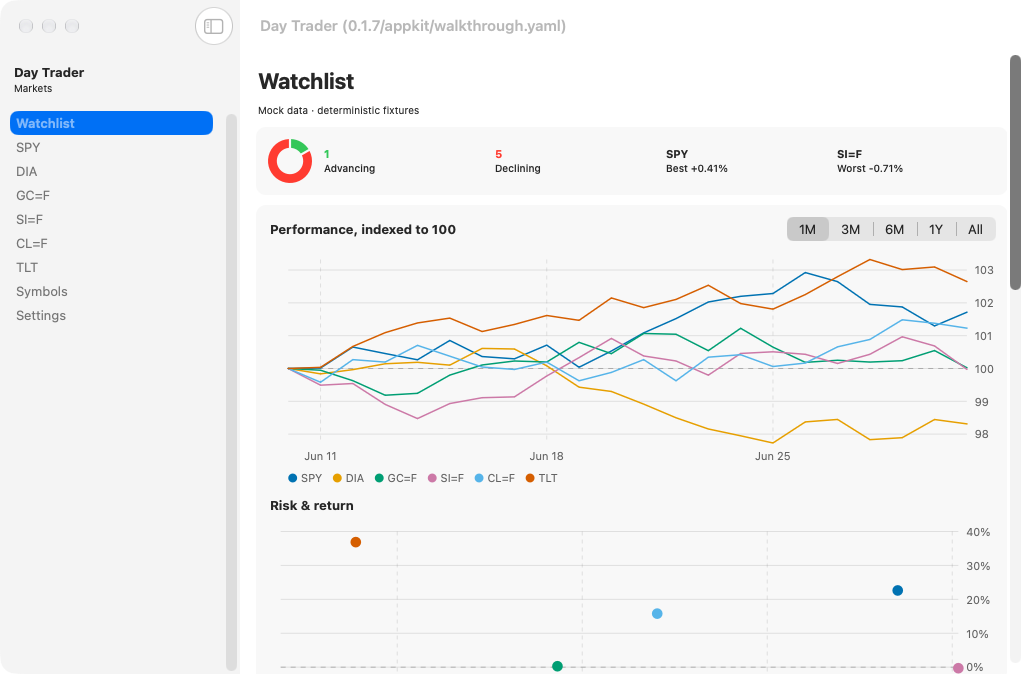
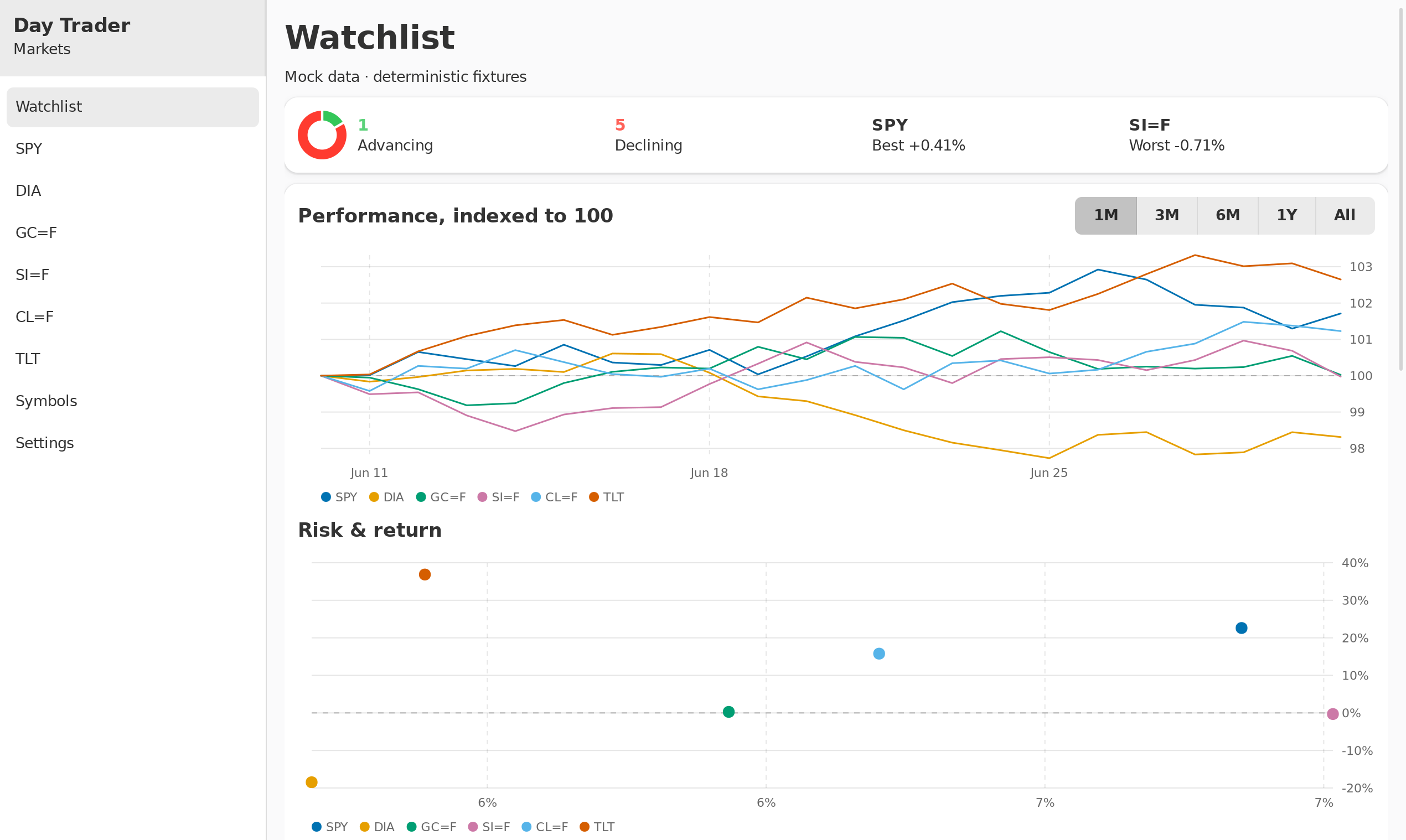
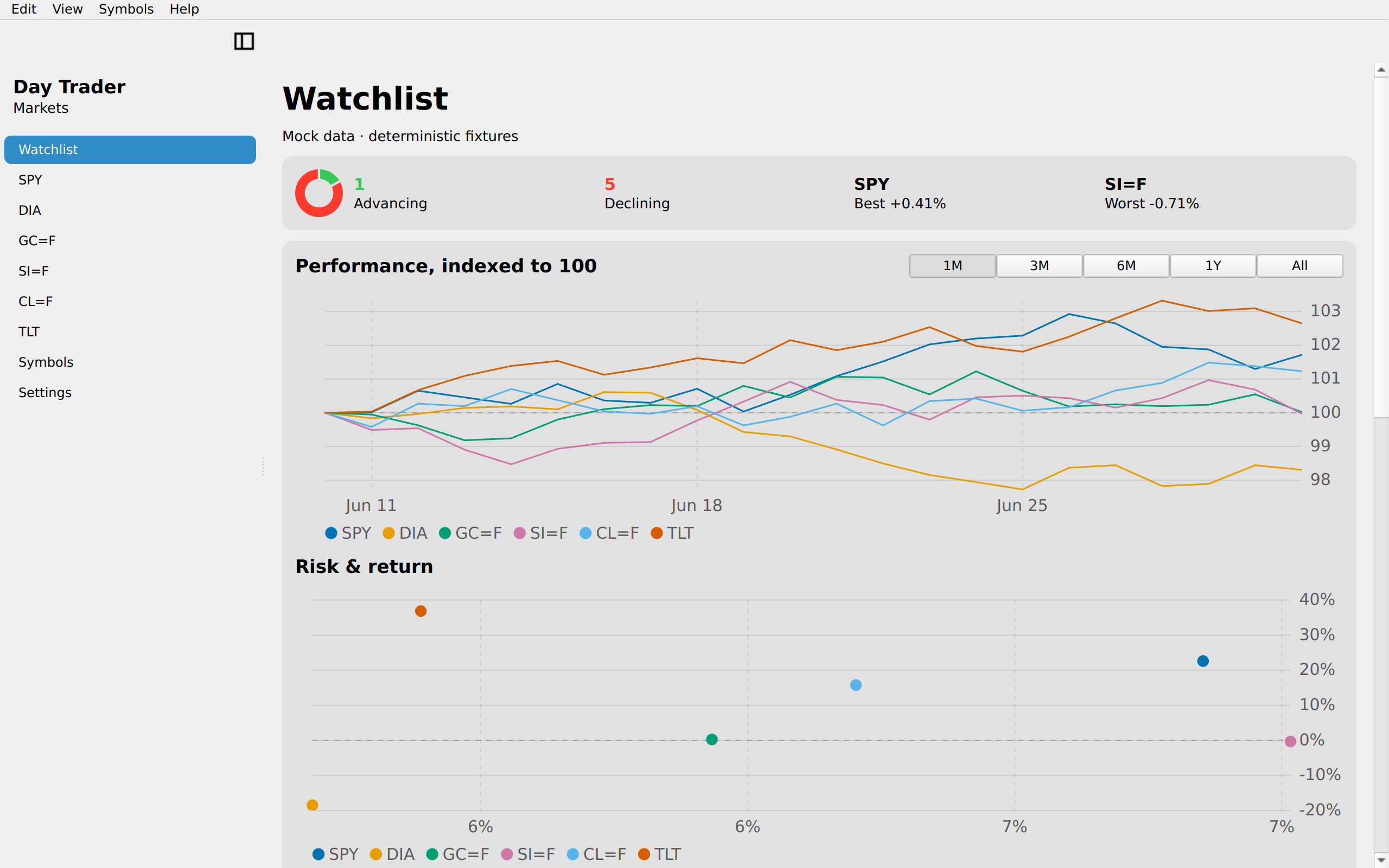
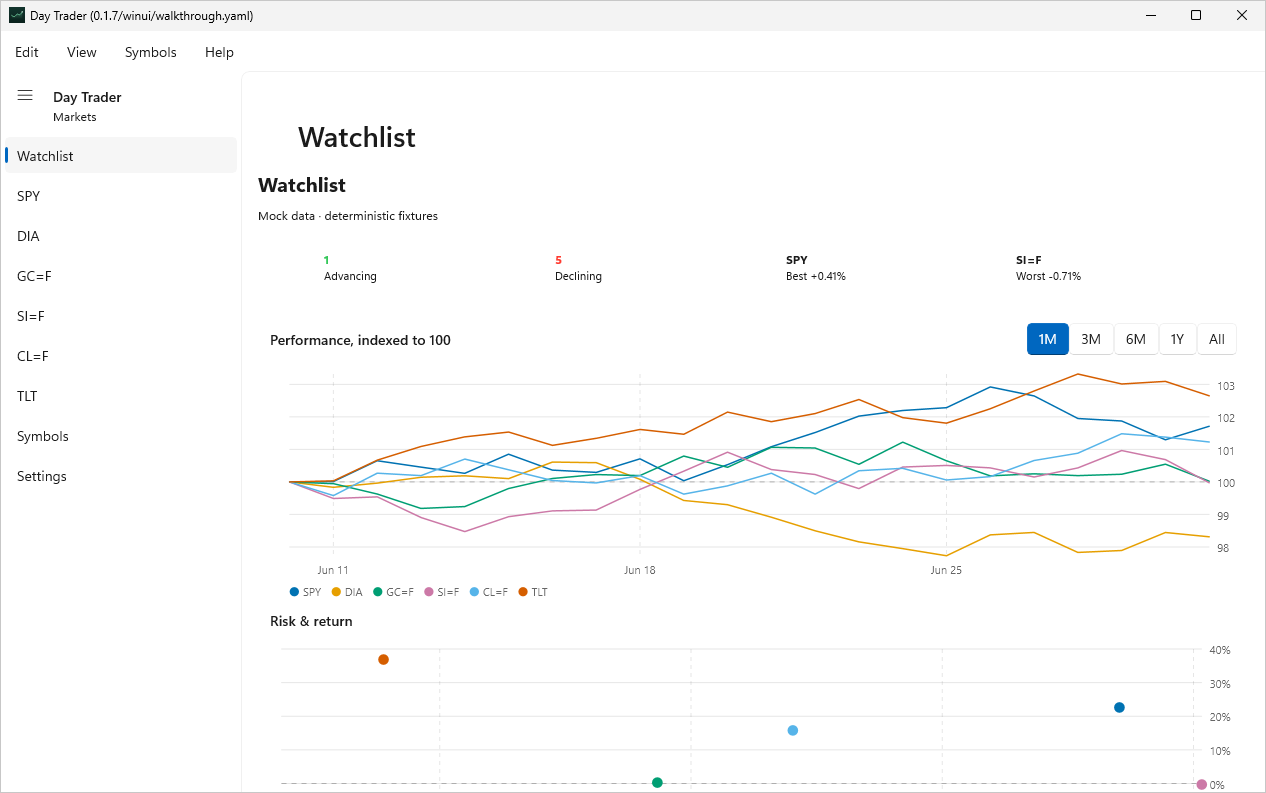
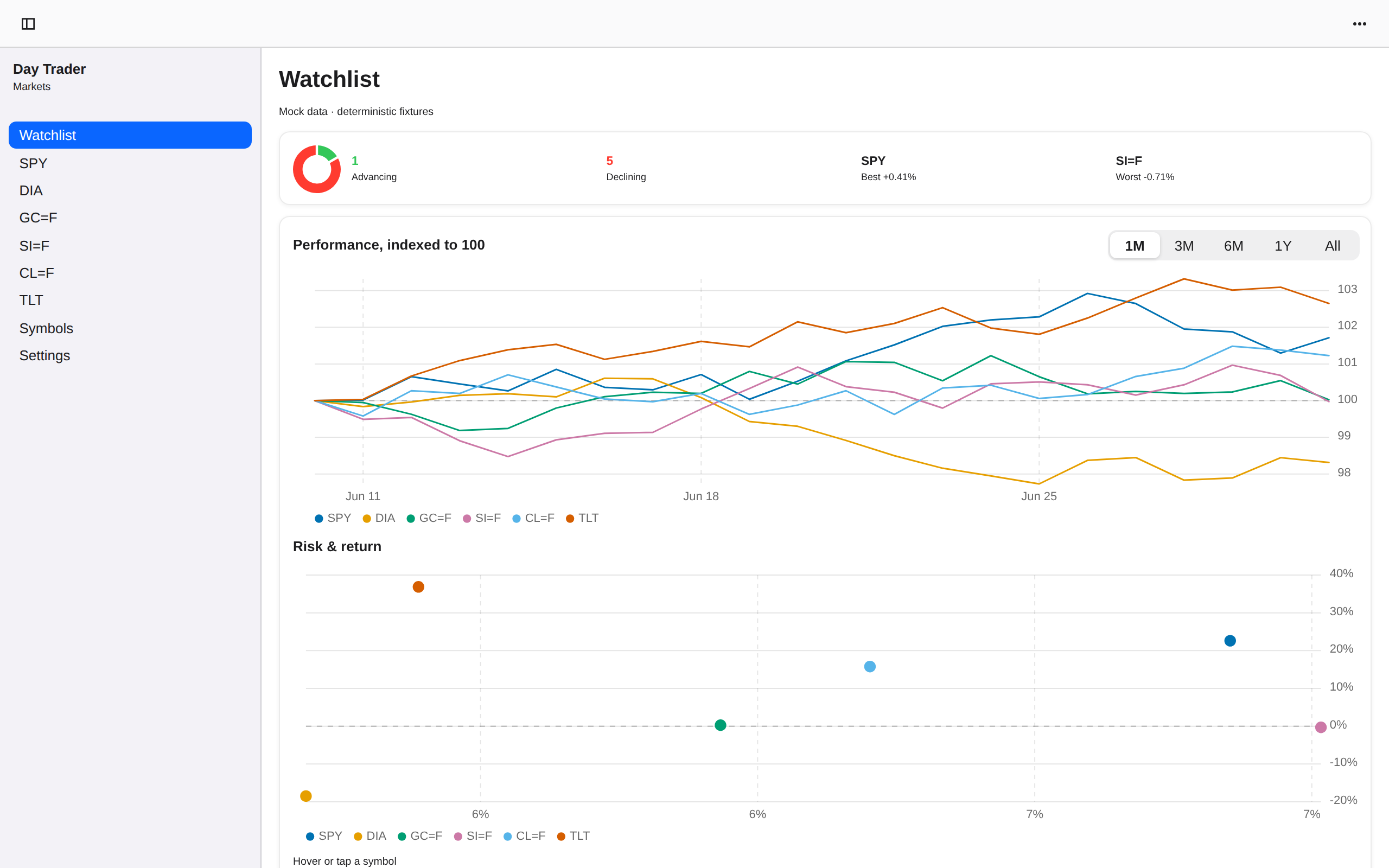
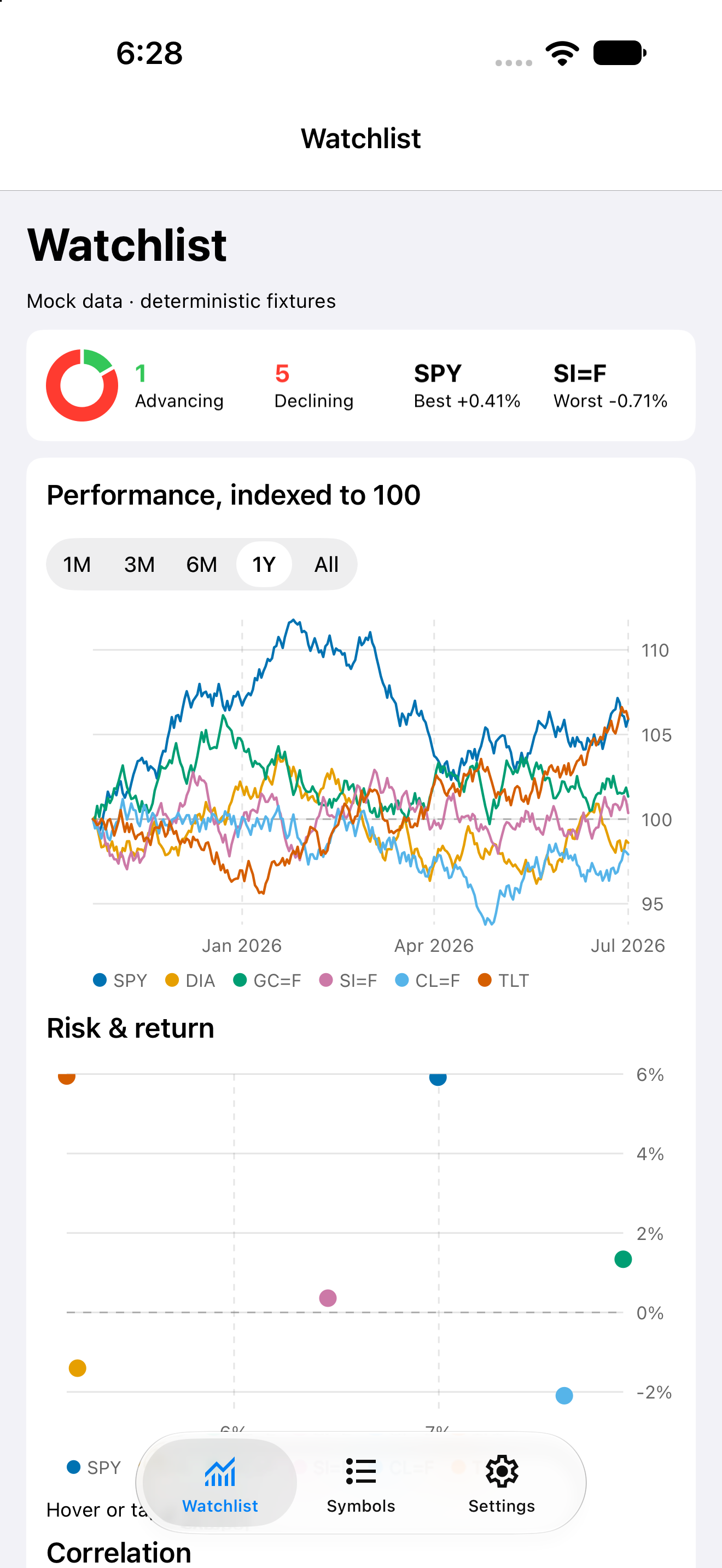
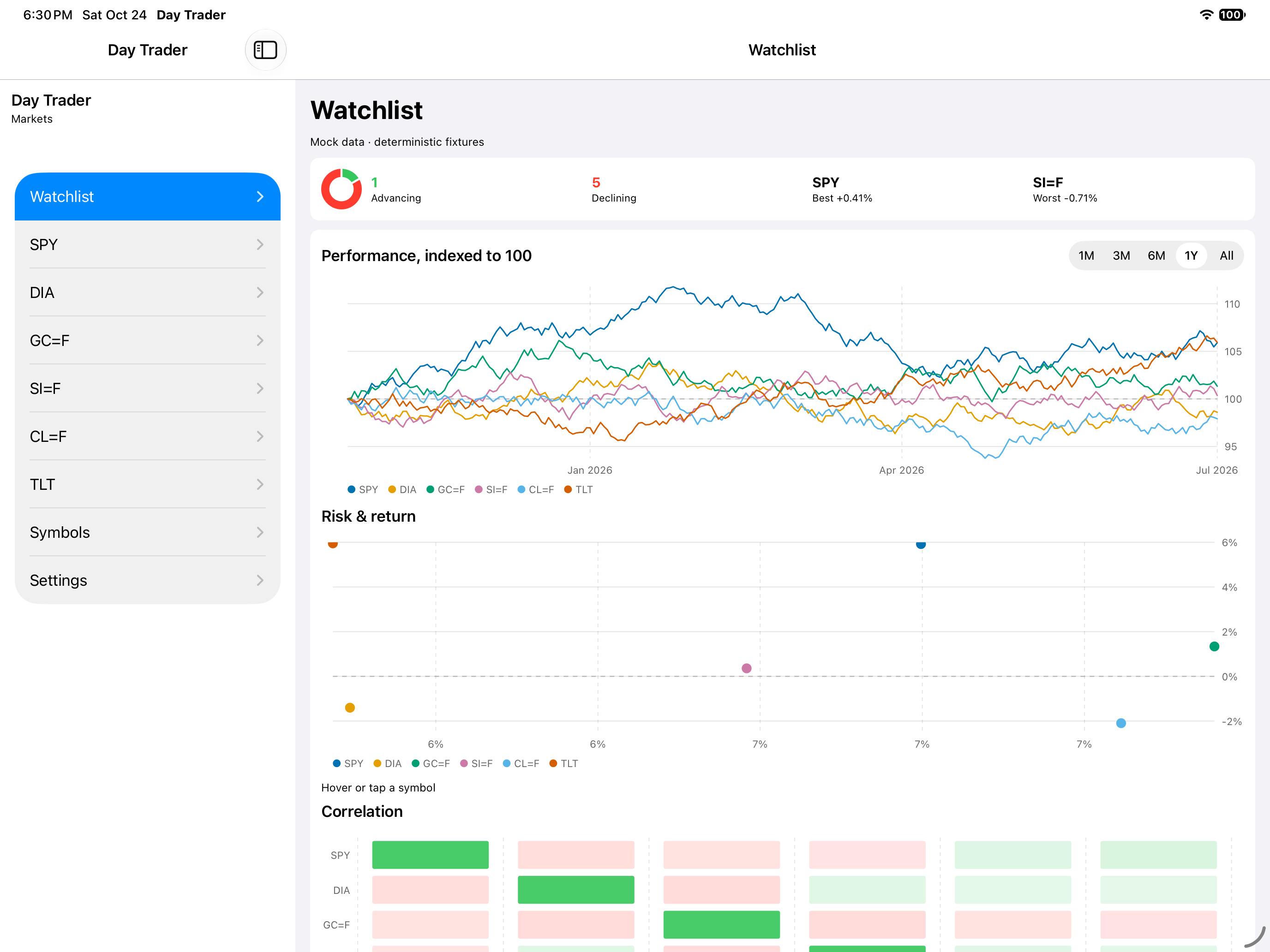
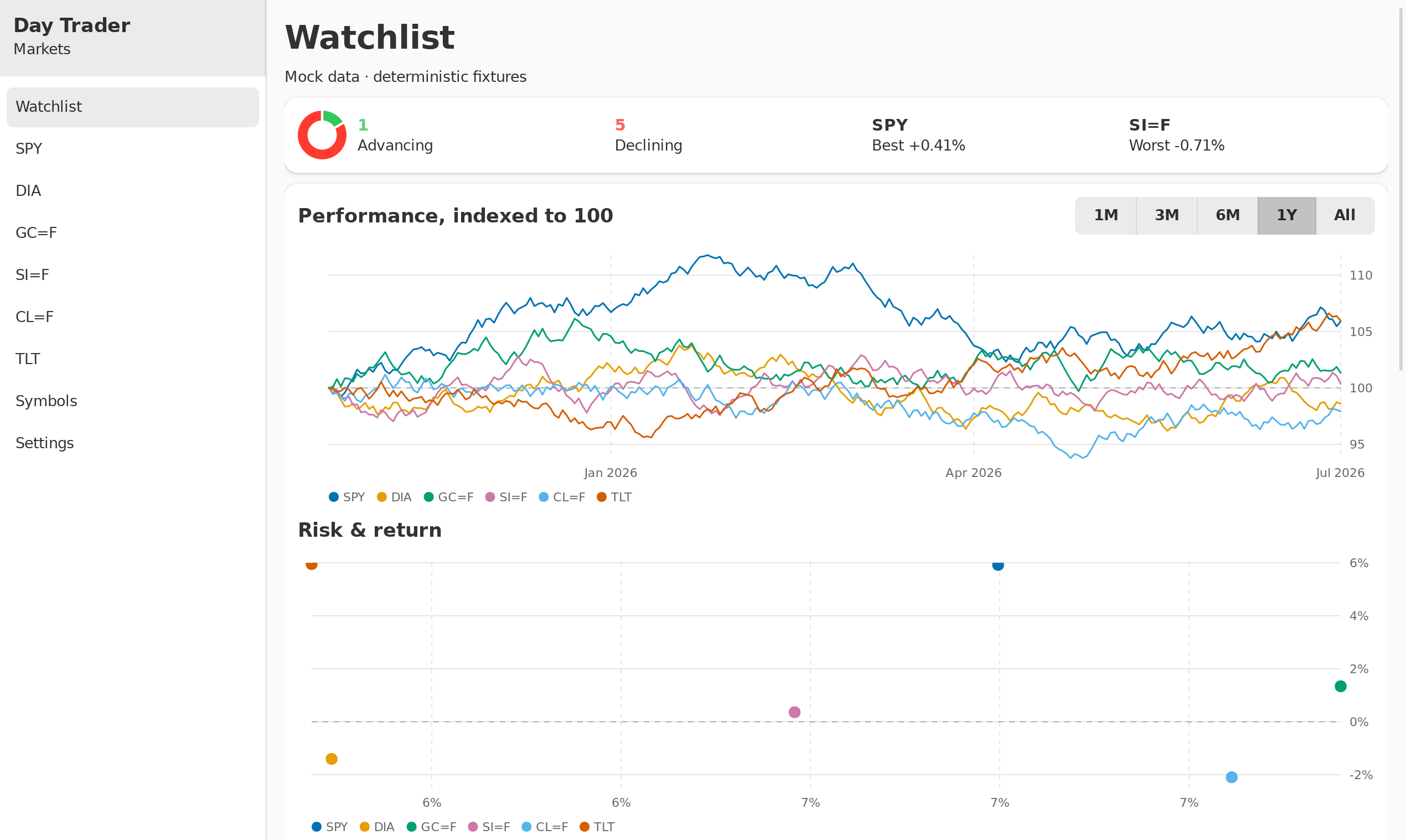
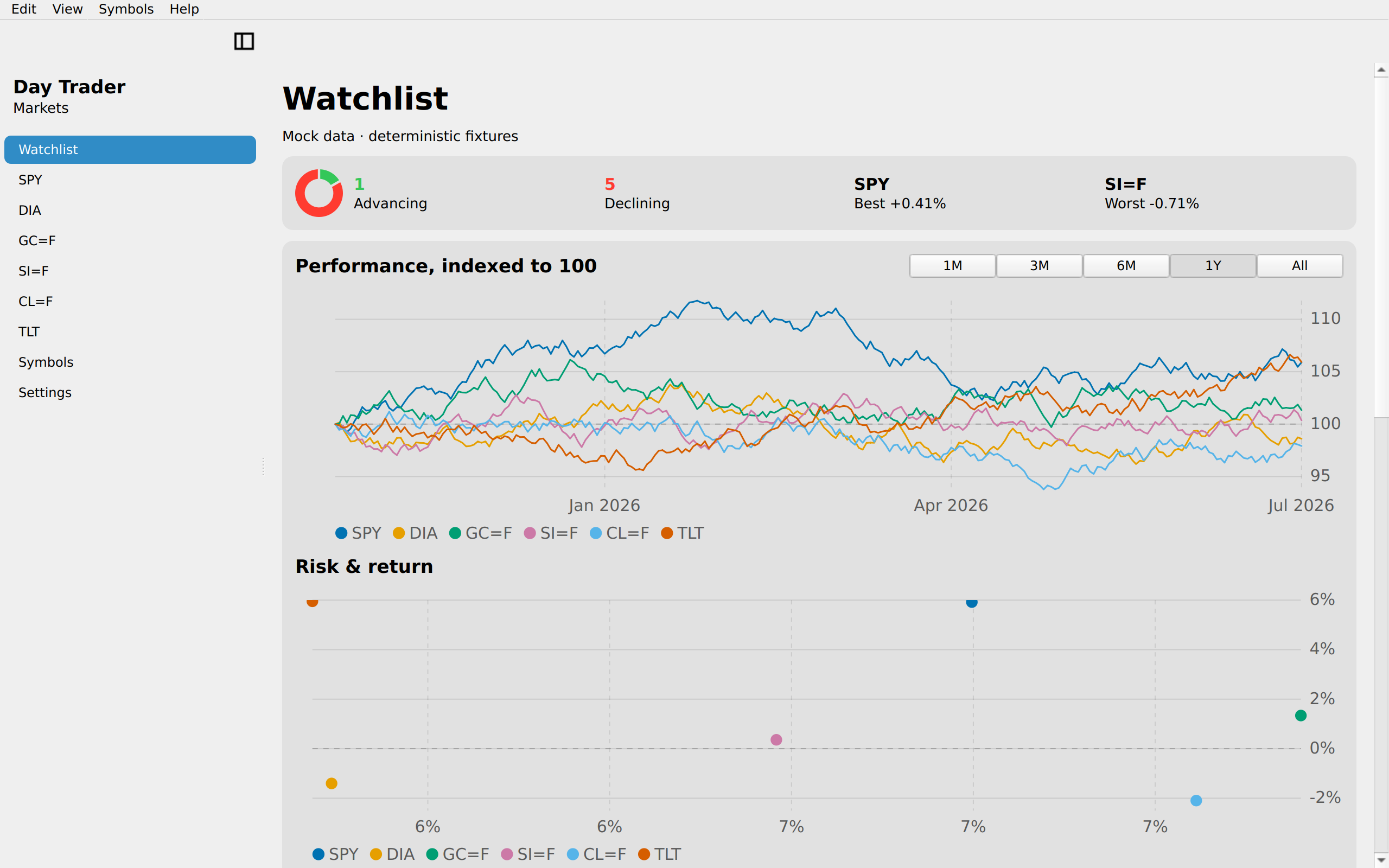
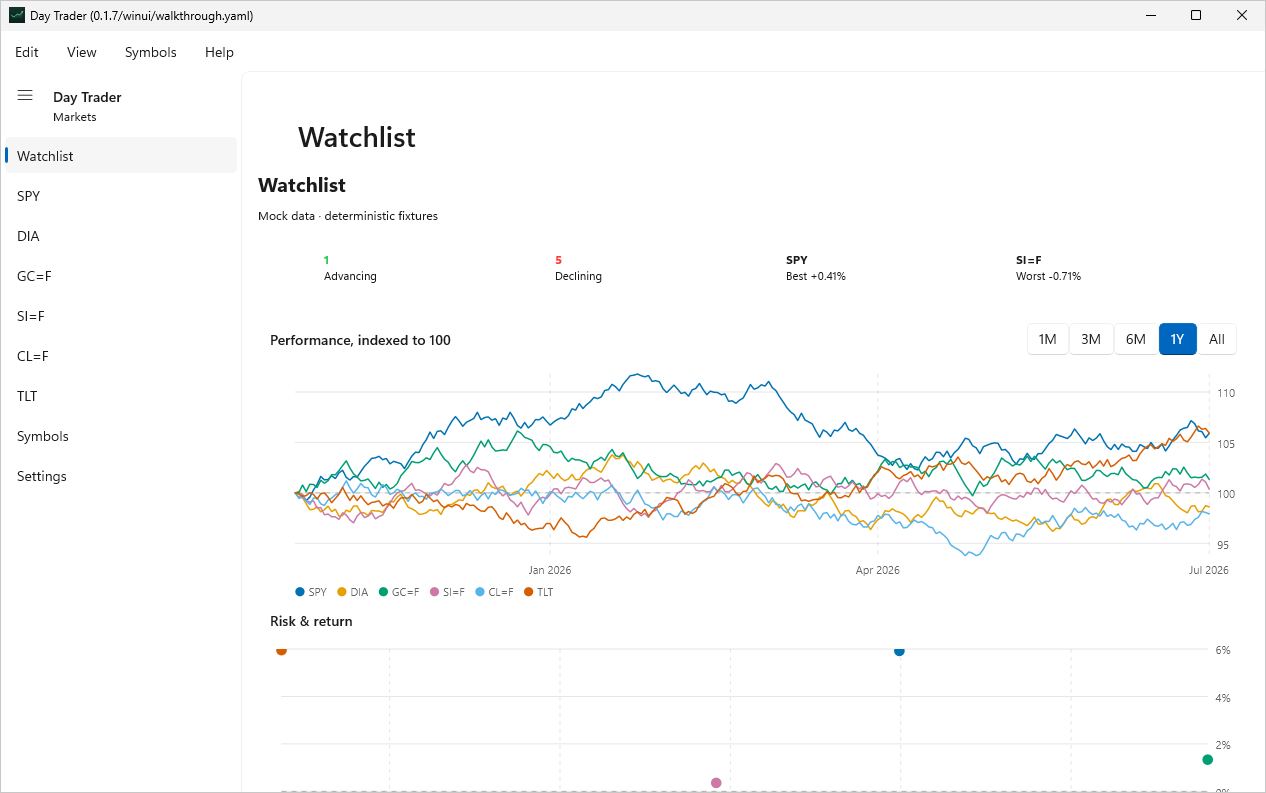
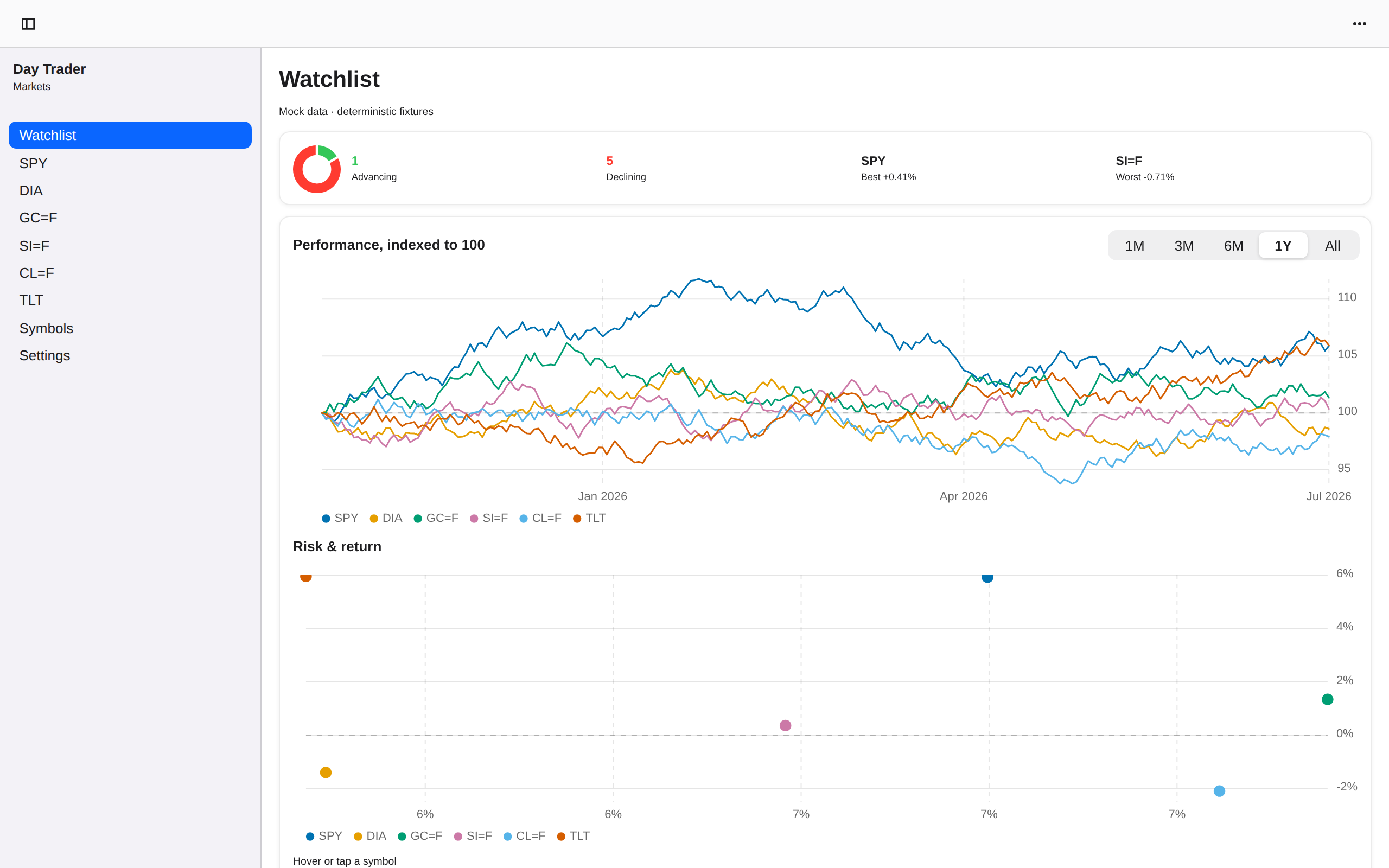
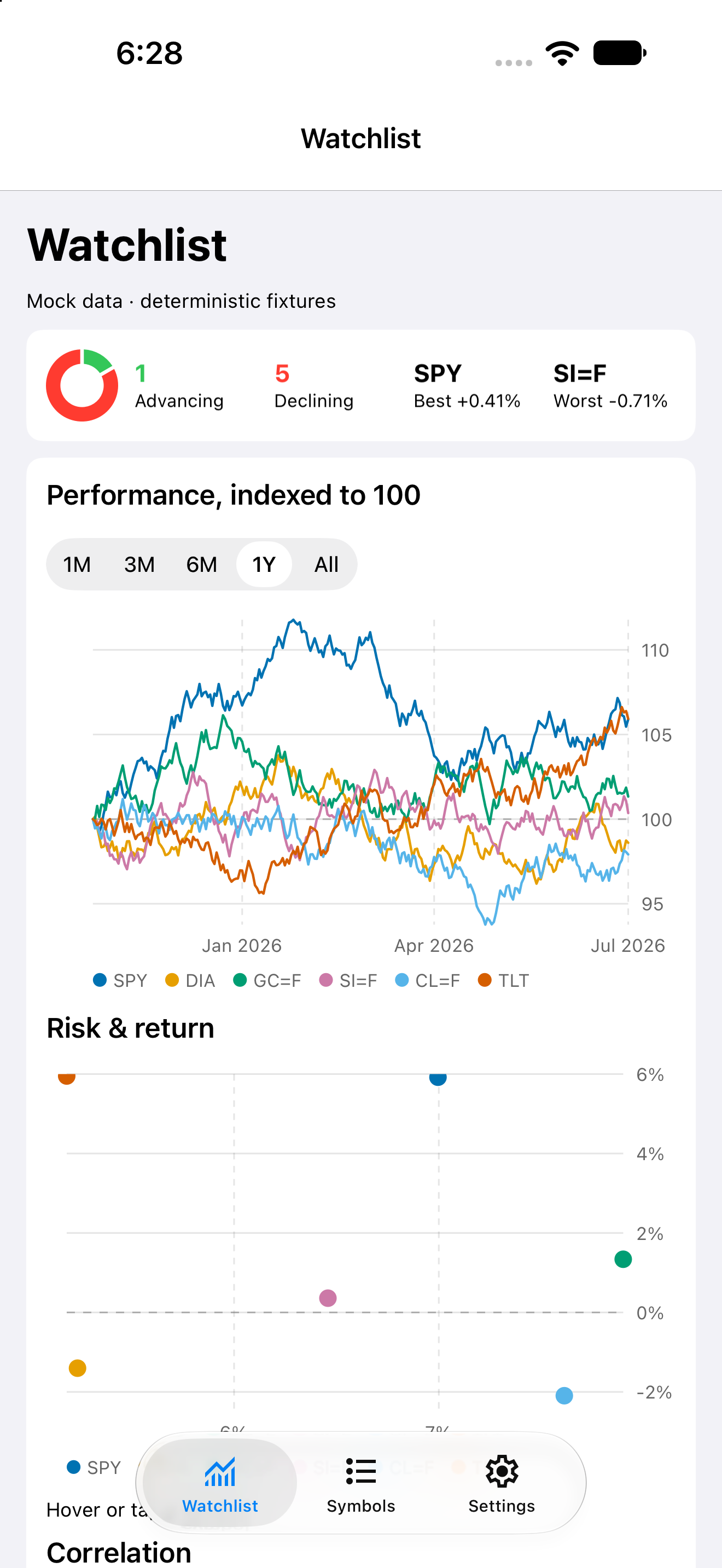
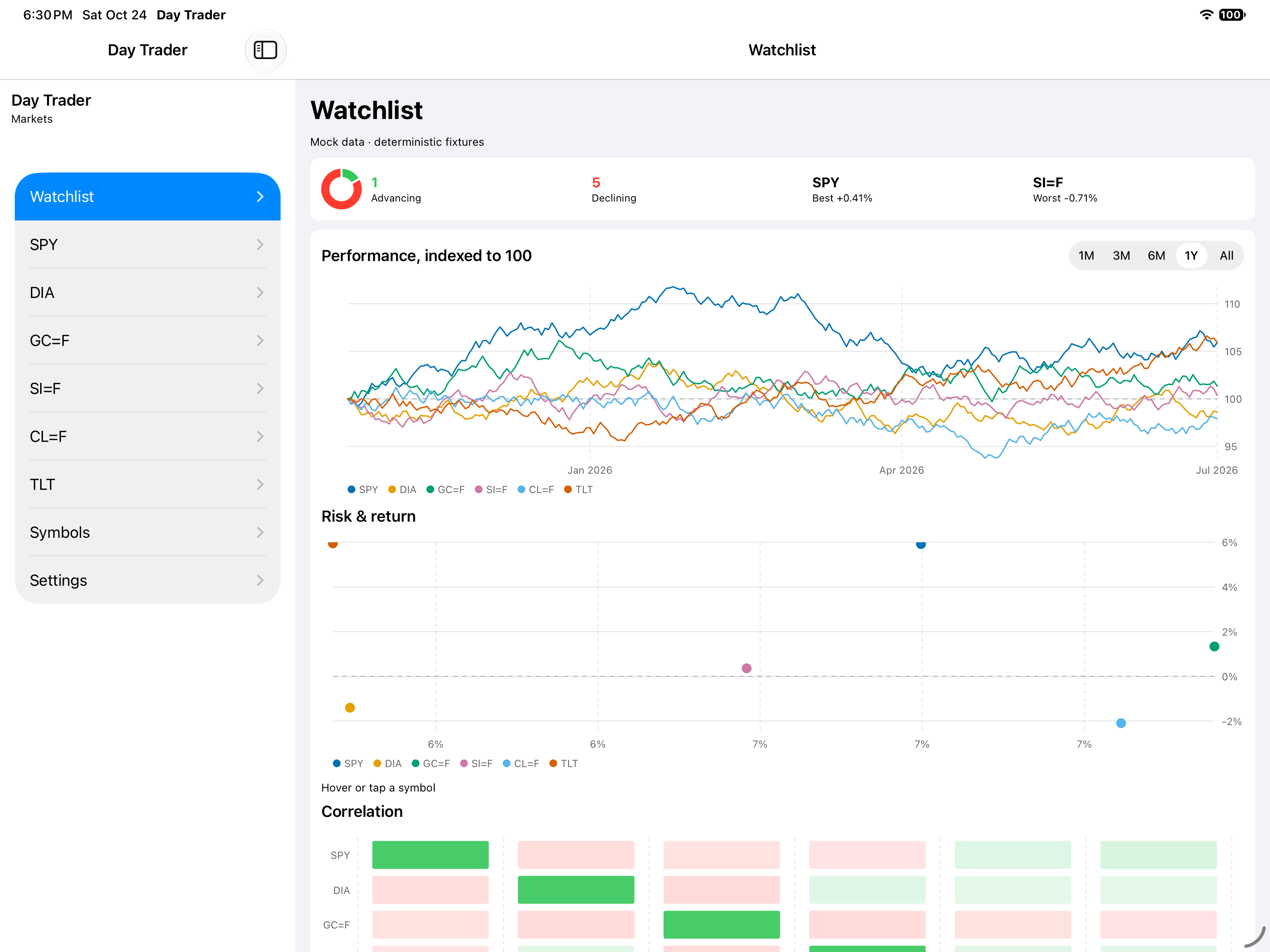
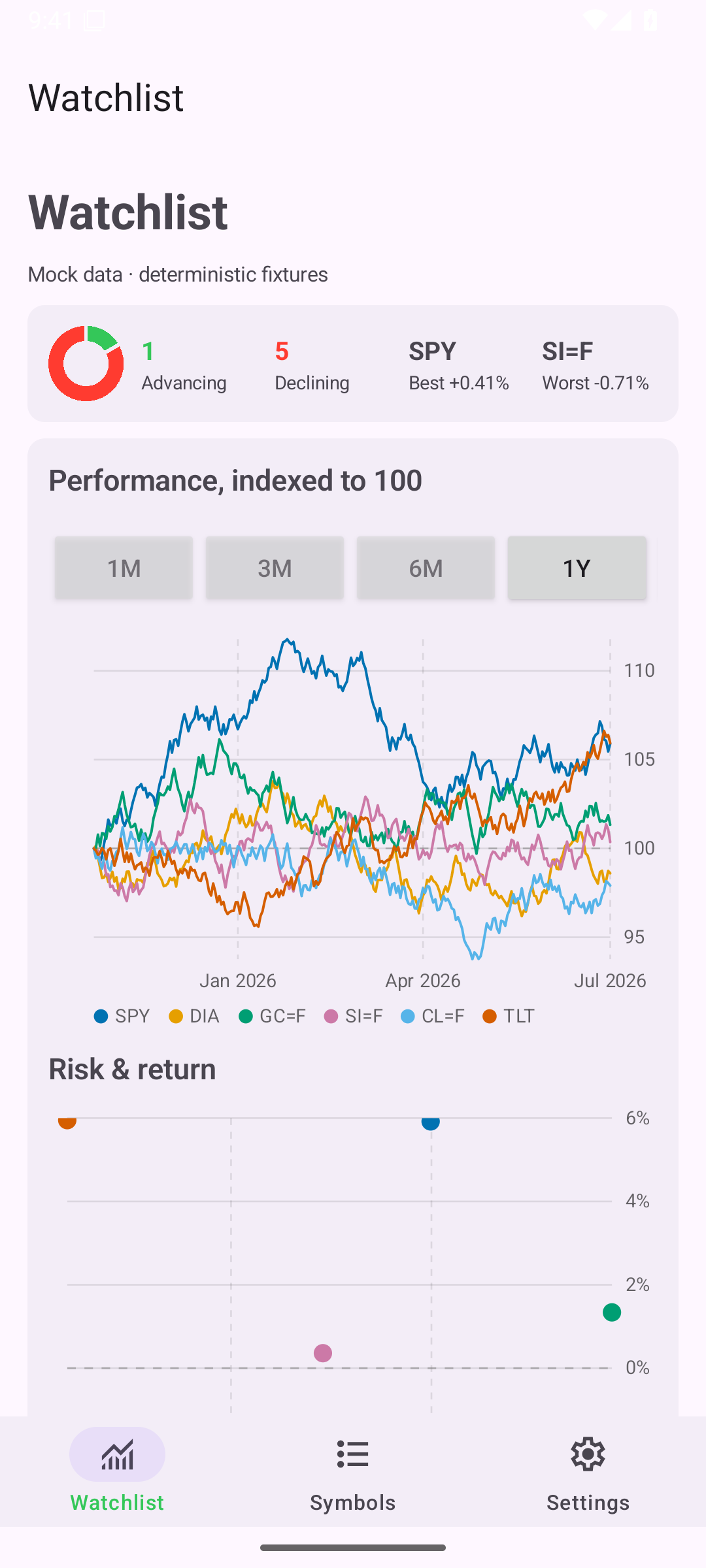
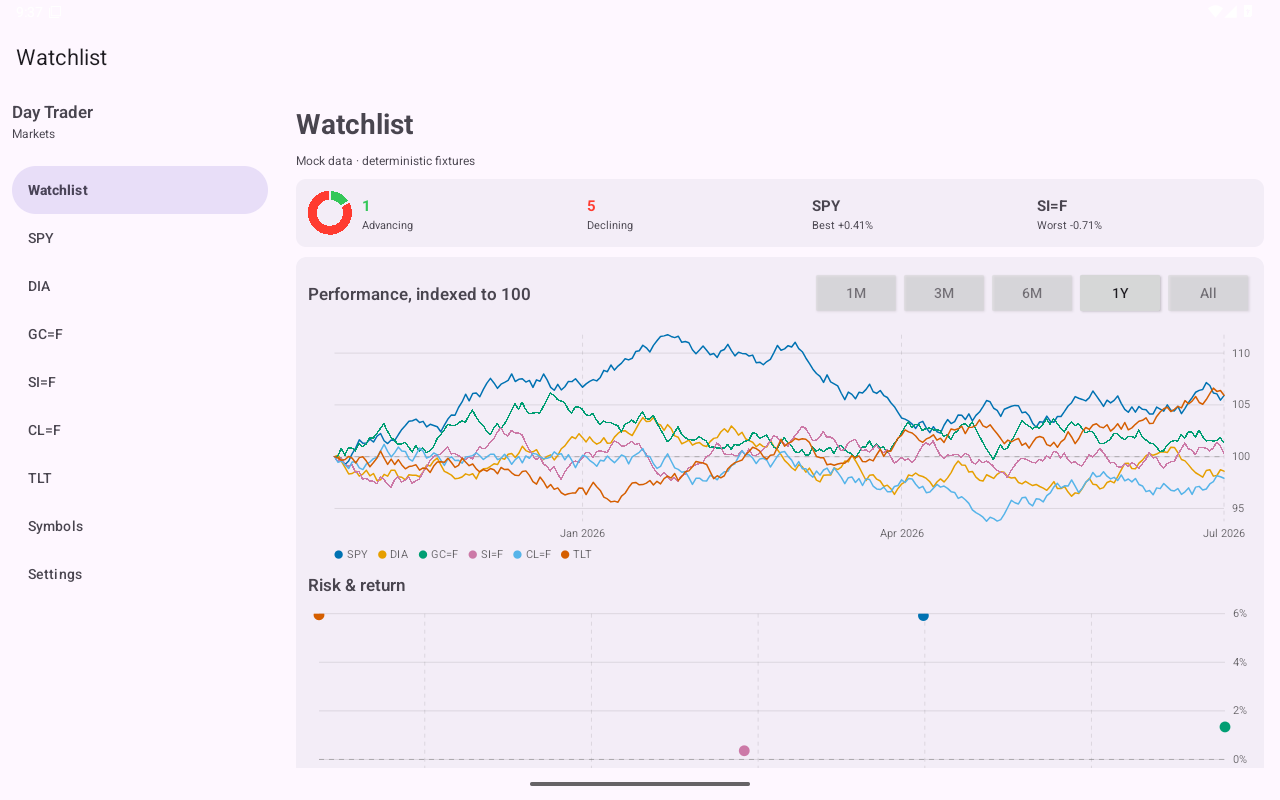
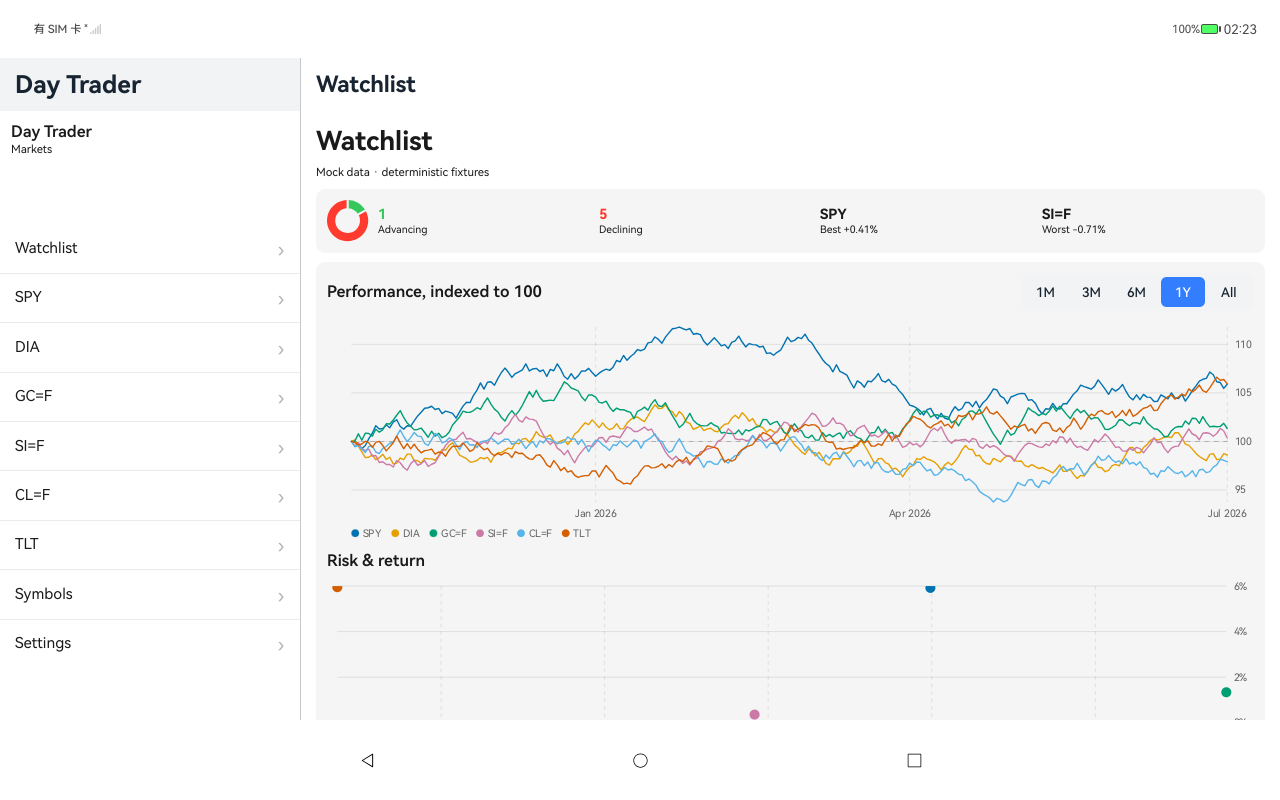
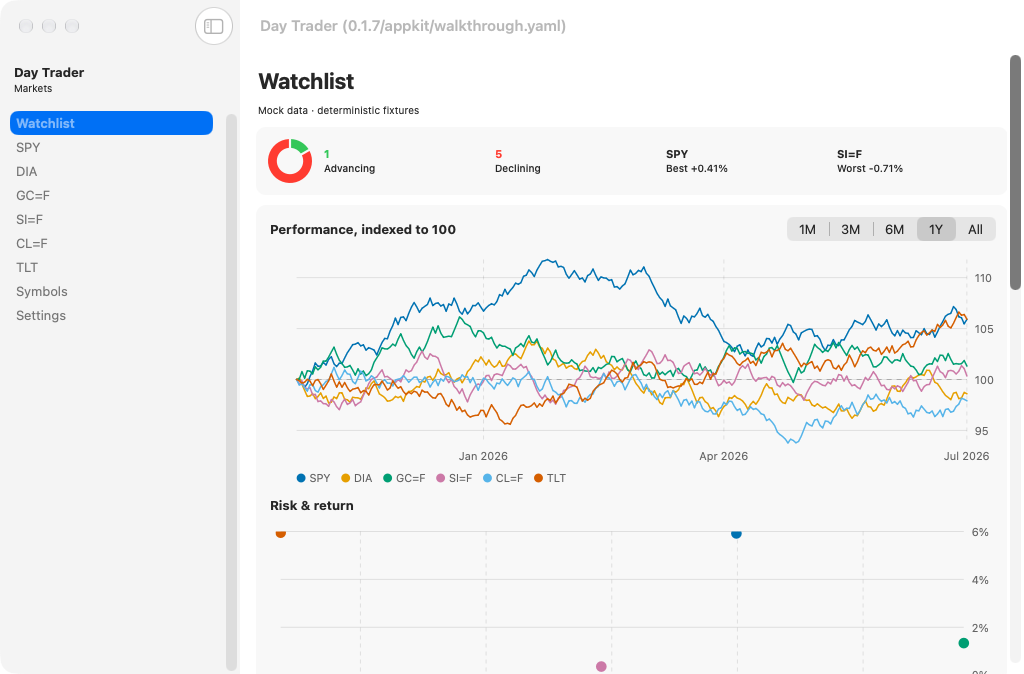
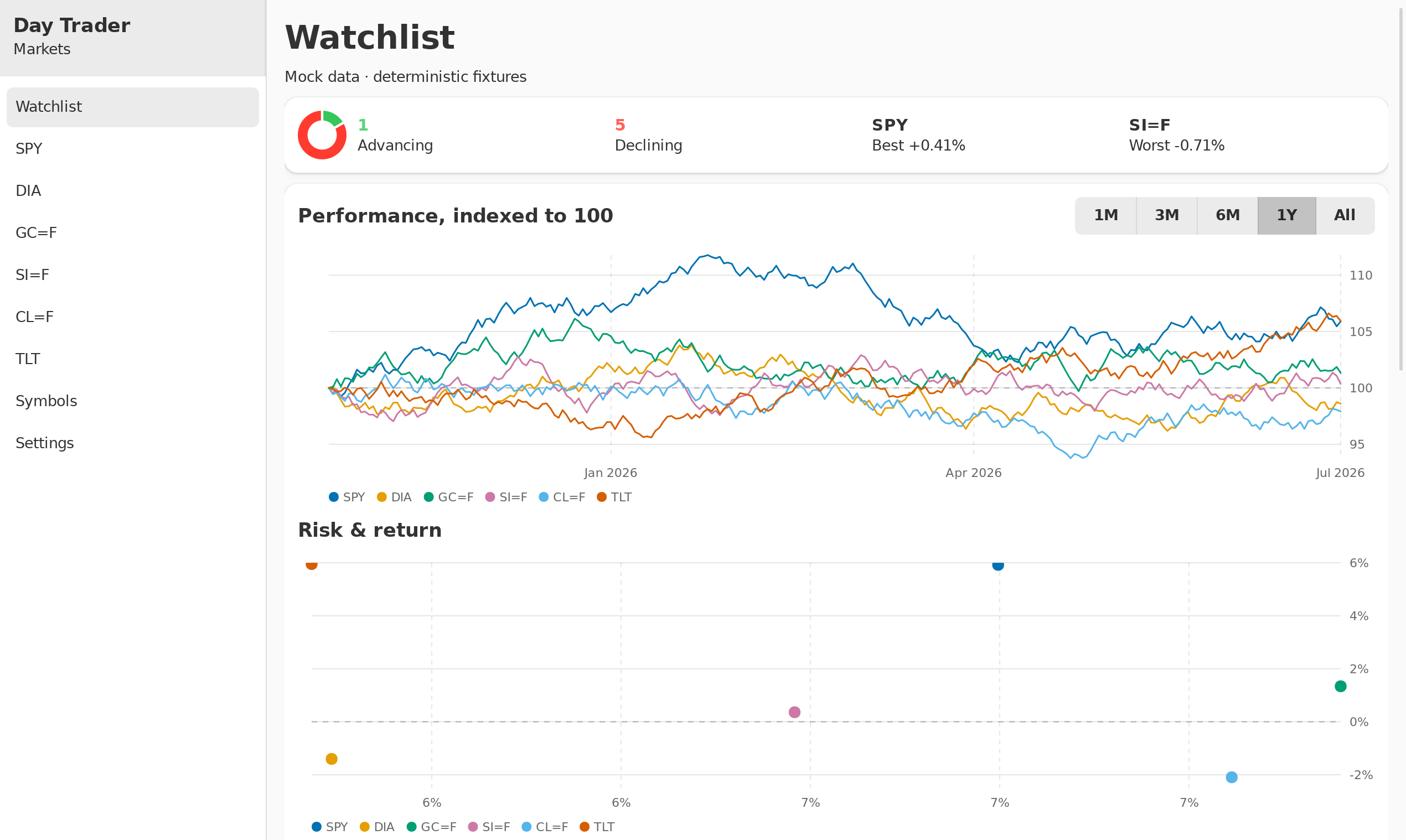
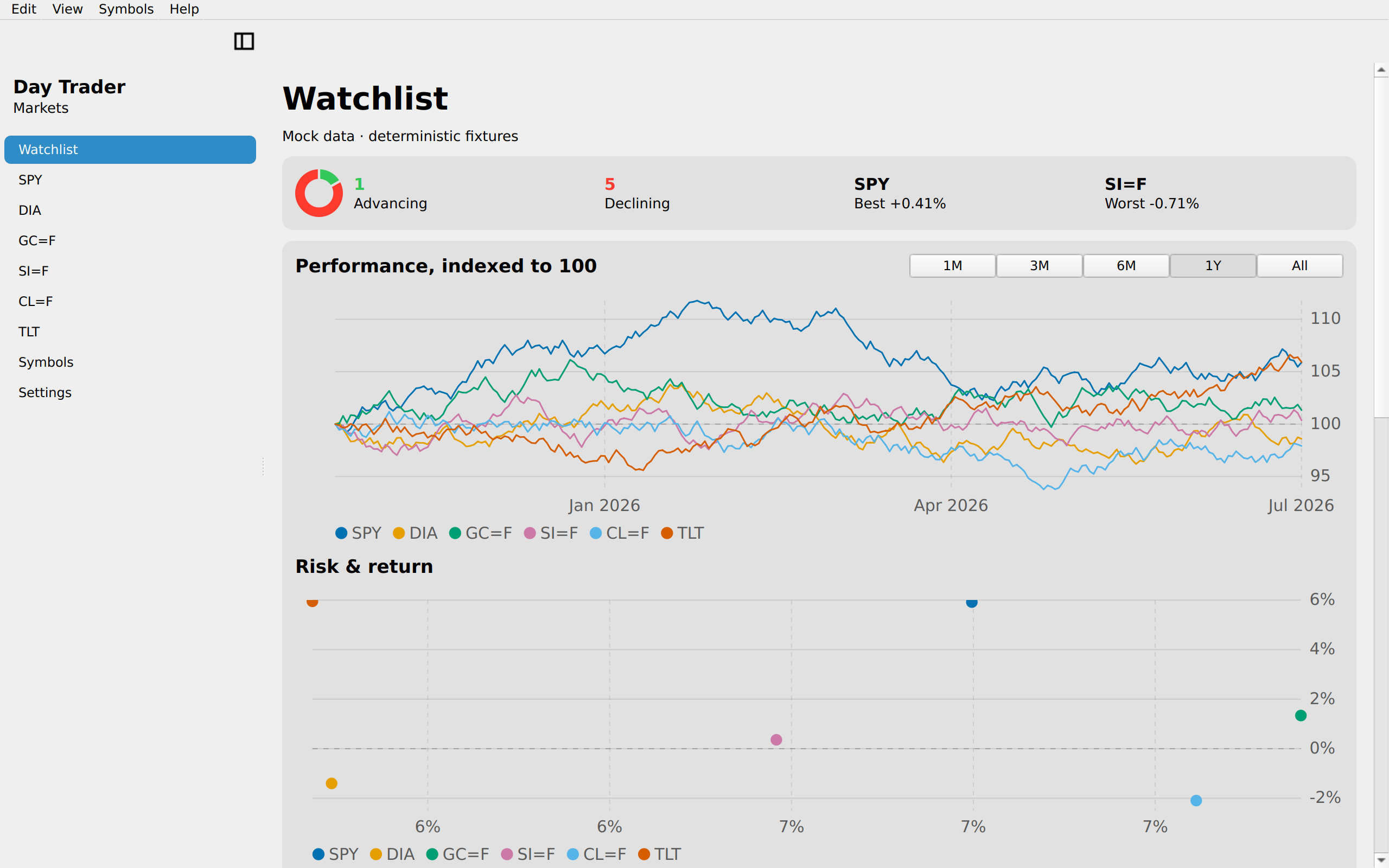
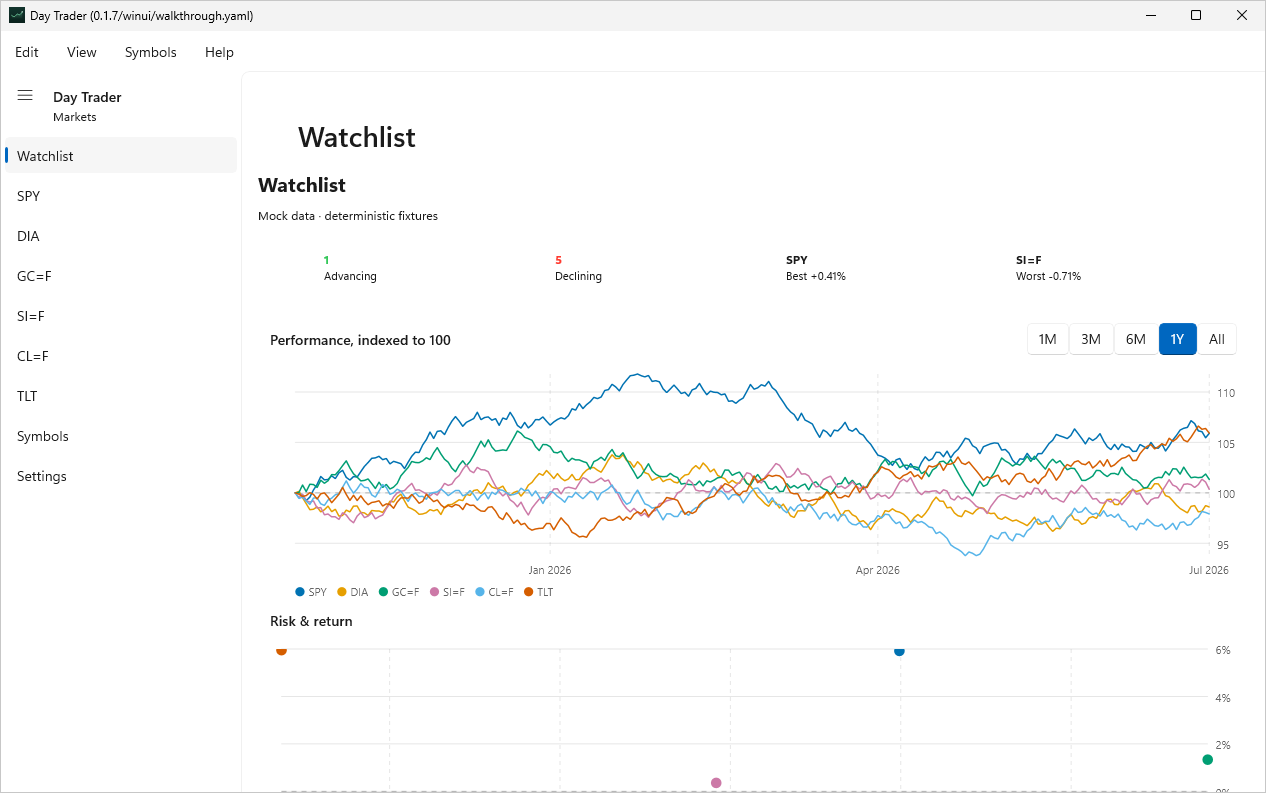
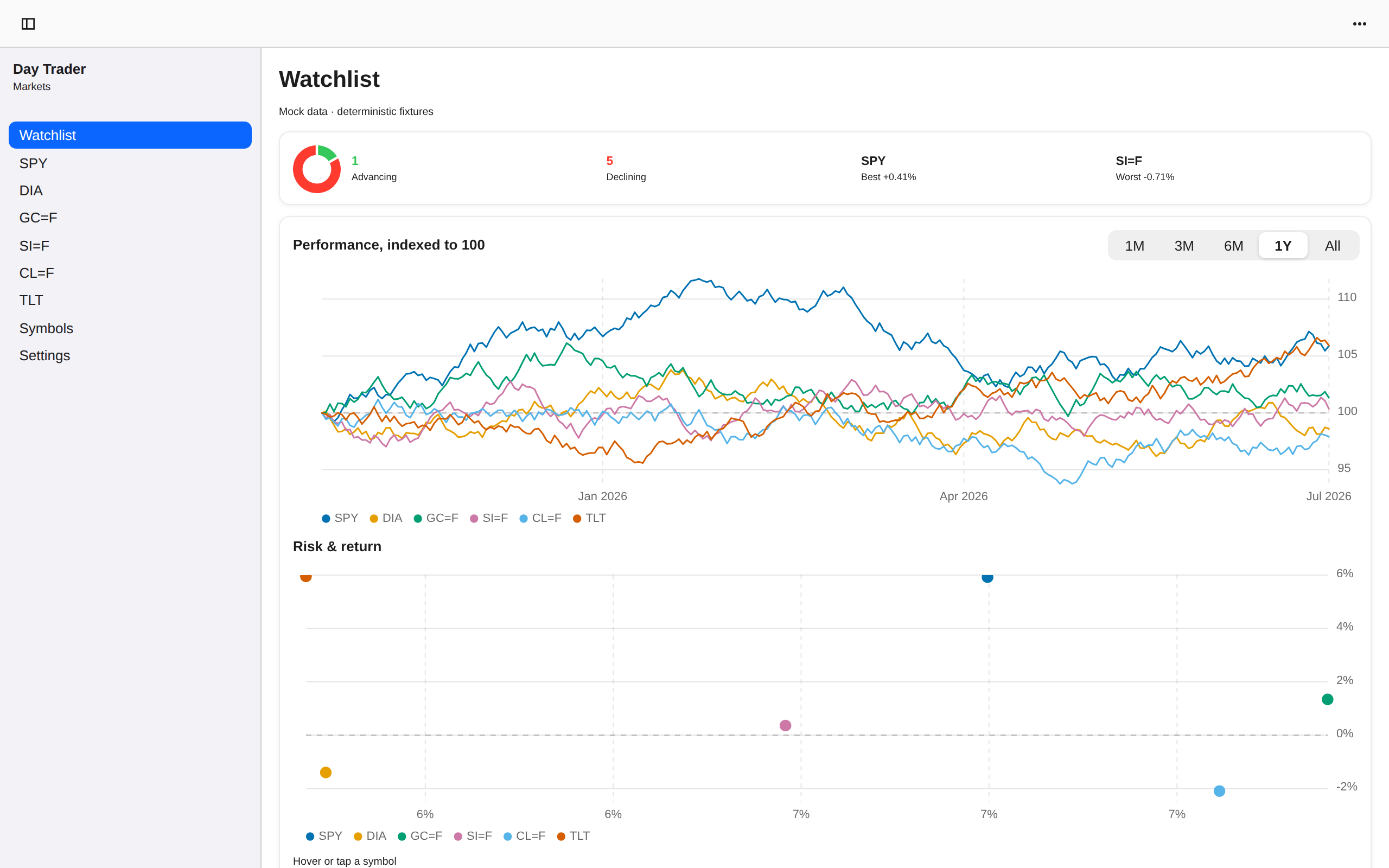
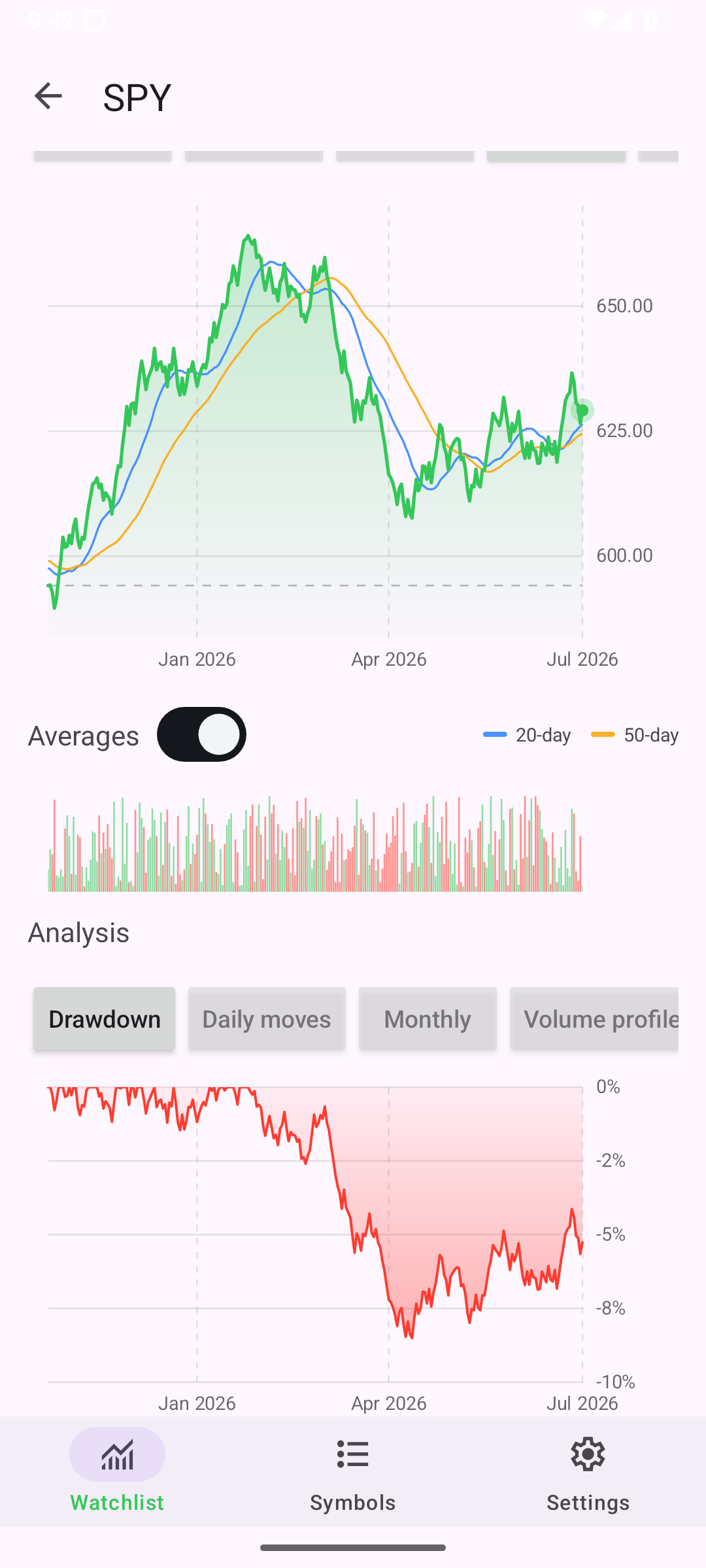
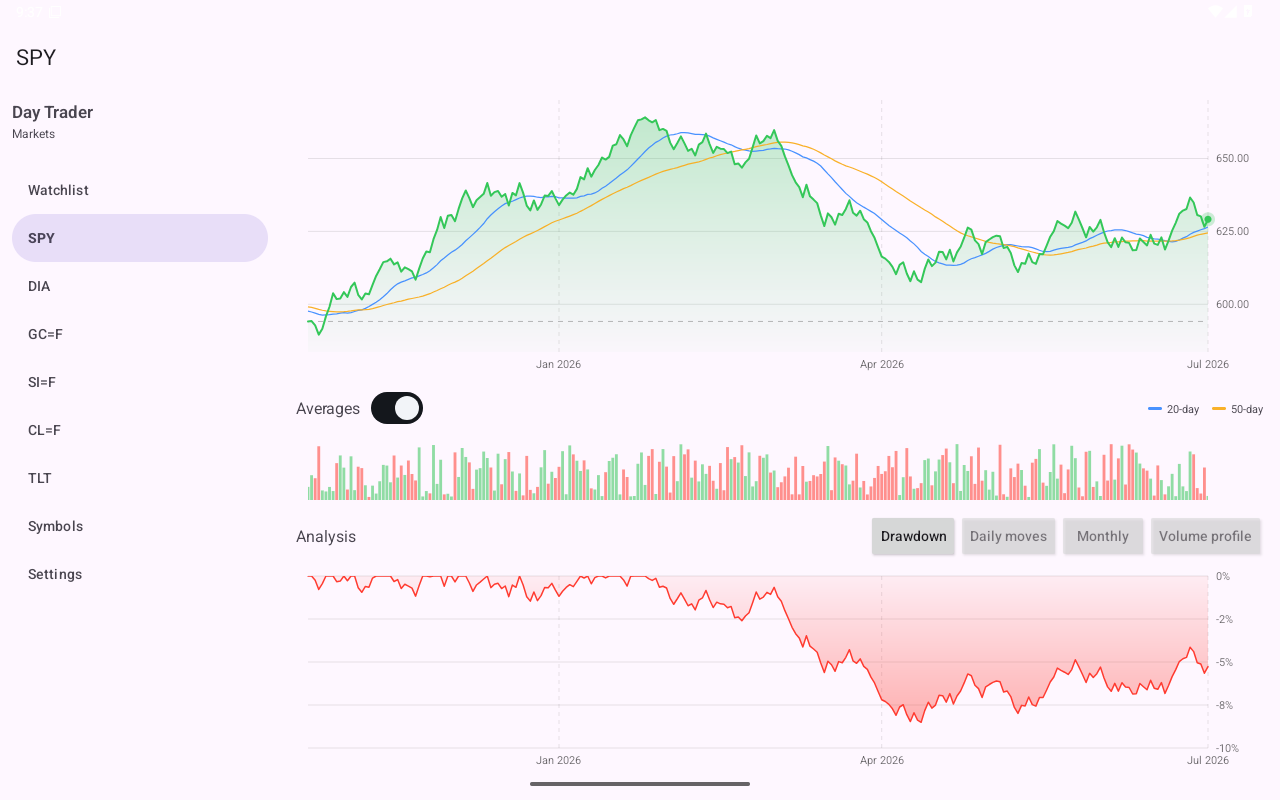
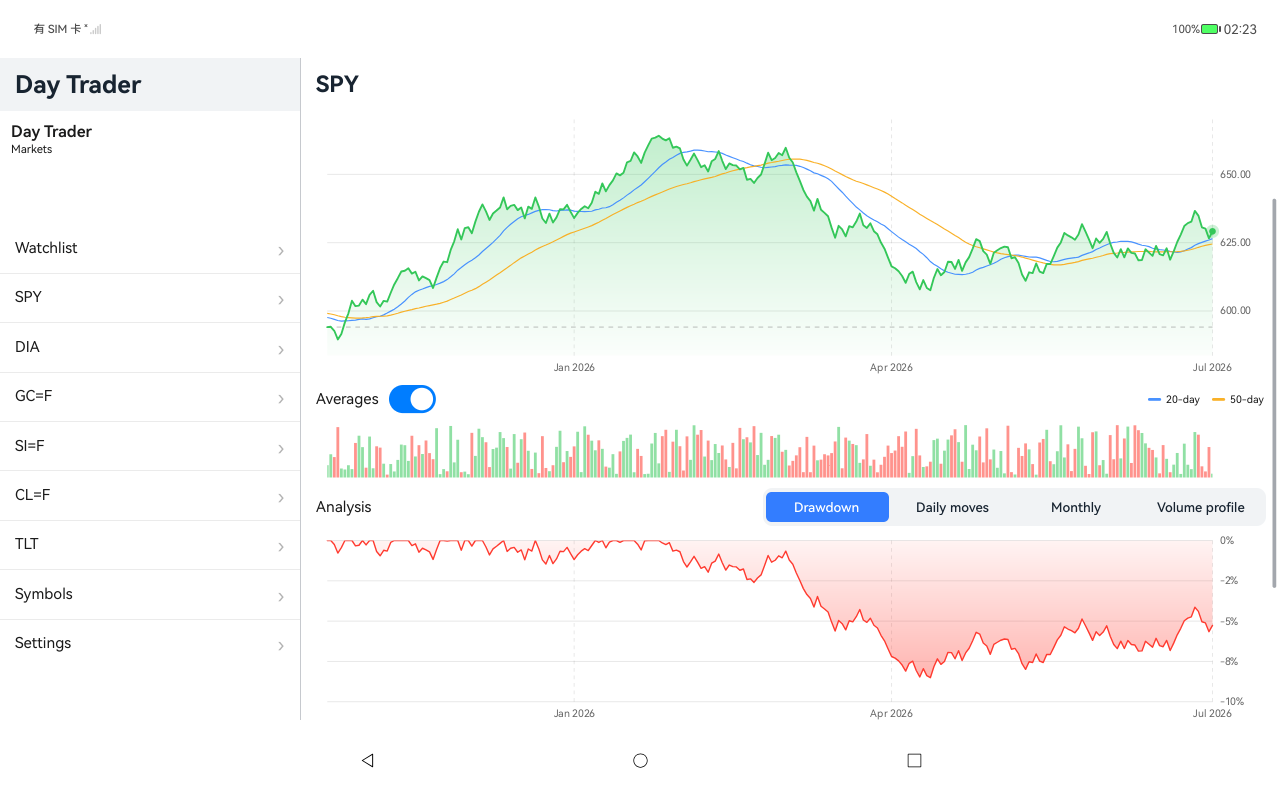
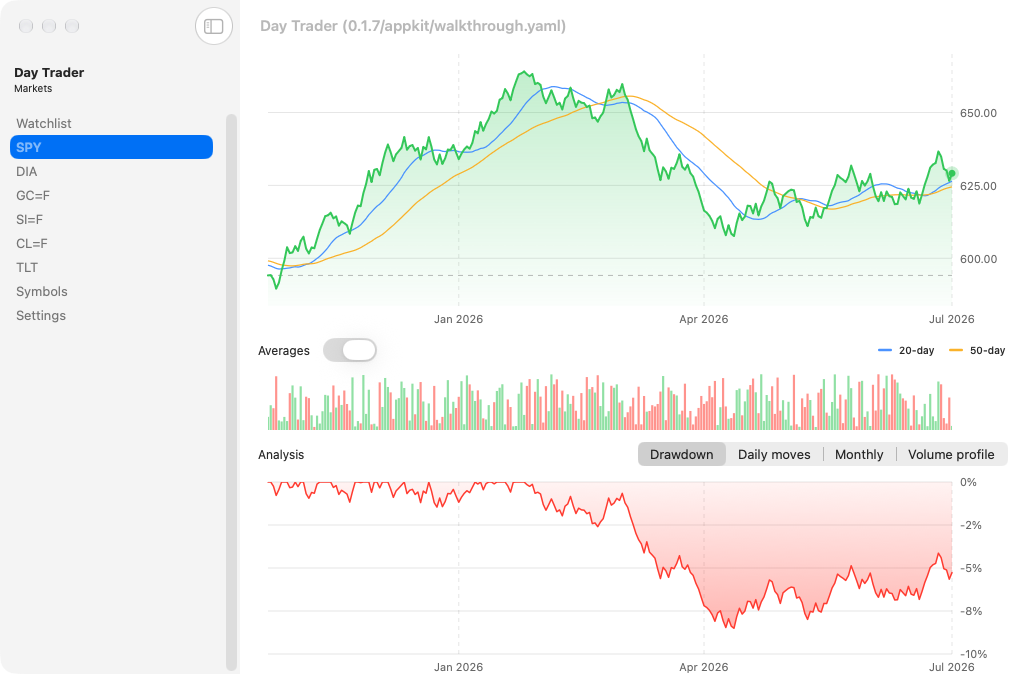
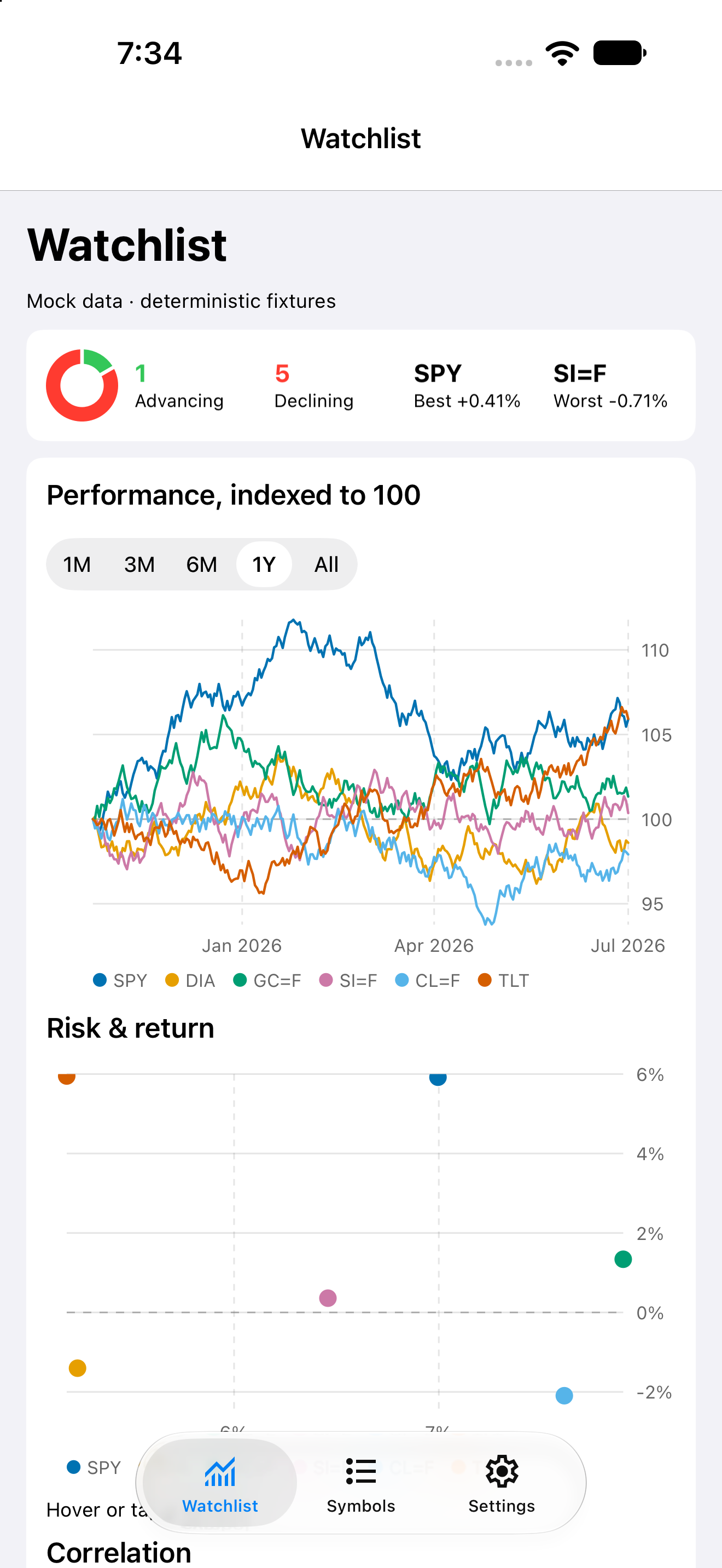
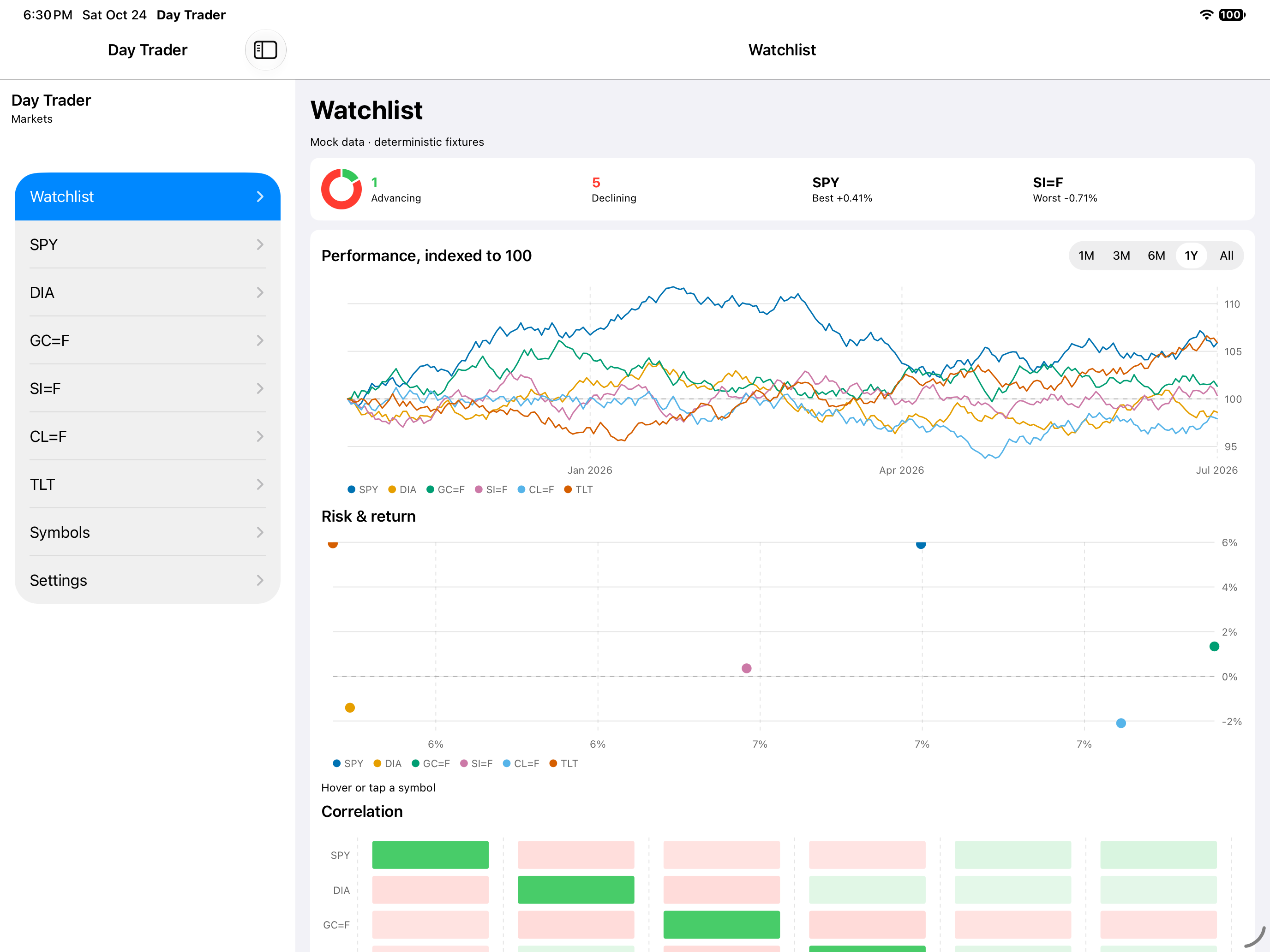
A stock watchlist that opens on the day at a glance: how many symbols moved which way, a sparkline per card, and the detail behind each one.

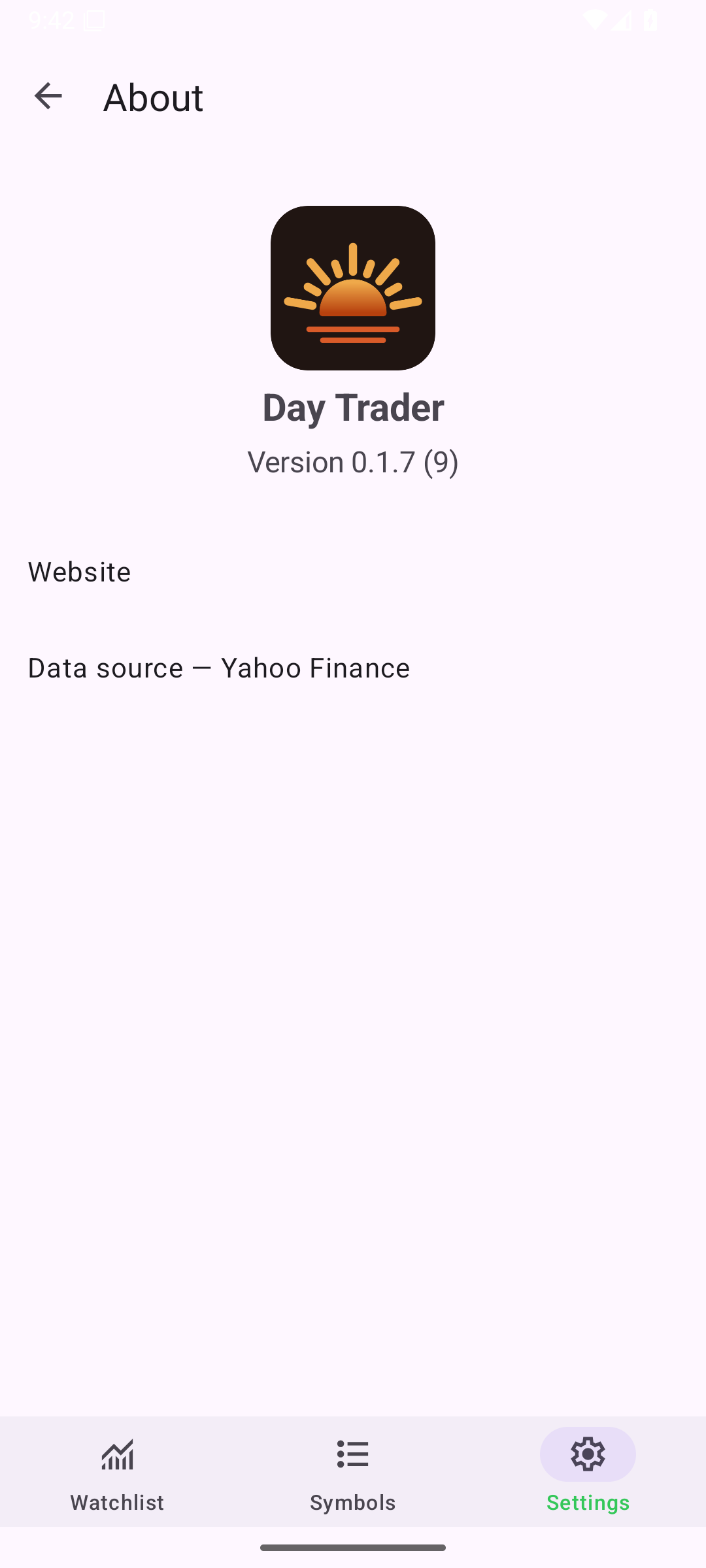
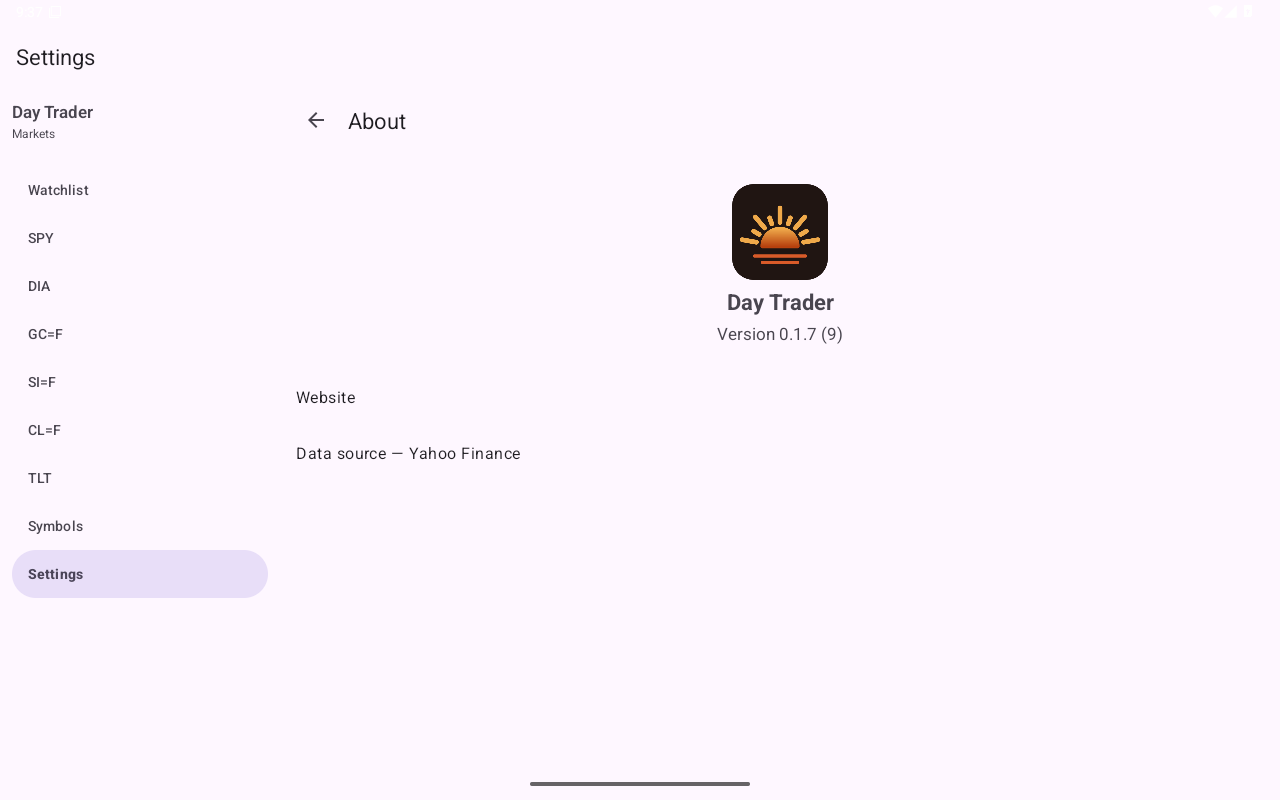
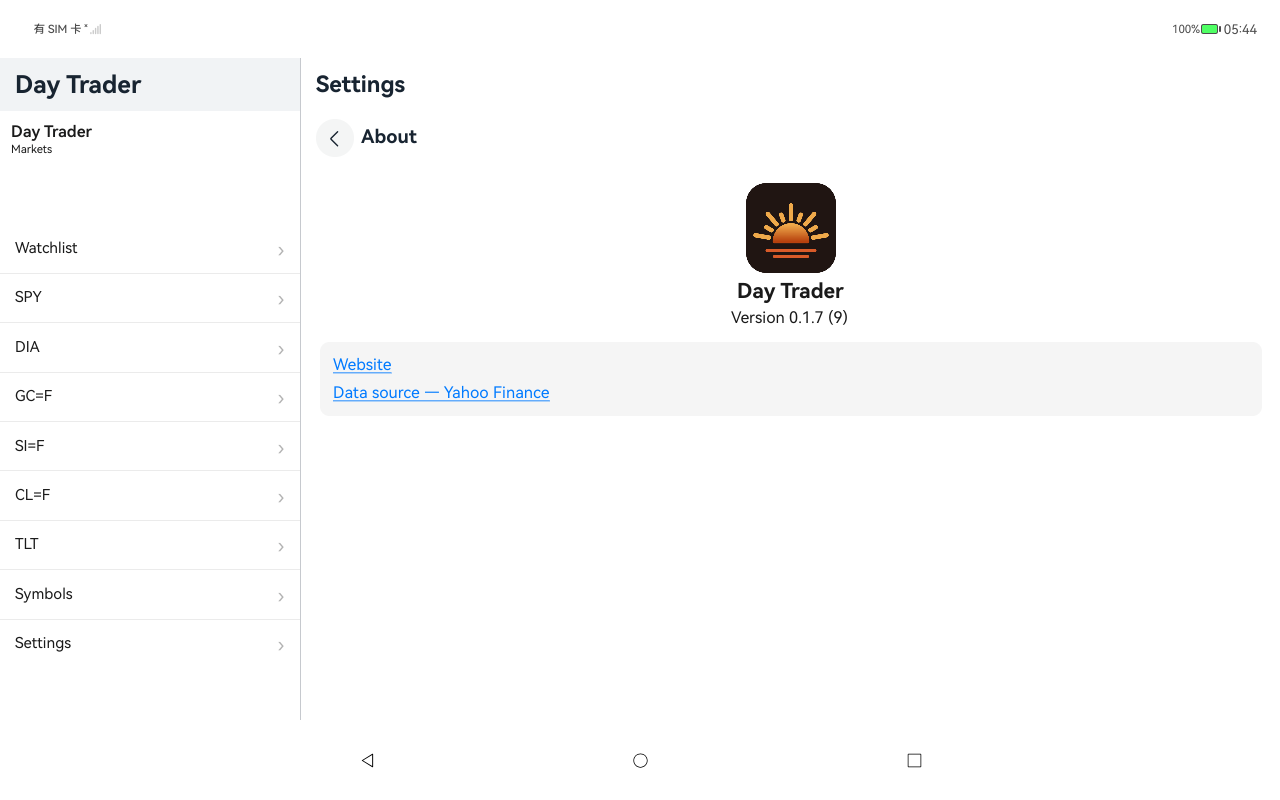
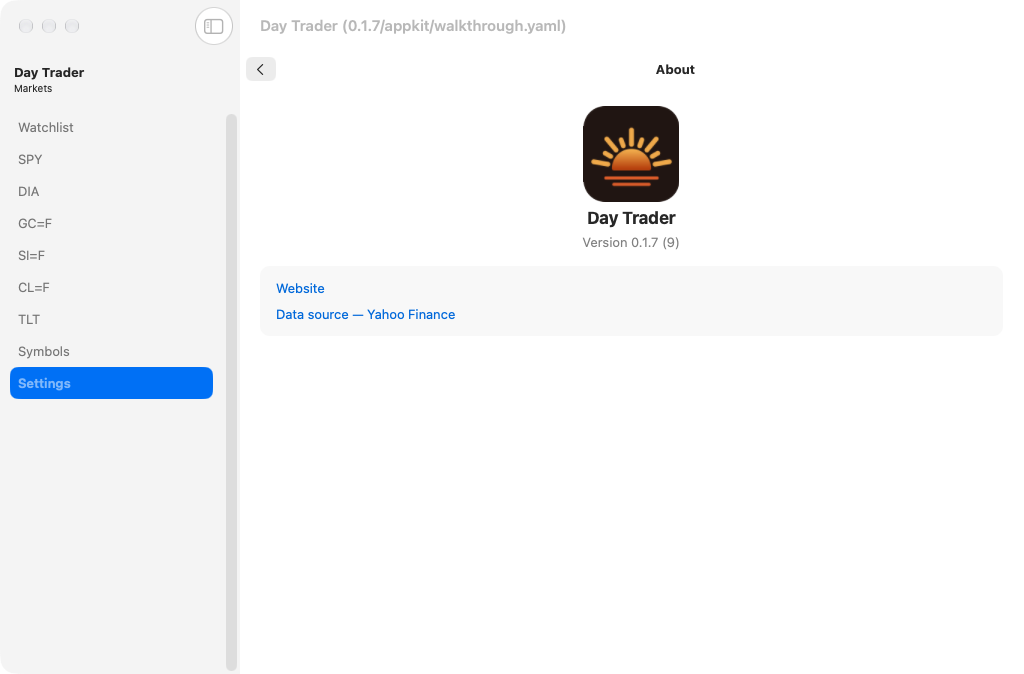
These screenshots come from automated app tests run withdayscript. Each row shows the same screen on different platforms; scroll sideways to compare them.

Published September 21, 2026 · Latest build of main · 13 screens · 520 captures · 10 toolkits

Run this sample on your computer

Install Day and your target’s tools, then run:

day launch --git https://github.com/daybrite/Day-Trader

Use -p <target> to choose a configured target, such as -p macos-appkit on macOS. See the app’s repository for its supported targets.

Source links open the current main branch. It may differ from the version shown in these screenshots.
Preview
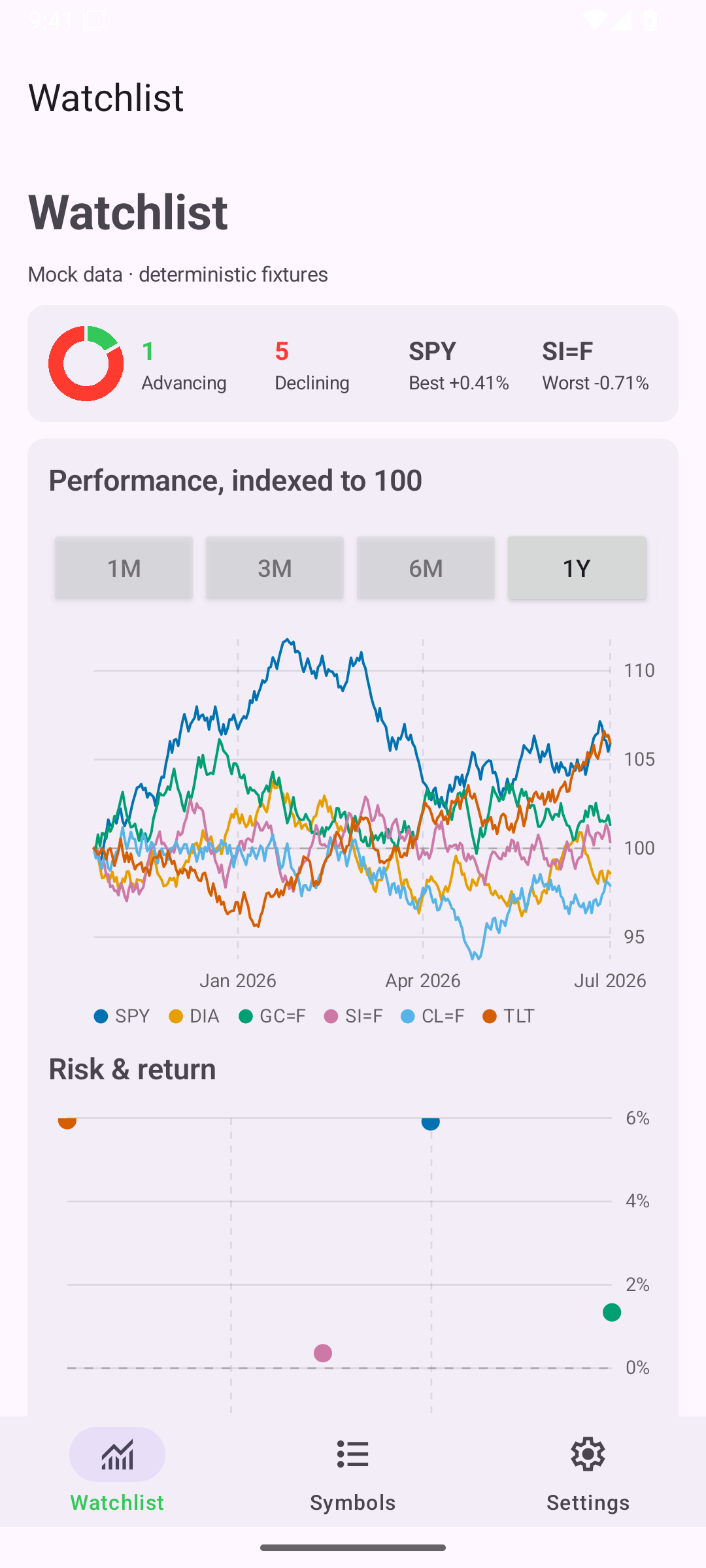
Watchlist, iOS UIKit
iOSUIKit
Watchlist, iOS iPad
iOSiPad
Watchlist, Android Android
AndroidAndroid
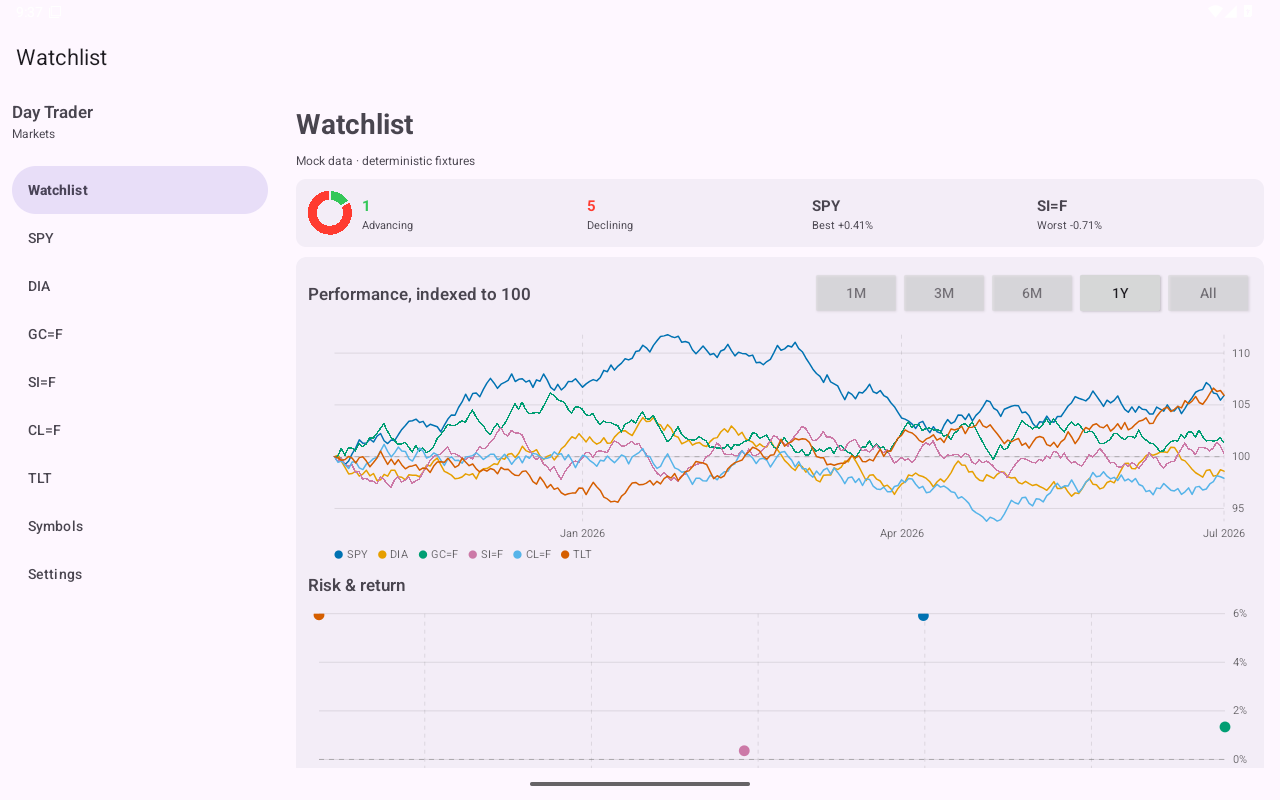
Watchlist, Android Tablet
AndroidTablet
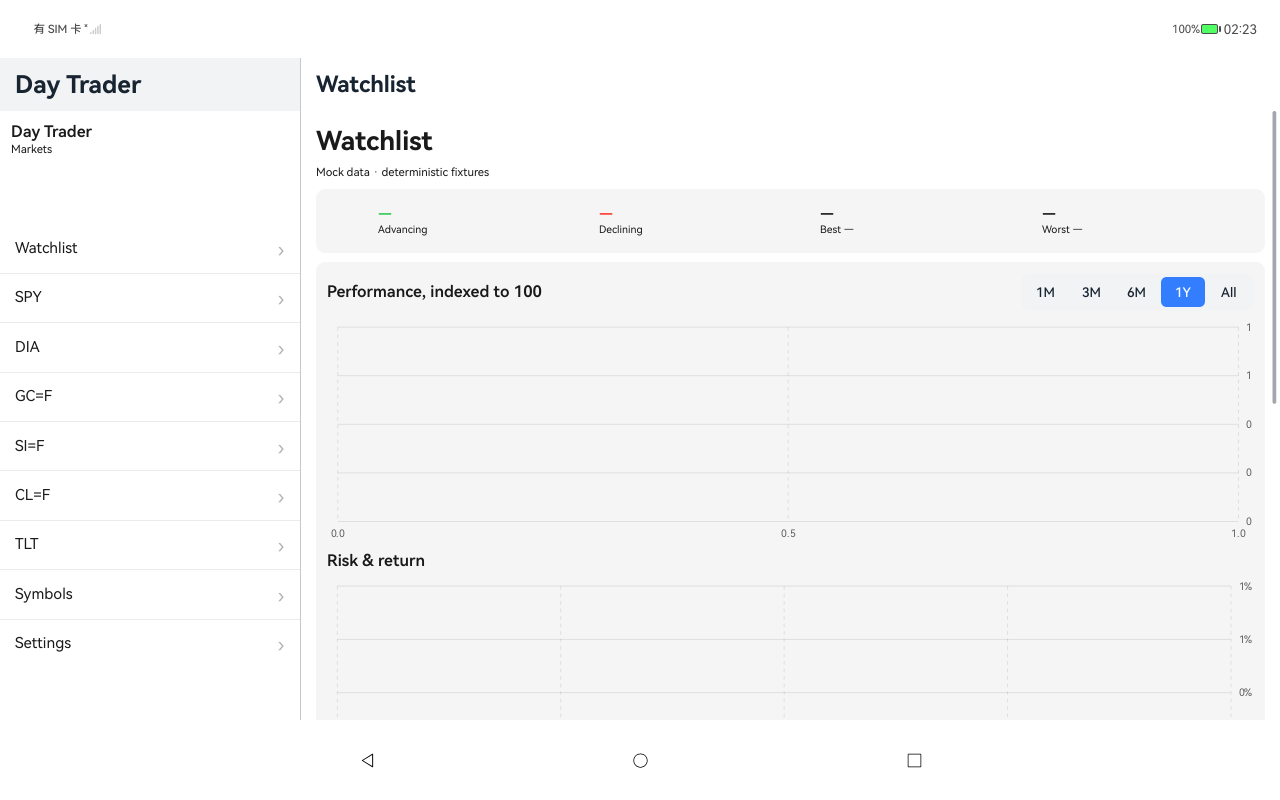
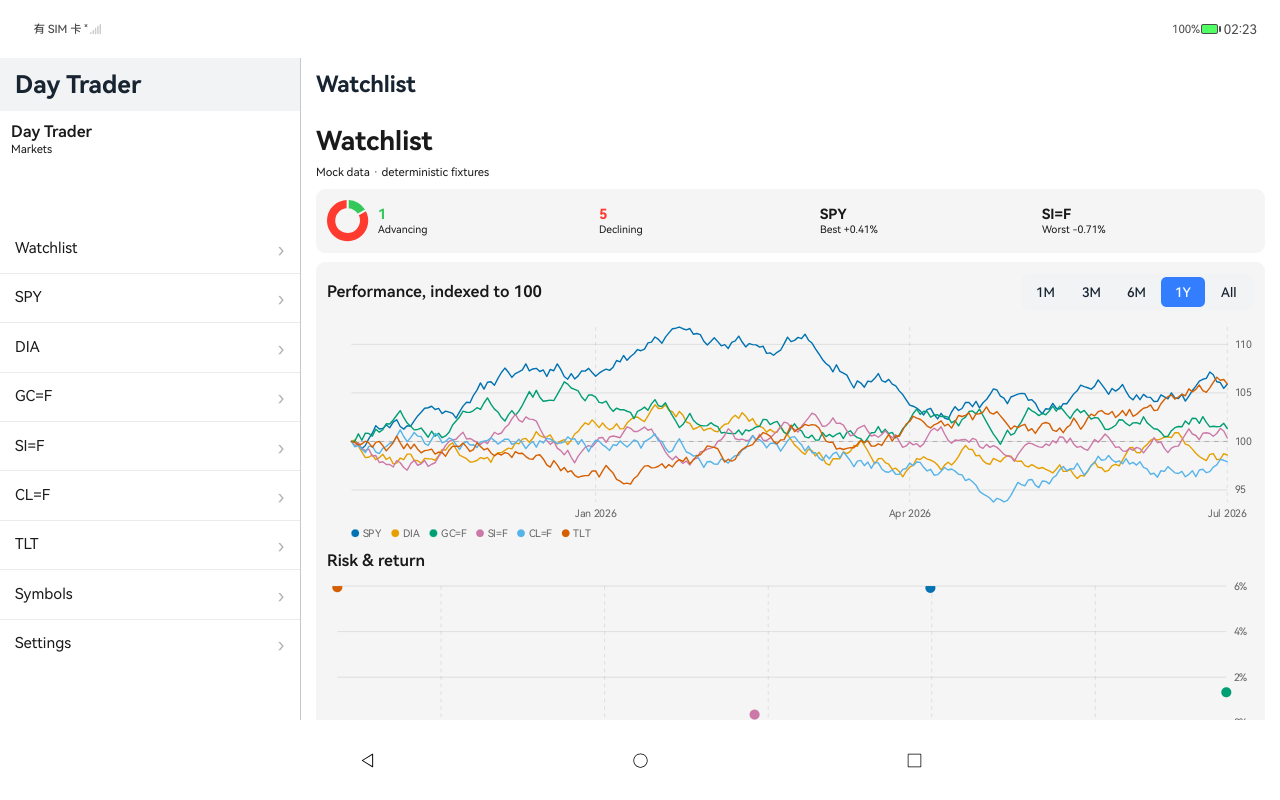
Watchlist, HarmonyOS ArkUI
HarmonyOSArkUI
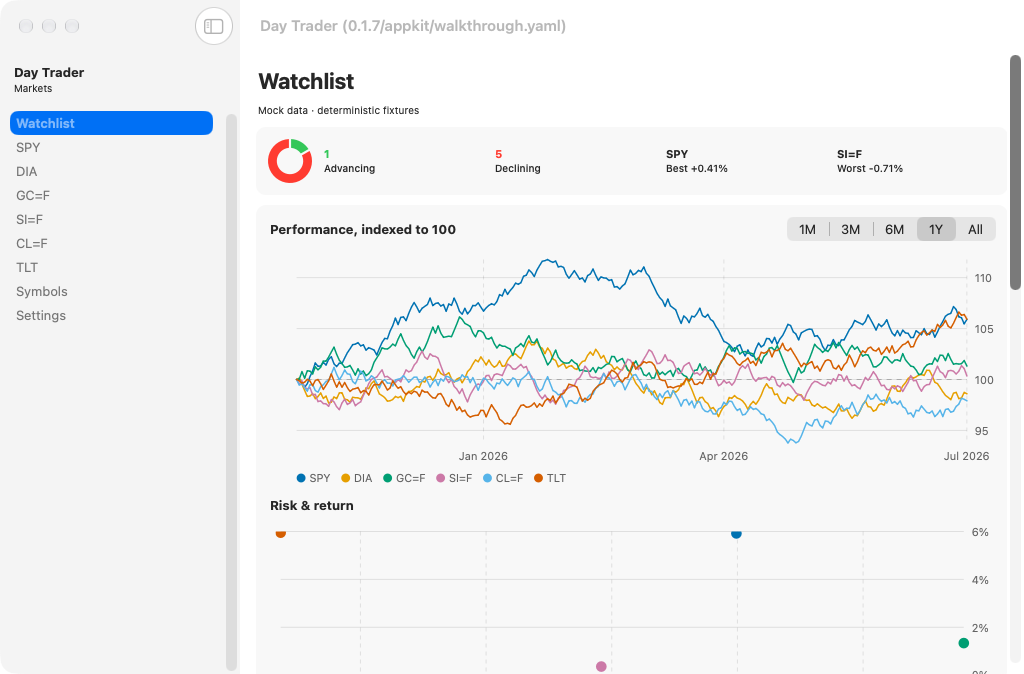
Watchlist, macOS AppKit
macOSAppKit
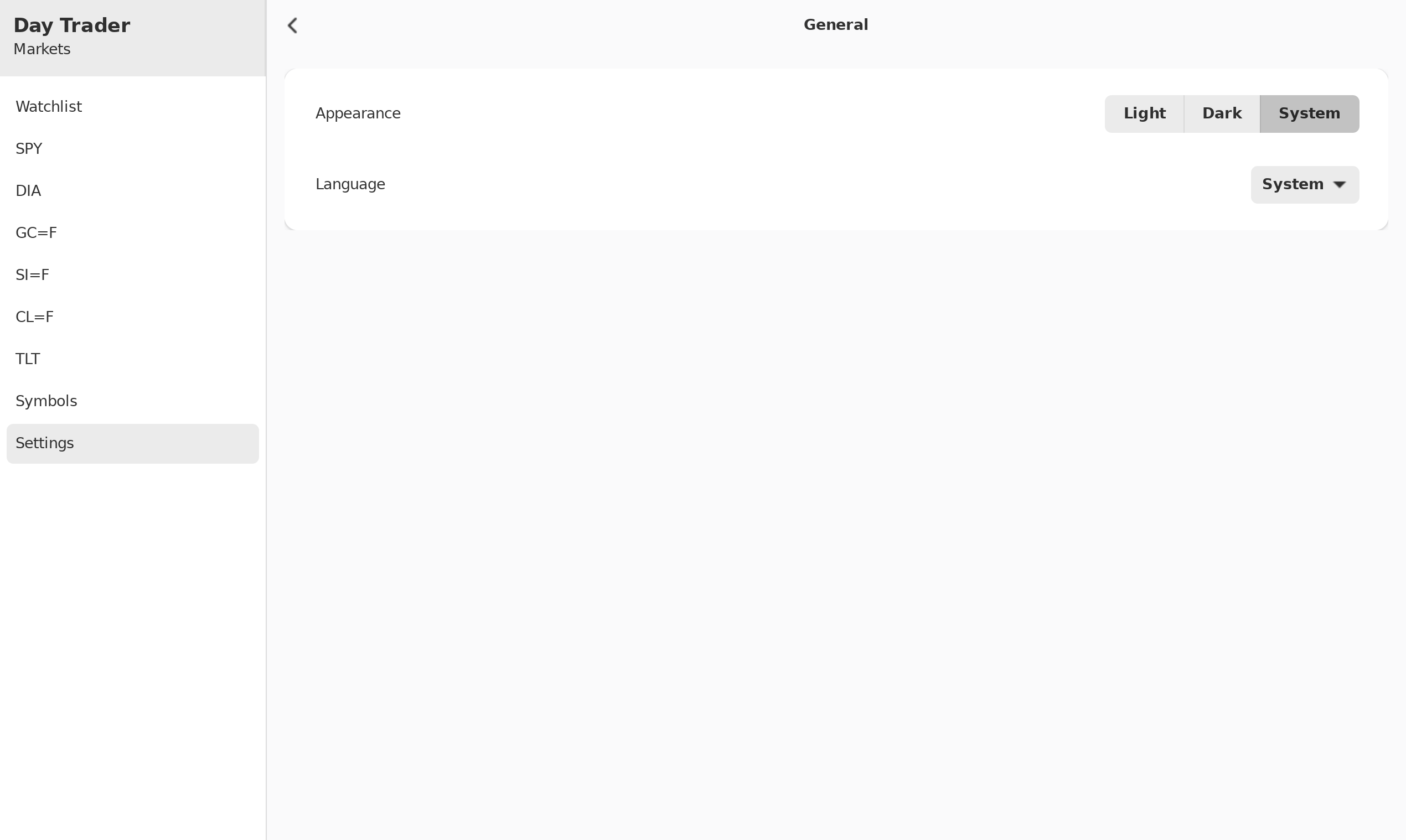
Watchlist, Linux GTK 4
LinuxGTK 4
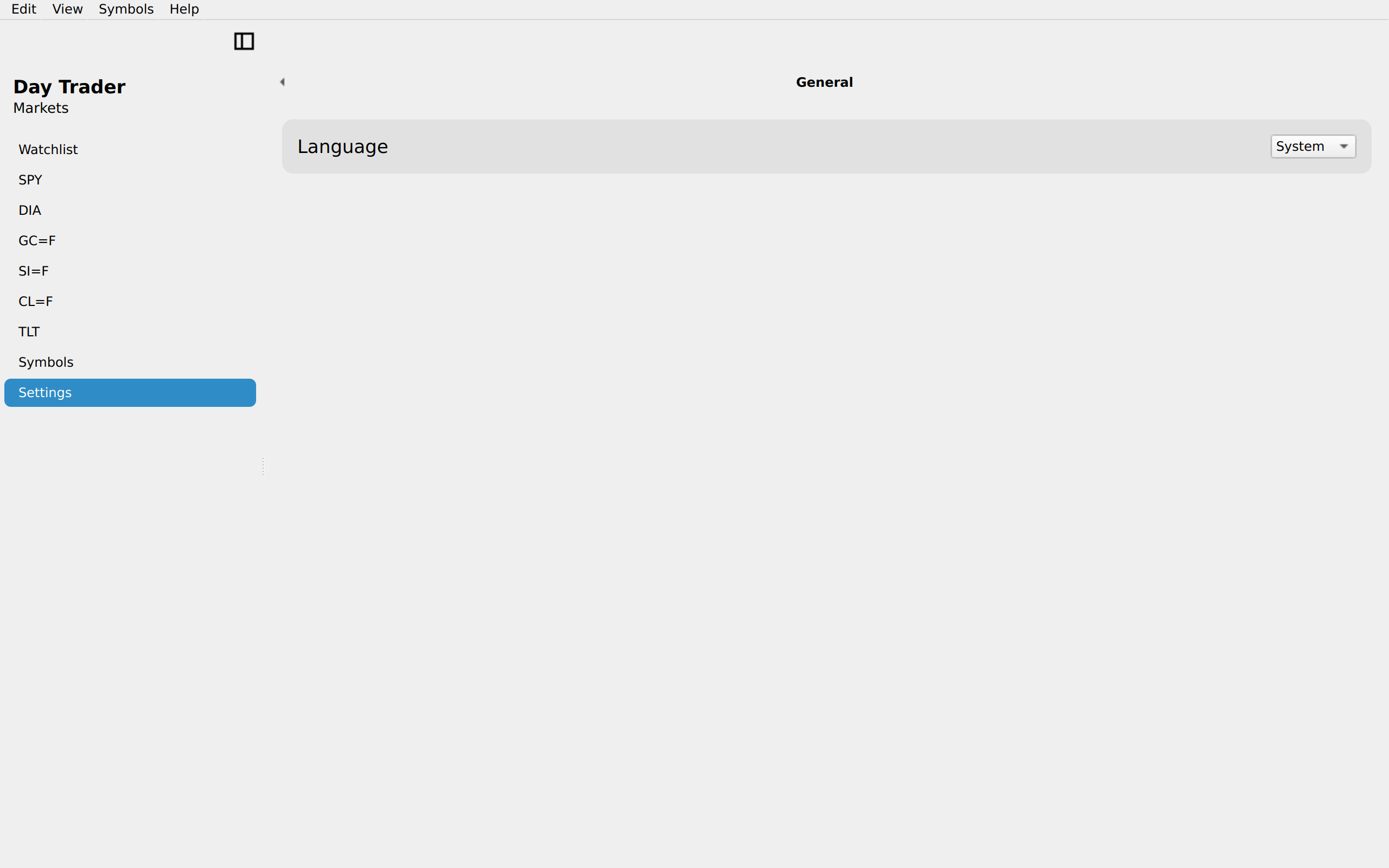
Watchlist, Linux Qt 6
LinuxQt 6
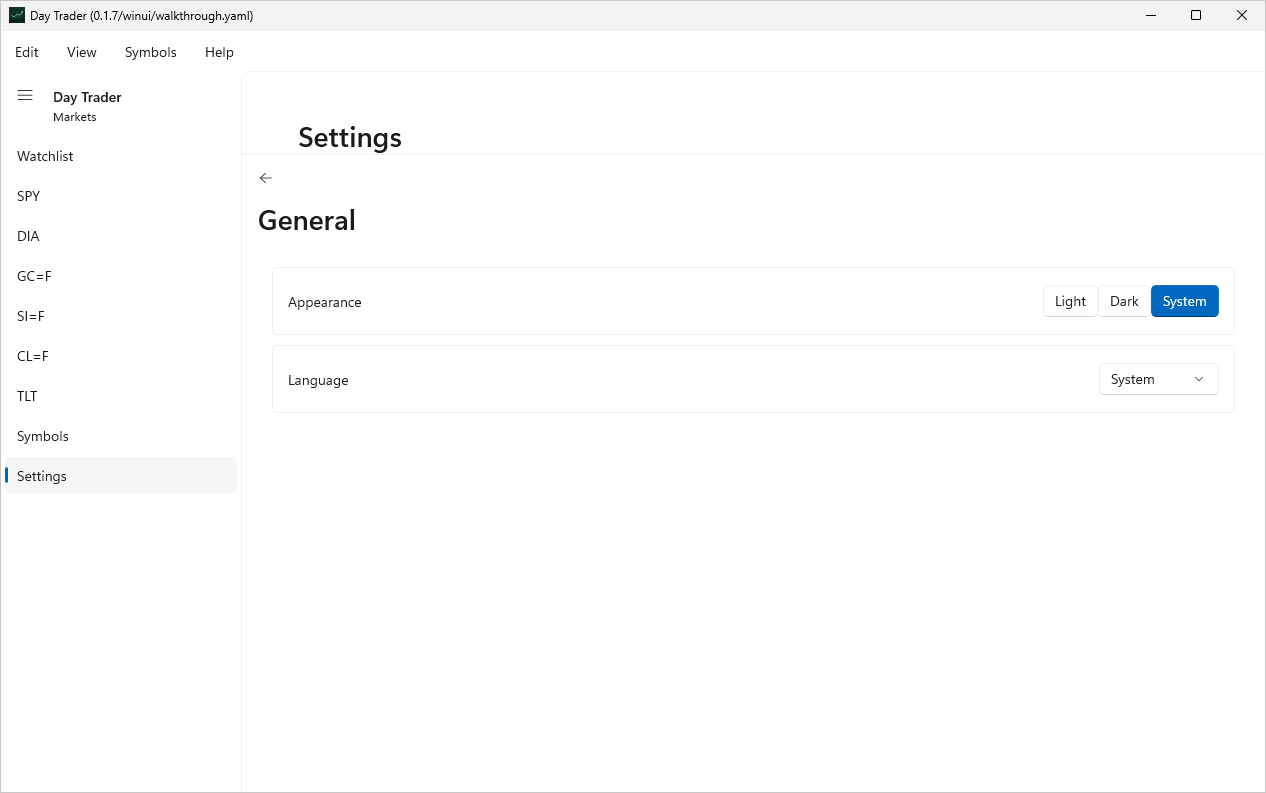
Watchlist, Windows XAML
WindowsXAML
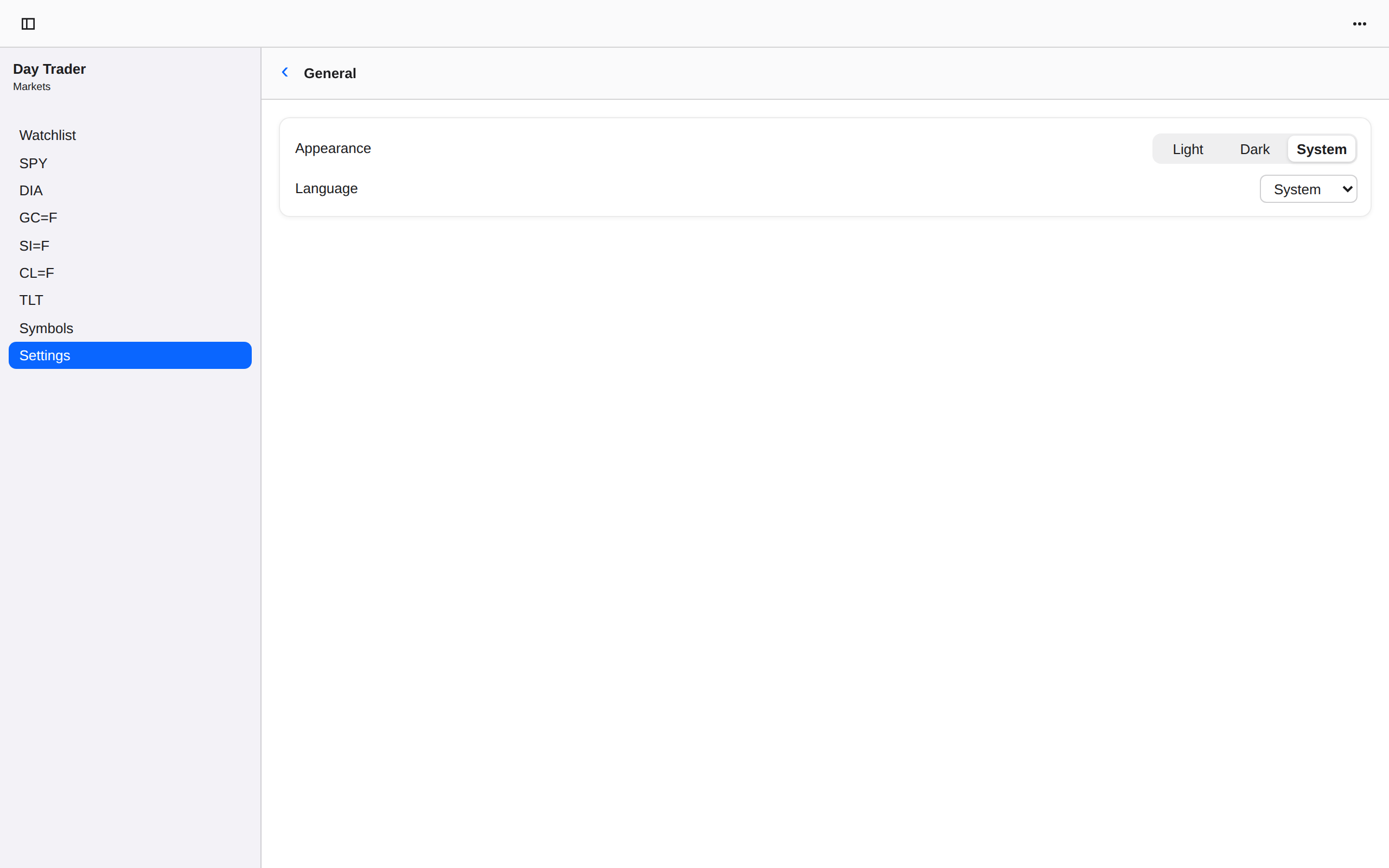
Watchlist, Web Web DOM
WebWeb DOM
Watchlist 1m, iOS UIKit
iOSUIKit
Watchlist 1m, iOS iPad
iOSiPad
Watchlist 1m, Android Android
AndroidAndroid
Watchlist 1m, Android Tablet
AndroidTablet
Watchlist 1m, HarmonyOS ArkUI
HarmonyOSArkUI
Watchlist 1m, macOS AppKit
macOSAppKit
Watchlist 1m, Linux GTK 4
LinuxGTK 4
Watchlist 1m, Linux Qt 6
LinuxQt 6
Watchlist 1m, Windows XAML
WindowsXAML
Watchlist 1m, Web Web DOM
WebWeb DOM

Watchlist · absolute change

App sourceUpdating the UI from state →
Watchlist · absolute change, iOS UIKit
iOSUIKit
Watchlist · absolute change, iOS iPad
iOSiPad
Watchlist · absolute change, Android Android
AndroidAndroid
Watchlist · absolute change, Android Tablet
AndroidTablet
Watchlist · absolute change, HarmonyOS ArkUI
HarmonyOSArkUI
Watchlist · absolute change, macOS AppKit
macOSAppKit
Watchlist · absolute change, Linux GTK 4
LinuxGTK 4
Watchlist · absolute change, Linux Qt 6
LinuxQt 6
Watchlist · absolute change, Windows XAML
WindowsXAML
Watchlist · absolute change, Web Web DOM
WebWeb DOM
Watchlist · sorted, iOS UIKit
iOSUIKit
Watchlist · sorted, iOS iPad
iOSiPad
Watchlist · sorted, Android Android
AndroidAndroid
Watchlist · sorted, Android Tablet
AndroidTablet
Watchlist · sorted, HarmonyOS ArkUI
HarmonyOSArkUI
Watchlist · sorted, macOS AppKit
macOSAppKit
Watchlist · sorted, Linux GTK 4
LinuxGTK 4
Watchlist · sorted, Linux Qt 6
LinuxQt 6
Watchlist · sorted, Windows XAML
WindowsXAML
Watchlist · sorted, Web Web DOM
WebWeb DOM
Chart Selection, iOS UIKit
iOSUIKit
Chart Selection, iOS iPad
iOSiPad
Chart Selection, Android Android
AndroidAndroid
Chart Selection, Android Tablet
AndroidTablet
Chart Selection, HarmonyOS ArkUI
HarmonyOSArkUI
Chart Selection, macOS AppKit
macOSAppKit
Chart Selection, Linux GTK 4
LinuxGTK 4
Chart Selection, Linux Qt 6
LinuxQt 6
Chart Selection, Windows XAML
WindowsXAML
Chart Selection, Web Web DOM
WebWeb DOM
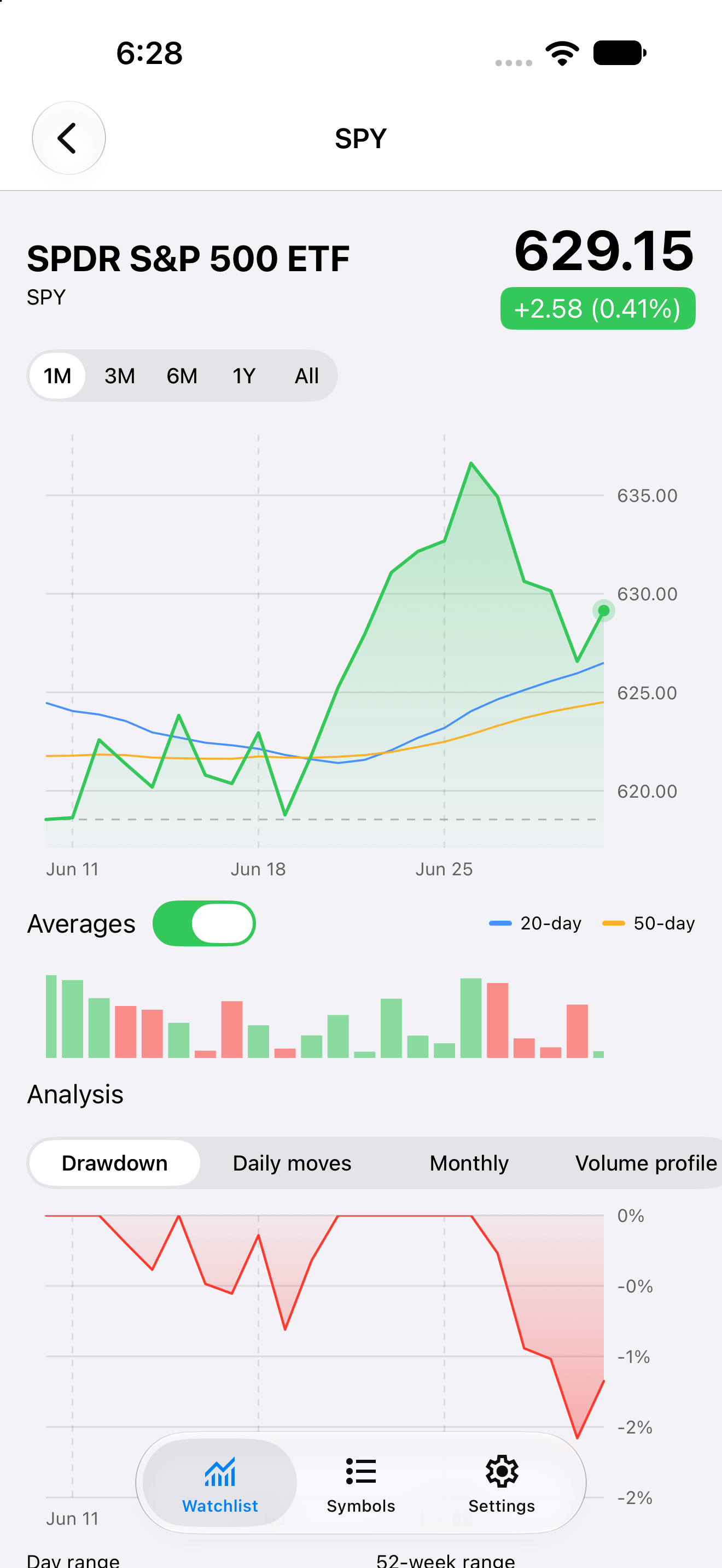
Symbol detail · one month, iOS UIKit
iOSUIKit
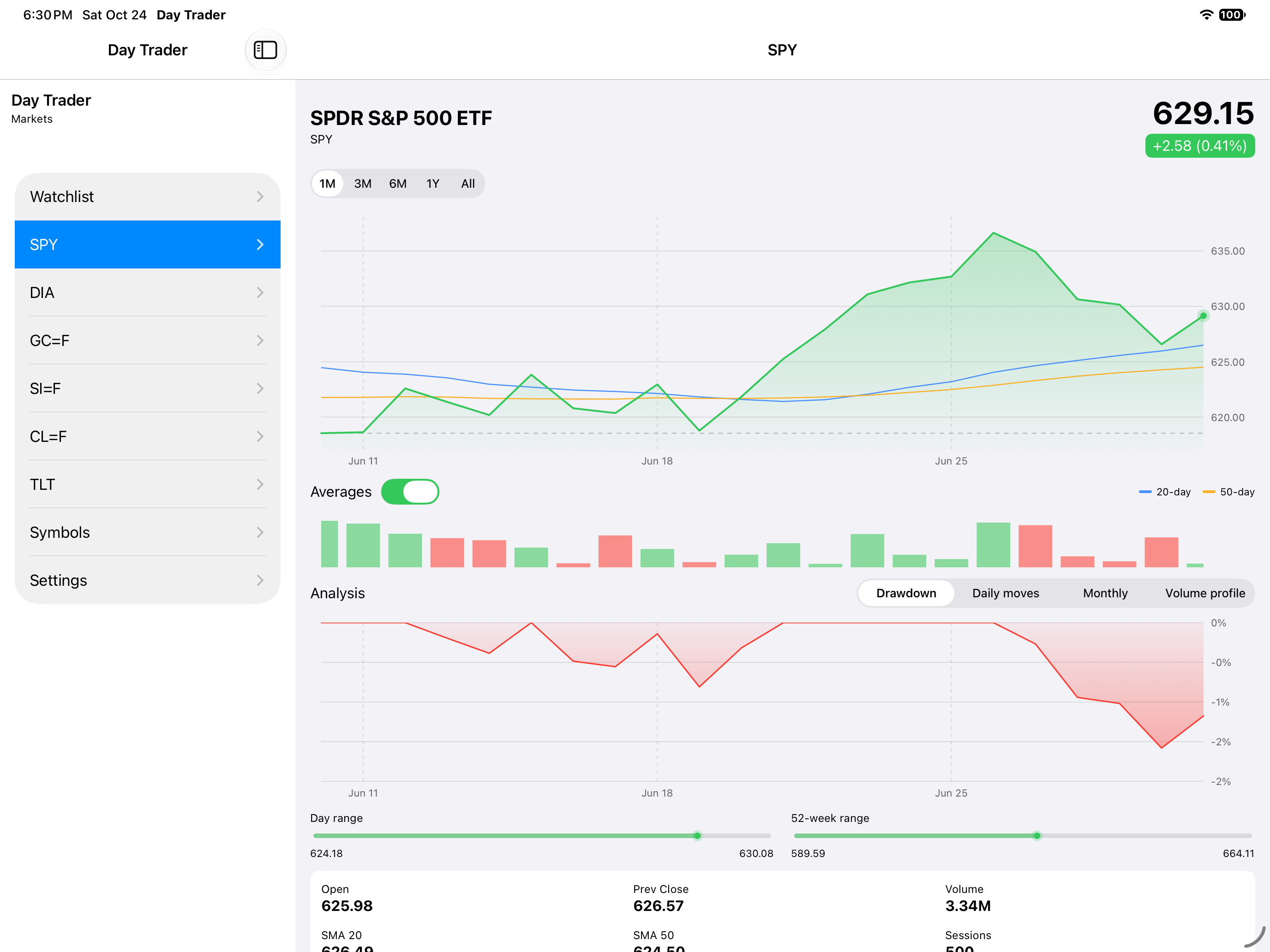
Symbol detail · one month, iOS iPad
iOSiPad
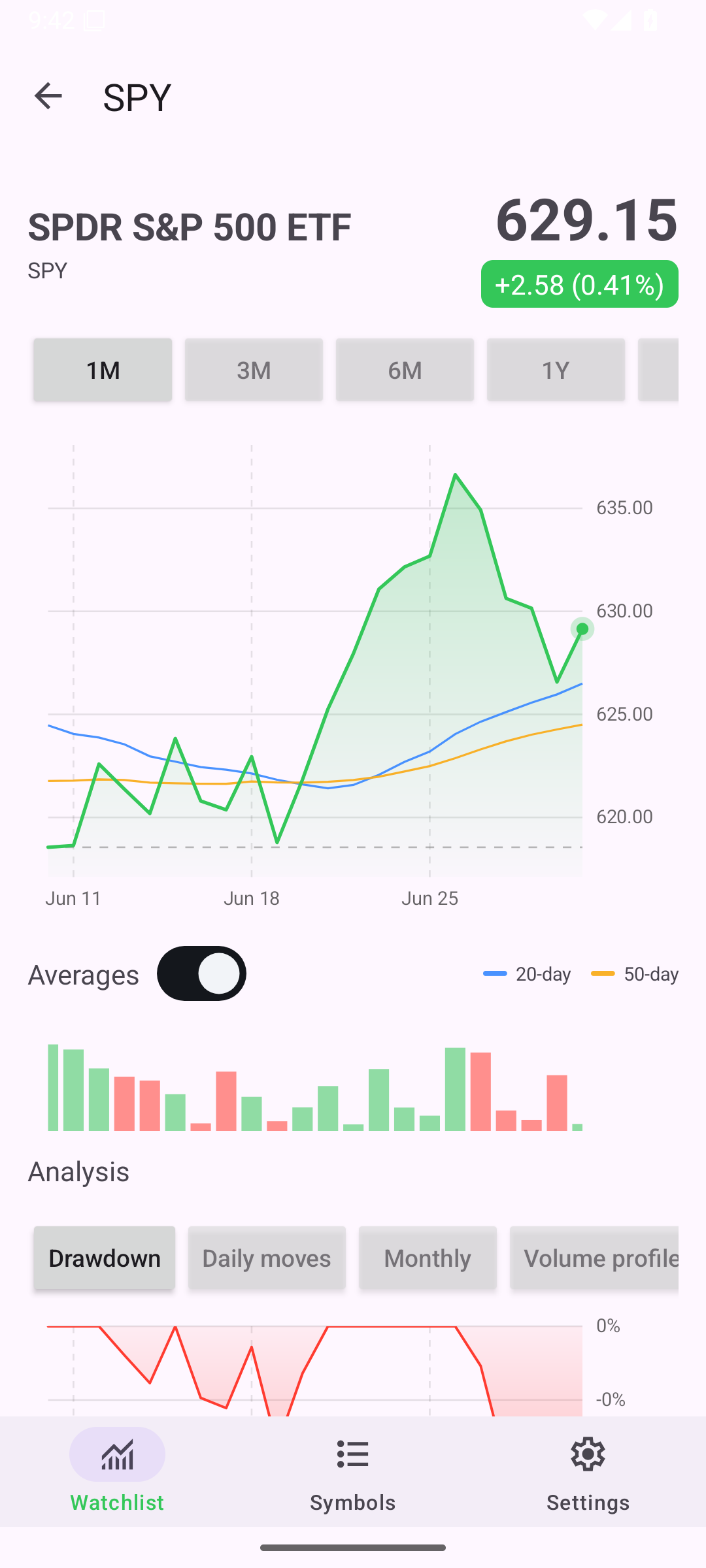
Symbol detail · one month, Android Android
AndroidAndroid
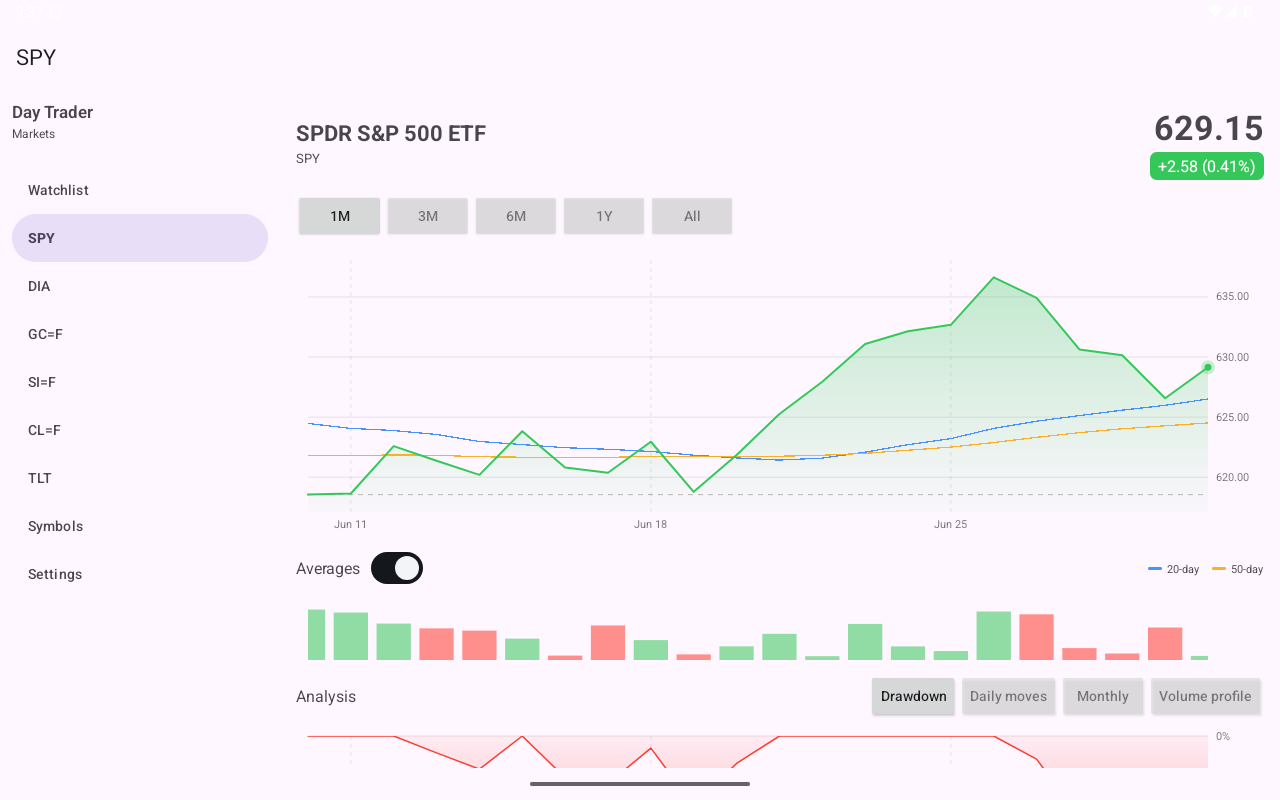
Symbol detail · one month, Android Tablet
AndroidTablet
Symbol detail · one month, HarmonyOS ArkUI
HarmonyOSArkUI
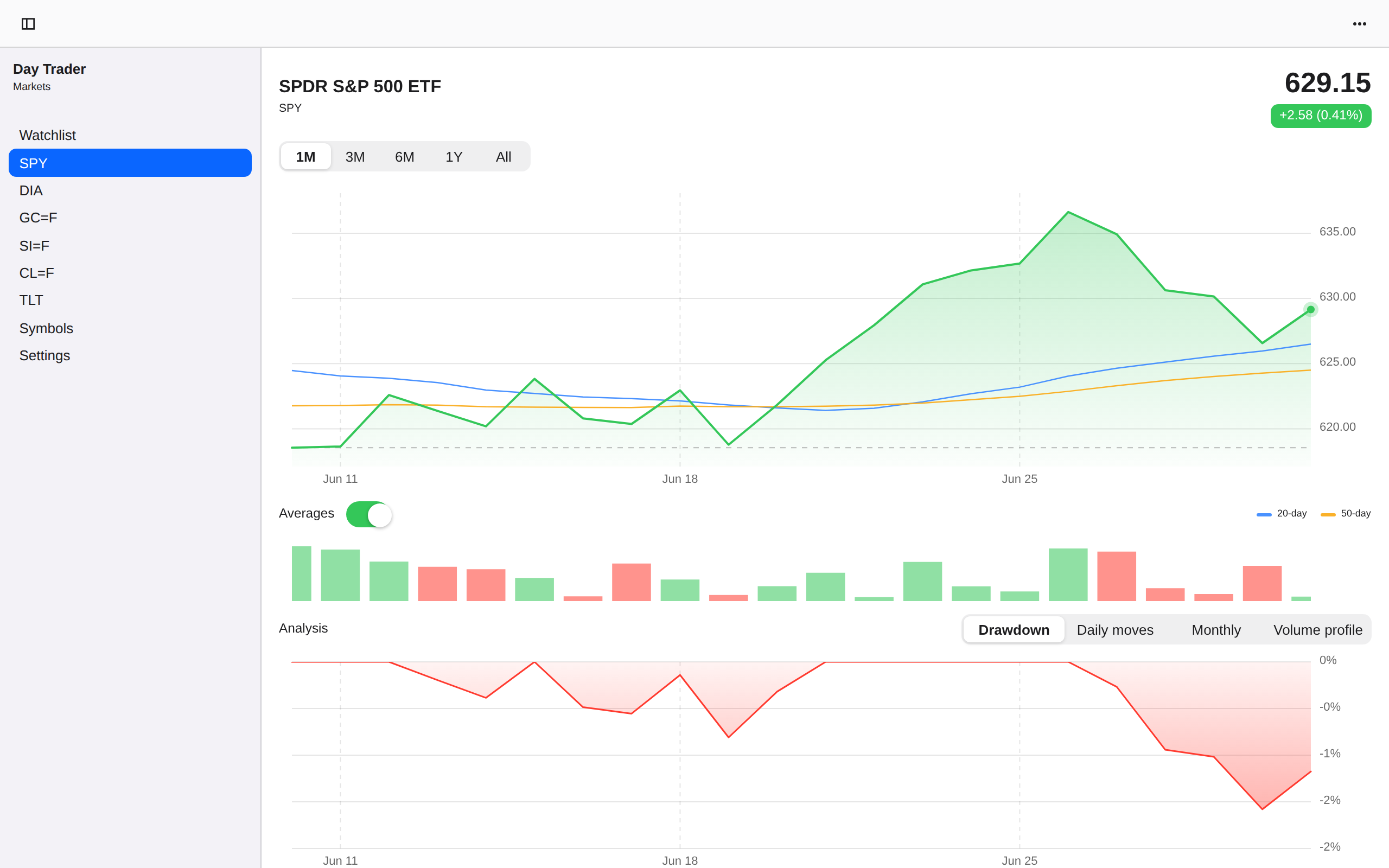
Symbol detail · one month, macOS AppKit
macOSAppKit
Symbol detail · one month, Linux GTK 4
LinuxGTK 4
Symbol detail · one month, Linux Qt 6
LinuxQt 6
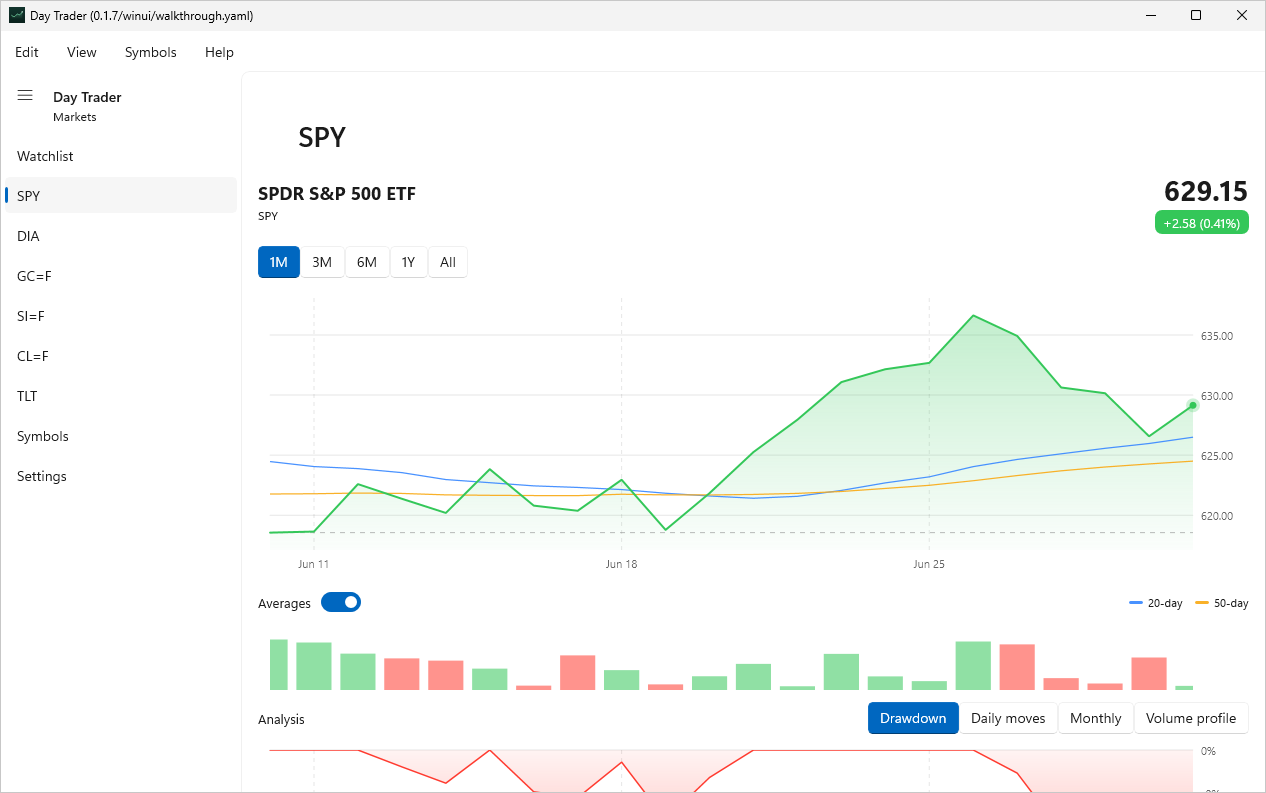
Symbol detail · one month, Windows XAML
WindowsXAML
Symbol detail · one month, Web Web DOM
WebWeb DOM
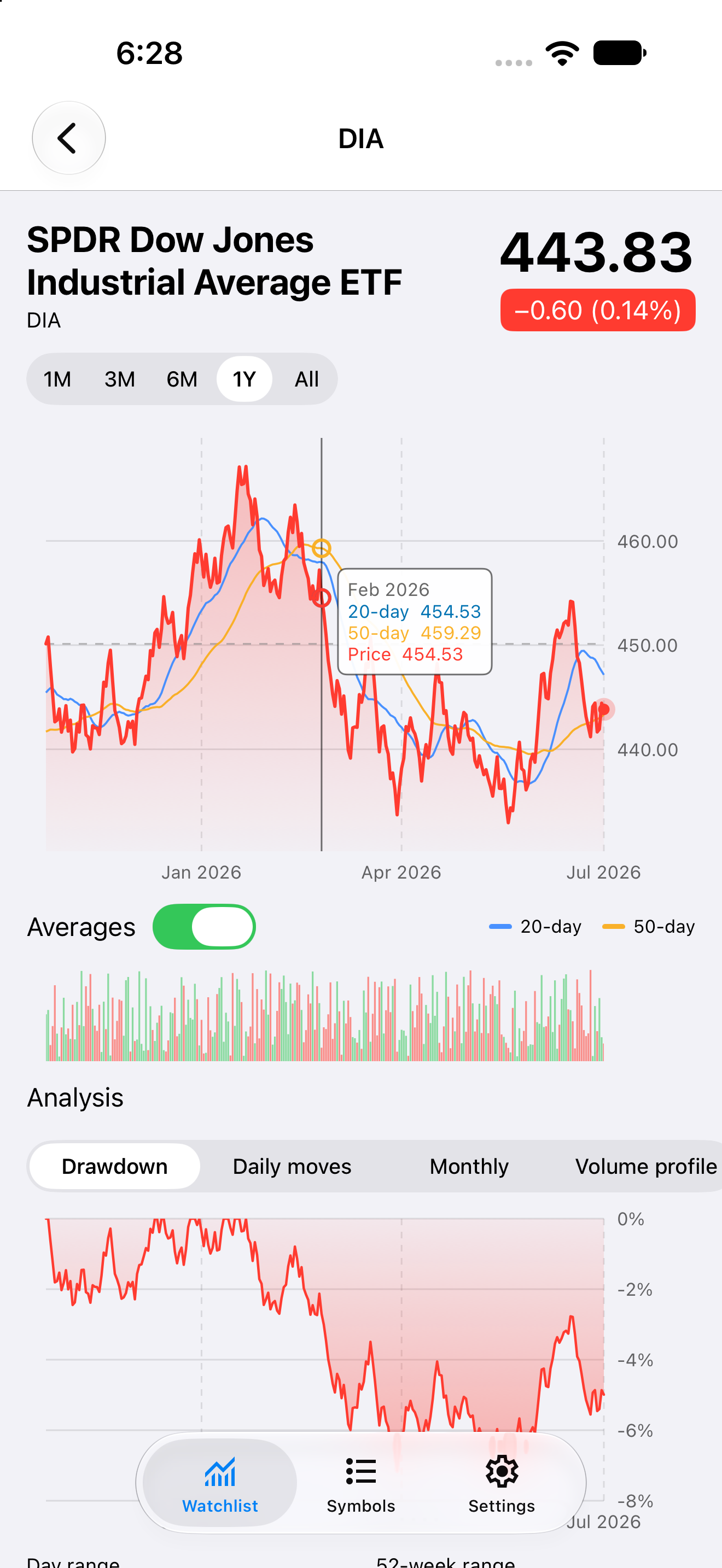
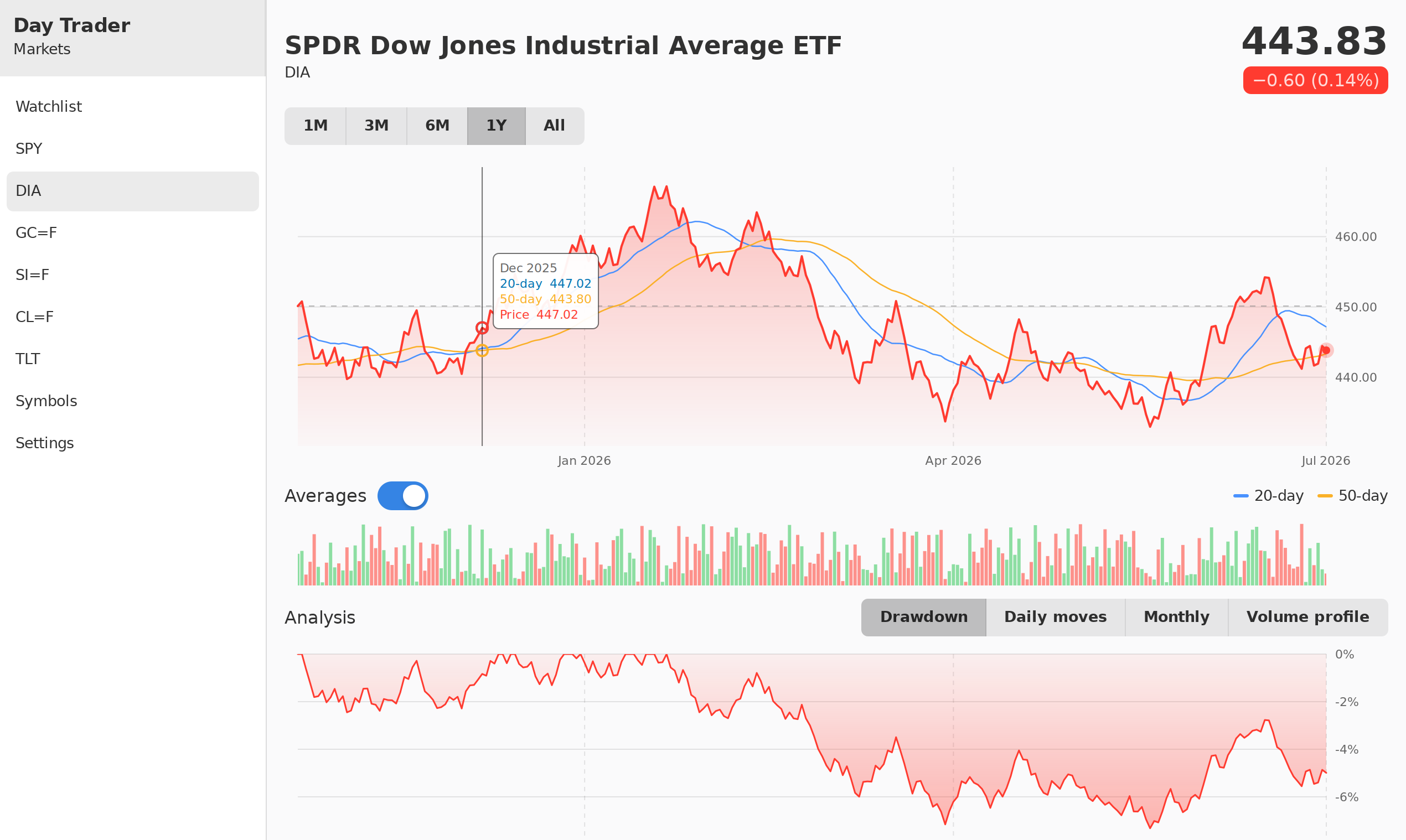
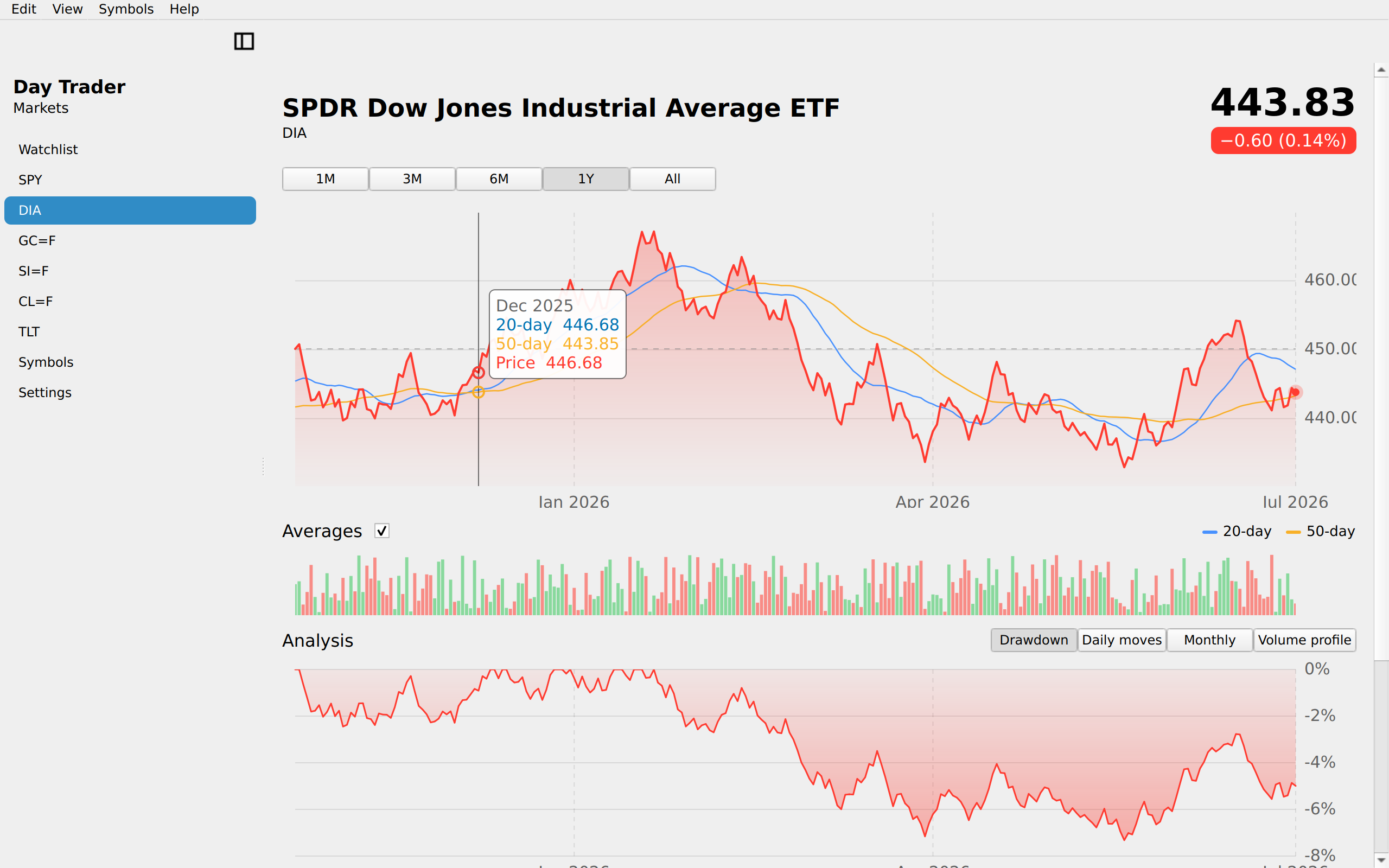
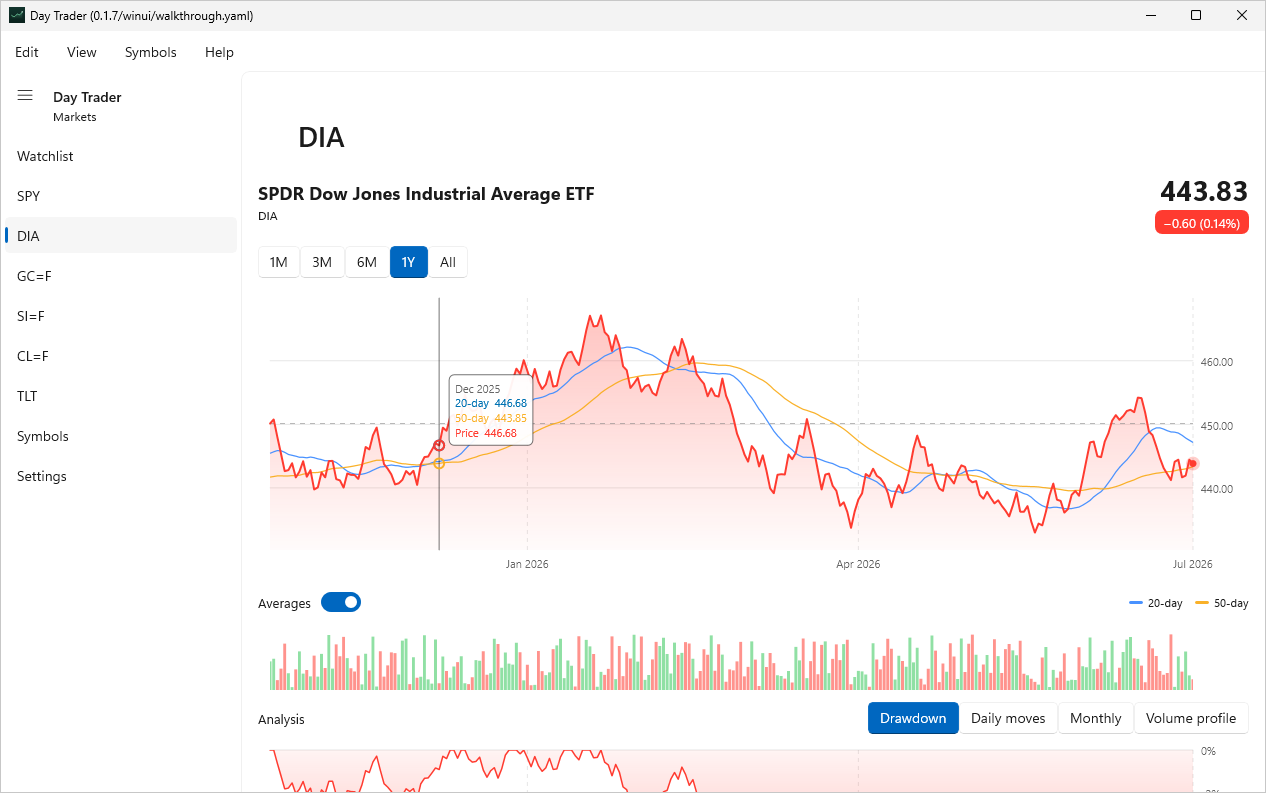
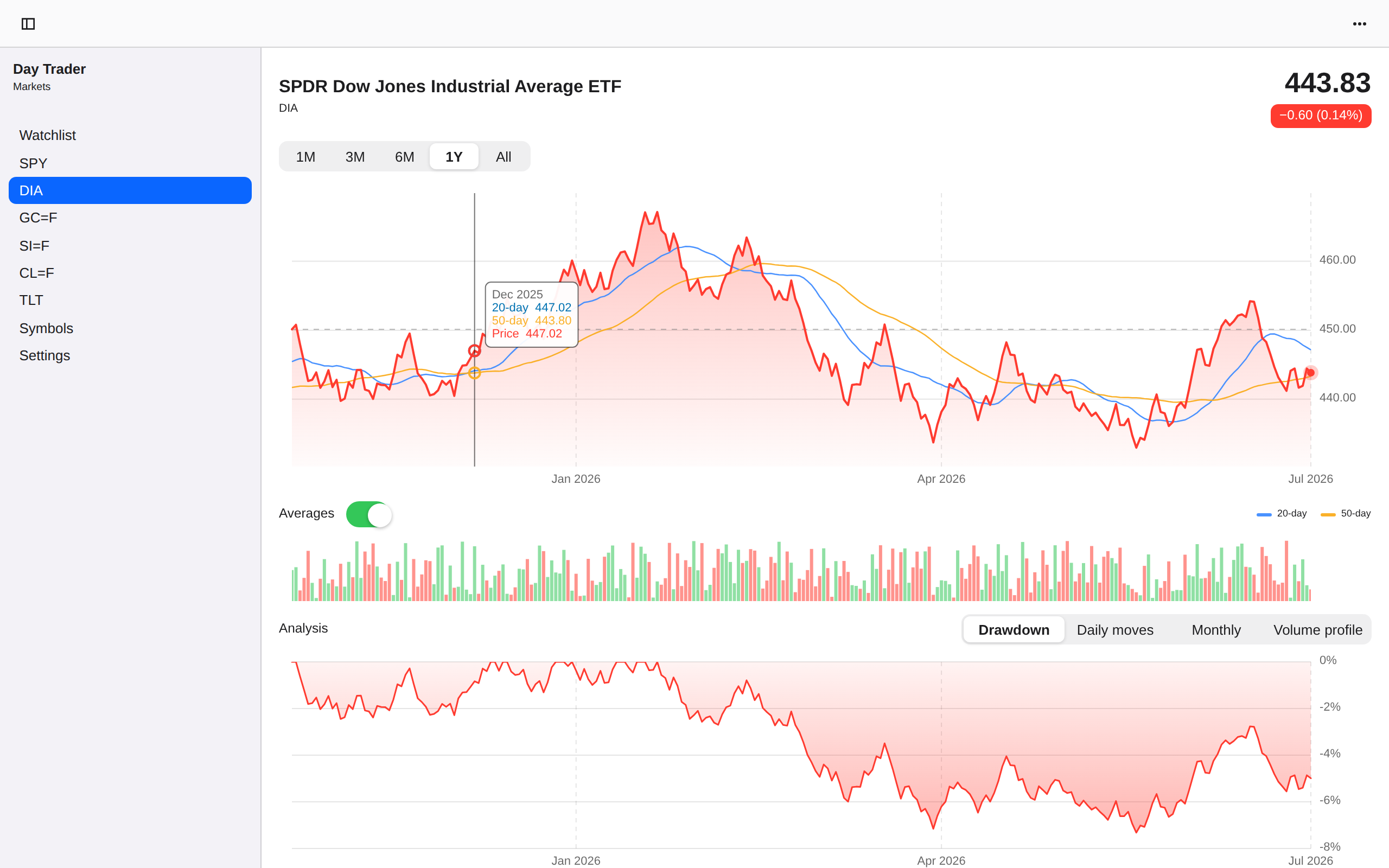
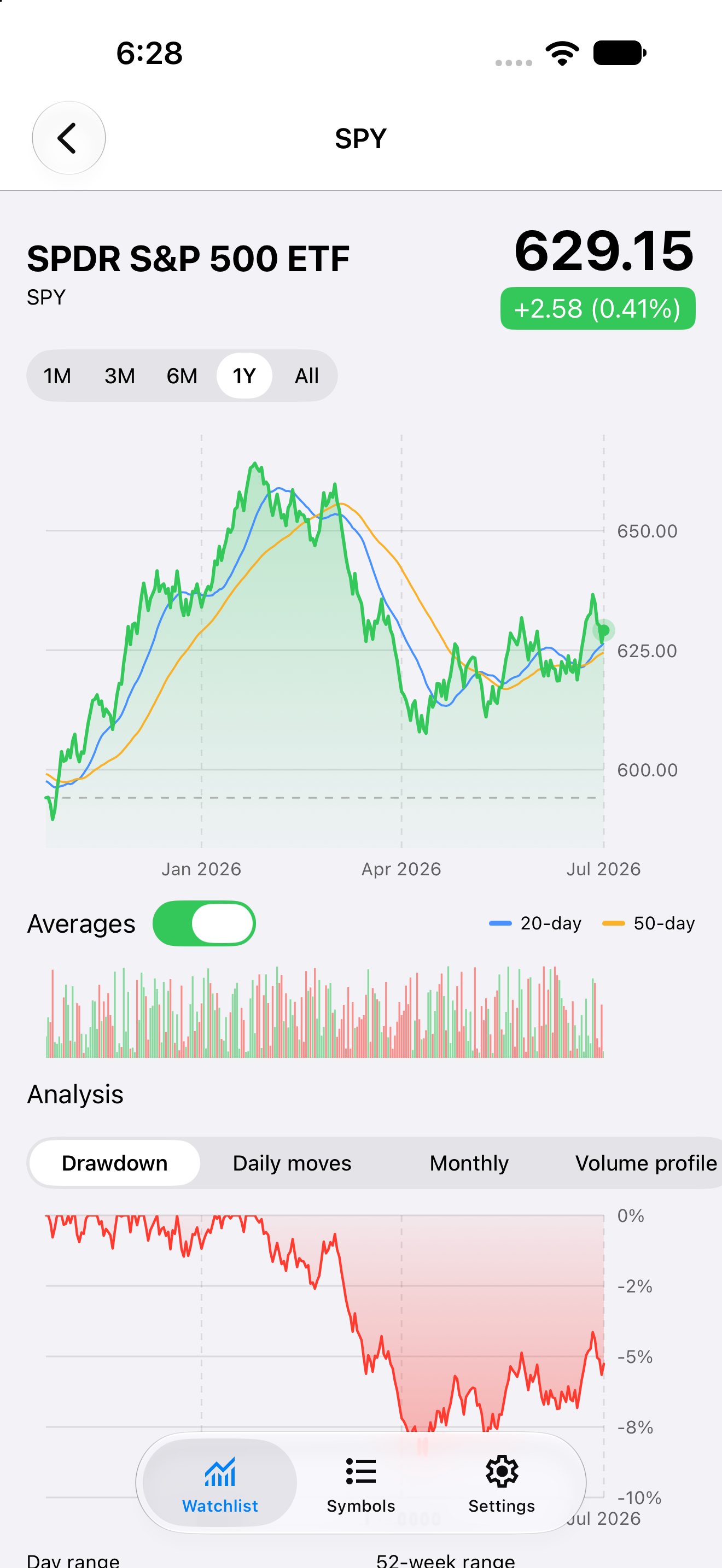
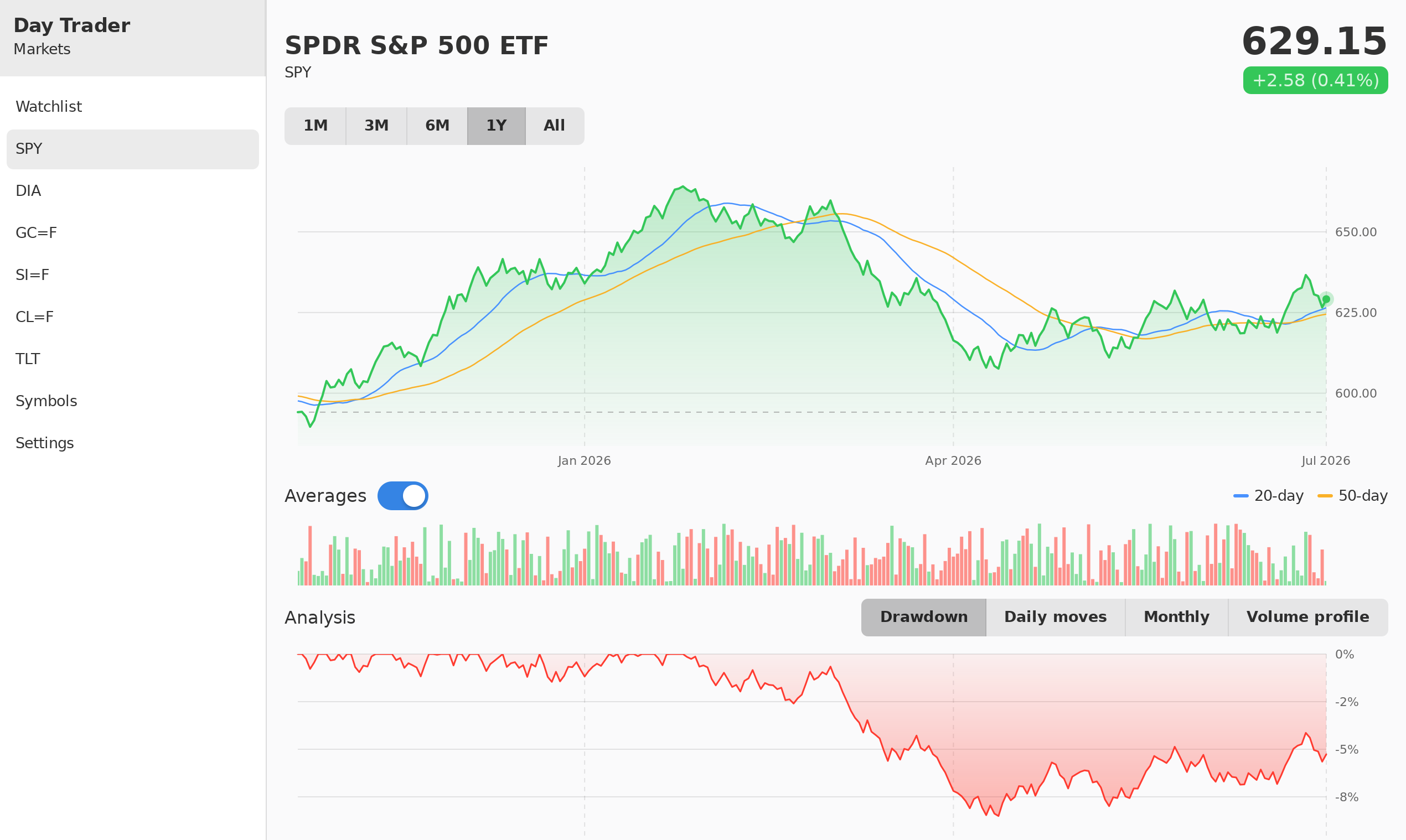
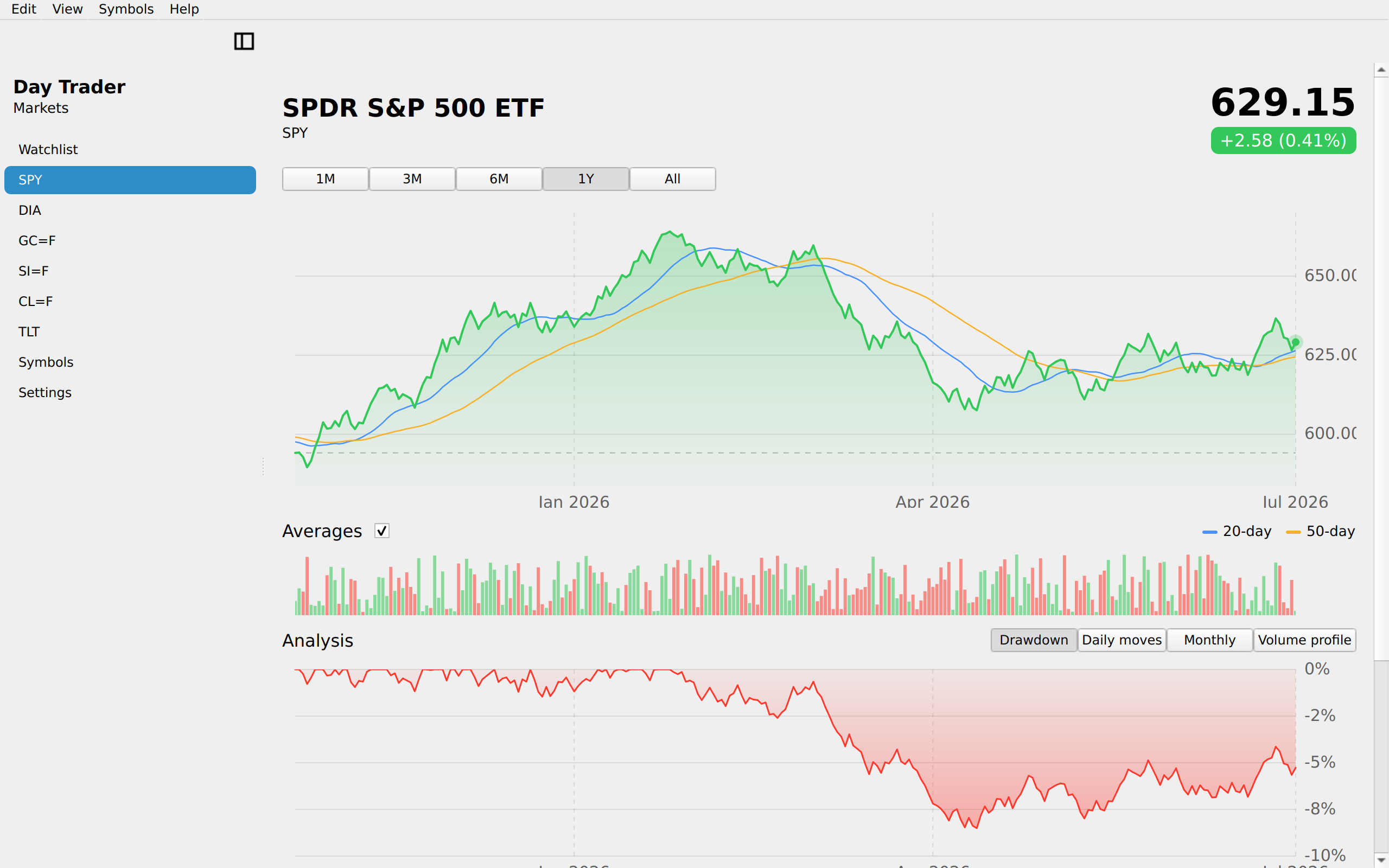
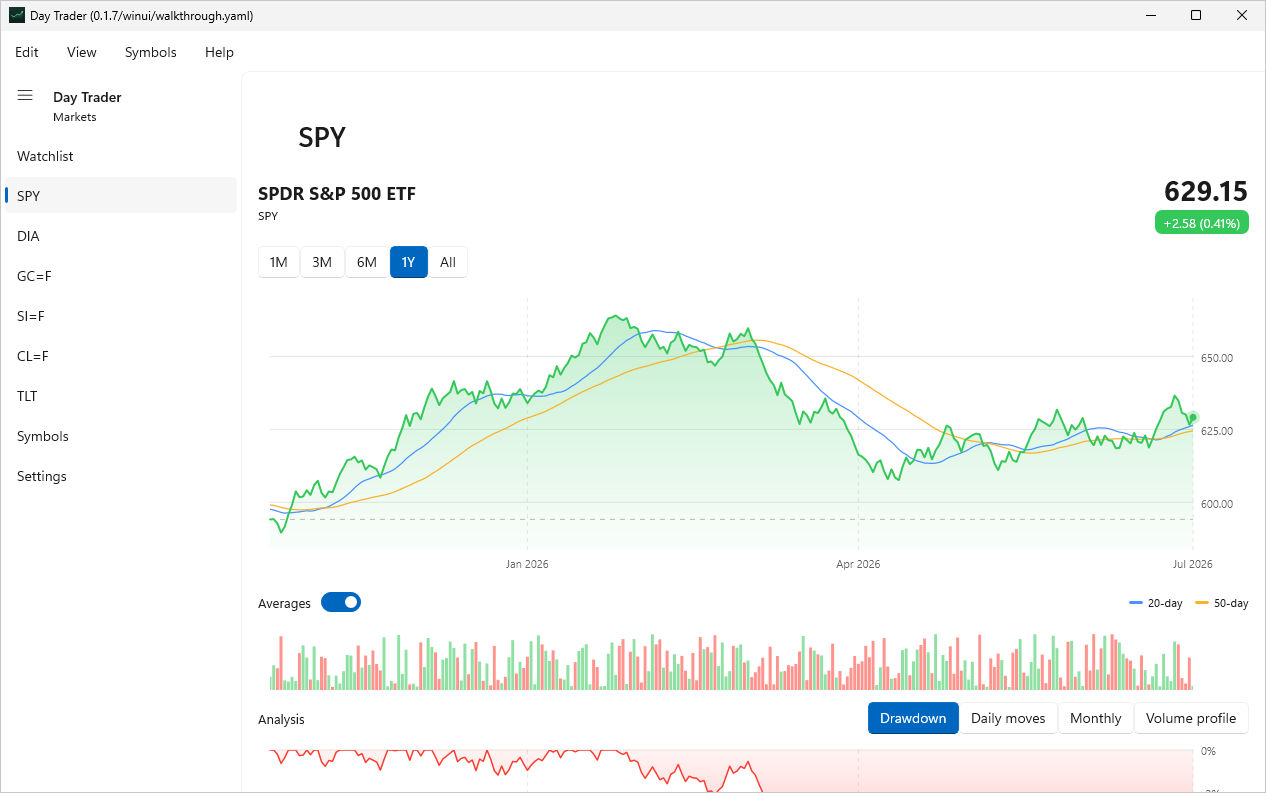
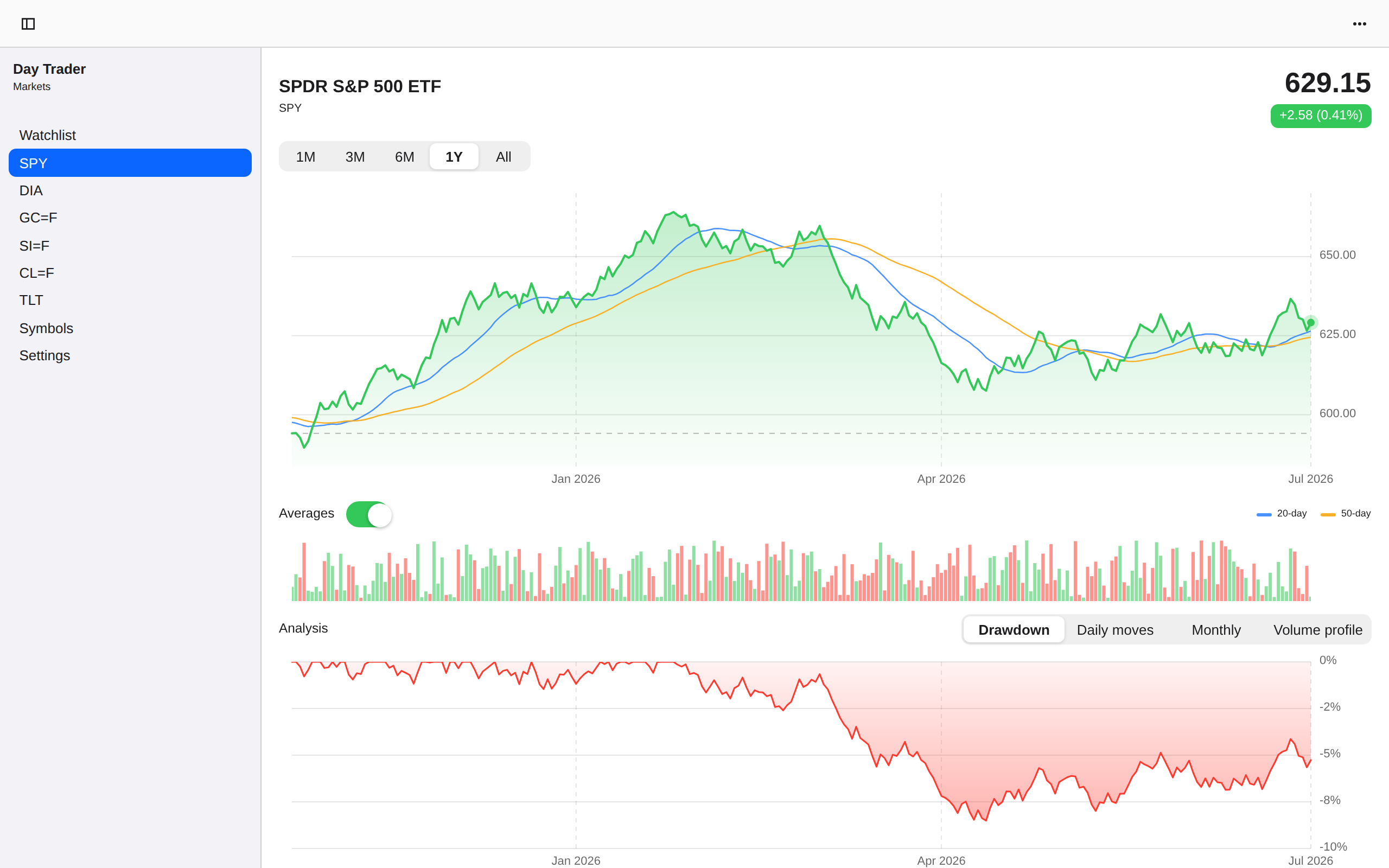
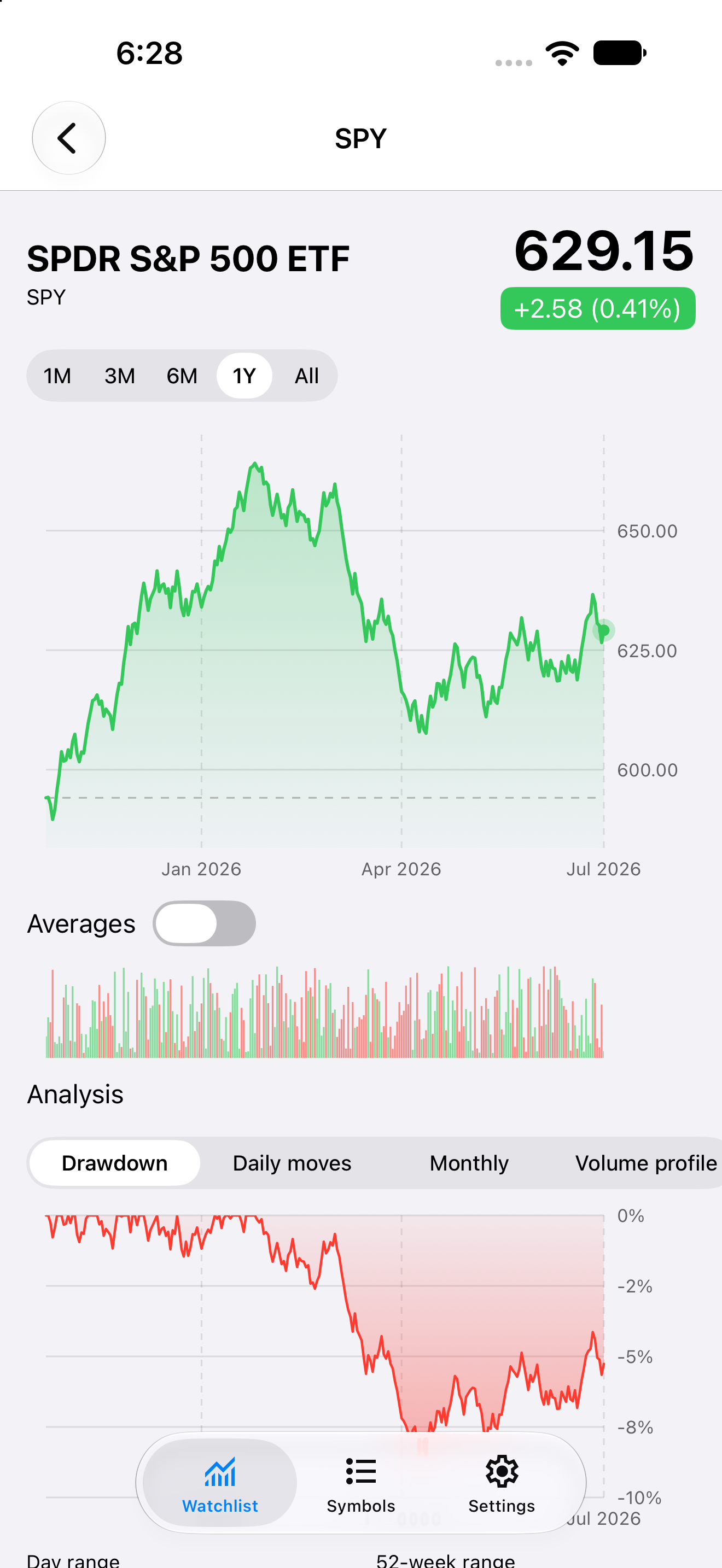
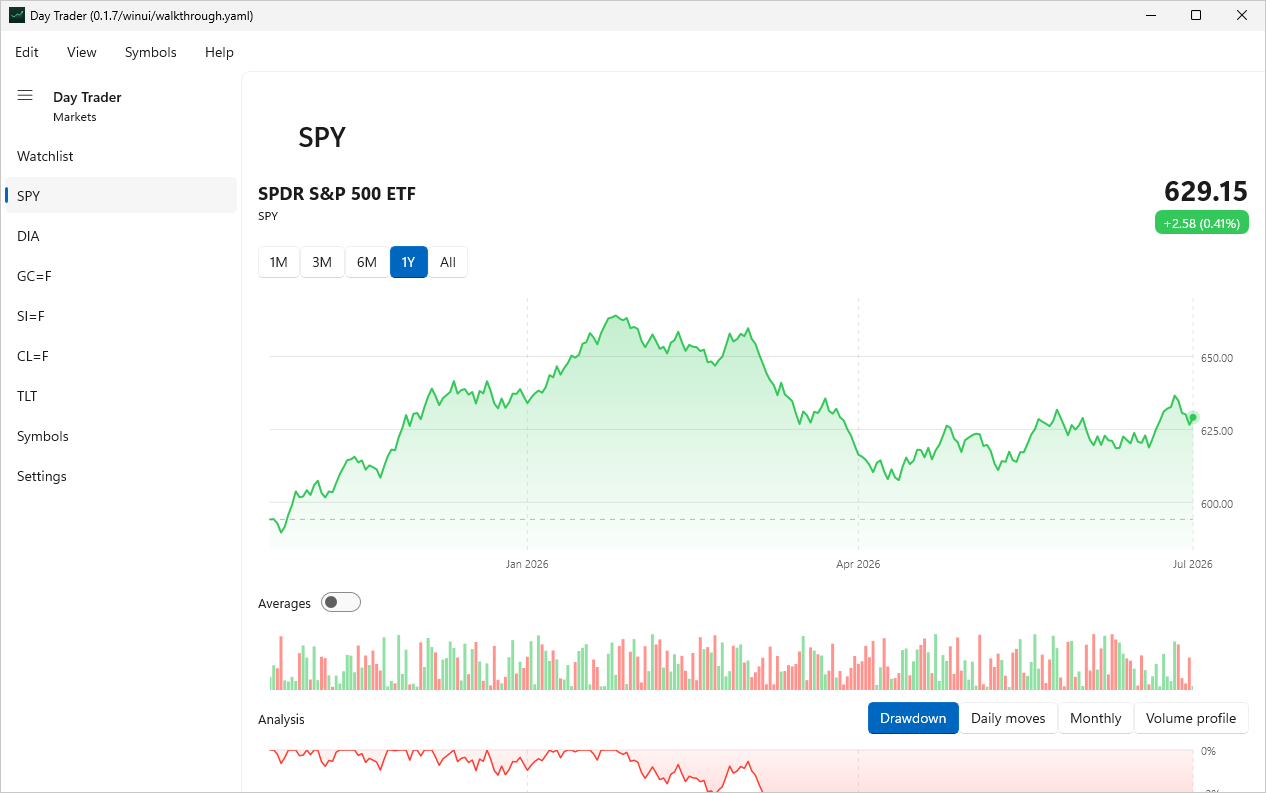
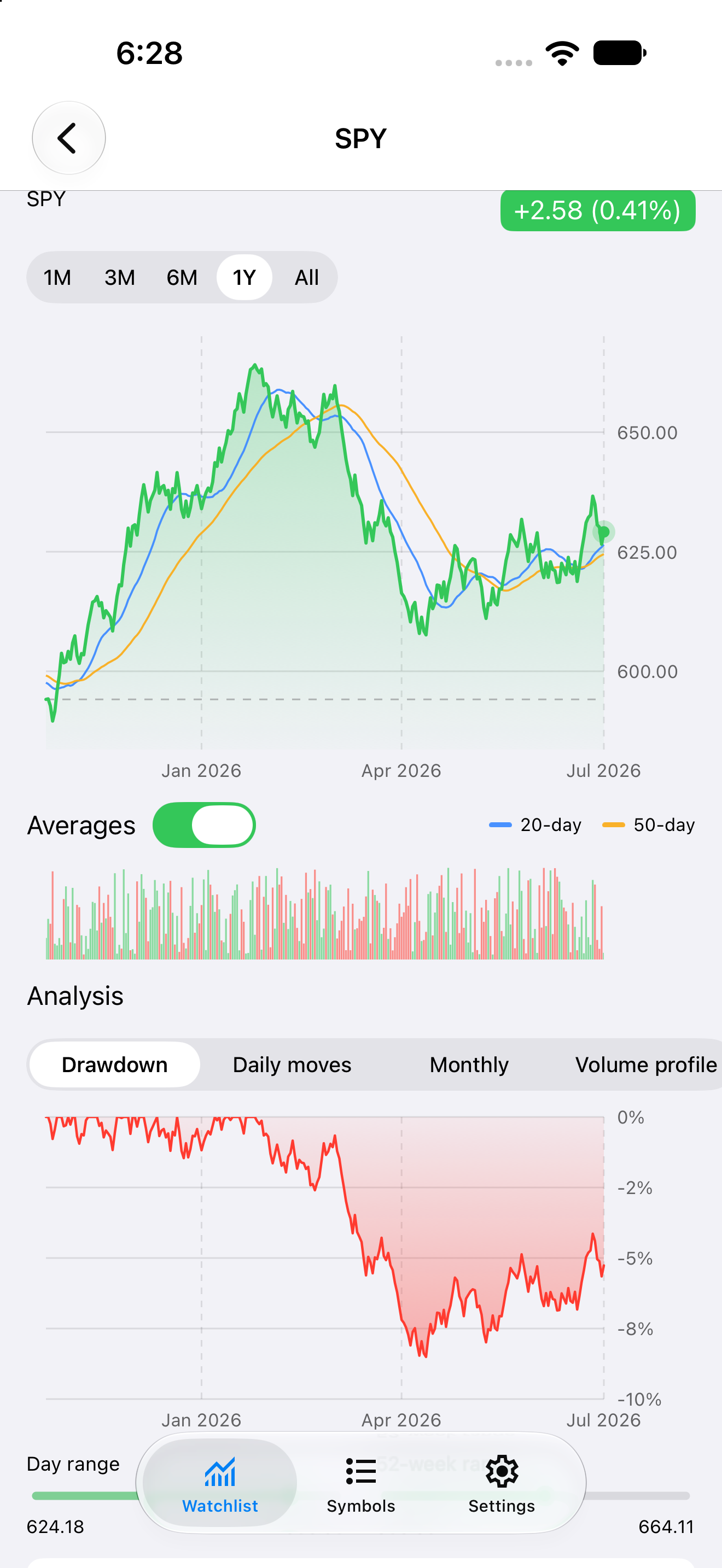
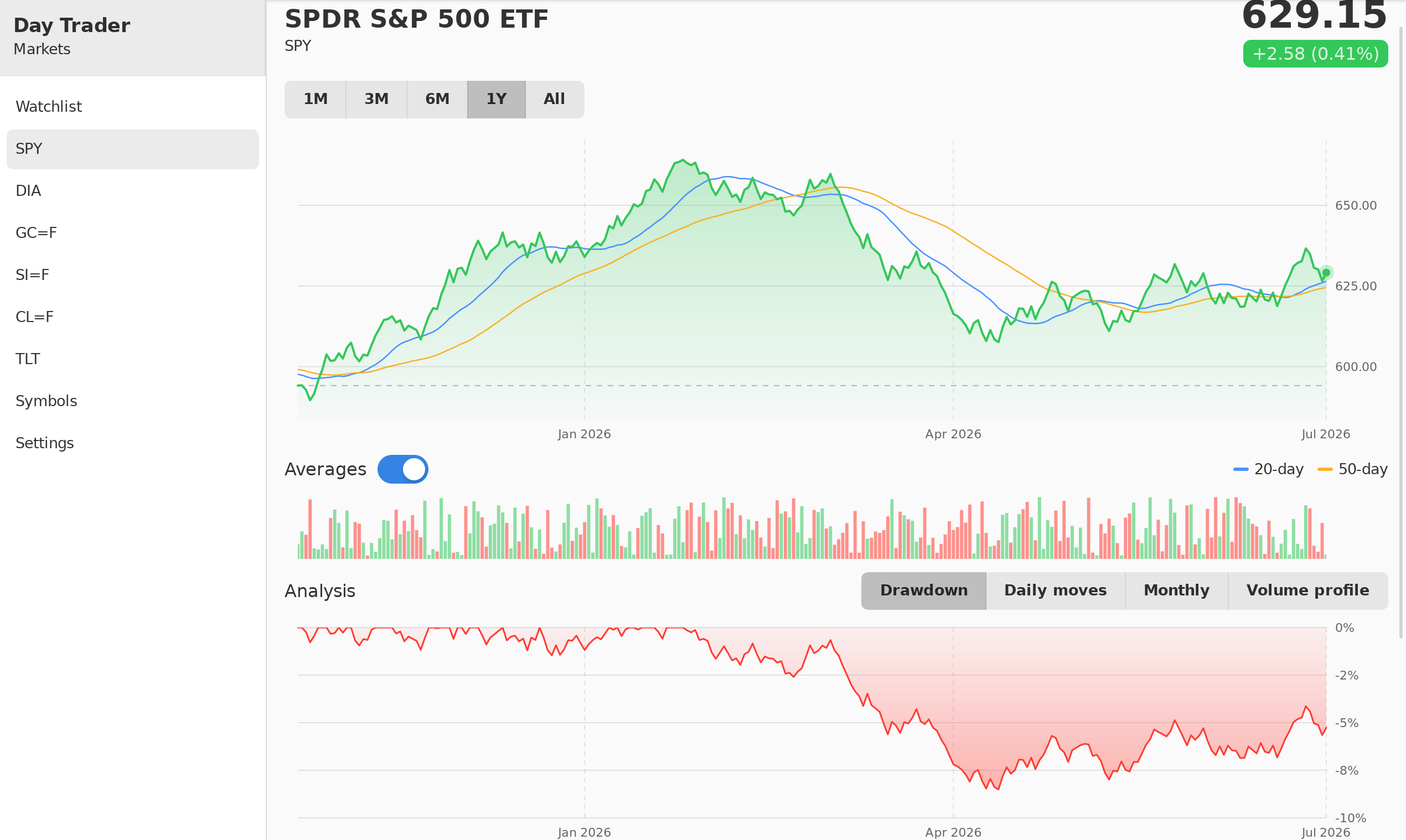
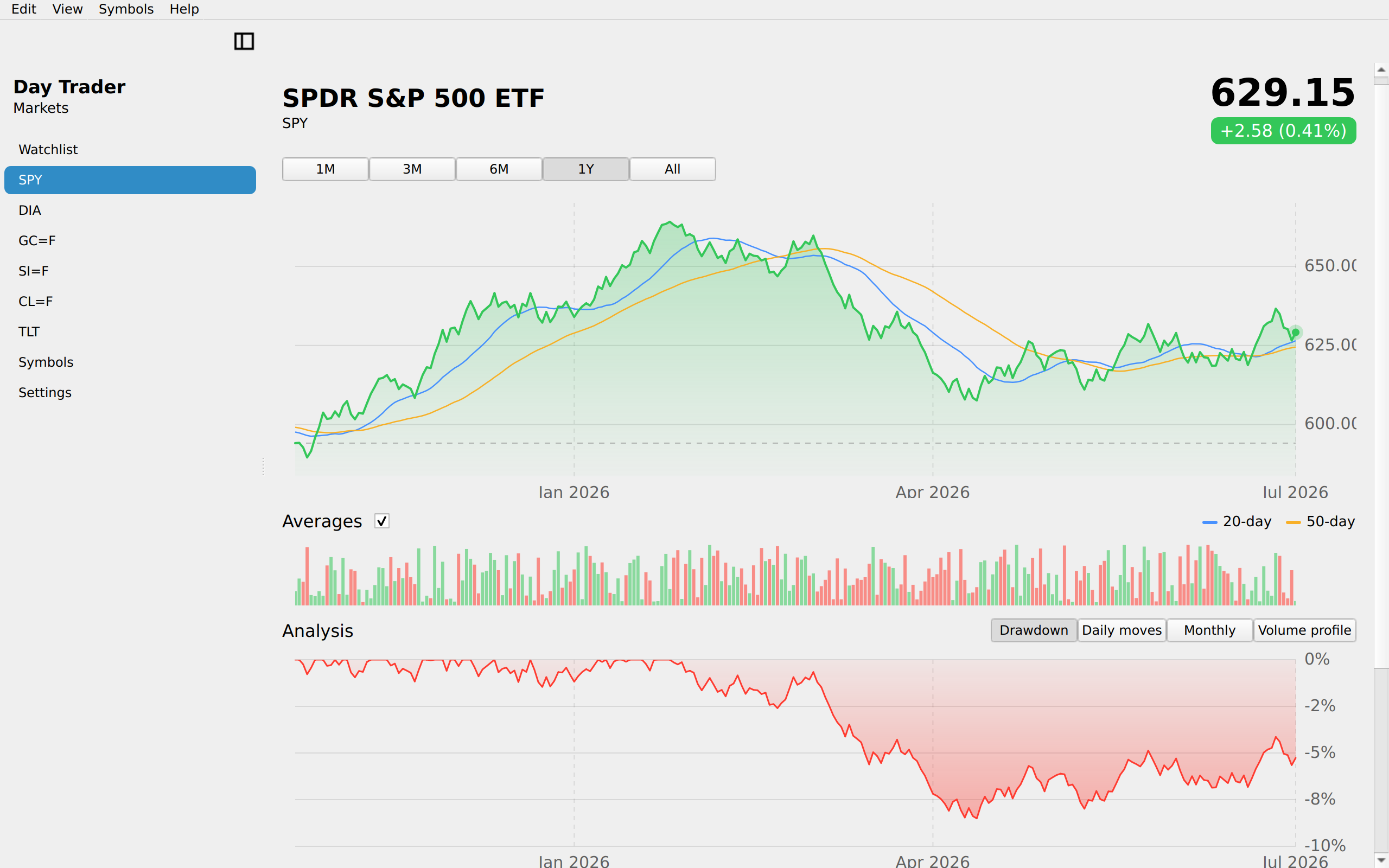
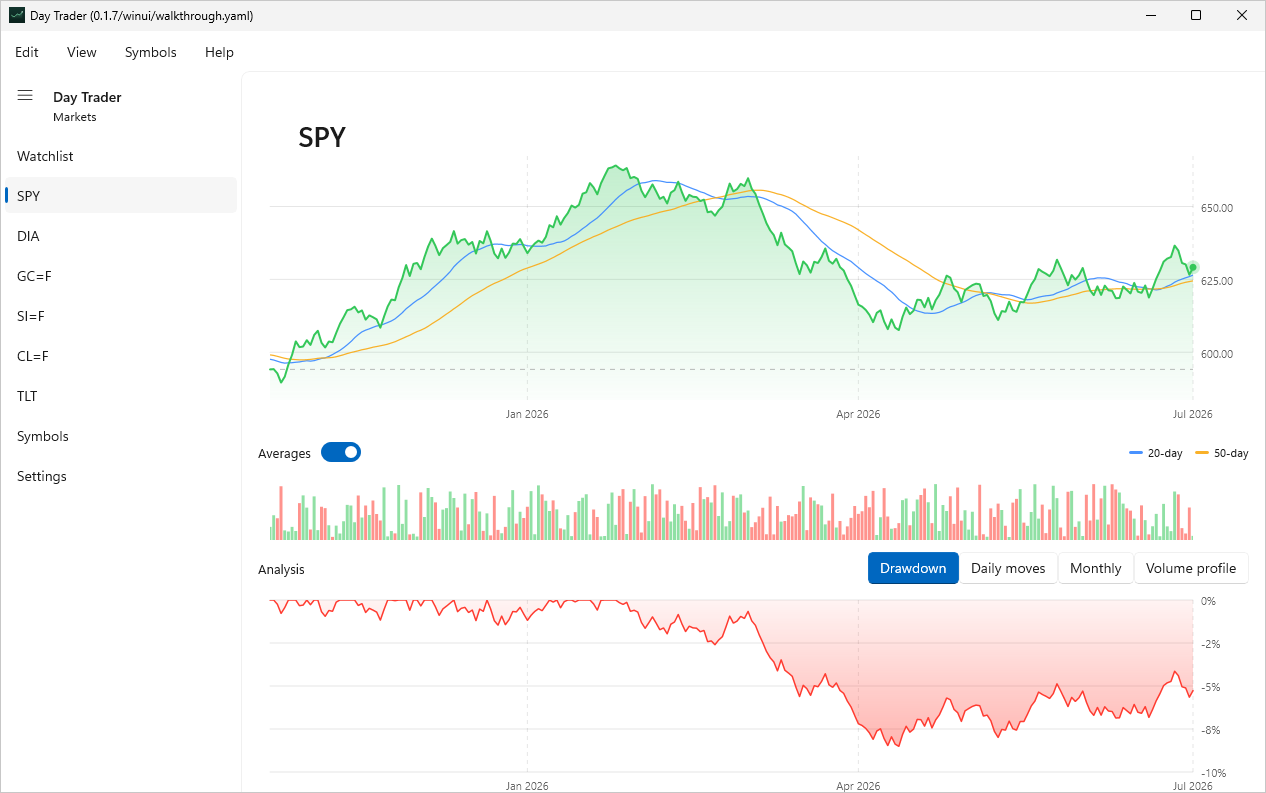
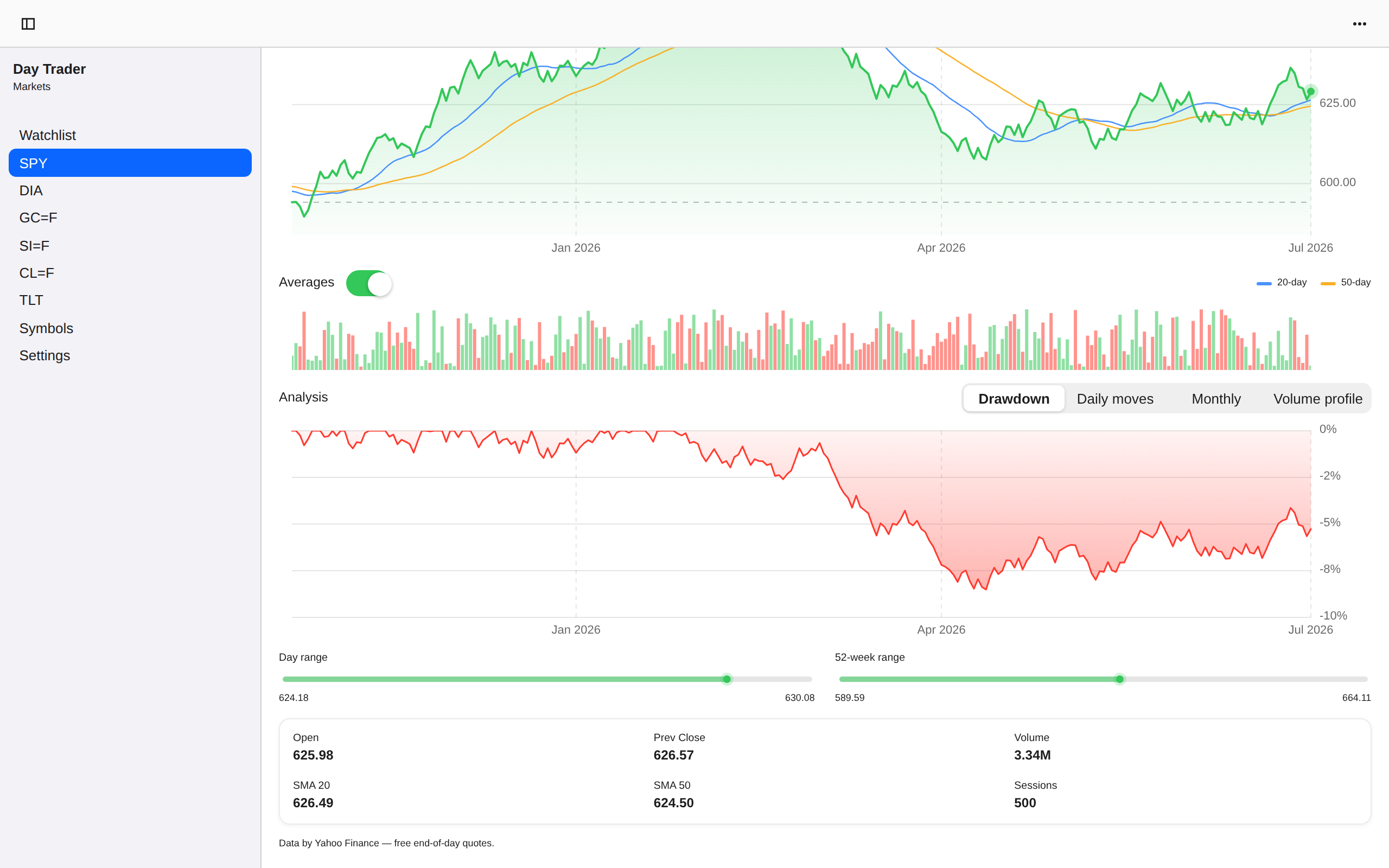
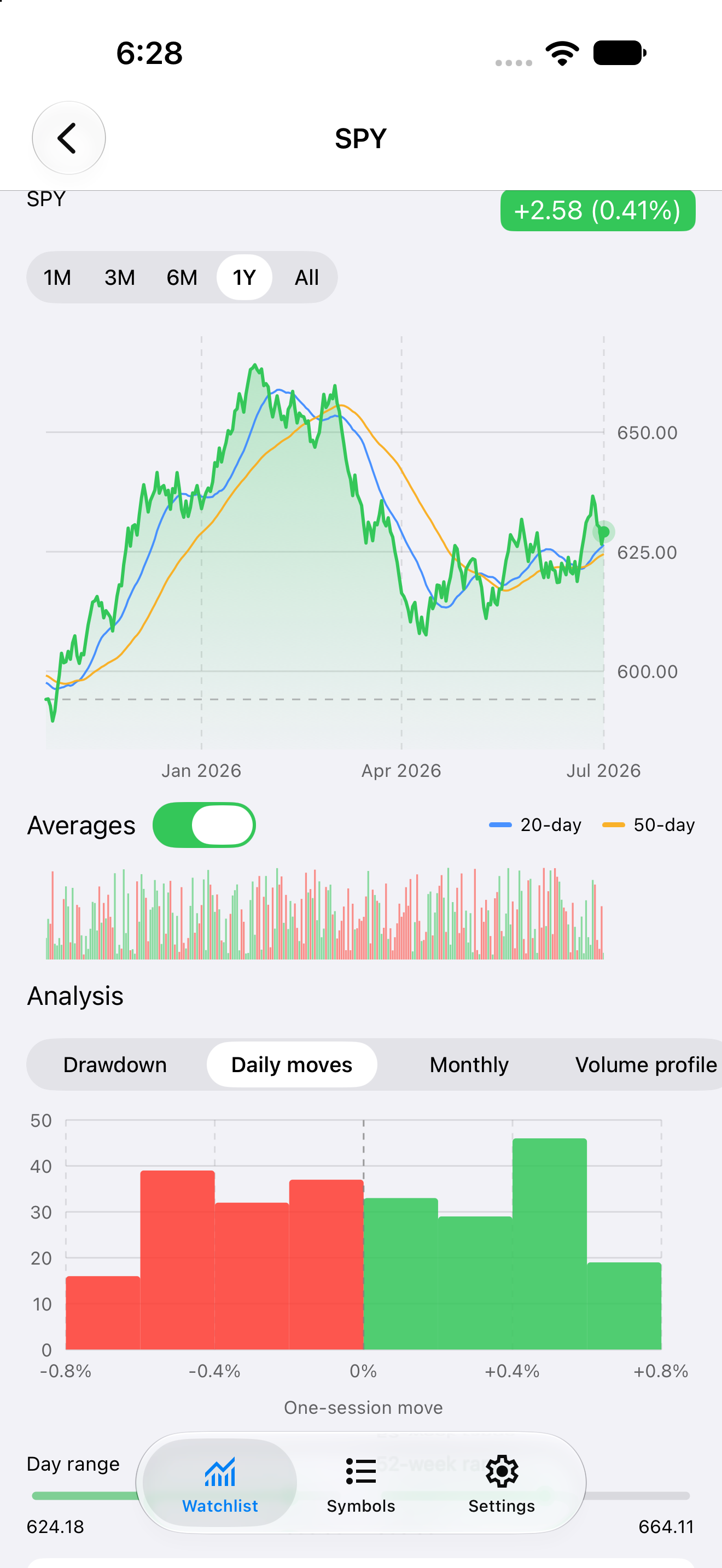
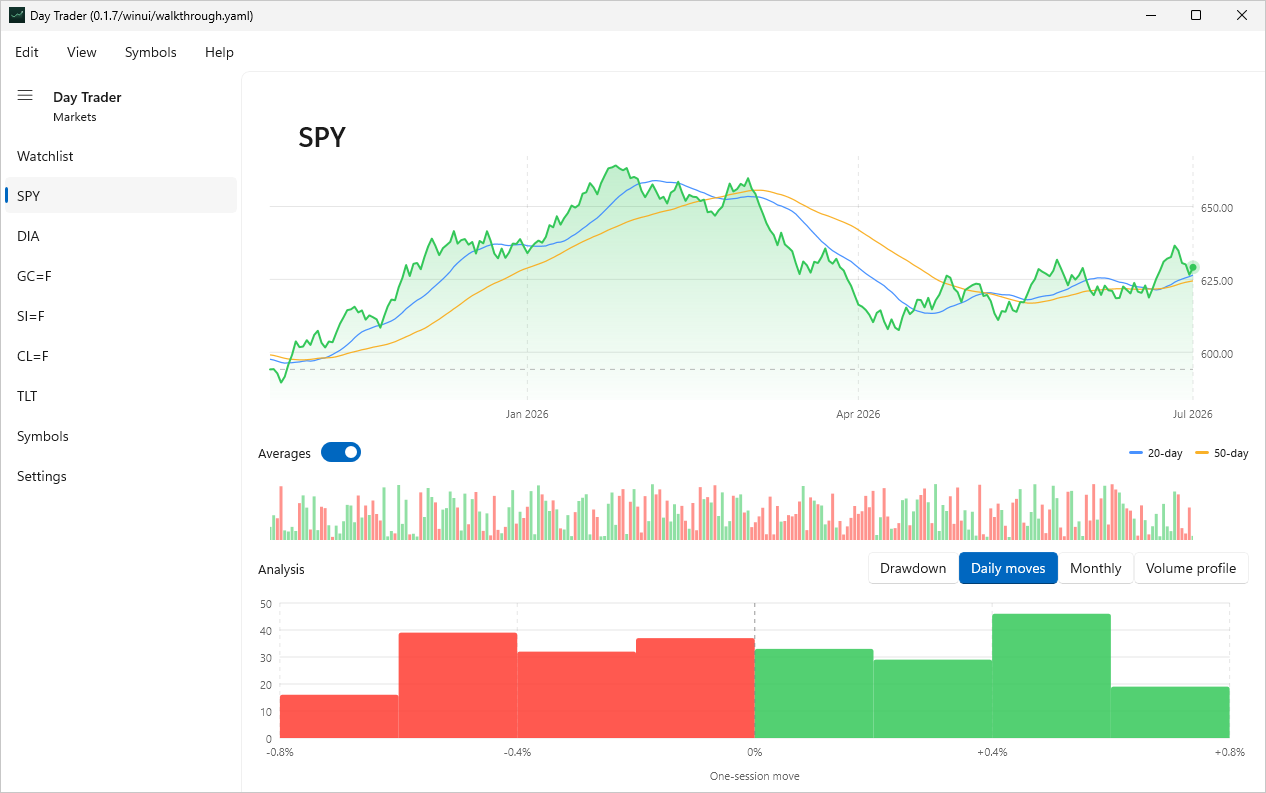
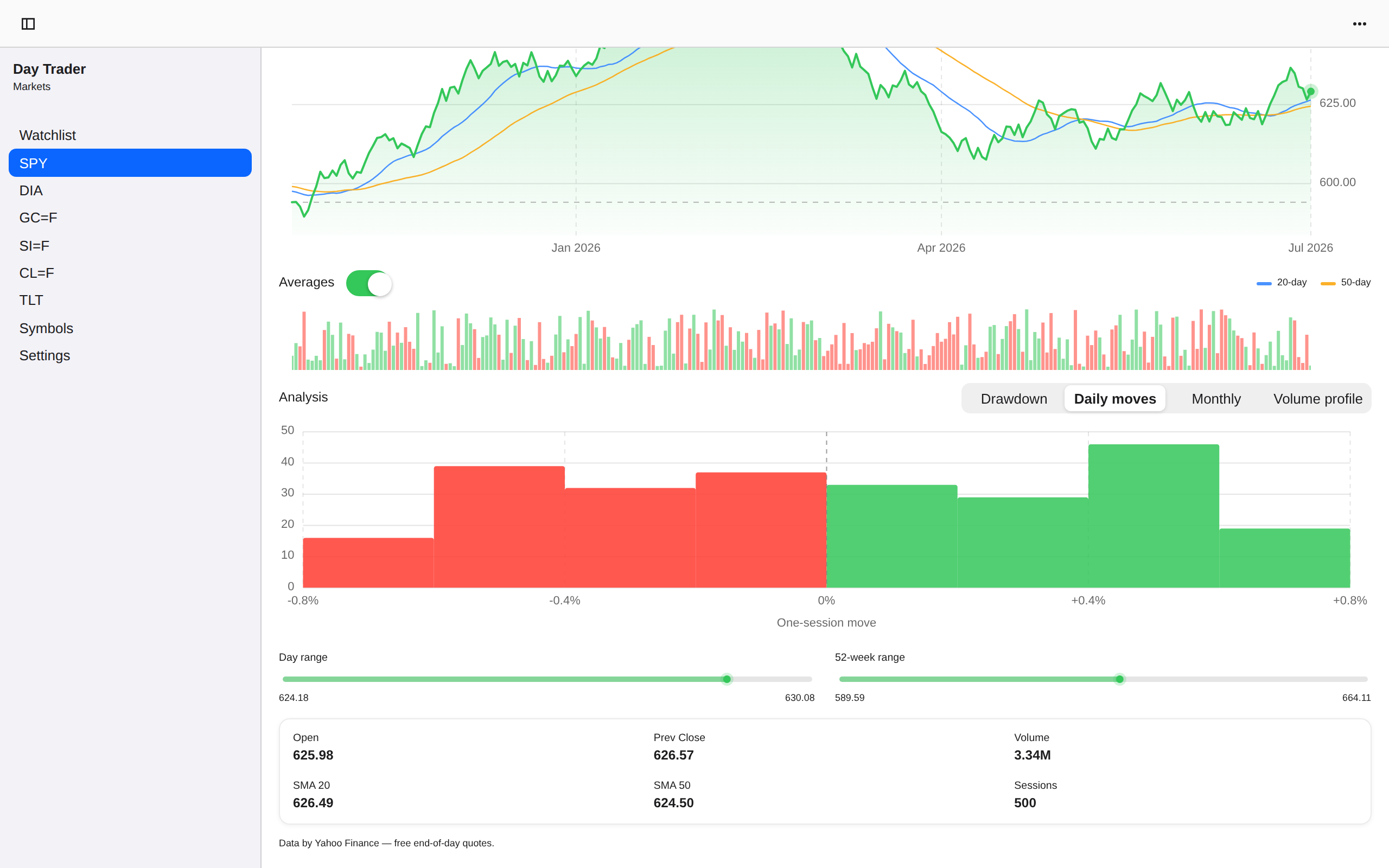
Symbol detail, iOS UIKit
iOSUIKit
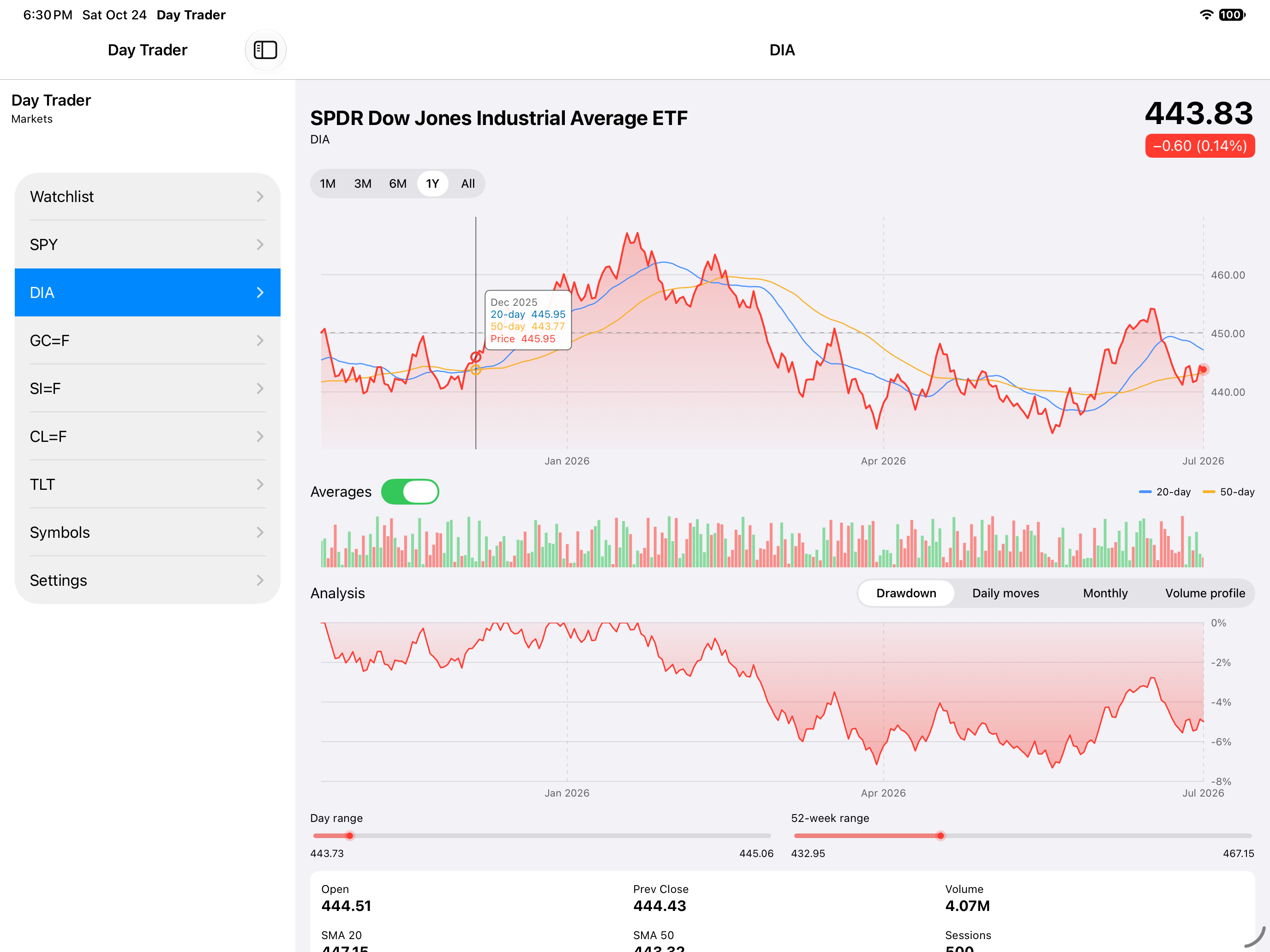
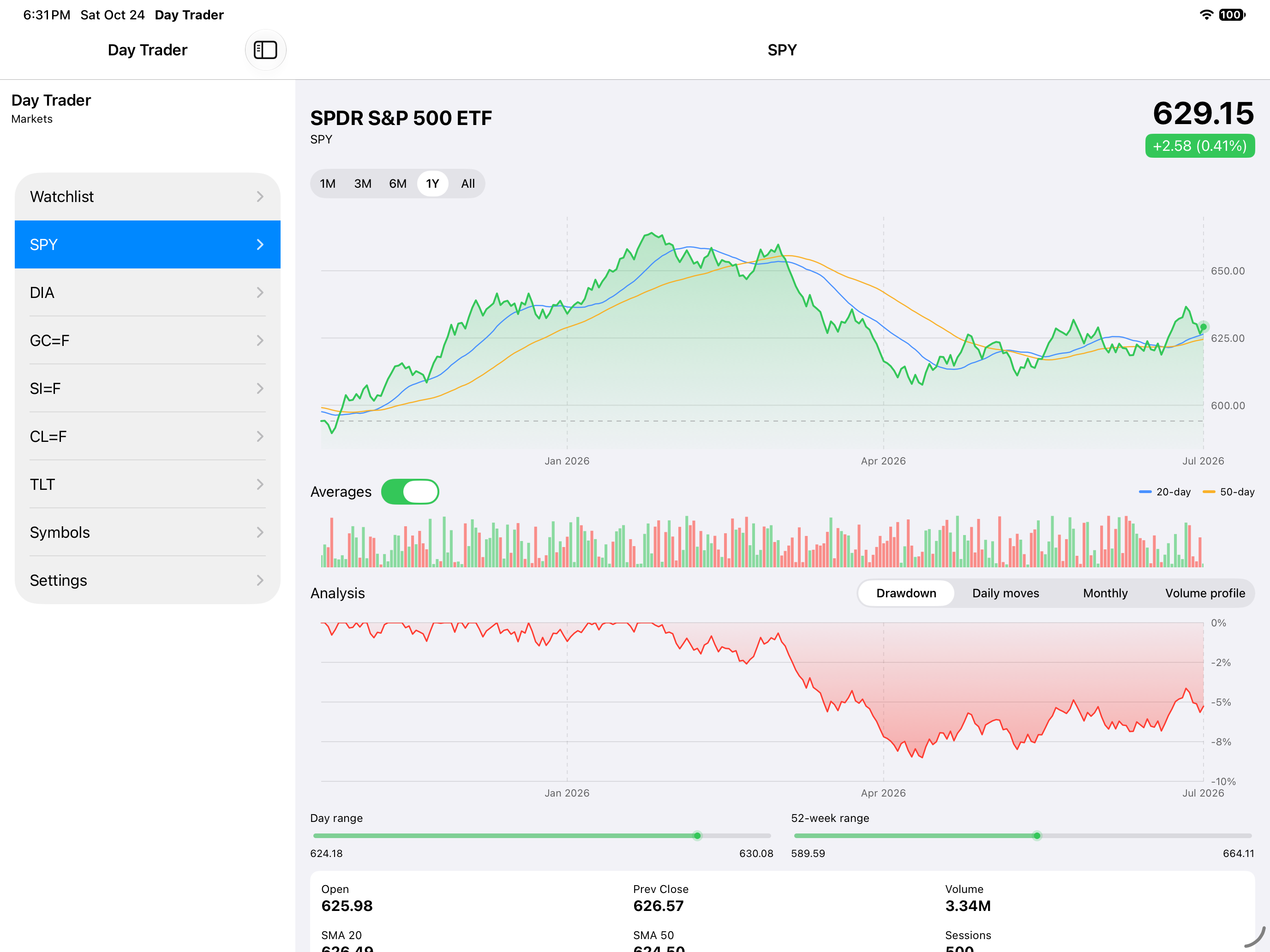
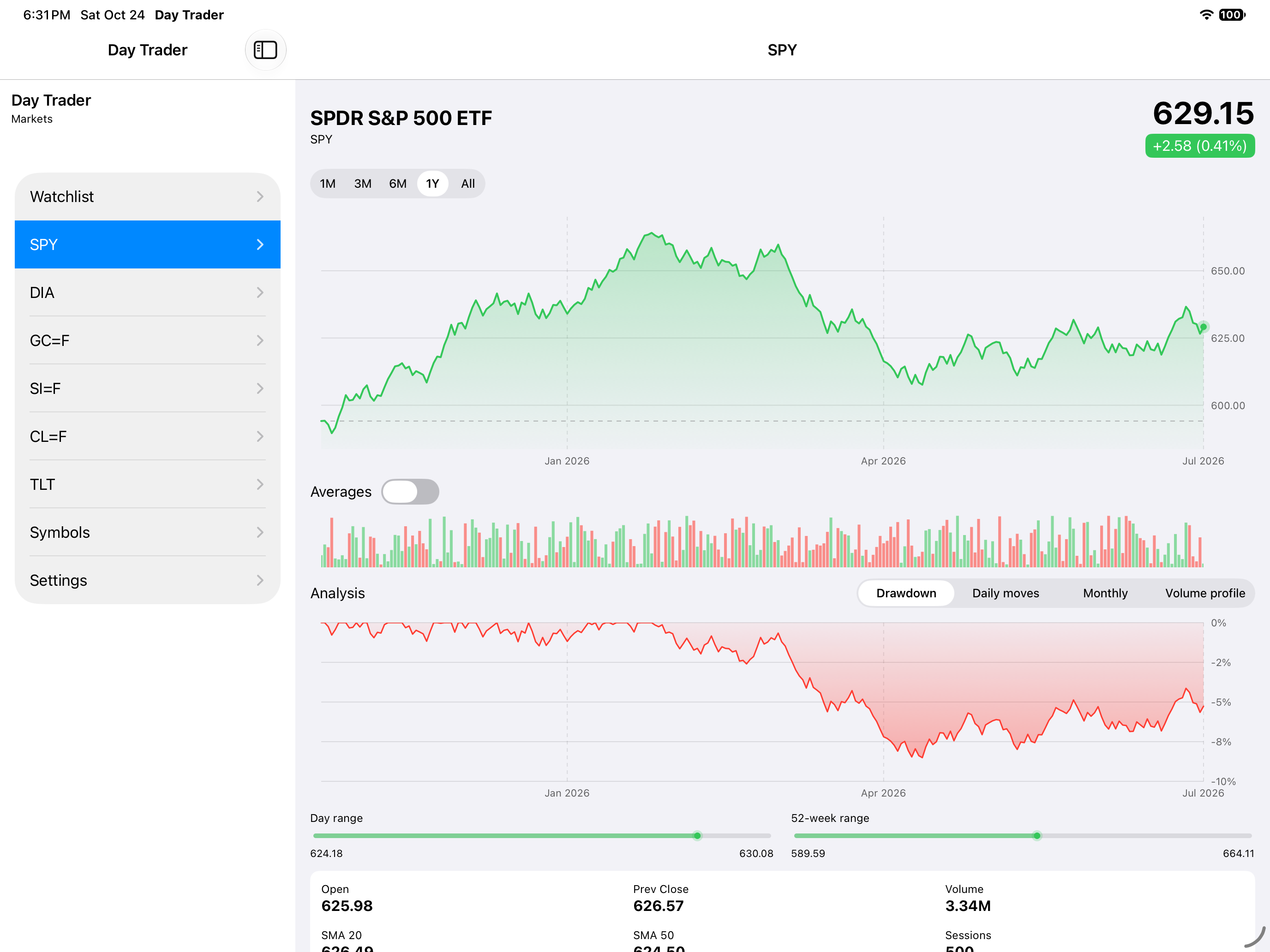
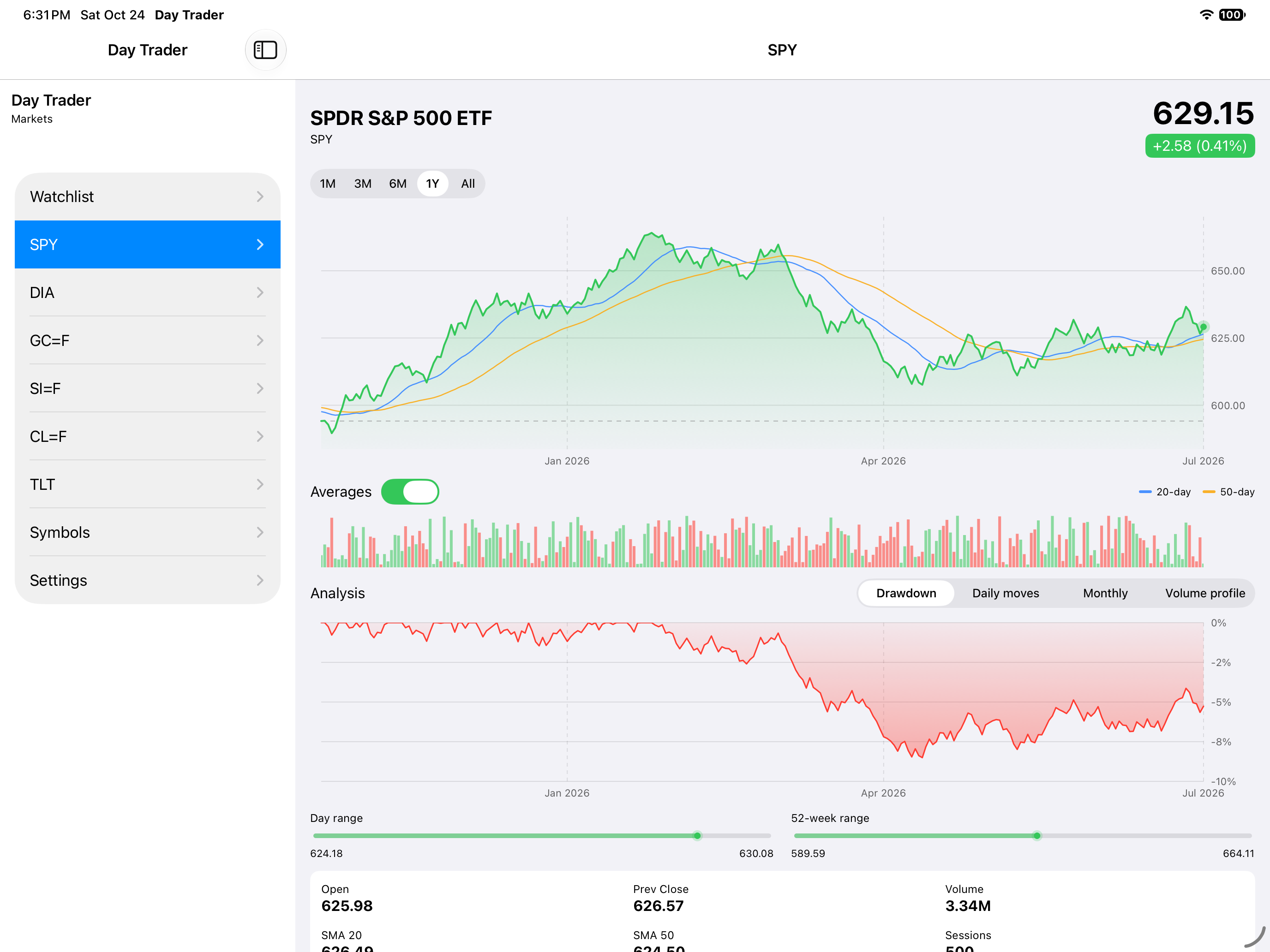
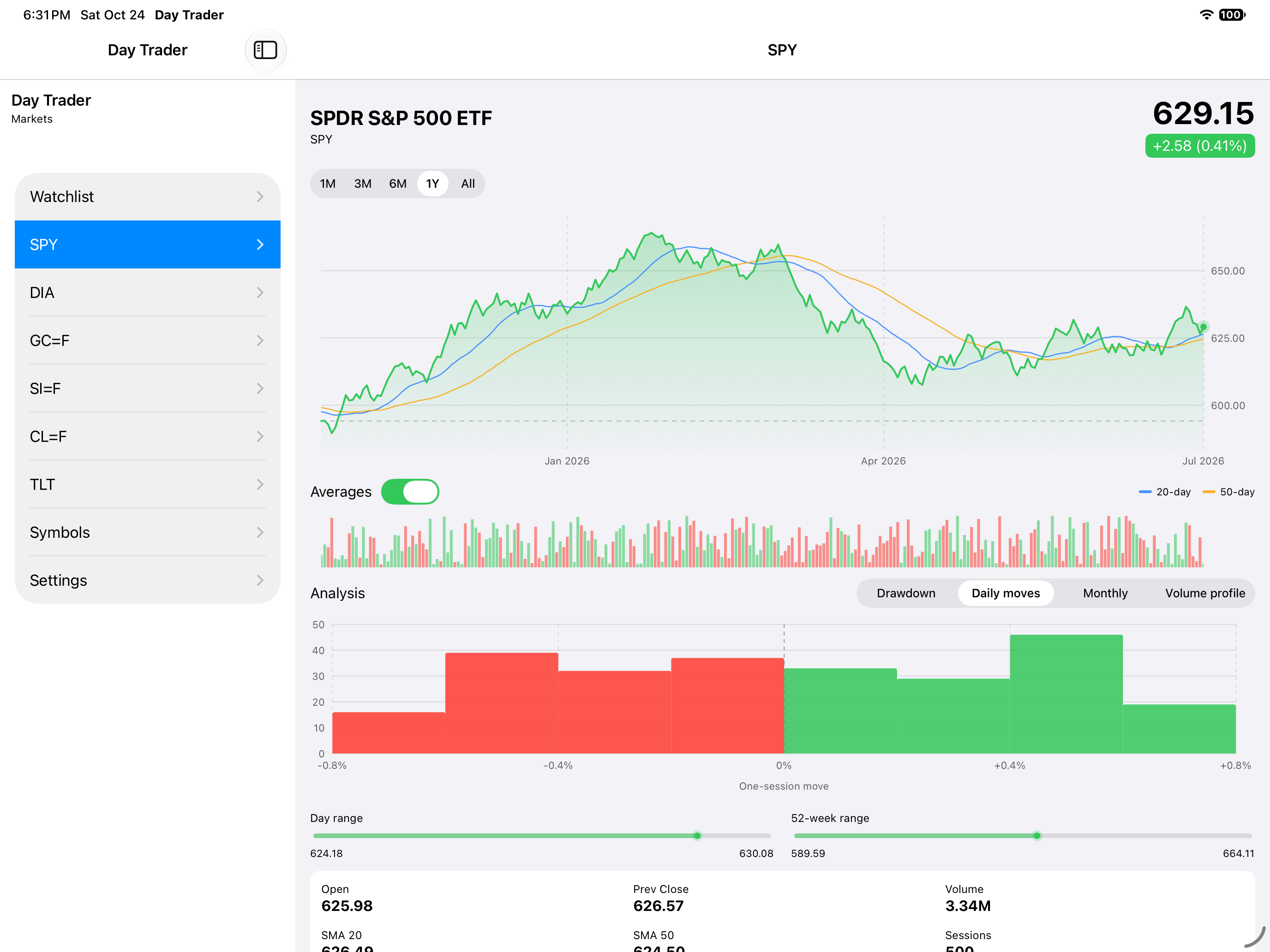
Symbol detail, iOS iPad
iOSiPad
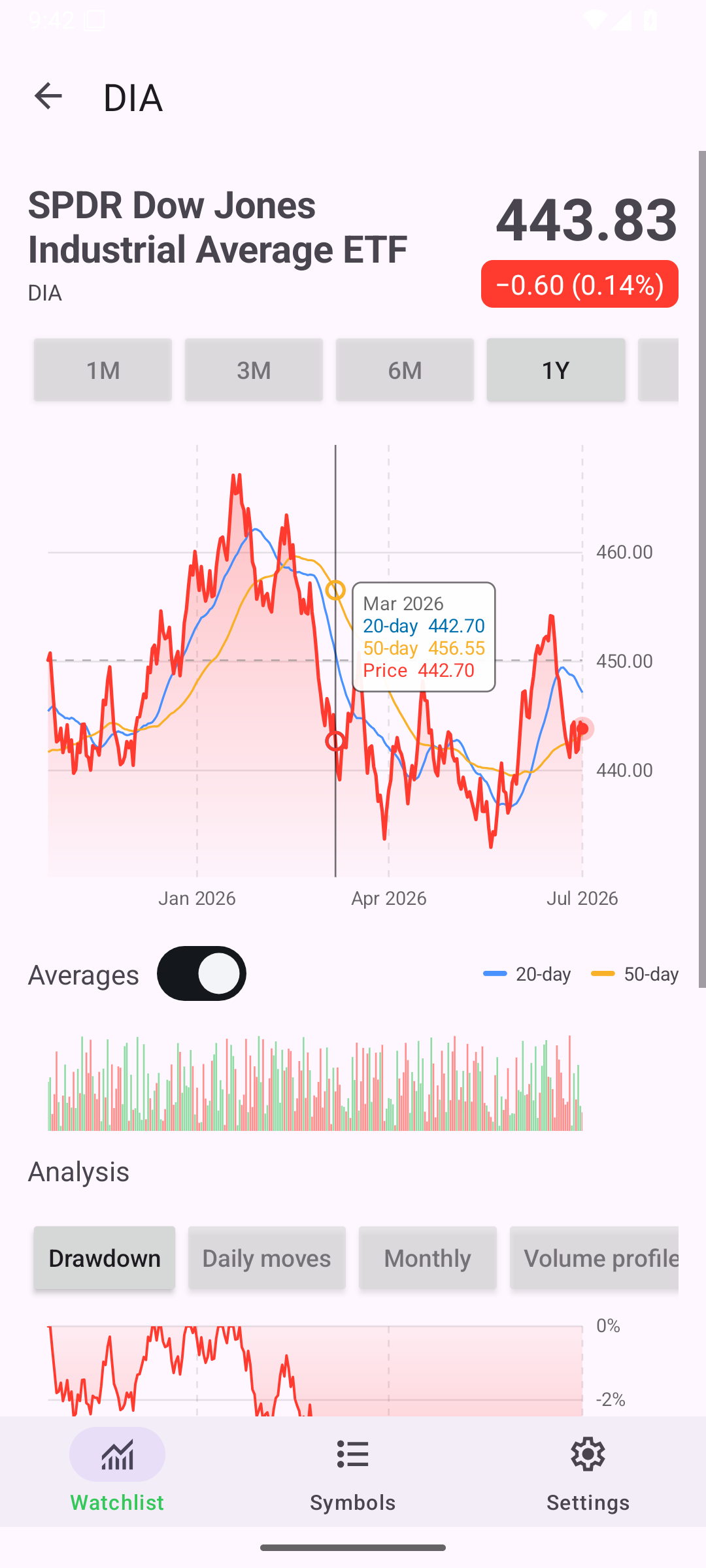
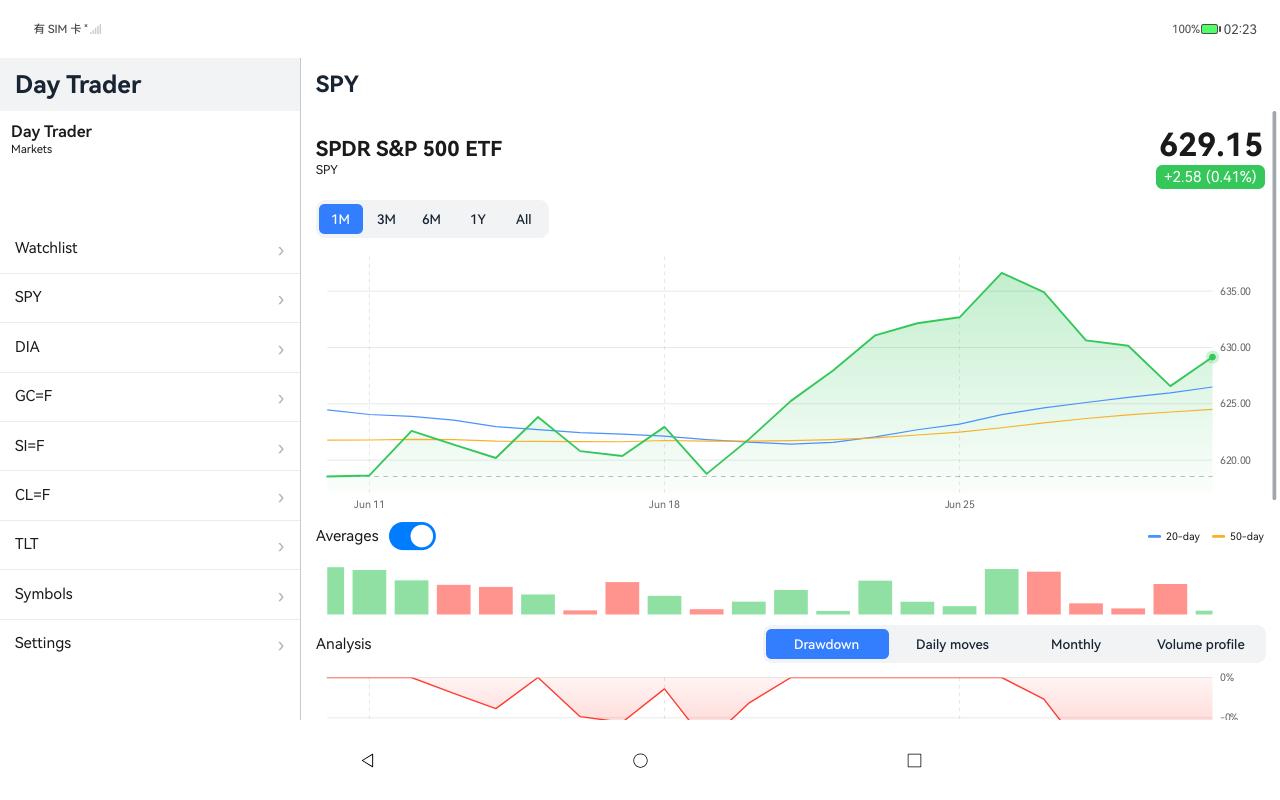
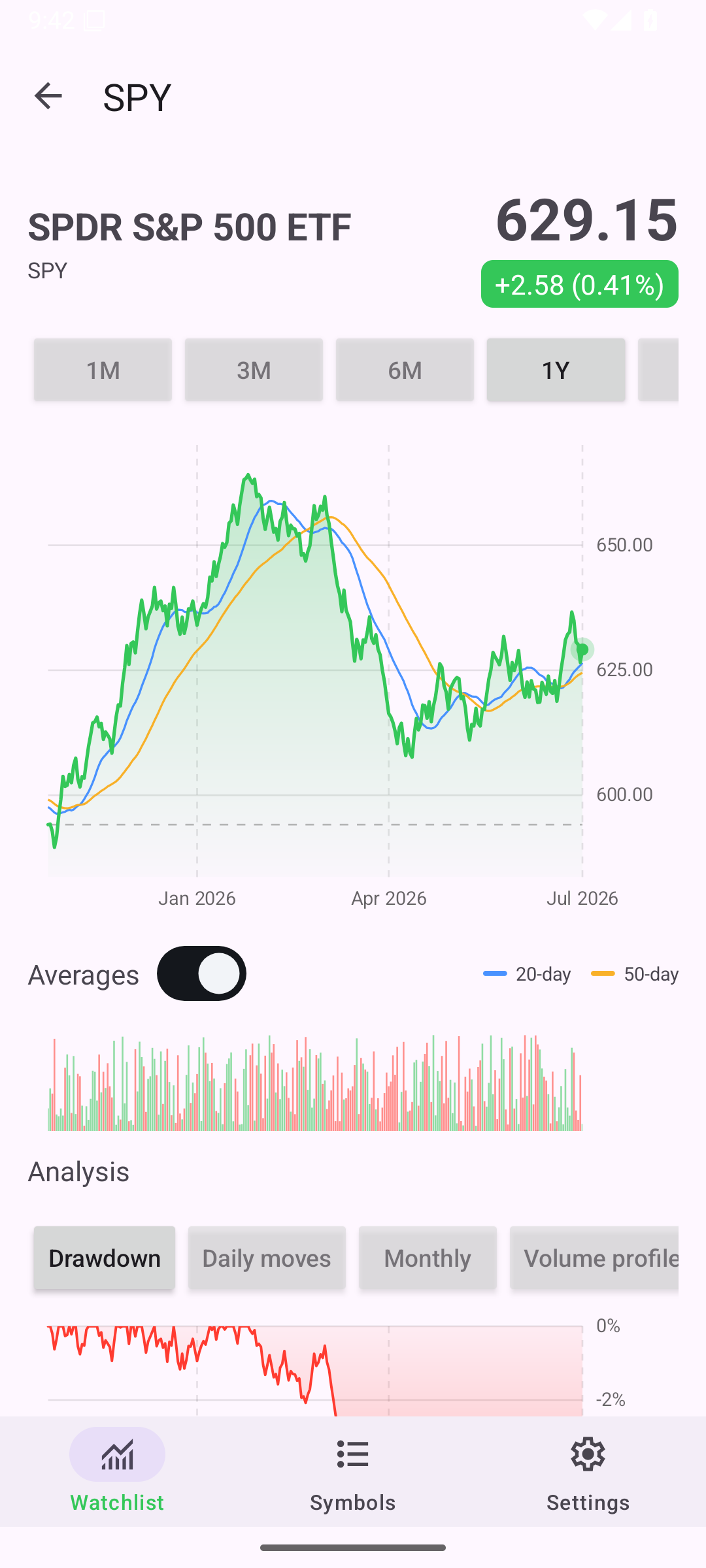
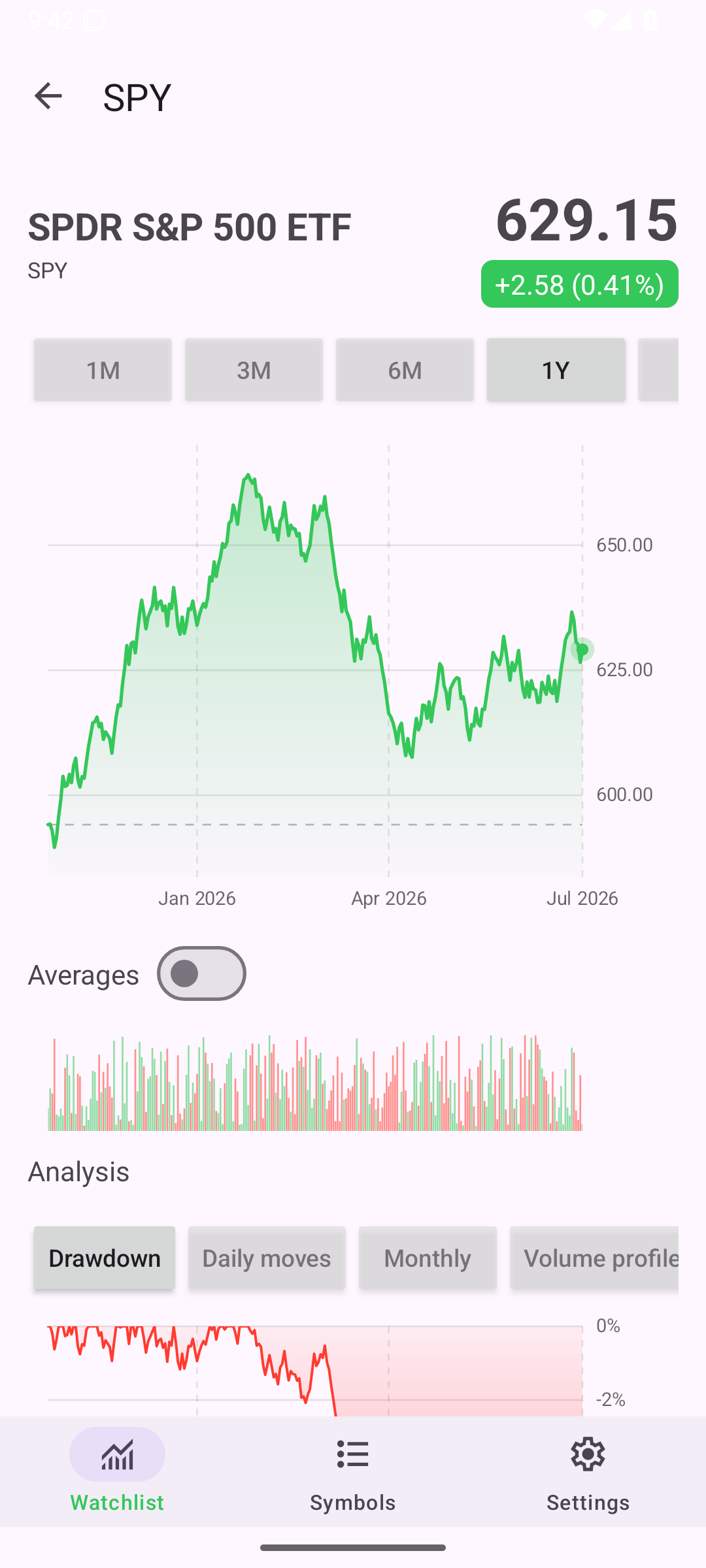
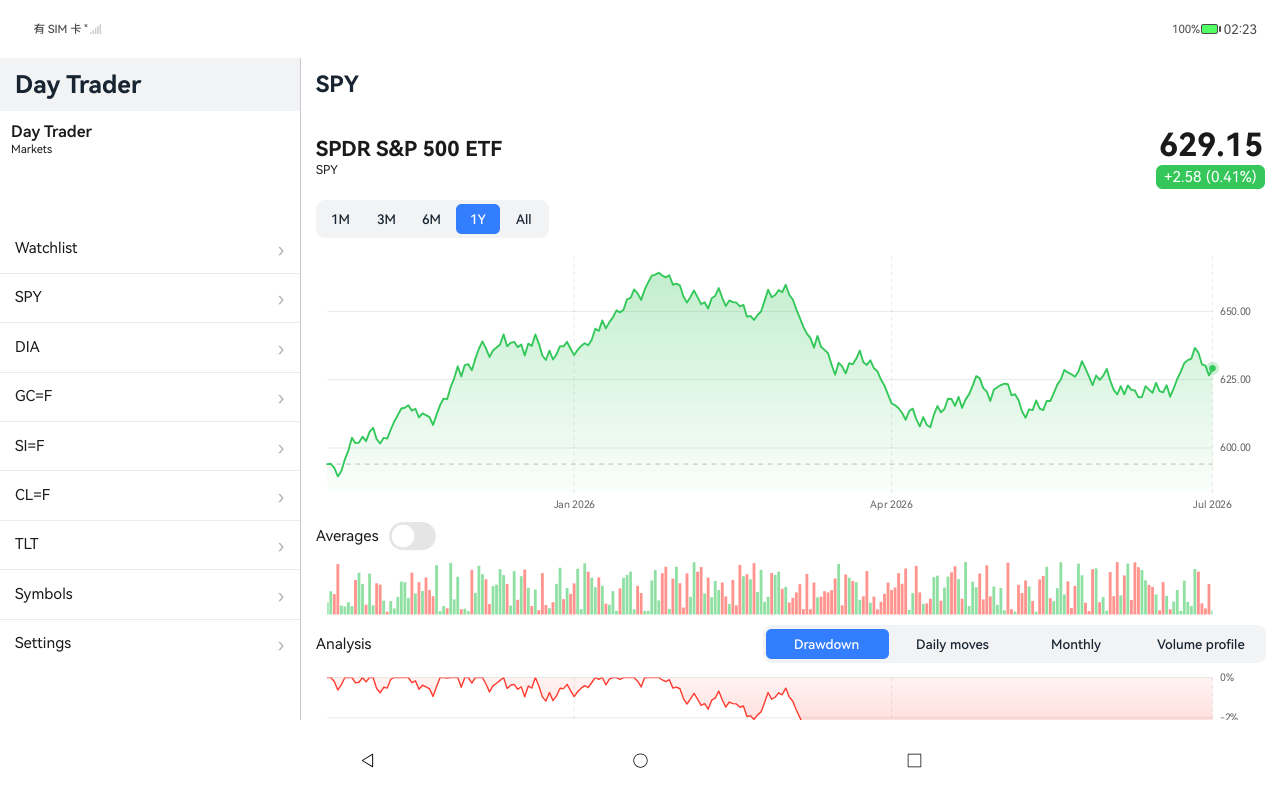
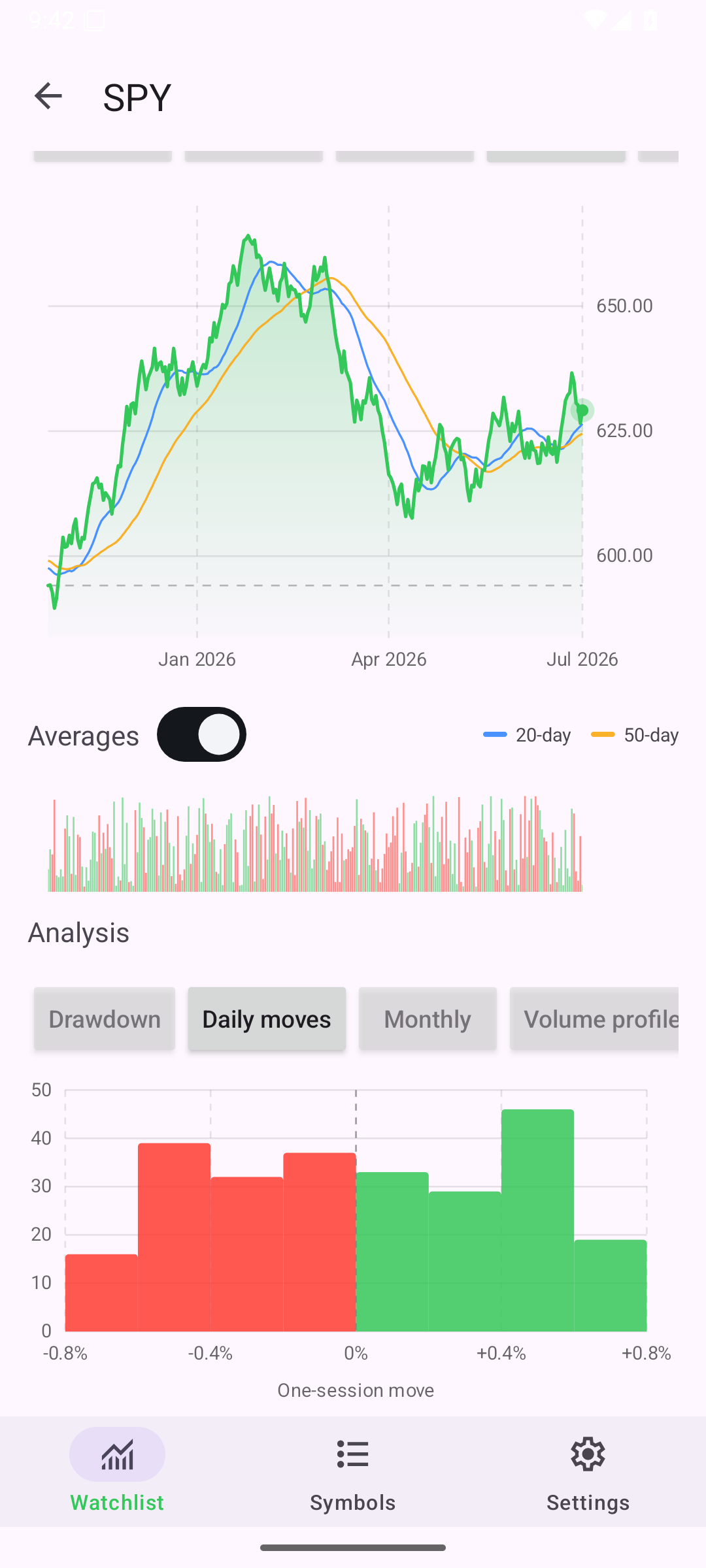
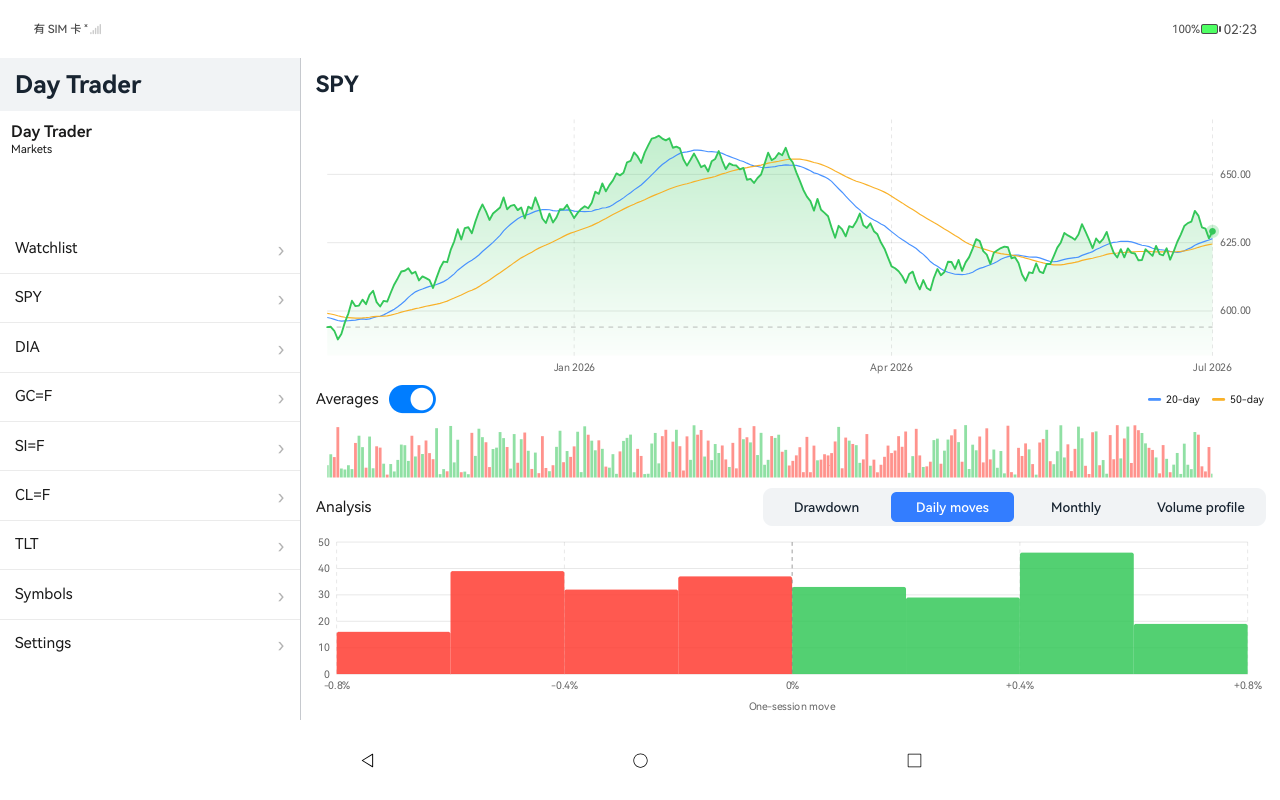
Symbol detail, Android Android
AndroidAndroid
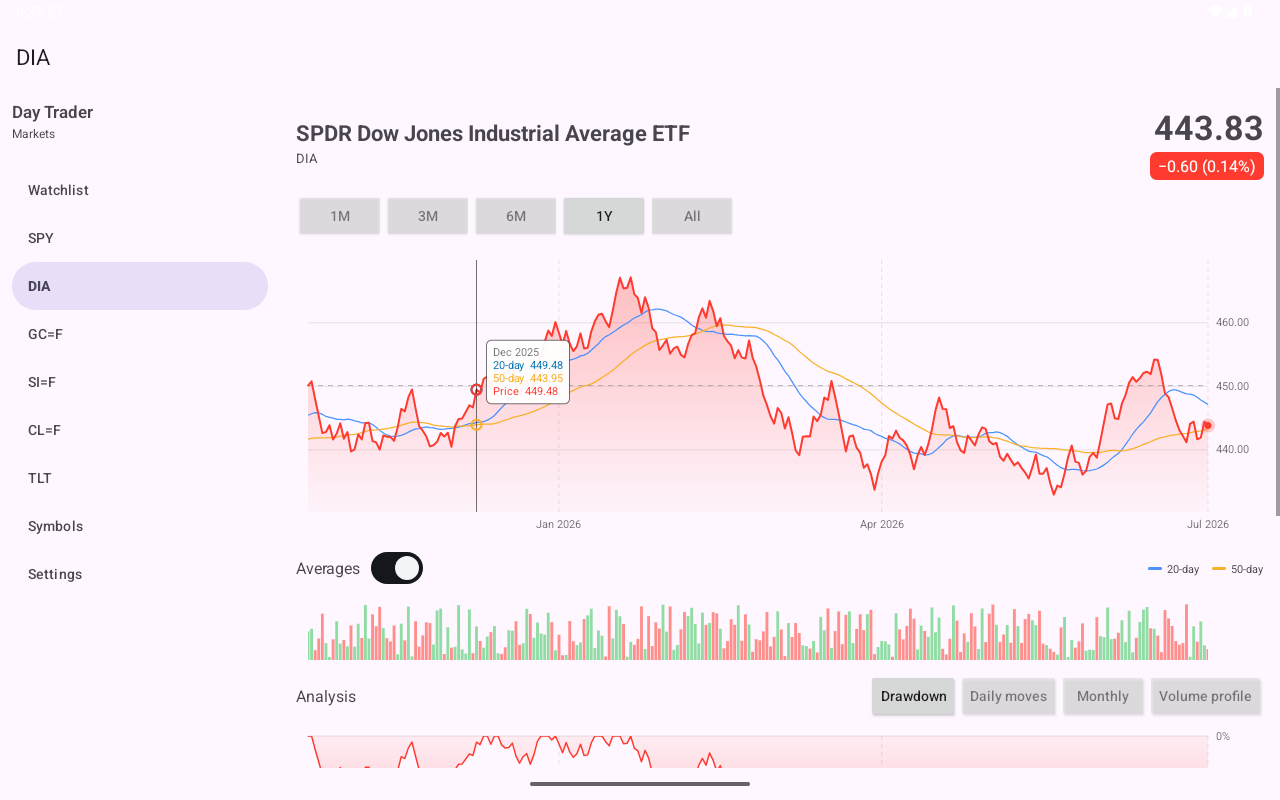
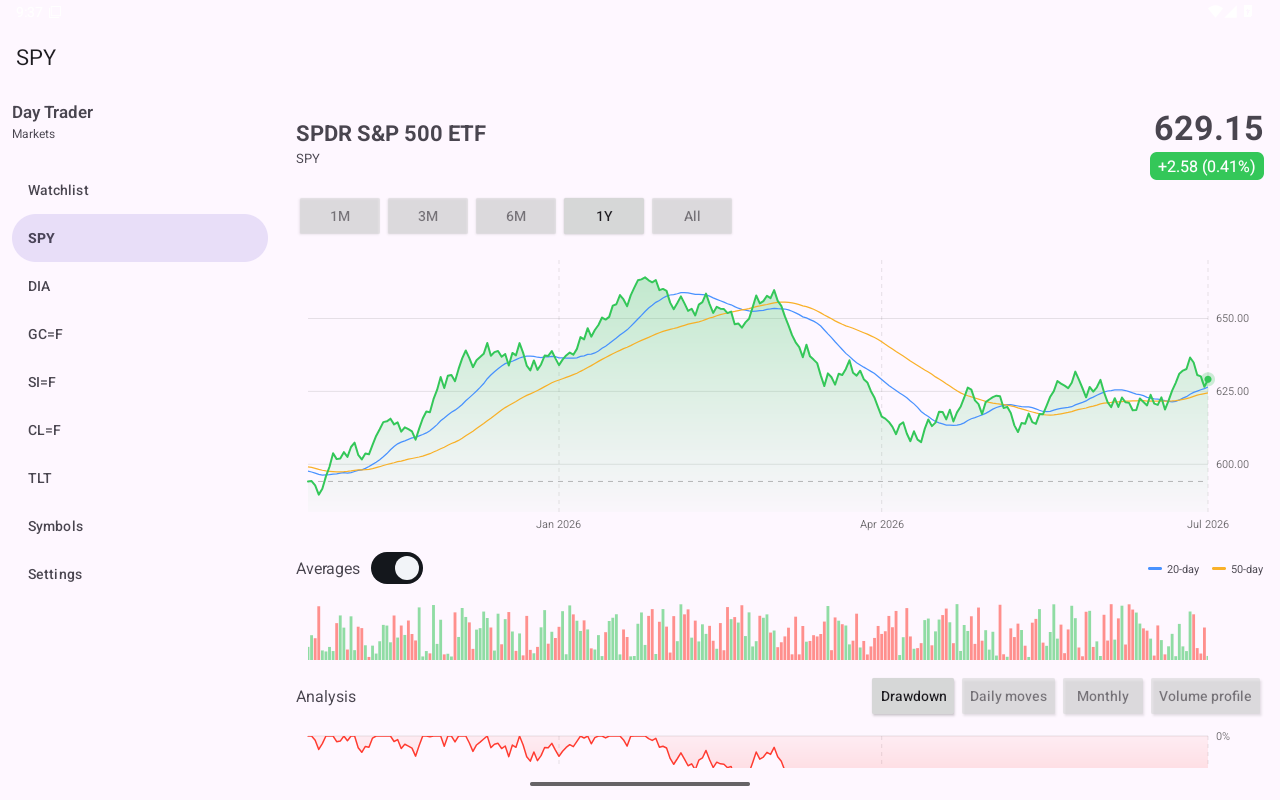
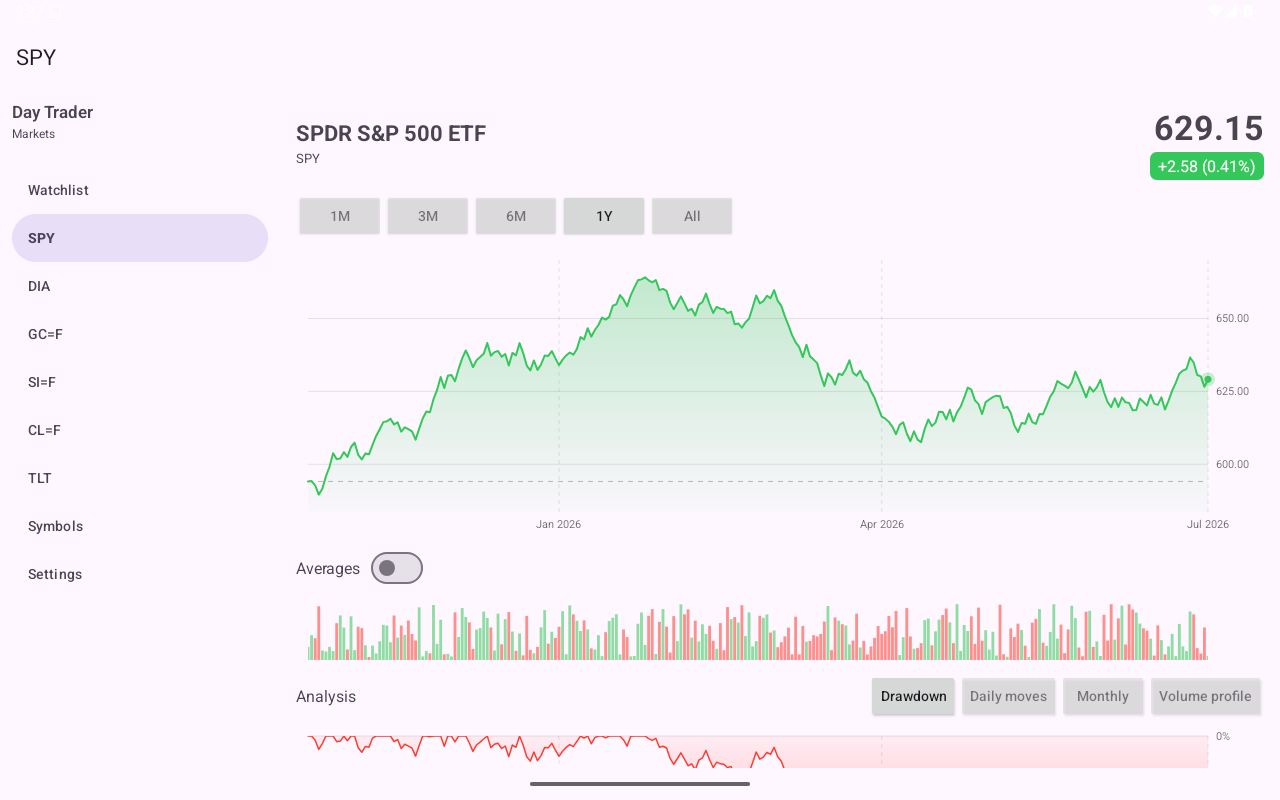
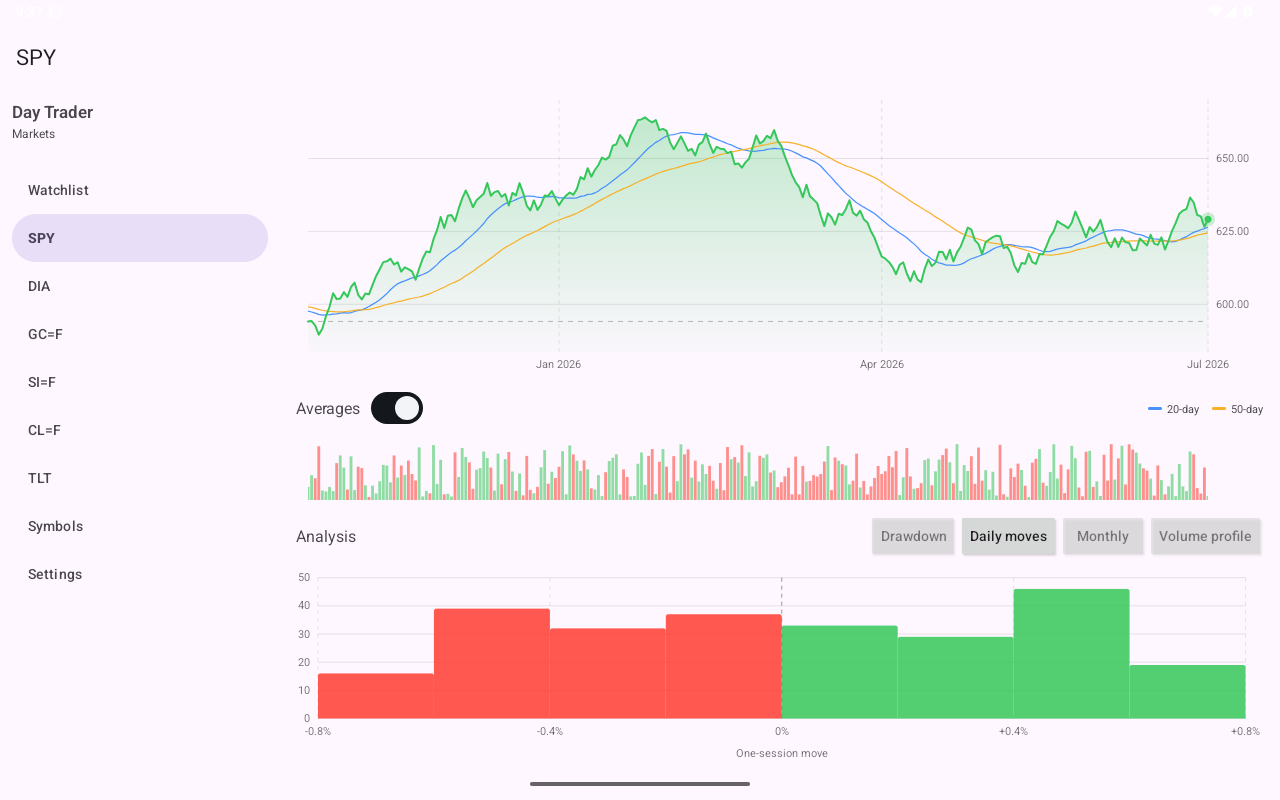
Symbol detail, Android Tablet
AndroidTablet
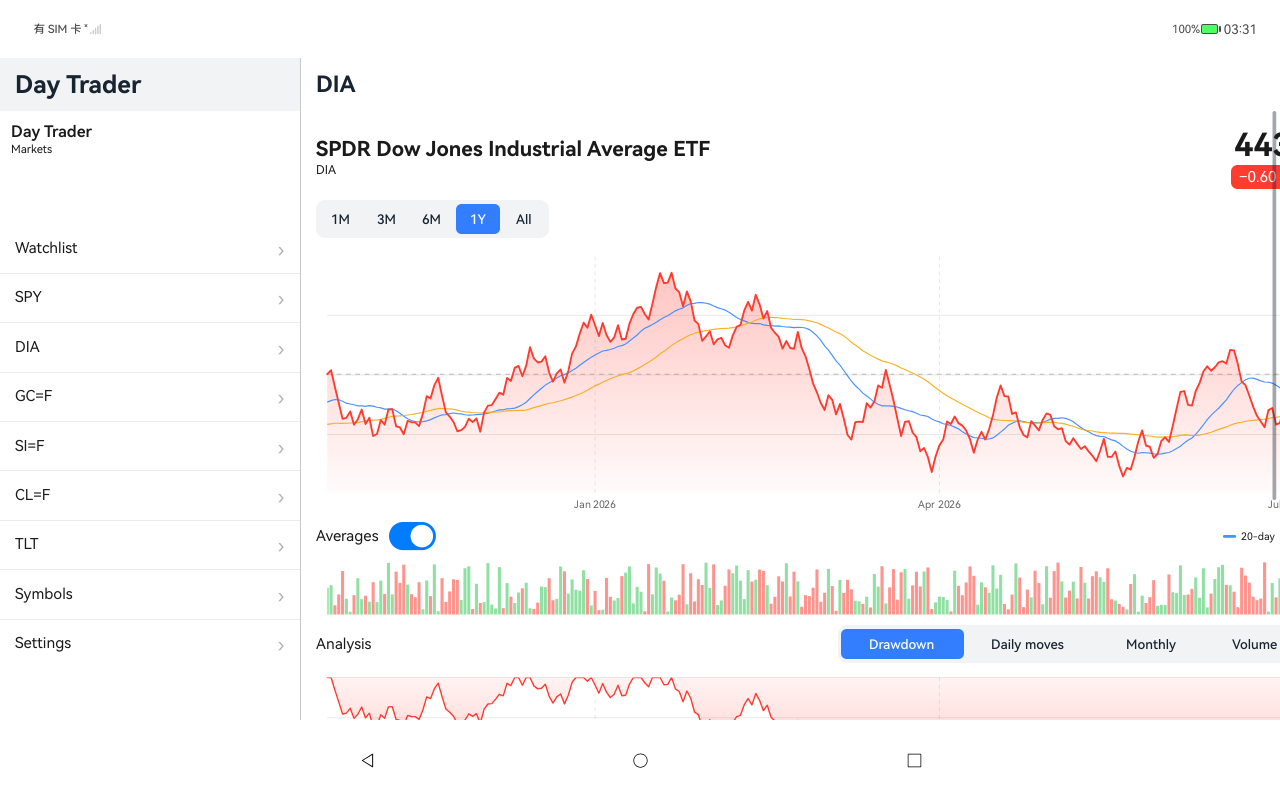
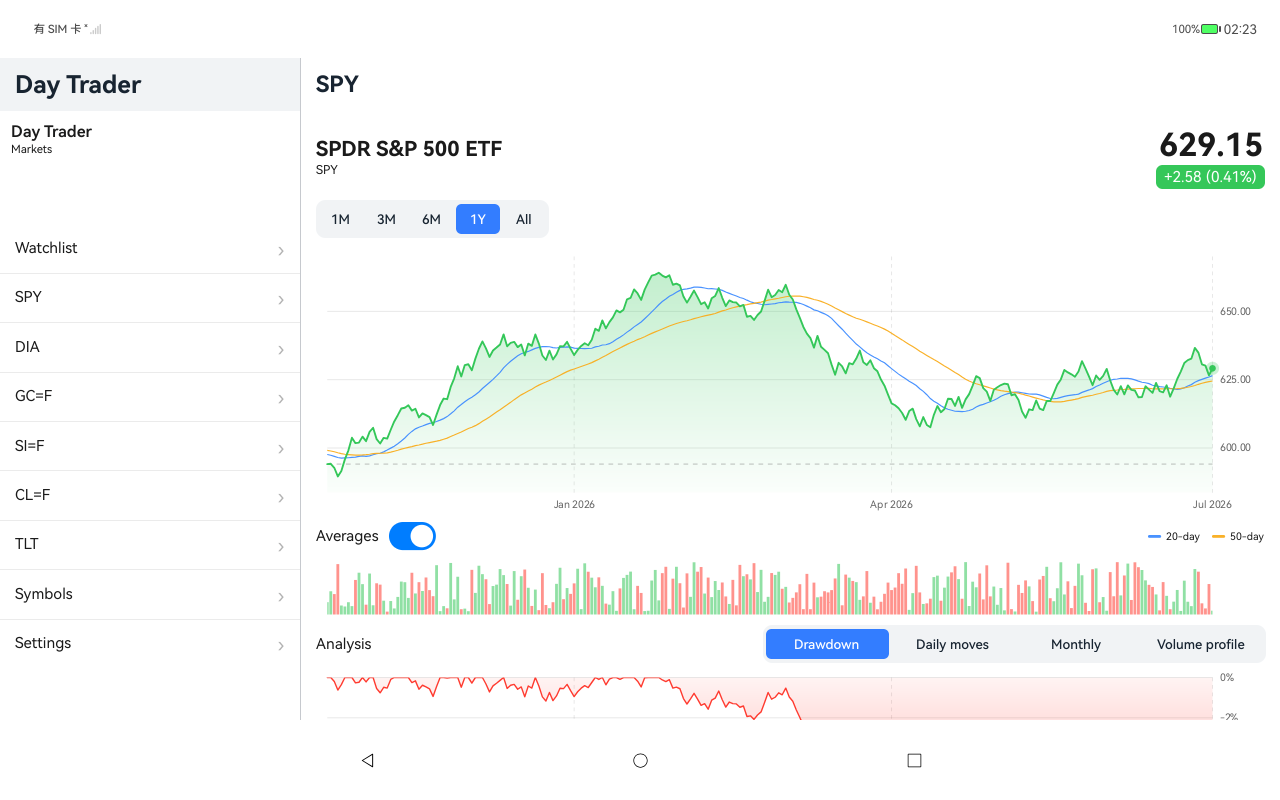
Symbol detail, HarmonyOS ArkUI
HarmonyOSArkUI
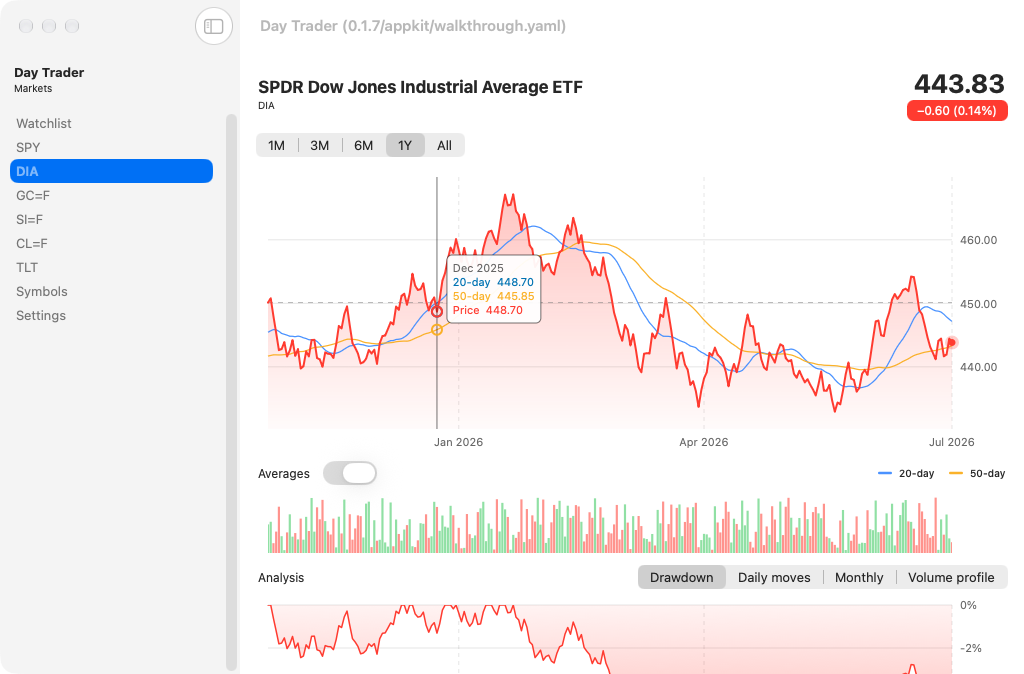
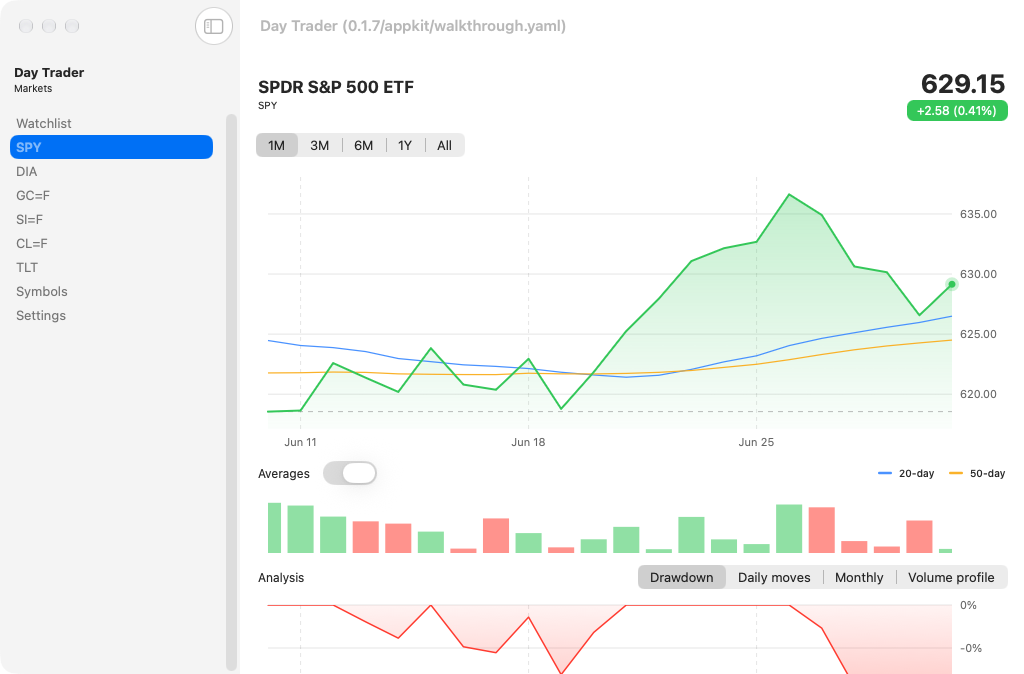
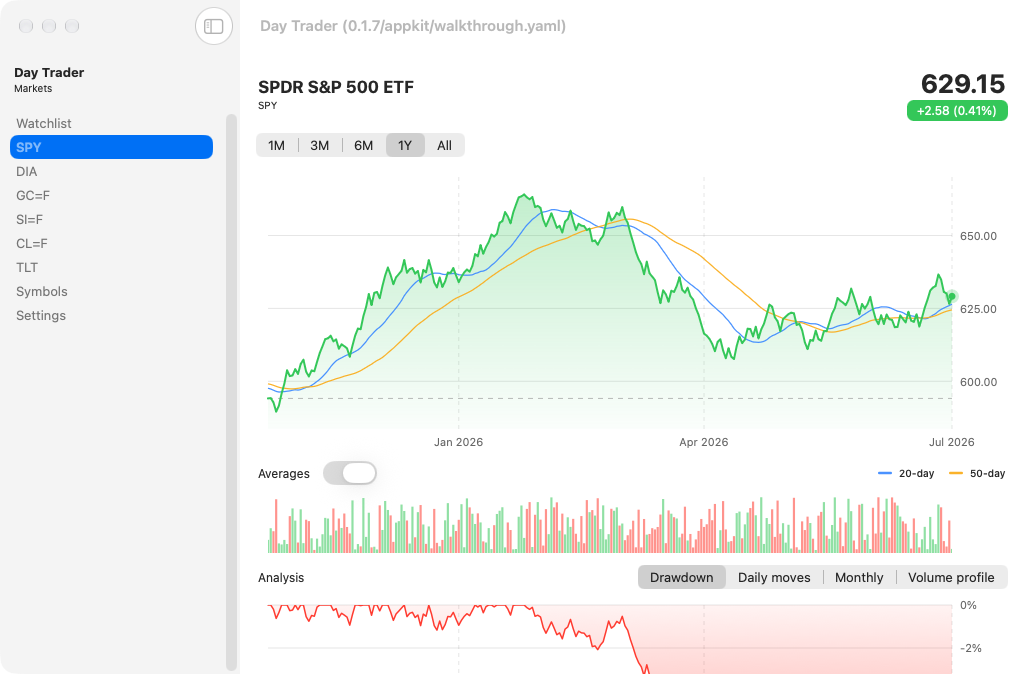
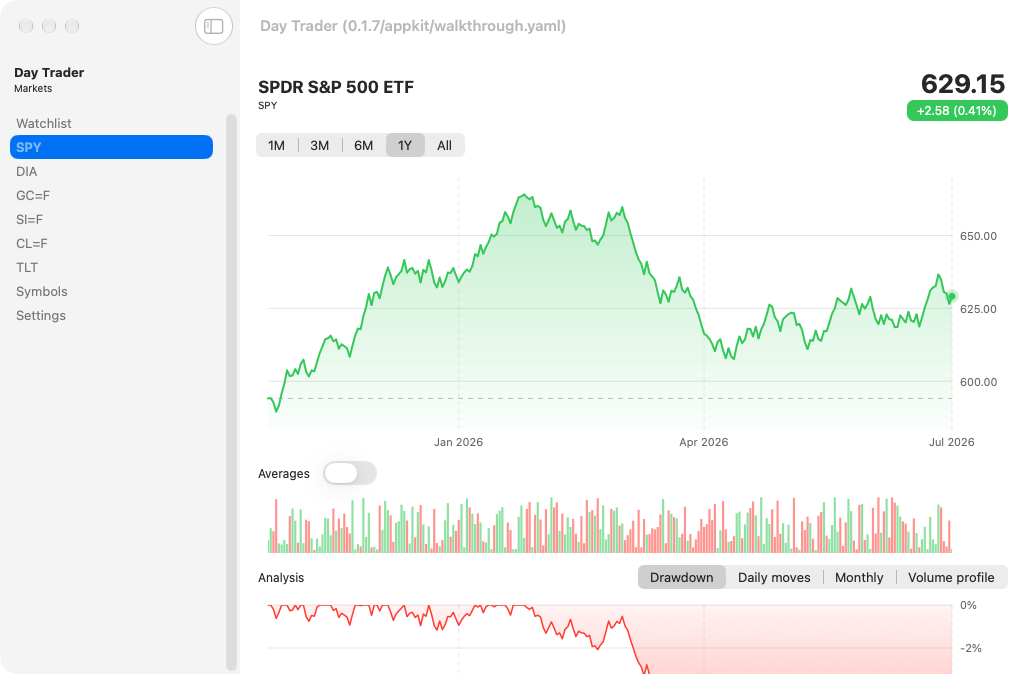
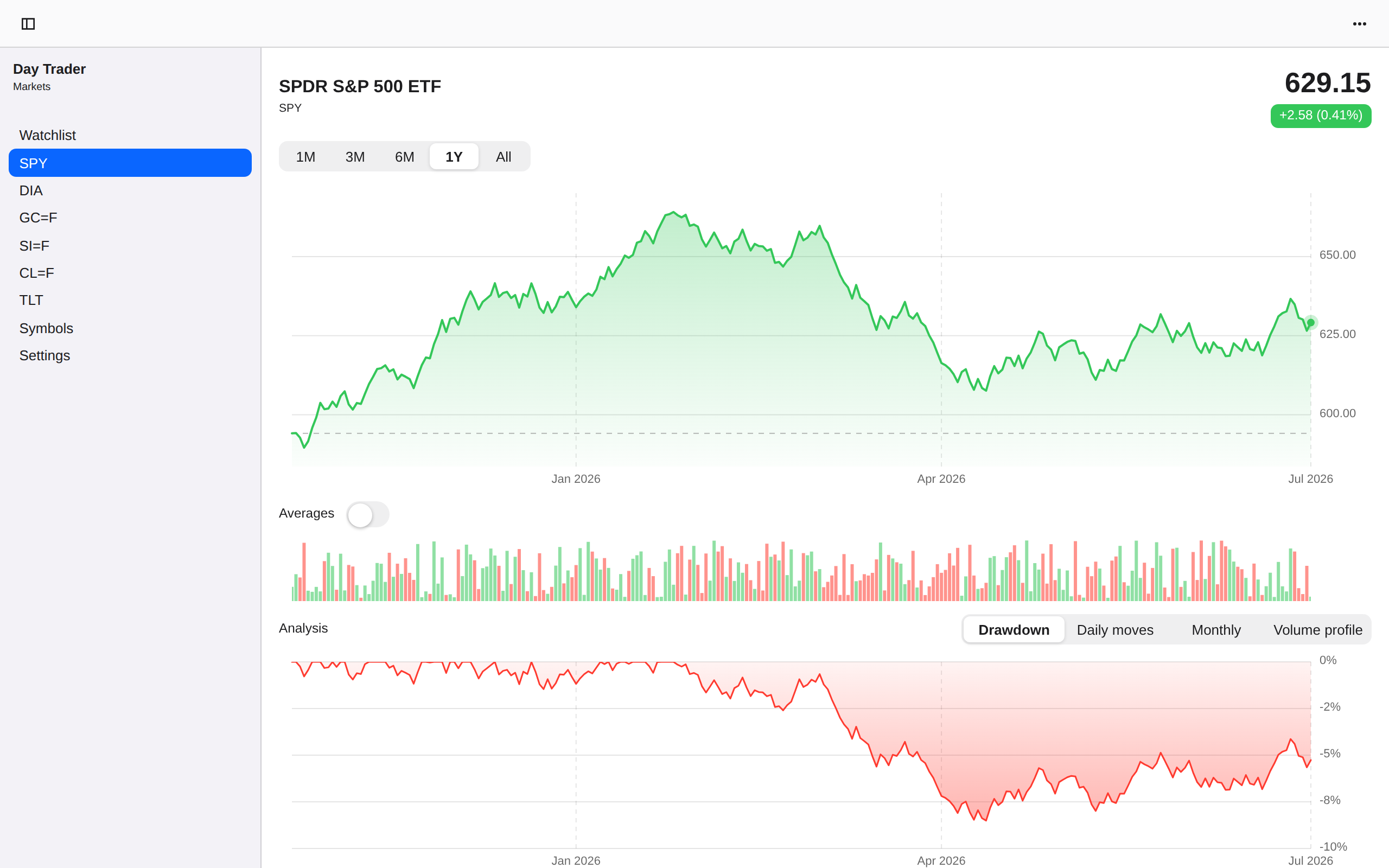
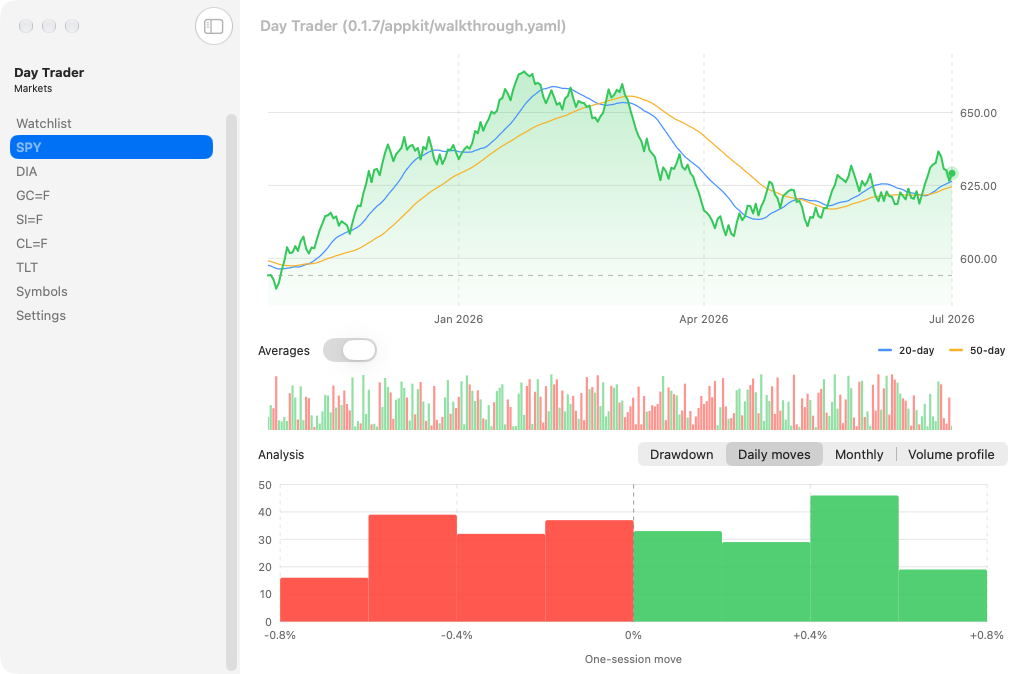
Symbol detail, macOS AppKit
macOSAppKit
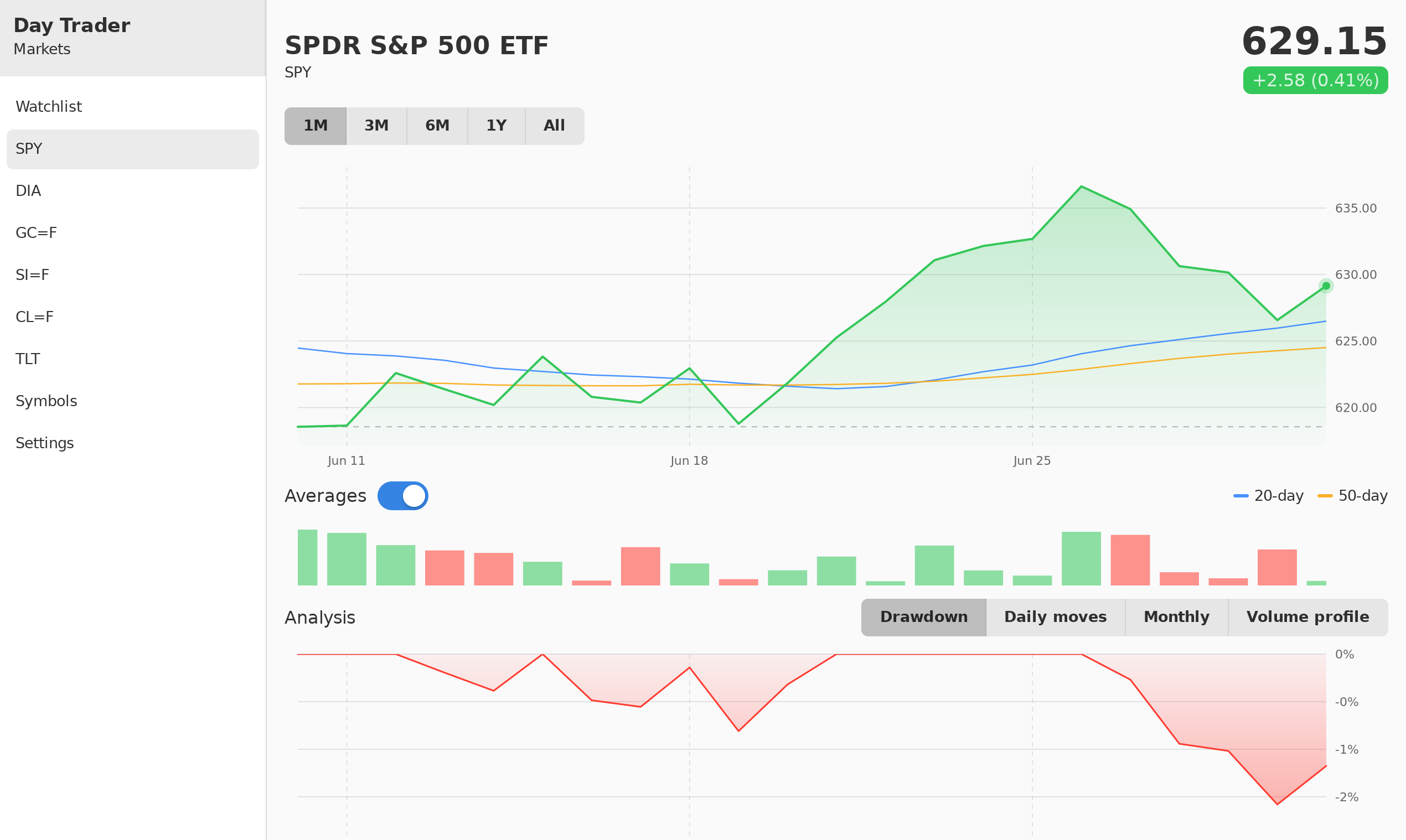
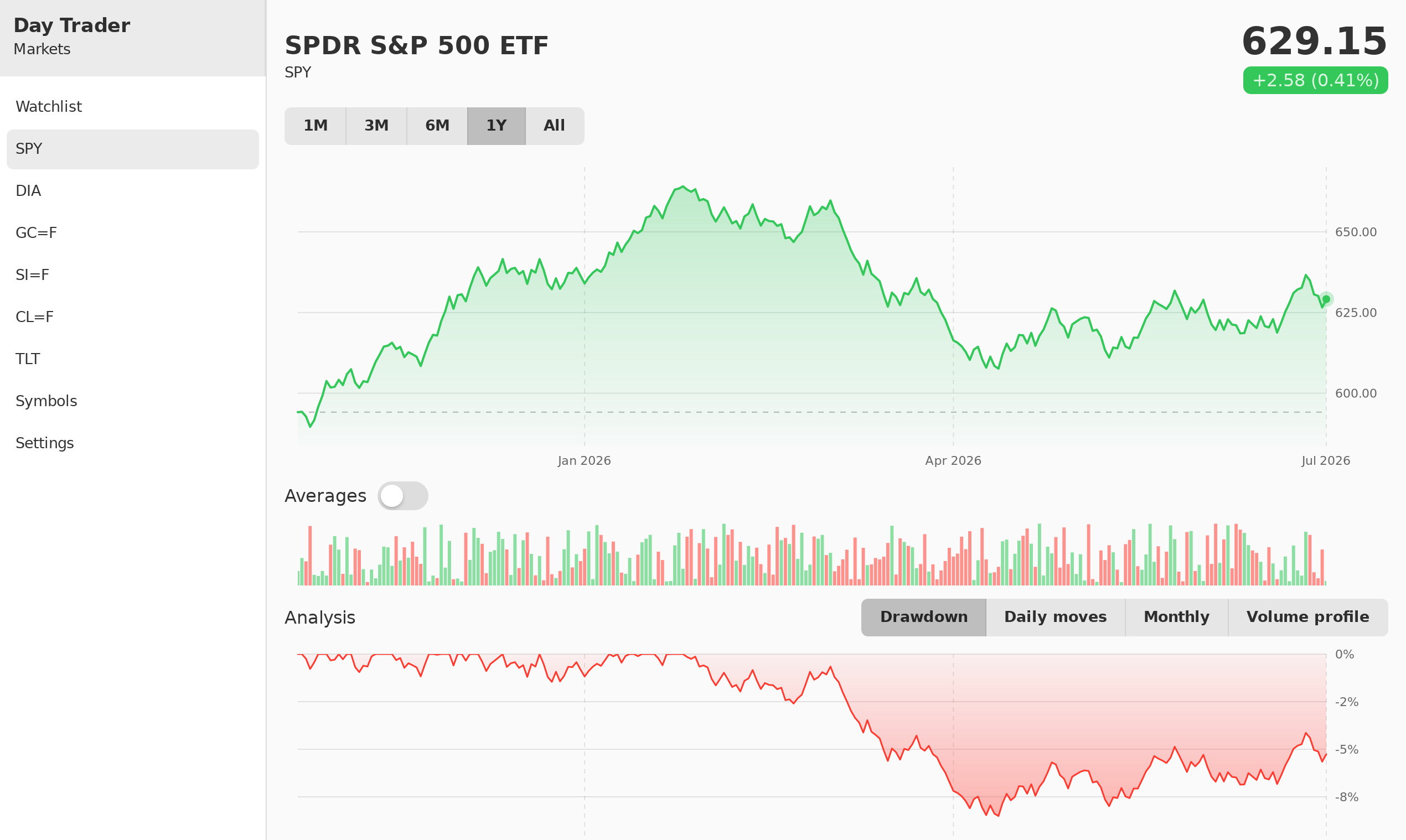
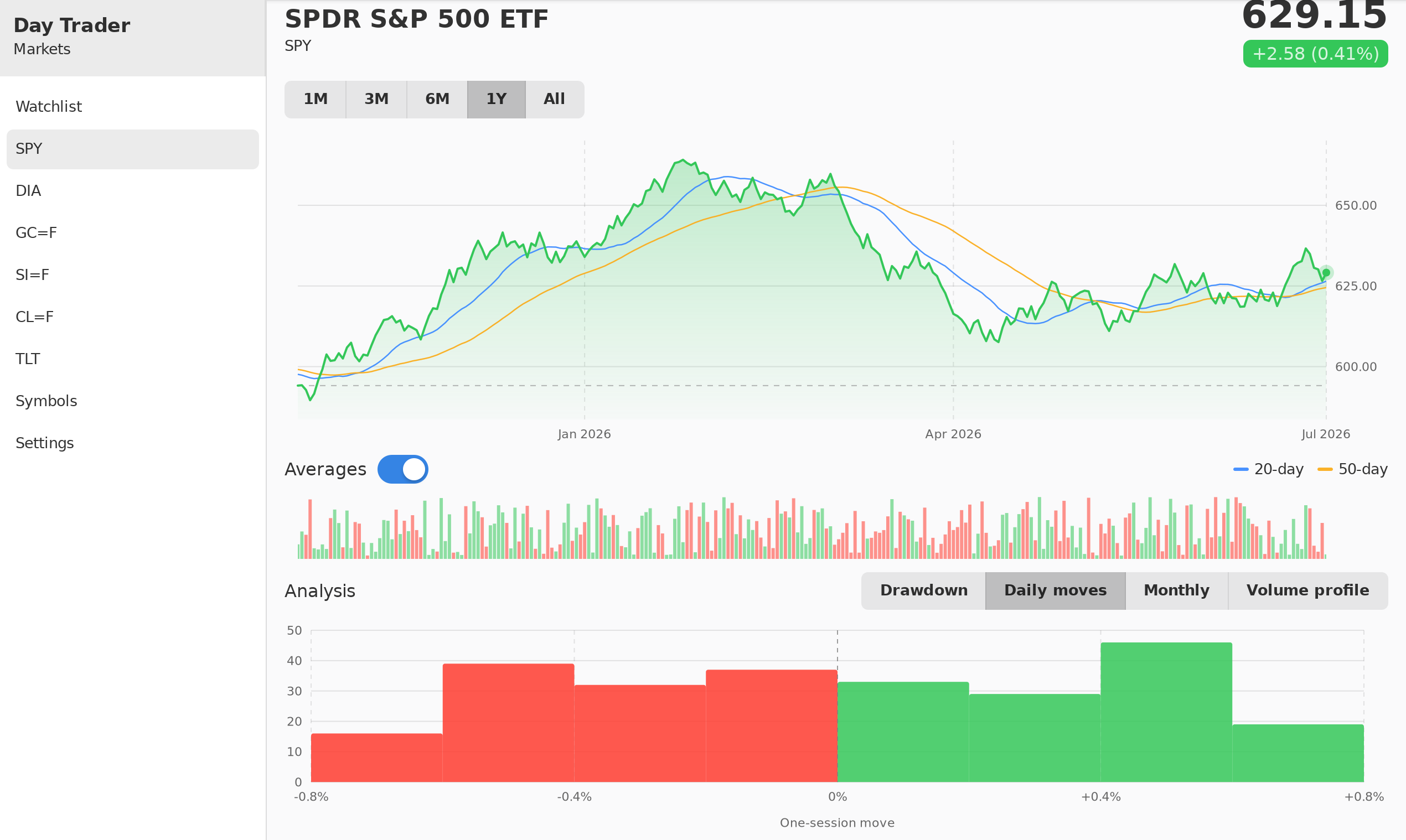
Symbol detail, Linux GTK 4
LinuxGTK 4
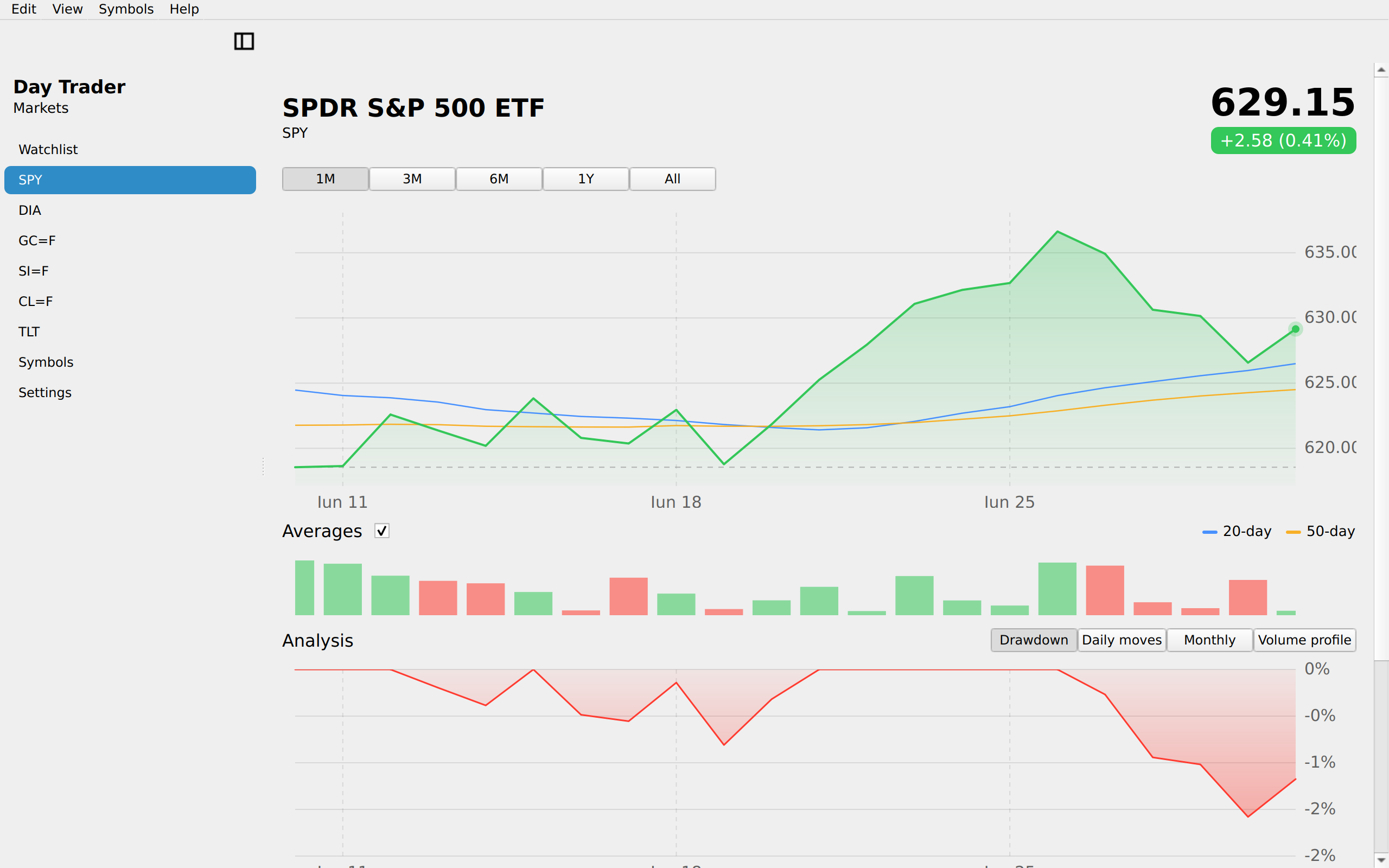
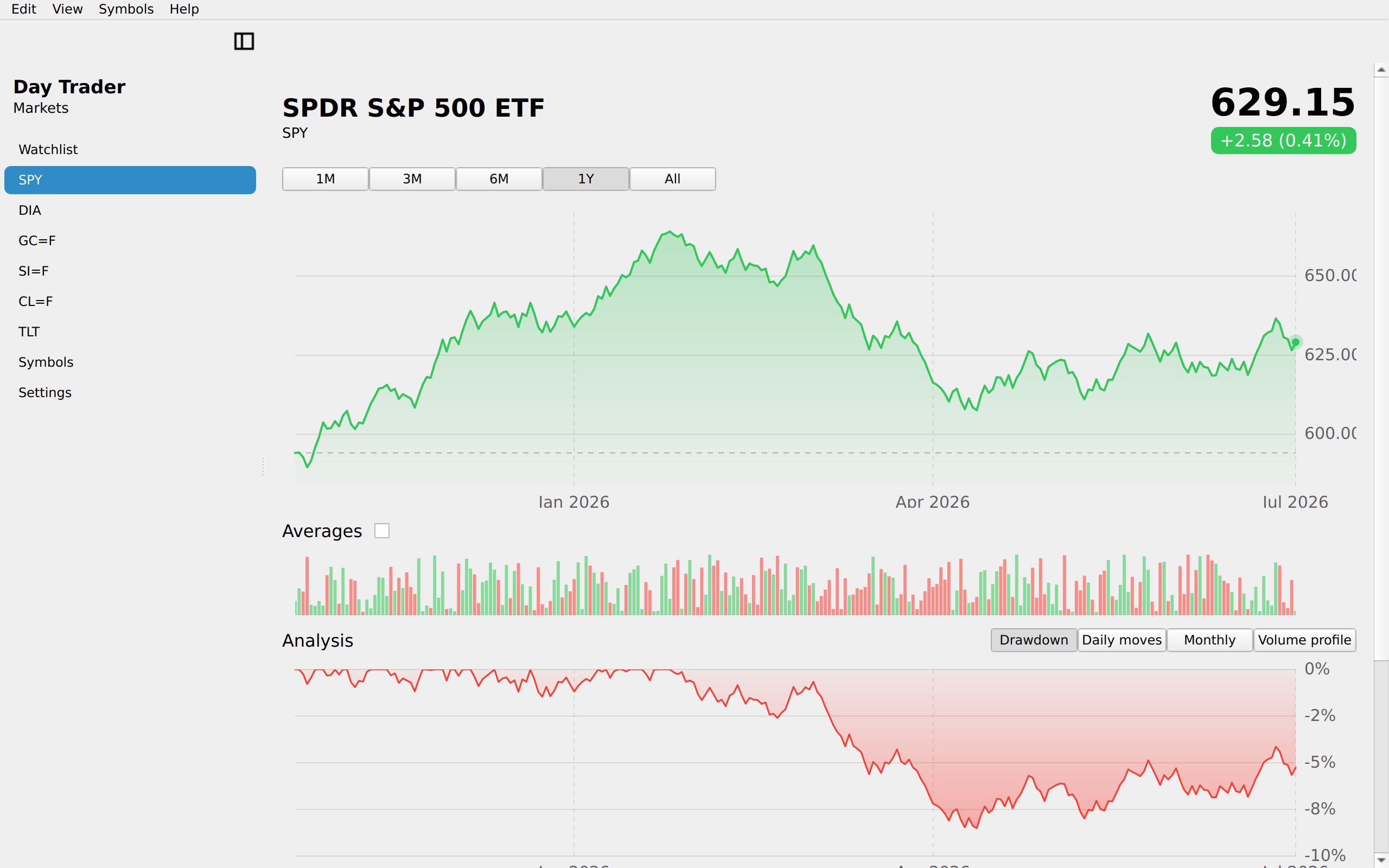
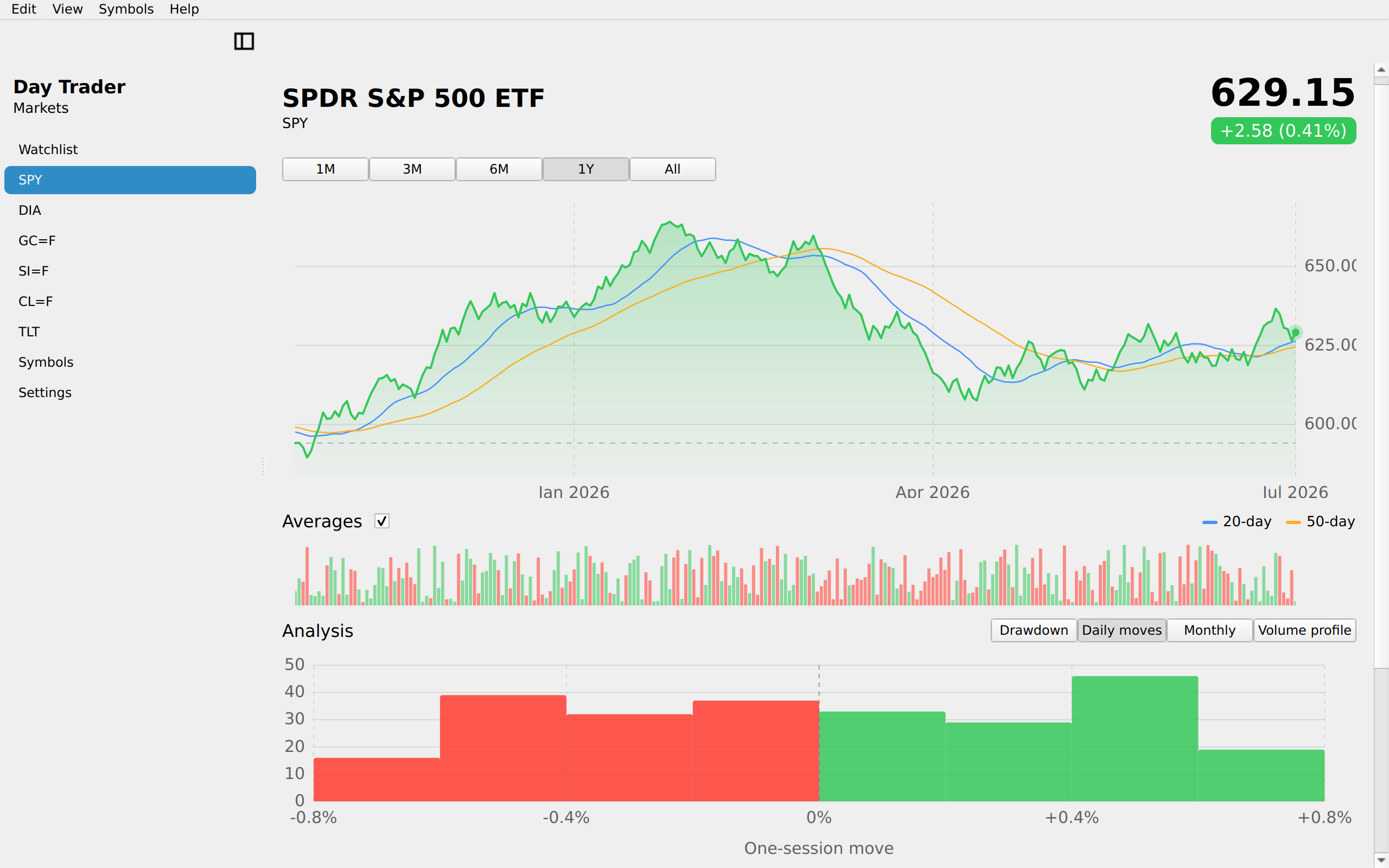
Symbol detail, Linux Qt 6
LinuxQt 6
Symbol detail, Windows XAML
WindowsXAML
Symbol detail, Web Web DOM
WebWeb DOM

Symbol detail · without the overlay

App sourceUpdating the UI from state →
Symbol detail · without the overlay, iOS UIKit
iOSUIKit
Symbol detail · without the overlay, iOS iPad
iOSiPad
Symbol detail · without the overlay, Android Android
AndroidAndroid
Symbol detail · without the overlay, Android Tablet
AndroidTablet
Symbol detail · without the overlay, HarmonyOS ArkUI
HarmonyOSArkUI
Symbol detail · without the overlay, macOS AppKit
macOSAppKit
Symbol detail · without the overlay, Linux GTK 4
LinuxGTK 4
Symbol detail · without the overlay, Linux Qt 6
LinuxQt 6
Symbol detail · without the overlay, Windows XAML
WindowsXAML
Symbol detail · without the overlay, Web Web DOM
WebWeb DOM
Detail Drawdown, iOS UIKit
iOSUIKit
Detail Drawdown, iOS iPad
iOSiPad
Detail Drawdown, Android Android
AndroidAndroid
Detail Drawdown, Android Tablet
AndroidTablet
Detail Drawdown, HarmonyOS ArkUI
HarmonyOSArkUI
Detail Drawdown, macOS AppKit
macOSAppKit
Detail Drawdown, Linux GTK 4
LinuxGTK 4
Detail Drawdown, Linux Qt 6
LinuxQt 6
Detail Drawdown, Windows XAML
WindowsXAML
Detail Drawdown, Web Web DOM
WebWeb DOM
Detail Returns, iOS UIKit
iOSUIKit
Detail Returns, iOS iPad
iOSiPad
Detail Returns, Android Android
AndroidAndroid
Detail Returns, Android Tablet
AndroidTablet
Detail Returns, HarmonyOS ArkUI
HarmonyOSArkUI
Detail Returns, macOS AppKit
macOSAppKit
Detail Returns, Linux GTK 4
LinuxGTK 4
Detail Returns, Linux Qt 6
LinuxQt 6
Detail Returns, Windows XAML
WindowsXAML
Detail Returns, Web Web DOM
WebWeb DOM
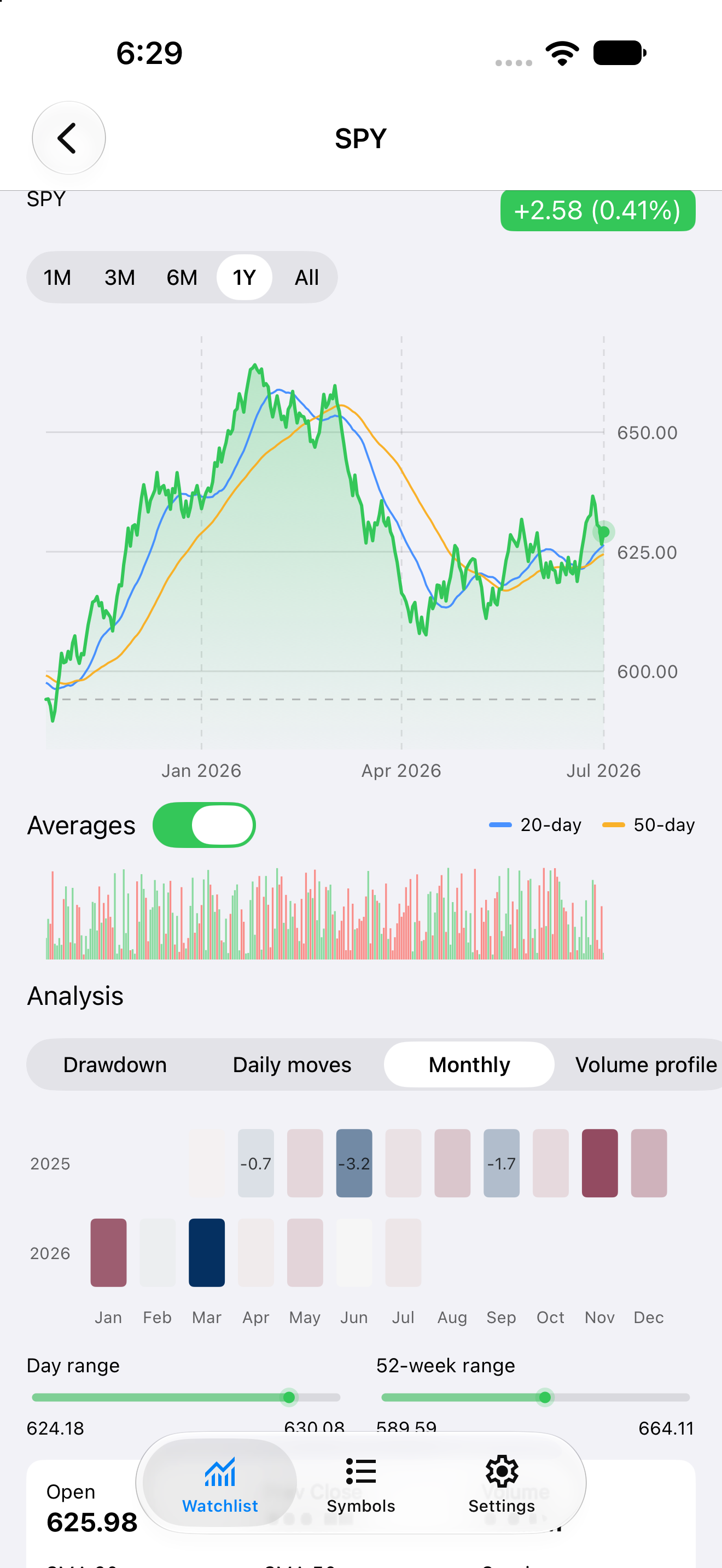
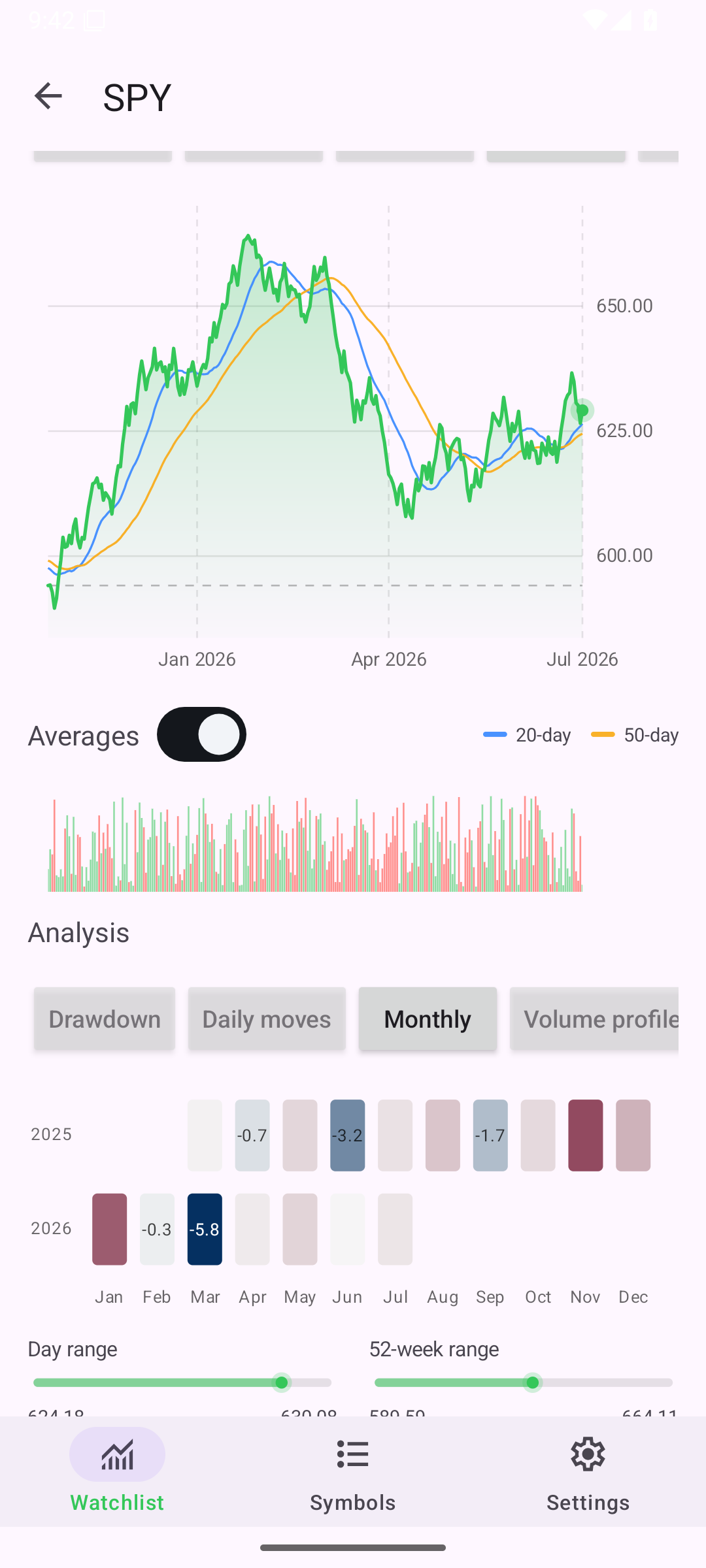
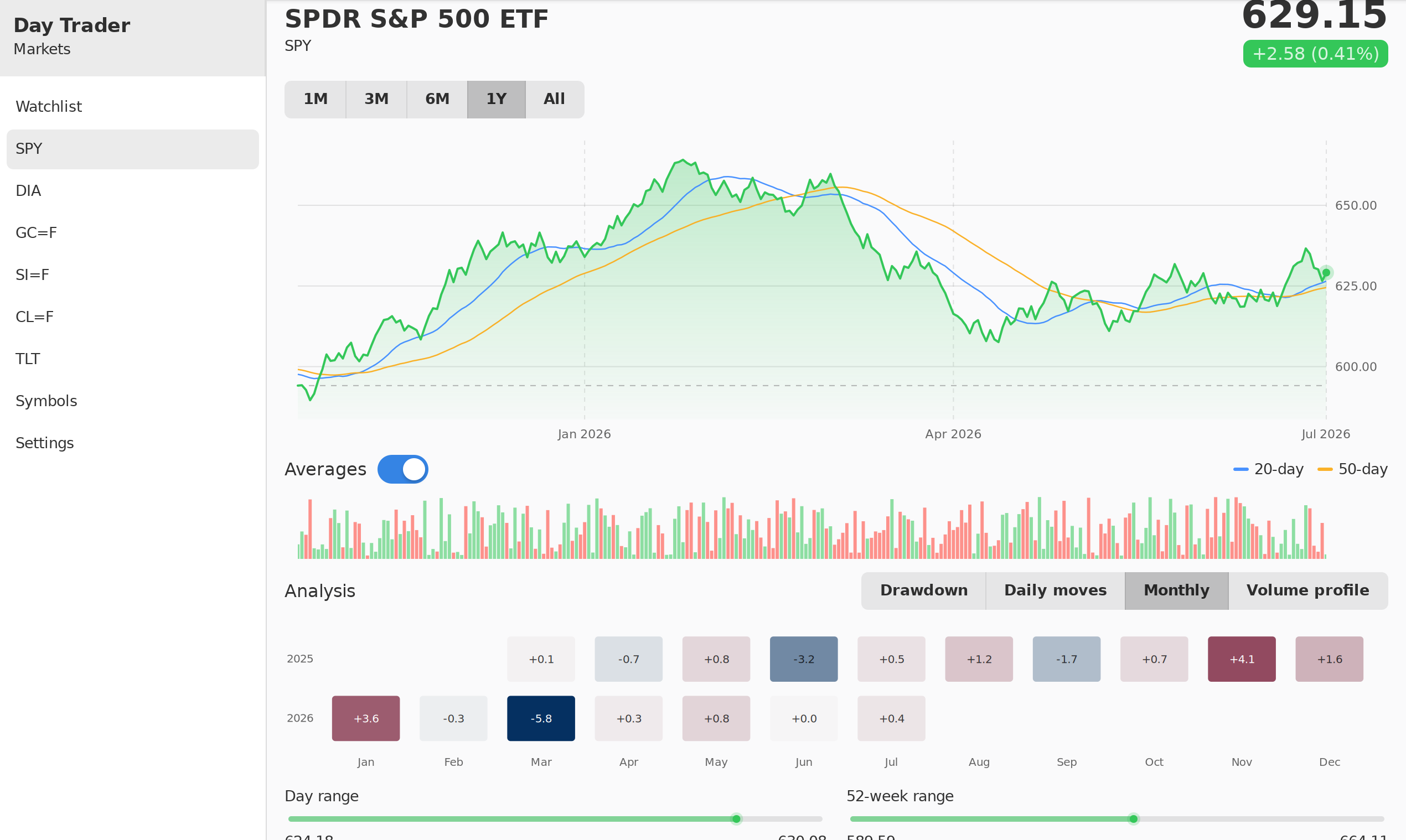
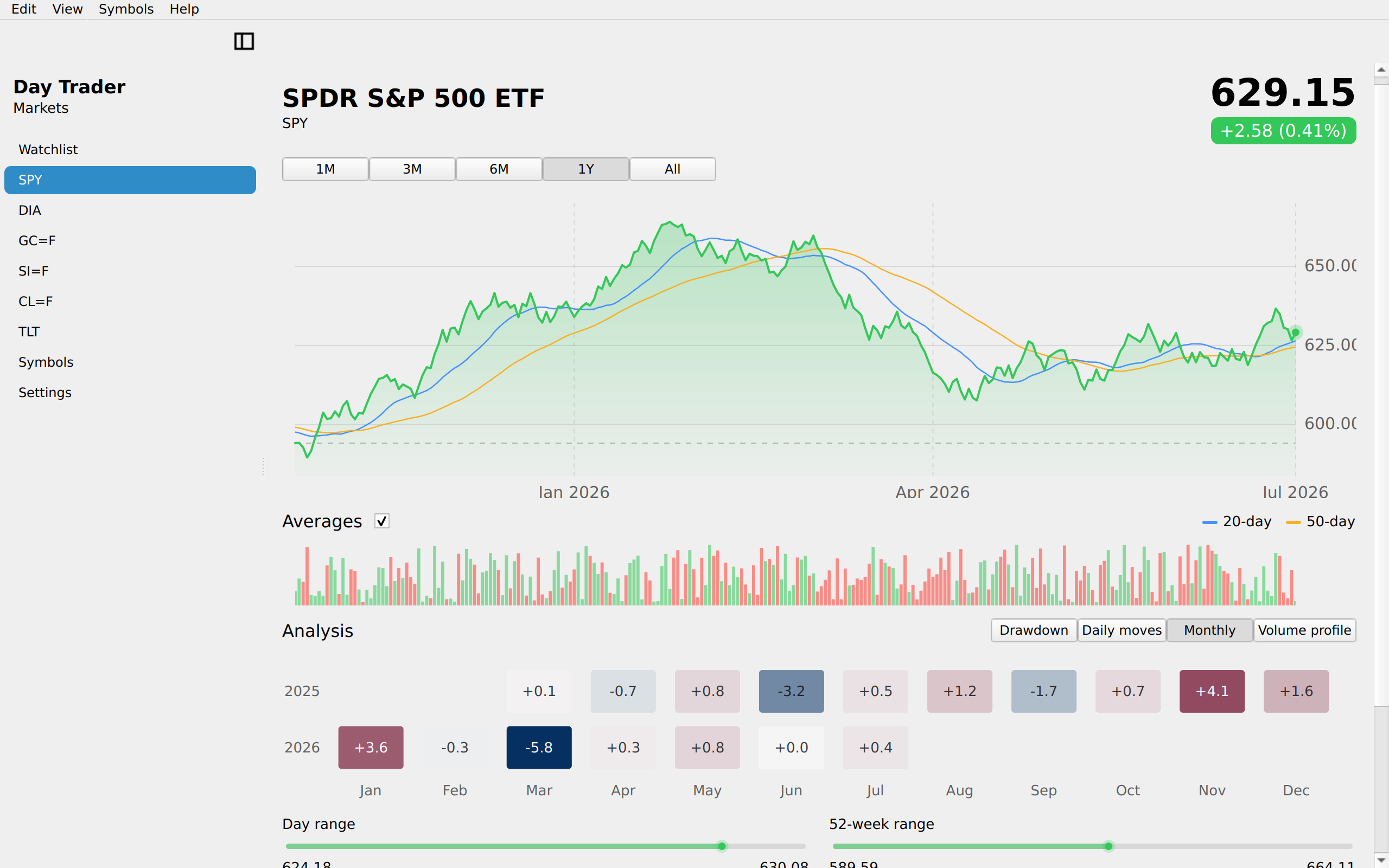
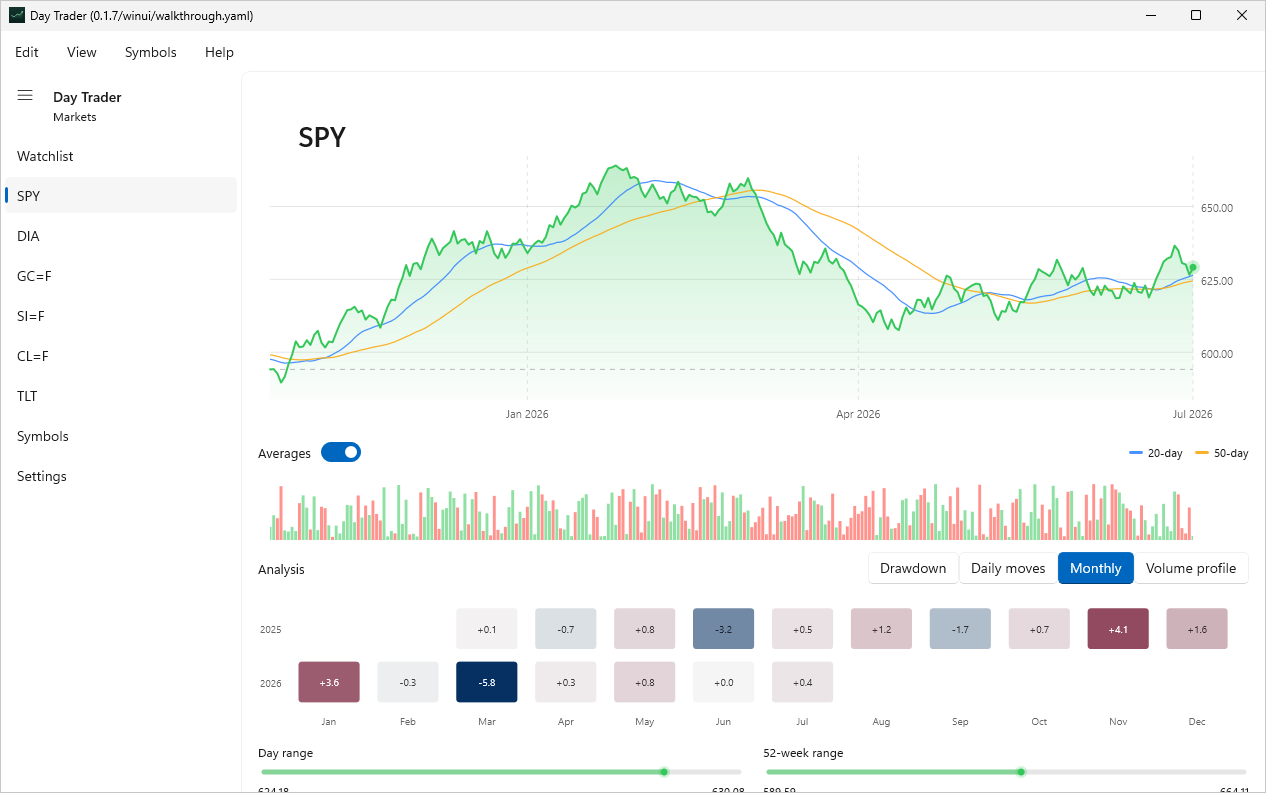
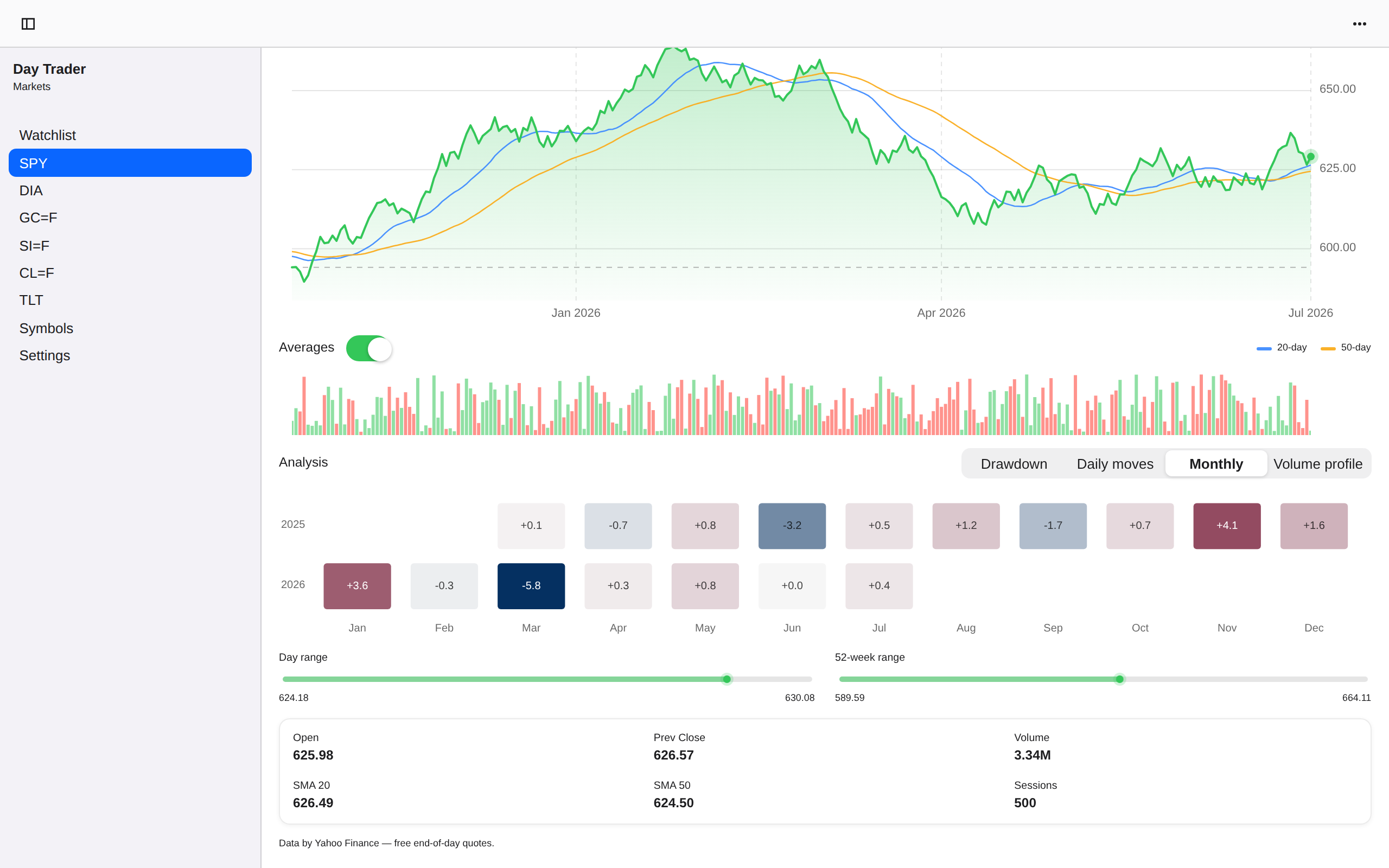
Detail Monthly, iOS UIKit
iOSUIKit
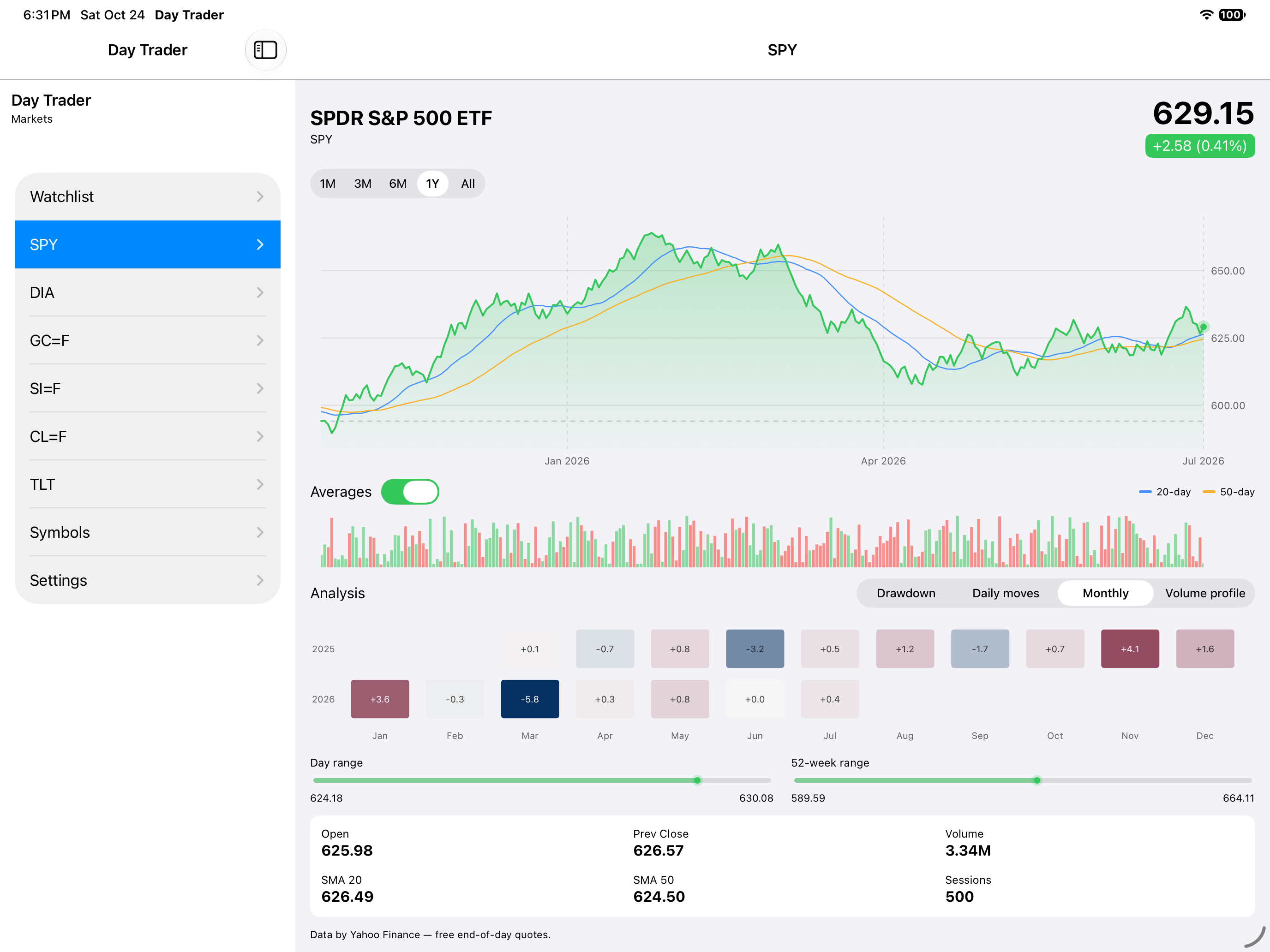
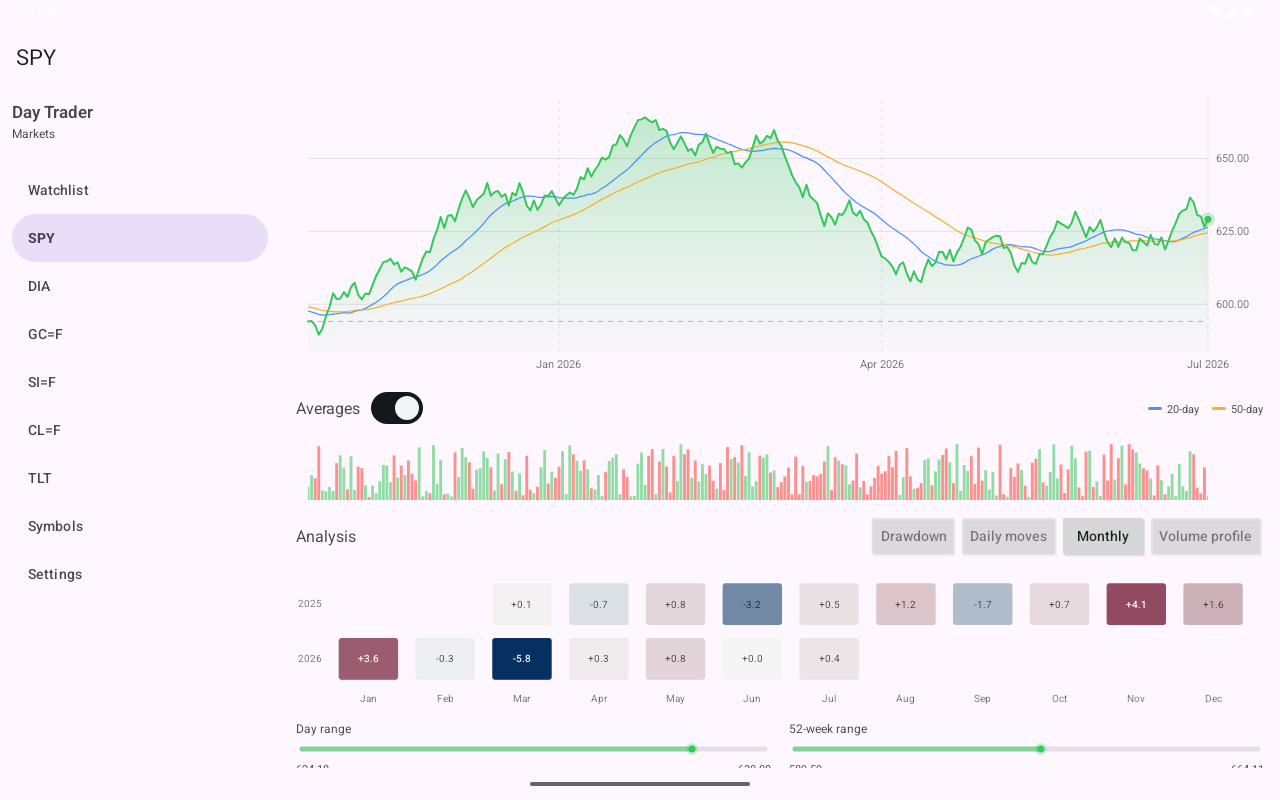
Detail Monthly, iOS iPad
iOSiPad
Detail Monthly, Android Android
AndroidAndroid
Detail Monthly, Android Tablet
AndroidTablet
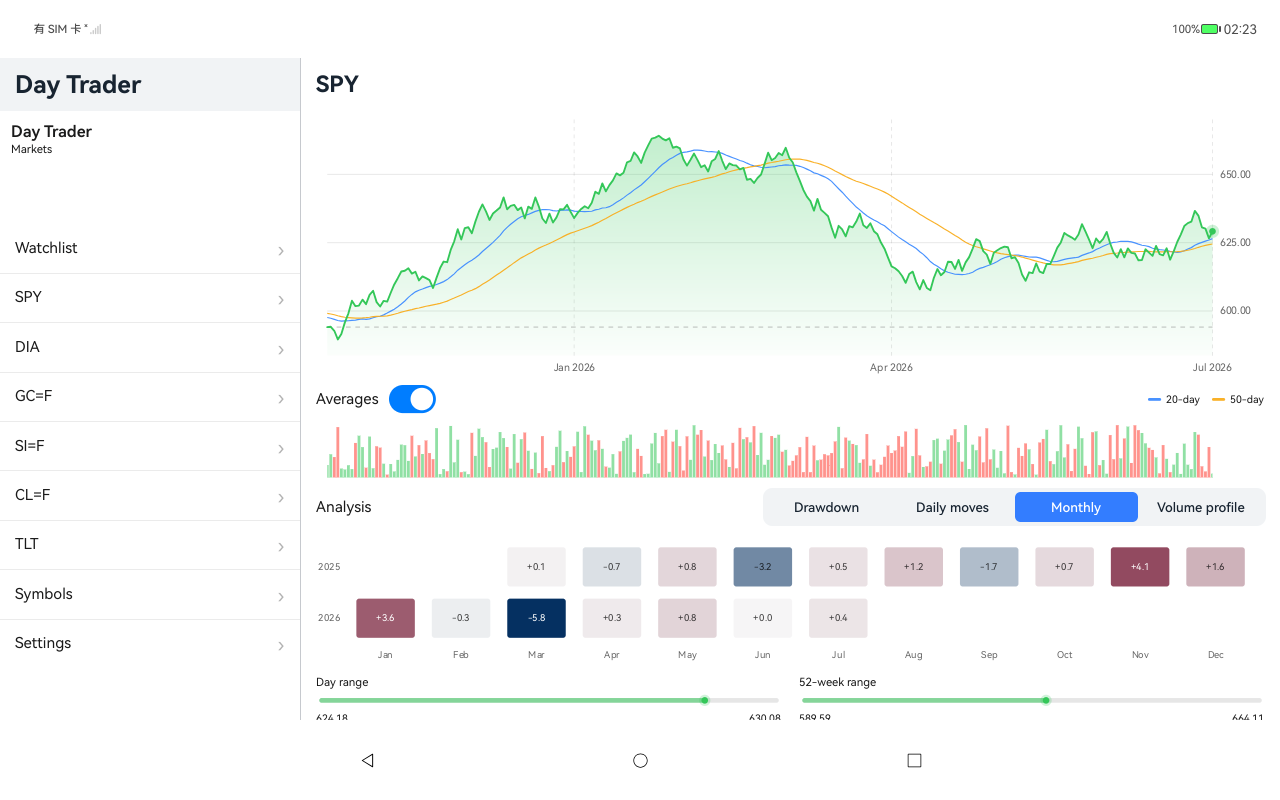
Detail Monthly, HarmonyOS ArkUI
HarmonyOSArkUI
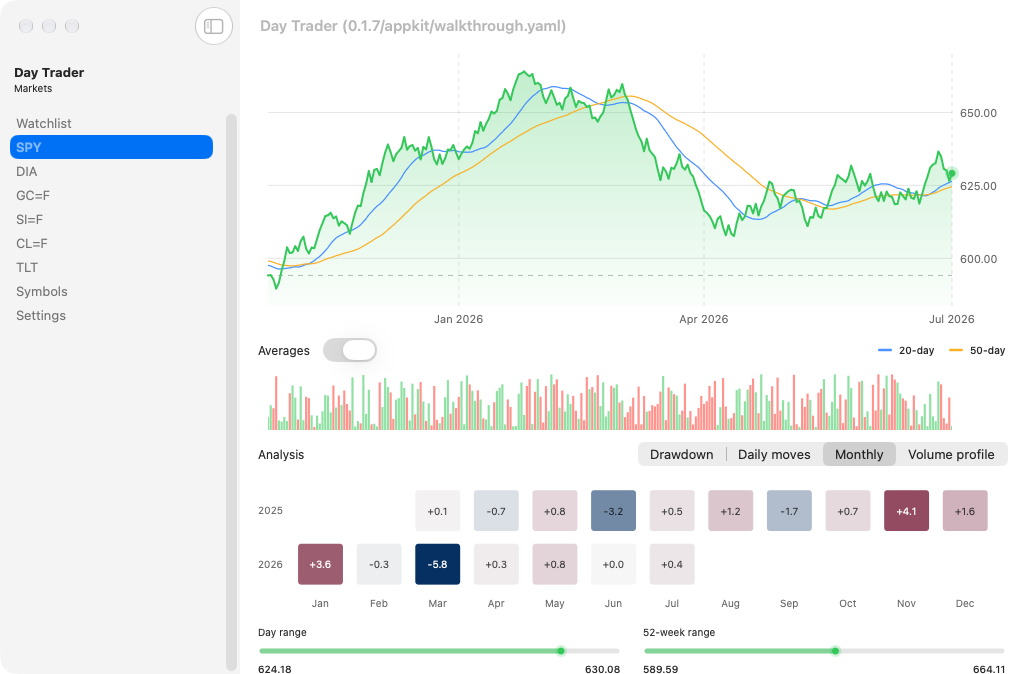
Detail Monthly, macOS AppKit
macOSAppKit
Detail Monthly, Linux GTK 4
LinuxGTK 4
Detail Monthly, Linux Qt 6
LinuxQt 6
Detail Monthly, Windows XAML
WindowsXAML
Detail Monthly, Web Web DOM
WebWeb DOM
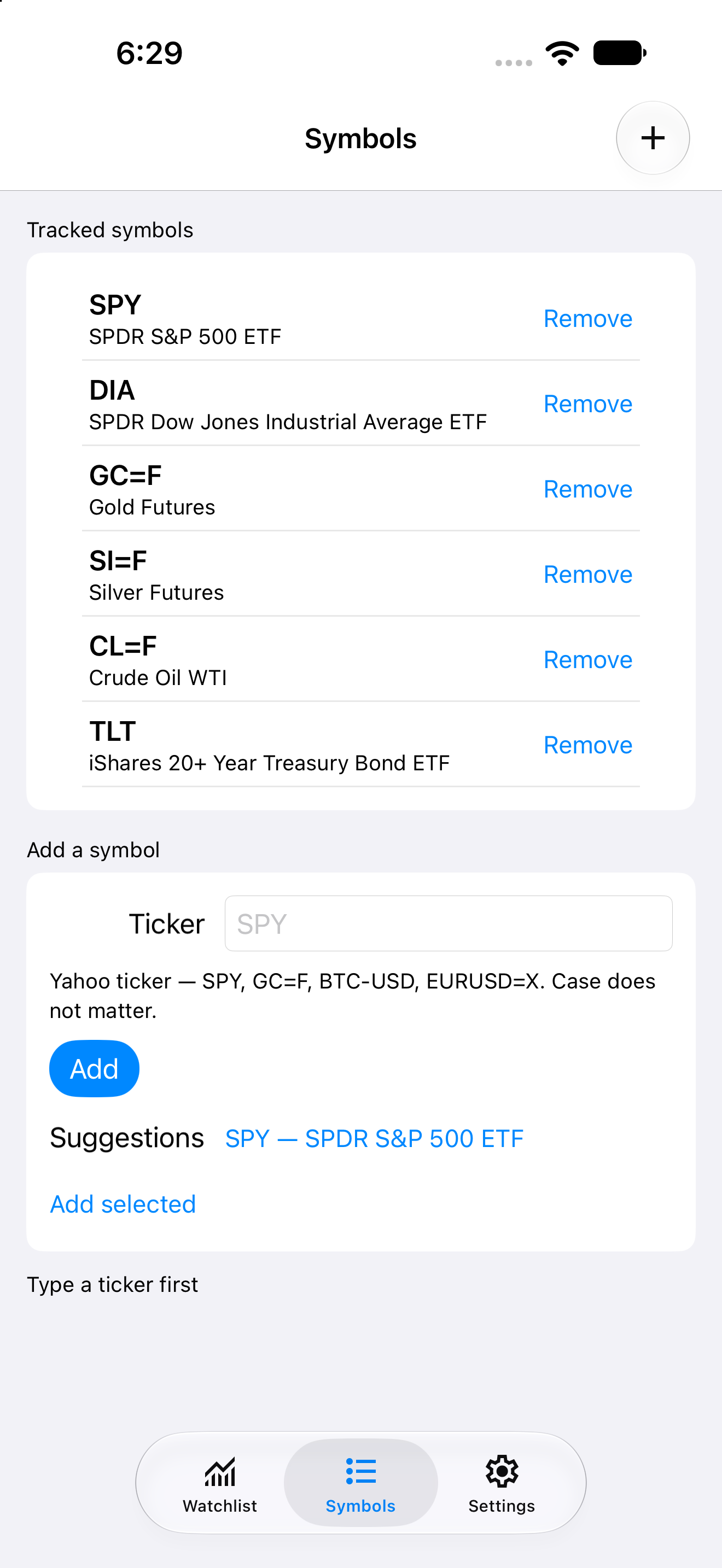
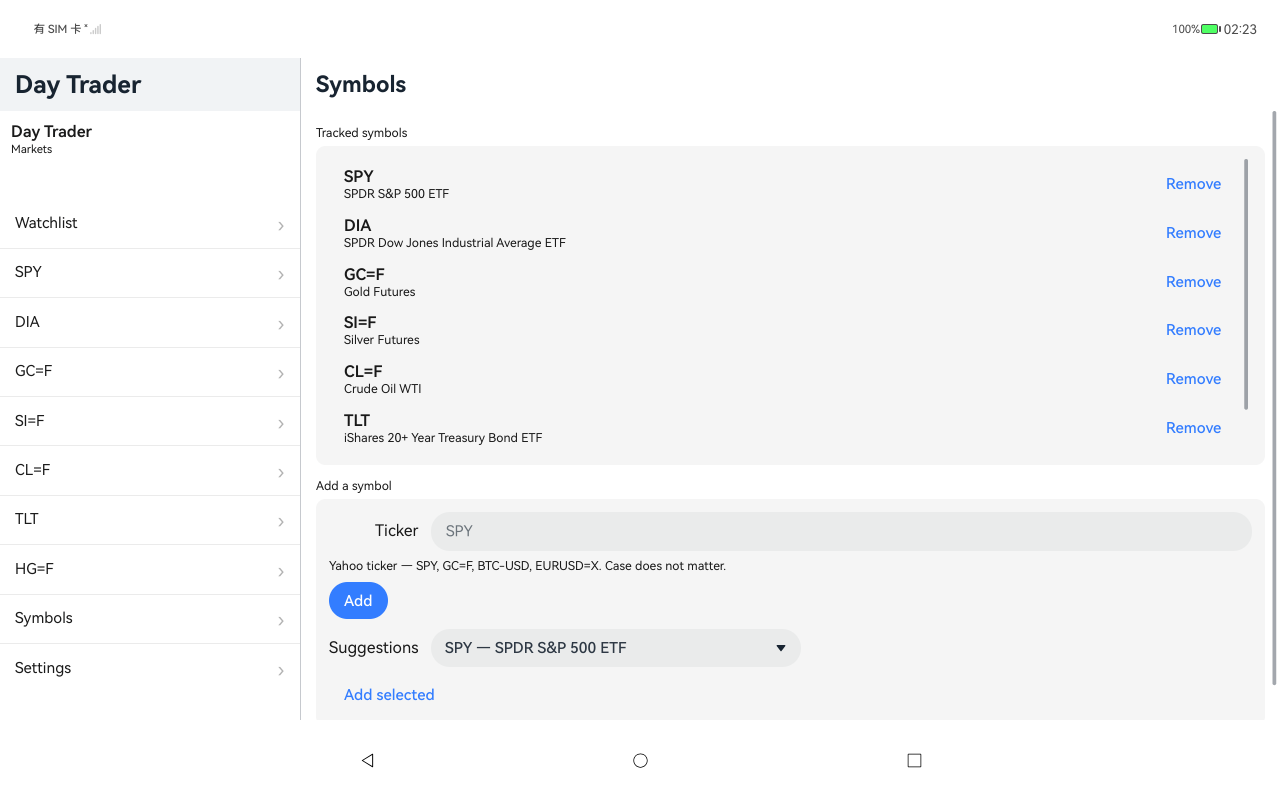
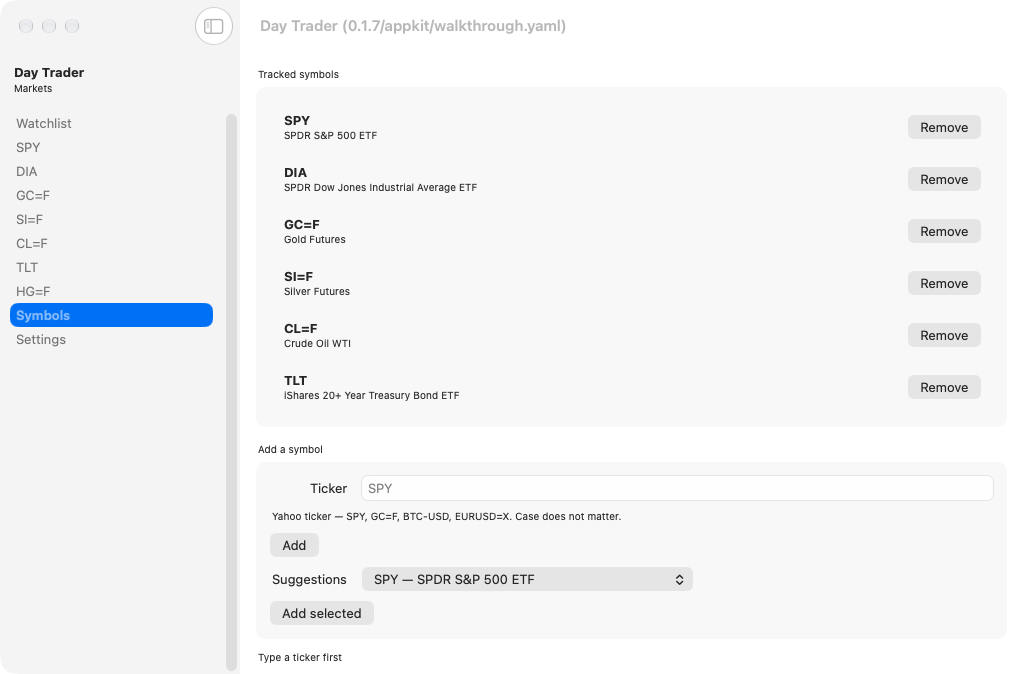
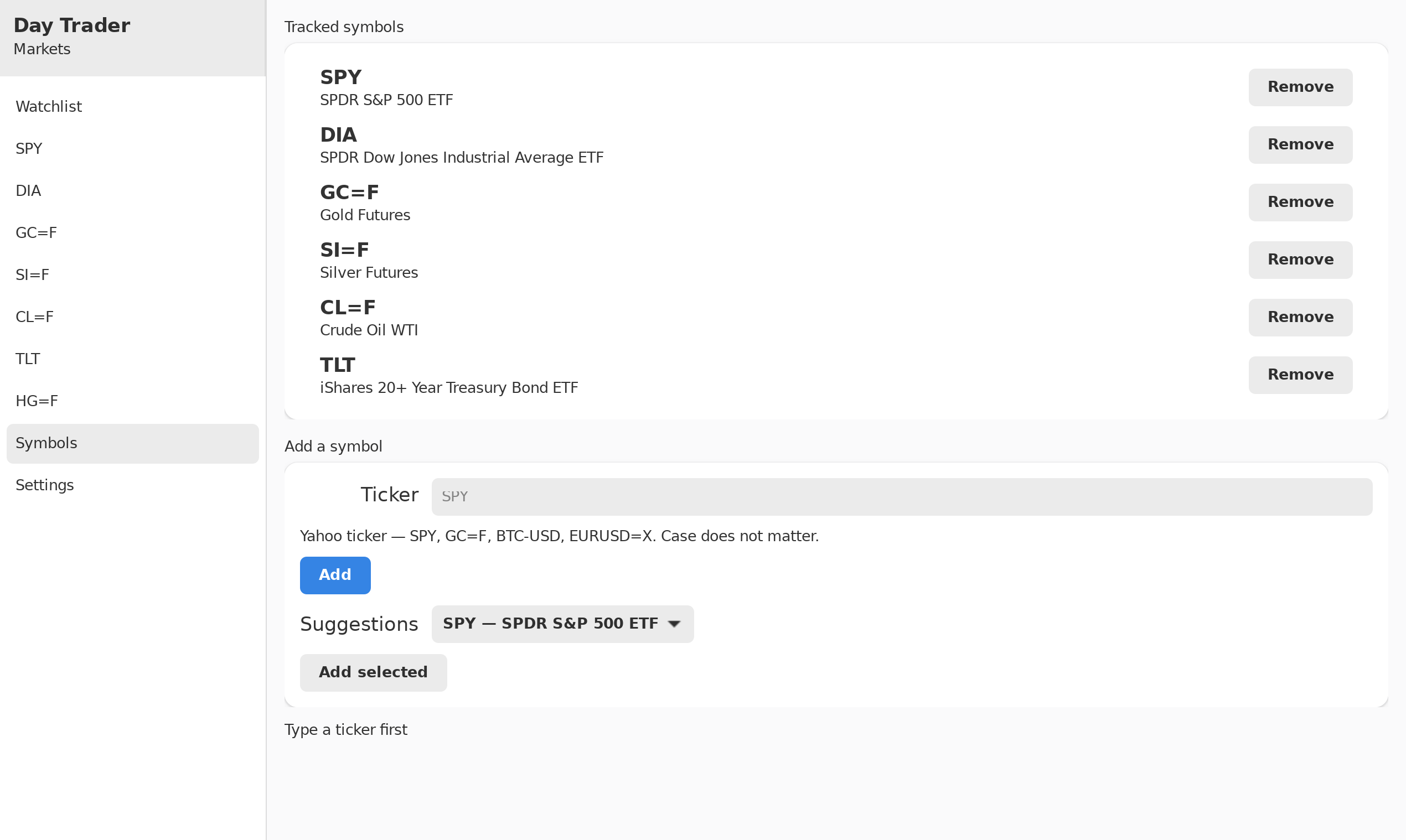
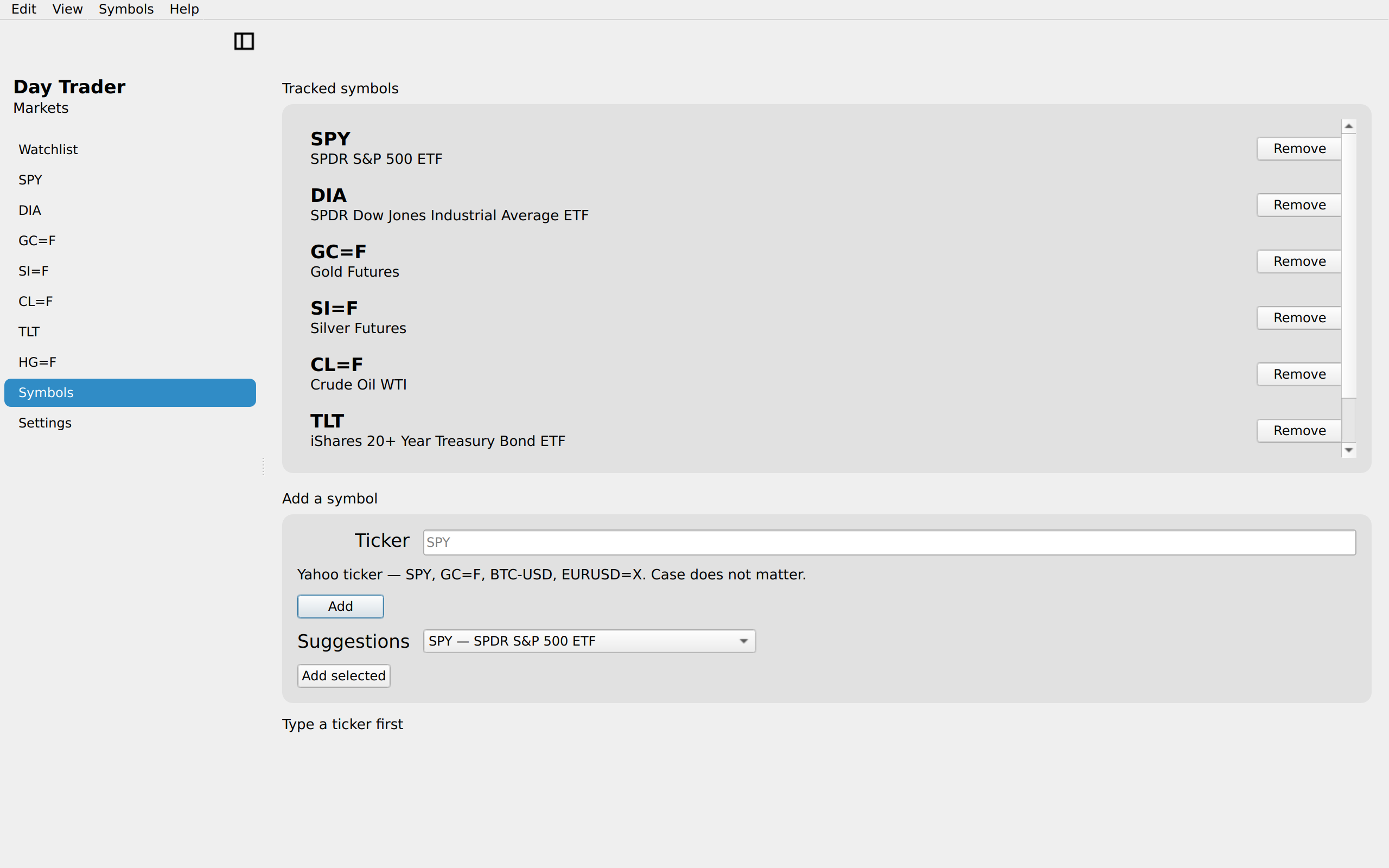
Manage the watchlist, iOS UIKit
iOSUIKit
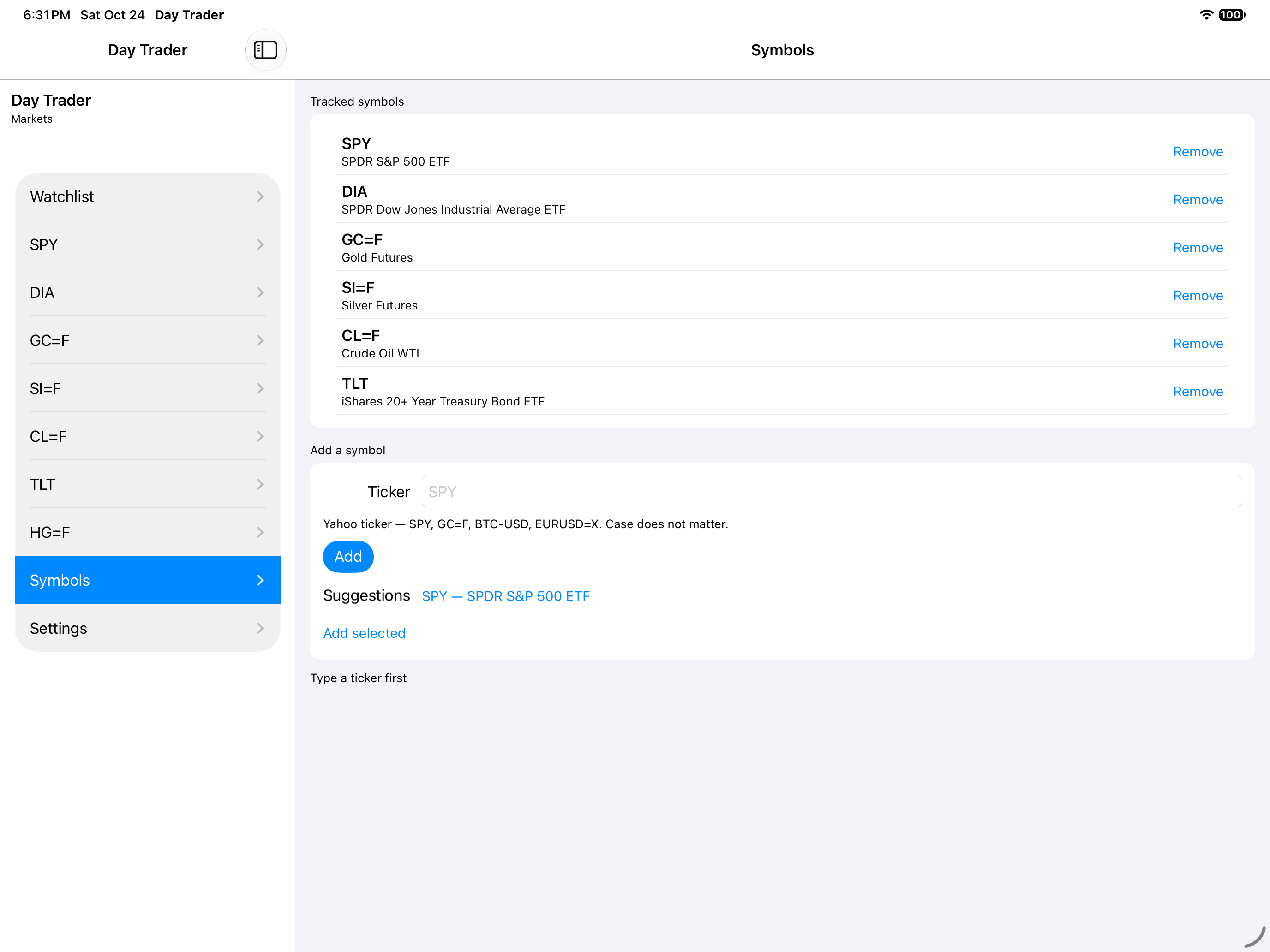
Manage the watchlist, iOS iPad
iOSiPad
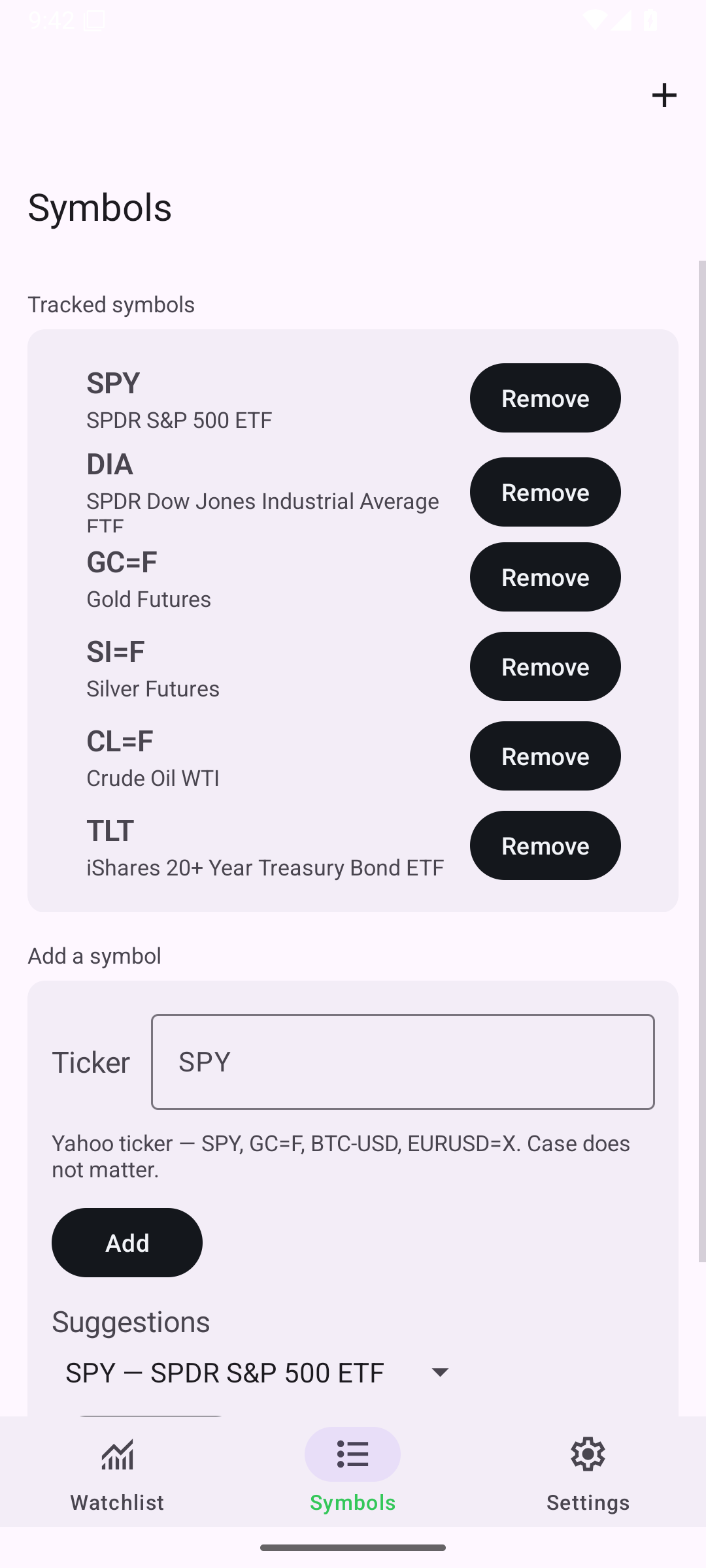
Manage the watchlist, Android Android
AndroidAndroid
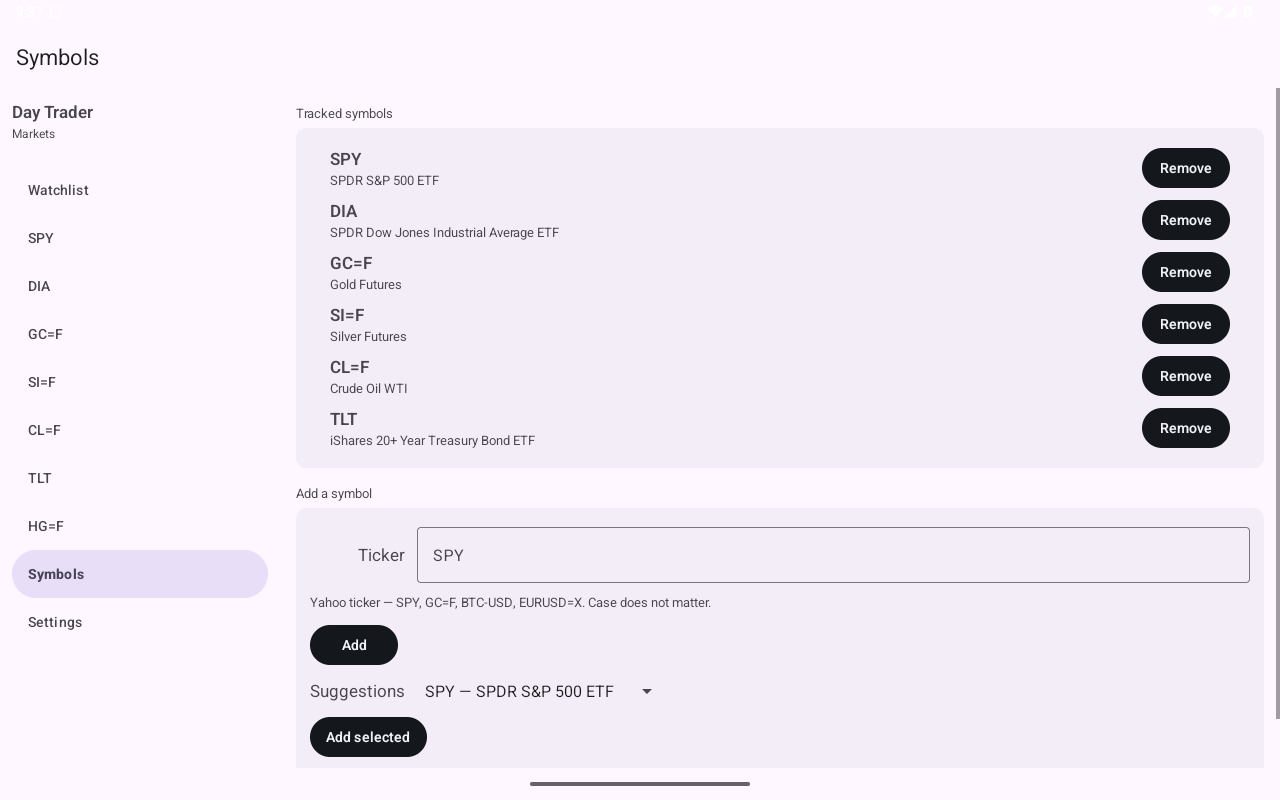
Manage the watchlist, Android Tablet
AndroidTablet
Manage the watchlist, HarmonyOS ArkUI
HarmonyOSArkUI
Manage the watchlist, macOS AppKit
macOSAppKit
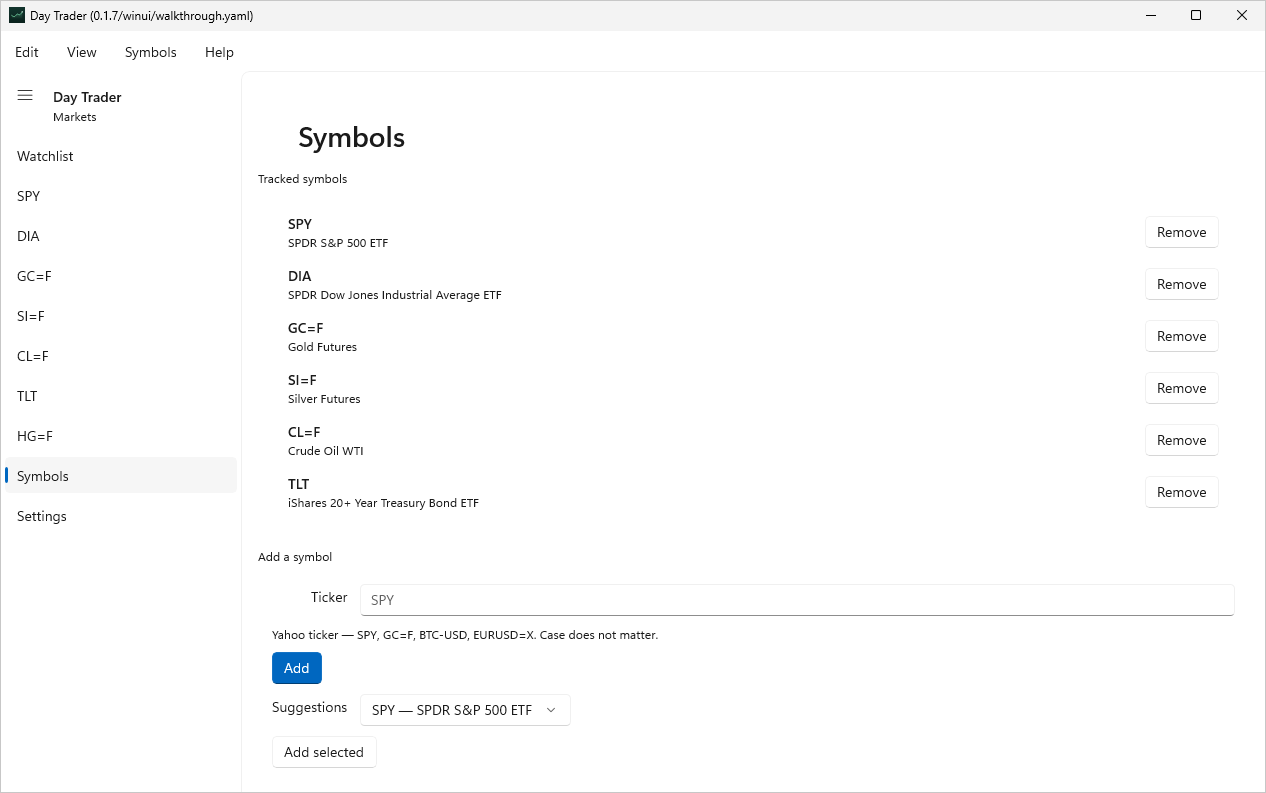
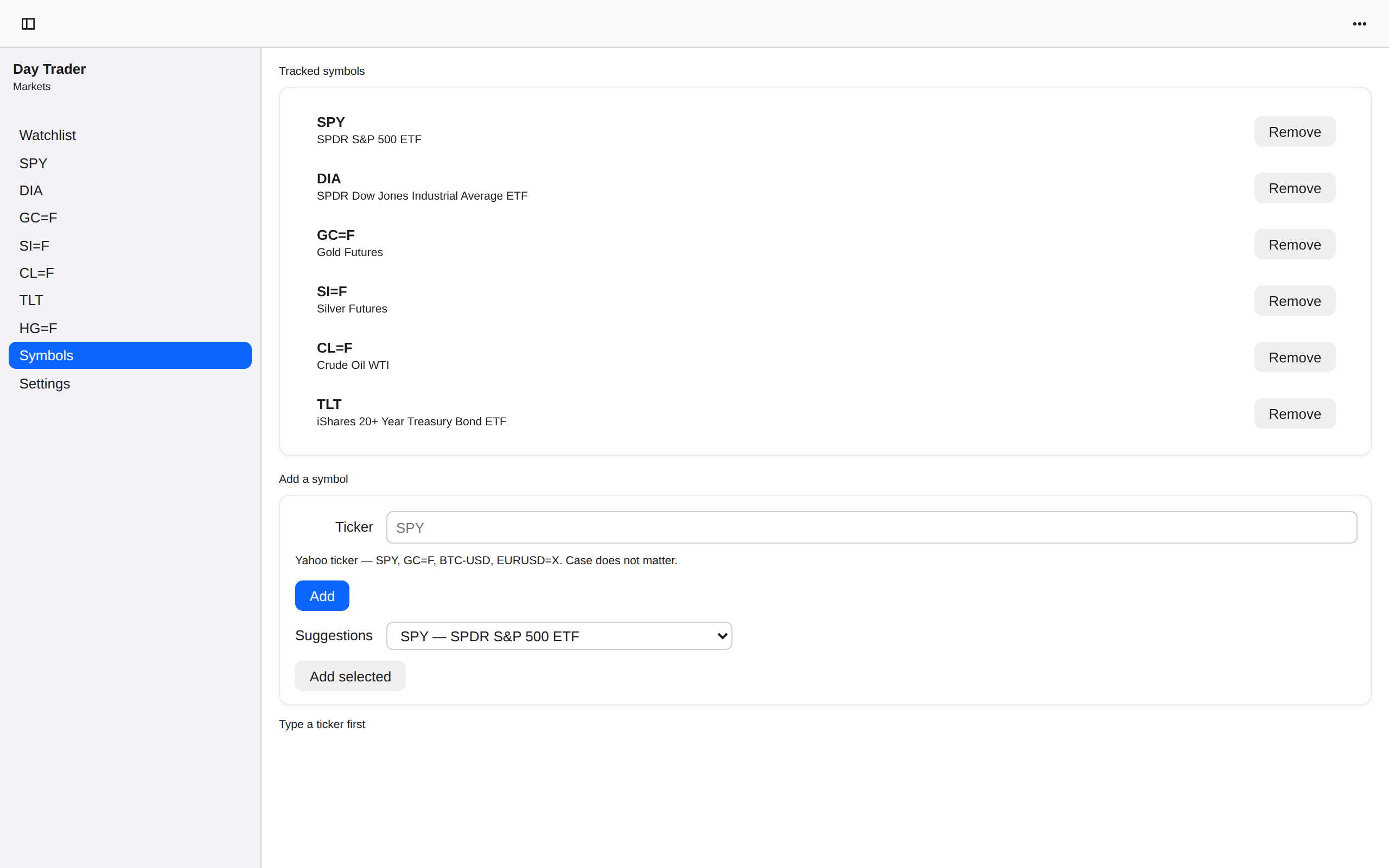
Manage the watchlist, Linux GTK 4
LinuxGTK 4
Manage the watchlist, Linux Qt 6
LinuxQt 6
Manage the watchlist, Windows XAML
WindowsXAML
Manage the watchlist, Web Web DOM
WebWeb DOM
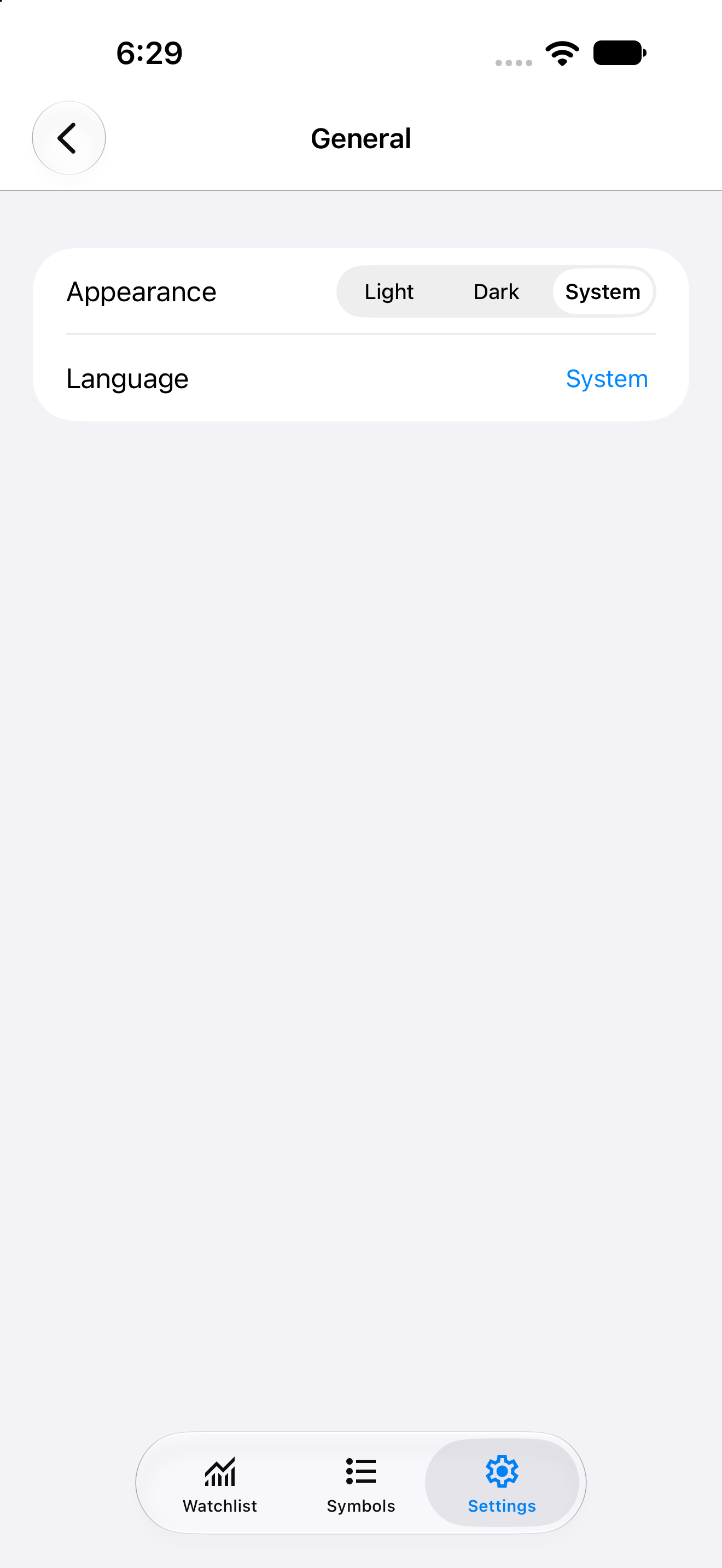
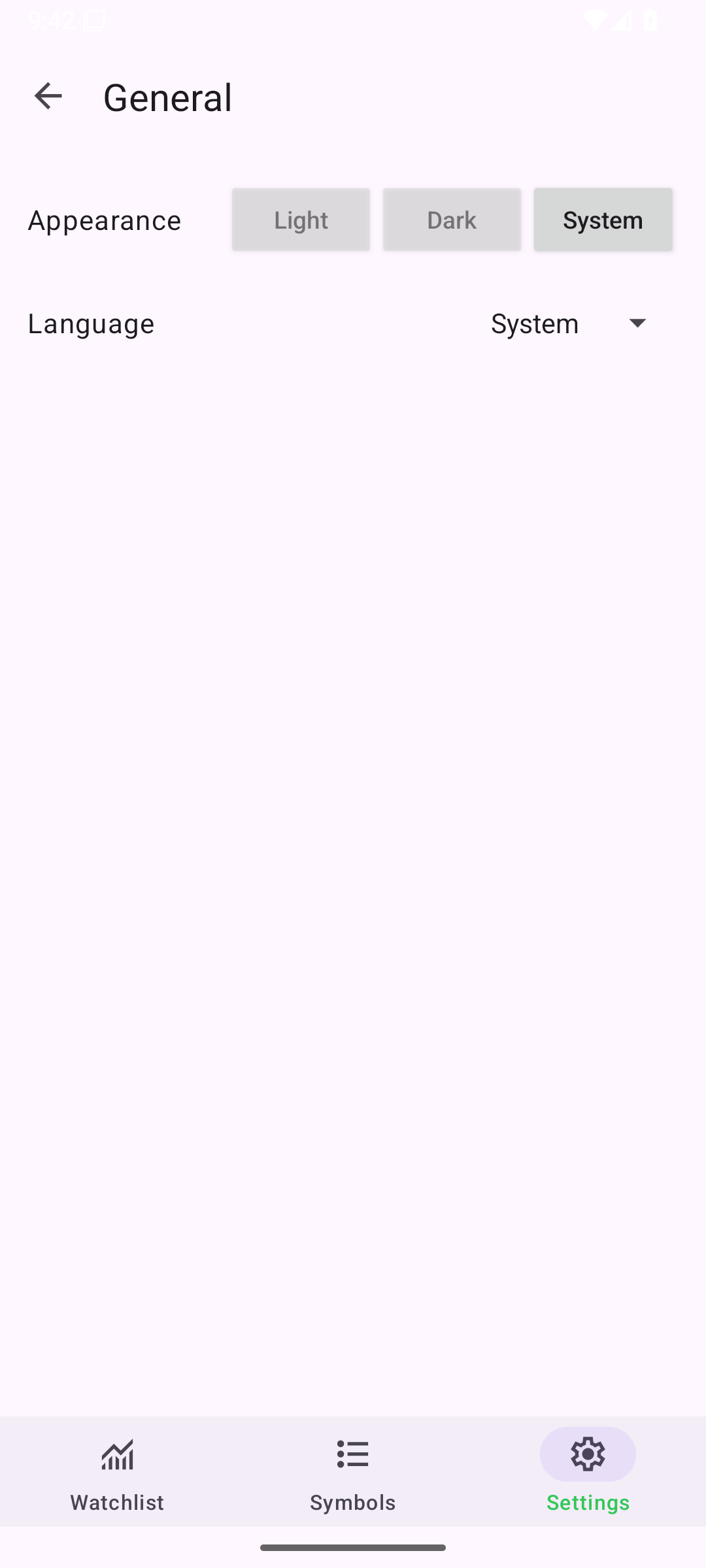
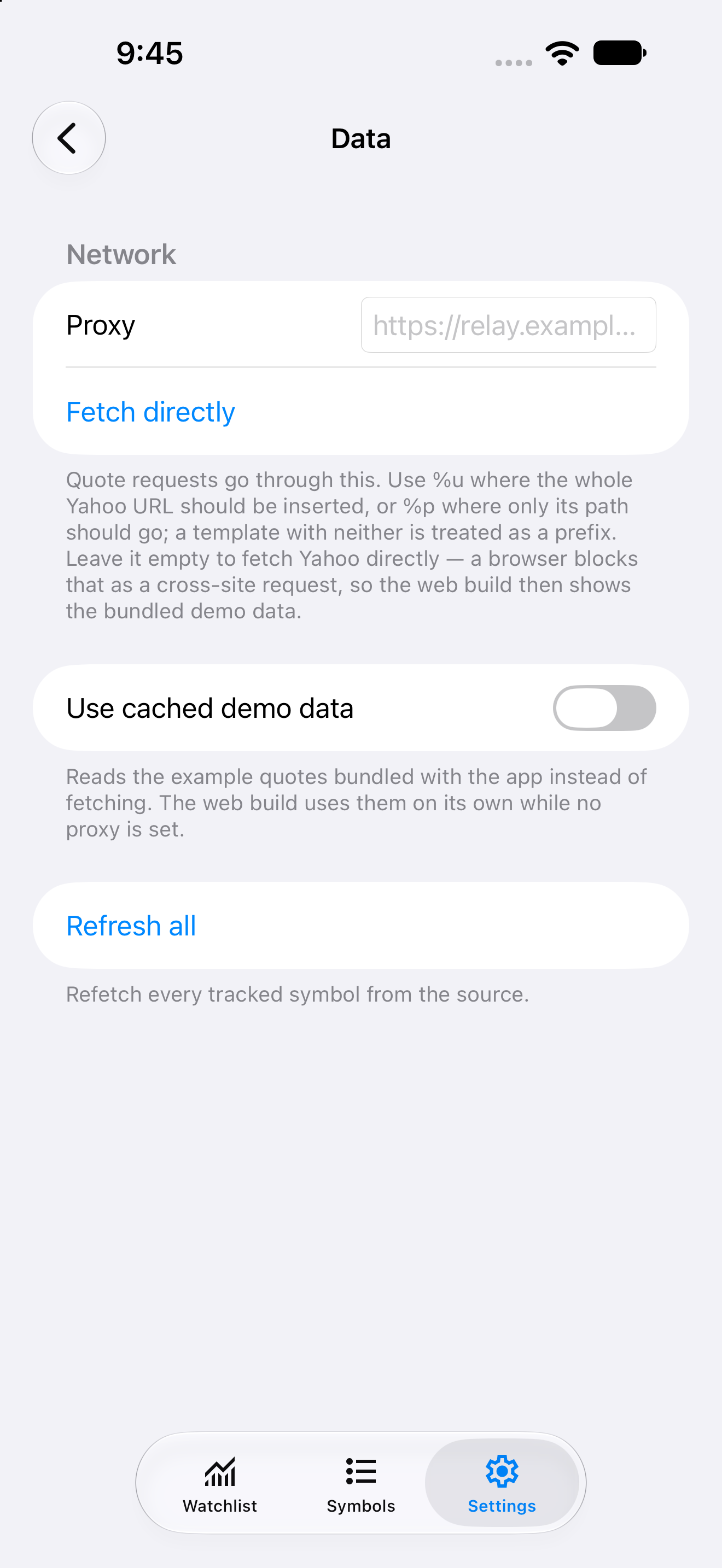
Settings, iOS UIKit
iOSUIKit
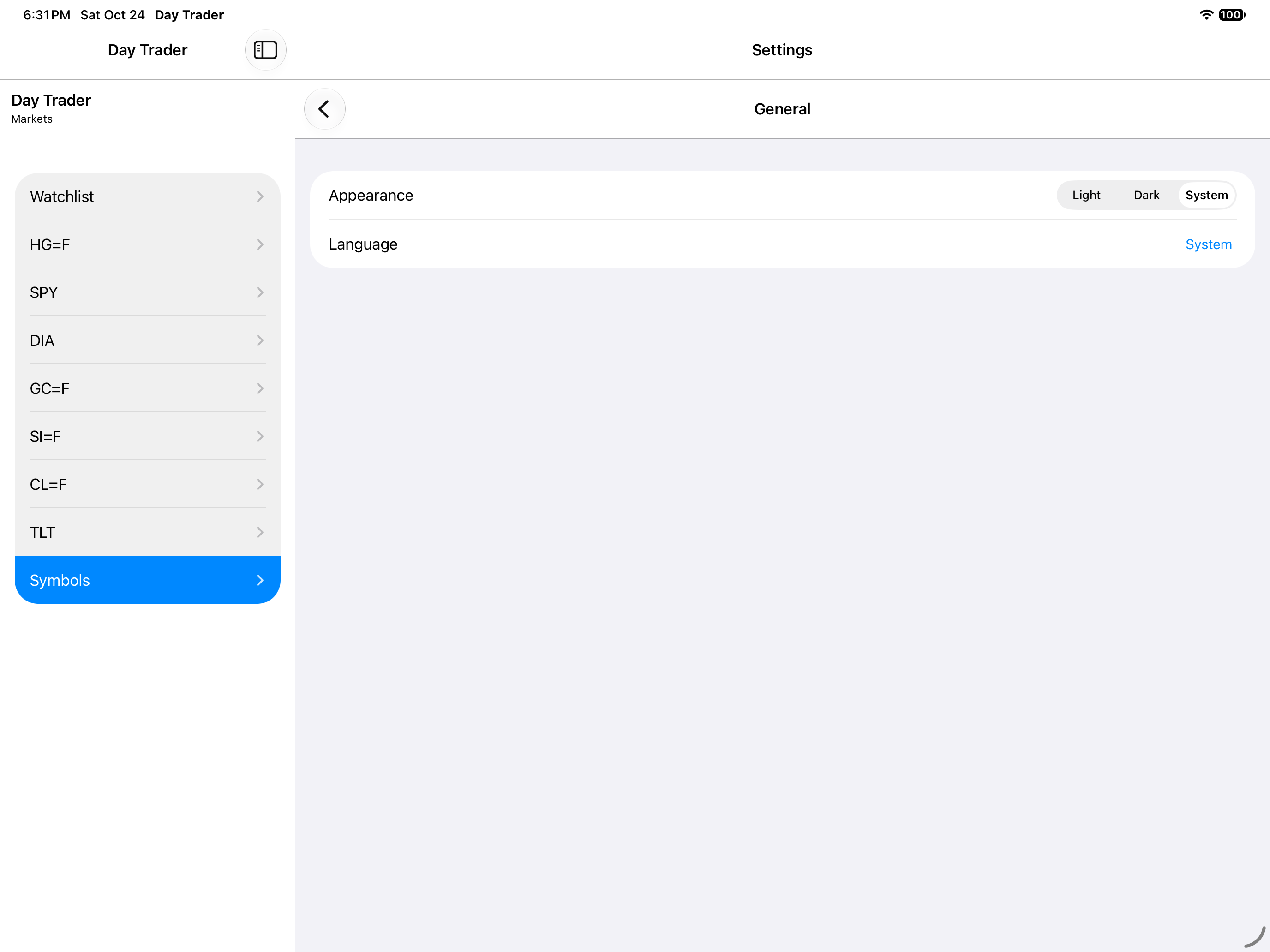
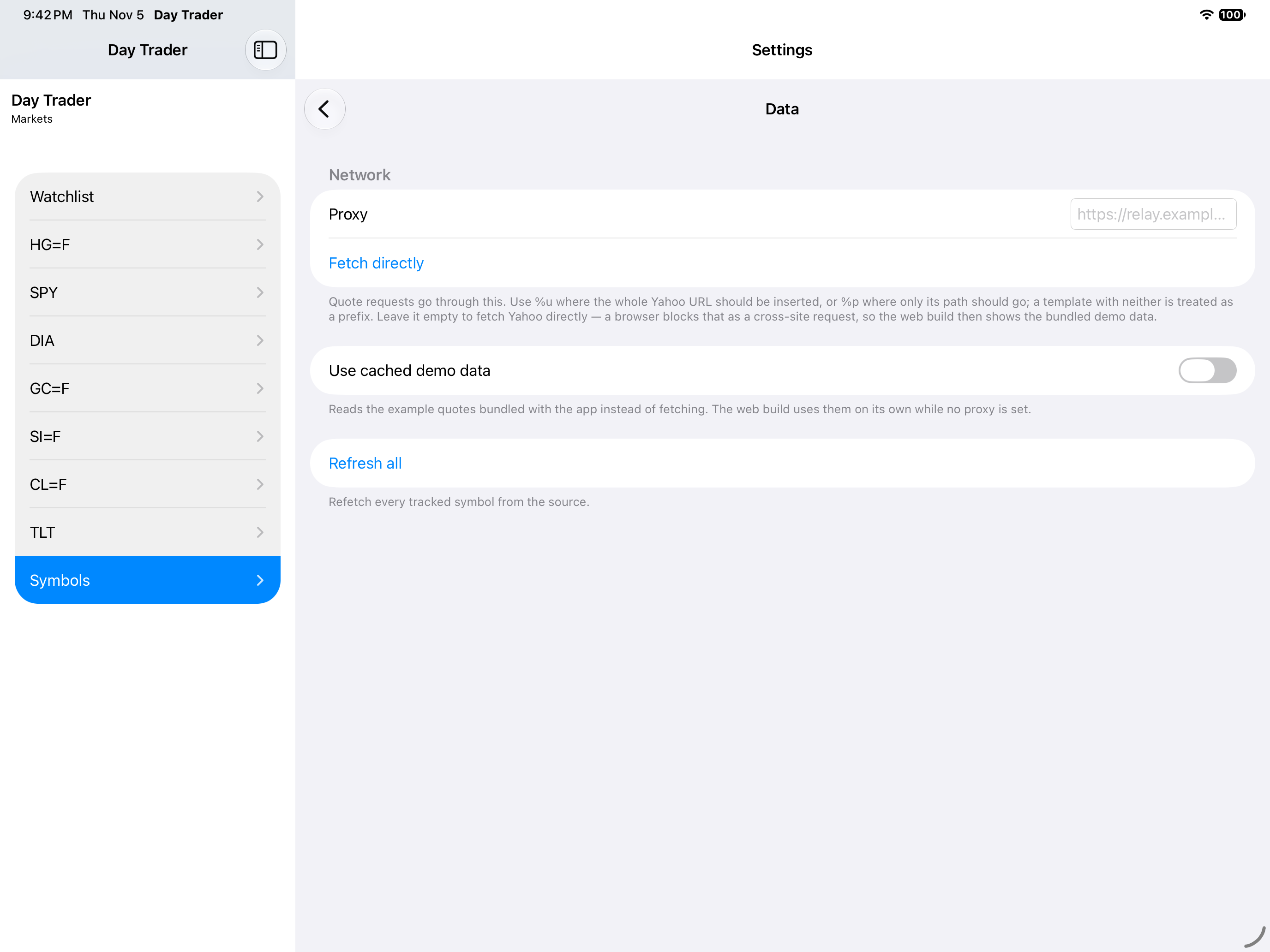
Settings, iOS iPad
iOSiPad
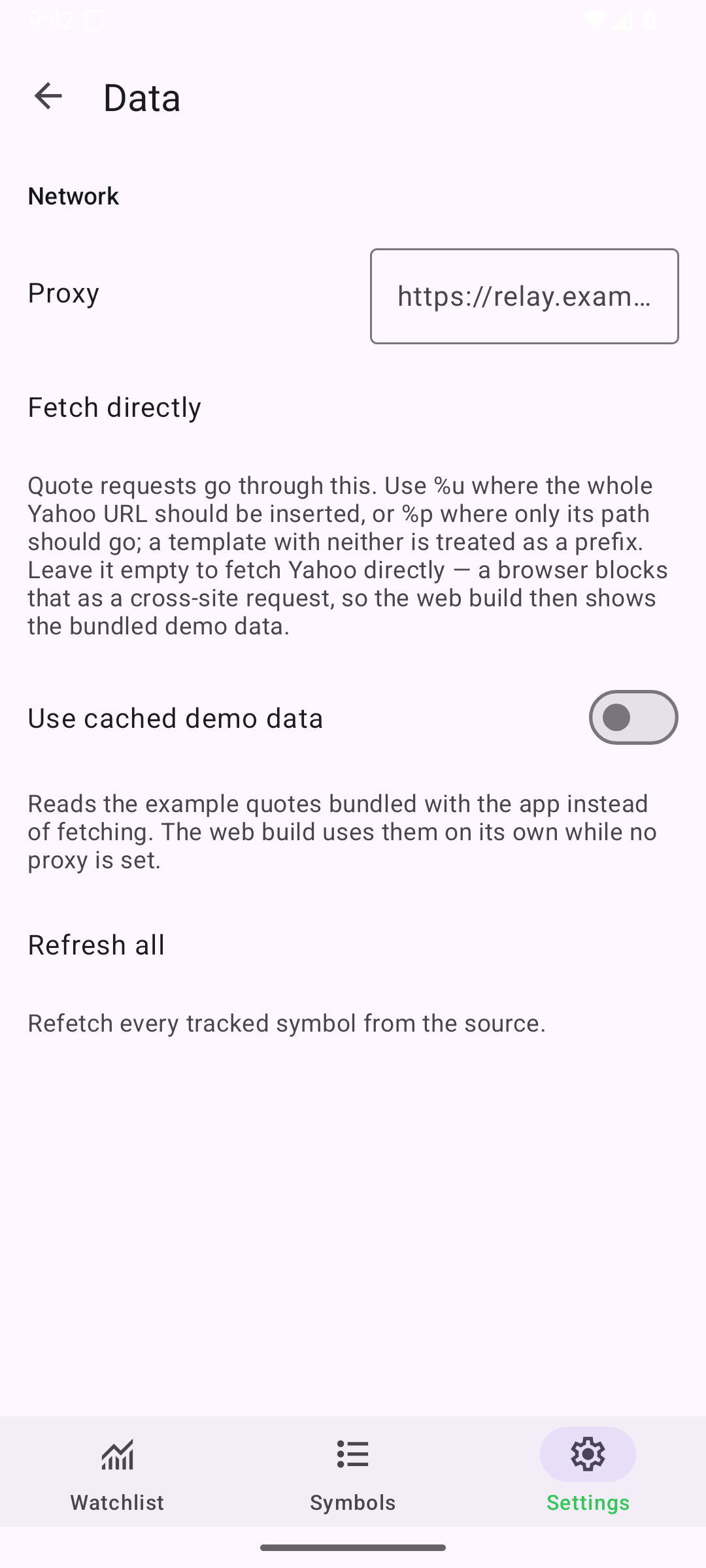
Settings, Android Android
AndroidAndroid
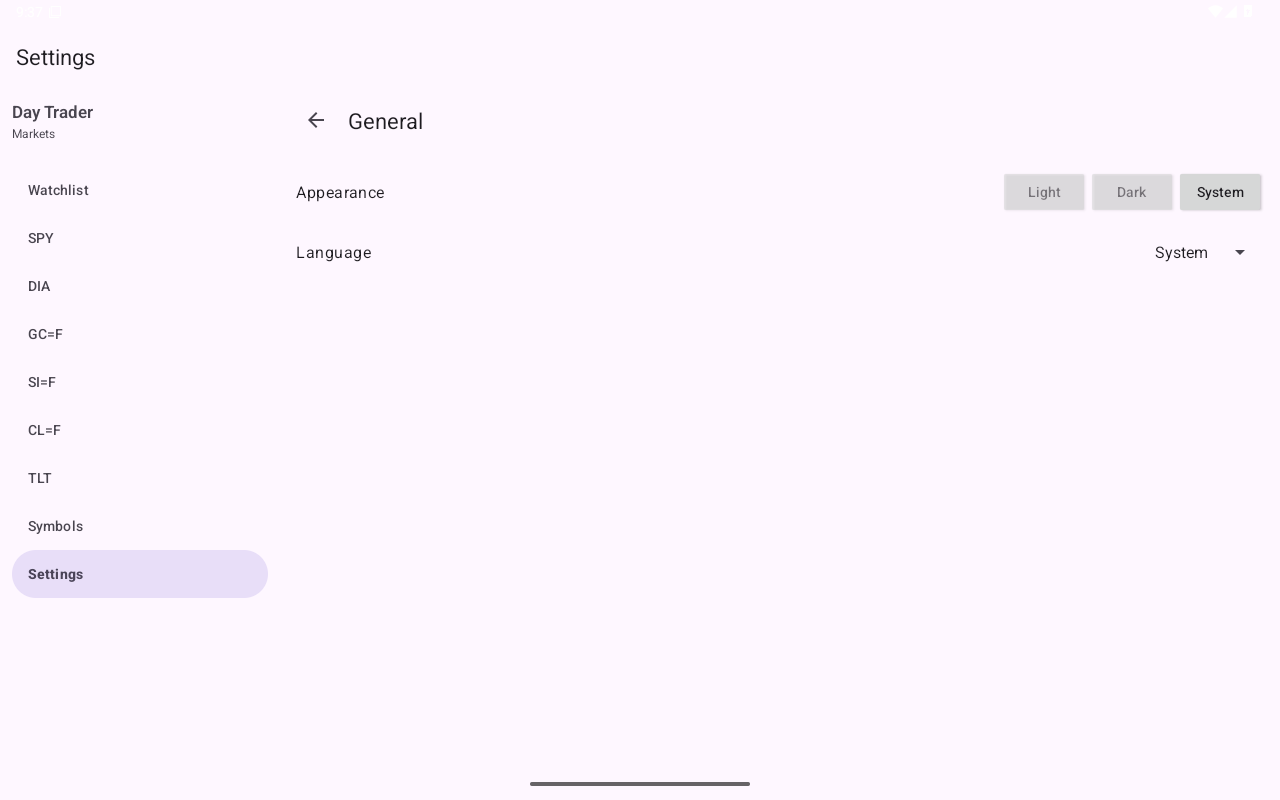
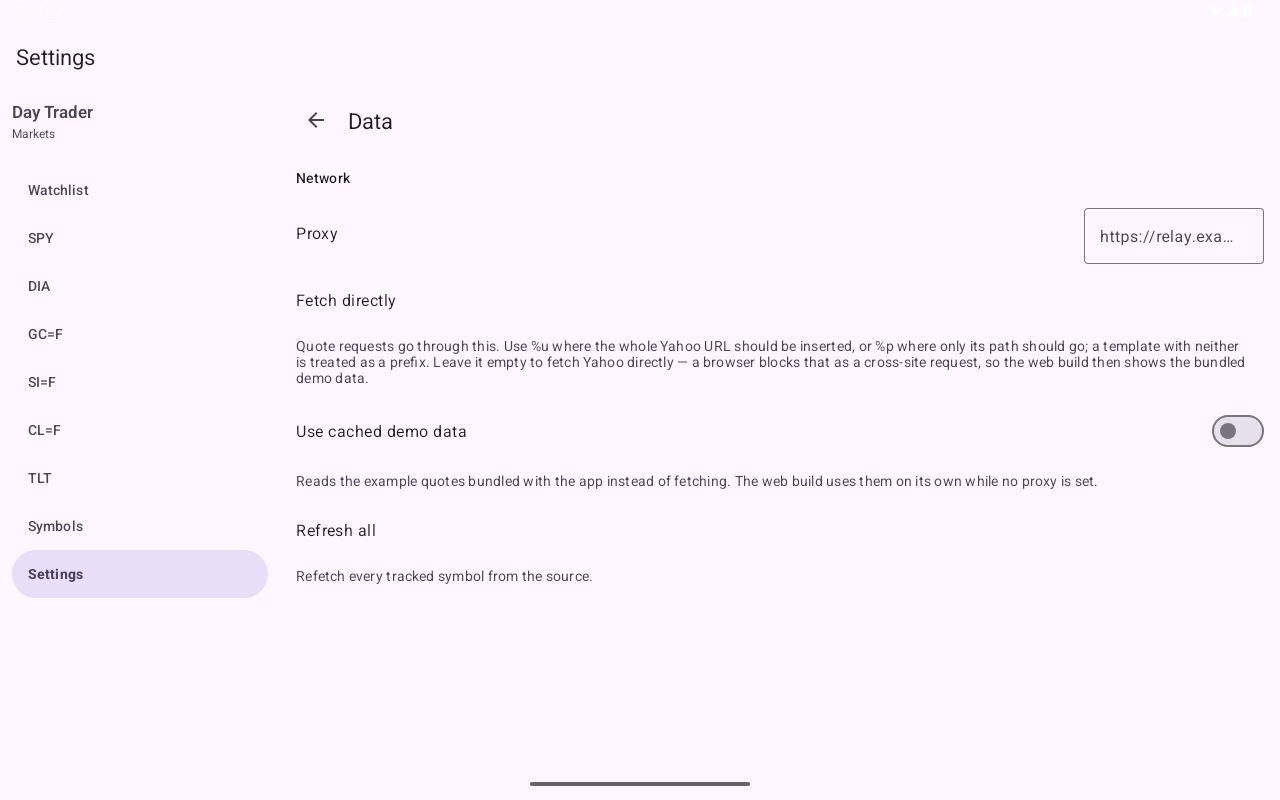
Settings, Android Tablet
AndroidTablet
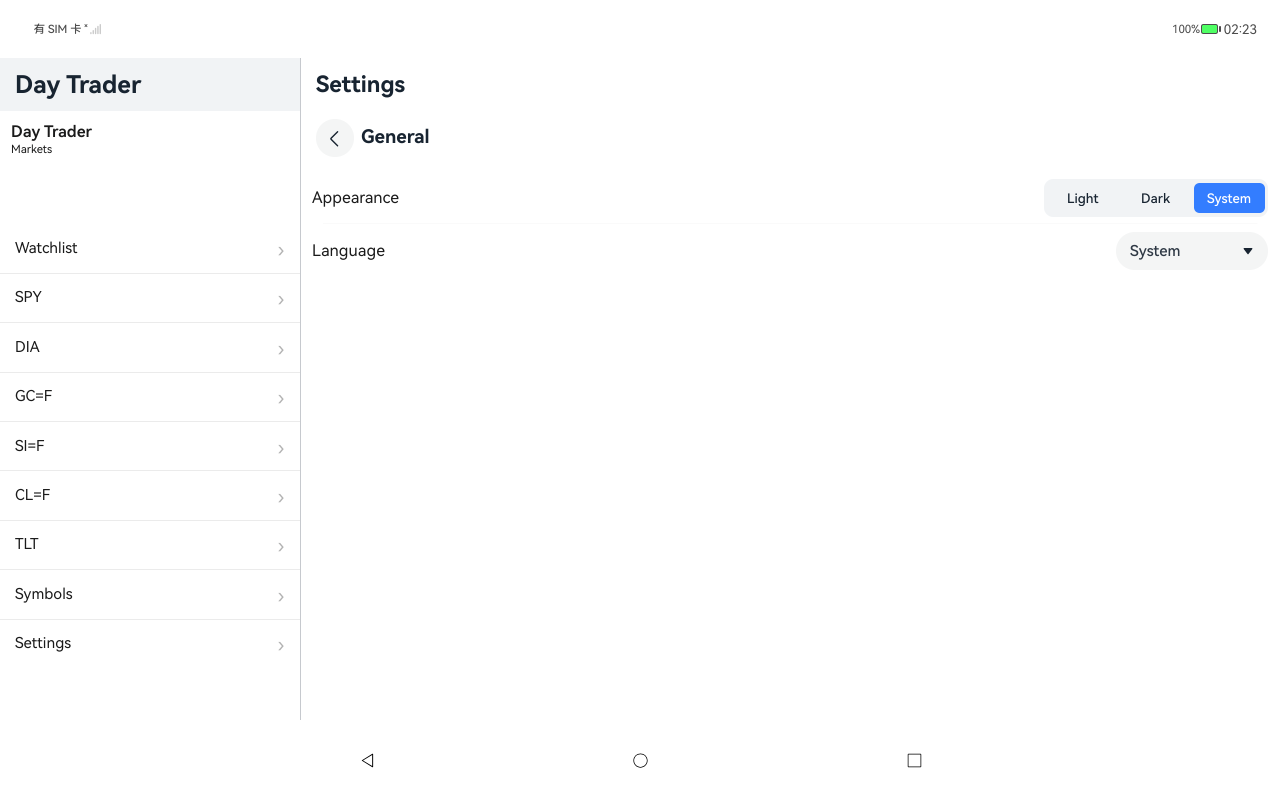
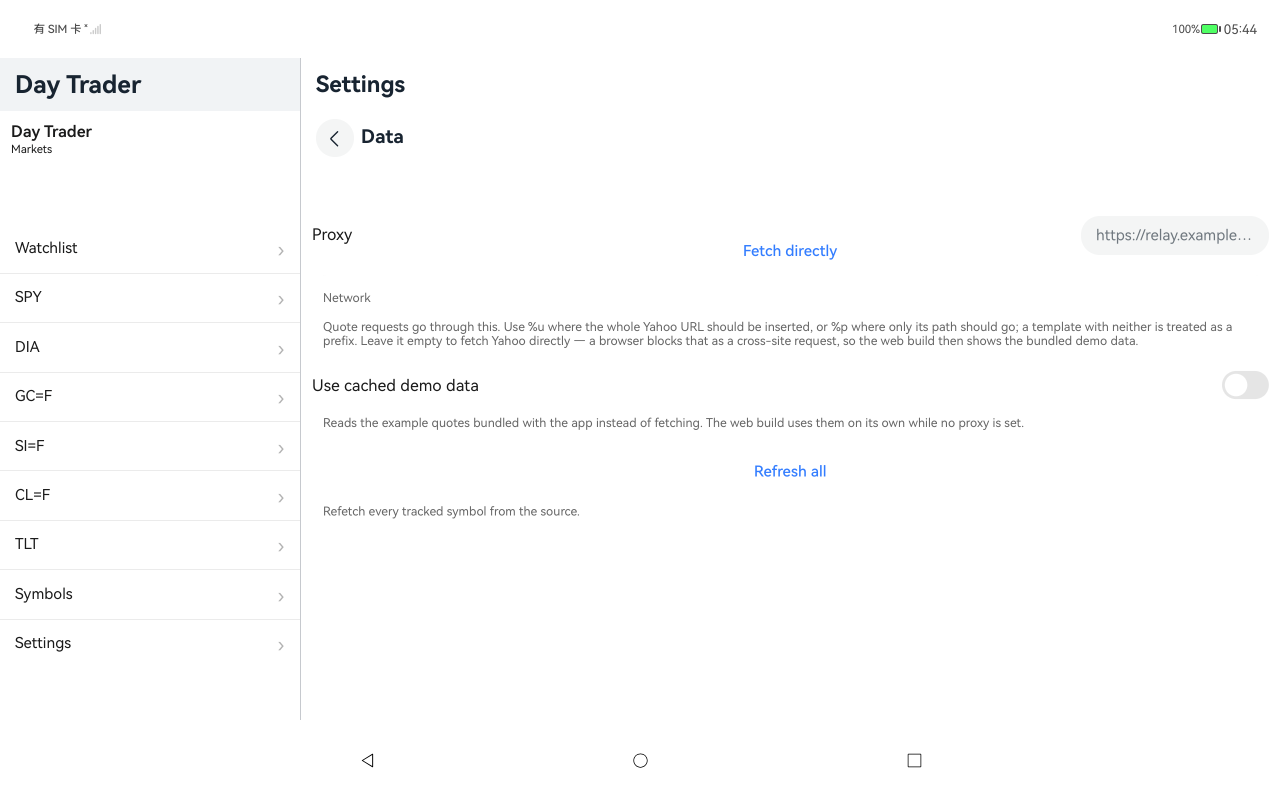
Settings, HarmonyOS ArkUI
HarmonyOSArkUI
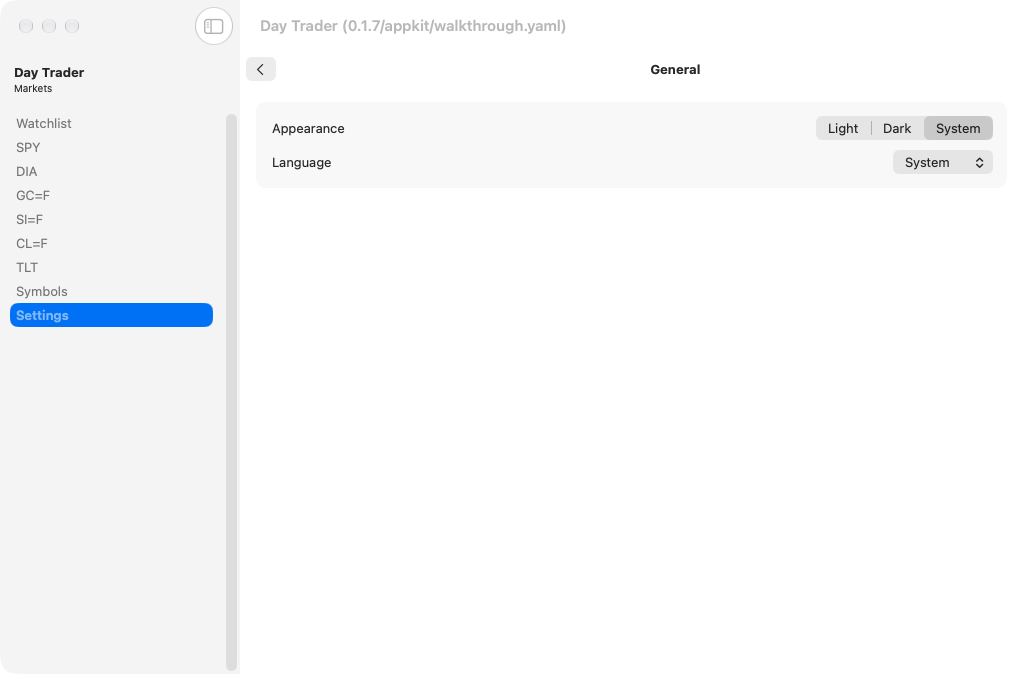
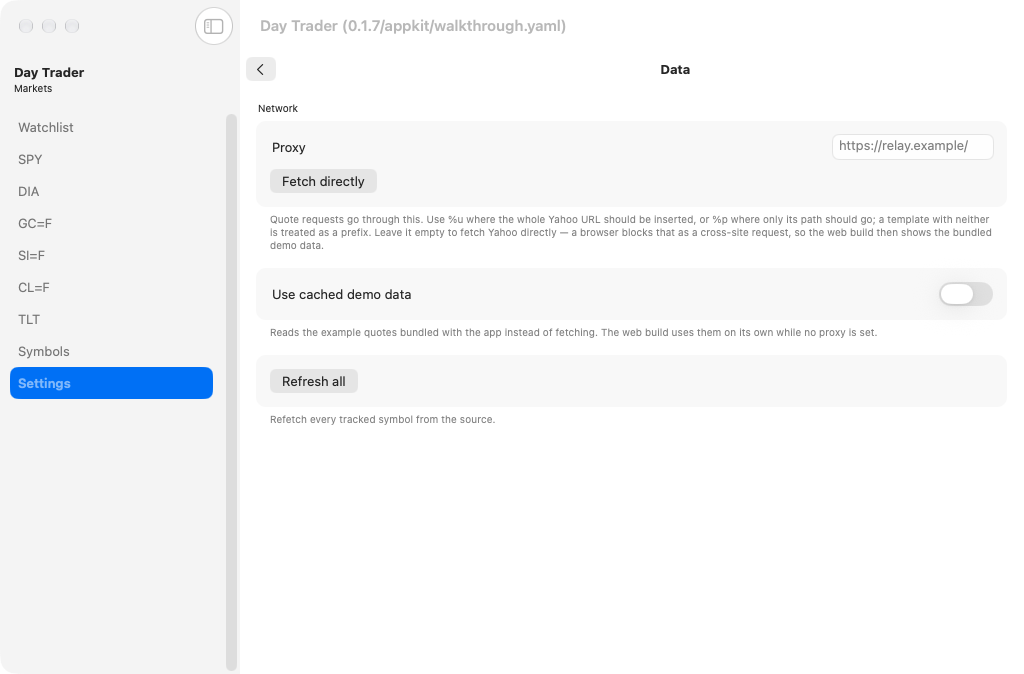
Settings, macOS AppKit
macOSAppKit
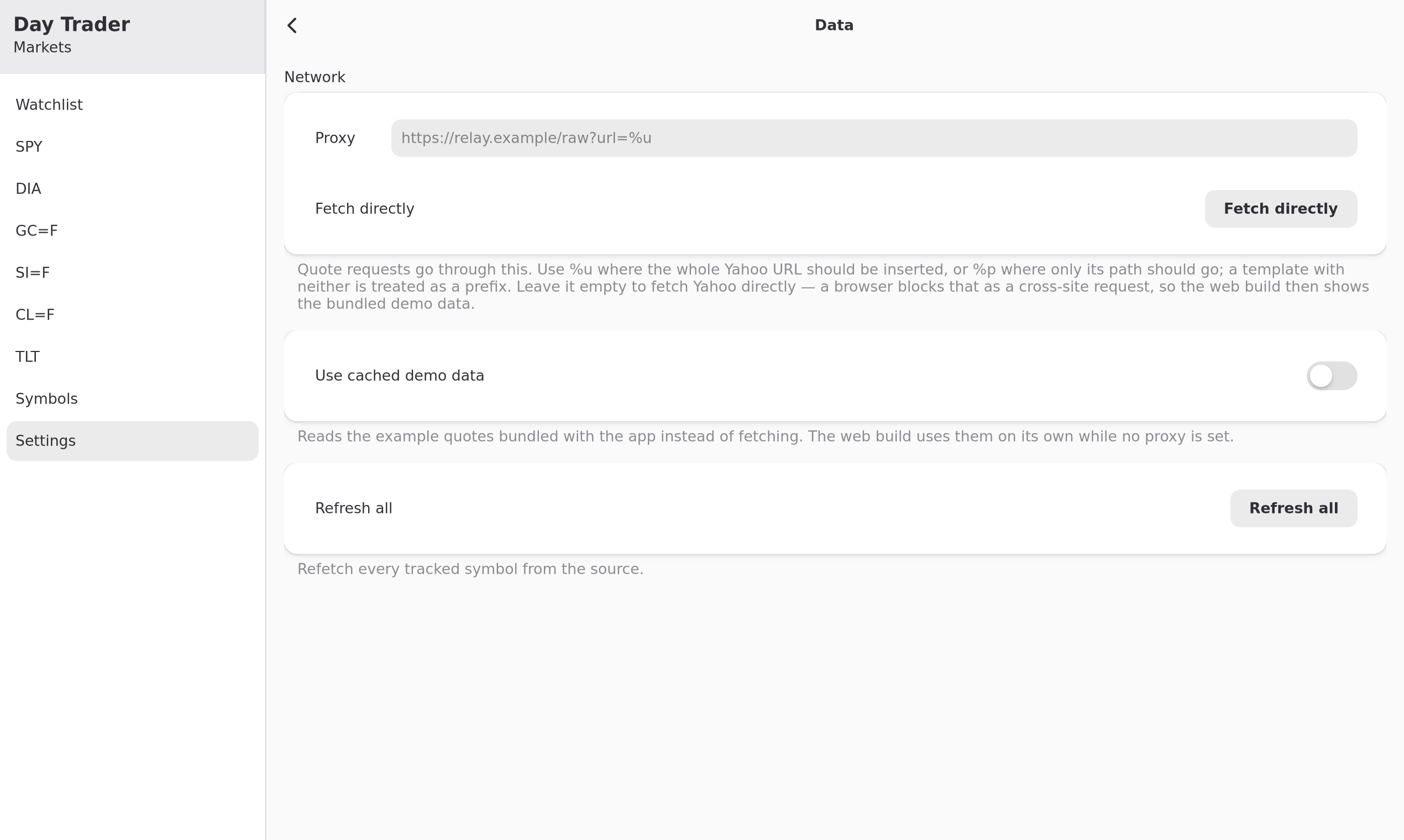
Settings, Linux GTK 4
LinuxGTK 4
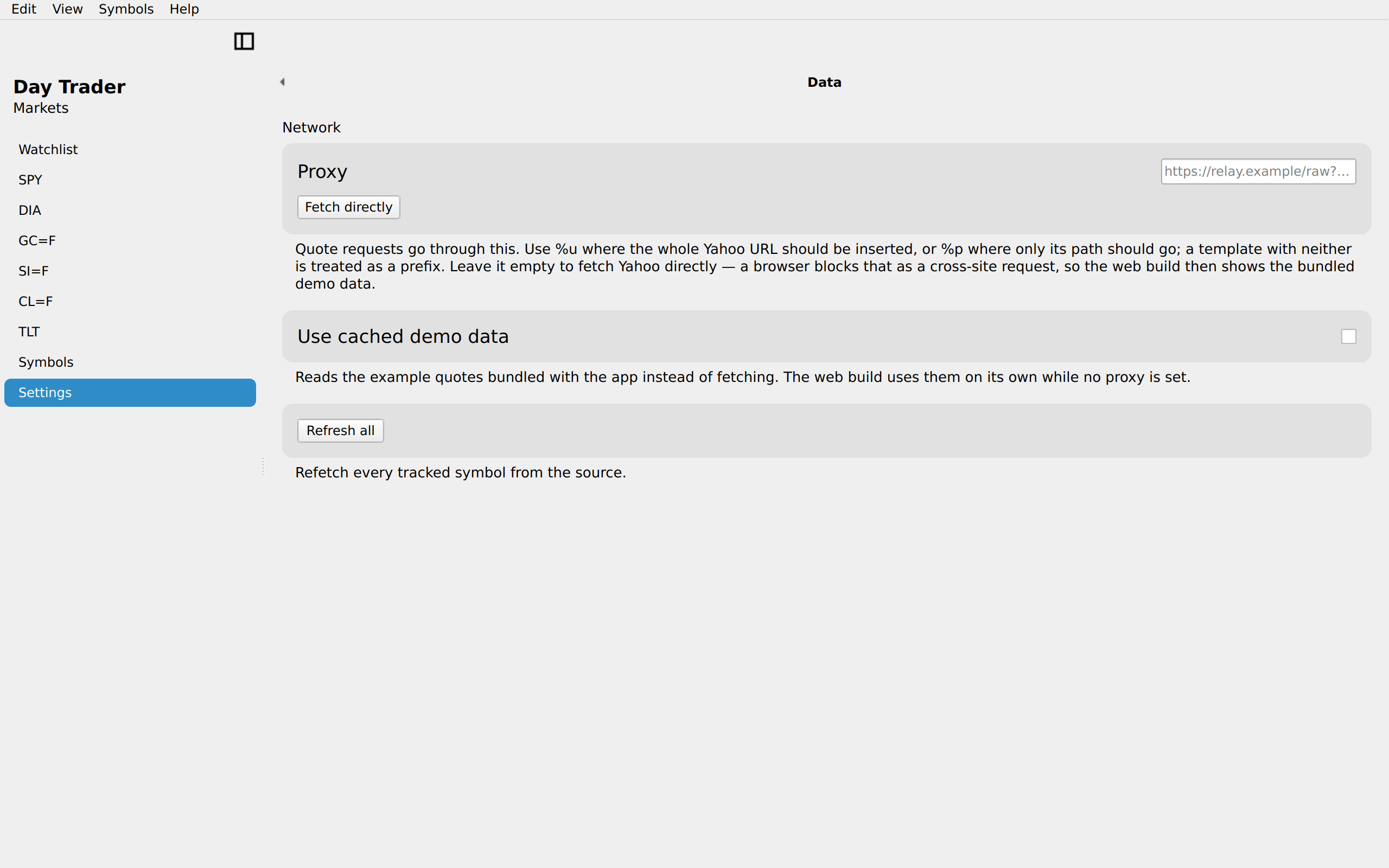
Settings, Linux Qt 6
LinuxQt 6
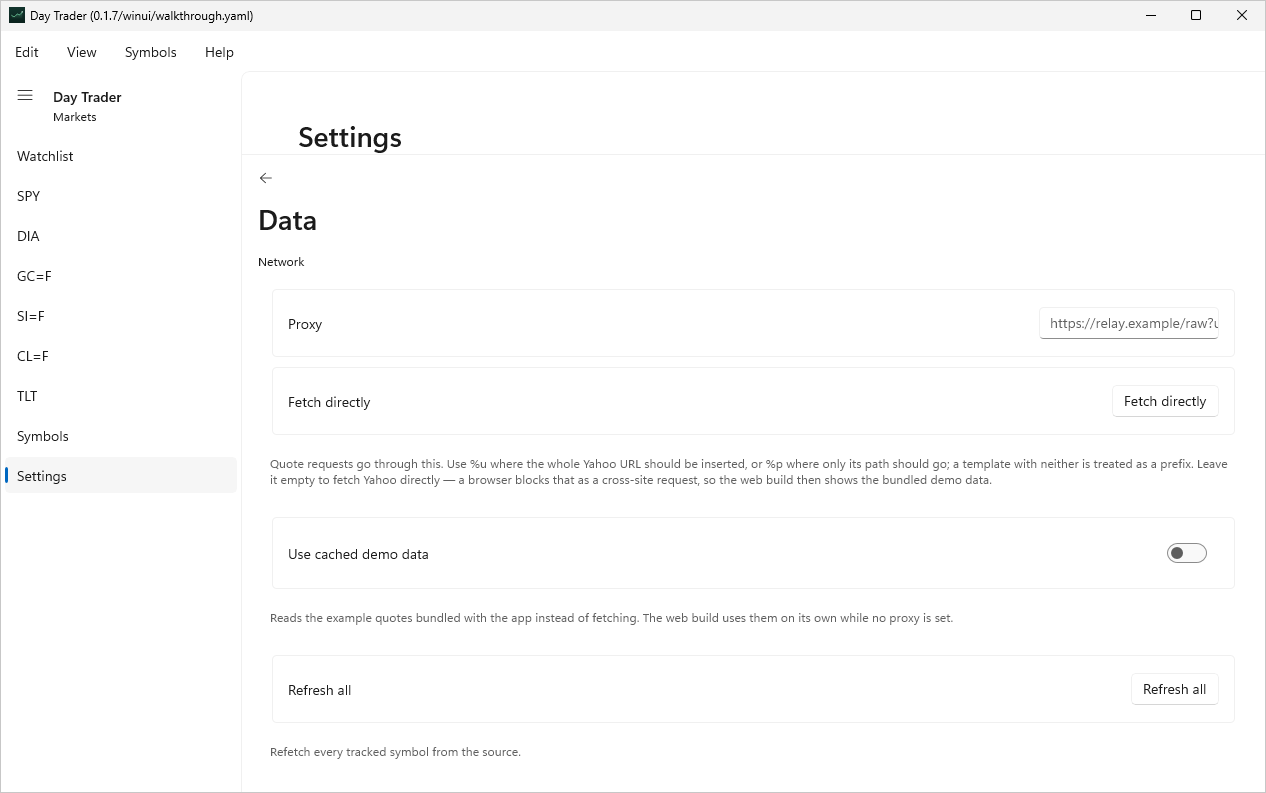
Settings, Windows XAML
WindowsXAML
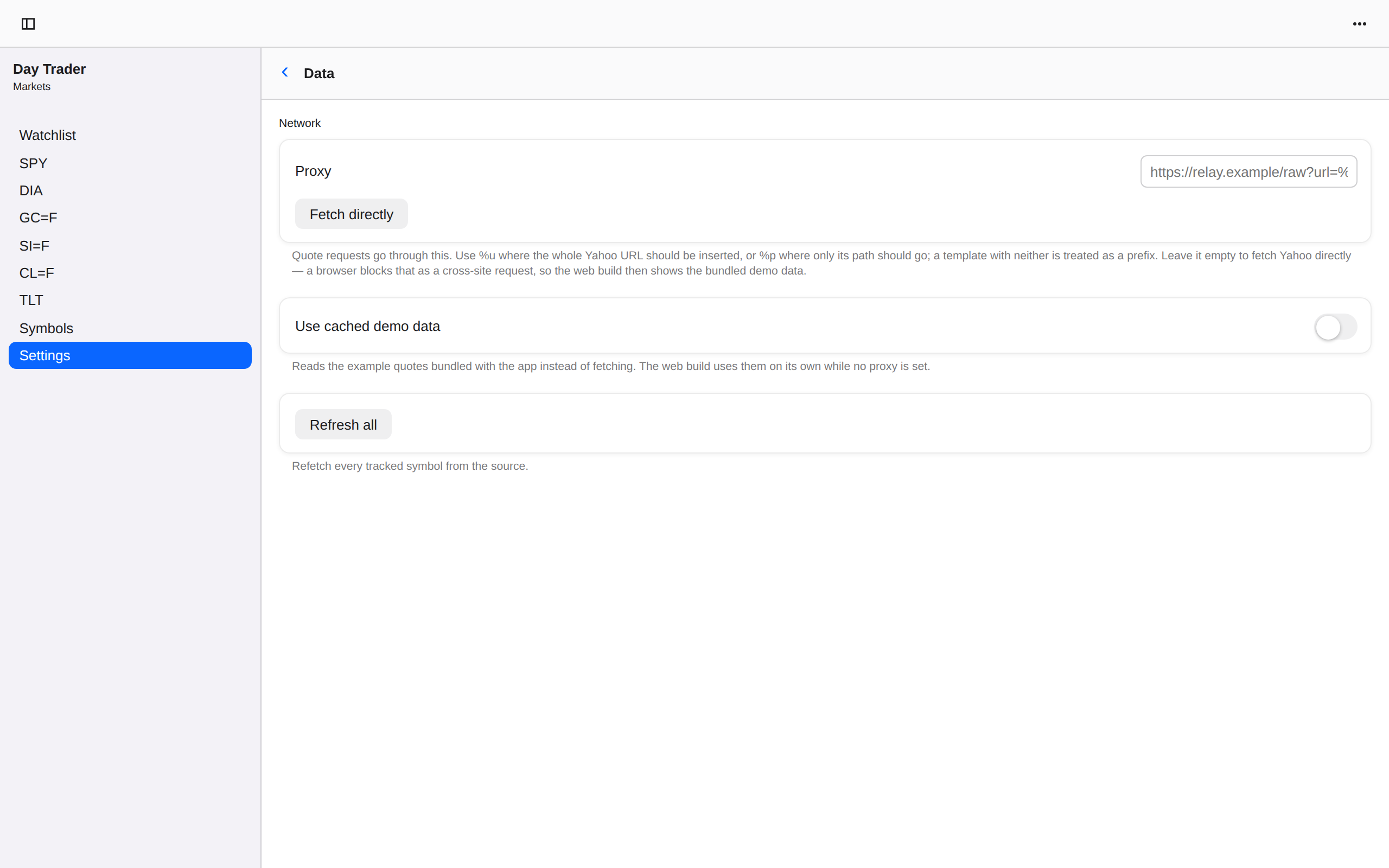
Settings, Web Web DOM
WebWeb DOM