Android (Material Components)
Tier 1 · Supportedandroid-mdc renders Material Components
widgets over JNI, inside a checked-in Gradle project. The app theme is
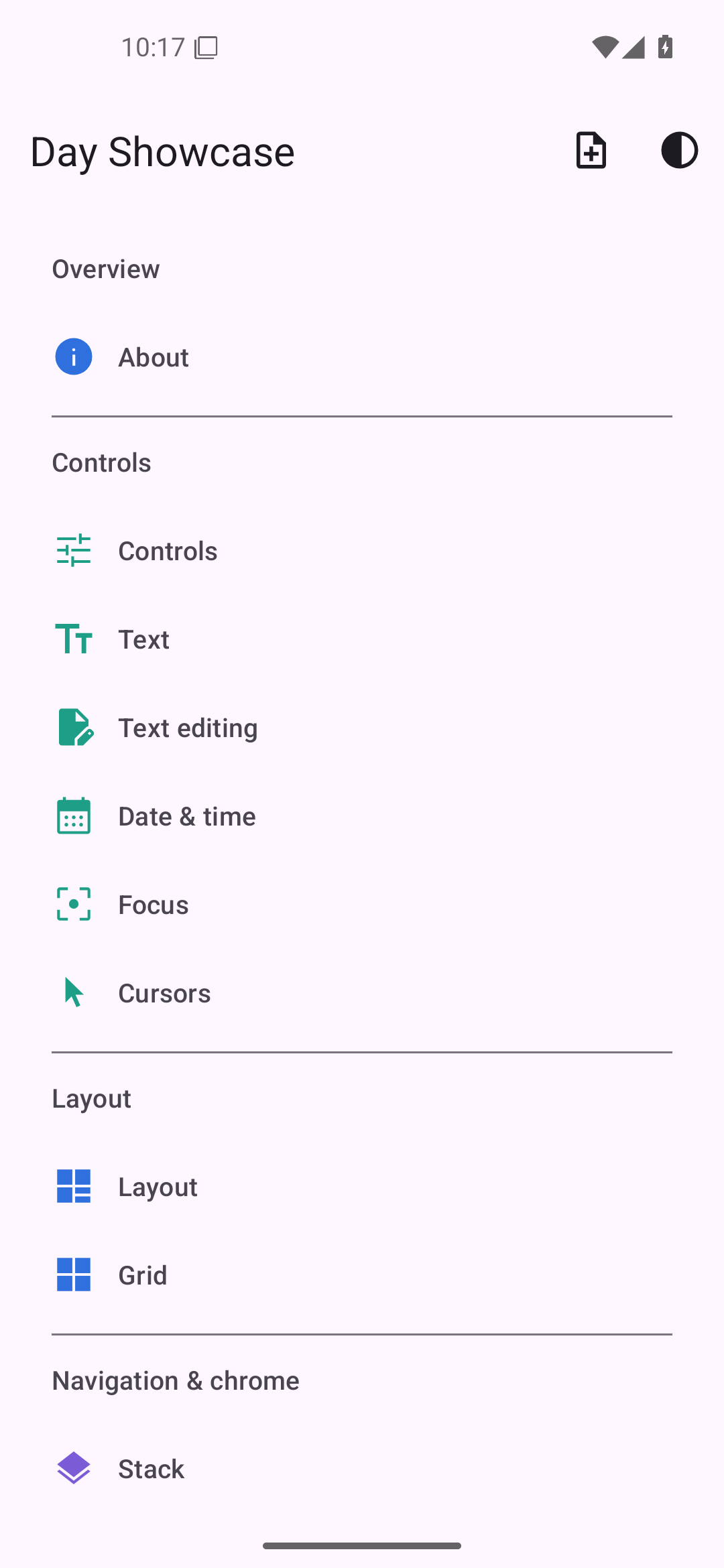
Theme.Material3Expressive.DayNight.NoActionBar, so light and dark follow the system.
Getting started
You need the Android SDK and NDK, JDK 17 or newer, and cargo-ndk;
day doctor --toolkit android checks each one and prints what’s missing. To work in Android Studio,
you also need Android Studio 2026.1.4 or newer
(system requirements).
cargo install day-cli cargo-ndk
day new app my-app --toolkit android-mdc
cd my-app
day launch -p android-mdc         # installs on every connected device/emulator, right ABI each
day pack -p android-mdc # release-signed .apk + .aabThe Gradle project
platform/android/ is a standard Gradle project with short scripts. Day’s Gradle plugin, applied in
settings.gradle.kts and app/build.gradle.kts, configures the app module from Day.toml and your
pieces: the application id and version, the SDK levels, the Android Gradle Plugin version, source
folders, libraries, the merged manifest, release minification, and signing. day build,
day prepare, and day open put the plugin in place from the version of Day your app builds
against, so updating Day updates your Android build and these files stay as they are.
Your own settings go in app/build.gradle.kts. They apply after Day’s plugin, so they take
precedence:
android {
    defaultConfig {
        minSdk = 26
    }
}

dependencies {
    implementation("com.squareup.okhttp3:okhttp:4.12.0")
}
day open -p android-mdc opens the project in Android Studio. A build started there packages the
Rust library from the last day build, so run day build -p android-mdc after changing Rust code.
Caveats
- Immersive top chrome is an opt-in. A
dev.daybrite.day.EDGE_TO_EDGE<meta-data>entry in the app manifest makes the status bar transparent and floats the nav bar over full-bleed pages; nav host items marked.immersive()keep the floating scrim bar, other pages get an opaquecolorPrimarybar. Content pads itself byday::safe_area()(Layout). Without the opt-in, content renders below the bars. - Accessibility annotations are partial; see the current limits.
- Process death is a cold start unless your app persists its own state. Day does not restore a navigation stack for you.
day-piece-maphas no Android arm (it would pull in a Google Play services dependency); it renders as a placeholder.- Runtime permissions are yours to request. Day generates the manifest entries from your
[permissions]table, andday-part-permissionsperforms the request, but Android’s never-asked and permanently-denied states are indistinguishable without app-side persistence. - The emulator leg in CI tolerates flakes; the build itself gates hard.
What each piece becomes
The generated coverage matrix, checked in CI, covers every backend; this table adds links and notes.
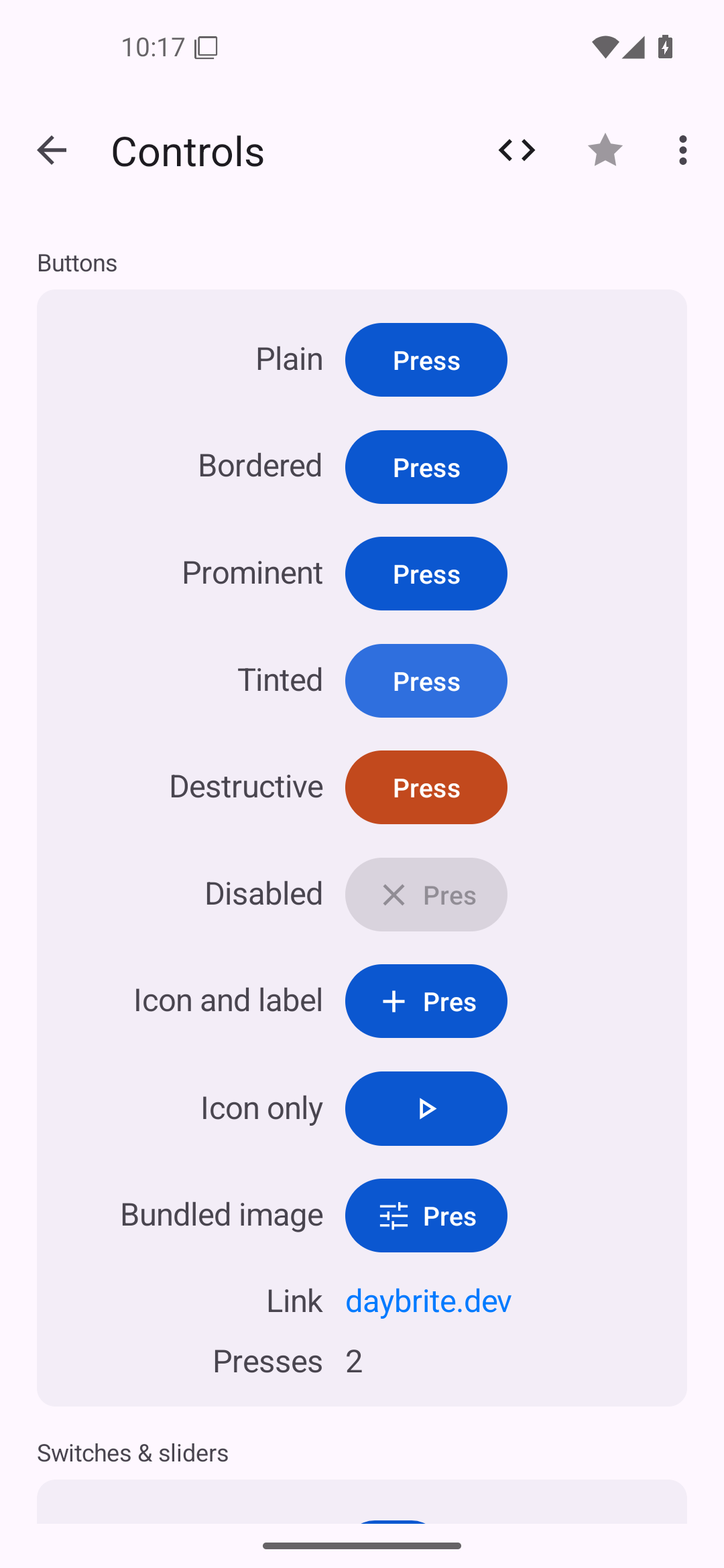
Pieces map to both Material Components and framework android.widget classes; the table names which
one each piece uses.
| Day piece | Android class |
|---|---|
column / row / nav_stack / section | a ViewGroup subclass that lays children out at absolute frames |
label | TextView |
button | MaterialButton |
toggle | MaterialSwitch |
slider | Slider |
text_field | TextInputLayout wrapping TextInputEditText |
text_area | EditText (framework) |
picker().menu() | Spinner |
picker().segmented() | a row of framework Buttons |
picker().inline() | RadioGroup |
progress(f) | LinearProgressIndicator |
spinner() | Material LoadingIndicator (M3 Expressive) |
divider | MaterialDivider |
scroll | ScrollView / HorizontalScrollView |
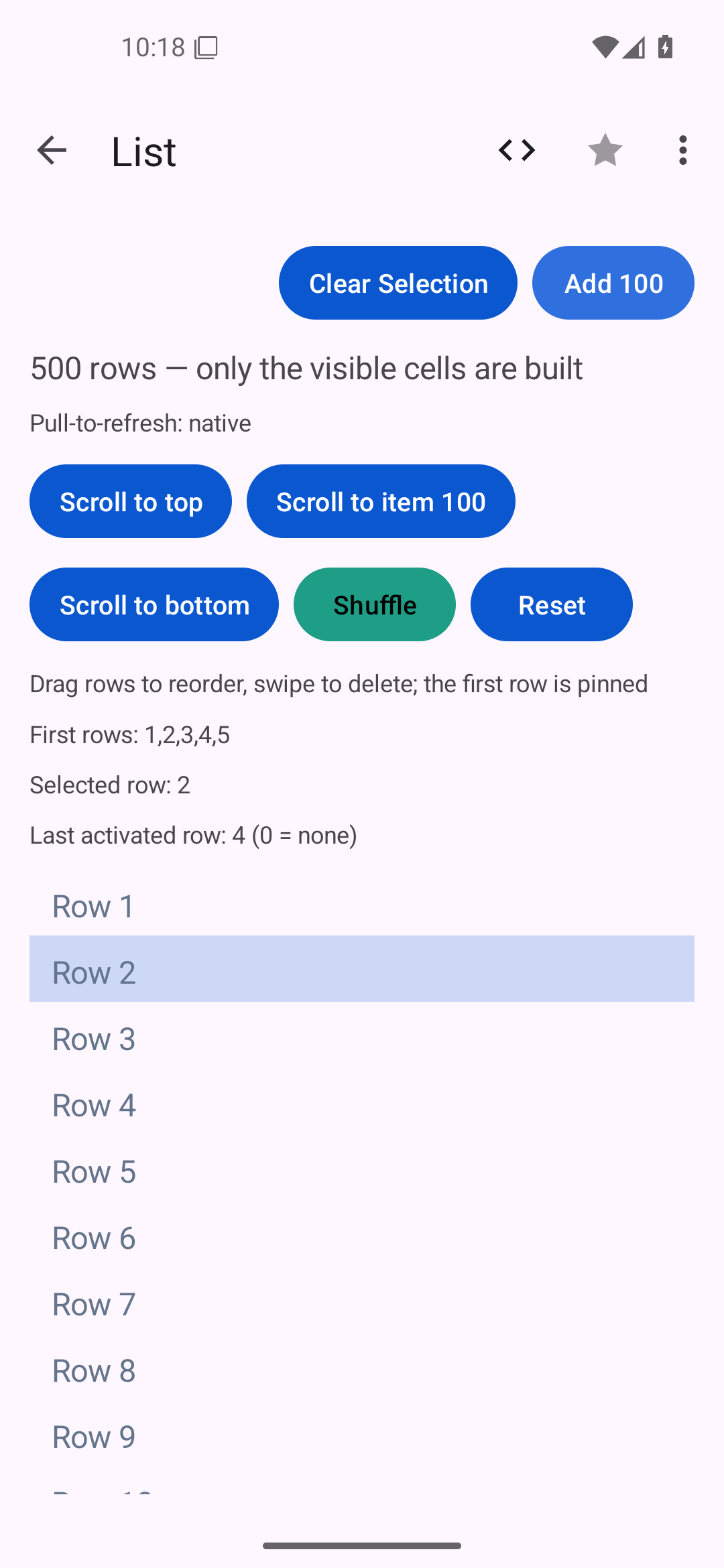
list | RecyclerView with a RecyclerView.Adapter (recycled cells; drag reorder via ItemTouchHelper) |
nav | MaterialToolbar over a fragment-driven FrameLayout |
nav_menu | scrolling TextView rows |
tabs | BottomNavigationView |
cover() | a full-screen FrameLayout shell |
image | ImageView |
vector | ImageView loading a VectorDrawable staged into res/drawable/ (art outside the VectorDrawable subset ships the raster instead, with a lint heads-up) |
canvas | a View subclass replaying the display list onto Canvas |
| dialogs / alerts / prompts | MaterialAlertDialogBuilder |
| file dialogs | Storage Access Framework intents |
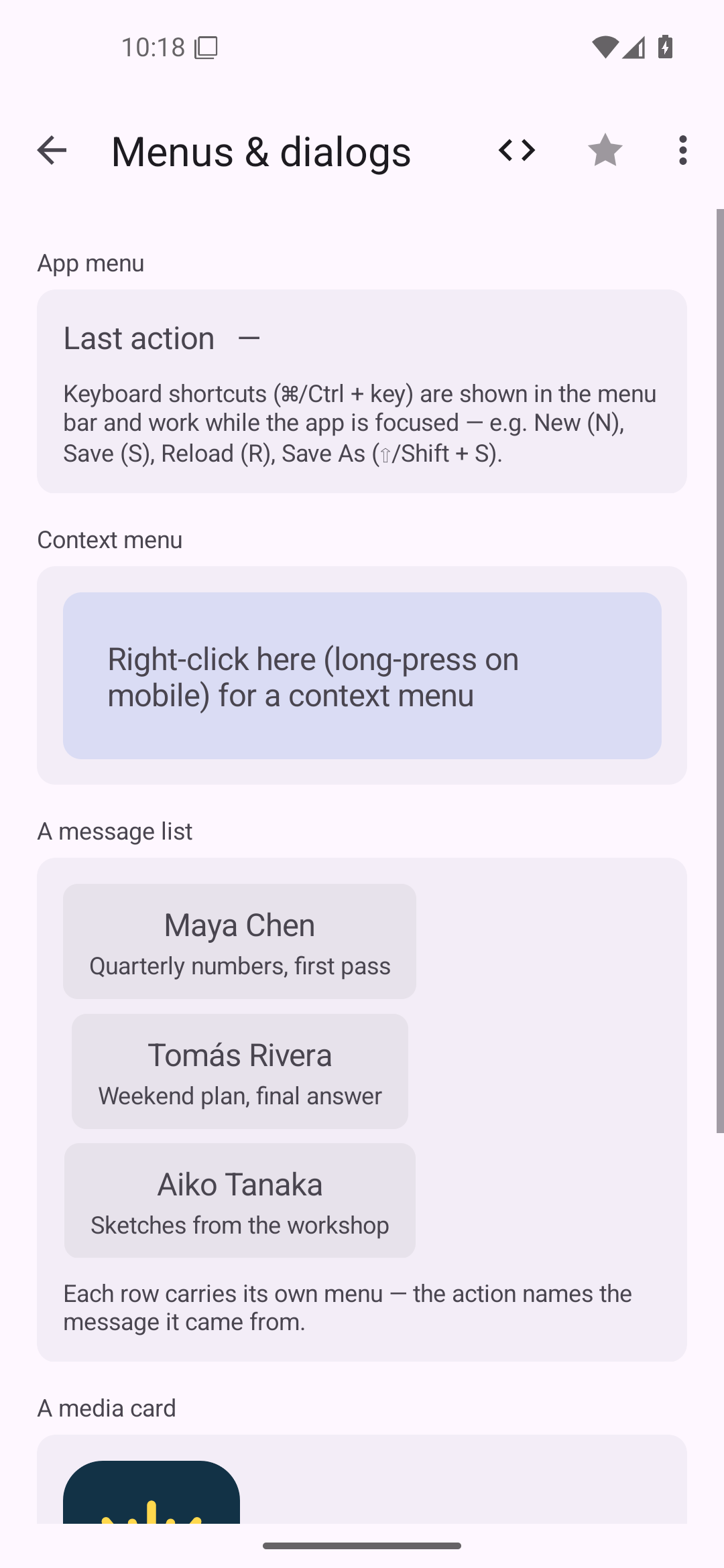
| context menus | PopupMenu |
external activity() | ProgressBar (framework, circular) |
external combobox() | AutoCompleteTextView |
external search_field() | EditText with IME_ACTION_SEARCH |
external date_picker() | MaterialDatePicker, or inline DatePicker |
external time_picker() | MaterialTimePicker, or inline TimePicker |
external pull_refresh() | SwipeRefreshLayout |
external webview() | WebView |
external media() | VideoView |
external lottie() | LottieAnimationView (lottie-android) |
Text measurement is Android’s View.measure with an AT_MOST width probe, so TextView
does the line breaking.
Gradle dependencies come from the pieces you use: Lottie and SwipeRefreshLayout each contribute their own coordinate, and Day merges them into the app module.