iOS (UIKit)
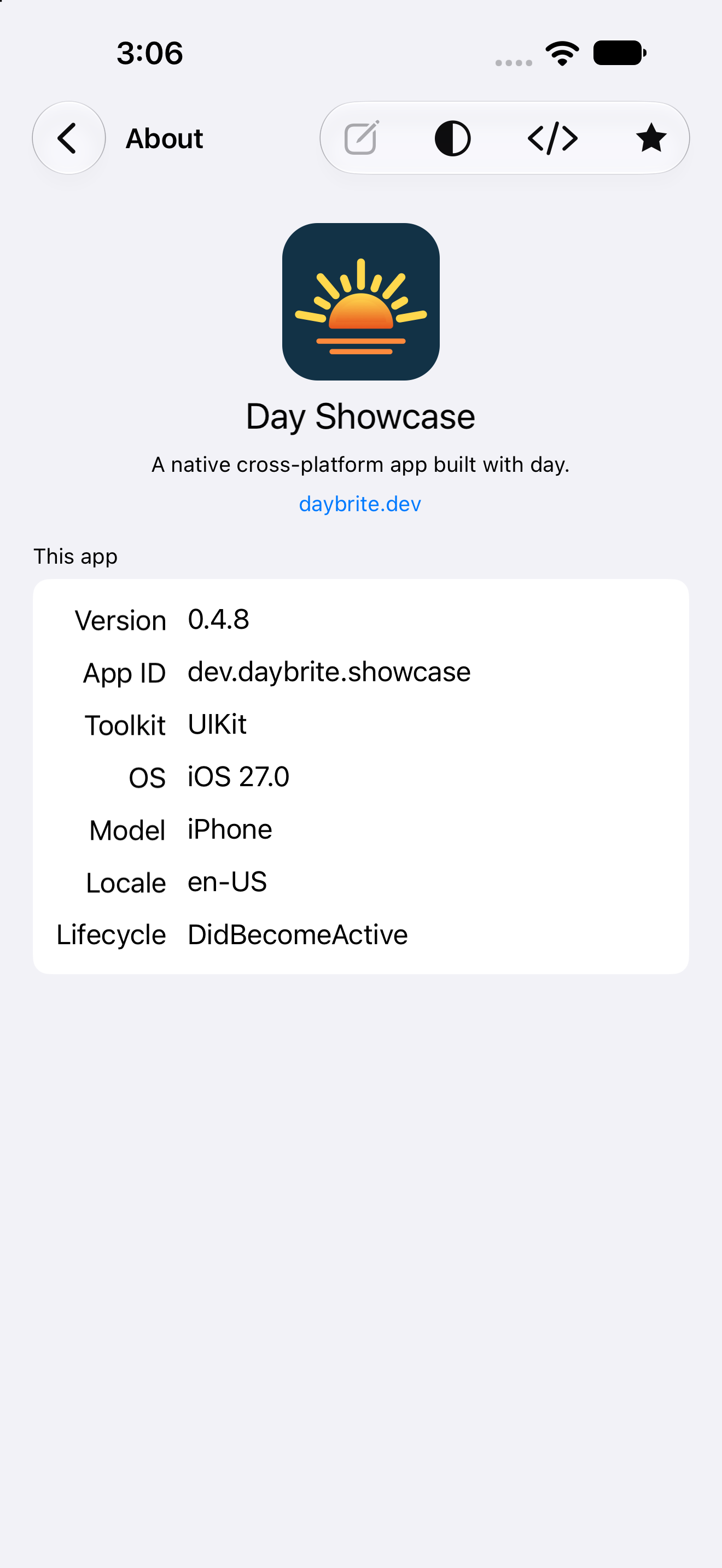
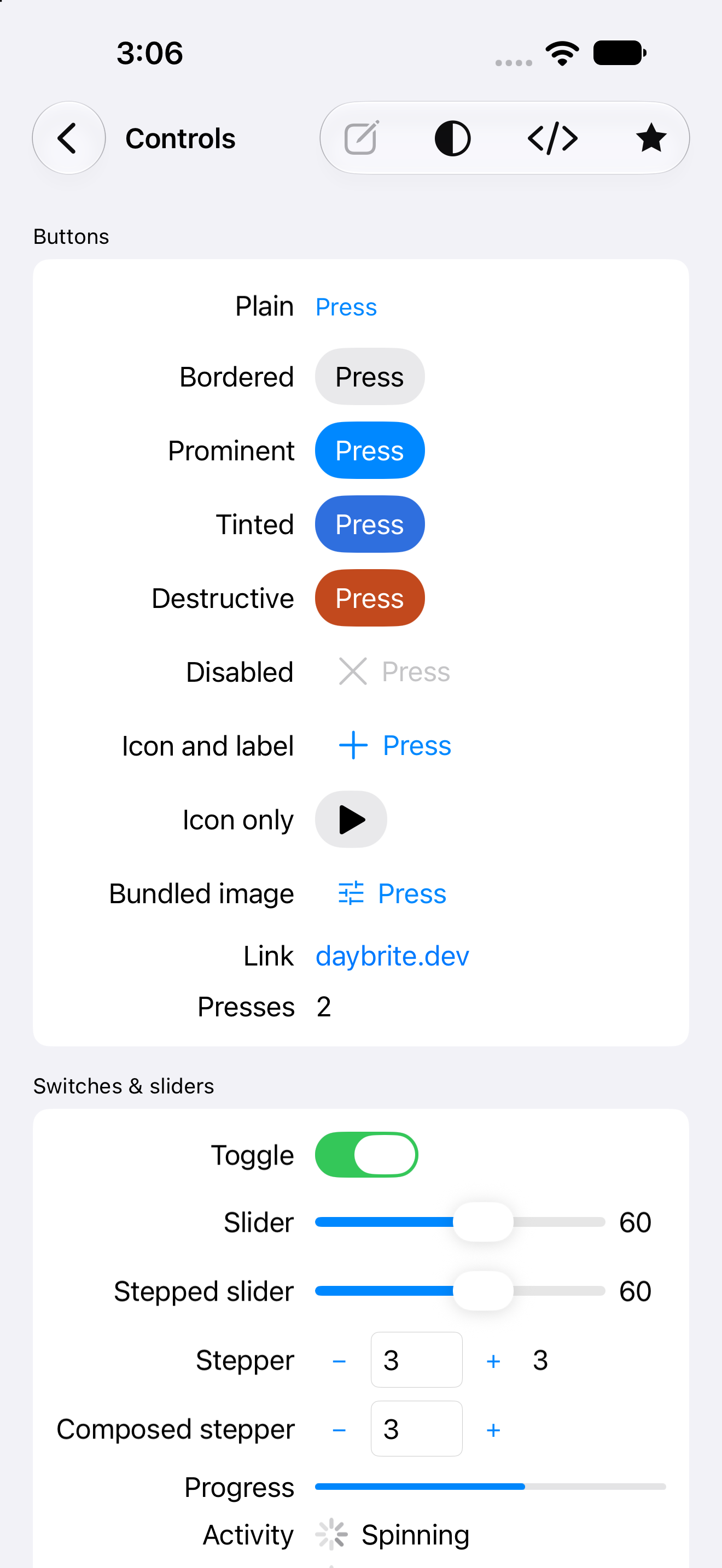
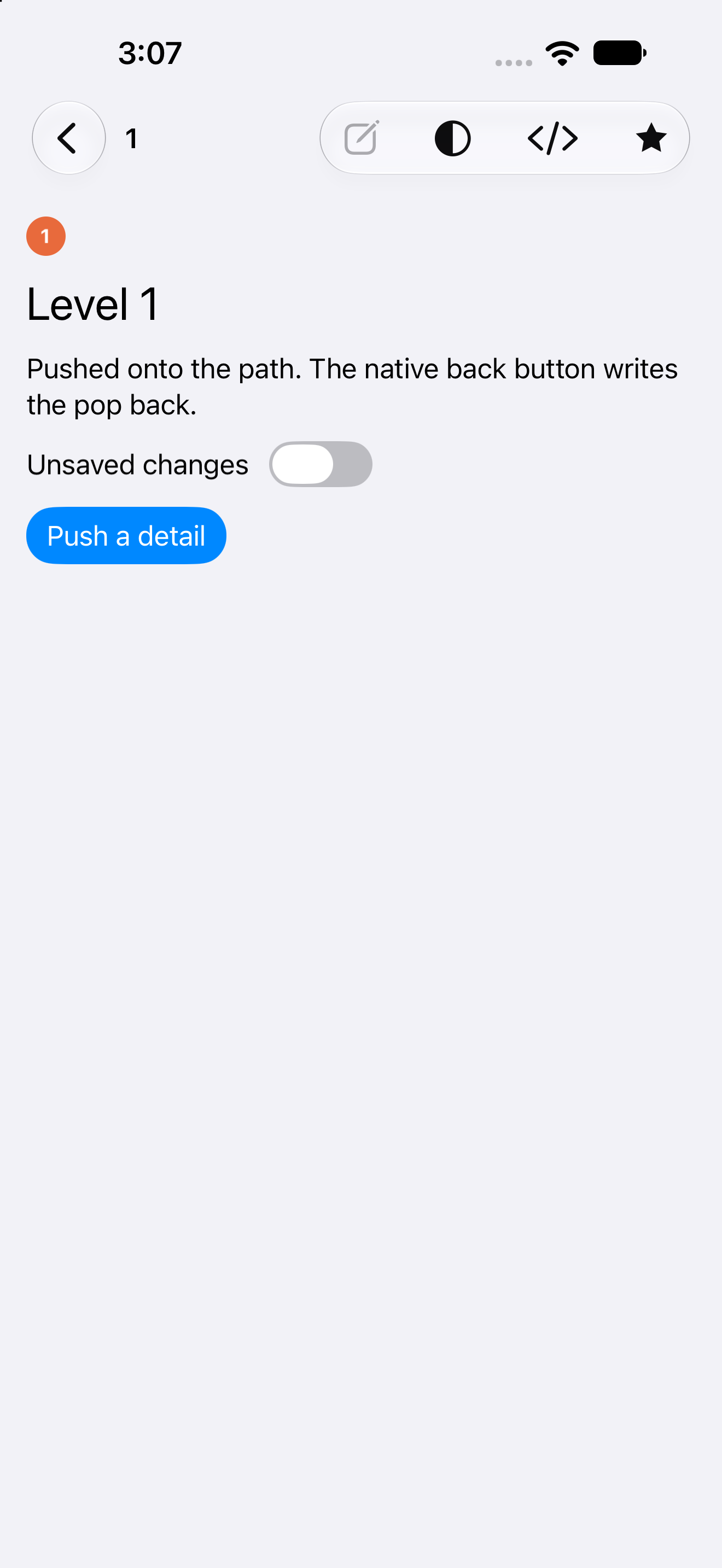
Tier 1 · Supportedios-uikit renders UINavigationController pushes, a UITabBarController, and system text
handling, driven from Rust through objc2. The scaffold is a checked-in
Xcode project whose build phase calls back into day, so Xcode, day launch and CI all build the
same way.
Getting started
xcode-select --install          # plus Xcode itself, with an iOS Simulator runtime
cargo install day-cli
day new app my-app --toolkit ios-uikit
cd my-app
day launch -p ios-uikit          # boots a Simulator and installs
day doctor --toolkit uikit verifies Xcode, the Simulator runtimes and the Rust iOS targets.
Opening platform/ios/Runner.xcodeproj in Xcode works too; ⌘R builds the same Rust library
through the project’s build phase.
day build also generates a local SwiftPM package at build/day/ios/DayPieces (the Swift shims
pieces contribute, their SwiftPM dependencies, and the generated
SwiftUI embedding glue), which the checked-in Xcode project links. A
piece’s platform metadata key raises the deployment floor: day build prints a Raising
status and passes IPHONEOS_DEPLOYMENT_TARGET=<floor> to xcodebuild. That setting does not reach
⌘R builds inside Xcode, so for IDE work raise the value in the pbxproj by hand.
Packaging produces a device .ipa:
day pack -p ios-uikitWith signing.ios configured you get a signed App Store export; without it you get an unsigned
device build (<stem>-ios-uikit-unsigned.ipa) for sideloading or your own signing. See
packaging.
Caveats
- Development is Simulator-first. Device debugging works but gets far less use than the Simulator path.
- Declare permissions before you use them. A gated API without its
NS*UsageDescriptionkey terminates the app on first use. Day generates those keys from your[permissions]table, andday lintfails the build when one is missing, so the mistake surfaces in CI. day-piece-comboboxhas no UIKit arm, because iOS has no native combo-box control; it renders as a placeholder. Usepicker().menu().- iOS has no persistent menu bar, so
set_app_menuis a no-op; context menus work (UIContextMenuInteraction). - Window screenshots aren’t implemented in-process; the walkthrough uses
simctl io booted screenshotinstead. - Dynamic Type is live: labels set
adjustsFontForContentSizeCategory, so text rescales with the user’s system setting and your layout has to tolerate it.
What each piece becomes
The generated coverage matrix, checked in CI, covers every backend; this table adds links and notes.
| Day piece | UIKit class |
|---|---|
column / row / nav_stack / section | UIView |
label | UILabel |
button | UIButton (system type; bordered/prominent use UIButtonConfiguration) |
toggle | UISwitch |
slider | UISlider |
text_field | UITextField |
text_area | UITextView |
picker().segmented() | UISegmentedControl |
picker().menu() | UIButton + UIMenu |
picker().inline() | UIStackView of check-marked buttons |
progress(f) | UIProgressView |
spinner() | UIActivityIndicatorView |
scroll | UIScrollView |
list | UITableView (plain style, recycled cells) |
nav | UINavigationController |
nav_menu | UITableView (inset-grouped) |
tabs | UITabBarController |
cover() | a full-screen modal UIViewController |
image | UIImageView |
vector | UIImageView — the SVG ships in a DayPieces imageset with preserves-vector-representation, so it renders at display size |
canvas | a custom UIView replaying the display list through Core Graphics |
| dialogs / alerts / prompts | UIAlertController |
| file dialogs | UIDocumentPickerViewController |
| context menus | UIContextMenuInteraction |
external activity() | UIActivityIndicatorView |
external search_field() | UISearchTextField |
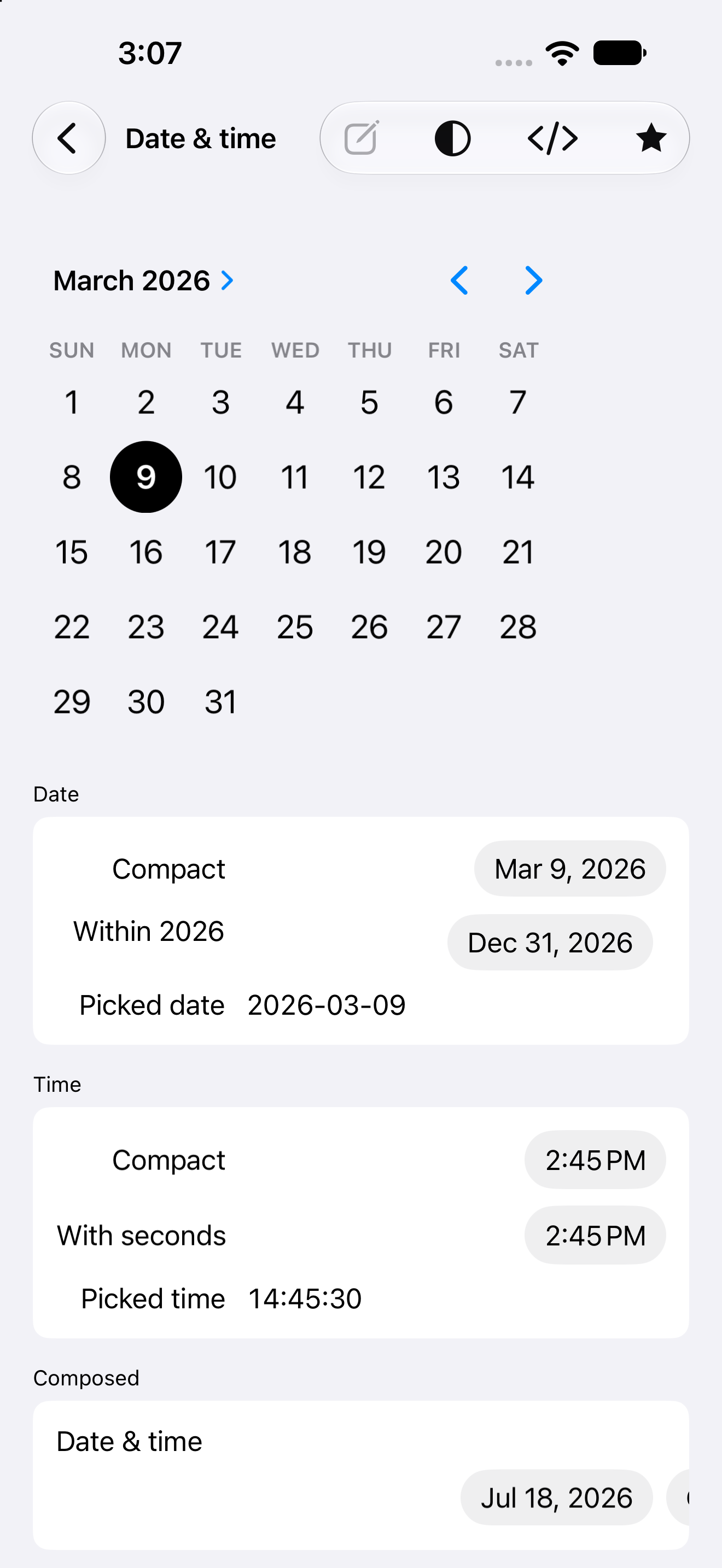
external date_picker() / time_picker() | UIDatePicker |
external pull_refresh() | UIRefreshControl |
external webview() | WKWebView |
external media() | AVPlayerViewController |
external map() | MKMapView |
external lottie() | LottieAnimationView (lottie-ios, via SwiftPM) |
toggle is the only boolean control, radio behavior is picker().inline(), and list is the only
collection; there is no checkbox, stepper, or table piece.
Text measurement is UIKit’s sizeThatFits: on the realized view, so wrapping matches what
the system would do anywhere else on the platform.