Web (DOM)
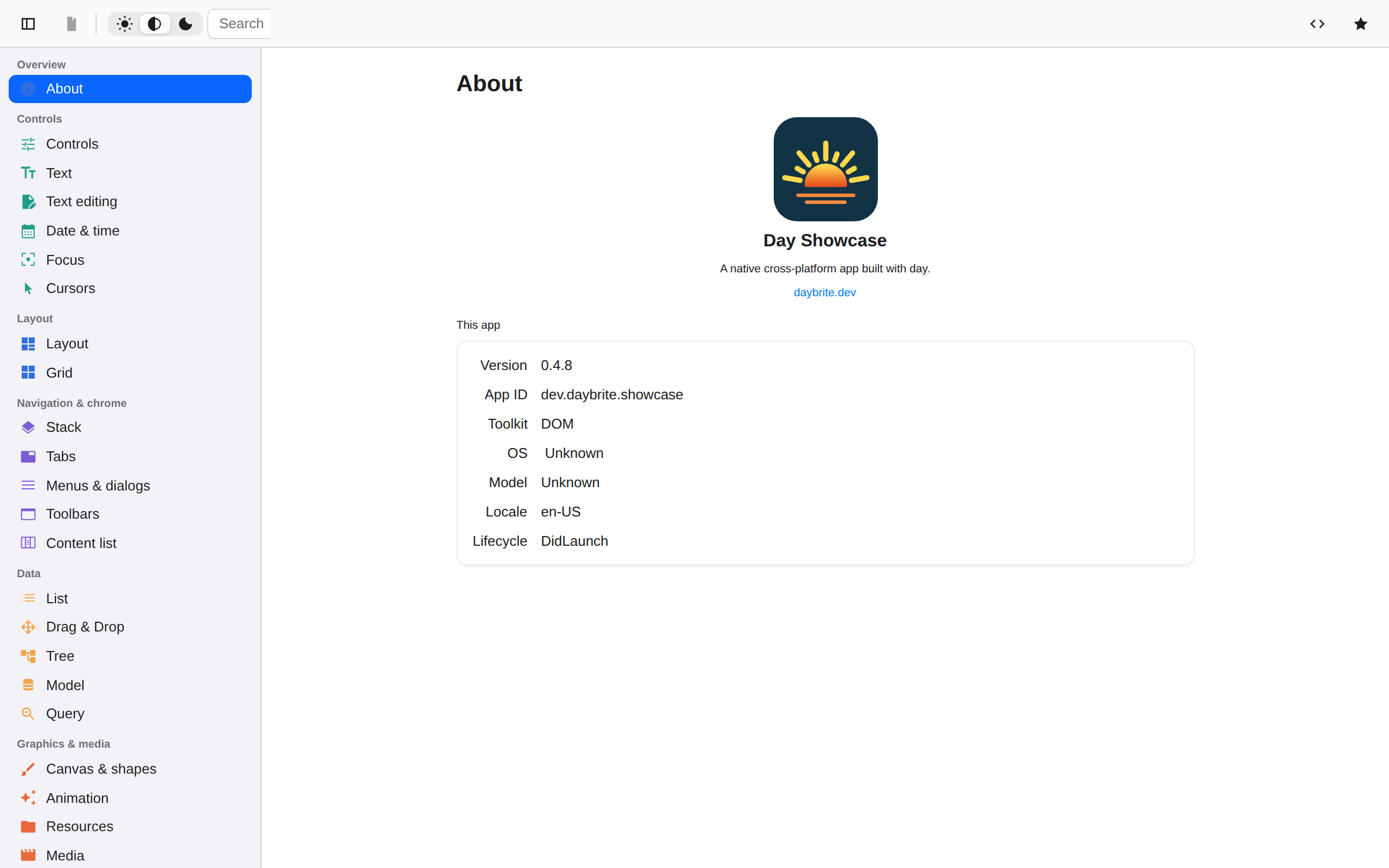
Tier 3 · Experimentalweb-dom compiles your app to WebAssembly and renders each piece as a DOM element (<button>,
<dialog>, <input type="range">) that the browser lays out and draws. The build runs through
cargo and the day CLI, and the output is a plain ES module plus a .wasm file.
Getting started
The only prerequisite beyond the CLI is the wasm target.
rustup target add wasm32-unknown-unknown
cargo install day-cli
day new app my-app --toolkit web-dom
cd my-app
day launch -p web-dom     # builds, serves over loopback, opens your browser
day build -p web-dom writes a self-contained dist/: index.html, the shim, the stylesheet, your
.wasm, and any bundled images and fonts. There is no day pack for web, because dist/ is
already the deployable artifact: copy it to any static host.
day build -p web-dom --profile release
# dist/ → your bucket, your CDN, GitHub Pages, anywhere
Serve it over HTTPS (or localhost). Browsers won’t instantiate WebAssembly from file:, and
sensors require a secure context.
Caveats
This backend covers a subset of what the native backends do. The following are missing or reduced:
- Most external pieces have no web arm and render a
⟨kind⟩placeholder: web view, map, Lottie, search field, combo box, date and time pickers, activity indicator, remote image. Onlymedia()is implemented, as a<video>. Pull-to-refresh has no web arm either: its spinner overlay and programmatic refresh work, but there is no pull gesture. media()needs a URL, not a file path, and autoplay only starts when muted; both are browser policy.- File dialogs, context menus, and the application menu bar have no web arm.
cover()presents as a fixed-position overlay (no transition, programmatic dismissal only). - The list is emulated: one element per row, created eagerly, with no recycling, so long lists cost memory and time.
- Split navigation is decided once at launch from the viewport width (≥ 700px), and does not re-evaluate on resize.
- Accessibility is thinner here than on native. Semantics come from the tags Day uses
(
<button>,<input>,<select>,<progress>,<textarea>,<dialog>), andaria-labelflows through from.a11y(...). But where a piece realizes as a<div>(label, tabs, navigation, the nav menu, segmented and radio pickers, the spinner), there is no compensating ARIA role. If you are shipping to an accessibility requirement, use a native target or budget for tweaks. - Parts are partial.
http,location,prefs,sensors,permissions, andfs(backed by the browser’s Origin Private File System) have browser arms; battery, clipboard, device info, haptics, network, and local notifications do not. The magnetometer is never available (no cross-browser API). - Piece registration differs.
linkme’s distributed slices don’t compile for wasm, so web-dom keeps a runtime registry and a piece registers itself from its constructor. A piece needs an explicitdomfeature to appear at all; see extending.
What each piece becomes
The generated coverage matrix, checked in CI, covers every backend; this table adds links and notes.
| Day piece | HTML |
|---|---|
column / row / nav_stack / section | <div> |
label | <div> (not a <label>) |
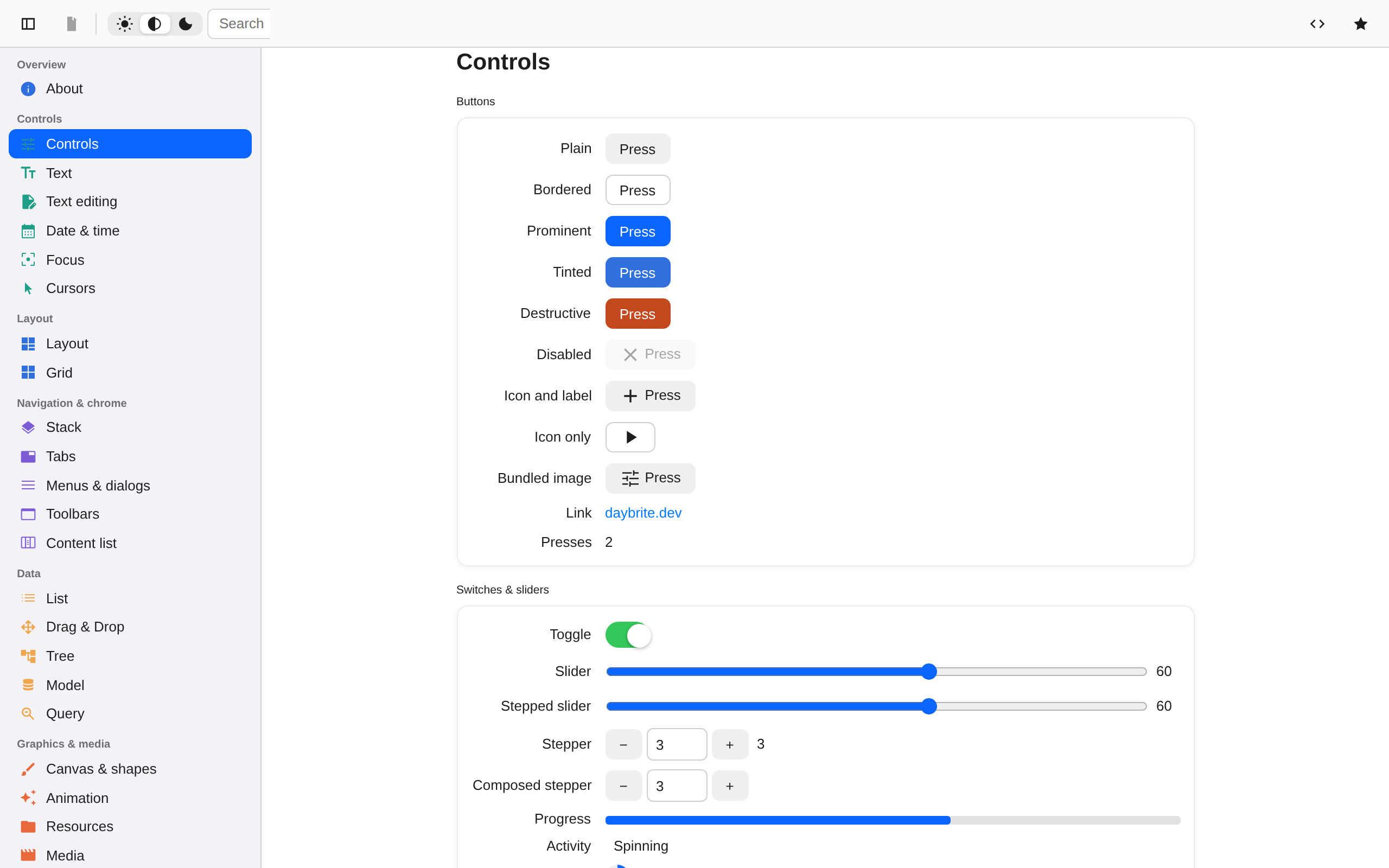
button | <button type="button"> |
toggle | <input type="checkbox"> styled as a switch |
slider | <input type="range"> |
text_field | <input type="text"> |
text_area | <textarea> |
picker().menu() | <select> with <option>s |
picker().segmented() / .inline() | a <div> of <button>s |
progress(f) | <progress max="1"> |
spinner() | a CSS-animated <div> |
divider | <div> |
scroll | <div> with overflow:auto |
list | scrolling <div> of absolutely positioned cells |
nav / nav_menu / tabs | <div>s (with <button>s for the tab strip and back control) |
image | <img> |
vector | <img> loading the staged SVG: day-dom requests .svg for names in the page’s vector list, and the browser renders it at display size; the raster PNG sits beside it as the older-host fallback |
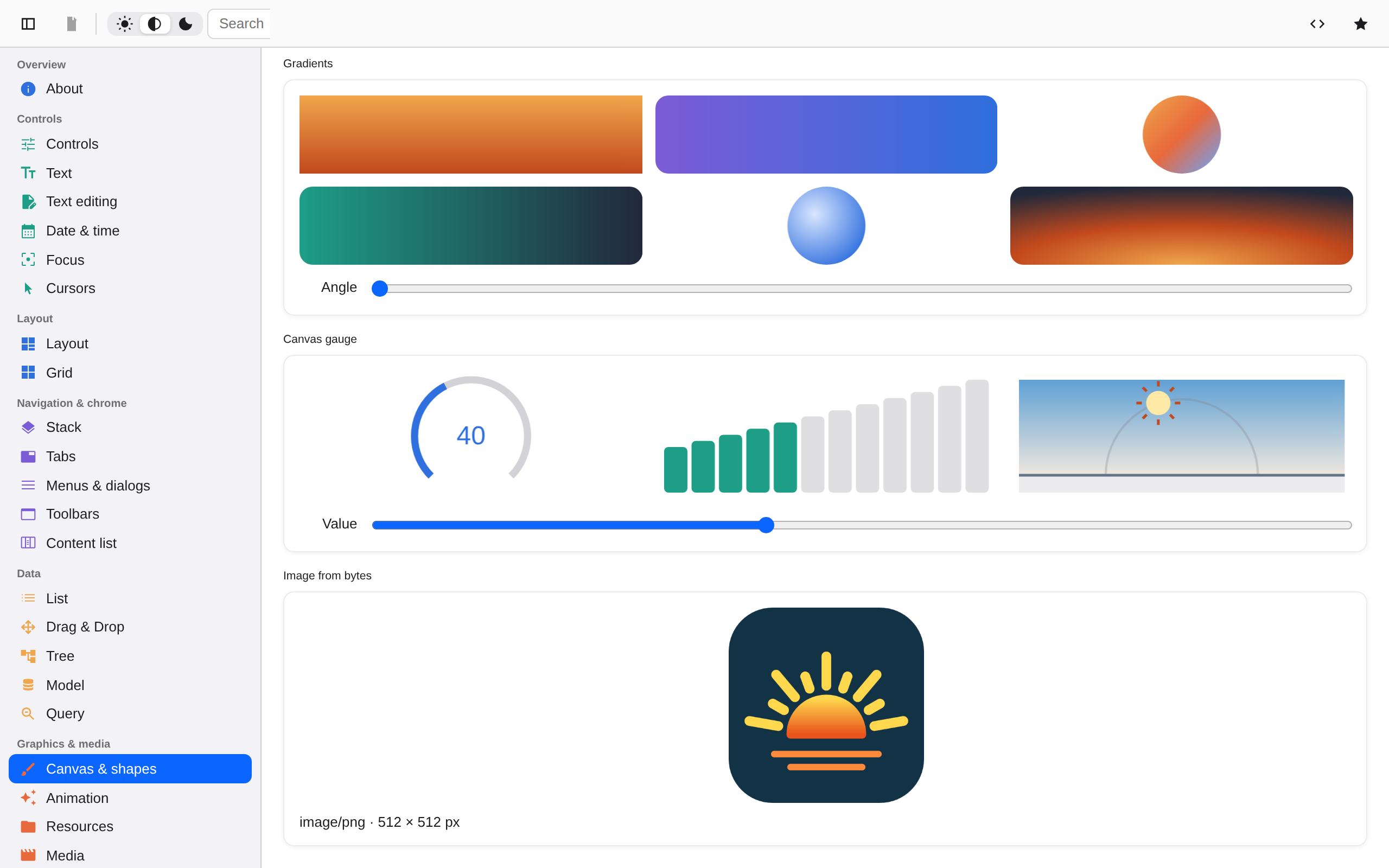
canvas | <canvas>, display list replayed on a 2-D context |
| dialogs / alerts / prompts | <dialog> via showModal() |
external media() | <video> |
Text measurement uses a hidden offscreen element with the same computed font and a max-width,
measured with getBoundingClientRect(), which gives the browser’s wrapping metrics, cached per
element and width.
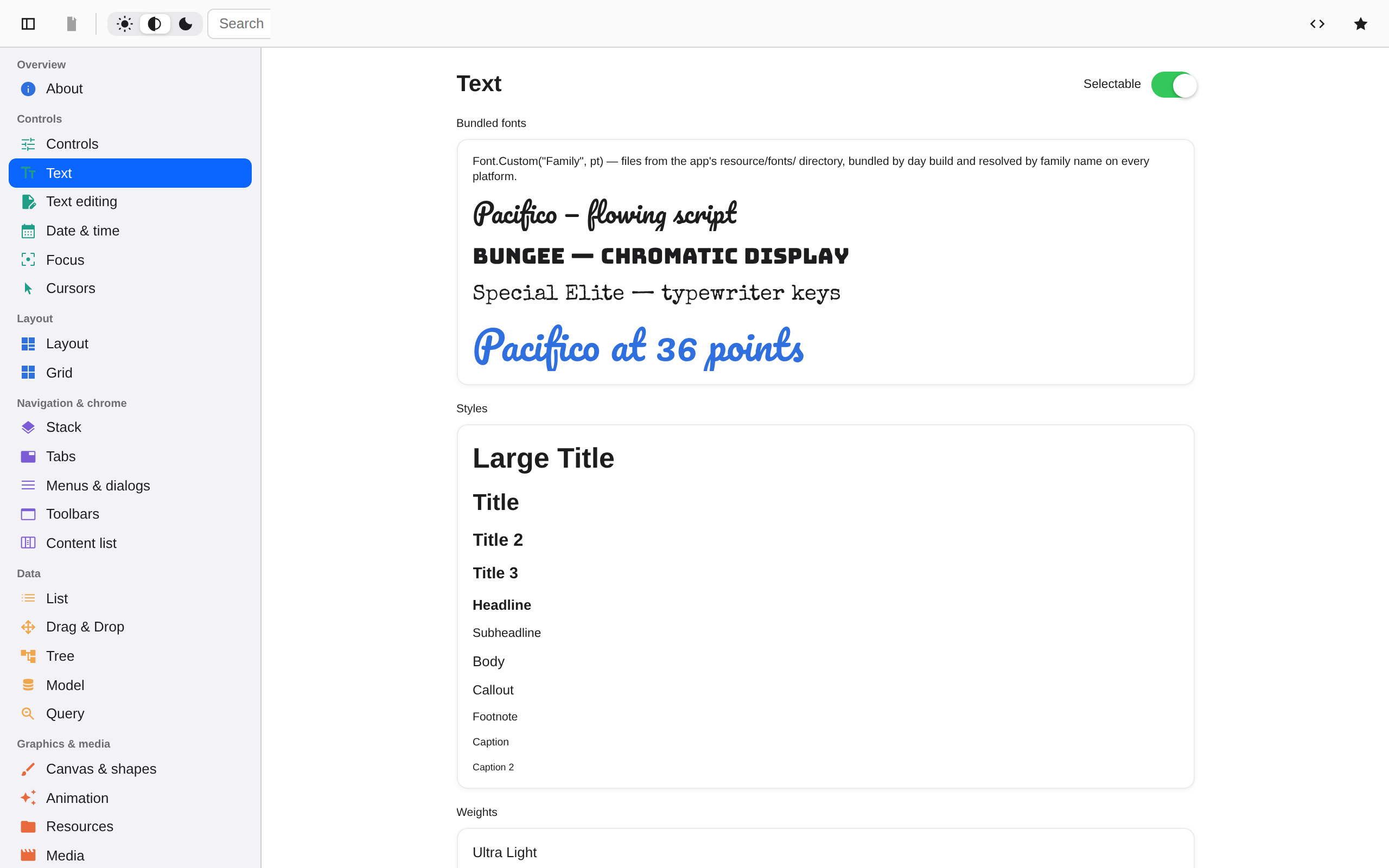
Typography is rem-based: Font::Body is 1rem, the other styles follow the Apple text-style
ratios, and custom point sizes map to pt/16 rem, so if you raise your browser’s default font
size, every Day font scales with it (canvas drawing text excepted, since it lives in the app’s
coordinate space).
Pages report their own size back through a
ResizeObserver, which is how
CSS-managed panes stay in sync with Day’s layout.