Screenshot gallery

Day Sketch screenshots

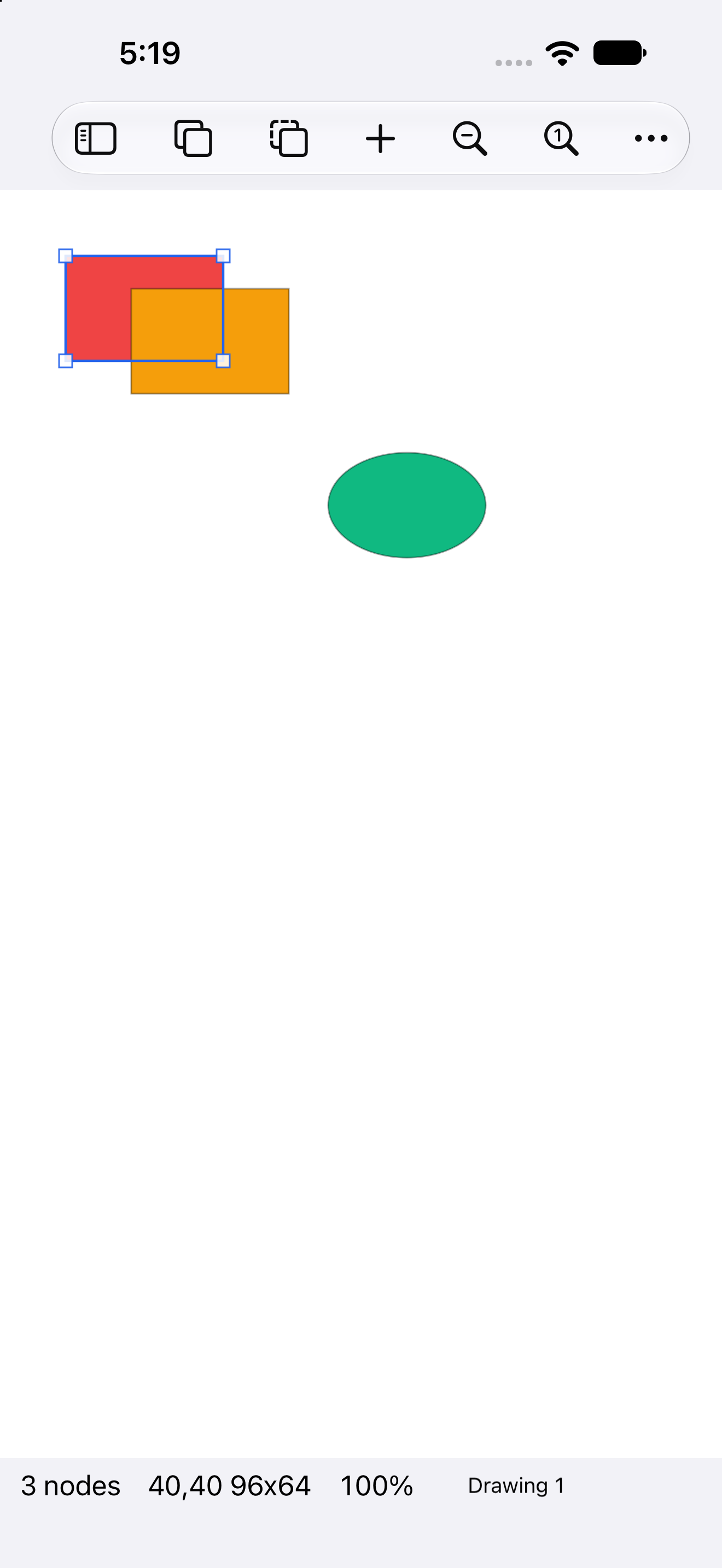
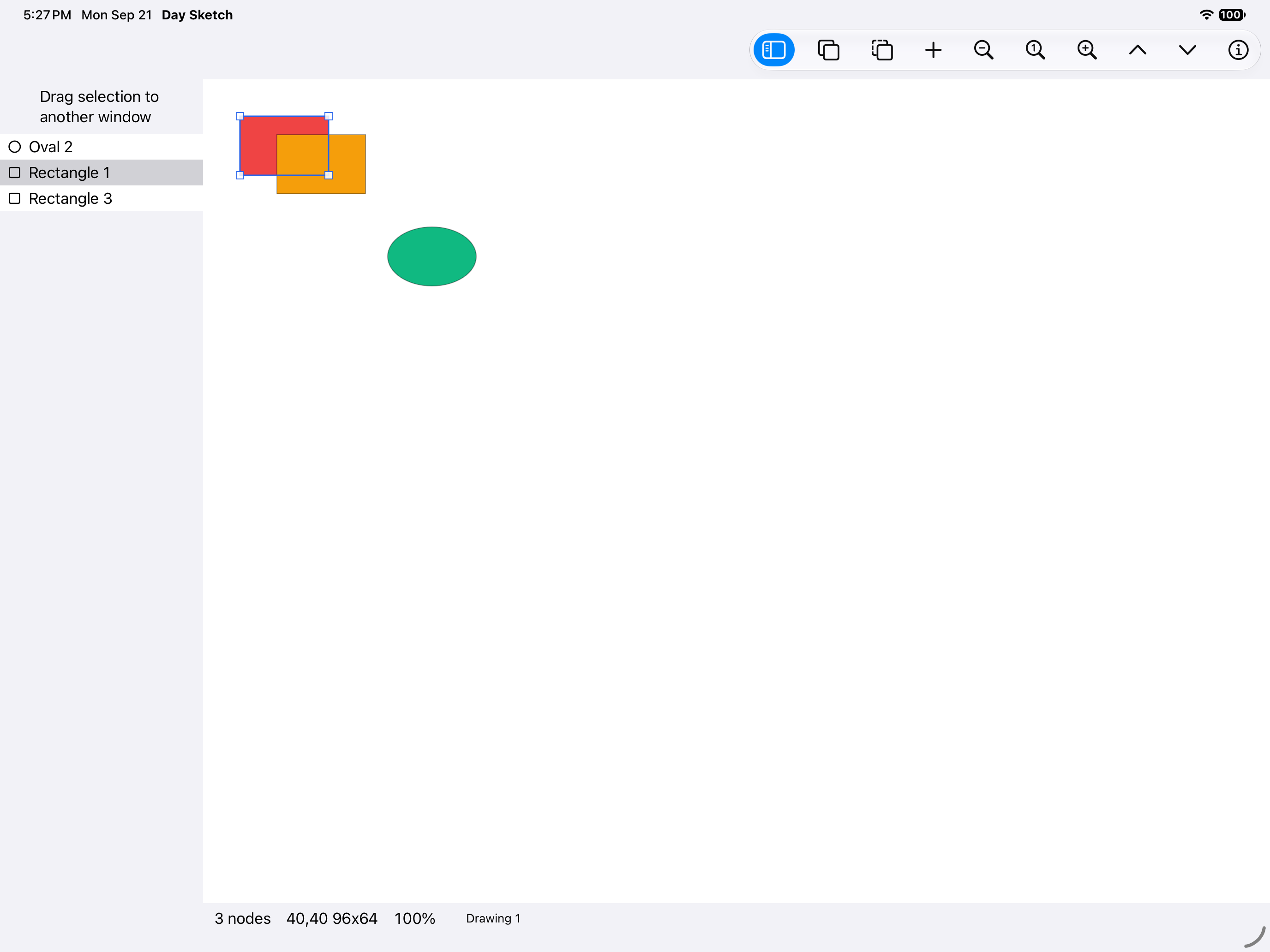
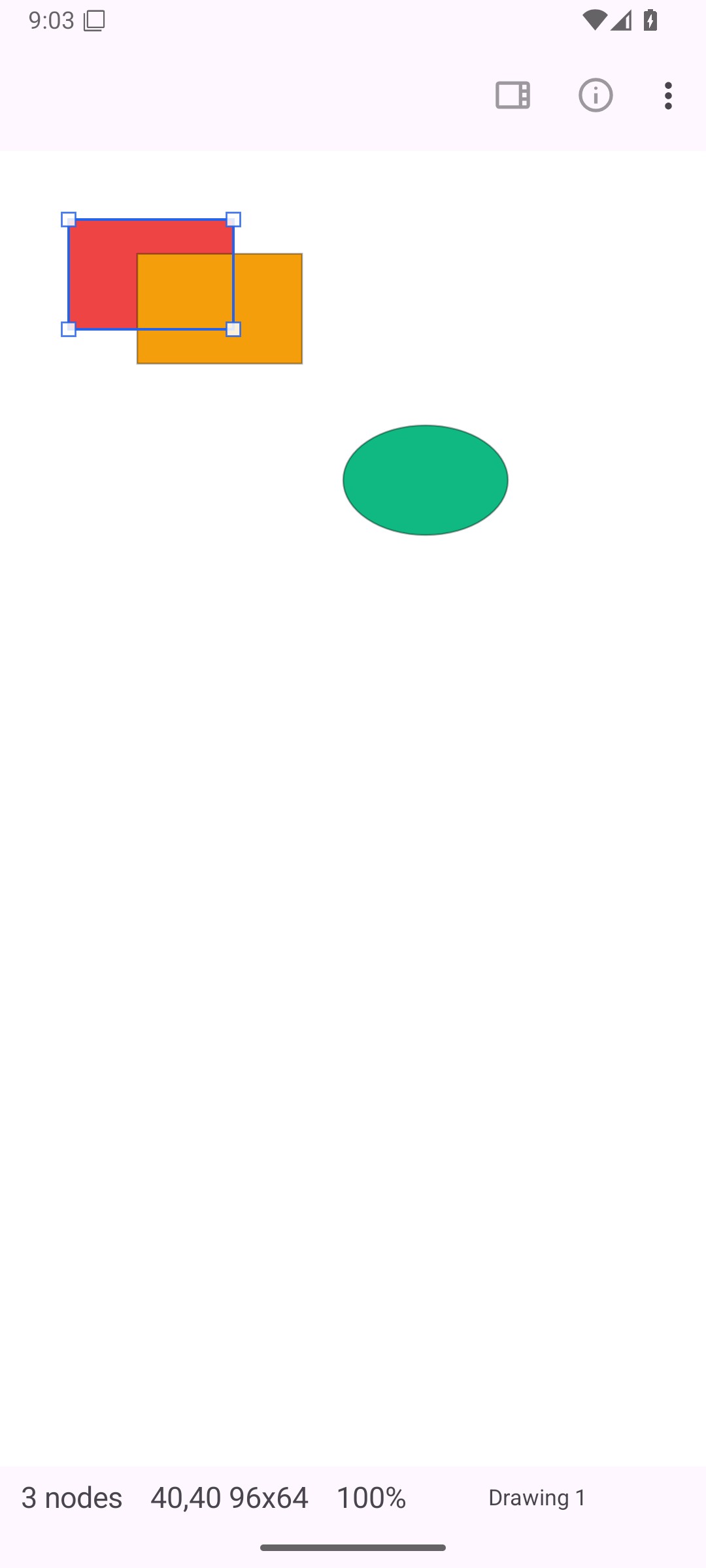
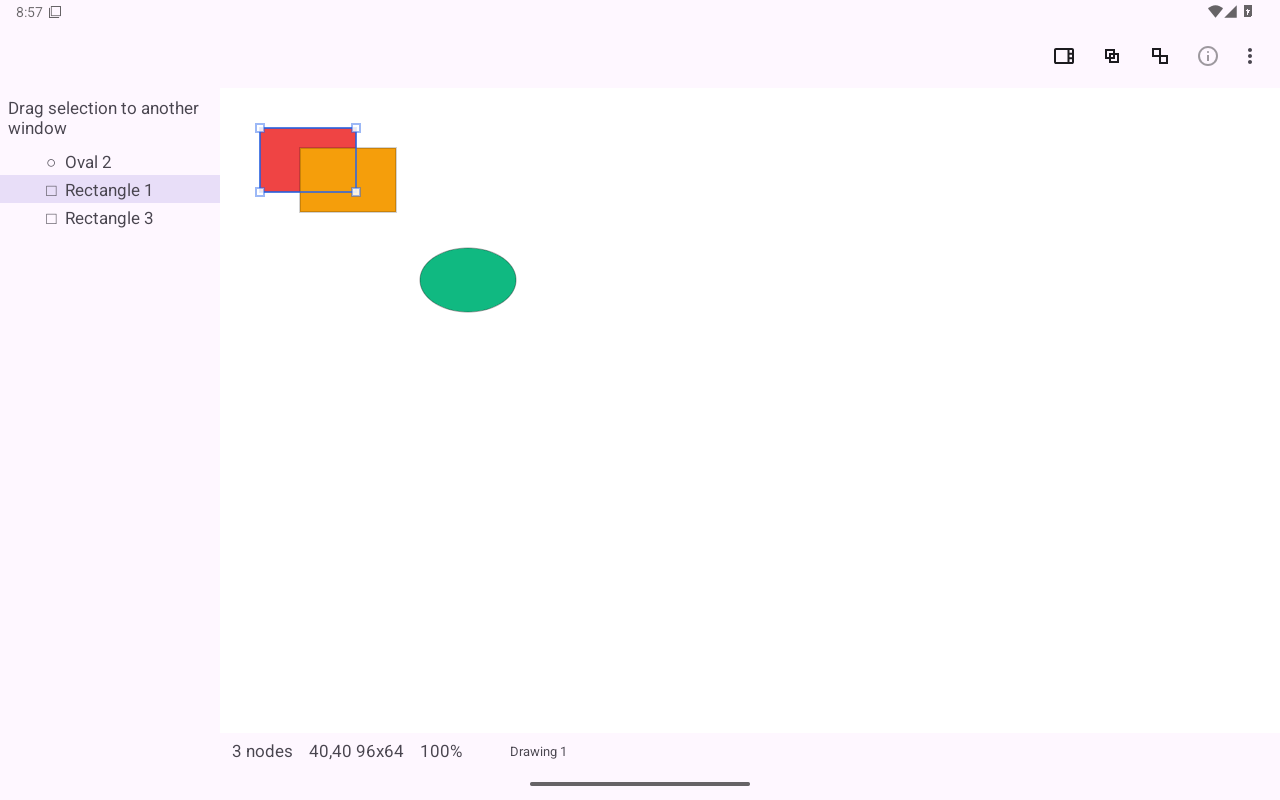
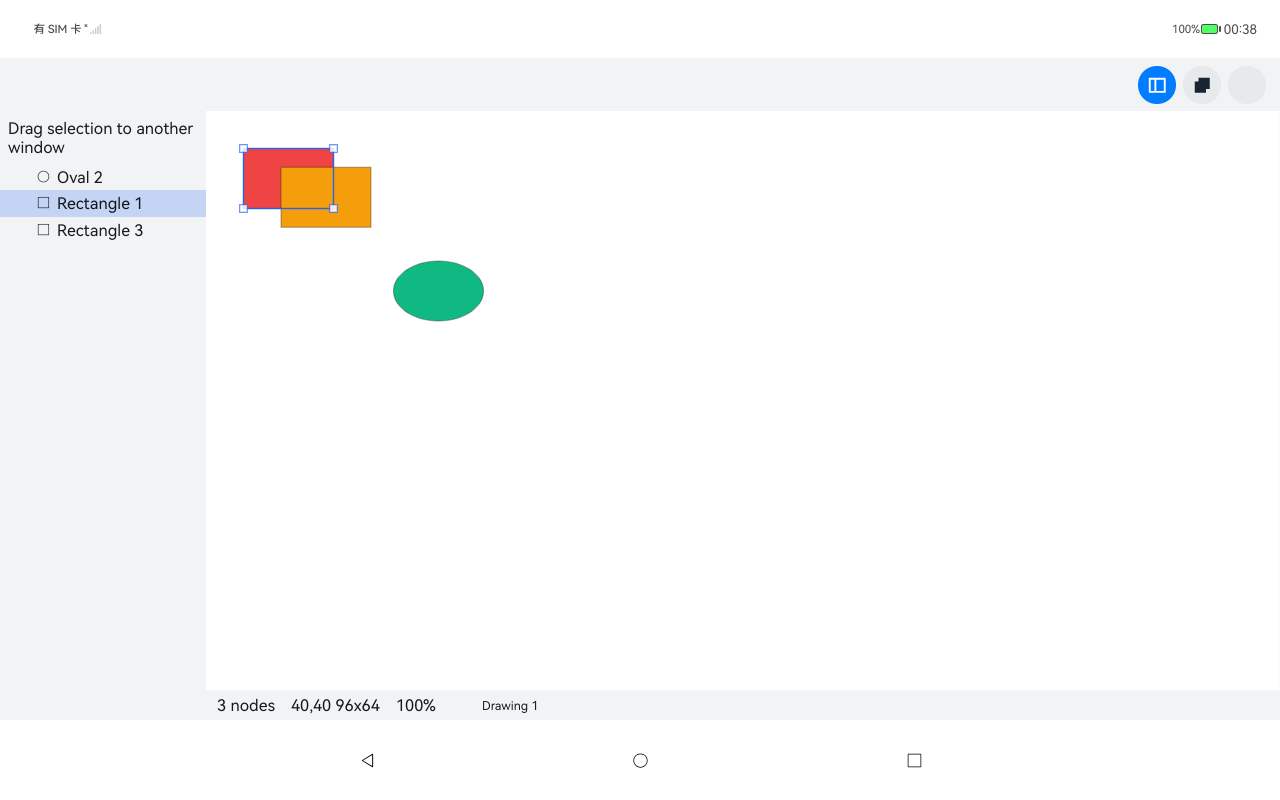
A vector drawing editor with drag handles, layer arrangement and unlimited undo, keeping each drawing in a plain SQLite file.

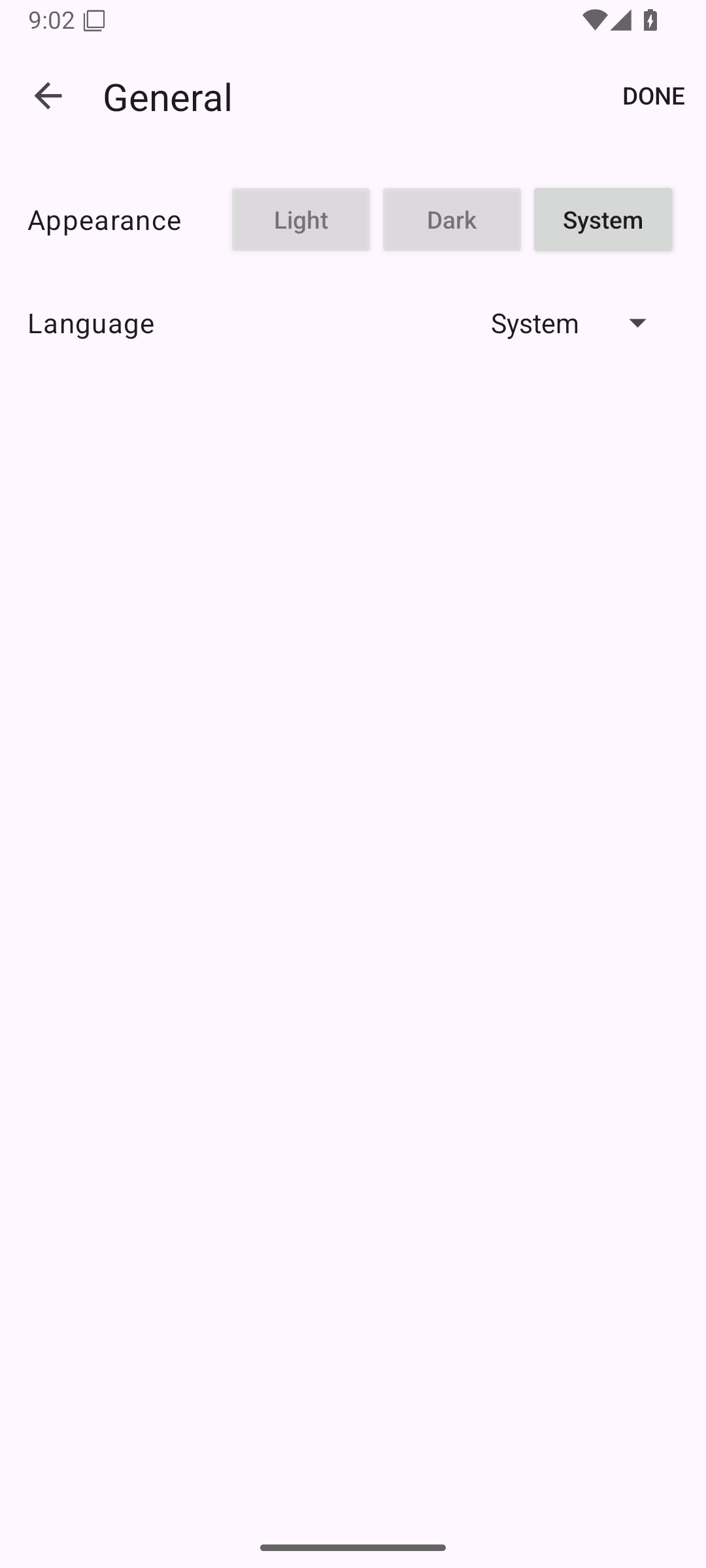
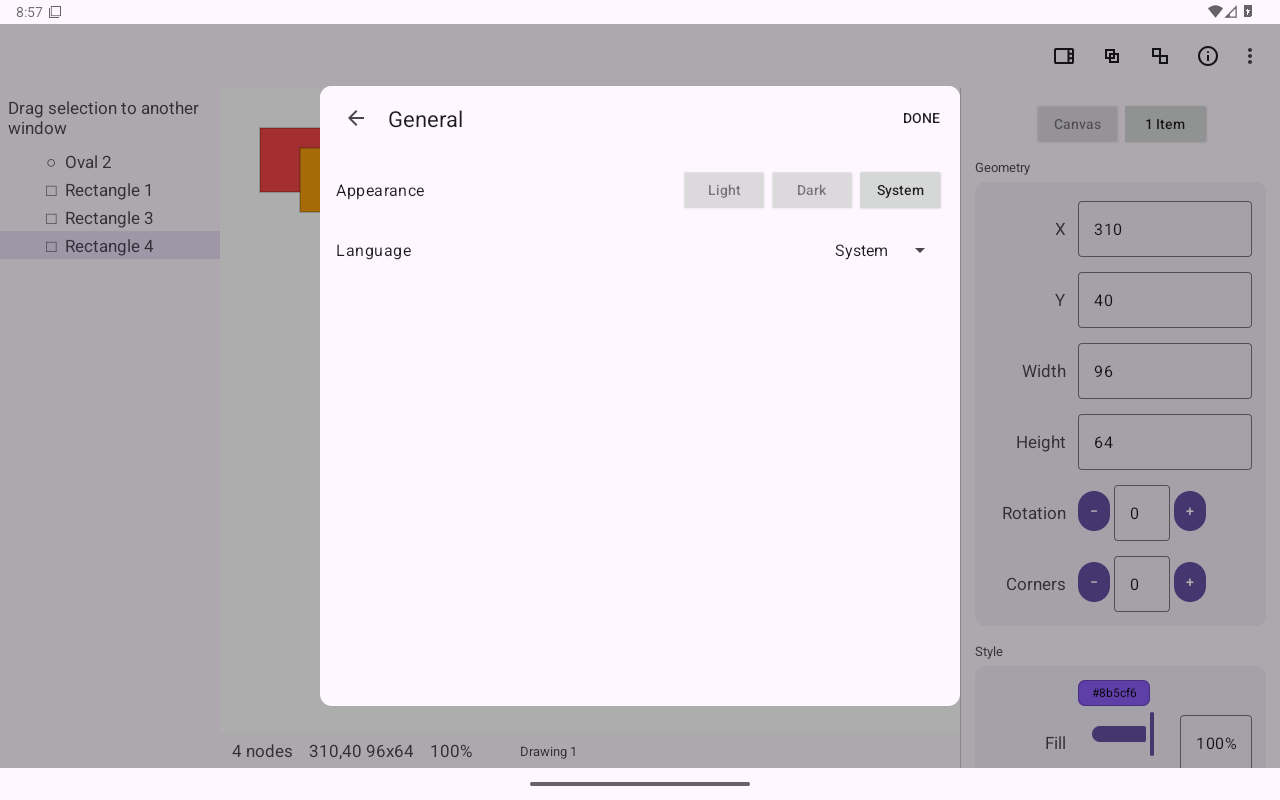
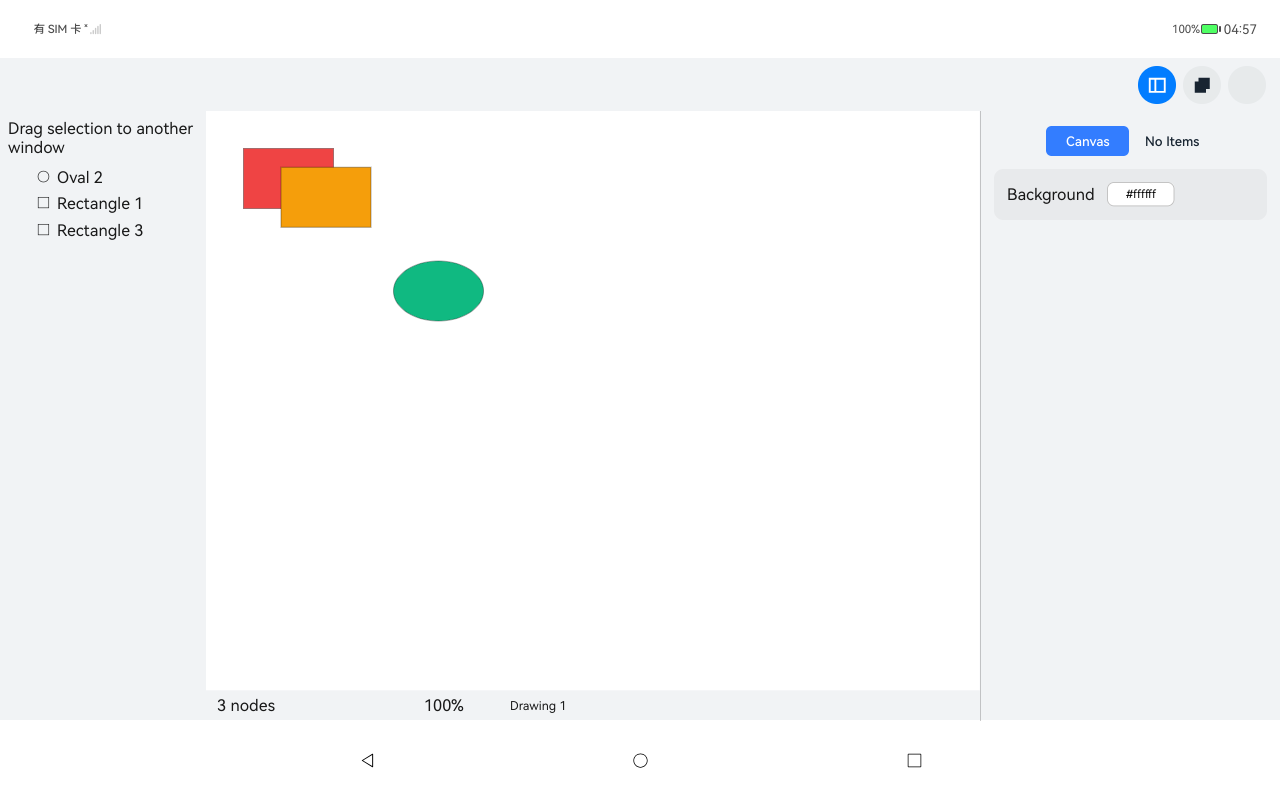
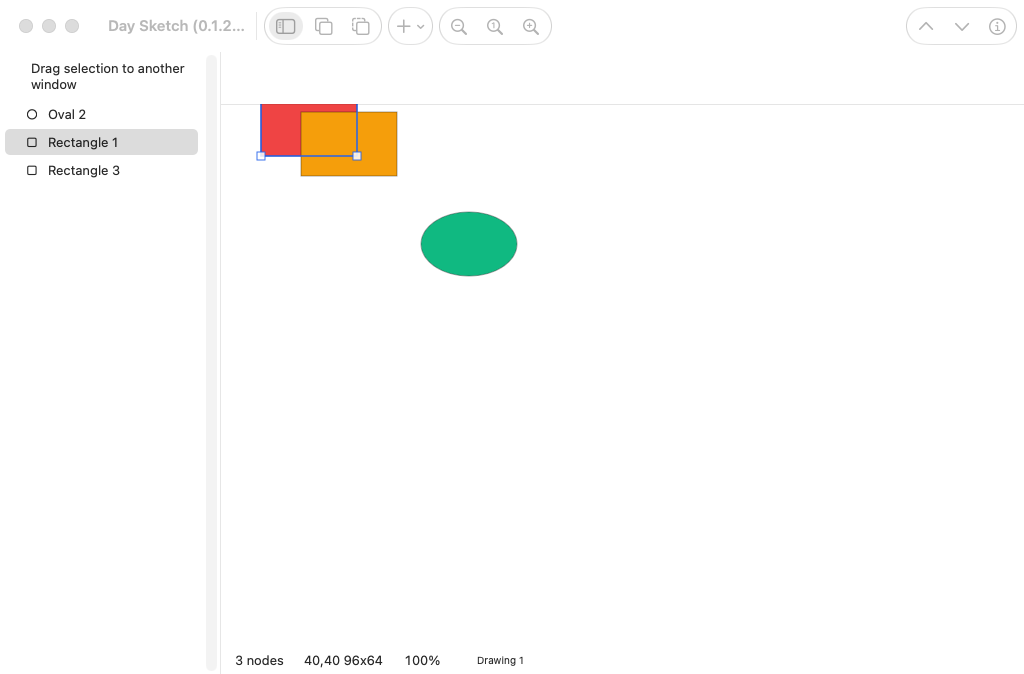
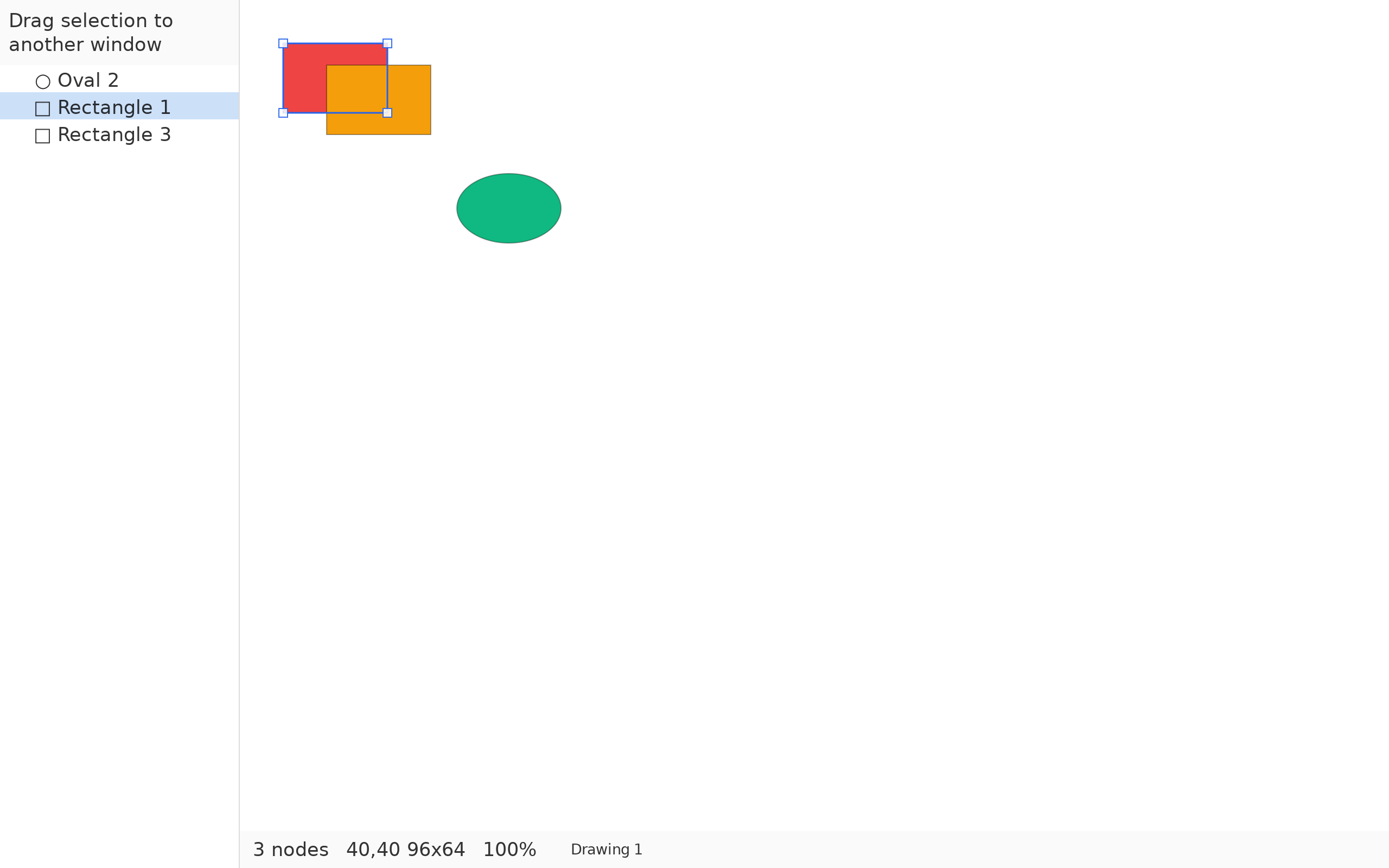
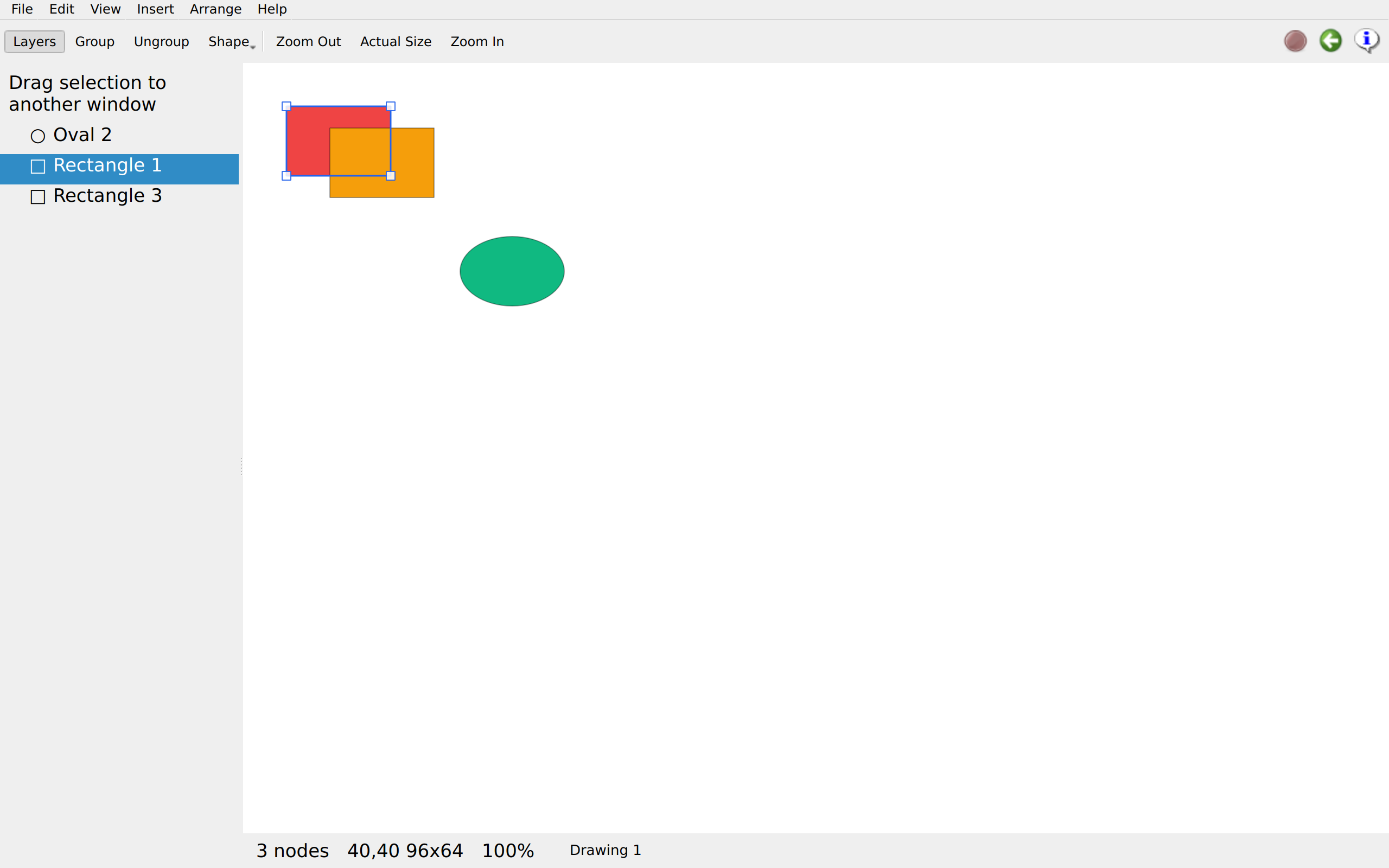
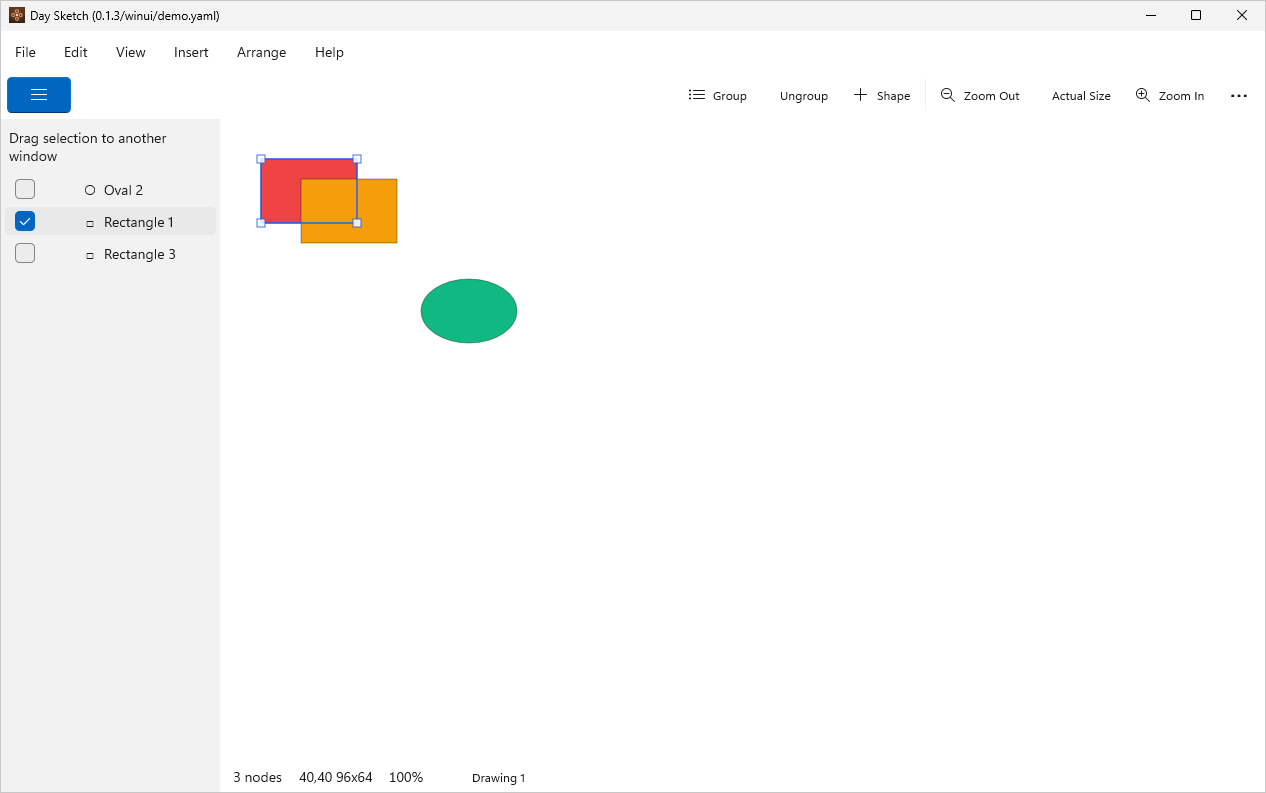
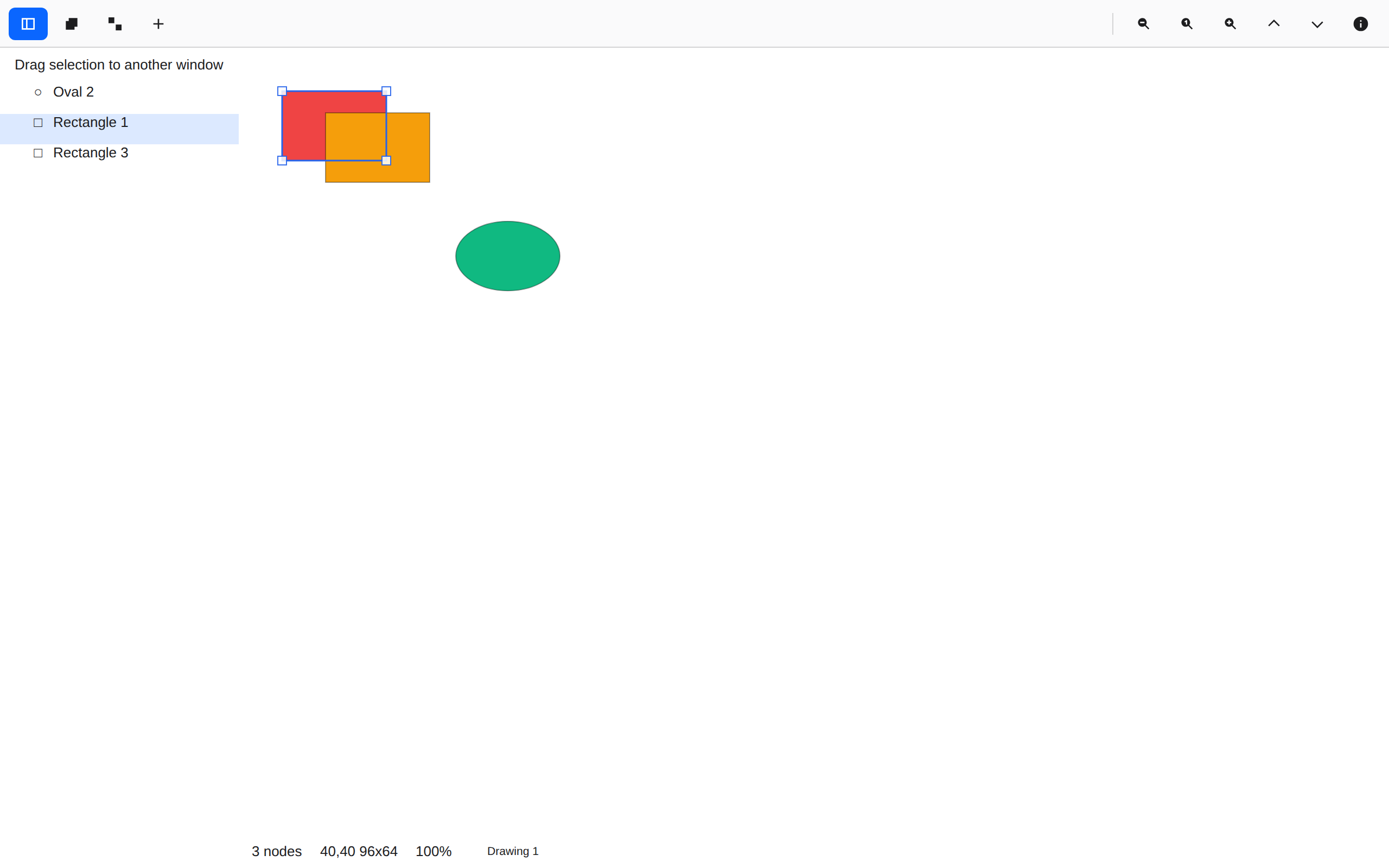
These screenshots come from automated app tests run withdayscript. Each row shows the same screen on different platforms; scroll sideways to compare them.

Published September 21, 2026 · Latest build of main · 7 screens · 70 captures · 10 toolkits

Run this sample on your computer

Install Day and your target’s tools, then run:

day launch --git https://github.com/daybrite/Day-Sketch

Use -p <target> to choose a configured target, such as -p macos-appkit on macOS. See the app’s repository for its supported targets.

Source links open the current main branch. It may differ from the version shown in these screenshots.
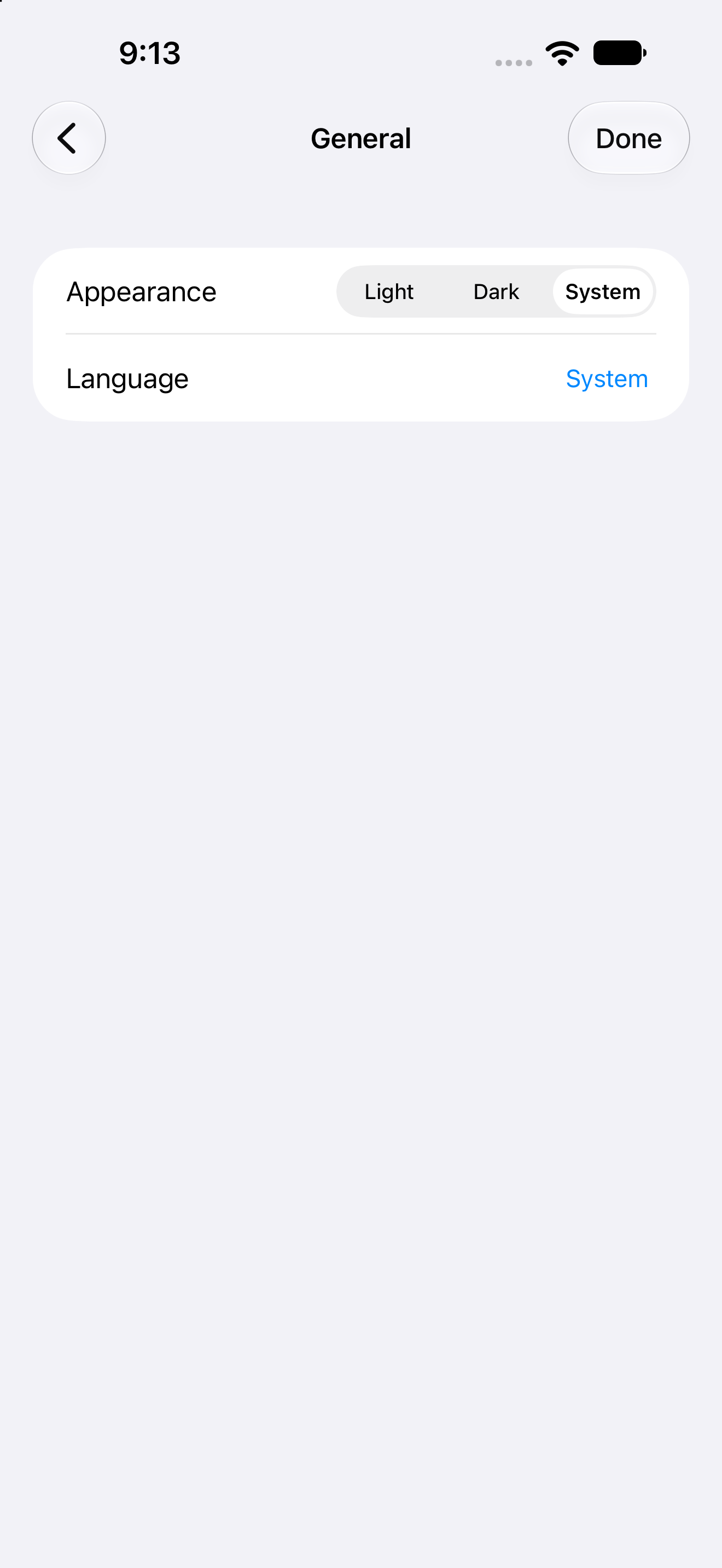
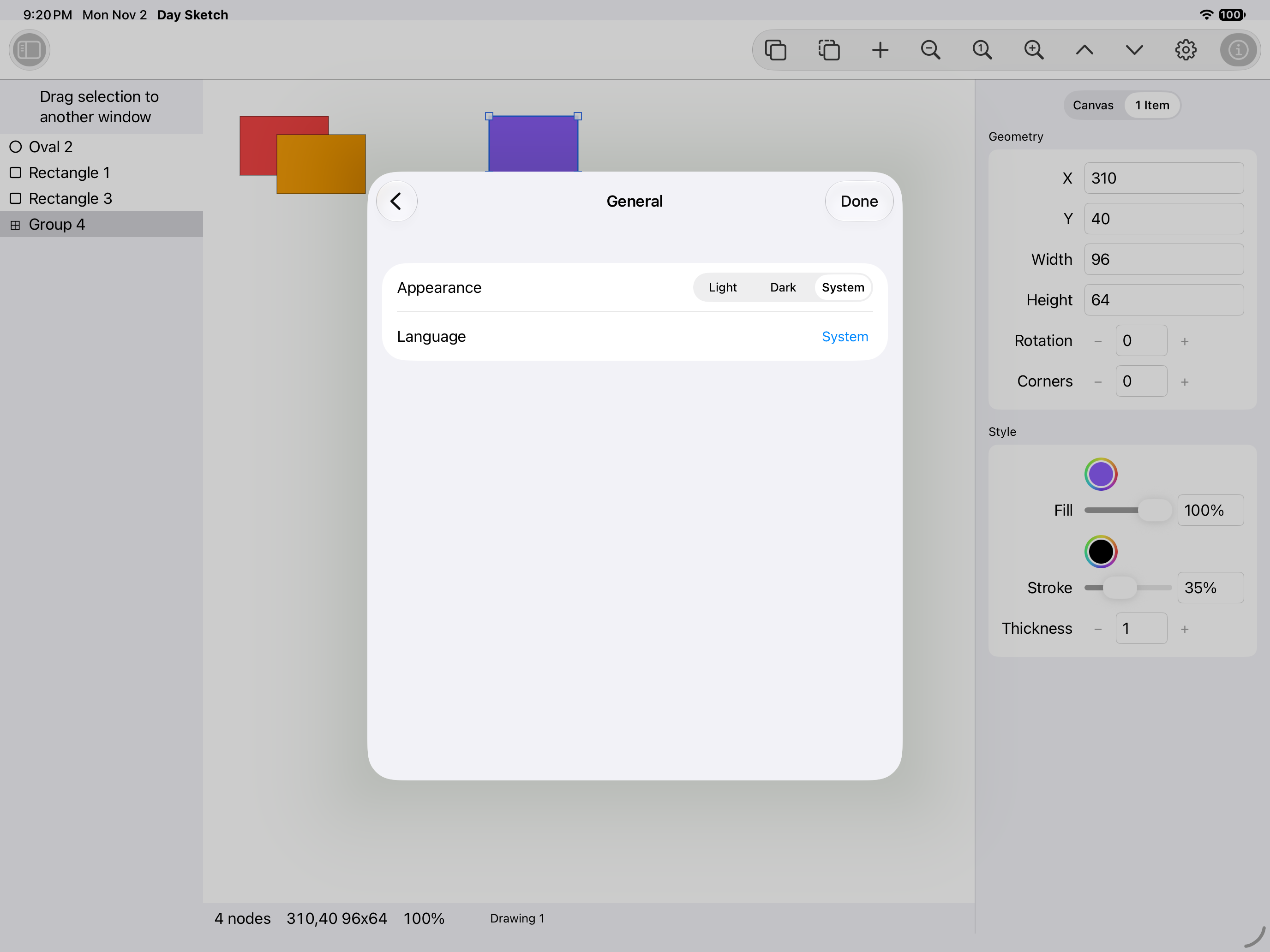
Editor, iOS UIKit
iOSUIKit
Editor, iOS iPad
iOSiPad
Editor, Android Android
AndroidAndroid
Editor, Android Tablet
AndroidTablet
Editor, HarmonyOS ArkUI
HarmonyOSArkUI
Editor, macOS AppKit
macOSAppKit
Editor, Linux GTK 4
LinuxGTK 4
Editor, Linux Qt 6
LinuxQt 6
Editor, Windows XAML
WindowsXAML
Editor, Web Web DOM
WebWeb DOM

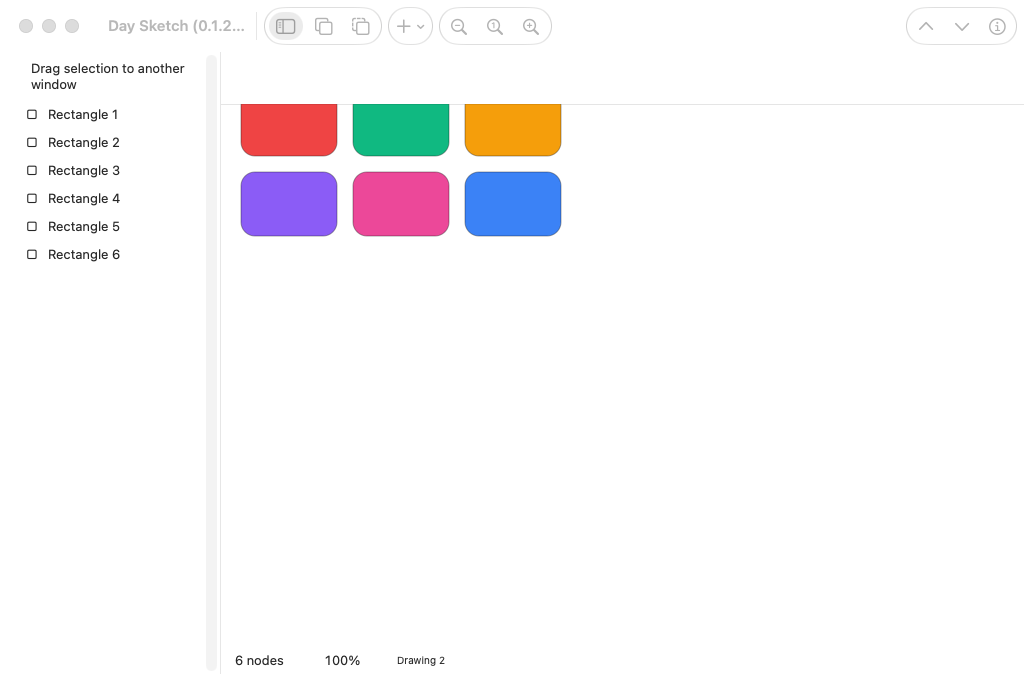
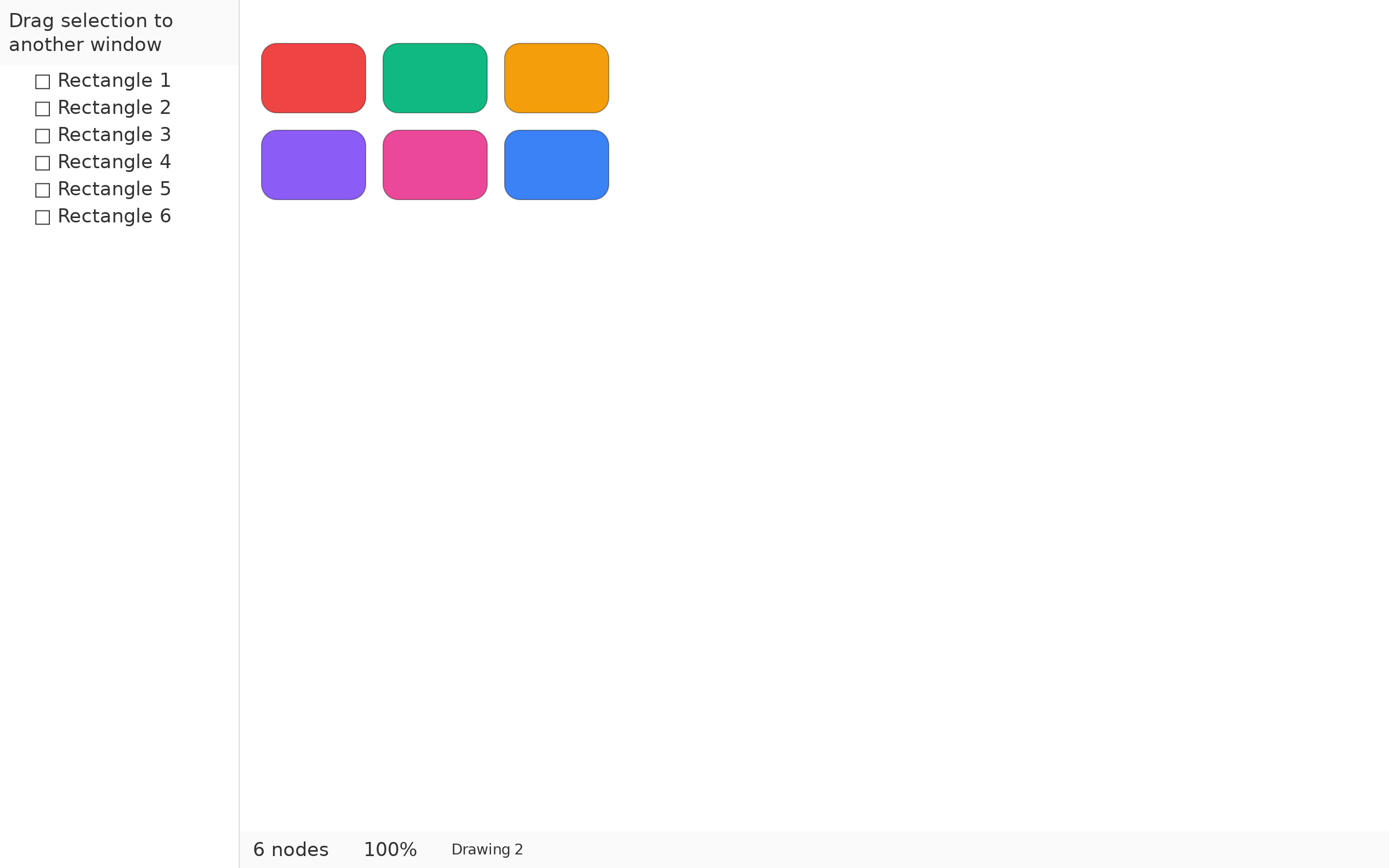
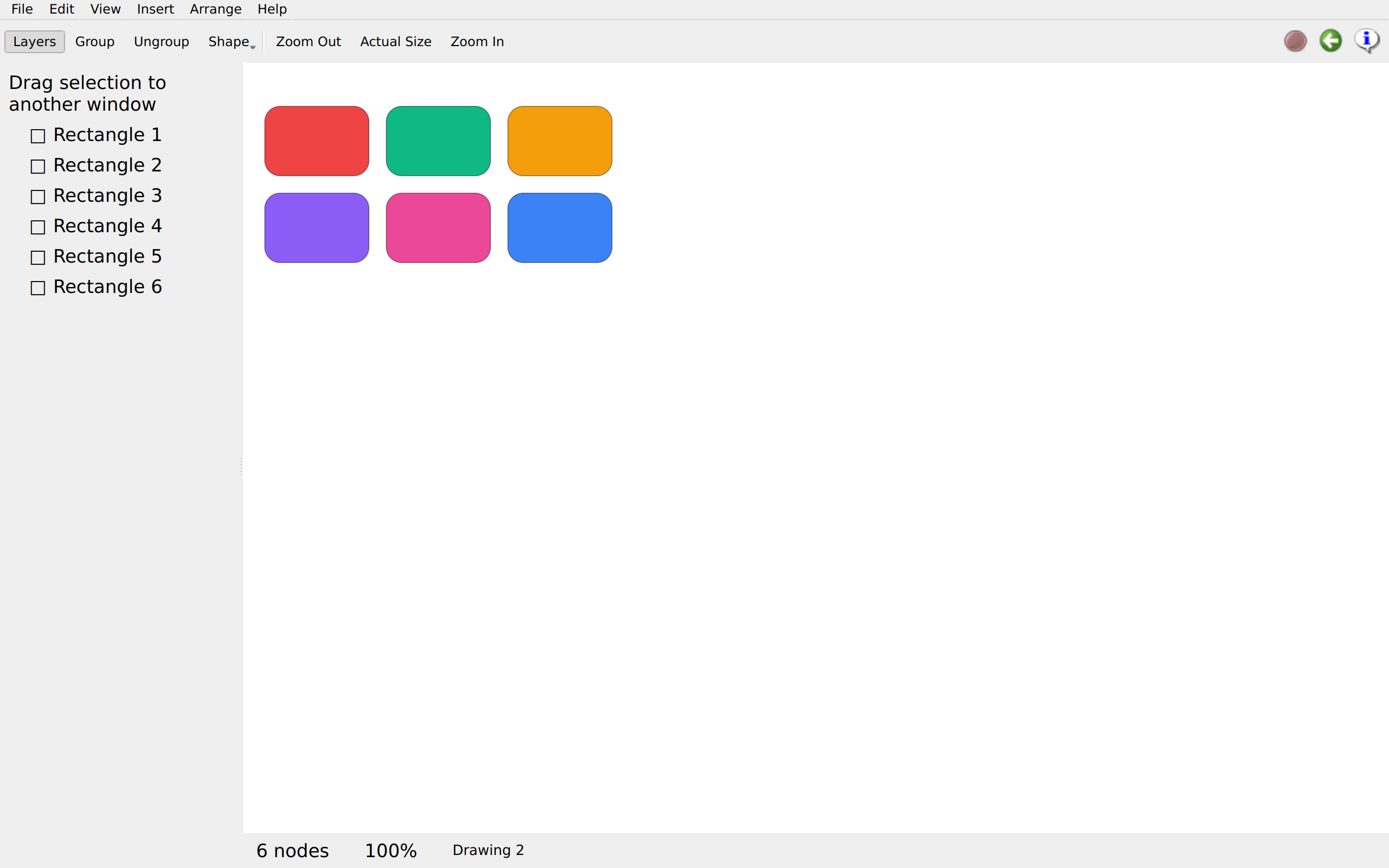
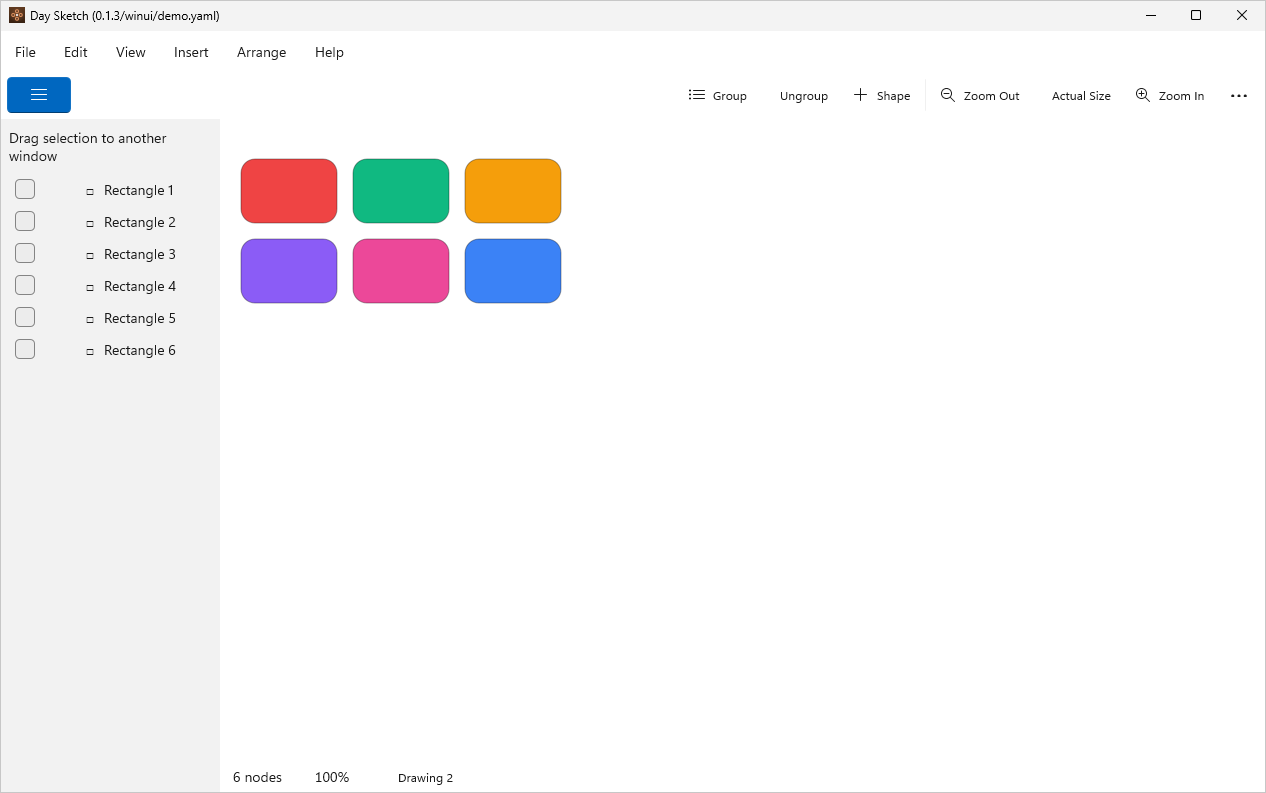
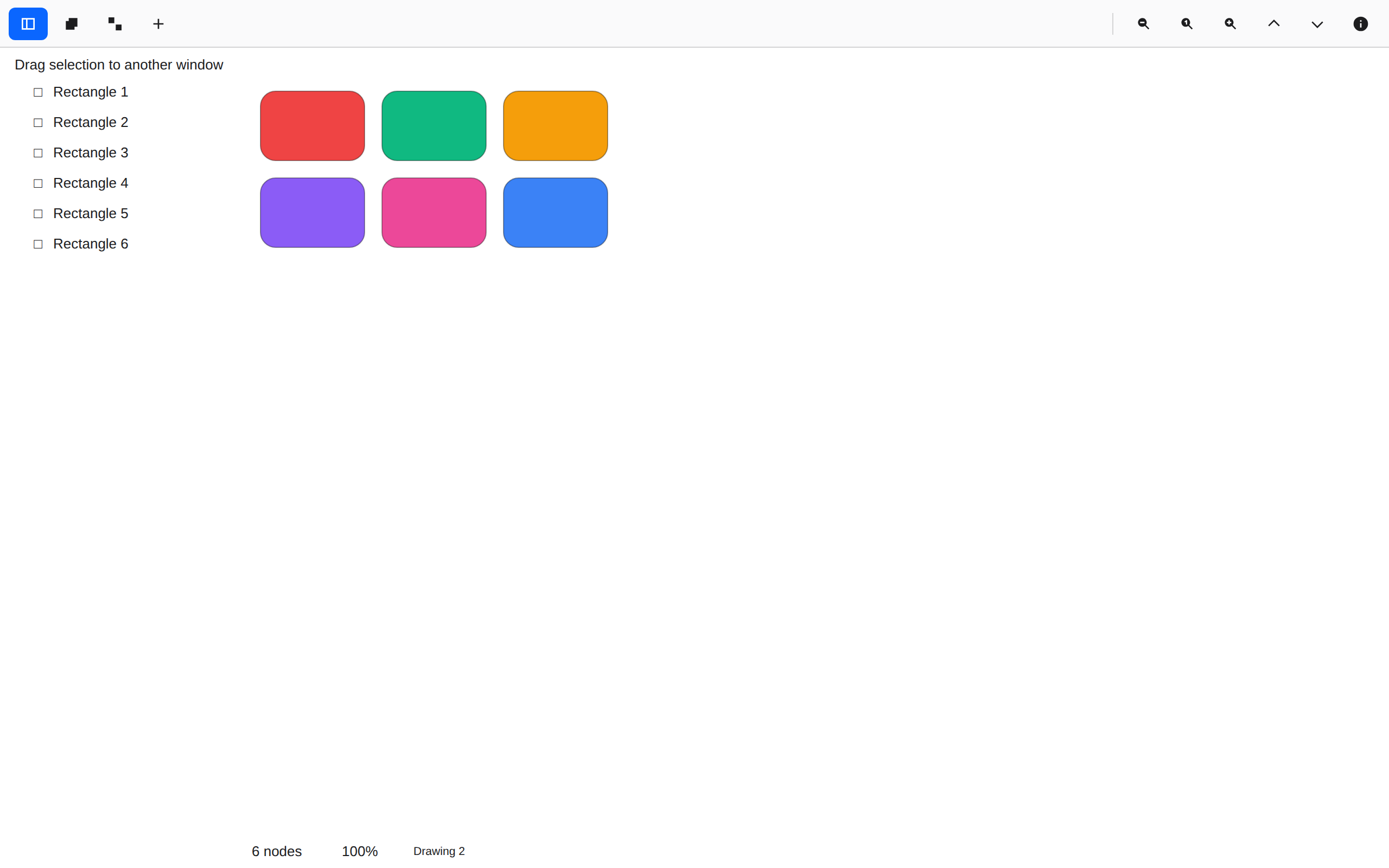
The palette

model.rsDrawing and rendering →

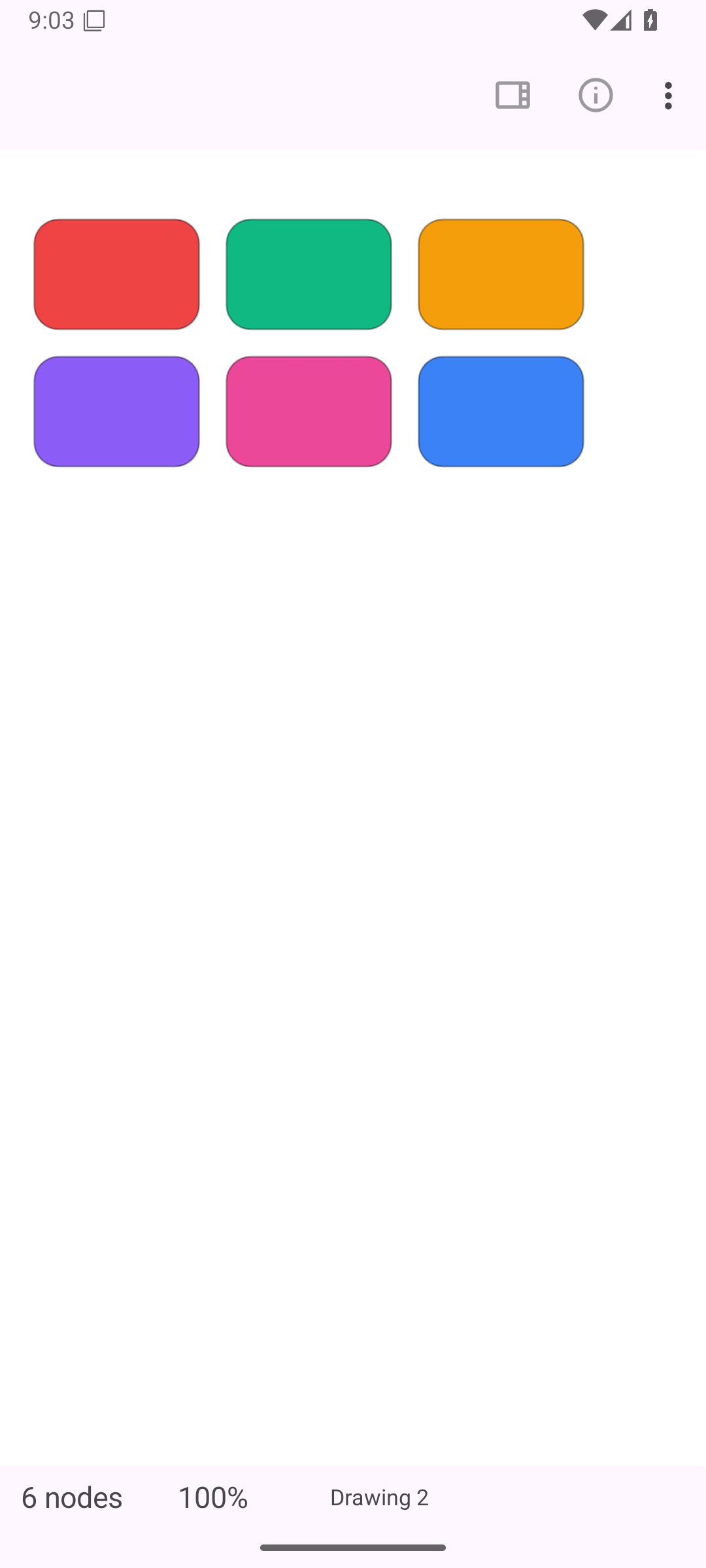
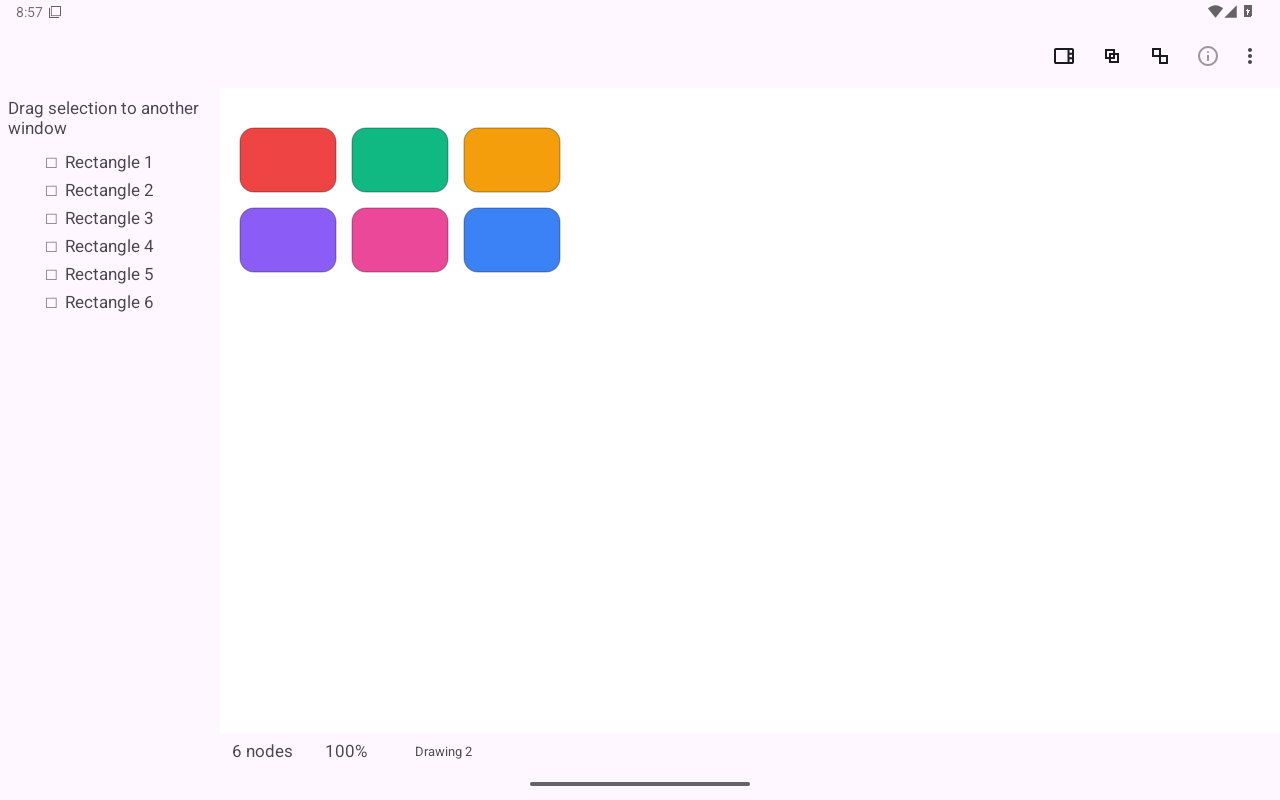
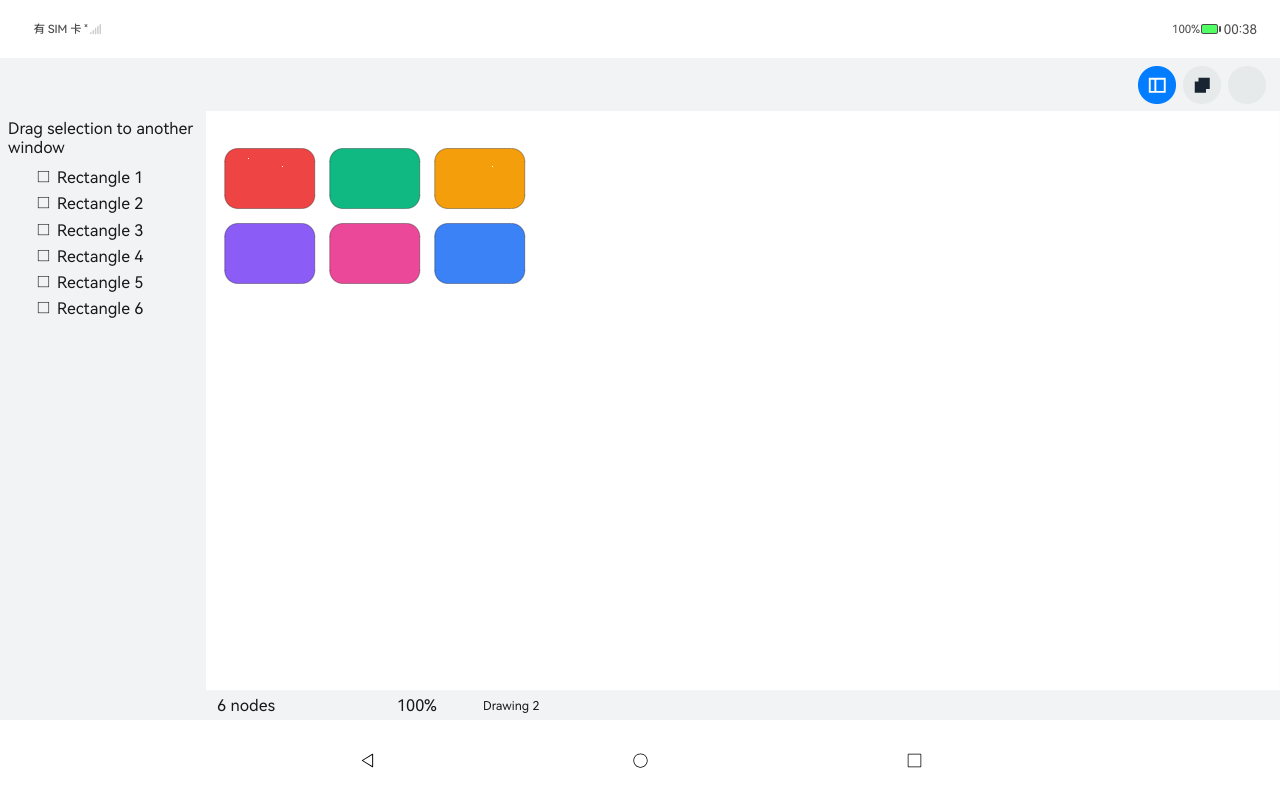
Six rounded rectangles, one per color a new shape draws from. The radius was typed once across the whole selection.
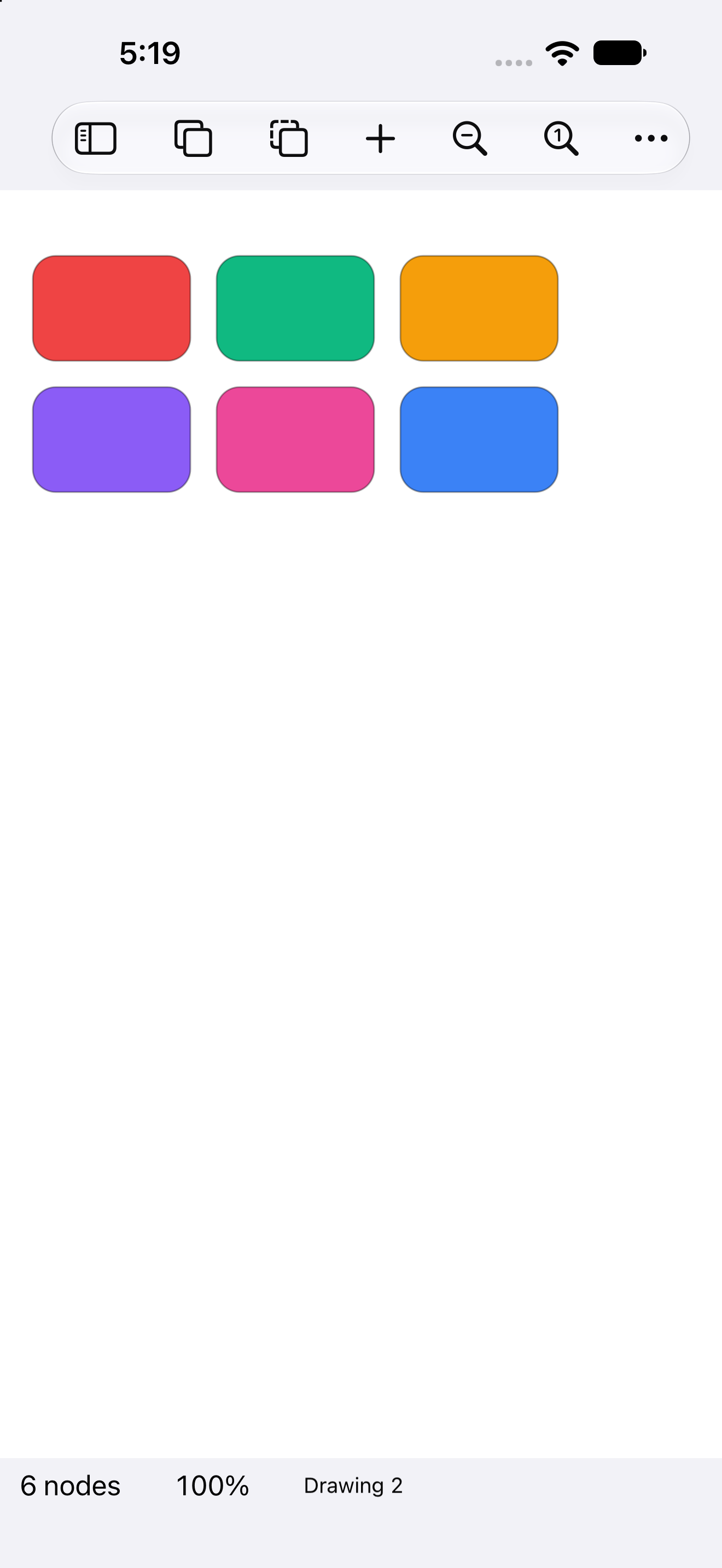
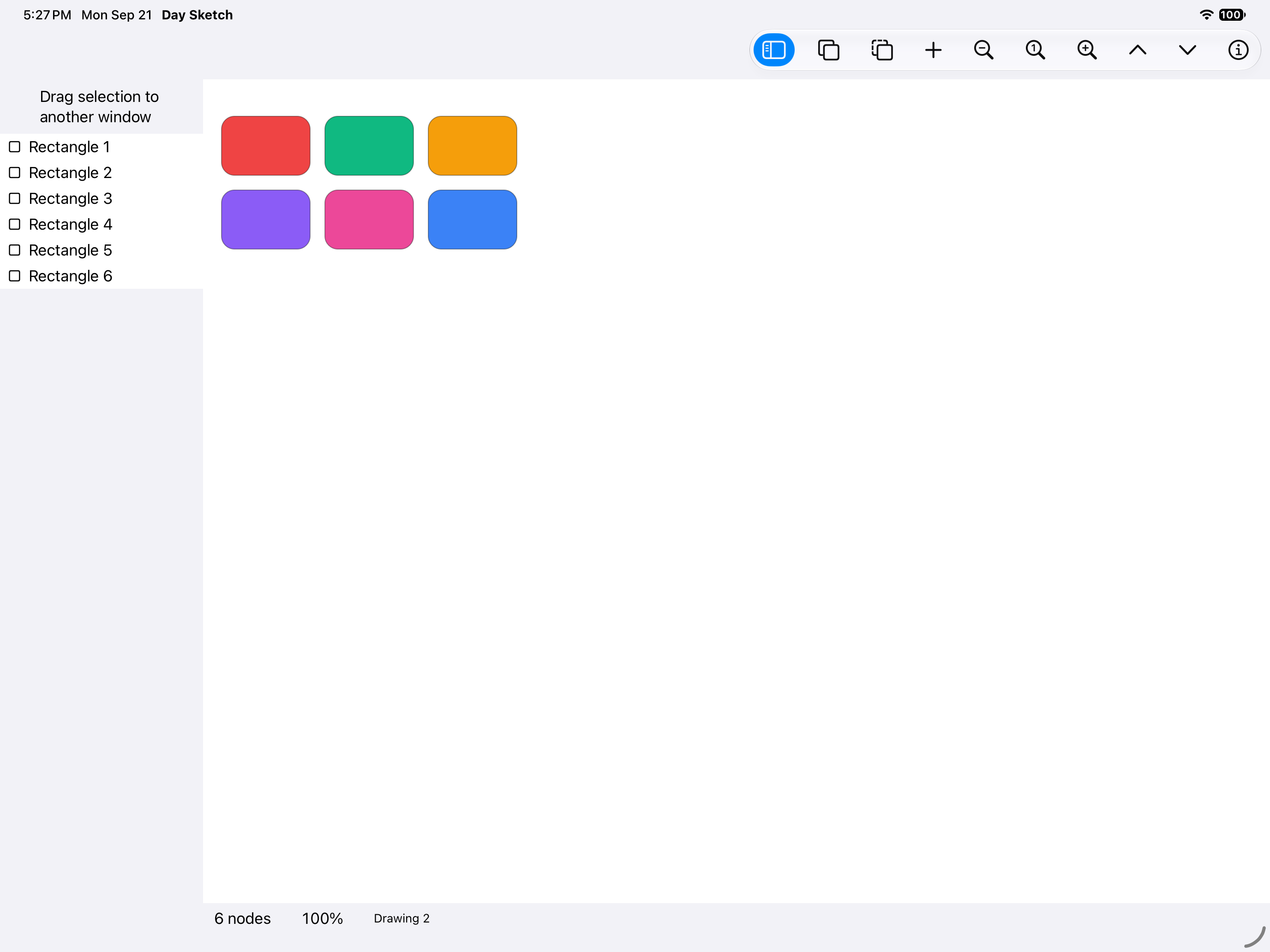
The palette, iOS UIKit
iOSUIKit
The palette, iOS iPad
iOSiPad
The palette, Android Android
AndroidAndroid
The palette, Android Tablet
AndroidTablet
The palette, HarmonyOS ArkUI
HarmonyOSArkUI
The palette, macOS AppKit
macOSAppKit
The palette, Linux GTK 4
LinuxGTK 4
The palette, Linux Qt 6
LinuxQt 6
The palette, Windows XAML
WindowsXAML
The palette, Web Web DOM
WebWeb DOM

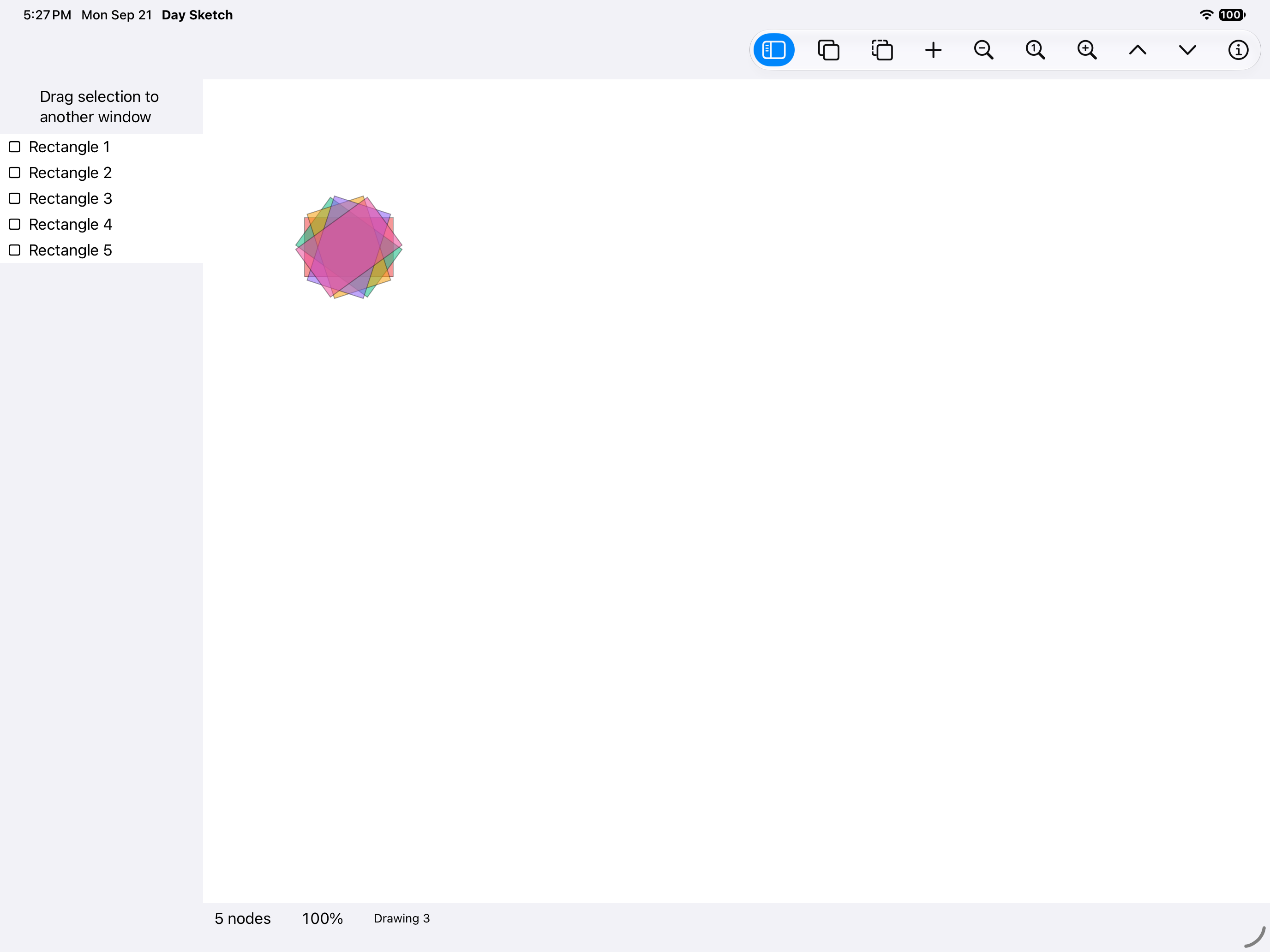
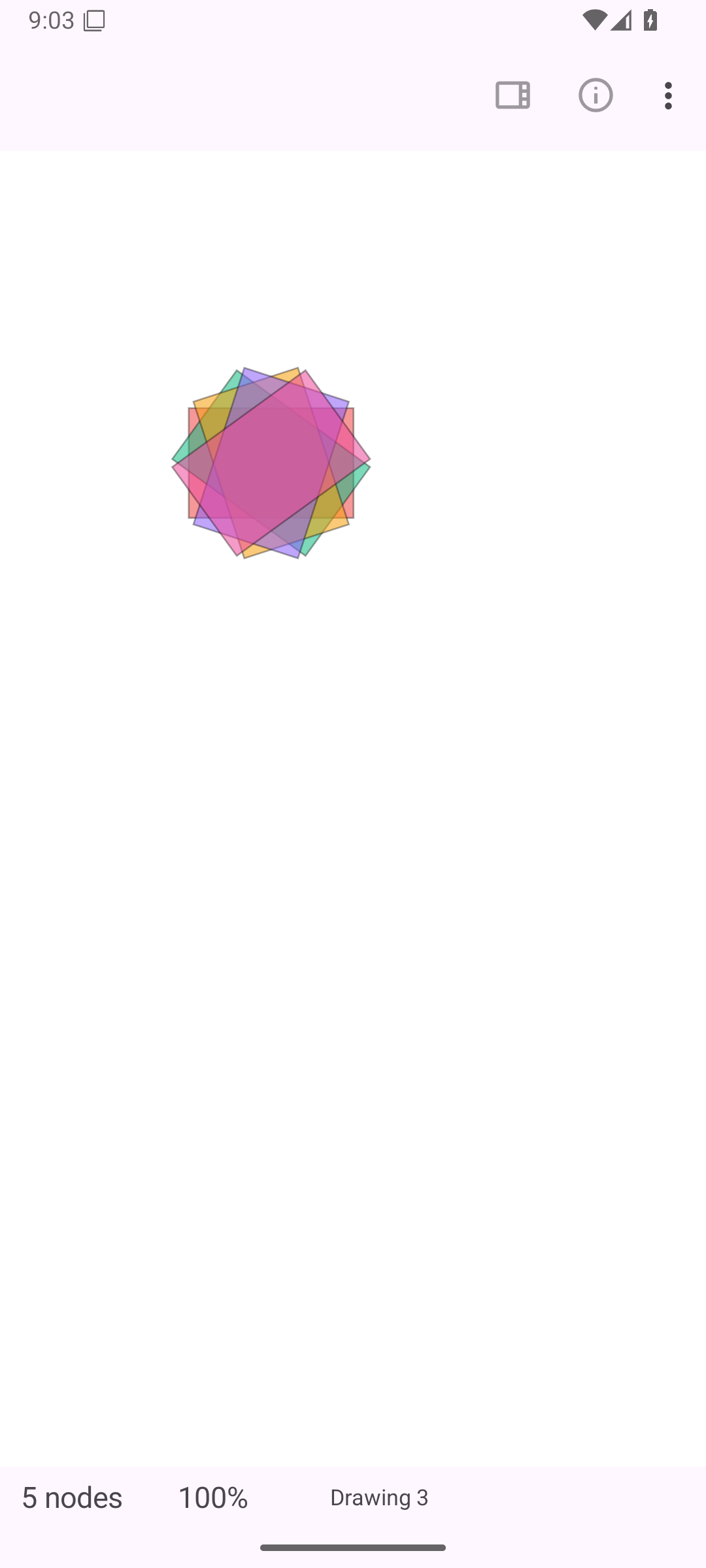
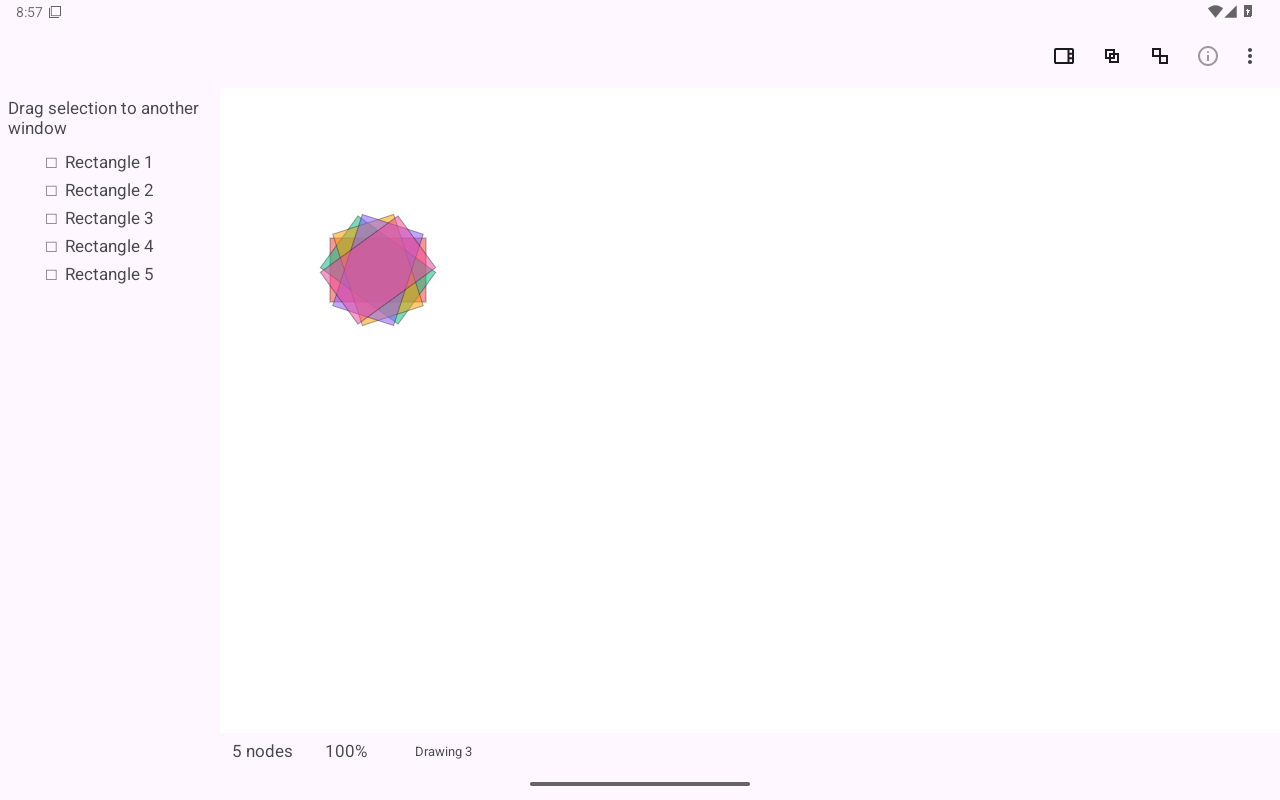
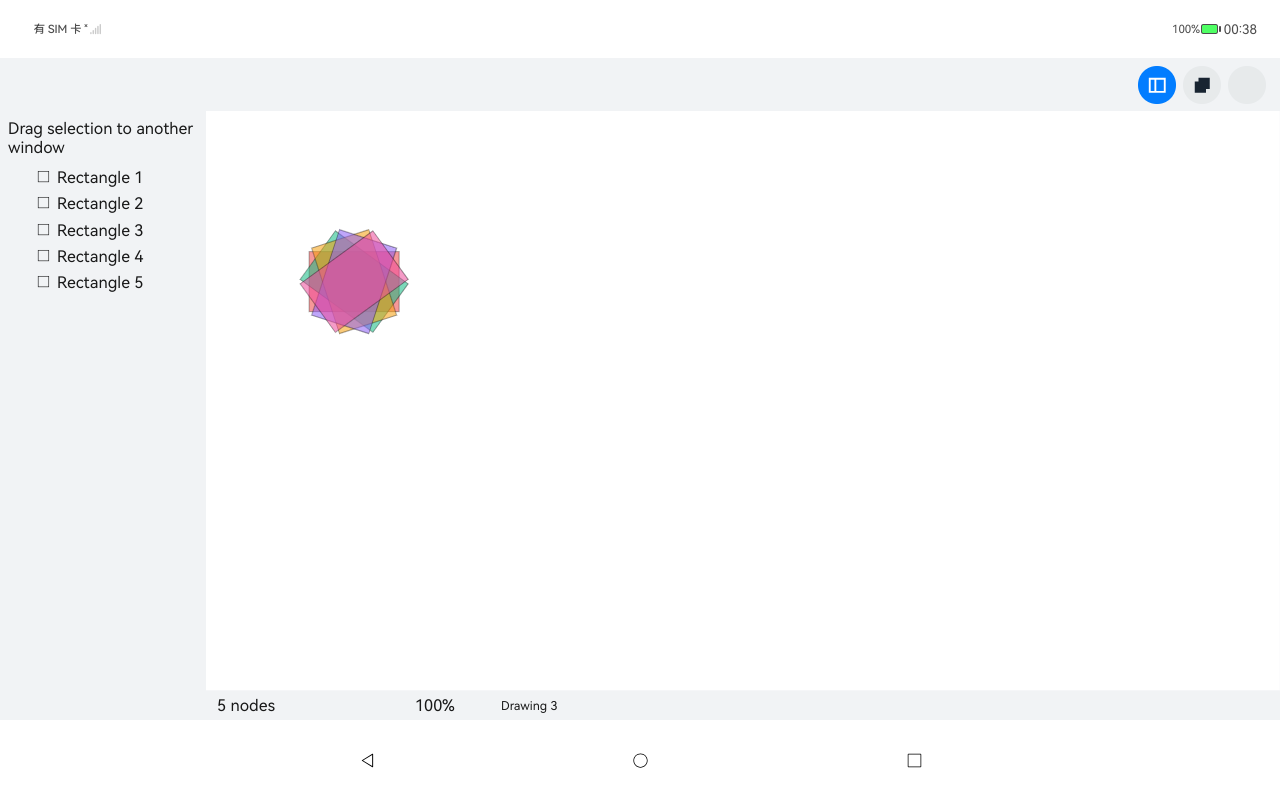
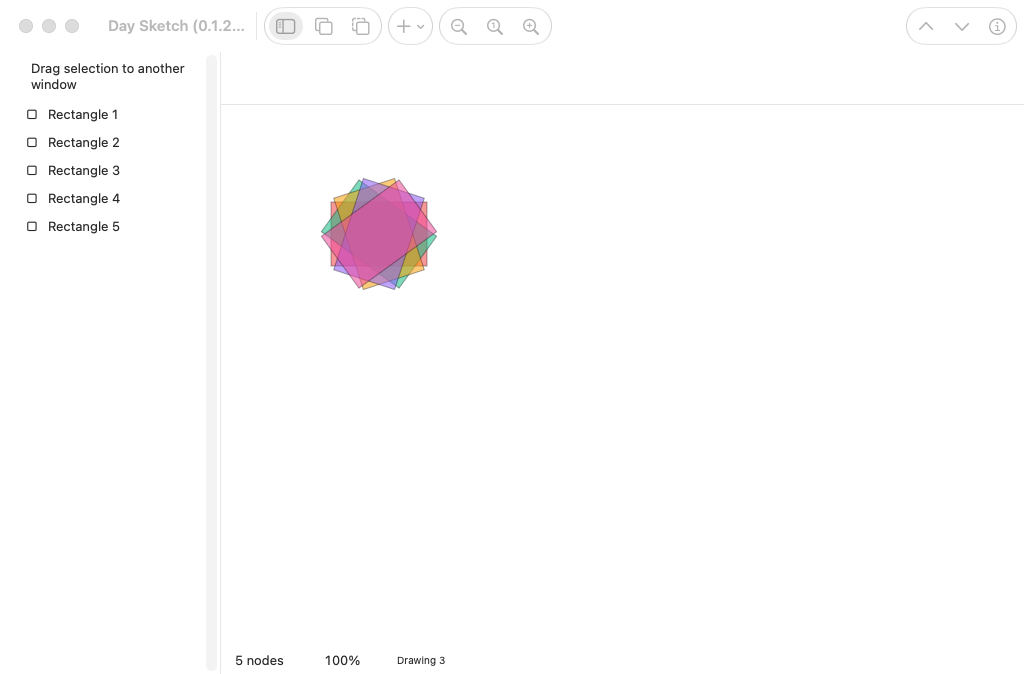
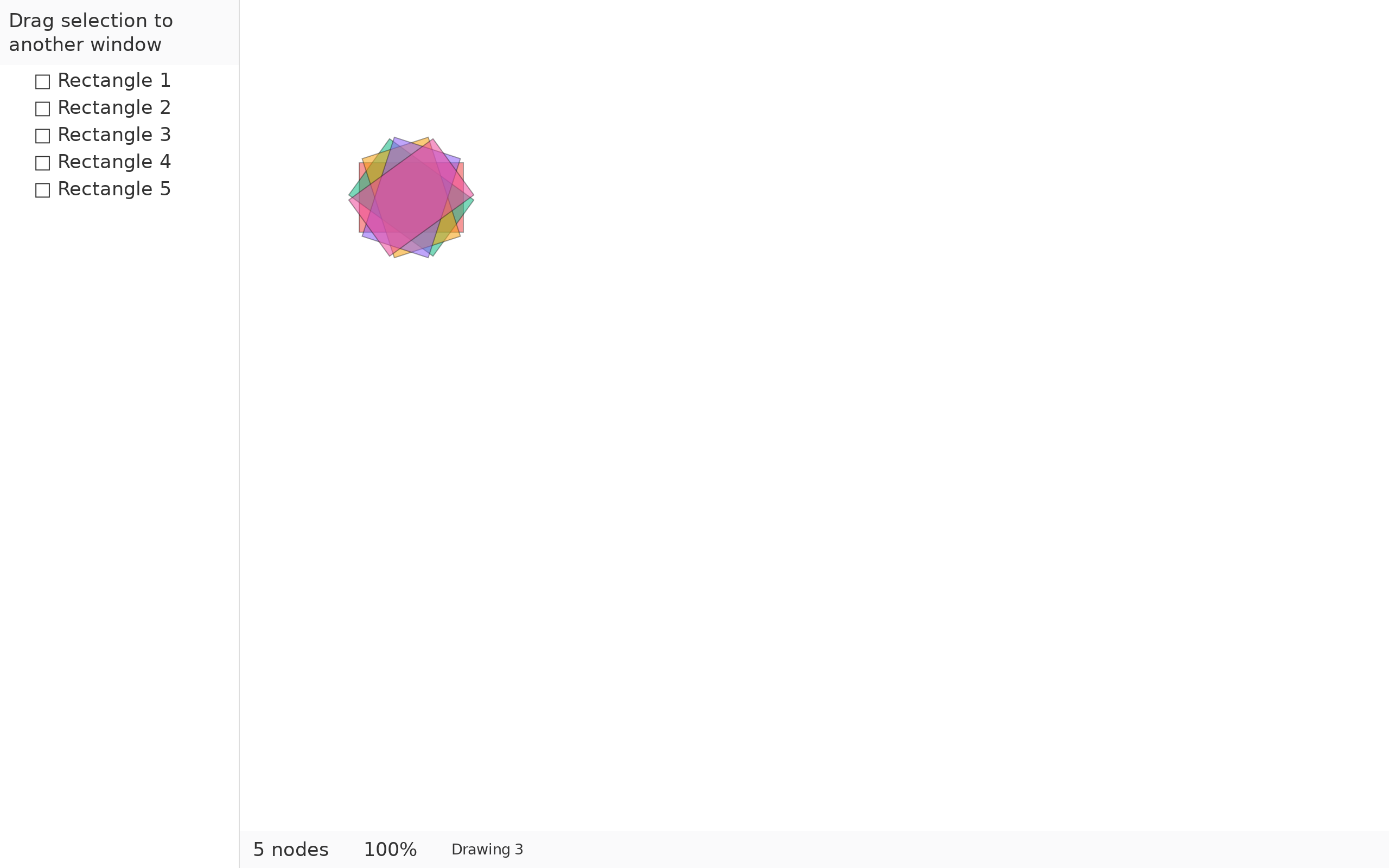
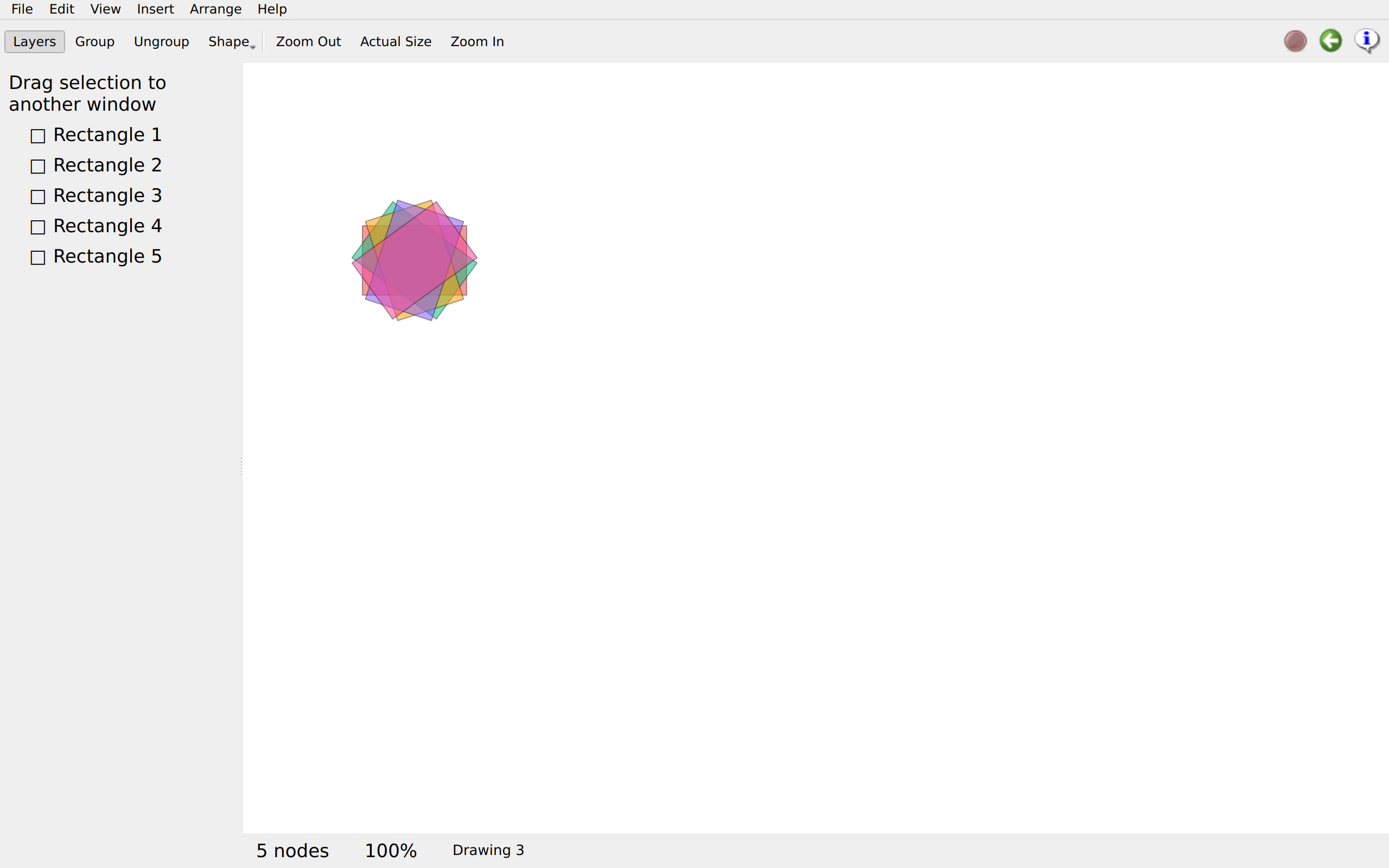
A turn at a time

canvas.rsDrawing and rendering →

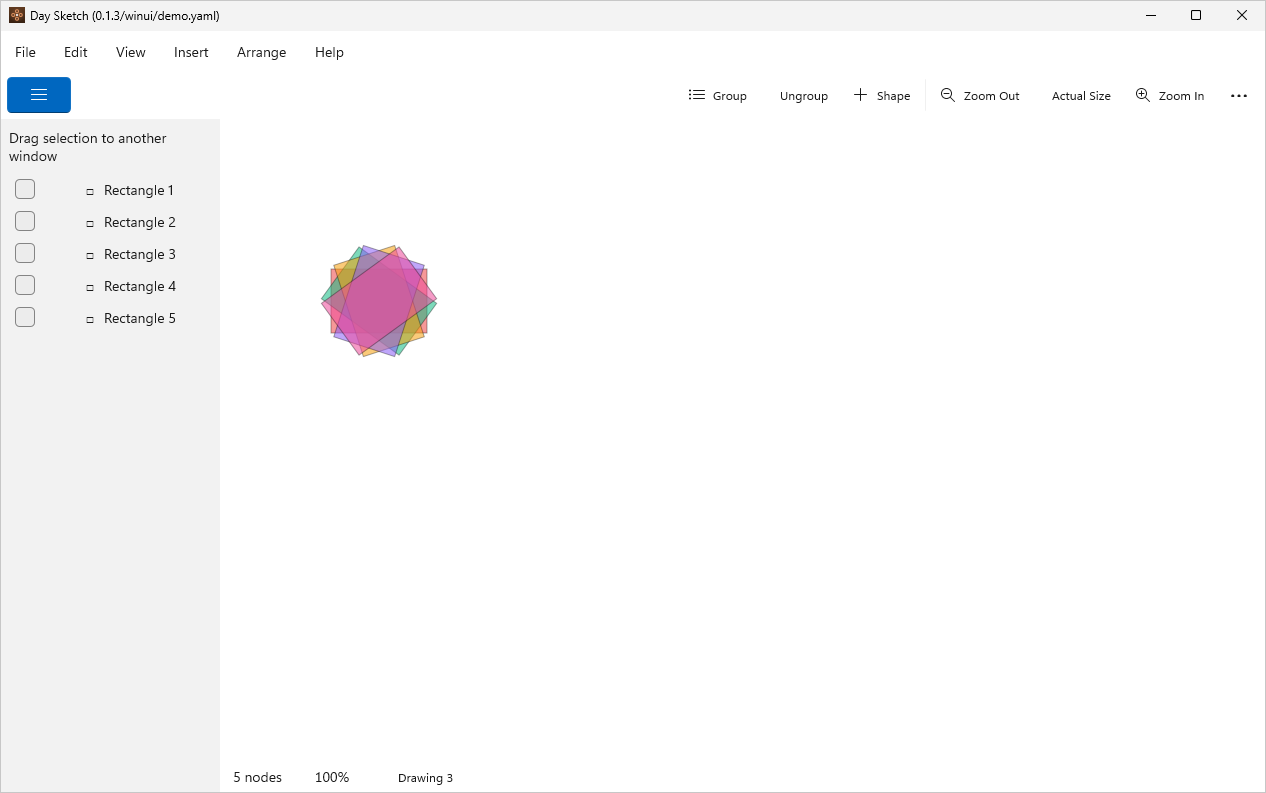
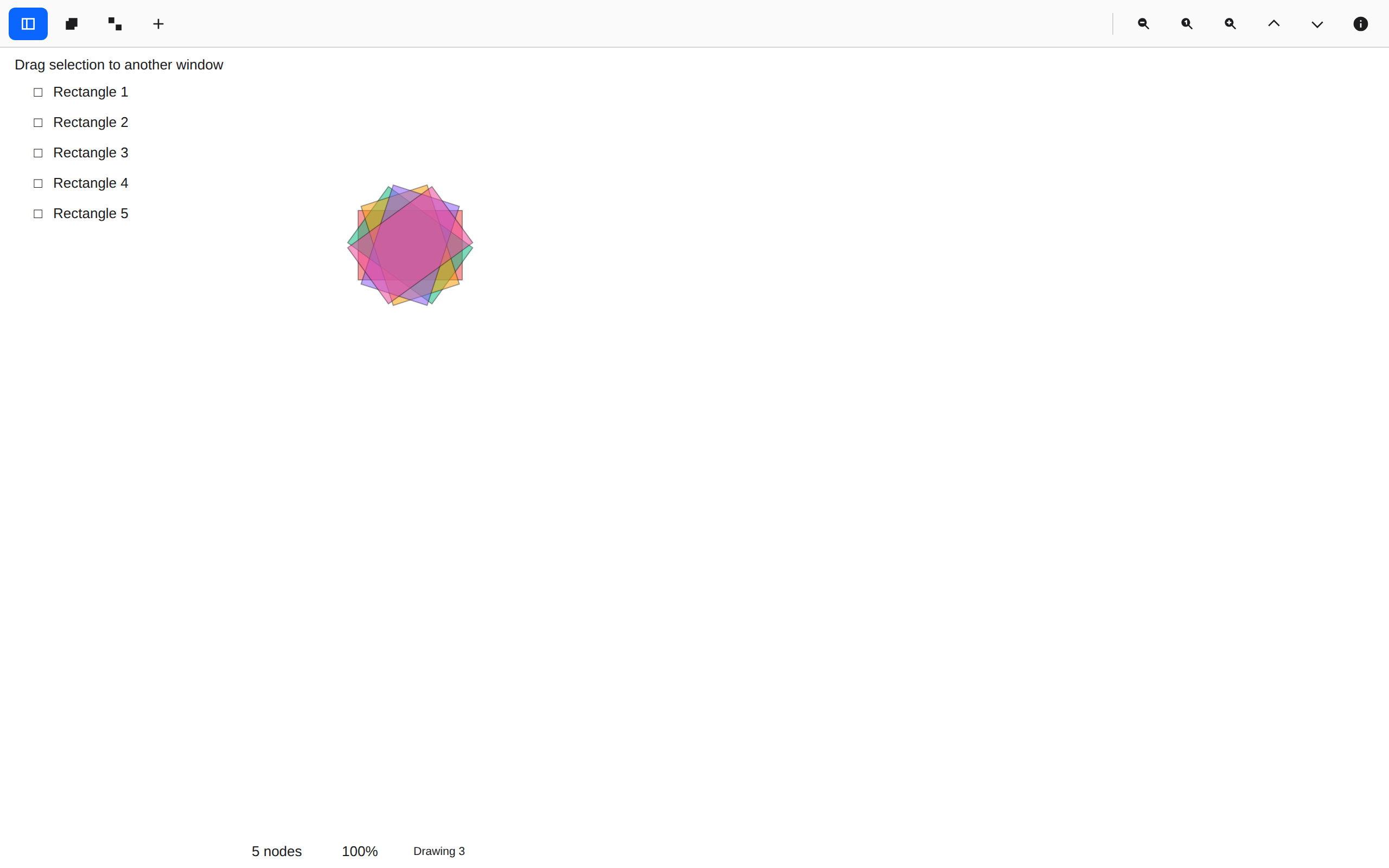
One rectangle, five times, each turned a further 36° about its own centre and let through at 55%.
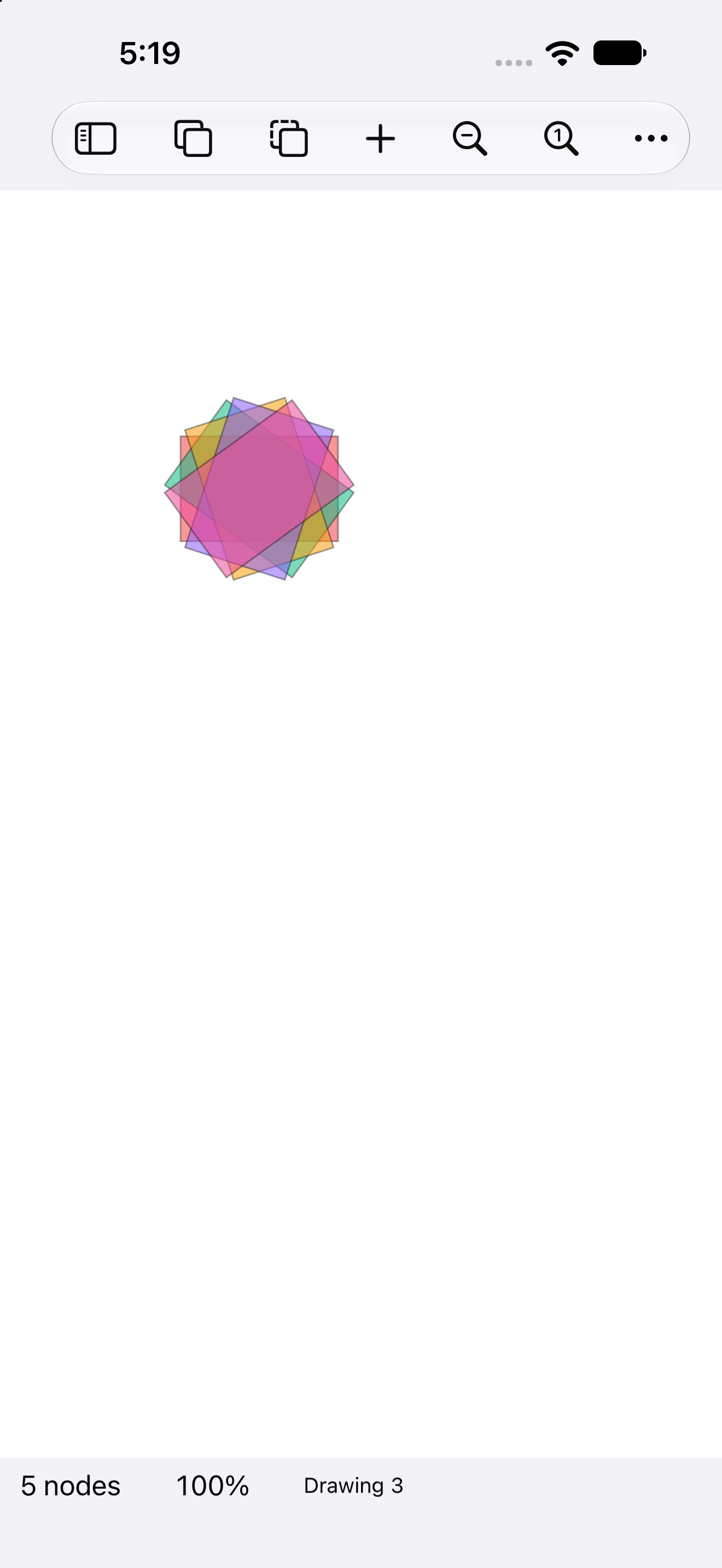
A turn at a time, iOS UIKit
iOSUIKit
A turn at a time, iOS iPad
iOSiPad
A turn at a time, Android Android
AndroidAndroid
A turn at a time, Android Tablet
AndroidTablet
A turn at a time, HarmonyOS ArkUI
HarmonyOSArkUI
A turn at a time, macOS AppKit
macOSAppKit
A turn at a time, Linux GTK 4
LinuxGTK 4
A turn at a time, Linux Qt 6
LinuxQt 6
A turn at a time, Windows XAML
WindowsXAML
A turn at a time, Web Web DOM
WebWeb DOM

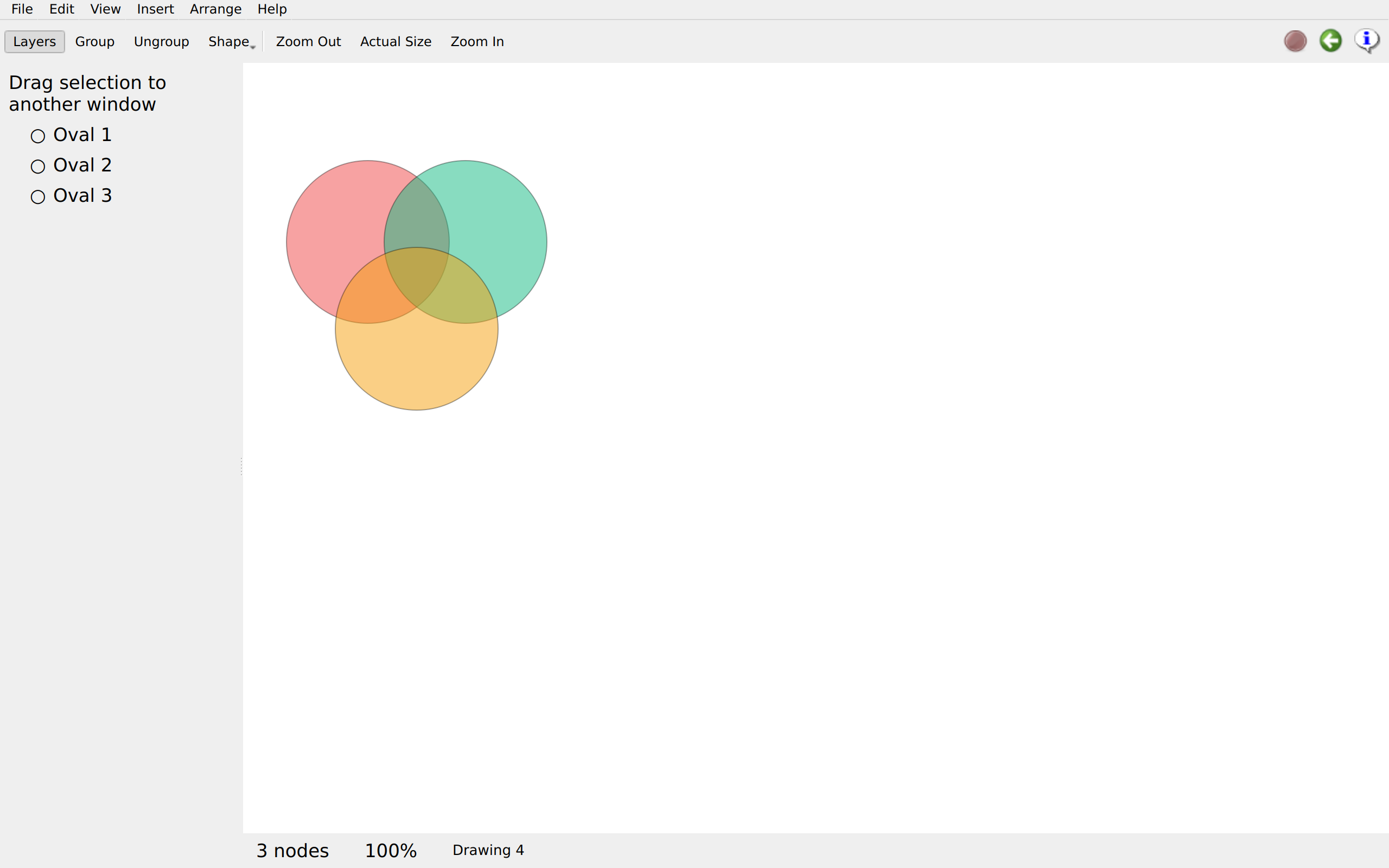
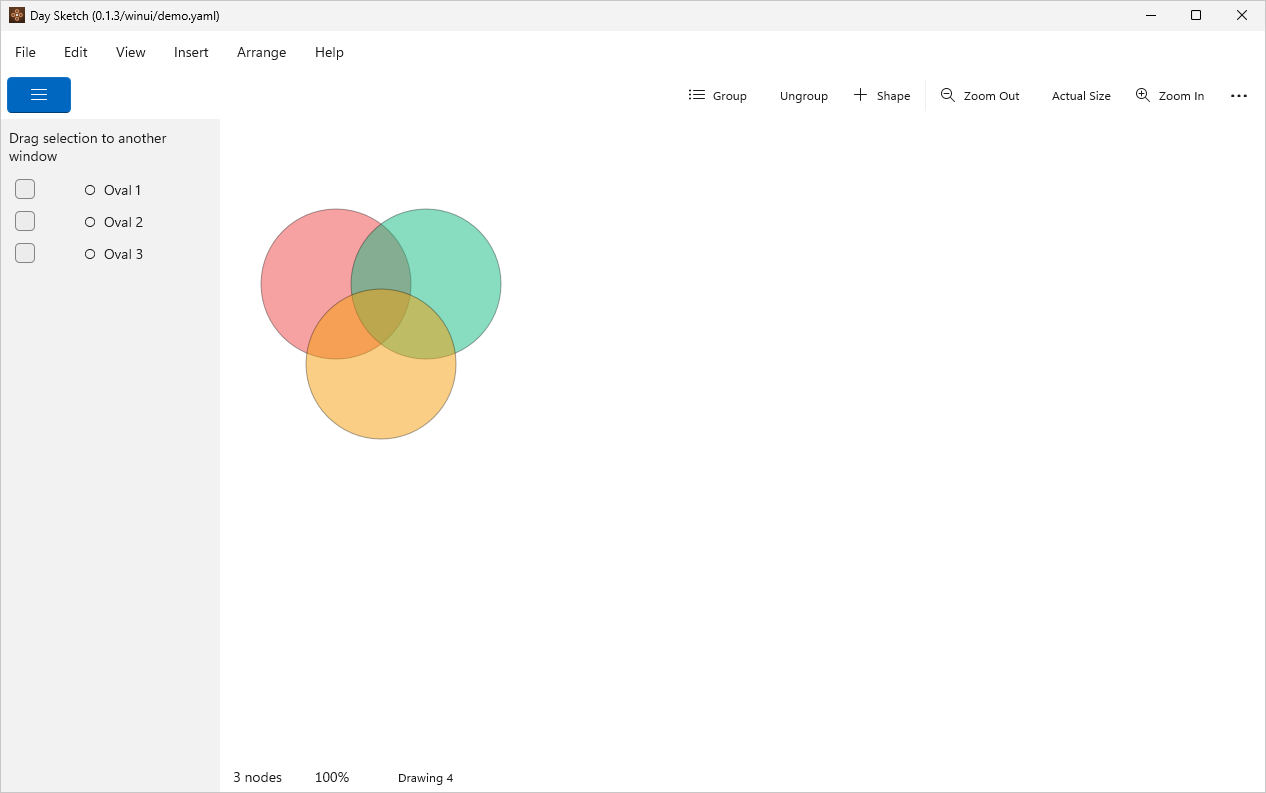
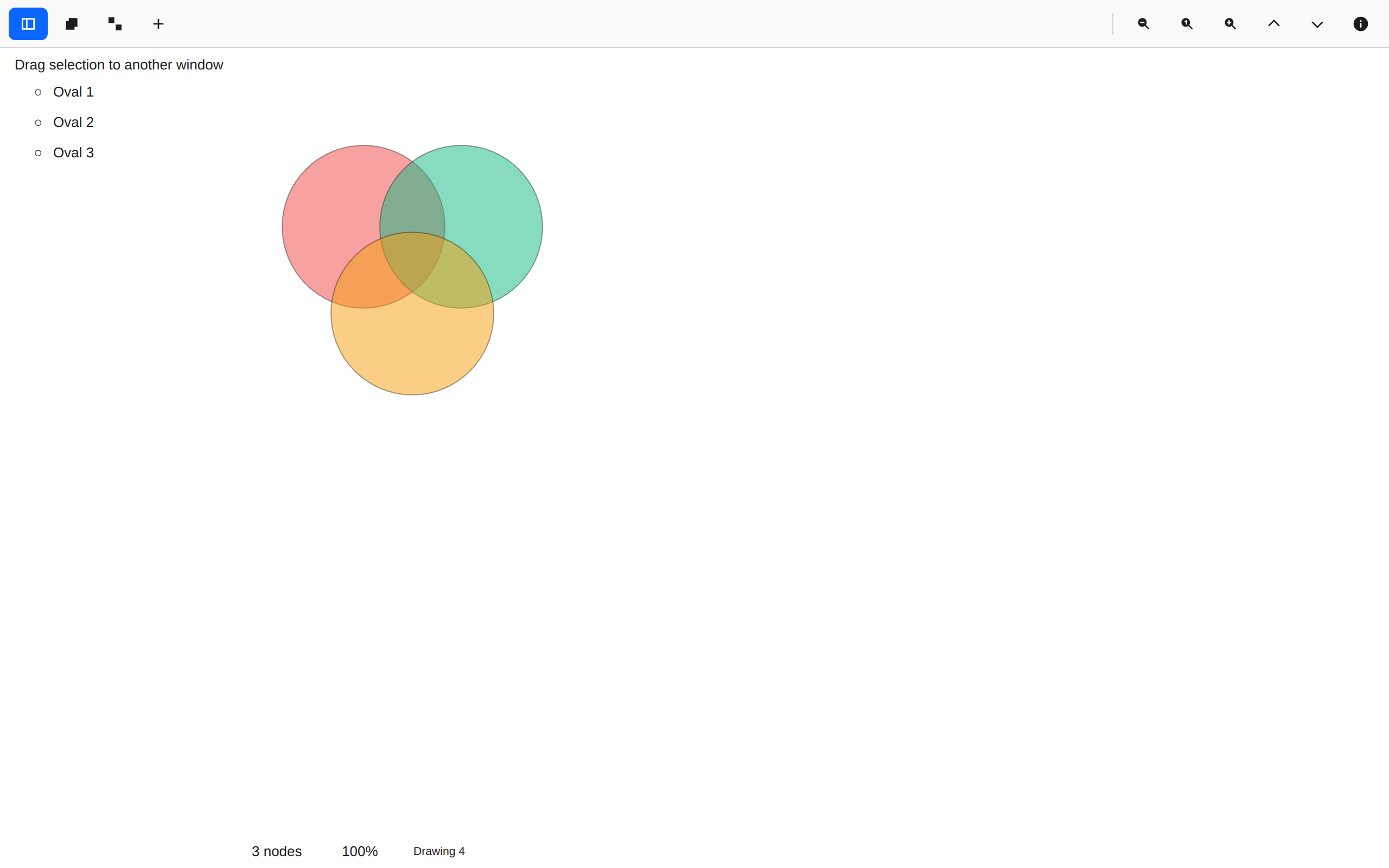
Three circles, half seen

canvas.rsDrawing and rendering →

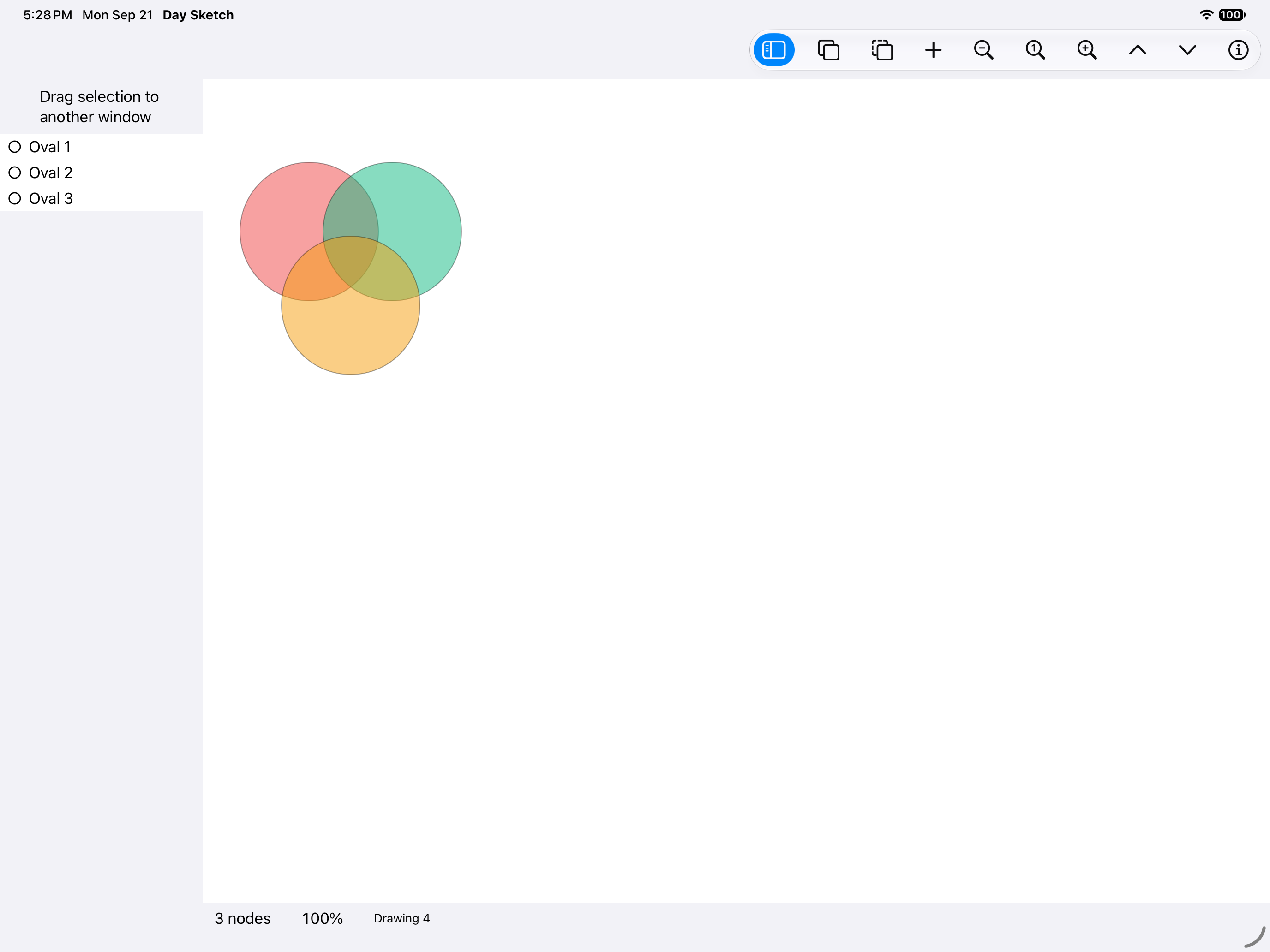
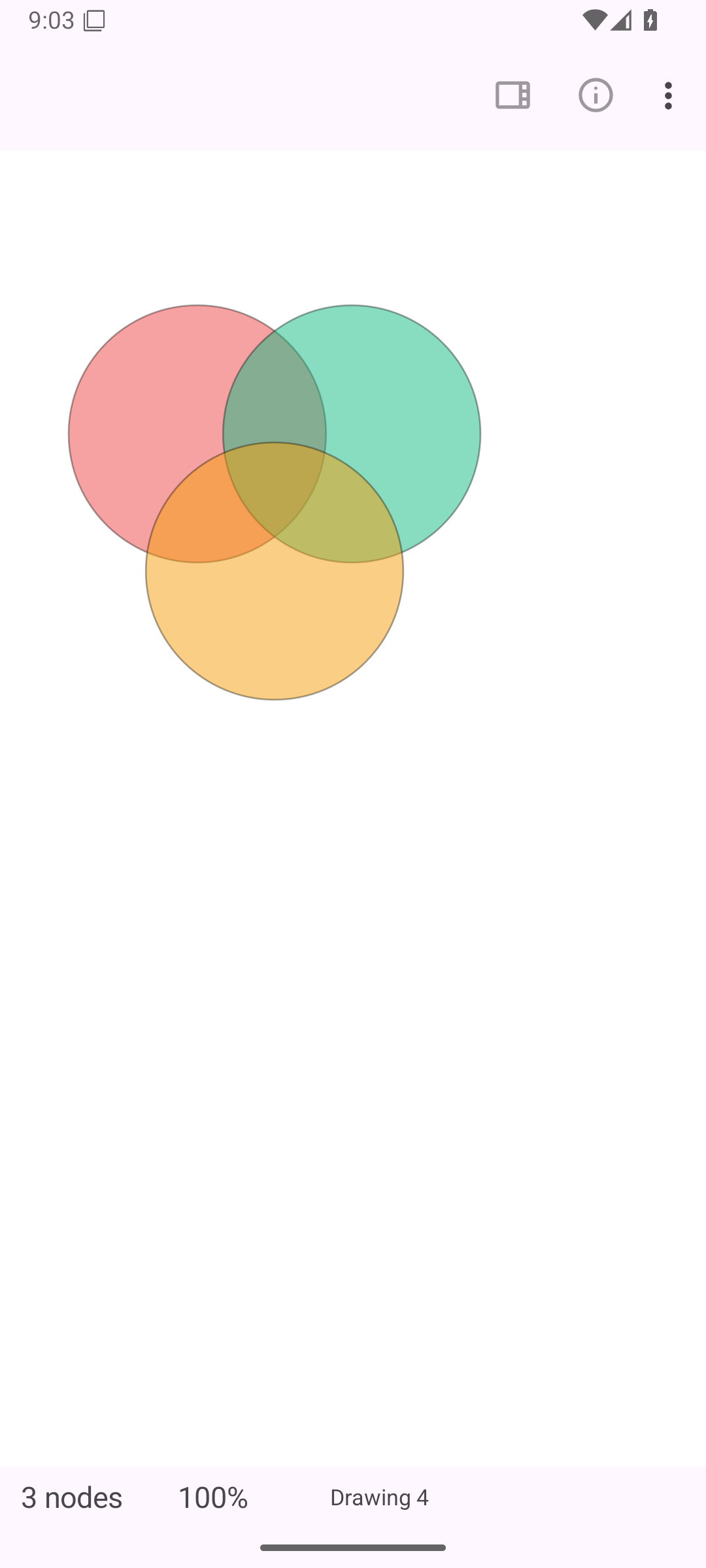
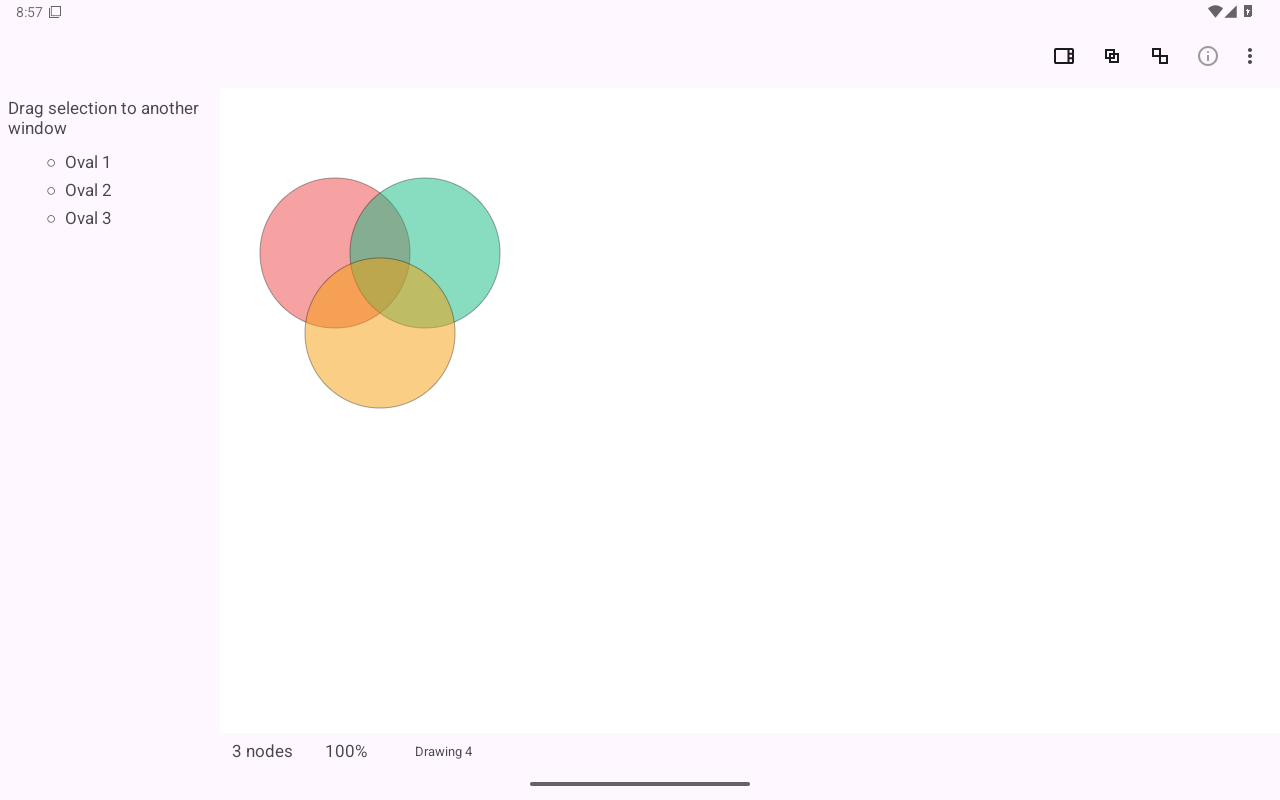
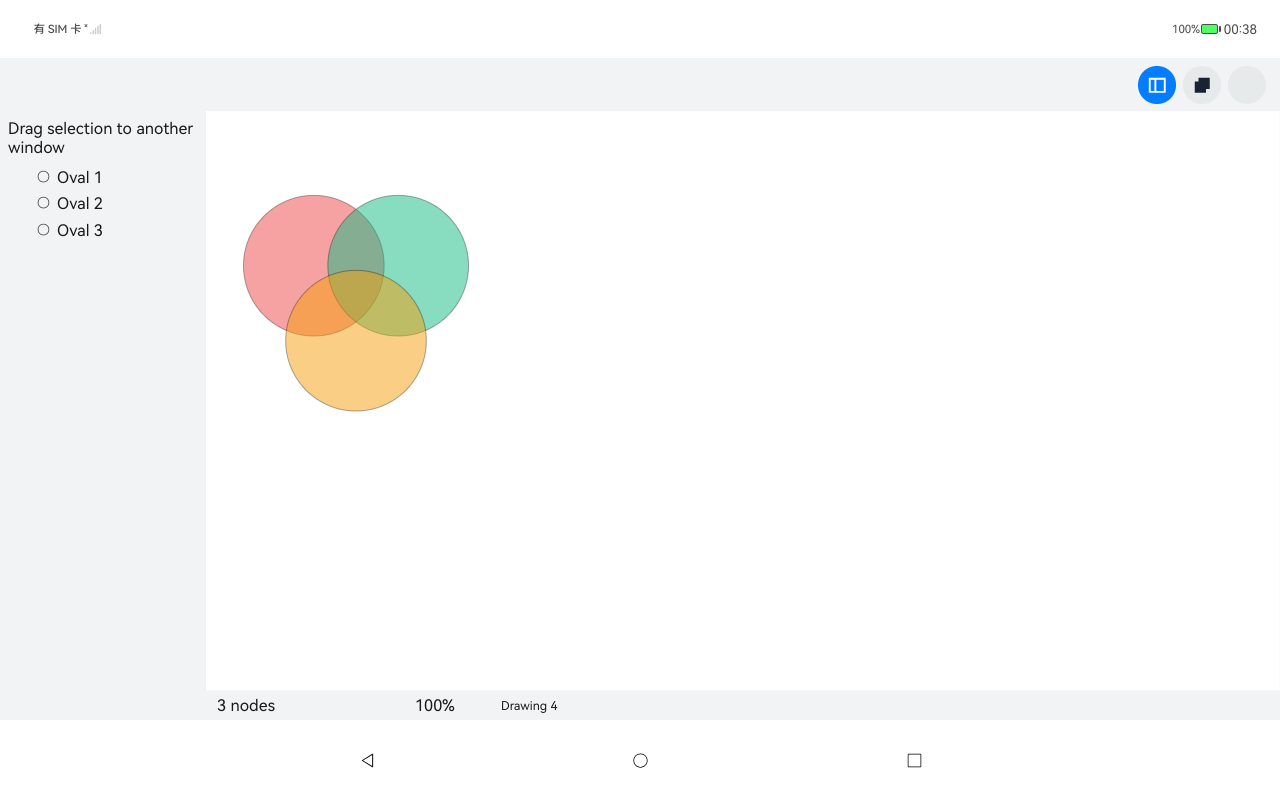
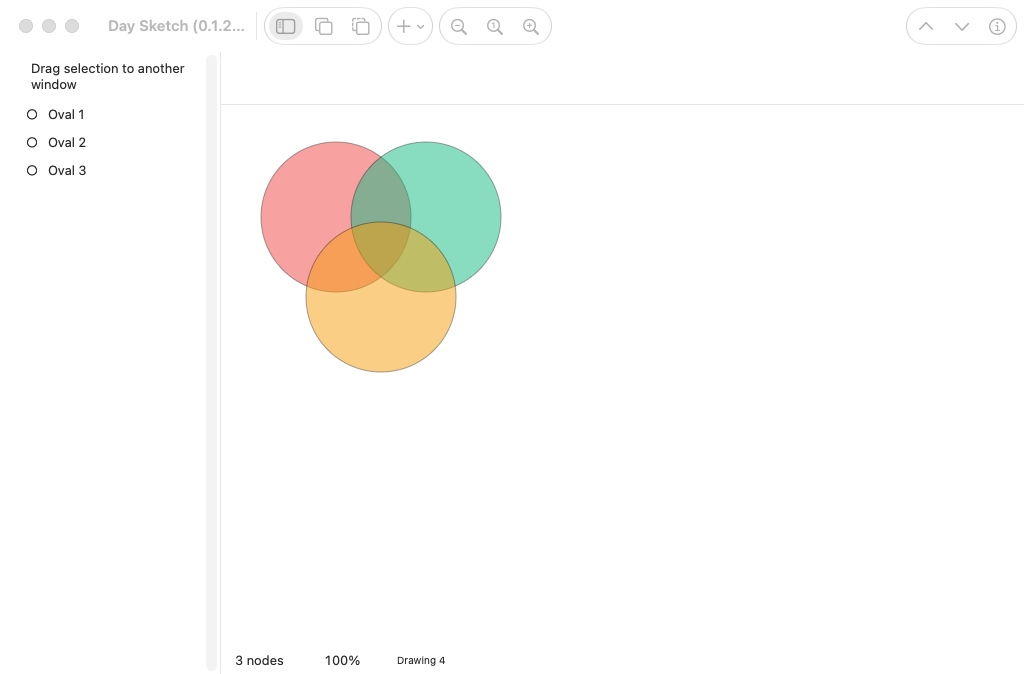
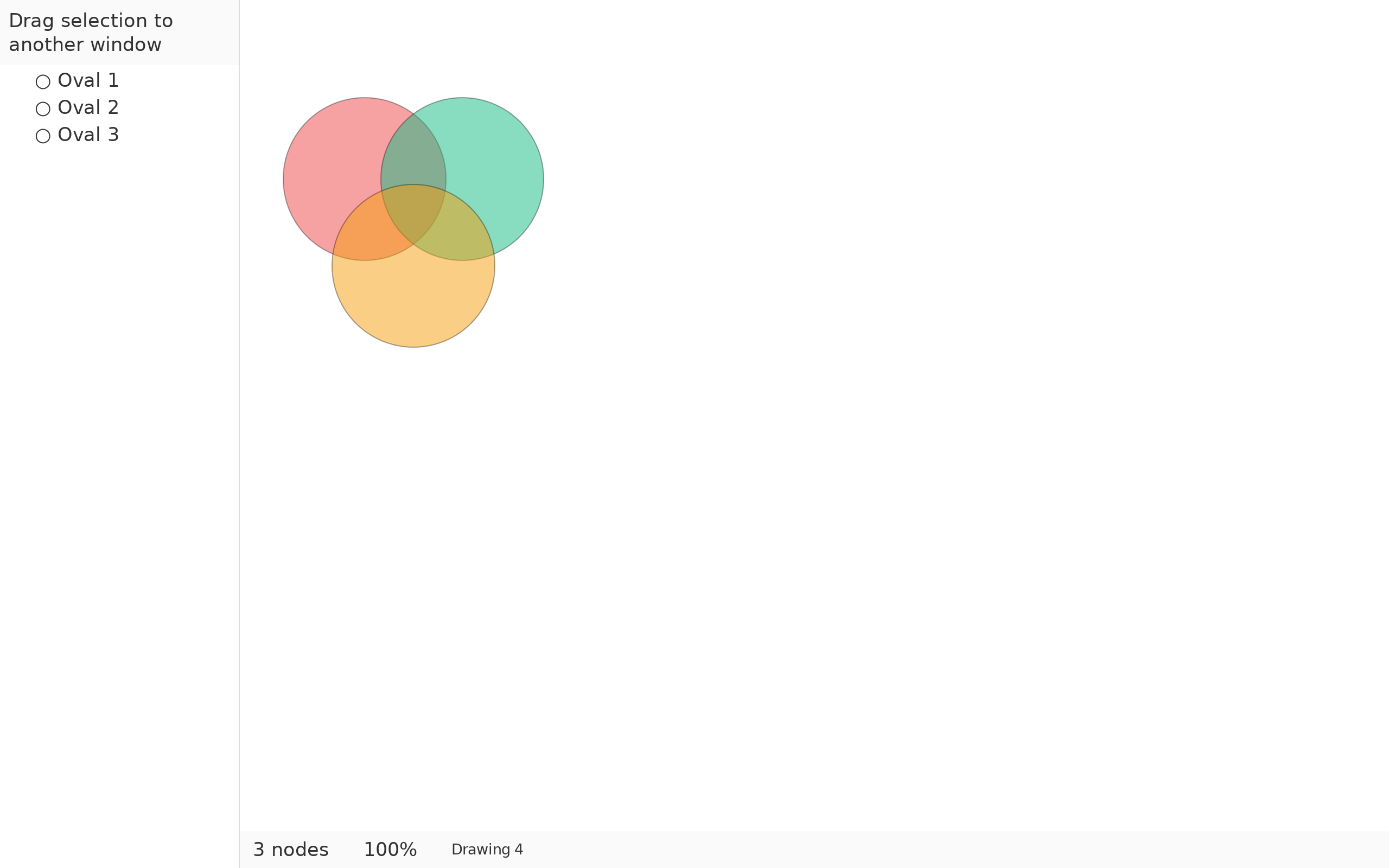
Overlapping ovals at 50% fill: where two meet the colors mix, where all three do they mix again.
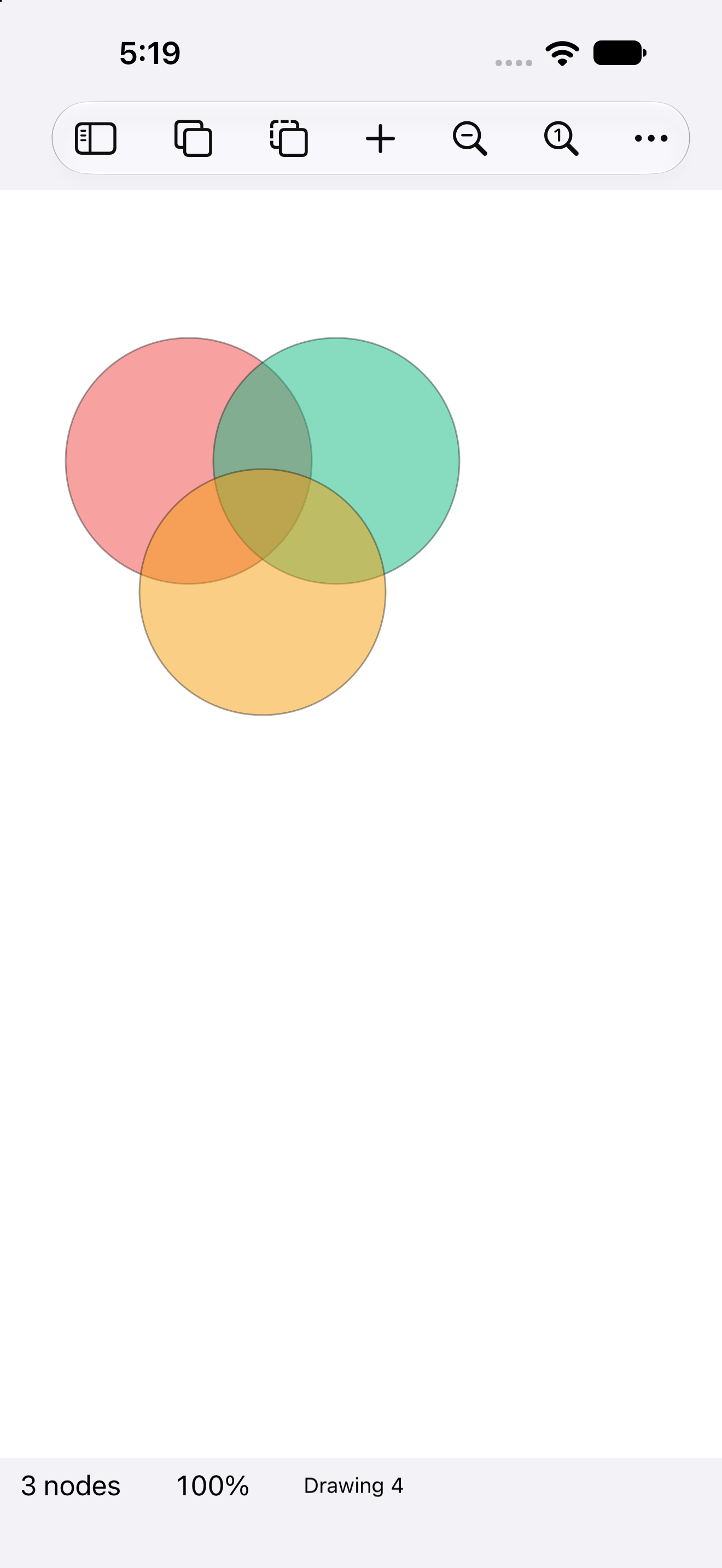
Three circles, half seen, iOS UIKit
iOSUIKit
Three circles, half seen, iOS iPad
iOSiPad
Three circles, half seen, Android Android
AndroidAndroid
Three circles, half seen, Android Tablet
AndroidTablet
Three circles, half seen, HarmonyOS ArkUI
HarmonyOSArkUI
Three circles, half seen, macOS AppKit
macOSAppKit
Three circles, half seen, Linux GTK 4
LinuxGTK 4
Three circles, half seen, Linux Qt 6
LinuxQt 6
Three circles, half seen, Windows XAML
WindowsXAML
Three circles, half seen, Web Web DOM
WebWeb DOM

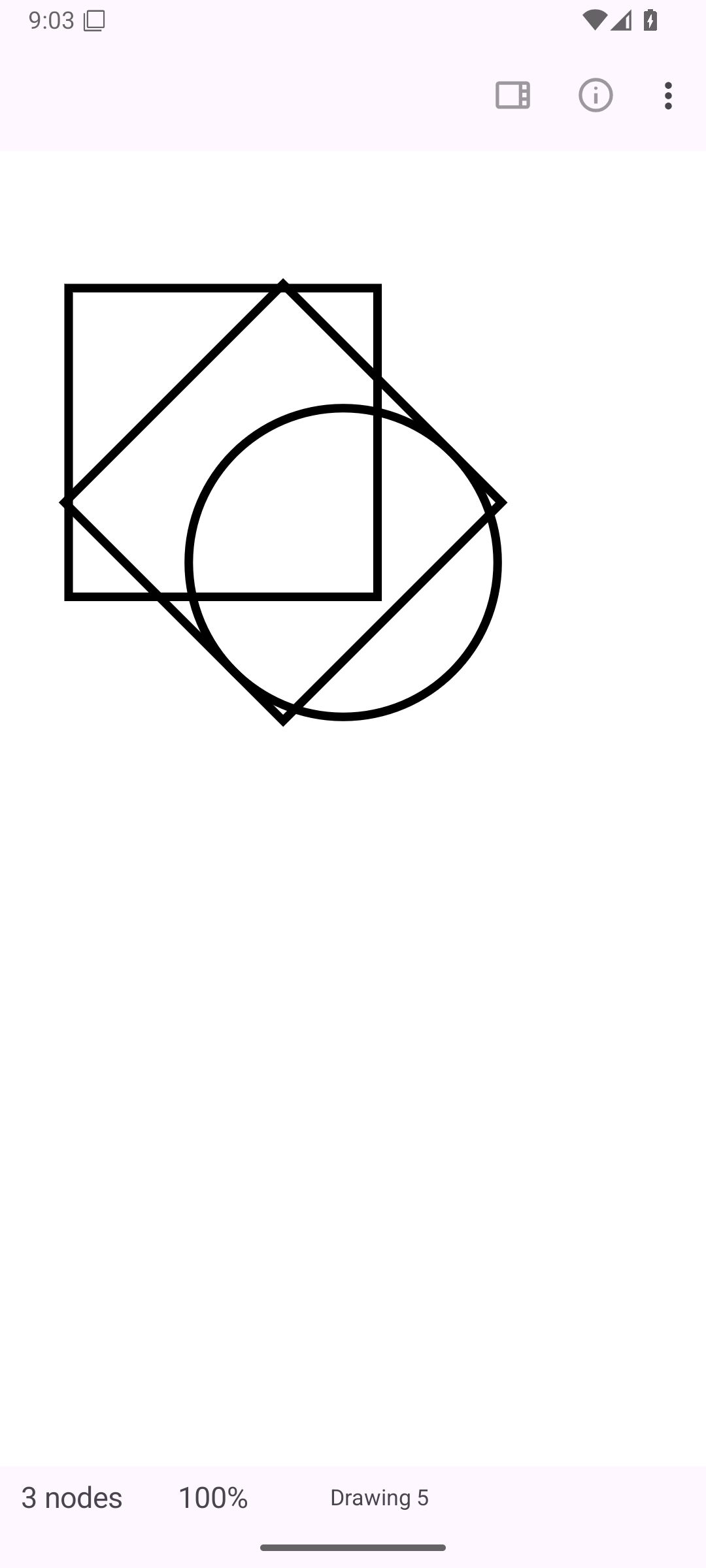
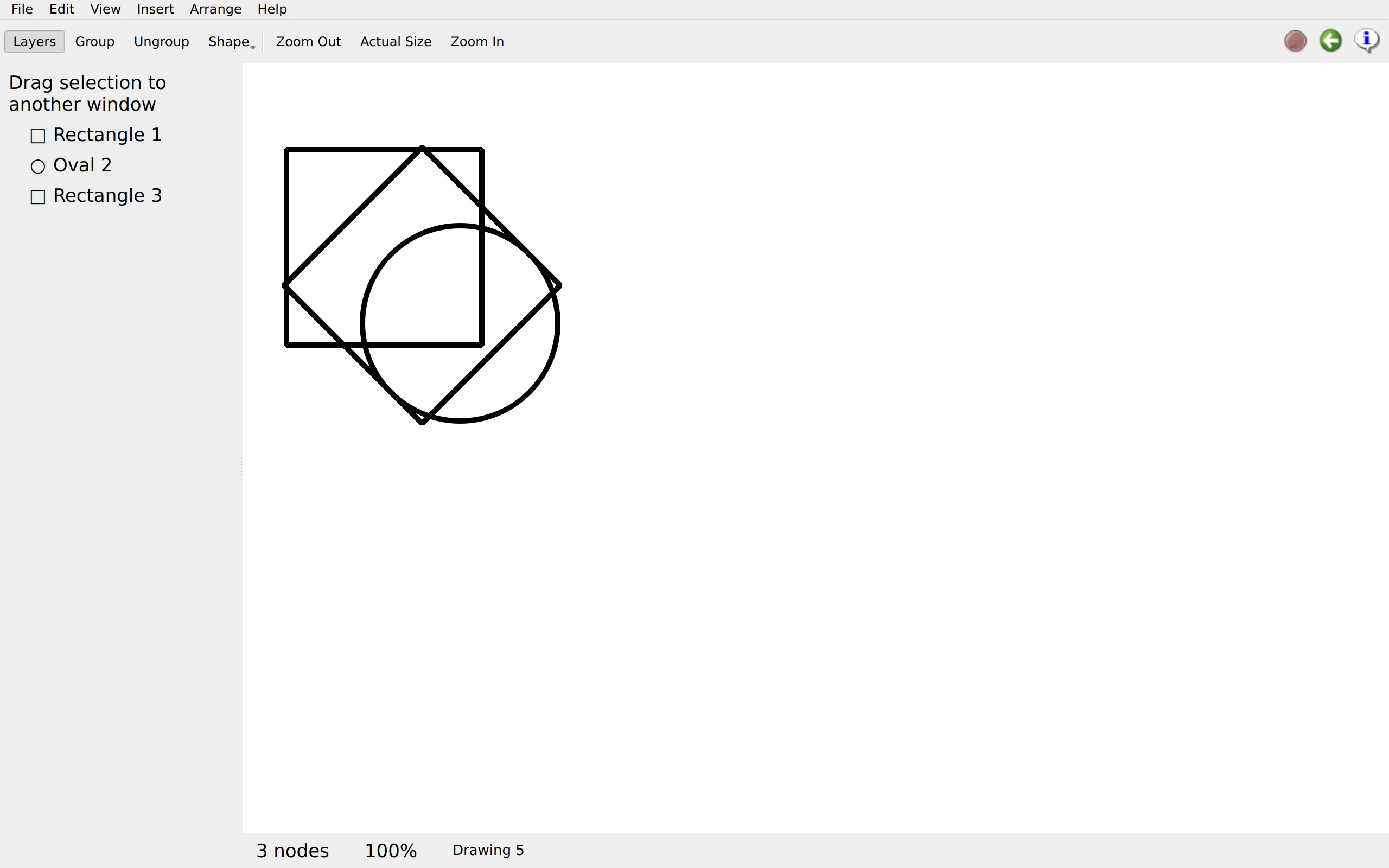
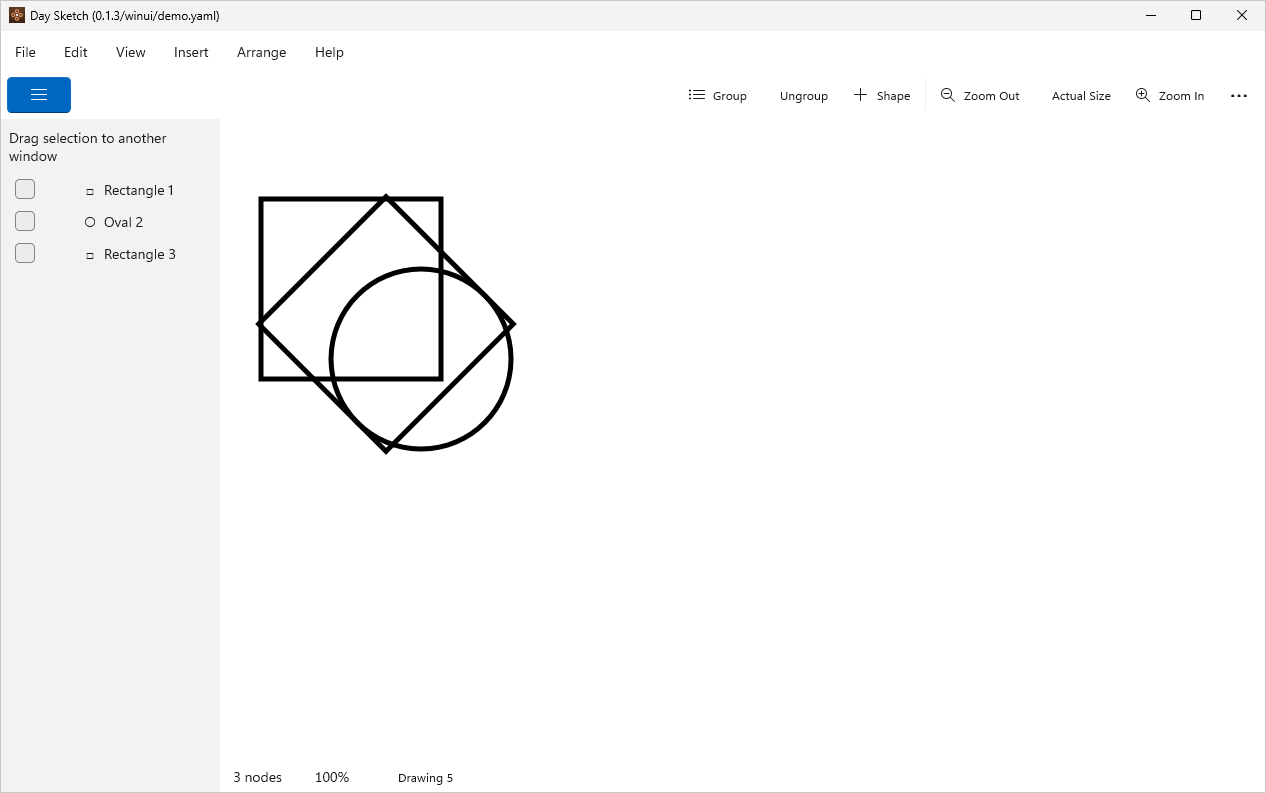
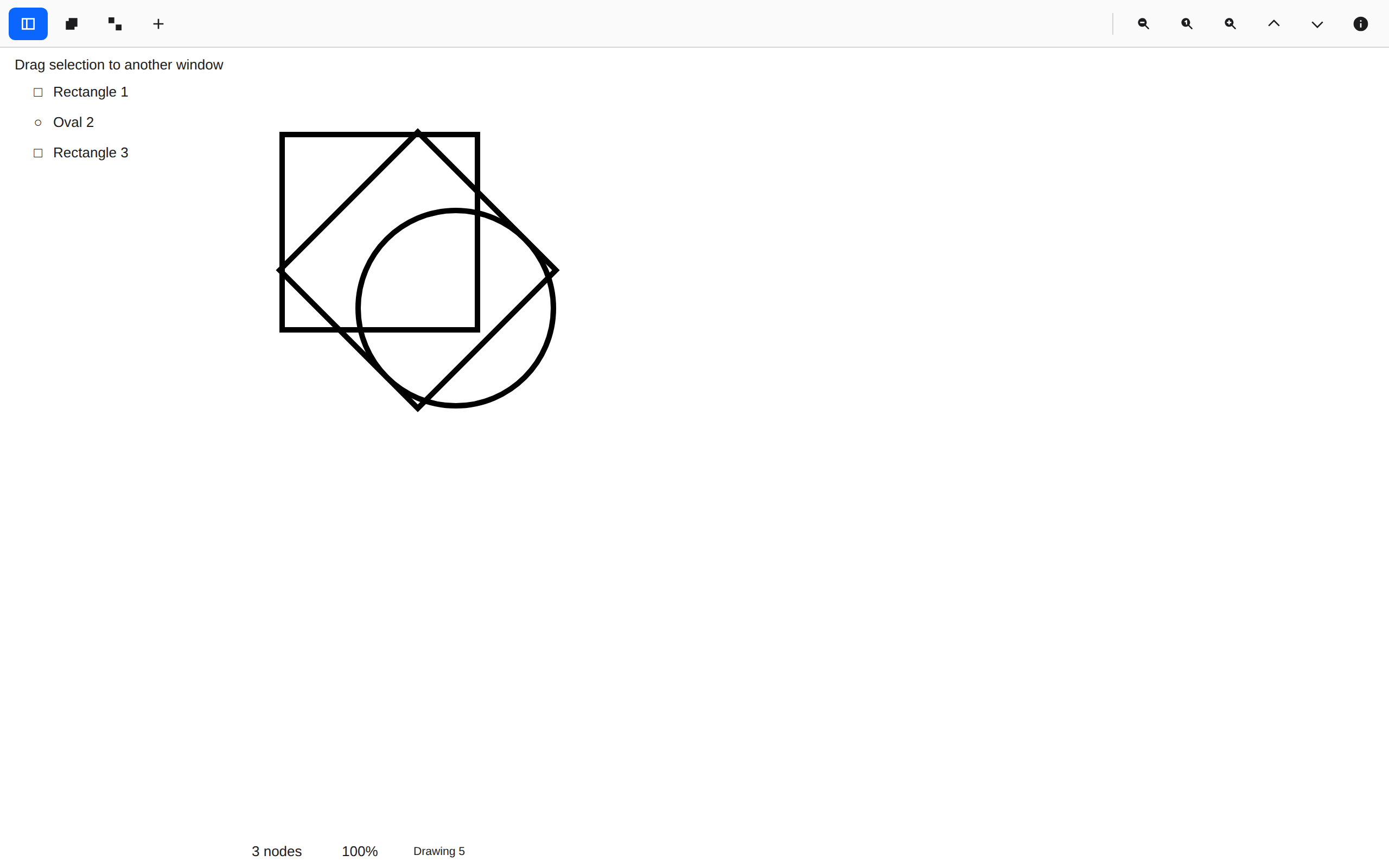
Outline only

inspector.rsDrawing and rendering →

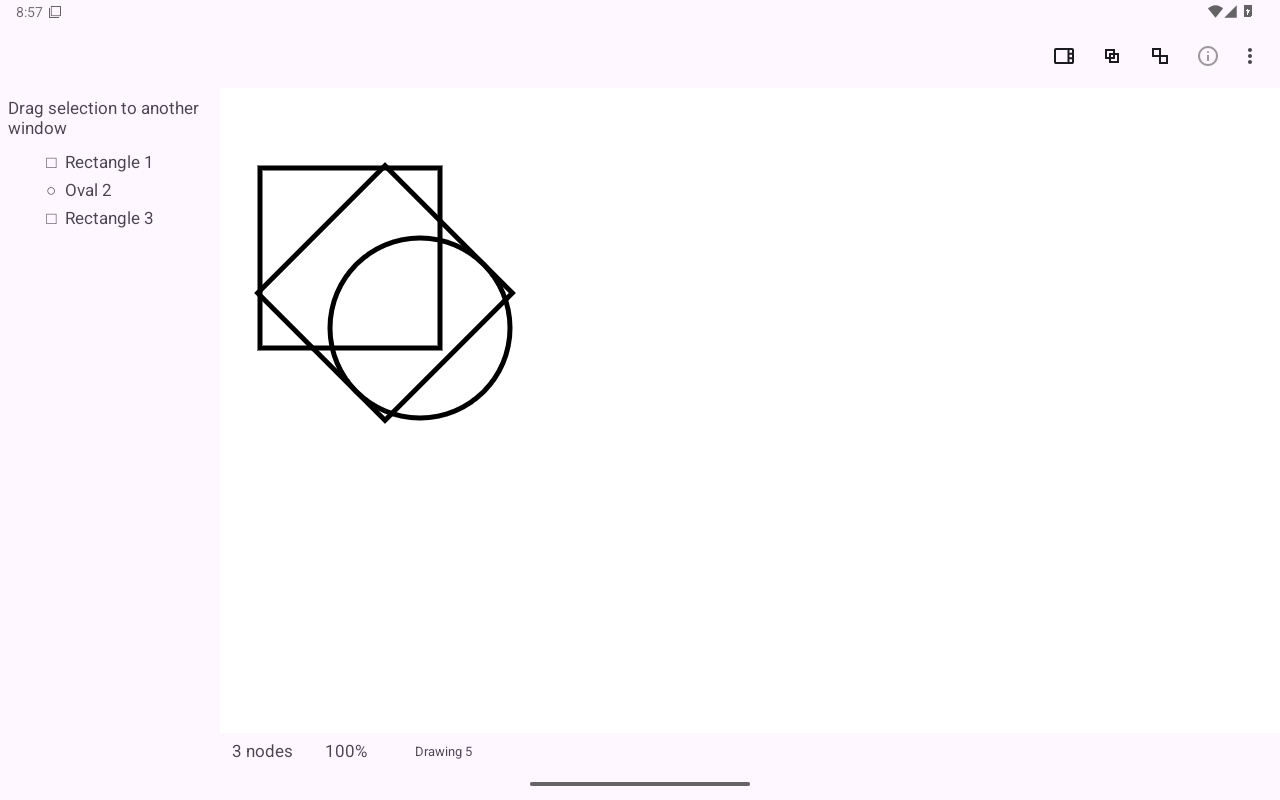
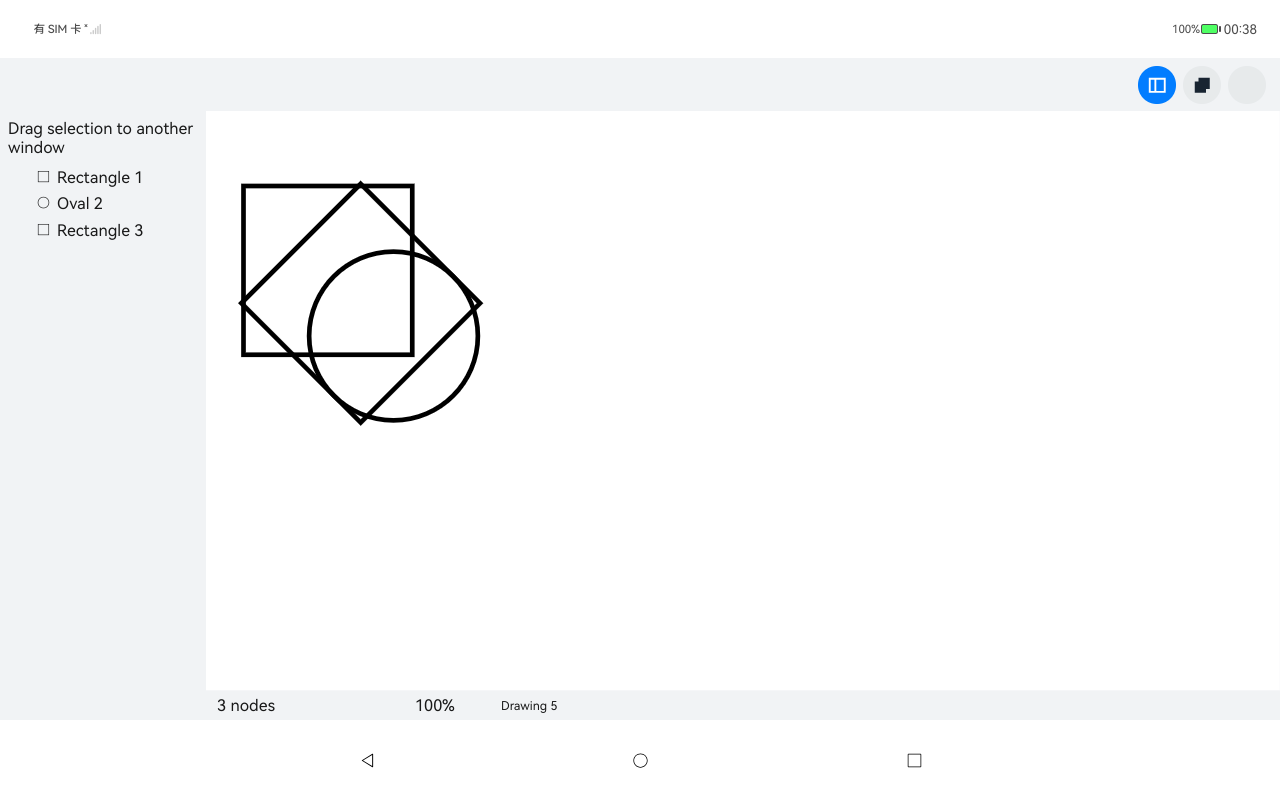
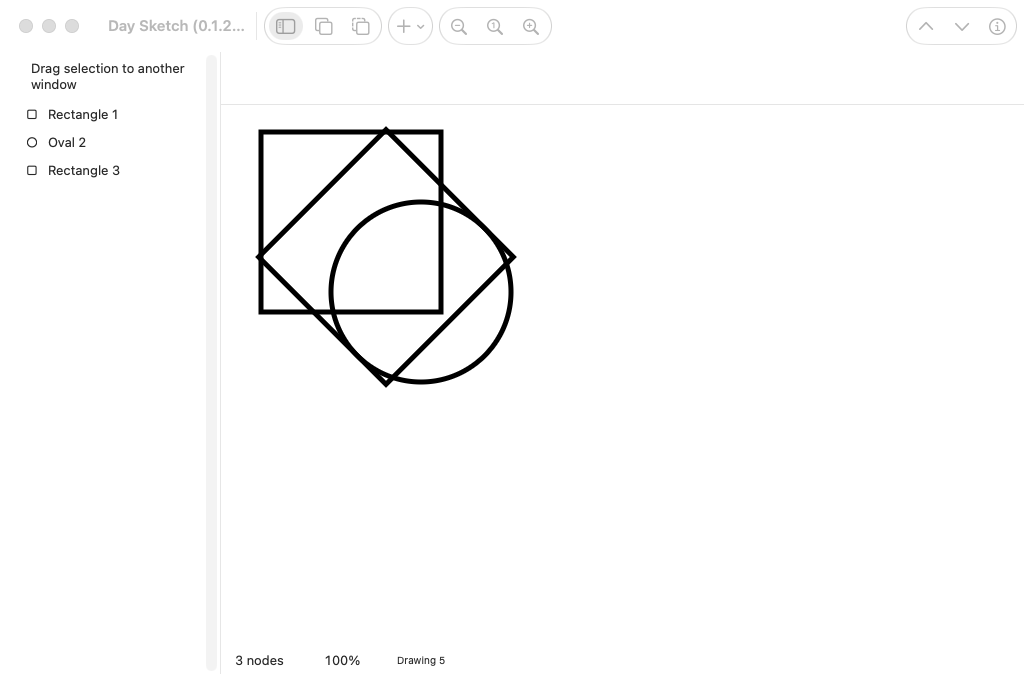
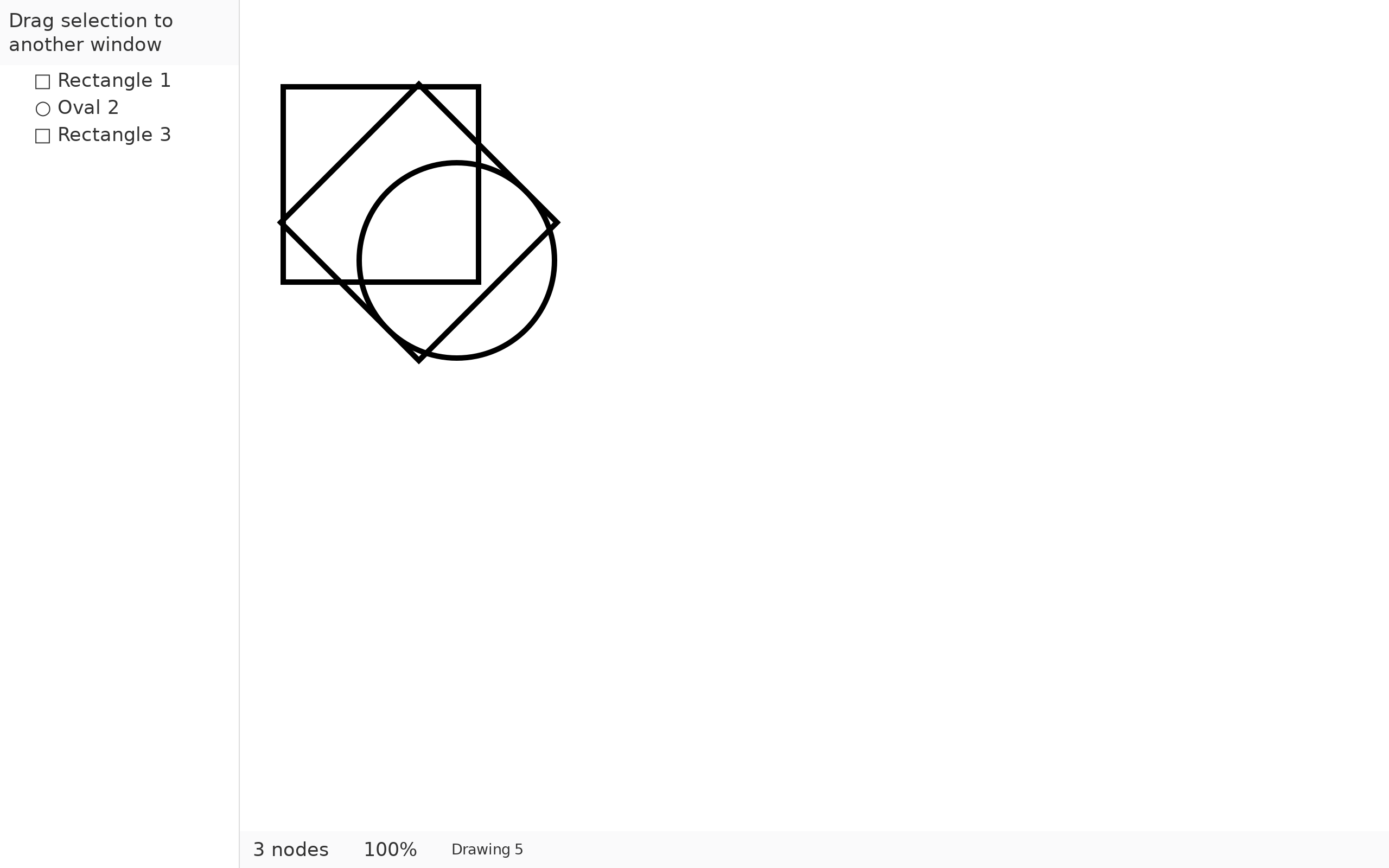
Fill dropped to nothing and the stroke widened: a square, a circle and a turned square, drawn as line work.
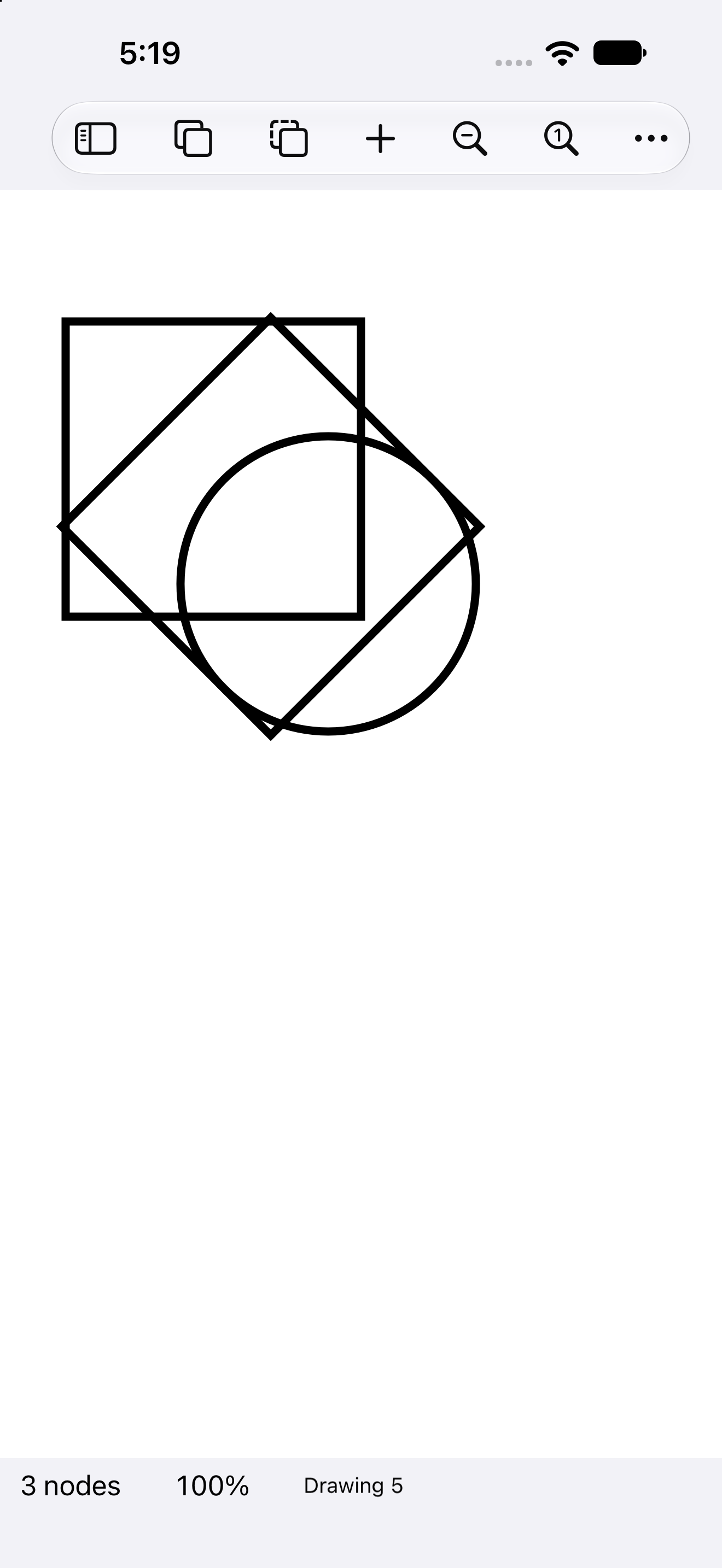
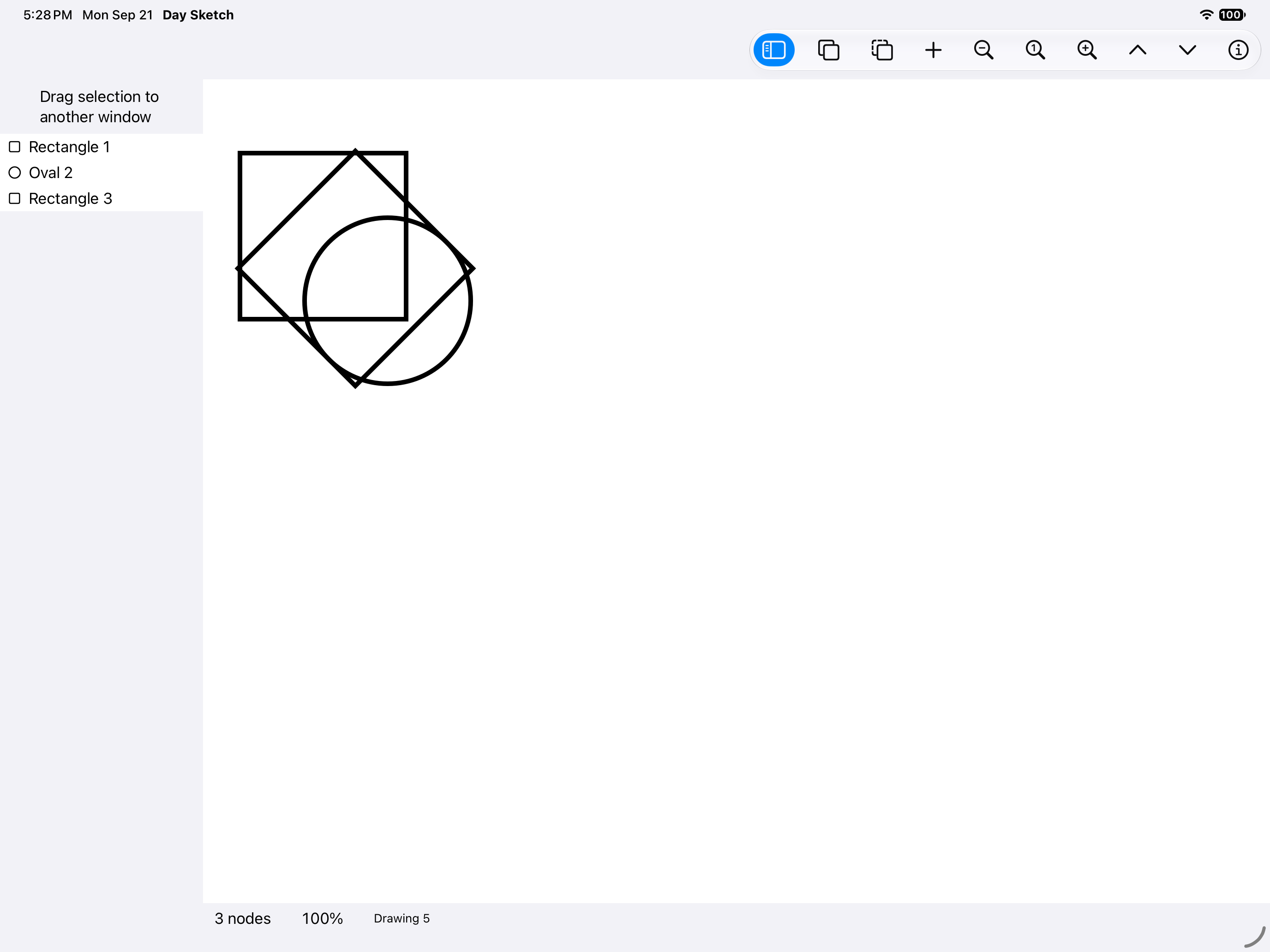
Outline only, iOS UIKit
iOSUIKit
Outline only, iOS iPad
iOSiPad
Outline only, Android Android
AndroidAndroid
Outline only, Android Tablet
AndroidTablet
Outline only, HarmonyOS ArkUI
HarmonyOSArkUI
Outline only, macOS AppKit
macOSAppKit
Outline only, Linux GTK 4
LinuxGTK 4
Outline only, Linux Qt 6
LinuxQt 6
Outline only, Windows XAML
WindowsXAML
Outline only, Web Web DOM
WebWeb DOM

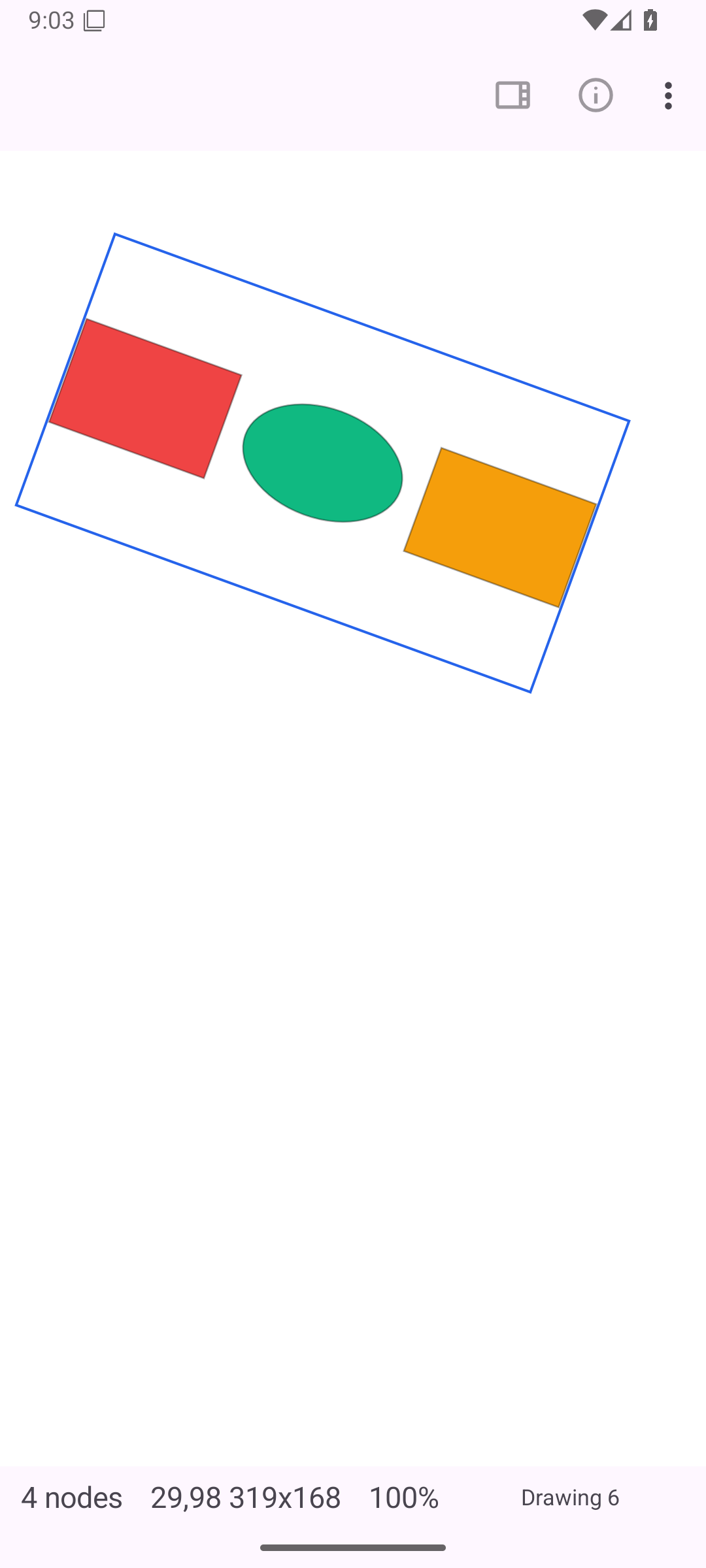
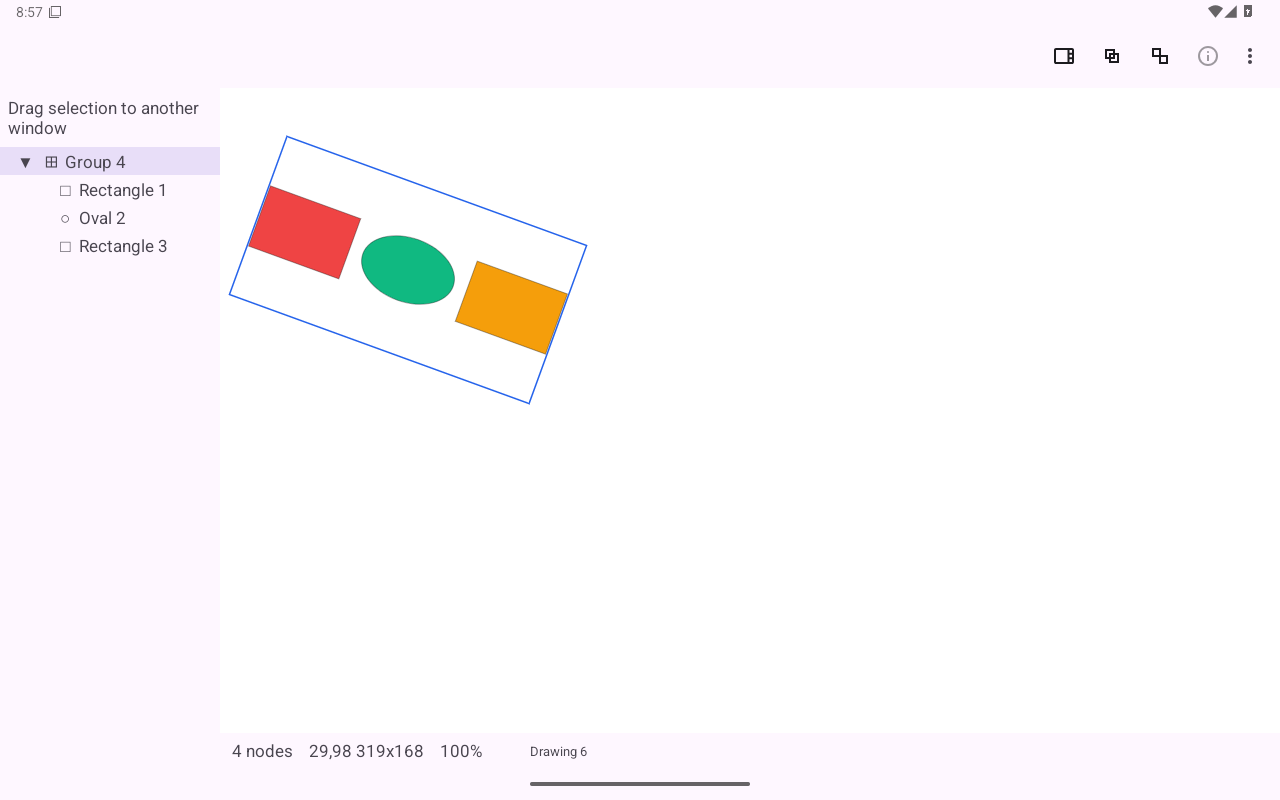
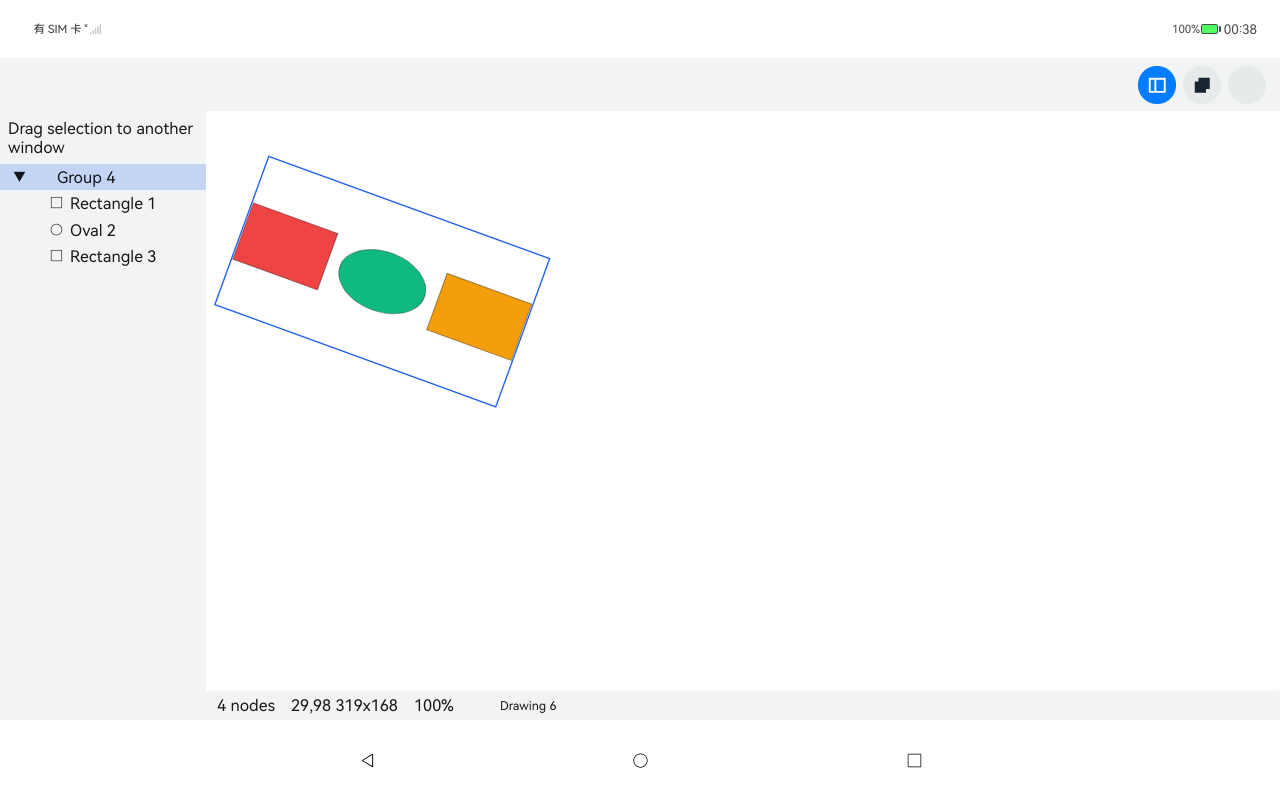
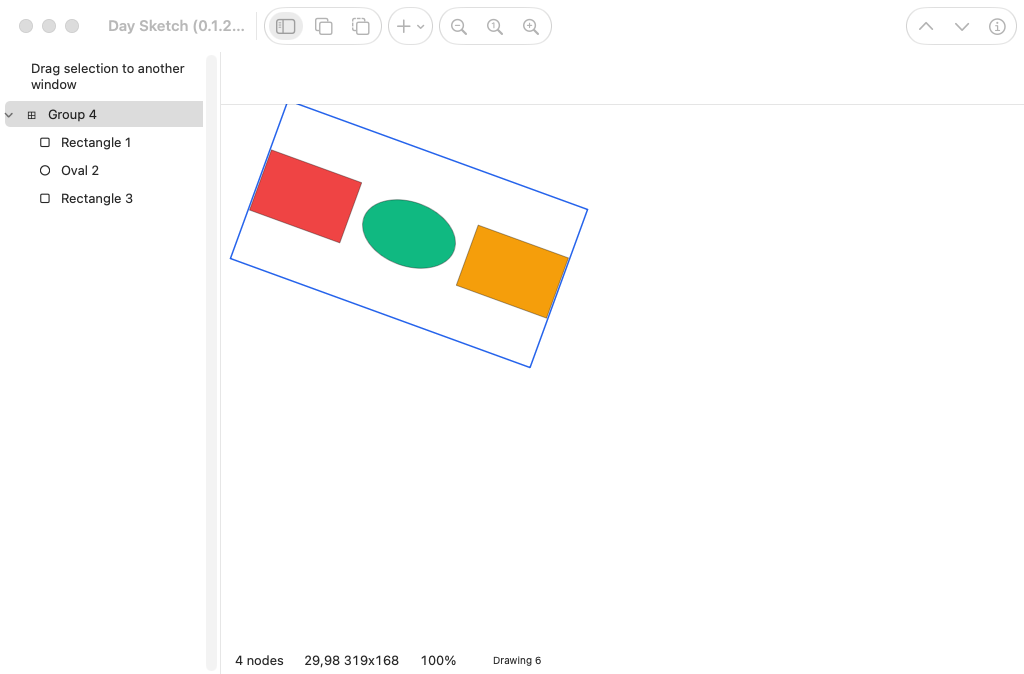
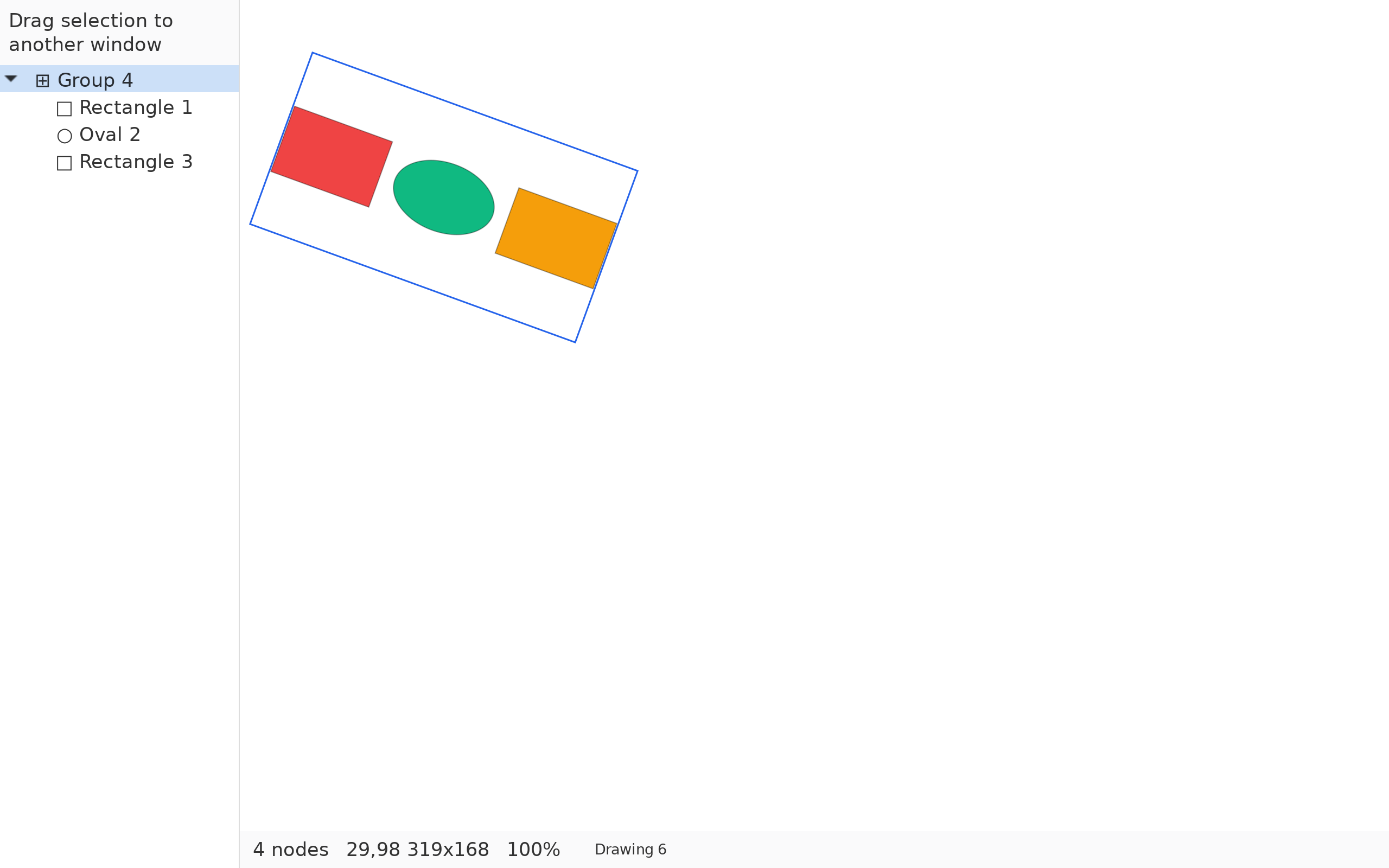
One body, turned

model.rsDrawing and rendering →

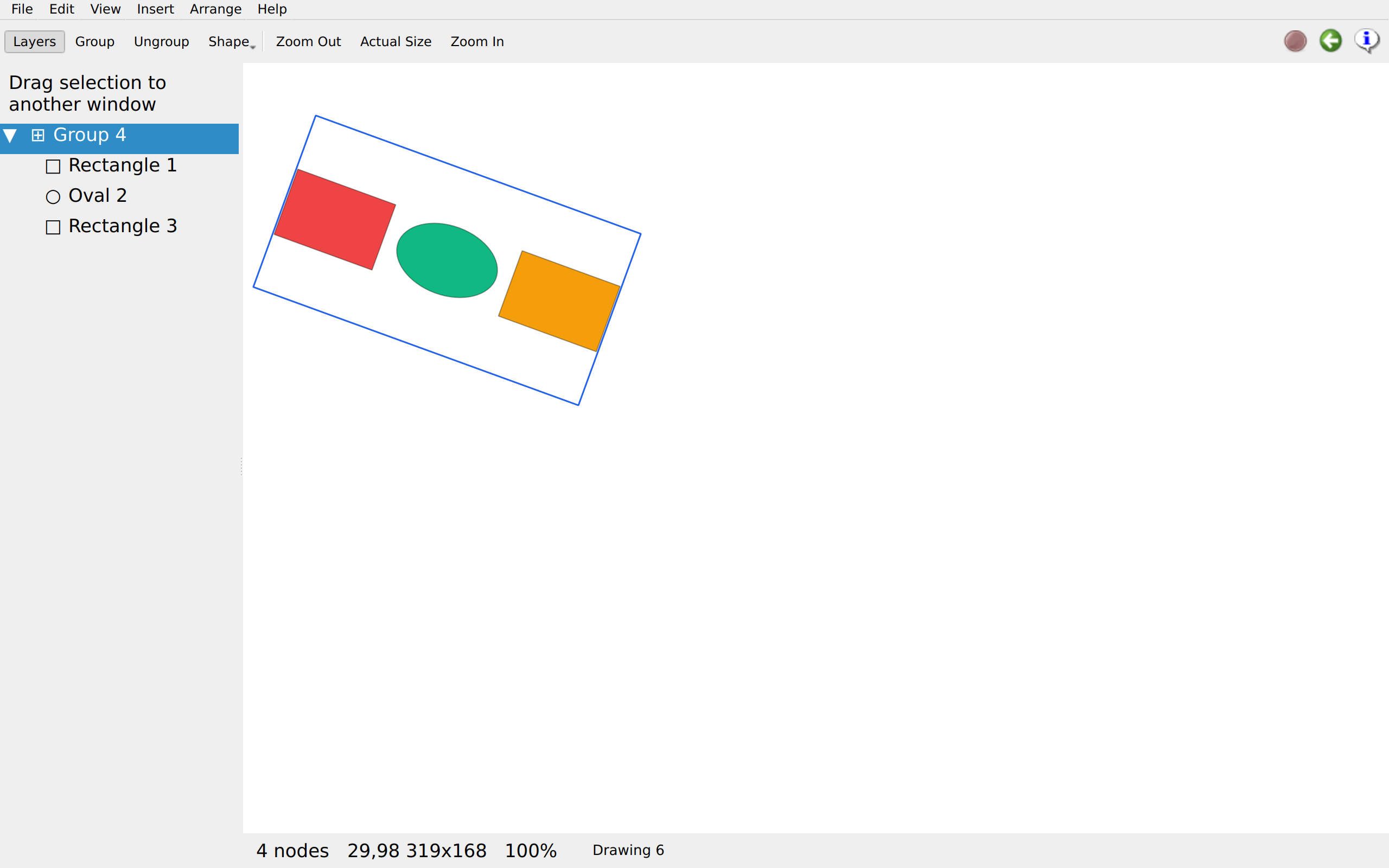
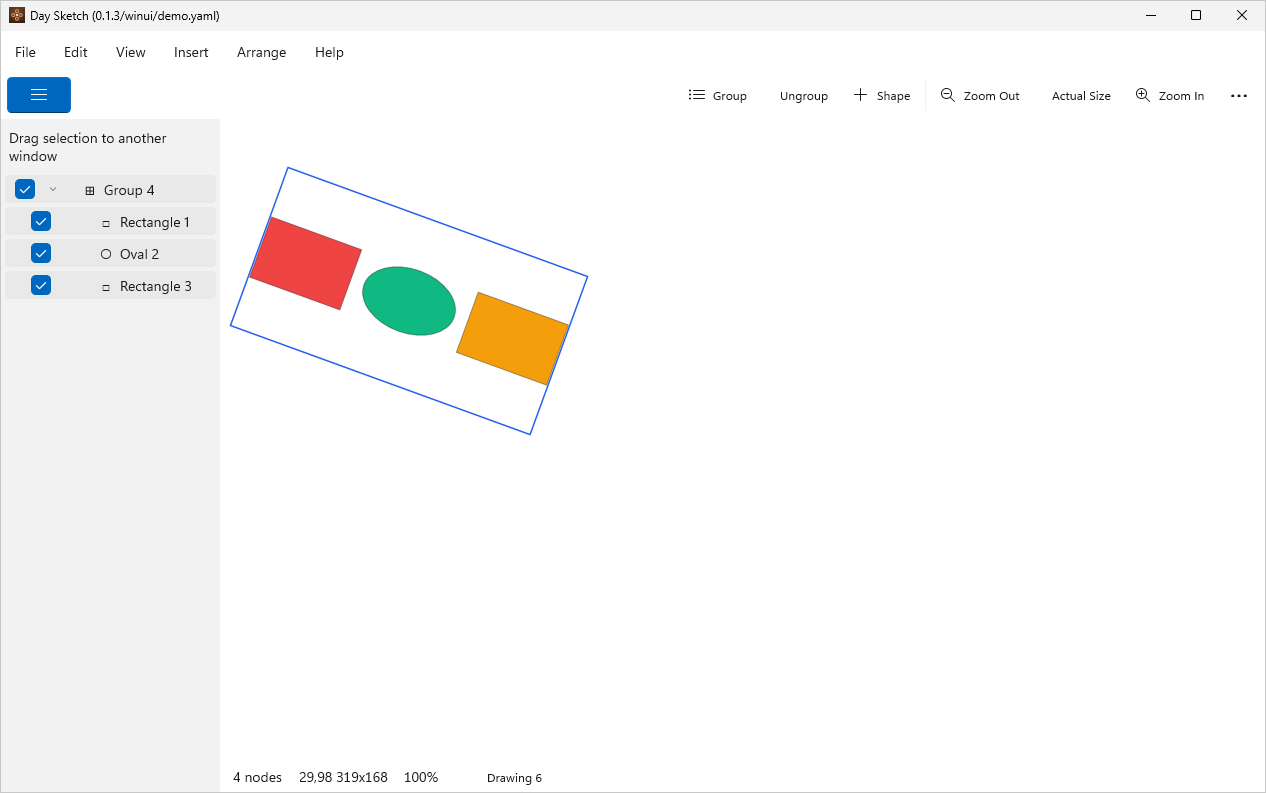
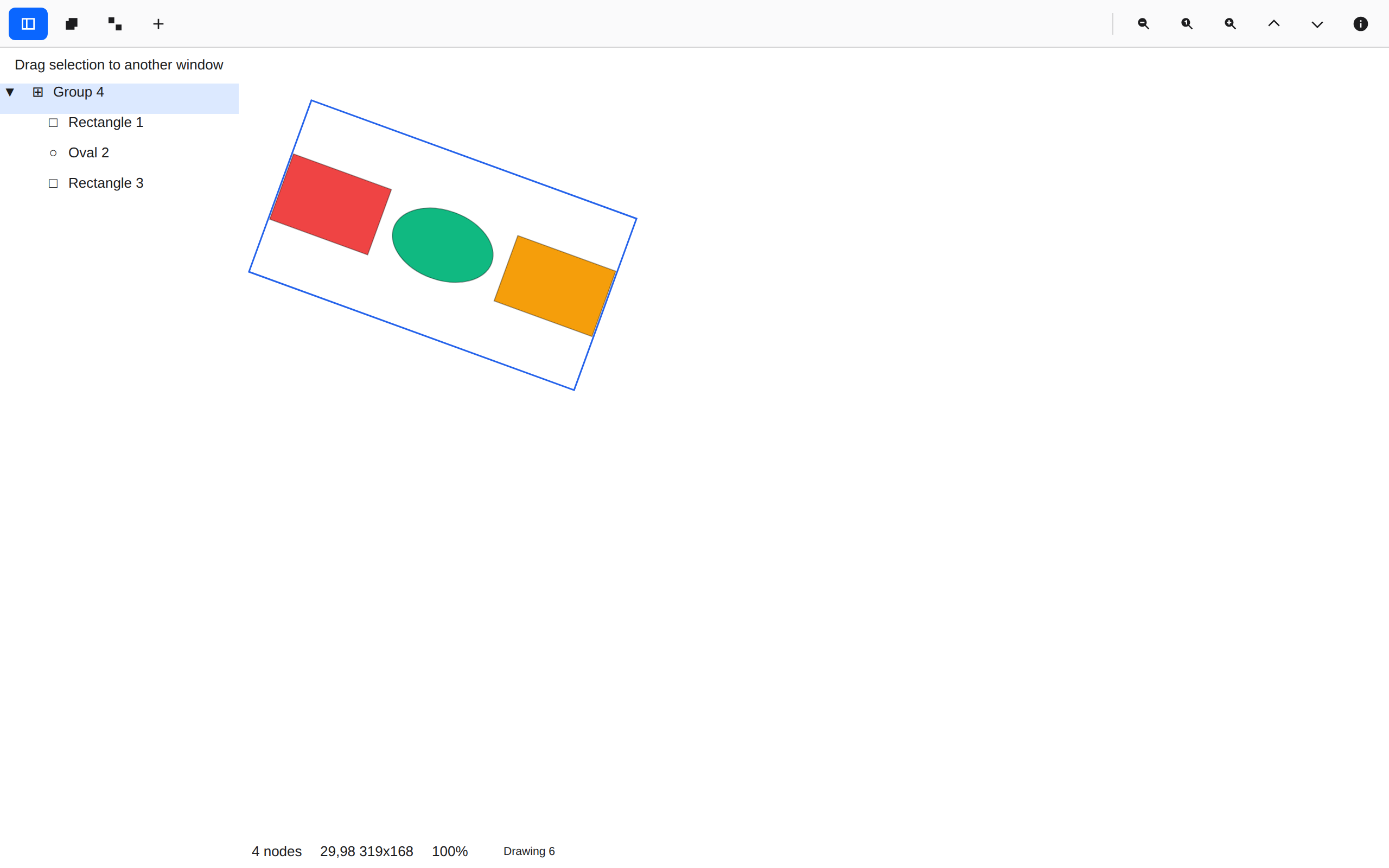
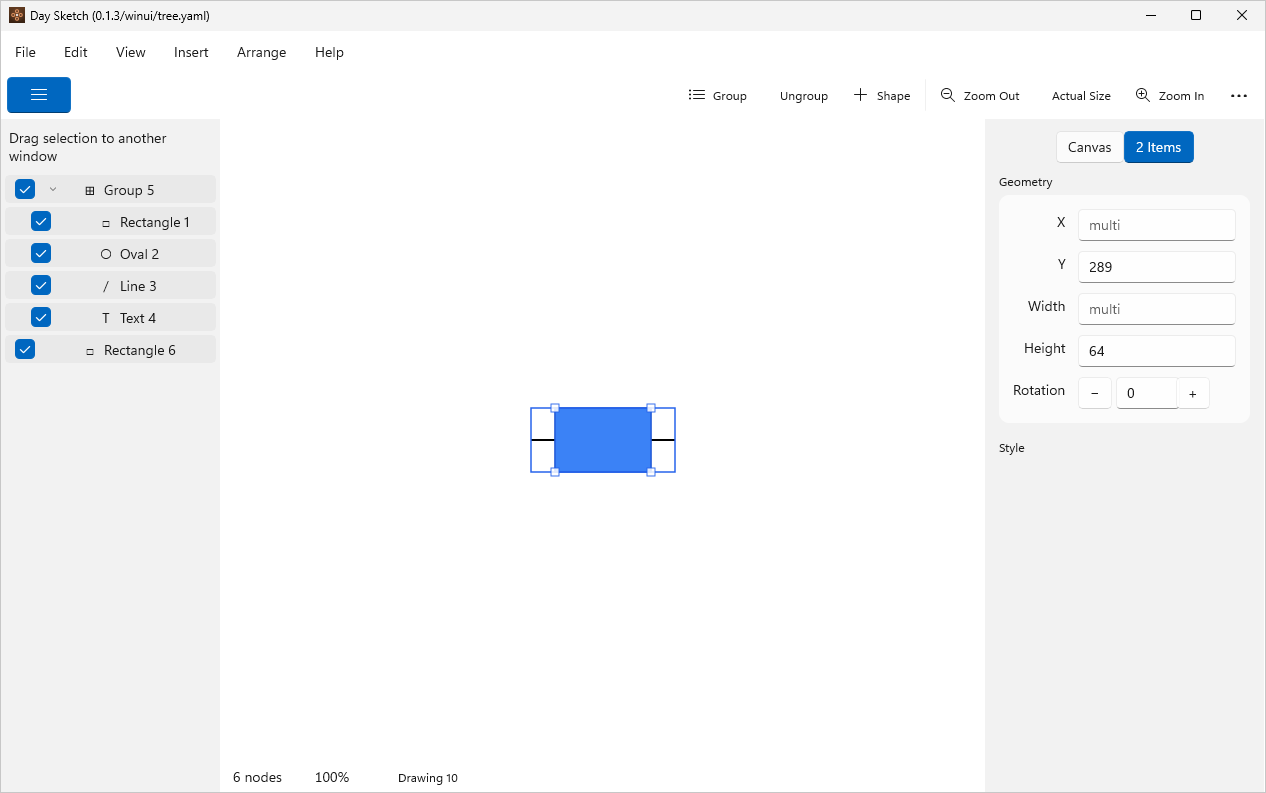
Three shapes grouped and turned 20° together: each orbits the group's centre, and the frame turns with them.
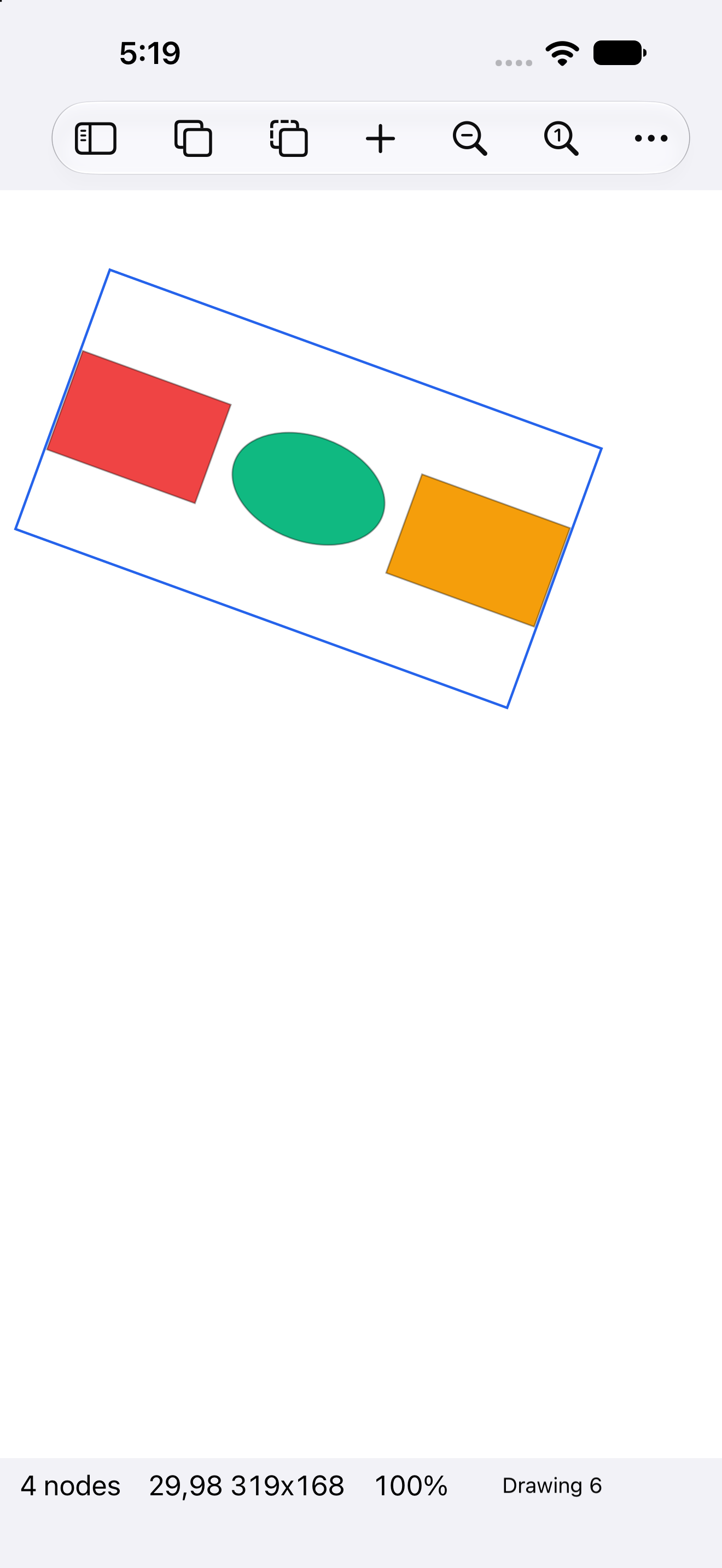
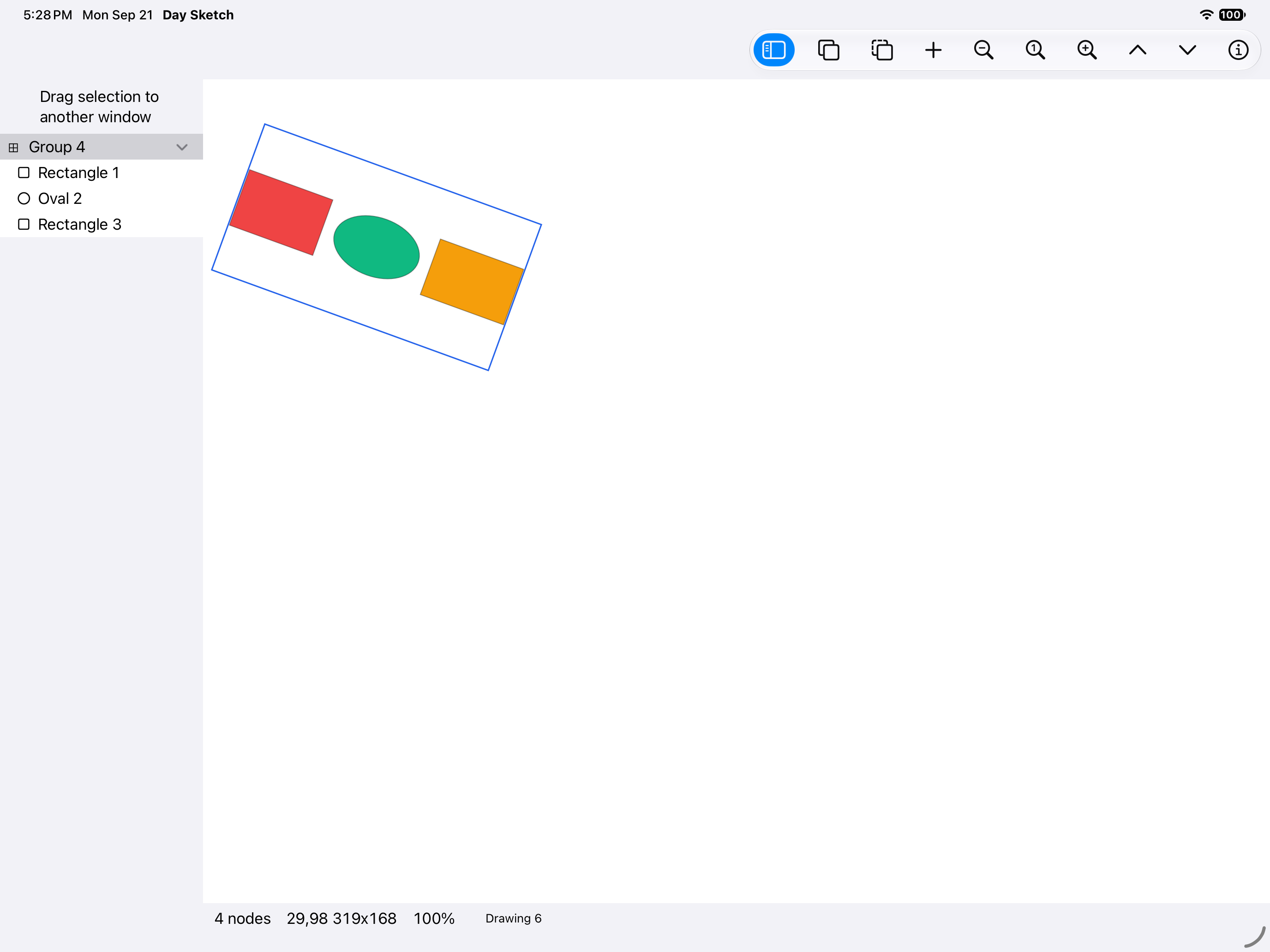
One body, turned, iOS UIKit
iOSUIKit
One body, turned, iOS iPad
iOSiPad
One body, turned, Android Android
AndroidAndroid
One body, turned, Android Tablet
AndroidTablet
One body, turned, HarmonyOS ArkUI
HarmonyOSArkUI
One body, turned, macOS AppKit
macOSAppKit
One body, turned, Linux GTK 4
LinuxGTK 4
One body, turned, Linux Qt 6
LinuxQt 6
One body, turned, Windows XAML
WindowsXAML
One body, turned, Web Web DOM
WebWeb DOM

Type specimen

inspector.rsDrawing and rendering →

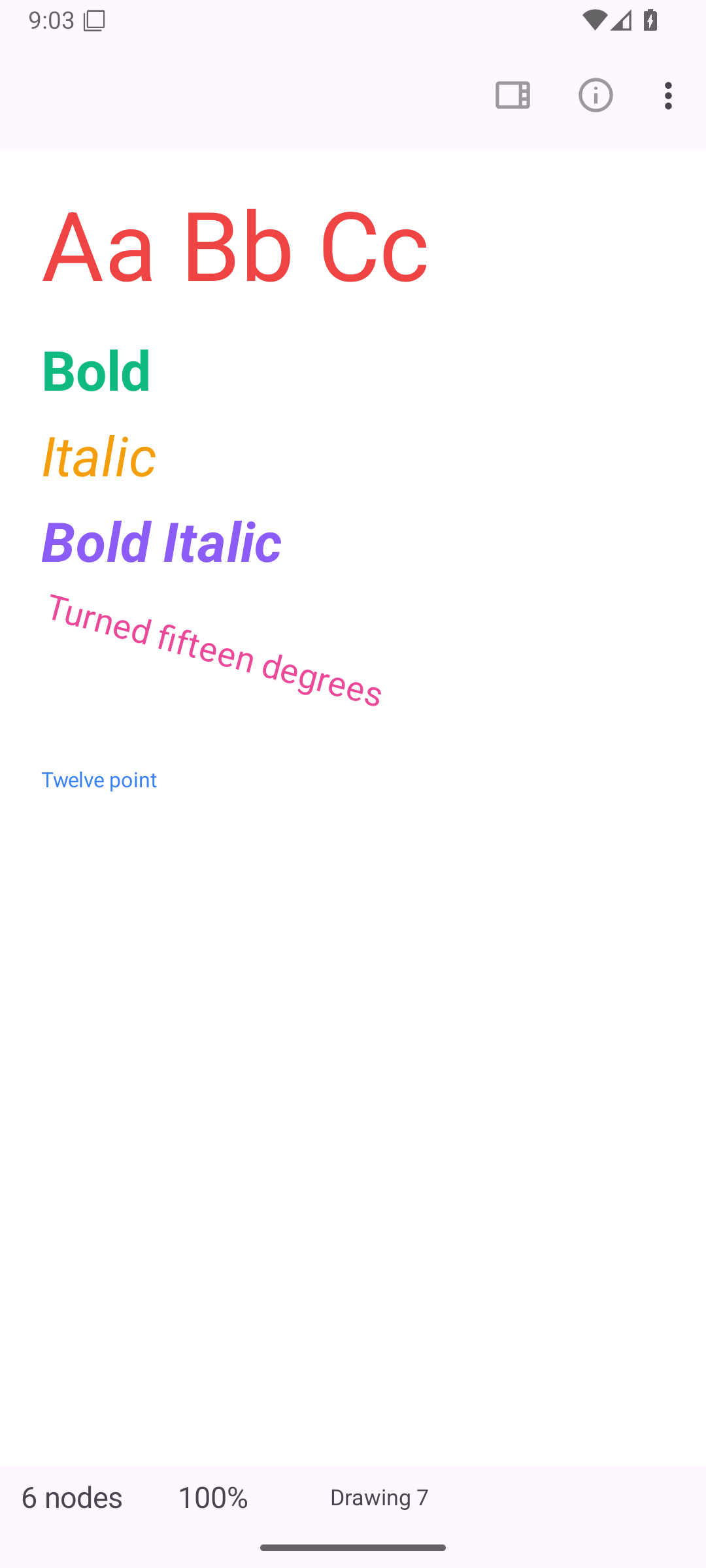
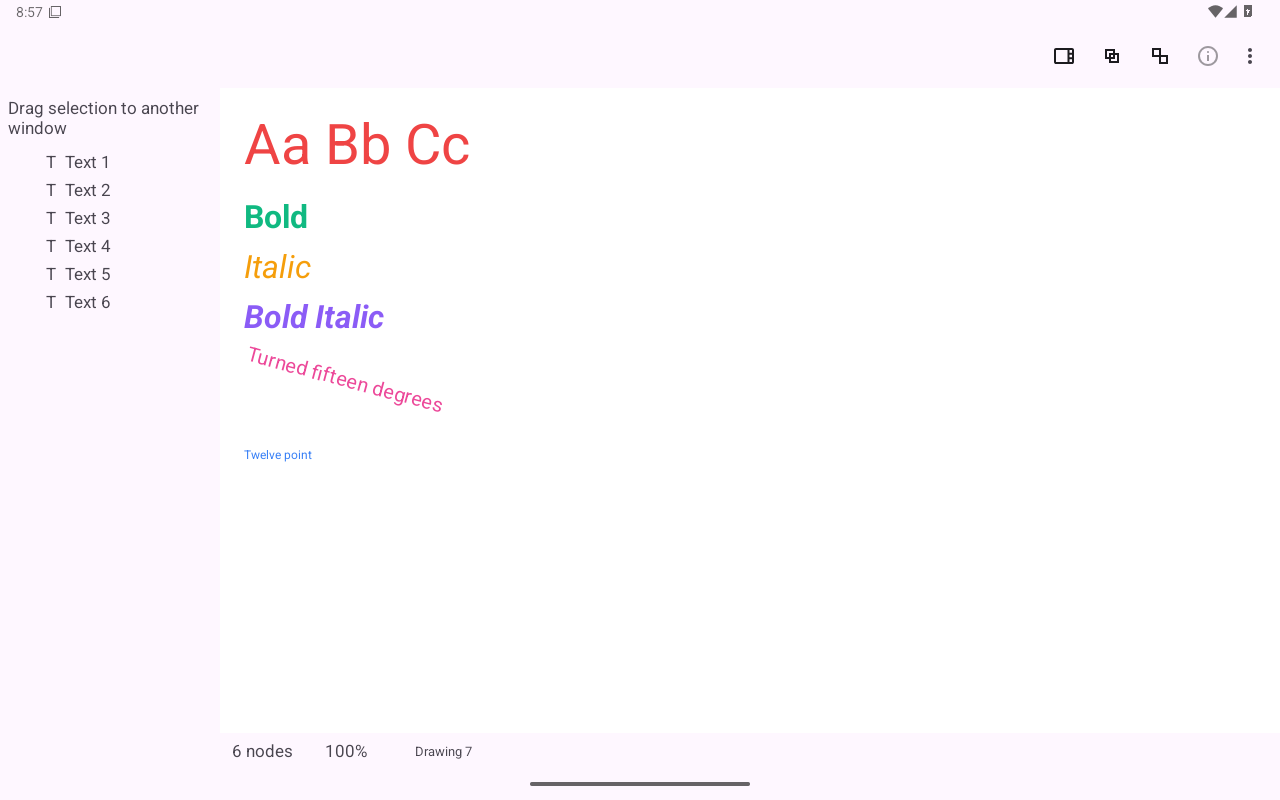
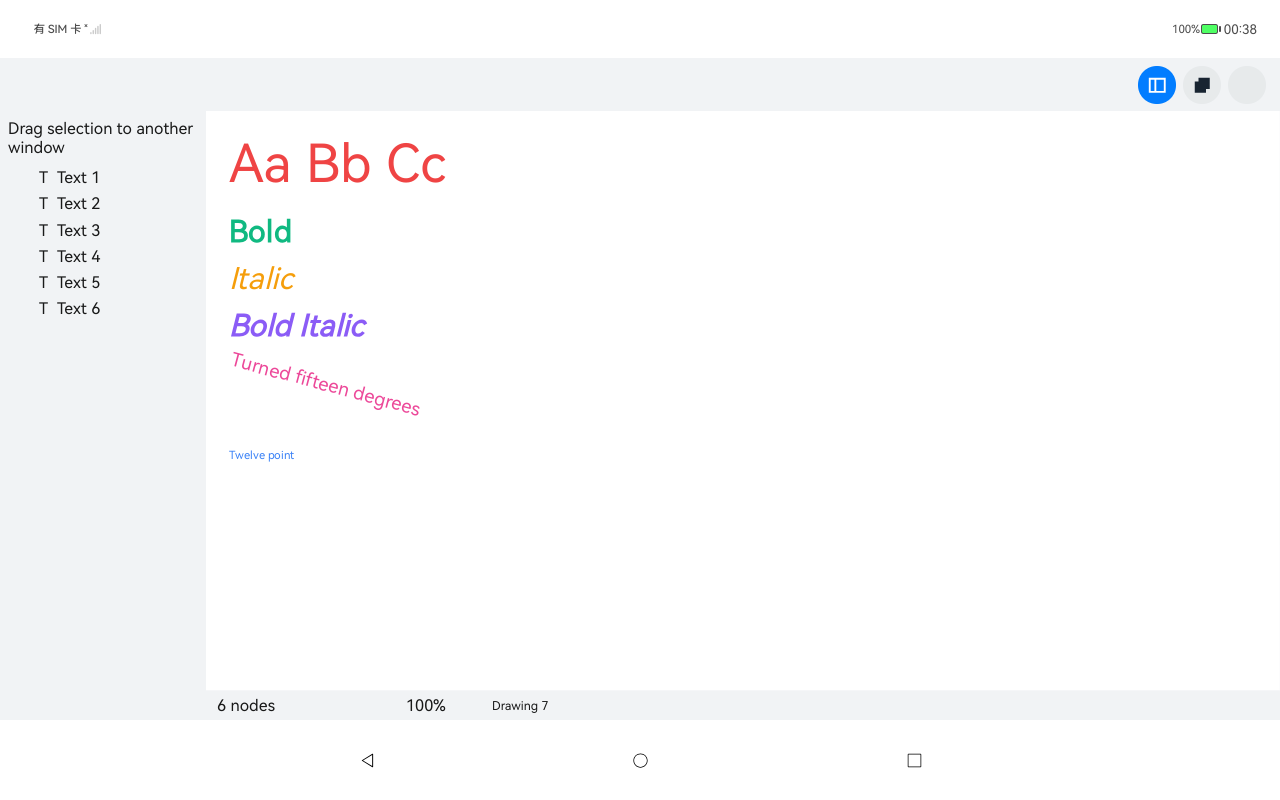
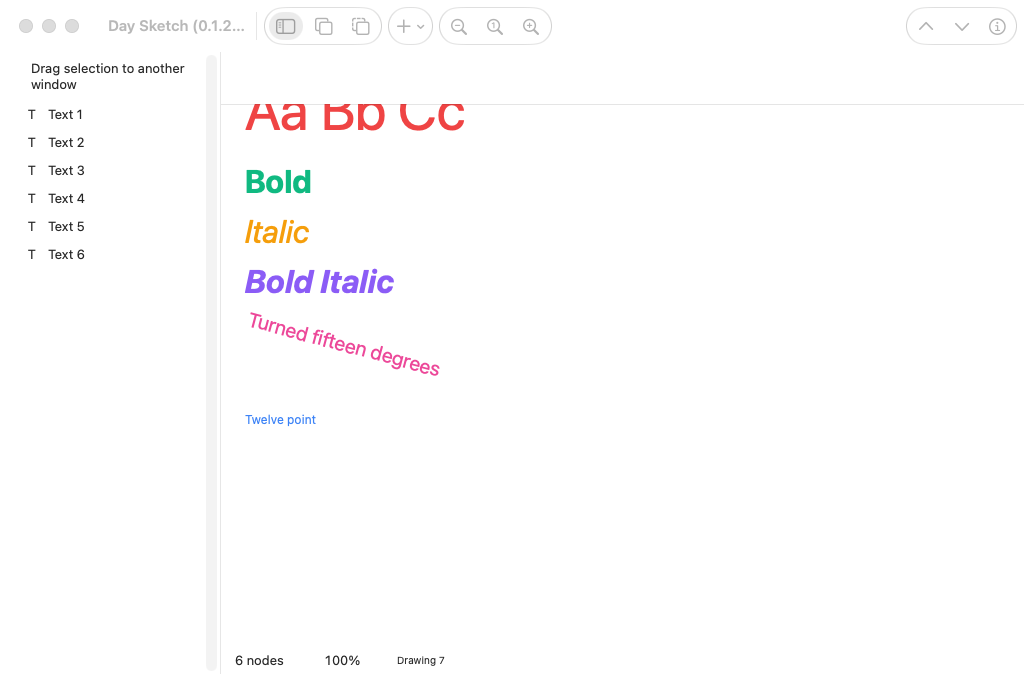
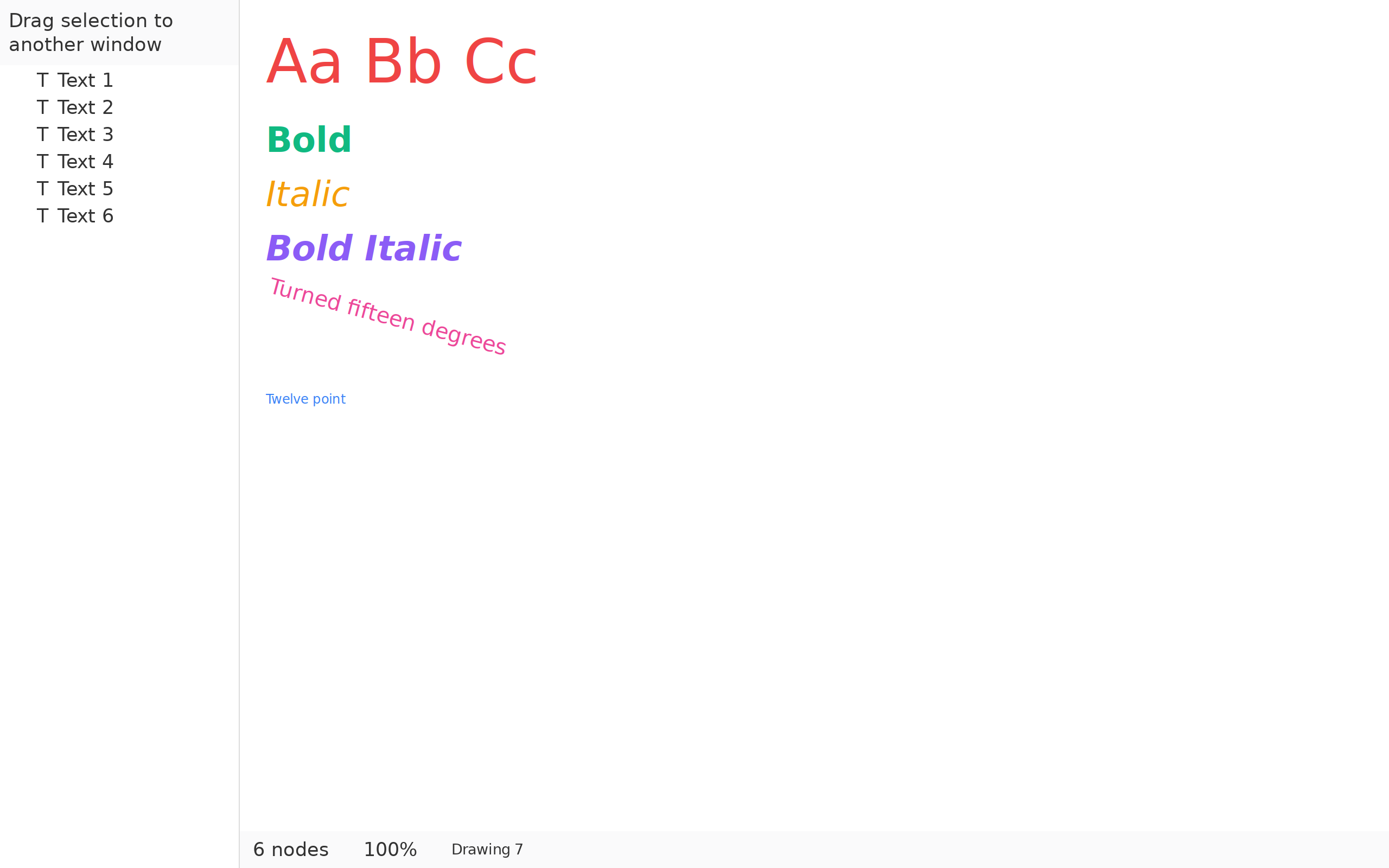
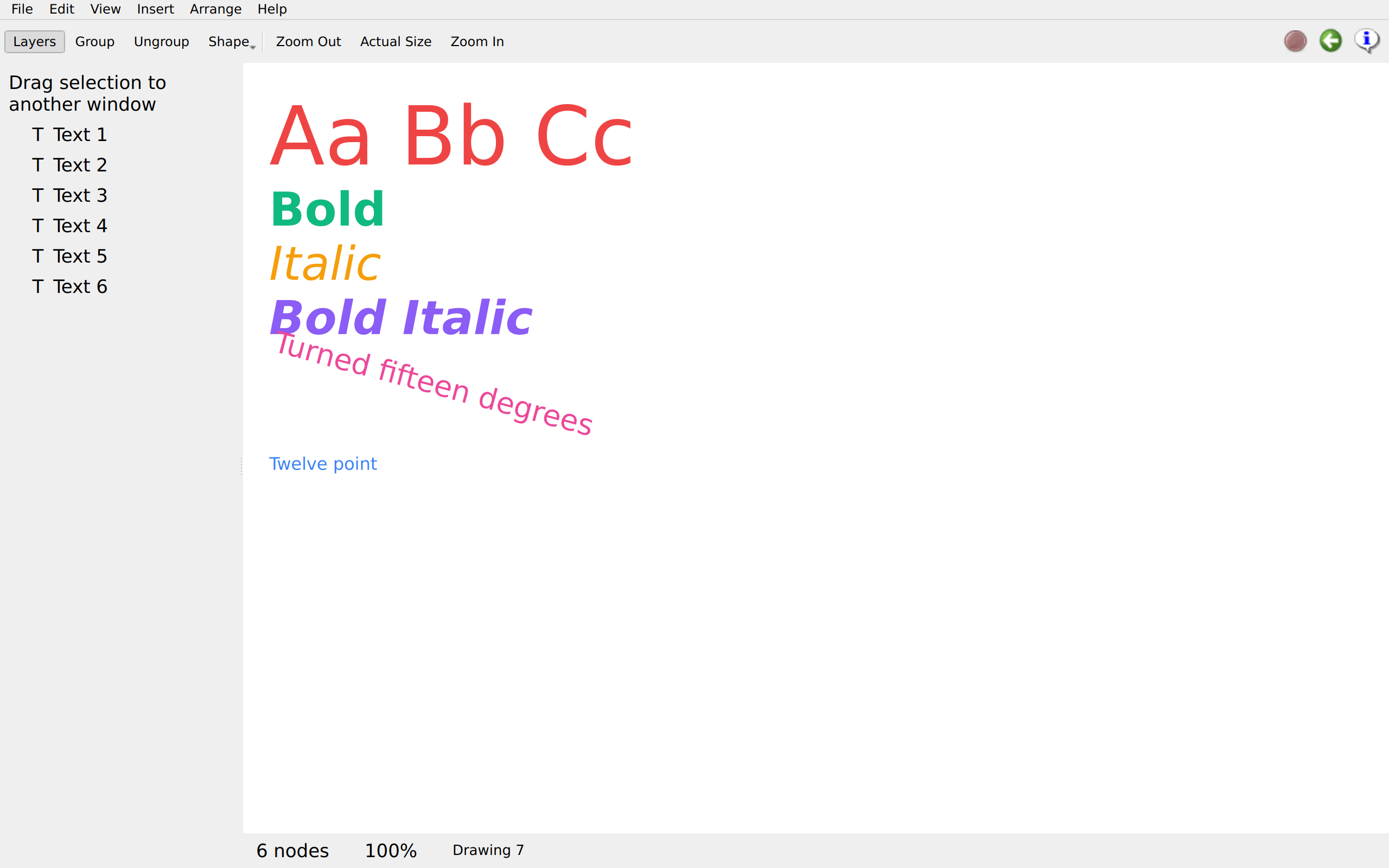
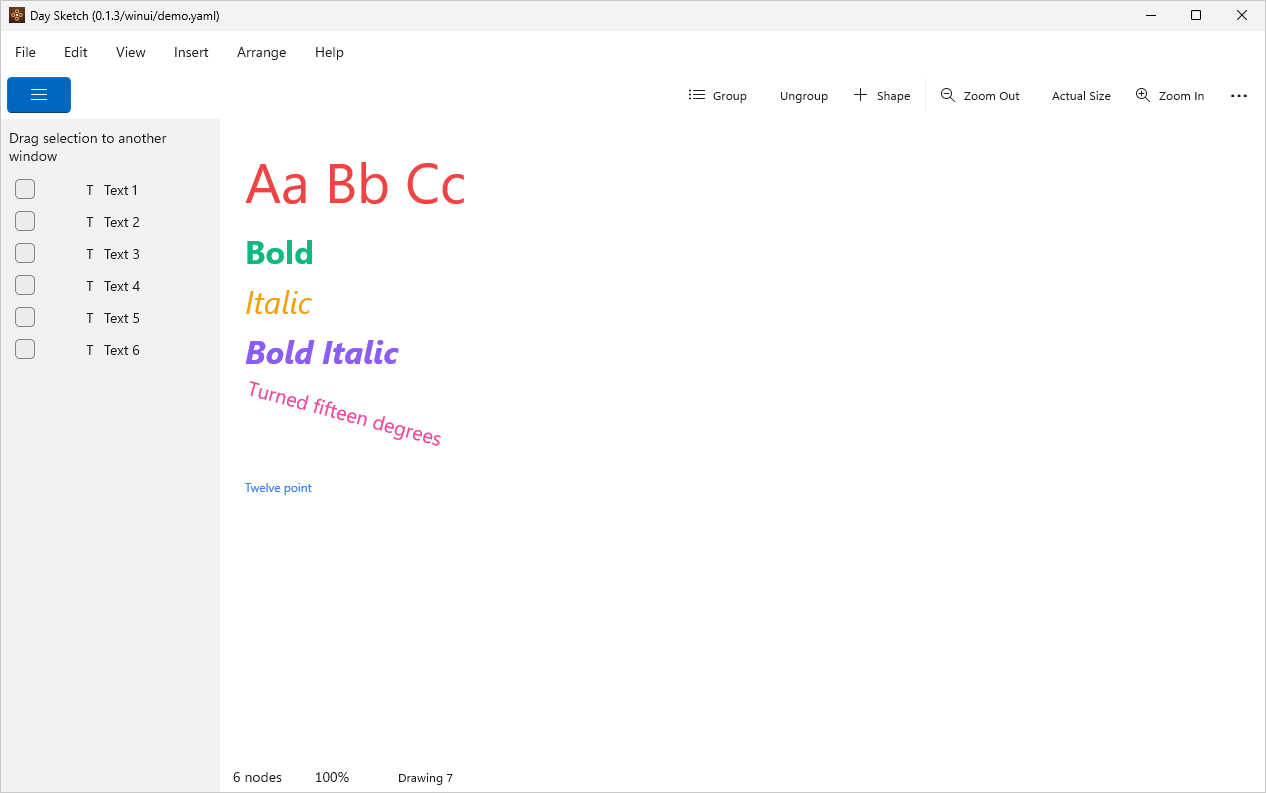
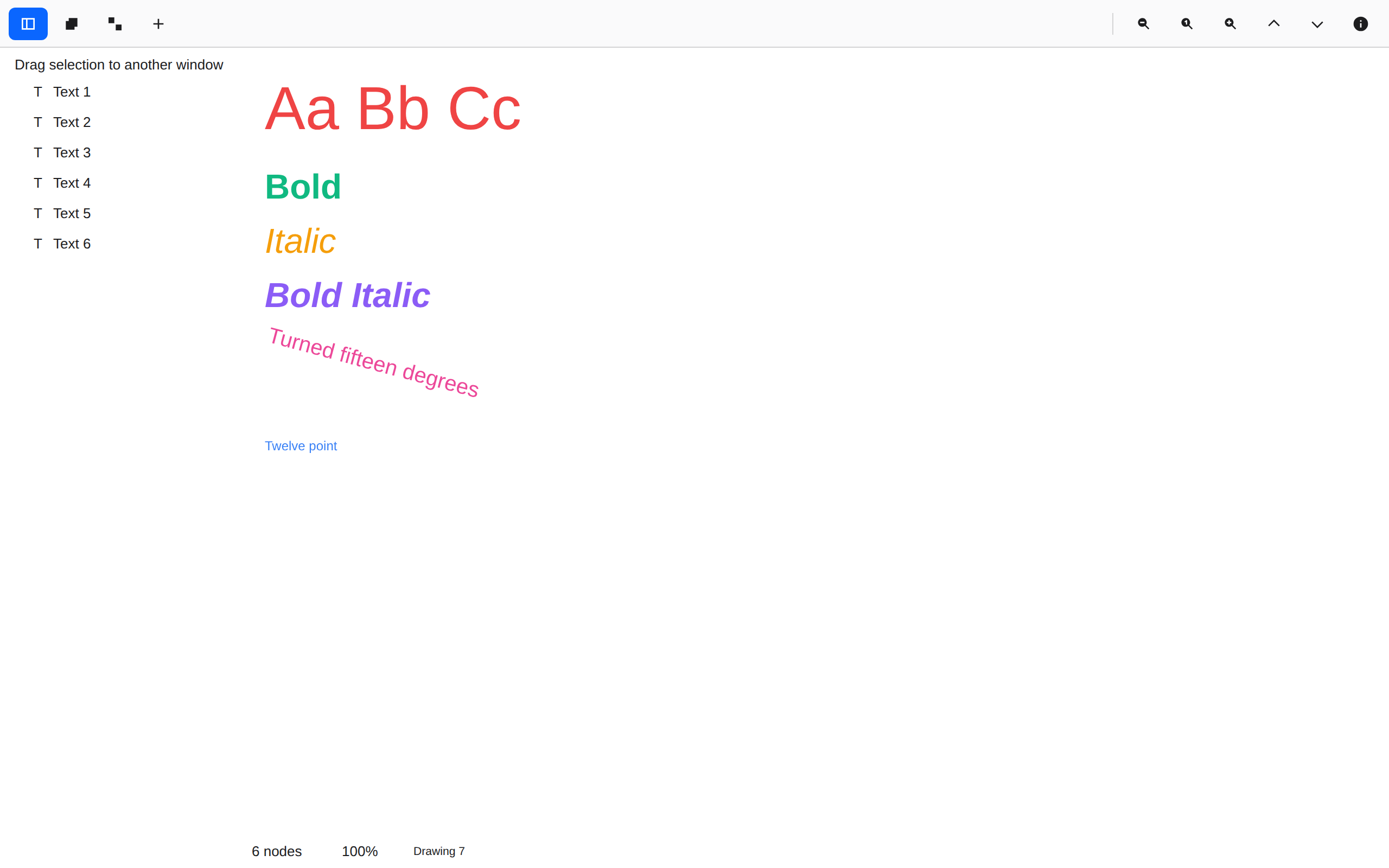
Six lines in the system face at four styles and four sizes, one turned 15°. Each frame is measured from its text, so dragging a corner changes the point size.
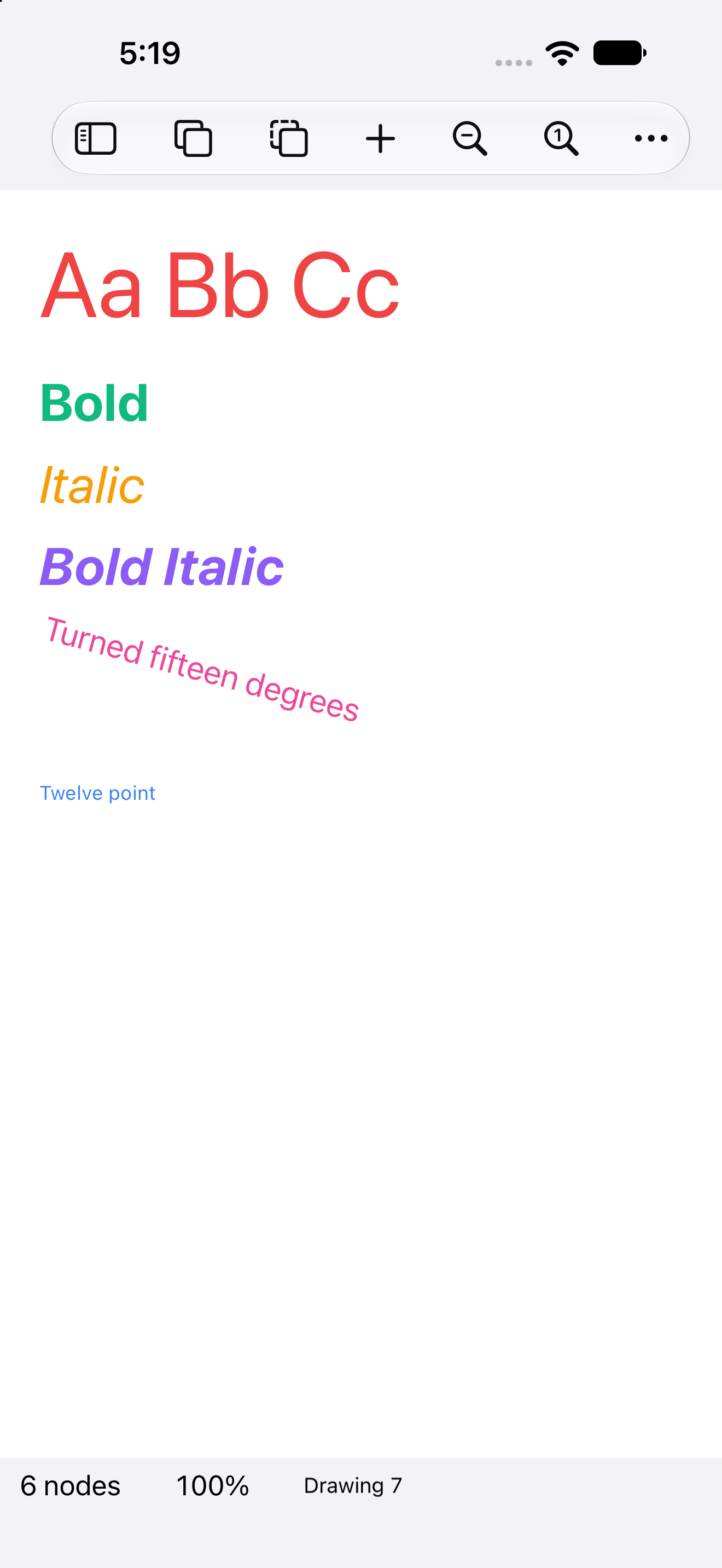
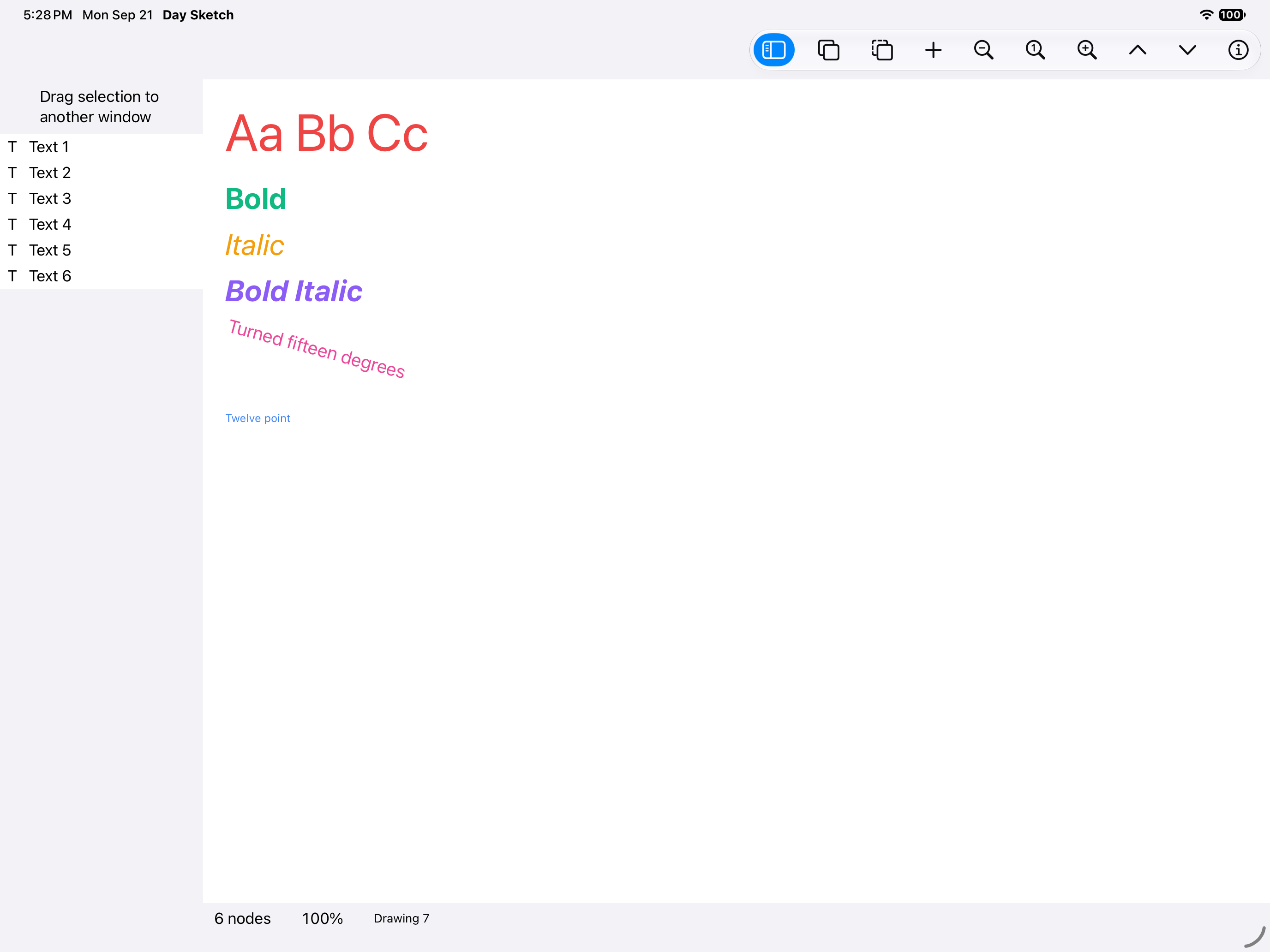
Type specimen, iOS UIKit
iOSUIKit
Type specimen, iOS iPad
iOSiPad
Type specimen, Android Android
AndroidAndroid
Type specimen, Android Tablet
AndroidTablet
Type specimen, HarmonyOS ArkUI
HarmonyOSArkUI
Type specimen, macOS AppKit
macOSAppKit
Type specimen, Linux GTK 4
LinuxGTK 4
Type specimen, Linux Qt 6
LinuxQt 6
Type specimen, Windows XAML
WindowsXAML
Type specimen, Web Web DOM
WebWeb DOM